1. Home
  2. Chỉnh sửa nền đen

Thêm nền đen vào ảnh ngay lập tức

Sử dụng công cụ chỉnh sửa nền đen của Picsart để thêm nền đen trực tuyến vào ảnh và tạo ấn tượng mạnh mẽ.

Thay đổi màu nền ảnh với Picsart

Đánh giá công cụ

Làm sạch nền một cách nhanh chóng.
Chỉnh sửa nềnThay đổi nềnBiến đổi nềnLoại bỏ nền đenXóa nền của nhiếp ảnh giaXóa nềnLoại bỏ nềnTạo PNG trong suốtXóa màn hình xanhTạo nền AI

Use Picsart anywhere

Install the app, or bring Picsart into the AI workspaces your team already uses.

Use Picsart with

  • ChatGPT / Codex
  • Claude
  • Terminal
  • Cursor
  • OpenClaw
  • Hermes

Download the app

Download on the App StoreGET IT ON Google PlayGet it from Microsoft

Follow Picsart

Pinterest
AICPA SOC

Create

  • AI Image Generator
  • AI Video Generator
  • AI Playground
  • Flow
  • AI Photo Editor
  • AI Video Editor
  • AI Agents
  • Content Library
  • AI Models

Creators

  • Earn with Picsart
  • Earn campaigns
  • Clipping
  • For Brands
  • Video Studio
  • Tutorials
  • Challenges

Connect

  • ChatGPT / Codex
  • MCP setup
  • Command line
  • Developers
  • Google Drive

Business

  • Pricing
  • Enterprise
  • Industries
  • Quicktools

Company

  • Support
  • Careers
  • About us
  • Blog
  • Press Center
Terms of UsePrivacy PolicyInternet-Based AdvertisingCommunity GuidelinesDMCASecurity PolicyAccessibility
© 2026 PicsArt, Inc.

Thử dùng Picsart để tự mình thấy tại sao đây là công cụ chỉnh sửa yêu thích của hàng triệu người dùng.

4.6/5
ExcellentTrustpilot
G2 Spring 2026 Leader badgeG2 Spring 2026 Momentum Leader badgeG2 Spring 2026 Fastest Implementation badgeG2 Users Love Us badge
Ảnh sản phẩm bóng bẩy

Ảnh sản phẩm bóng bẩy

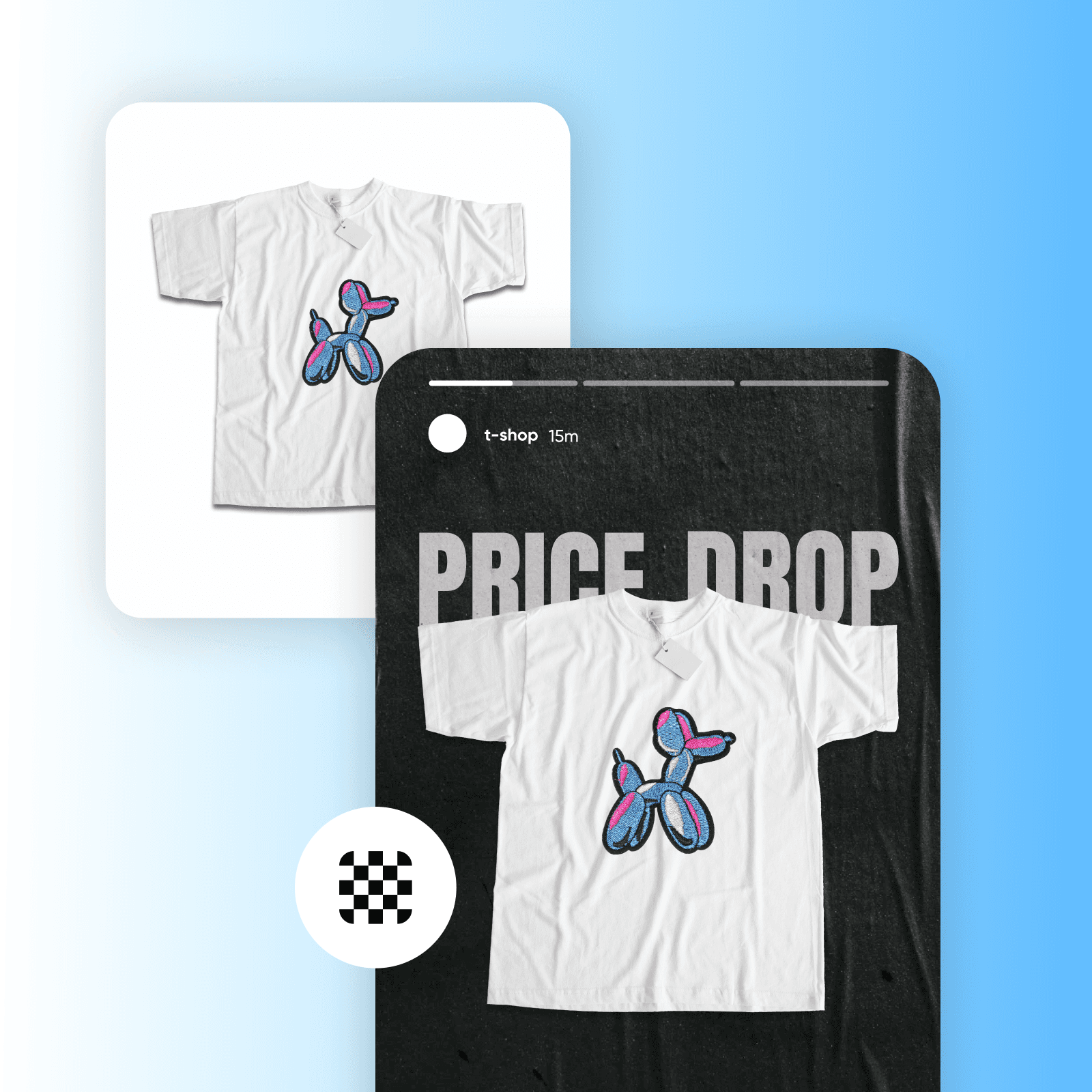
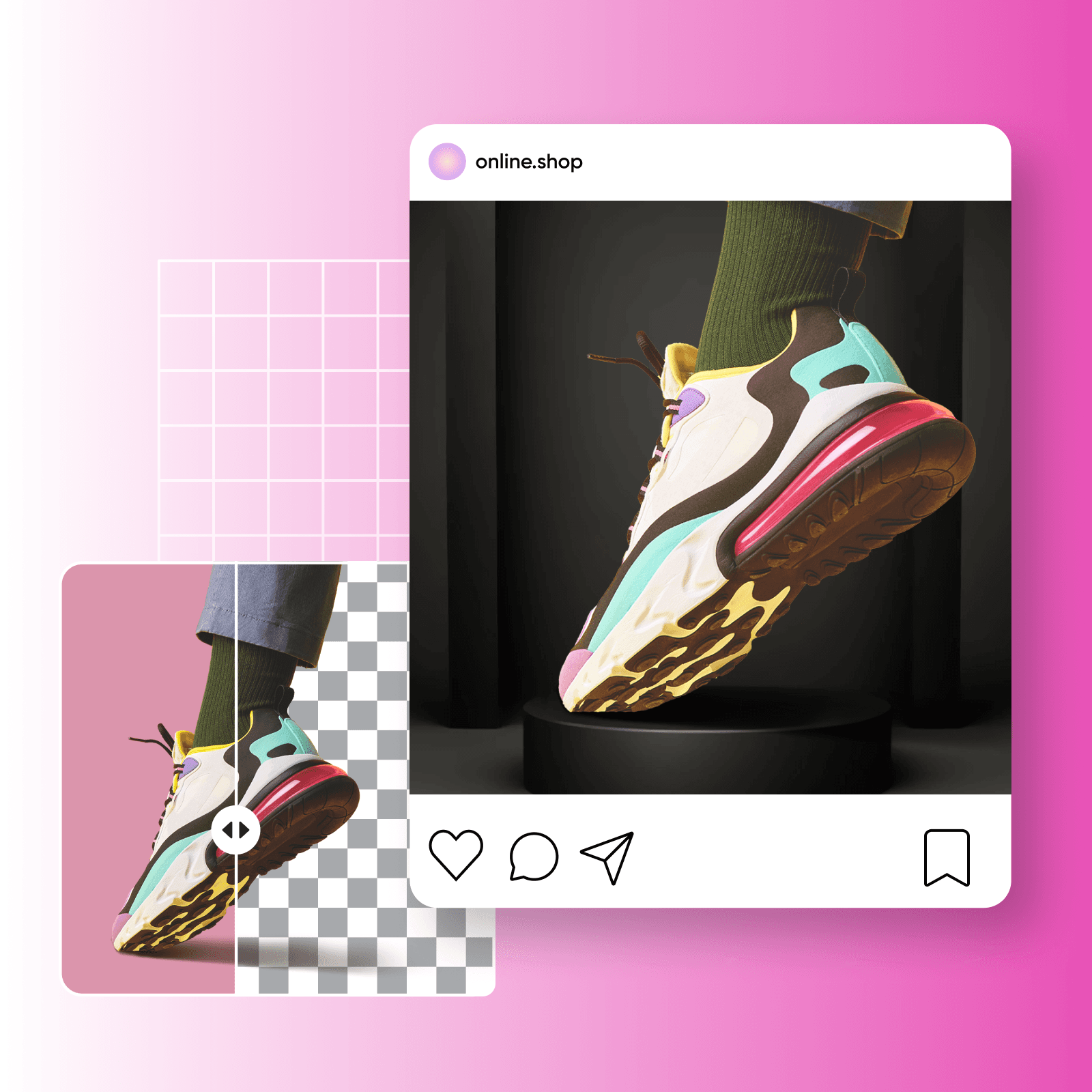
Chỉnh sửa ảnh sản phẩm trực tuyến và làm nổi bật với nền đen bóng bẩy.

Xử lý hàng loạt

Xử lý hàng loạt

Thêm nền đen cho ảnh hàng loạt mà không cần mất hàng giờ chỉnh sửa.

Nền đen vô tận

Nền đen vô tận

Từ bài đăng mạng xã hội đến chân dung, tìm kiếm nền đen vô tận để chỉnh sửa ảnh.

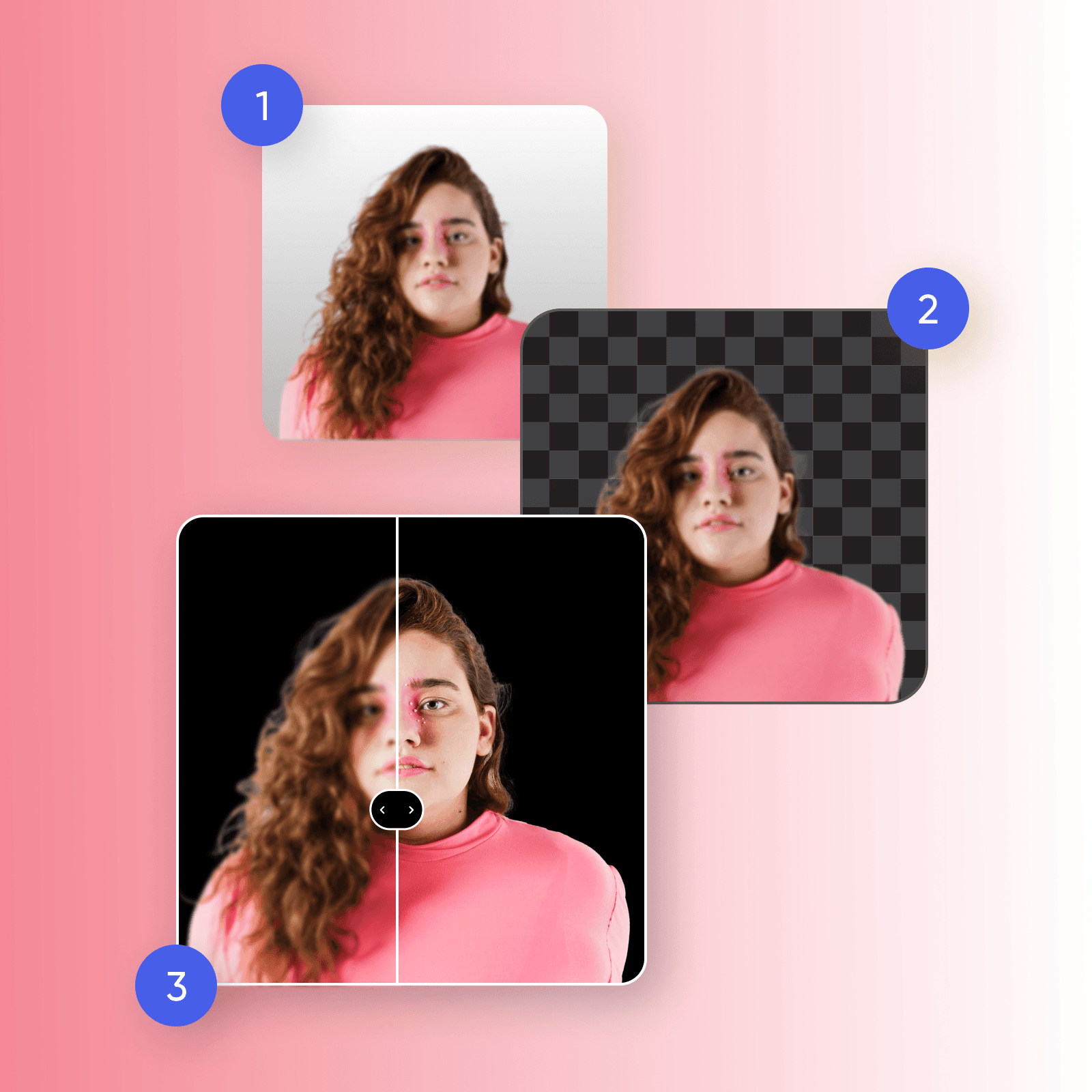
Cách sử dụng công cụ chỉnh sửa ảnh nền đen

1

Tải ảnh lên

Chọn ảnh bạn muốn thêm nền đen.

2

Loại bỏ nền

3

Thêm nền đen

4

Chỉnh sửa hoặc Tải ảnh xuống

Cách sử dụng công cụ chỉnh sửa ảnh nền đen

Thêm nền đen vào ảnh một cách dễ dàng

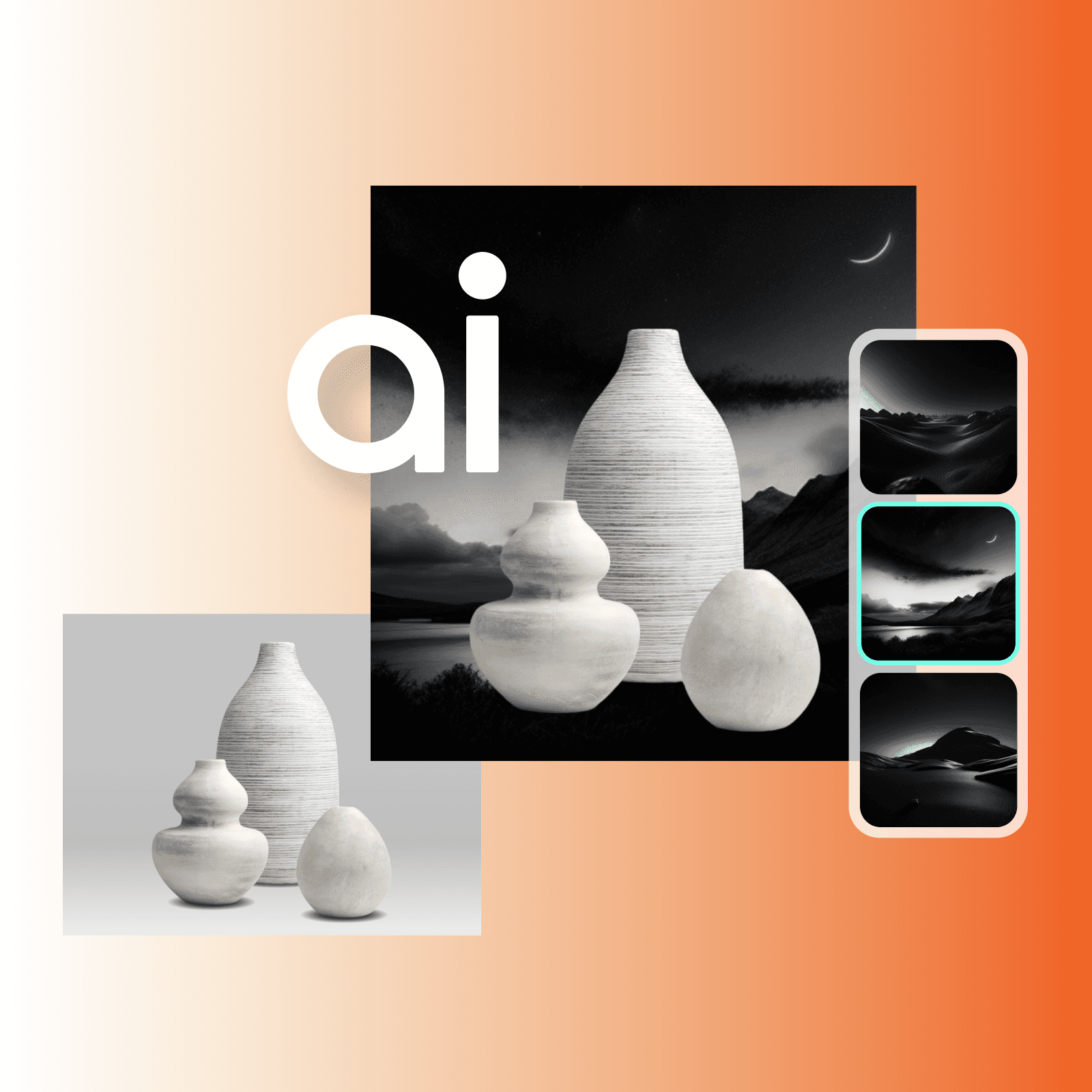
Với công cụ chỉnh sửa nền đen của Picsart, việc thêm một nền đen chưa bao giờ dễ dàng hơn. Bạn có thể khai thác sự kỳ diệu của độ tương phản và nâng cao độ sâu của hình ảnh, tạo điểm nhấn cho các chi tiết, màu sắc và đường nét hơn bao giờ hết. Để chuyển nền ảnh sang màu đen, chỉ cần xóa nền với công cụ xóa nền và thay nền bằng nền đen, với các tuỳ chọn từ họa tiết và hoa văn đến màu đen đặc.

Dễ dàng thêm nền đen vào ảnh

Thay đổi nền ảnh thành màu đen một cách chính xác

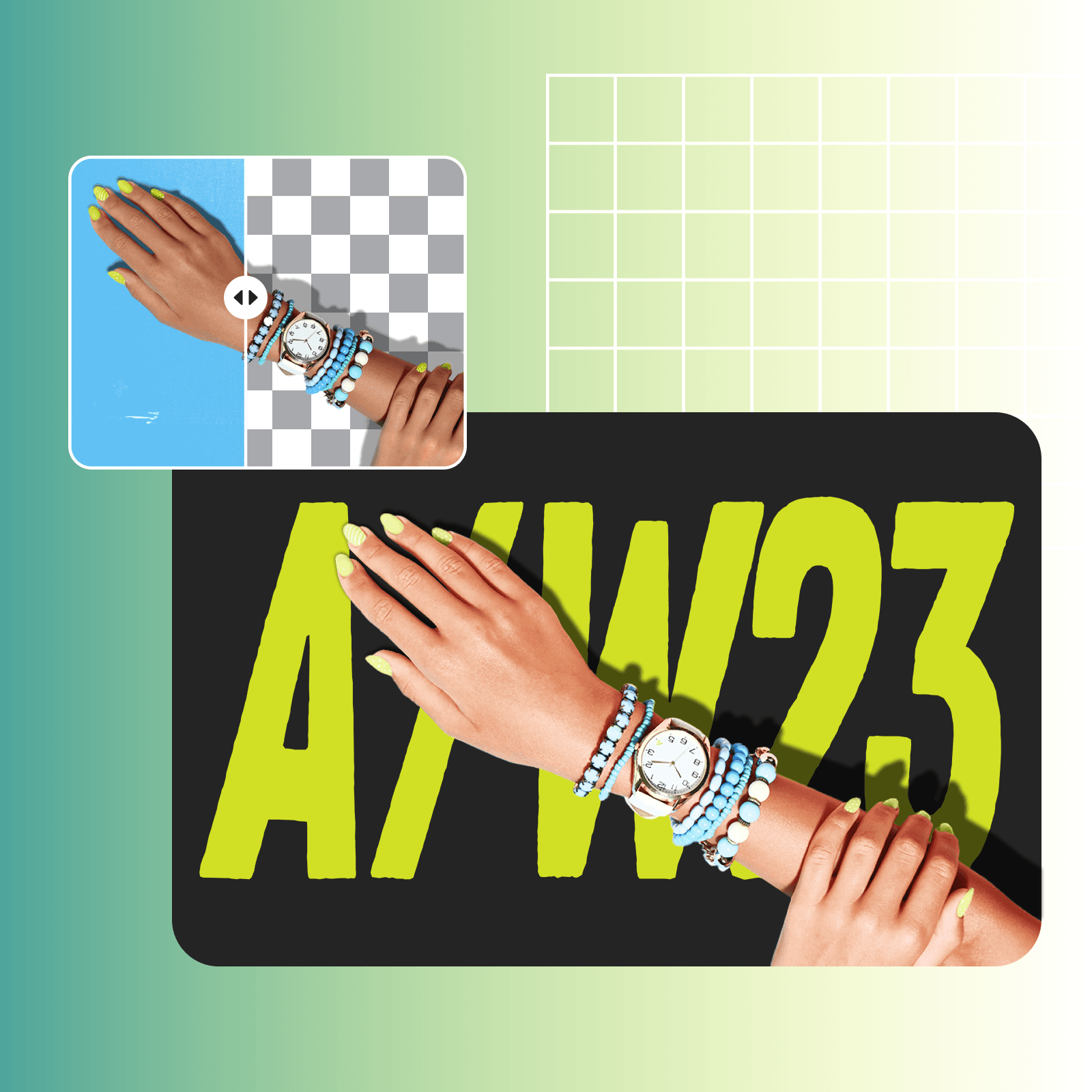
Từ chân dung chuyên nghiệp đến tài liệu quảng cáo, công cụ xóa nền của Picsart luôn mang lại kết quả chất lượng cao. Khi bạn đã xóa xong nền, thay đổi màu sắc PNG một cách chính xác để làm chủ nghệ thuật chỉnh sửa nền đen. Thay đổi màu sắc một cách dễ dàng mà không bị lỗi hoặc vết tích từ nền trước, vẫn giữ nguyên chất lượng tự nhiên của hình ảnh. Và nếu ảnh gốc của bạn thiếu rõ nét, bạn có thể dựa vào Picsart để làm rõ ảnh và khôi phục chất lượng hình ảnh chỉ trong vài giây.

Thay đổi nền ảnh sang màu đen

Khám phá các nền tối bóng bẩy để chỉnh sửa

Thêm một nền đen vào ảnh của bạn có thể cách mạng hóa hình ảnh thương hiệu của bạn, từ chụp ảnh sản phẩm thương mại điện tử đến tiếp thị truyền thông xã hội. Làm sản phẩm của bạn thêm phần tinh tế với nền đen bóng bẩy thu hút sự chú ý vào các chi tiết tinh tế. Với một trình chỉnh sửa nền đen trong tầm tay bạn, bạn có thể hợp nhất danh mục sản phẩm của mình — trong khi tạo ra một nền ấn tượng và cuốn hút cho các thông điệp, chương trình khuyến mãi và thông báo sản phẩm của thương hiệu của bạn.

Khám phá các nền tối bóng bẩy

Truyền tải thông điệp đúng với nền đen

Muốn thu hút sự chú ý của khán giả và để lại ấn tượng lâu dài? Hãy tạo ấn tượng mạnh với ảnh chân dung bằng thay đổi màu sắc nền, thêm chiều sâu trong khi làm nổi bật các chi tiết của đối tượng của bạn. Muốn gắn kết hình ảnh thương hiệu của bạn? Hãy thử nâng tầm nhận thức về sản phẩm của bạn với việc chỉnh sửa ảnh nền đen để biểu thị sự sang trọng và độc quyền, lập tức định vị các sản phẩm của bạn là cao cấp. Nền đen trong bao bì giúp thiết lập một định danh cao cấp, thu hút người tiêu dùng và làm sản phẩm của bạn nổi bật.

Truyền tải thông điệp đúng với nền đen

Đi xa hơn việc chỉnh sửa ảnh nền đen

Một khi bạn đã khám phá tiềm năng của việc chỉnh sửa ảnh nền đen, đã đến lúc bước tiếp theo với các công cụ chỉnh sửa ảnh AI tiên tiến. Với công cụ tạo nền AI của Picsart, bạn có thể nổi bật và tạo ra những nền độc đáo và được tạo ra tùy chỉnh theo nhu cầu riêng của bạn. Muốn vượt qua nền đen tĩnh? Hãy duyệt qua thư viện rộng lớn của Picsart về các nền tối và đen để thêm một nét cá nhân hóa cho việc chỉnh sửa ảnh nền đen.

Đi xa hơn việc chỉnh sửa ảnh nền đen

Tại sao bạn nên thay đổi nền ảnh sang màu đen?

Nền đen tăng cường độ tương phản trong một hình ảnh, làm nổi bật các chi tiết tinh tế. Đồng thời, sự đối lập của đối tượng với một nền tối tạo ra độ tương phản đáng kể, làm cho nó trở thành một kỹ thuật mạnh mẽ trong kể chuyện thị giác.


Câu hỏi thường gặp về chỉnh sửa ảnh nền đen

Chỉnh sửa ảnh nền đen liên quan đến việc chỉnh sửa một hình ảnh để thay thế nền gốc của nó bằng một nền đen. Điều này bao gồm việc loại bỏ nền hiện tại và thay thế bằng nền đen đặc hoặc tối, giúp tăng cường sự tác động hình ảnh tổng thể của bức ảnh.

Có, bạn có thể chọn bất kỳ sắc đen nào cho nền của mình. Bạn cũng có thể chọn nền tối màu và họa tiết để nâng cao hình ảnh của mình.

Thêm nền đen vào ảnh giúp tăng cường độ tương phản, nhấn mạnh các chi tiết tinh tế và giới thiệu một yếu tố hấp dẫn cho ảnh của bạn. Nó có thể gợi lên sự tinh tế, kịch tính hoặc bí ẩn tùy thuộc vào ngữ cảnh, cung cấp một nền linh hoạt và đầy tác động.

Lựa chọn nền tối để chỉnh sửa ảnh sản phẩm giúp tạo ra các hiển thị sản phẩm hấp dẫn, nhất quán và cuốn hút. Nó cho phép các sản phẩm nổi bật, showcases chi tiết của chúng và tăng cường sự hấp dẫn tổng thể trong khi ảnh hưởng đến nhận thức của khách hàng và thúc đẩy doanh số.

Đương nhiên! Với trình chỉnh sửa ảnh hàng loạt của Picsart, bạn có thể dễ dàng chỉnh sửa nhiều hình ảnh cùng một lúc mà không gặp rắc rối.

Khám phá thêm các công cụ chỉnh sửa

công cụ xóa nền trong trình chỉnh sửa ảnh của Picsart

Xóa nền

Xóa nền với AI để thêm sự linh hoạt cho hình ảnh của bạn.

Xóa nền

Thay đổi nền

Nâng cao bức ảnh của bạn với một nền đặc biệt.

thay đổi màu png

Thay đổi màu PNG

Thay đổi màu PNG trong vài giây để biến đổi bức ảnh của bạn.

Thay đổi màu nền

Thay đổi màu nền

Thay đổi màu của bất kỳ nền nào một cách dễ dàng.

làm rõ hình ảnh

Làm rõ hình ảnh

Tận hưởng độ sống động mới cho các hình ảnh mờ, chất lượng thấp với AI.

các công cụ chỉnh sửa ảnh AI

Chỉnh sửa ảnh AI

Tăng cường hình ảnh của bạn với các công cụ chỉnh sửa AI tiên tiến.

Trình tạo nền AI

Trình tạo nền AI

Tạo ra các nền độc đáo để làm cho các chỉnh sửa của bạn nổi bật.

Thay đổi màu sắc hình ảnh

Thay đổi màu sắc hình ảnh

Biến đổi hình ảnh của bạn với các hiệu ứng màu sắc theo xu hướng.

Khôi phục hình ảnh

Khôi phục hình ảnh

Khôi phục những ký ức cũ chỉ trong vài giây.

Bắt đầu chỉnh sửa

Picsart trên mặt báo

  • boredpanda
  • COSMOPOLITAN
  • UPROXX
  • yahoo! news
PricingSave big

Tạo ảnh nền đen với mô hình hình ảnh AI

Sử dụng mô hình hình ảnh để biến đổi nền, ảnh sản phẩm và các hình cắt thành hình ảnh đẹp mắt.

GPT Image 2NewImage
Next-gen GPT image model with arbitrary output dimensions and multi-image input.Reference inputImage generationSee model
SESeedance 2.0NewVideo
SESeedance 2.0 FastNewVideo
SESeedance 2.0 Video EditNewVideo
SESeedance 2.0 Fast Video EditNewVideo
WAWan 2.7Video
Nano Banana 2Image
Nano Banana ProImage
FLFlux 2 FlexImage
SESeedream 5.0 LiteImage
KLKling V3Video
KLKling V3 TurboNewVideo
GPT Image 2NewImage
GPT Image 2NewImage
GPT Image 2NewImage
GPT Image 2NewImage
GPT Image 2NewImage
Next-gen cinematic video with optional audio and reference image. Up to 4K.Reference inputAudio4KCinematicSee model
Fast cinematic video with audio, reference images, and start/end frame control.Reference inputAudioFast generationCinematicSee model
Edit video — replace subjects, add or remove objects, restyle scenes with reference images.Video editingReference inputVideo generationSee model
Fast video edit — modify scenes with reference images.Video editingReference inputFast generationSee model
Wan 2.7 T2V — up to 15s at 1080p with audio input and prompt enhancement.Text to videoAudio1080pCinematicSee model
Fast 4K generation with accurate text and search-grounded accuracy.4KFast generationImage generationSee model
Top-tier 4K images with precise multilingual text rendering.4KPro qualityImage generationSee model
Adaptable generation across varied visual styles up to 4K.4KImage generationSee model
Speedy 3K output with negative prompt and dual-image input support.Reference inputFast generationImage generationSee model
Long-form video up to 15s with native audio and start/end frame control.AudioCinematicVideo generationSee model
Faster V3 variant — long-form video up to 15s with native audio, start/end frame control, and 720p/1080p output.Audio1080pFast generationCinematicSee model
Next-gen GPT image model with arbitrary output dimensions and multi-image input.Reference inputImage generationSee model
SESeedance 2.0NewVideo
Next-gen cinematic video with optional audio and reference image. Up to 4K.Reference inputAudio4KCinematicSee model
SESeedance 2.0 FastNewVideo
Fast cinematic video with audio, reference images, and start/end frame control.Reference inputAudioFast generationCinematicSee model
SESeedance 2.0 Video EditNewVideo
Edit video — replace subjects, add or remove objects, restyle scenes with reference images.Video editingReference inputVideo generationSee model
SESeedance 2.0 Fast Video EditNewVideo
Fast video edit — modify scenes with reference images.Video editingReference inputFast generationSee model
WAWan 2.7Video
Wan 2.7 T2V — up to 15s at 1080p with audio input and prompt enhancement.Text to videoAudio1080pCinematicSee model
Nano Banana 2Image
Fast 4K generation with accurate text and search-grounded accuracy.4KFast generationImage generationSee model
Nano Banana ProImage
Top-tier 4K images with precise multilingual text rendering.4KPro qualityImage generationSee model
FLFlux 2 FlexImage
Adaptable generation across varied visual styles up to 4K.4KImage generationSee model
SESeedream 5.0 LiteImage
Speedy 3K output with negative prompt and dual-image input support.Reference inputFast generationImage generationSee model
KLKling V3Video
Long-form video up to 15s with native audio and start/end frame control.AudioCinematicVideo generationSee model
KLKling V3 TurboNewVideo
Faster V3 variant — long-form video up to 15s with native audio, start/end frame control, and 720p/1080p output.Audio1080pFast generationCinematicSee model
Next-gen GPT image model with arbitrary output dimensions and multi-image input.Reference inputImage generationSee model
SESeedance 2.0NewVideo
Next-gen cinematic video with optional audio and reference image. Up to 4K.Reference inputAudio4KCinematicSee model
SESeedance 2.0 FastNewVideo
Fast cinematic video with audio, reference images, and start/end frame control.Reference inputAudioFast generationCinematicSee model
SESeedance 2.0 Video EditNewVideo
Edit video — replace subjects, add or remove objects, restyle scenes with reference images.Video editingReference inputVideo generationSee model
SESeedance 2.0 Fast Video EditNewVideo
Fast video edit — modify scenes with reference images.Video editingReference inputFast generationSee model
WAWan 2.7Video
Wan 2.7 T2V — up to 15s at 1080p with audio input and prompt enhancement.Text to videoAudio1080pCinematicSee model
Nano Banana 2Image
Fast 4K generation with accurate text and search-grounded accuracy.4KFast generationImage generationSee model
Nano Banana ProImage
Top-tier 4K images with precise multilingual text rendering.4KPro qualityImage generationSee model
FLFlux 2 FlexImage
Adaptable generation across varied visual styles up to 4K.4KImage generationSee model
SESeedream 5.0 LiteImage
Speedy 3K output with negative prompt and dual-image input support.Reference inputFast generationImage generationSee model
KLKling V3Video
Long-form video up to 15s with native audio and start/end frame control.AudioCinematicVideo generationSee model
KLKling V3 TurboNewVideo
Faster V3 variant — long-form video up to 15s with native audio, start/end frame control, and 720p/1080p output.Audio1080pFast generationCinematicSee model
Next-gen GPT image model with arbitrary output dimensions and multi-image input.Reference inputImage generationSee model
SESeedance 2.0NewVideo
Next-gen cinematic video with optional audio and reference image. Up to 4K.Reference inputAudio4KCinematicSee model
SESeedance 2.0 FastNewVideo
Fast cinematic video with audio, reference images, and start/end frame control.Reference inputAudioFast generationCinematicSee model
SESeedance 2.0 Video EditNewVideo
Edit video — replace subjects, add or remove objects, restyle scenes with reference images.Video editingReference inputVideo generationSee model
SESeedance 2.0 Fast Video EditNewVideo
Fast video edit — modify scenes with reference images.Video editingReference inputFast generationSee model
WAWan 2.7Video
Wan 2.7 T2V — up to 15s at 1080p with audio input and prompt enhancement.Text to videoAudio1080pCinematicSee model
Nano Banana 2Image
Fast 4K generation with accurate text and search-grounded accuracy.4KFast generationImage generationSee model
Nano Banana ProImage
Top-tier 4K images with precise multilingual text rendering.4KPro qualityImage generationSee model
FLFlux 2 FlexImage
Adaptable generation across varied visual styles up to 4K.4KImage generationSee model
SESeedream 5.0 LiteImage
Speedy 3K output with negative prompt and dual-image input support.Reference inputFast generationImage generationSee model
KLKling V3Video
Long-form video up to 15s with native audio and start/end frame control.AudioCinematicVideo generationSee model
KLKling V3 TurboNewVideo
Faster V3 variant — long-form video up to 15s with native audio, start/end frame control, and 720p/1080p output.Audio1080pFast generationCinematicSee model
Next-gen GPT image model with arbitrary output dimensions and multi-image input.Reference inputImage generationSee model
SESeedance 2.0NewVideo
Next-gen cinematic video with optional audio and reference image. Up to 4K.Reference inputAudio4KCinematicSee model
SESeedance 2.0 FastNewVideo
Fast cinematic video with audio, reference images, and start/end frame control.Reference inputAudioFast generationCinematicSee model
SESeedance 2.0 Video EditNewVideo
Edit video — replace subjects, add or remove objects, restyle scenes with reference images.Video editingReference inputVideo generationSee model
SESeedance 2.0 Fast Video EditNewVideo
Fast video edit — modify scenes with reference images.Video editingReference inputFast generationSee model
WAWan 2.7Video
Wan 2.7 T2V — up to 15s at 1080p with audio input and prompt enhancement.Text to videoAudio1080pCinematicSee model
Nano Banana 2Image
Fast 4K generation with accurate text and search-grounded accuracy.4KFast generationImage generationSee model
Nano Banana ProImage
Top-tier 4K images with precise multilingual text rendering.4KPro qualityImage generationSee model
FLFlux 2 FlexImage
Adaptable generation across varied visual styles up to 4K.4KImage generationSee model
SESeedream 5.0 LiteImage
Speedy 3K output with negative prompt and dual-image input support.Reference inputFast generationImage generationSee model
KLKling V3Video
Long-form video up to 15s with native audio and start/end frame control.AudioCinematicVideo generationSee model
KLKling V3 TurboNewVideo
Faster V3 variant — long-form video up to 15s with native audio, start/end frame control, and 720p/1080p output.Audio1080pFast generationCinematicSee model
Next-gen GPT image model with arbitrary output dimensions and multi-image input.Reference inputImage generationSee model
SESeedance 2.0NewVideo
Next-gen cinematic video with optional audio and reference image. Up to 4K.Reference inputAudio4KCinematicSee model
SESeedance 2.0 FastNewVideo
Fast cinematic video with audio, reference images, and start/end frame control.Reference inputAudioFast generationCinematicSee model
SESeedance 2.0 Video EditNewVideo
Edit video — replace subjects, add or remove objects, restyle scenes with reference images.Video editingReference inputVideo generationSee model
SESeedance 2.0 Fast Video EditNewVideo
Fast video edit — modify scenes with reference images.Video editingReference inputFast generationSee model
WAWan 2.7Video
Wan 2.7 T2V — up to 15s at 1080p with audio input and prompt enhancement.Text to videoAudio1080pCinematicSee model
Nano Banana 2Image
Fast 4K generation with accurate text and search-grounded accuracy.4KFast generationImage generationSee model
Nano Banana ProImage
Top-tier 4K images with precise multilingual text rendering.4KPro qualityImage generationSee model
FLFlux 2 FlexImage
Adaptable generation across varied visual styles up to 4K.4KImage generationSee model
SESeedream 5.0 LiteImage
Speedy 3K output with negative prompt and dual-image input support.Reference inputFast generationImage generationSee model
KLKling V3Video
Long-form video up to 15s with native audio and start/end frame control.AudioCinematicVideo generationSee model
KLKling V3 TurboNewVideo
Faster V3 variant — long-form video up to 15s with native audio, start/end frame control, and 720p/1080p output.Audio1080pFast generationCinematicSee model

Tạo thay đổi nền cho các dự án sẵn sàng cho người tạo

Free

Starter tools for casual exploration.

$0/mo
  • Standard photo & video editing tools
  • Selection of free images, videos & customizable templates
  • Limited AI access
  • 100 MB of cloud storage