用Picsart编辑Google Drive中的照片

使用Google Drive版Picsart应用,提升您的照片编辑工作流程。

  • 从Google Drive打开照片
  • 保存编辑回文件
商业照片编辑器
连接工作流程

一款强大的照片编辑器,简化您的工作流程

说实话——人们的注意力竞争激烈。内容创作者和品牌面临着持续压力,必须以闪电般的速度制作相关且视觉吸引力强的内容。 Picsart照片编辑器的强大功能正是在这里发挥作用。无须在照片编辑软件和设计工具之间反复切换,Picsart提供一体化解决方案:使用领先的工具编辑照片,包括独家滤镜和效果,并使用这些图像创建定制内容。一旦安装了Google Drive版Picsart照片编辑应用,上传文件至Picsart并将最终图像下载回Google Drive将更加无缝。
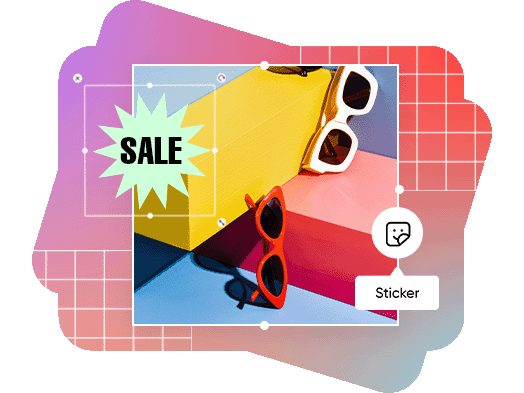
在Google Drive中编辑照片

节省时间和精力的照片编辑工具

制作用于刷新网站、在线商店和社交媒体动态的数字内容通常既费时又昂贵。这是因为熟练的平面设计师难寻,制作自定义图形或修饰照片所使用的设计软件价格不菲。此外,这些软件通常较为复杂,需要经过多年培训才能掌握。与此形成鲜明对比的是,Picsart Google Drive应用提供种类丰富的免费工具、模板和库存照片,让内容创作变得快速、高效且几乎毫不费力。
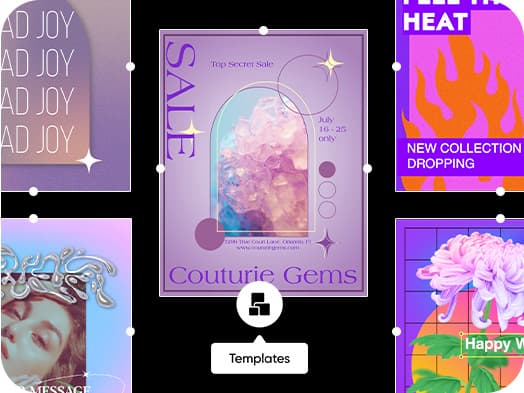
商业照片编辑工具

访问大量免费模板及库存照片和视频

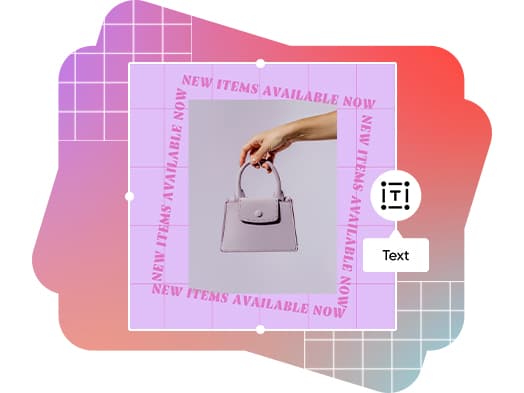
不仅仅是照片编辑器?Picsart提供专业设计模板,用于制作海报、菜单、社交媒体帖子、传单等等。浏览几乎适用于任何场合的可完全自定义模板,涵盖多种美学风格。借助海量字体、贴纸等图形元素,以及丰富的库存照片库,任何模板都能打造出独特定制的外观。在Google Drive版Picsart应用中找到您所需的所有模板和工具,以风格独特的方式传达您的信息。

  • 赋予模板个性化风格
免费商业用照片和视频设计

如何使用Picsart Google Drive应用为各行业编辑图像

电子商务

在线销售?用专业照片展示产品是必须的。但拍摄这些精美的产品照片常常需要庞大的摄影预算。别再纠结定制背景和高级灯光了:使用Picsart照片编辑器,只需几次点击即可替换背景或模糊瑕疵。
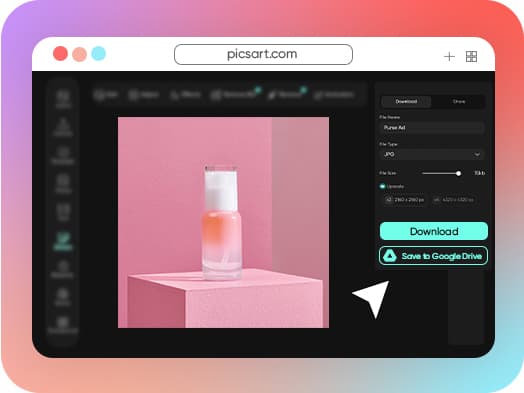
Google Drive版Picsart应用 — 电子商务

如何将Picsart连接至您的Google Drive

How to

查找应用

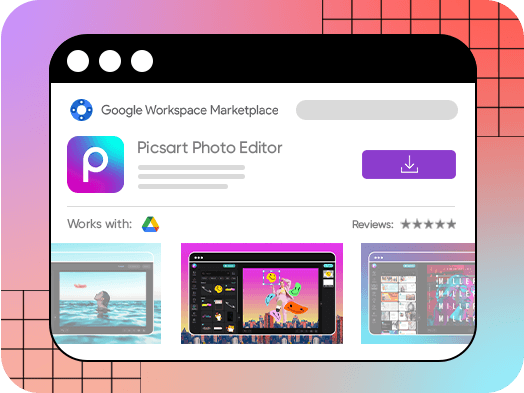
在Google Workspace 市场中查找Picsart应用。或者,在Google Drive中打开任意图片文件,右键点击更多选项,选择“打开方式”,然后点击“+连接更多应用”并搜索Picsart。
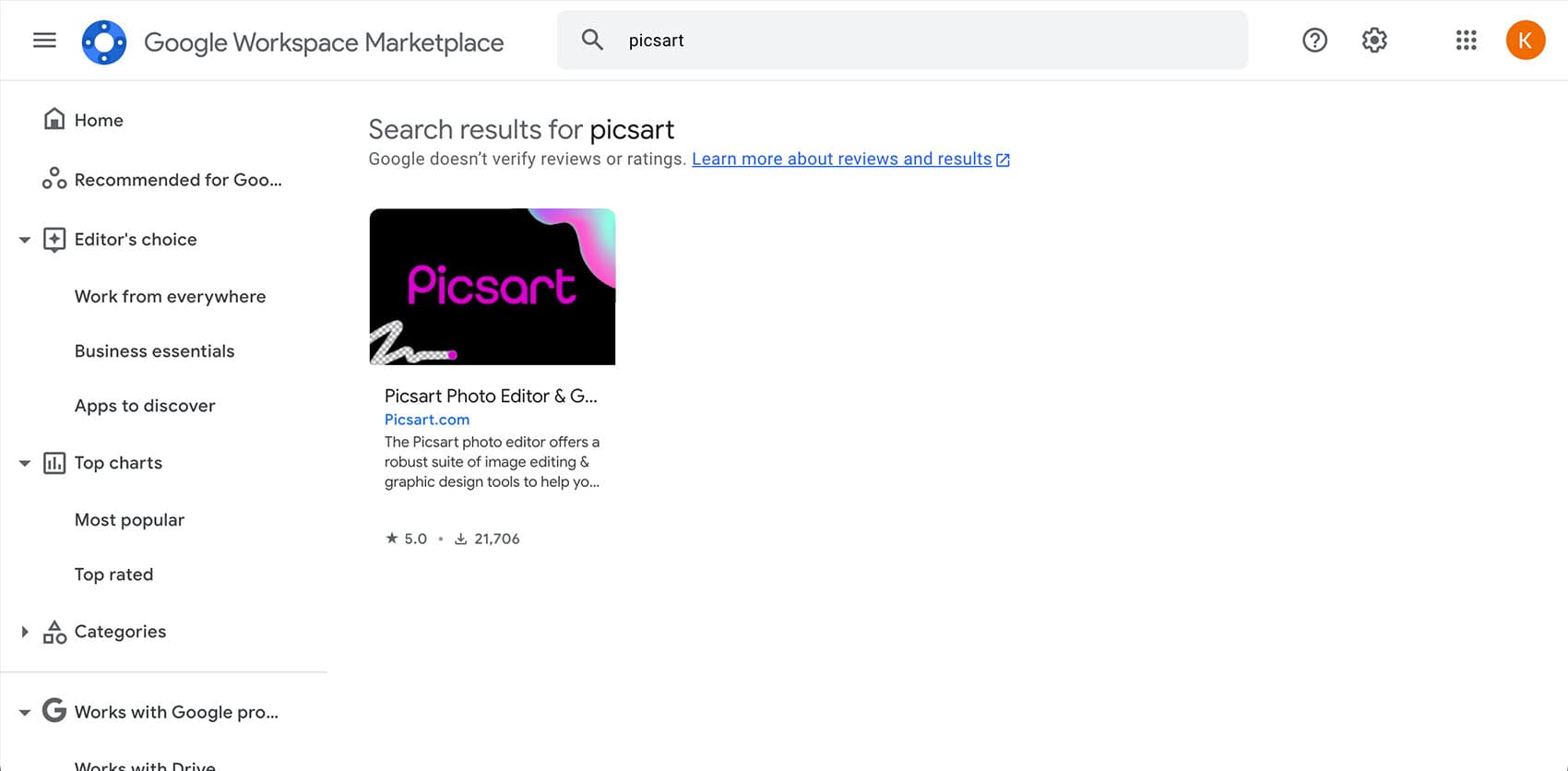
在Google市场选择Picsart应用

Picsart曾亮相于

MashableEsquirePeopleForbesTechCrunchBuzzFeed

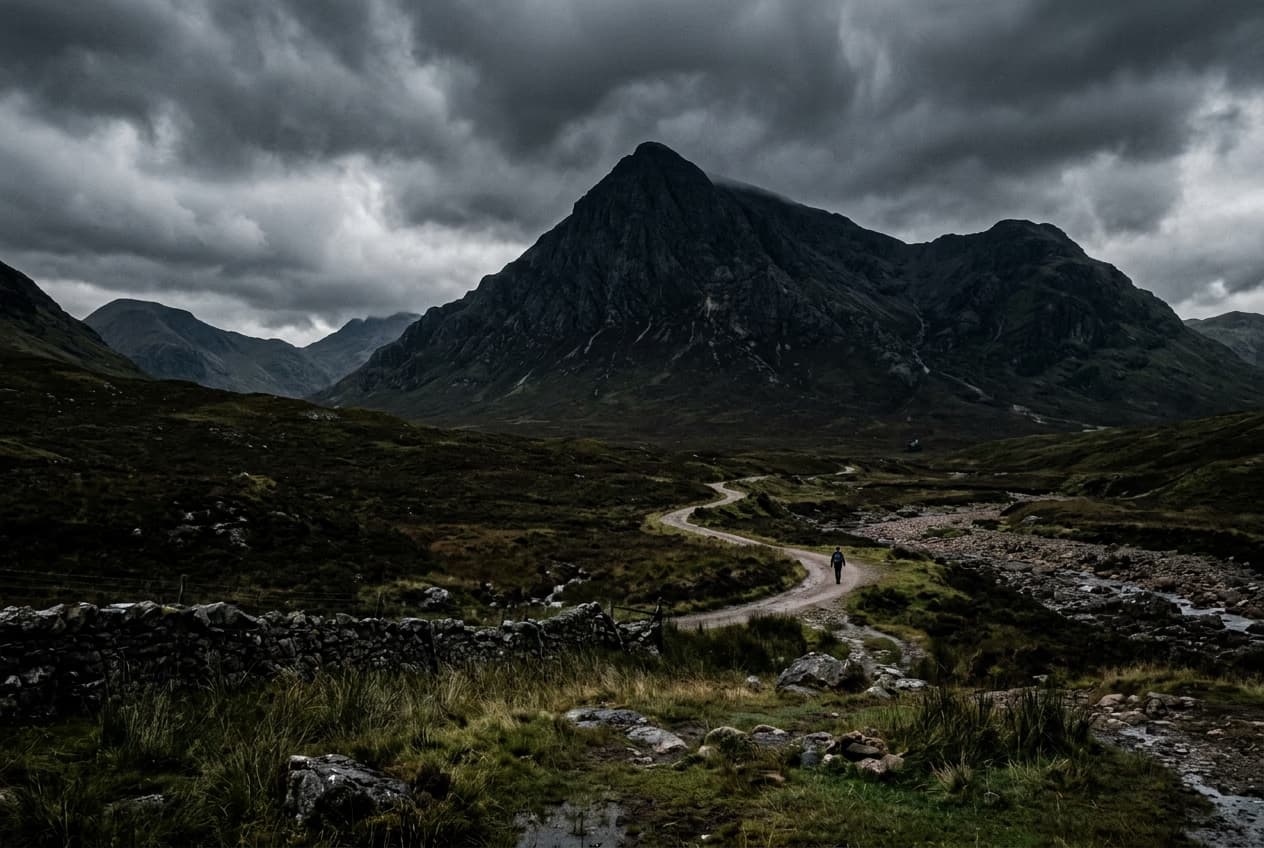
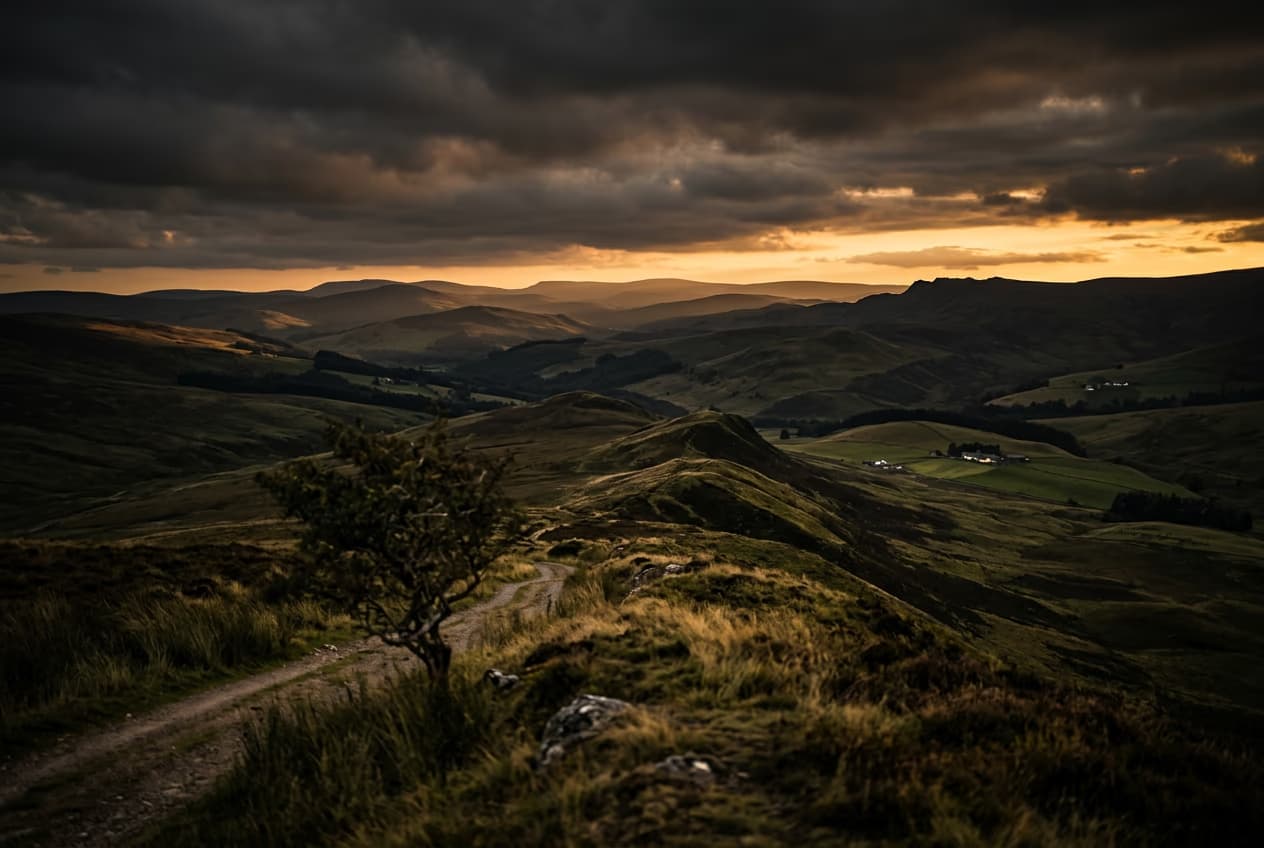
为精致创作者内容编辑照片

SAVE UP TO 50%

Pro

Most popular

AI tools for everyday creative work.

$15 $10.5/mo
Billed yearly
You save $54 with yearly
Trending models
Full access
  • Seedance 2.04K 15s
  • Nano Banana Pro4K
  • MiniMax H32K 15s
  • Kling 3.04K 15s
  • Access to all photo & video editing features
  • Advanced background & object removal
  • Parallel video generations with the world's most powerful AI video models
  • Unlimited image generations with Flex.2 Klein
  • 1-tap image enhancer
  • Millions of stock photos & Getty video clips
  • Selection of trendy fonts, text styles & stickers
  • Thousands of premium templates
  • Support for 3+ brand kits
  • Bulk edit up to 50 images at once
  • 100 GB of cloud storage
New features:
  • 15+ creative AI agents that plan, execute, and deliver — across video, brand, localization, and more
  • Auto-generate content from your terminal or agent with the Picsart CLI
  • Use Picsart inside Claude Code, Cursor, and ChatGPT via MCP

Ultra

Most powerful

Heavy AI usage for creators & teams.

$45 $24.5/mo
Billed yearly
You save $246 with yearly
Trending models
Full access
  • Seedance 2.51080p 30s
  • Nano Banana Pro4K
  • MiniMax H32K 15s
  • Kling 3.04K 15s
  • 200+ leading AI video, image, and audio models (Kling 3.0, Nano Banana, MiniMax H3, Seedance 2.5 & more)
  • Parallel video generations with the world's most powerful AI video models
  • Early access to advanced AI features
  • Unlimited image generations with Flex.2 Klein
  • Option to buy add-on credits that never expire
  • Up to 6.5 million Getty stock videos
  • Bulk edit up to 100 images at once
  • Support for 10+ brand kits
  • Create ad variations & localize
  • Track ads performance
  • Add team seats
  • 300 GB of cloud storage per seat
New features:
  • 15+ creative AI agents that plan, execute, and deliver — across video, brand, localization, and more
  • Auto-generate content from your terminal or agent with the Picsart CLI
  • Use Picsart inside Claude Code, Cursor, and ChatGPT via MCP