HeyGen Video: text to video with native audio
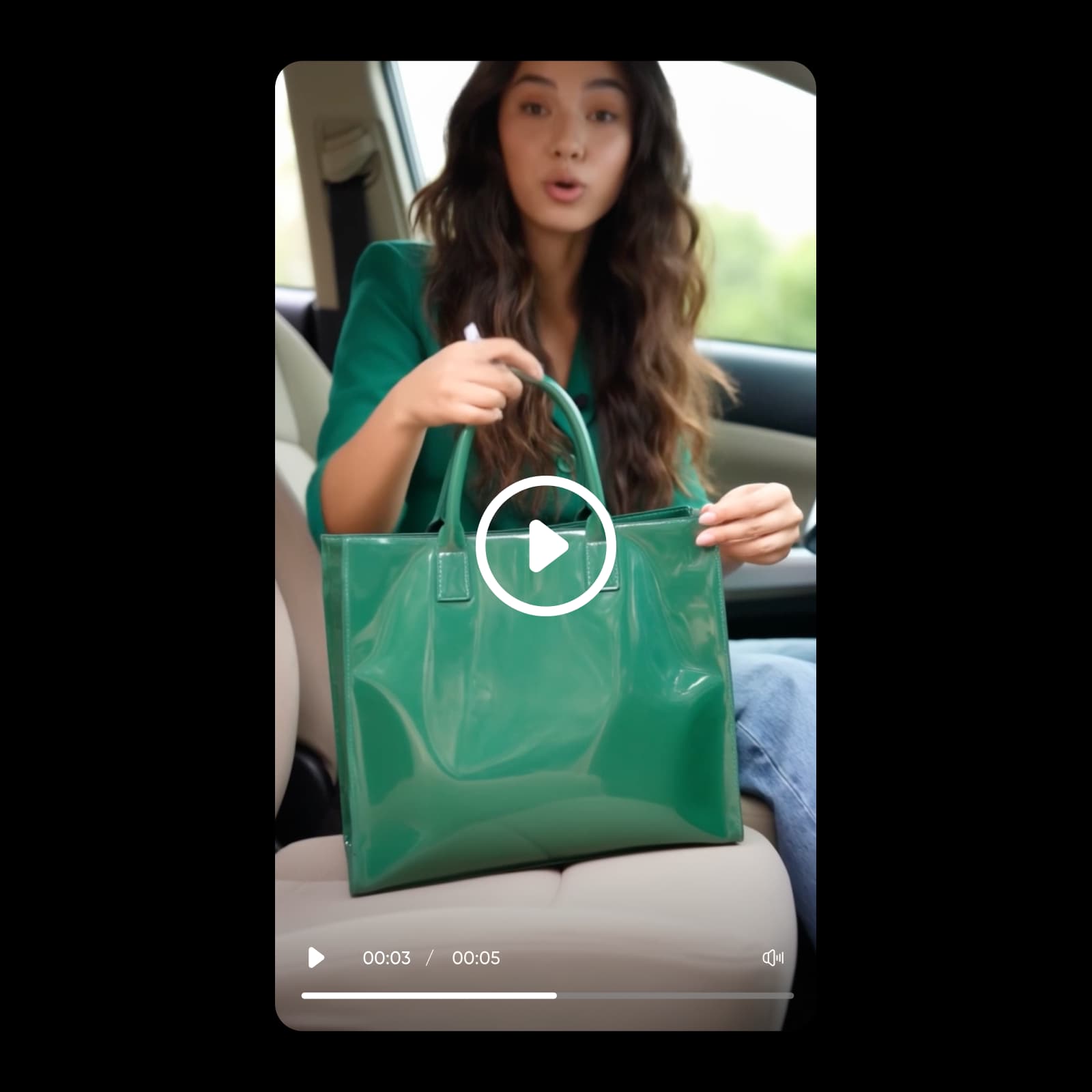
Turn a prompt into a finished video with sound built in. HeyGen Video generates clips with native audio from a text prompt, a first frame, or up to 12 references — right inside Picsart.
- Create clips with native audio
- Direct scenes with references
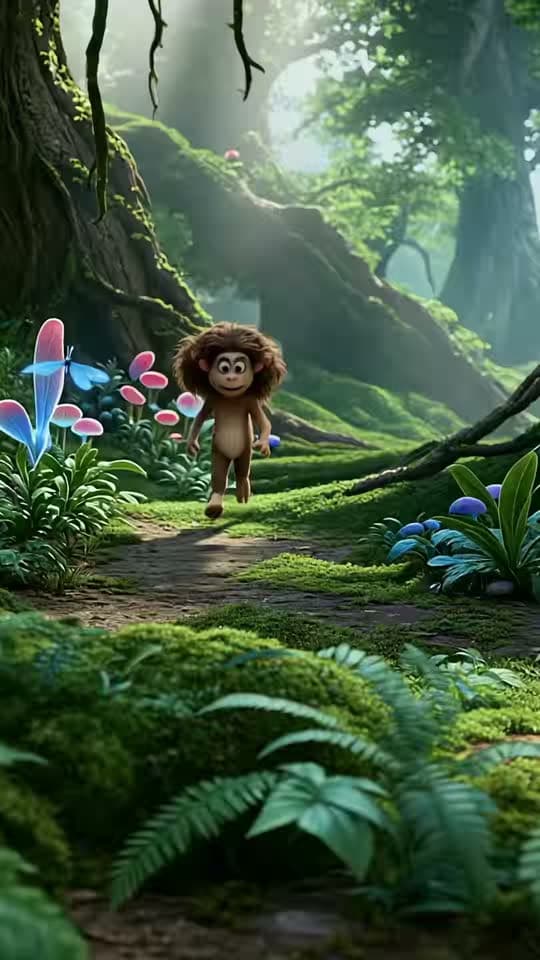
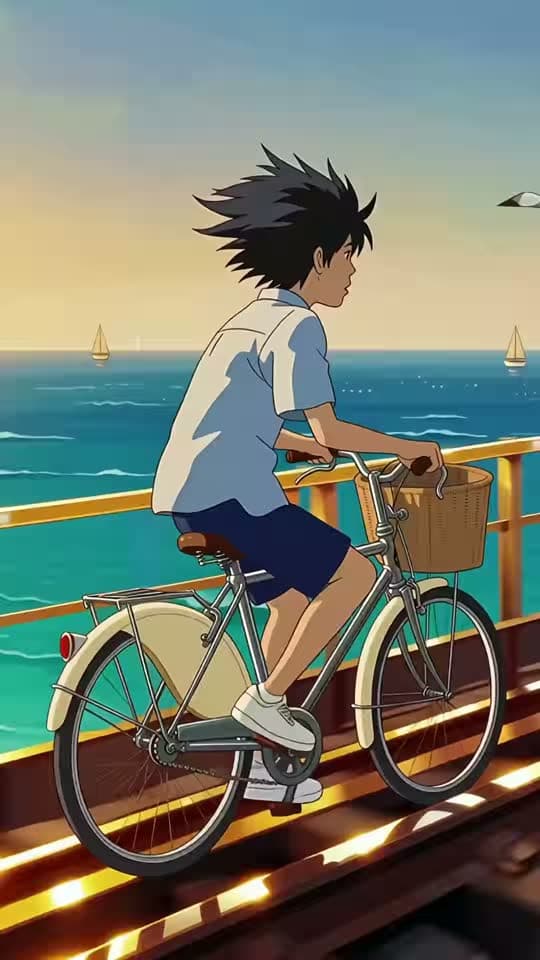
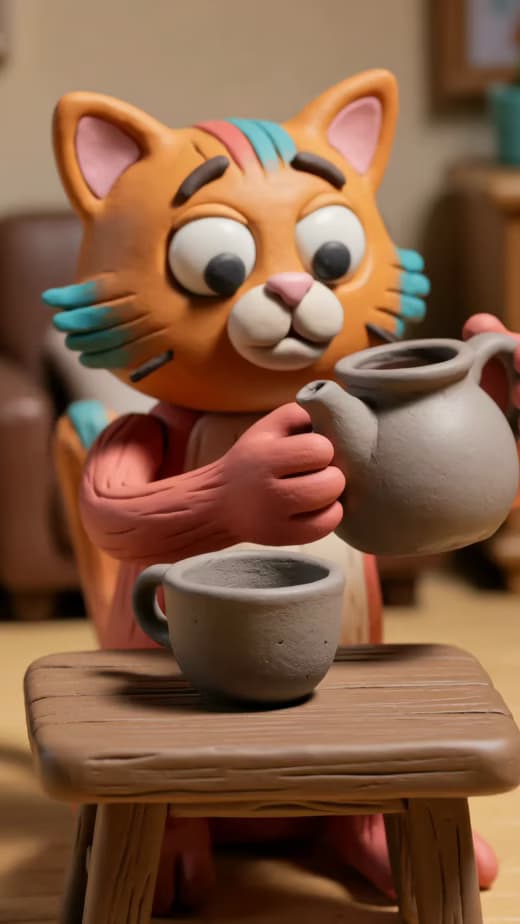



What is HeyGen Video?
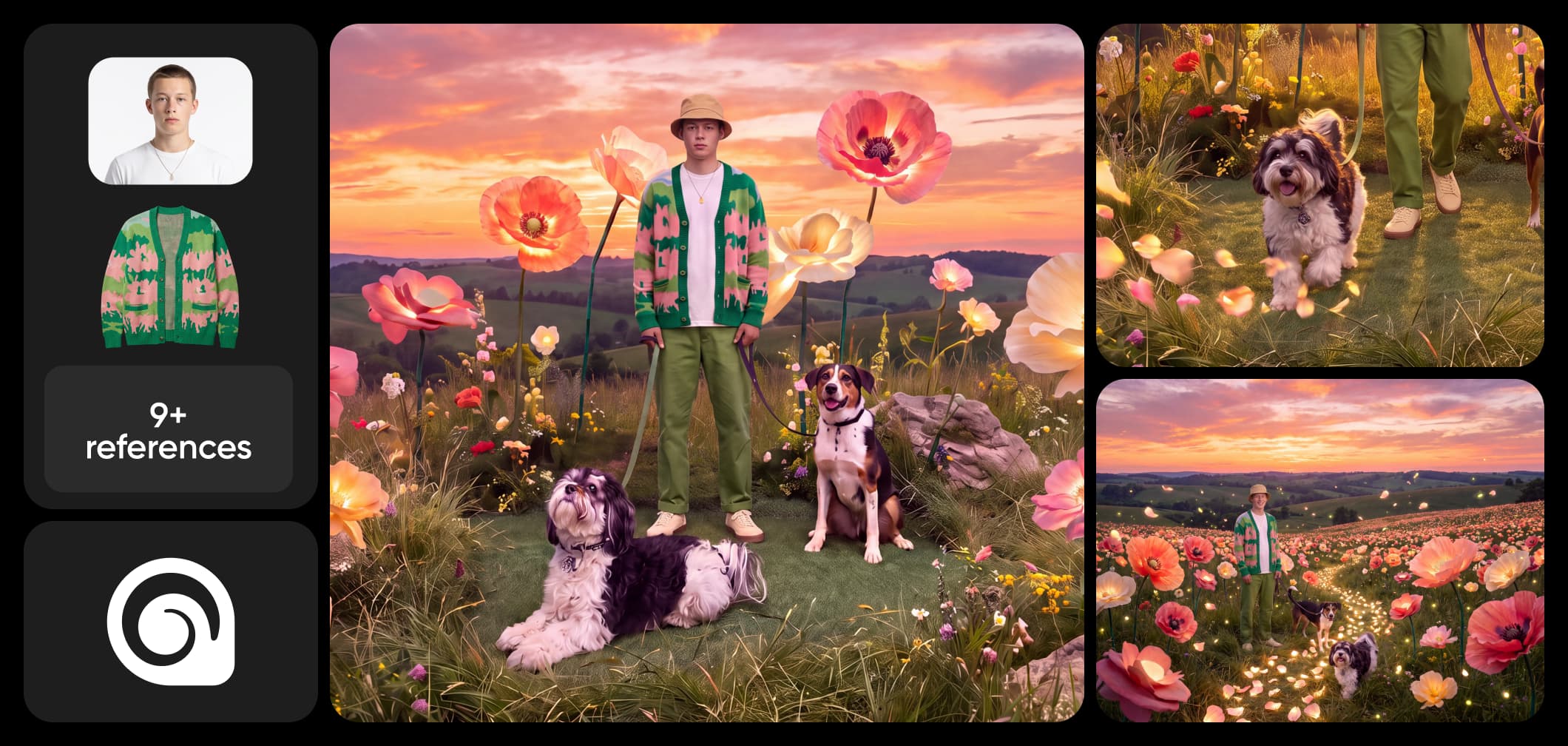
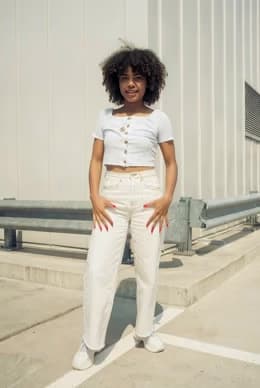
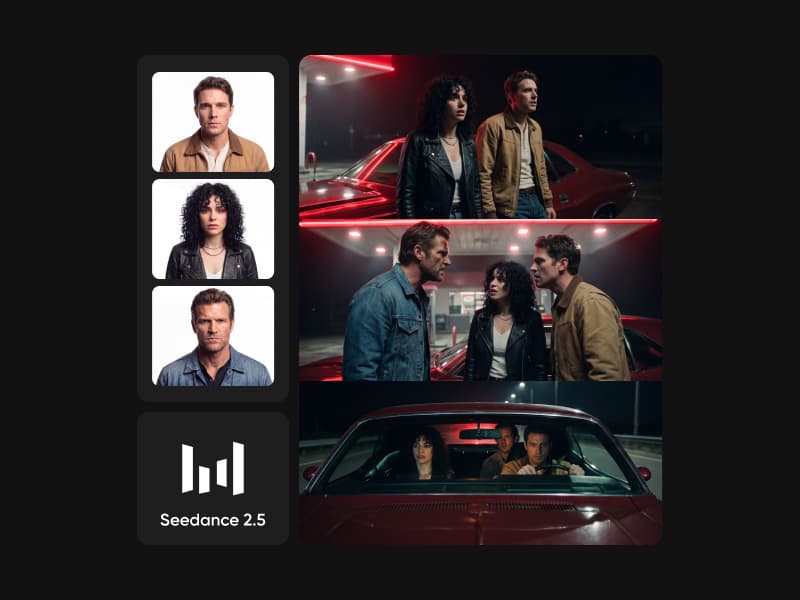
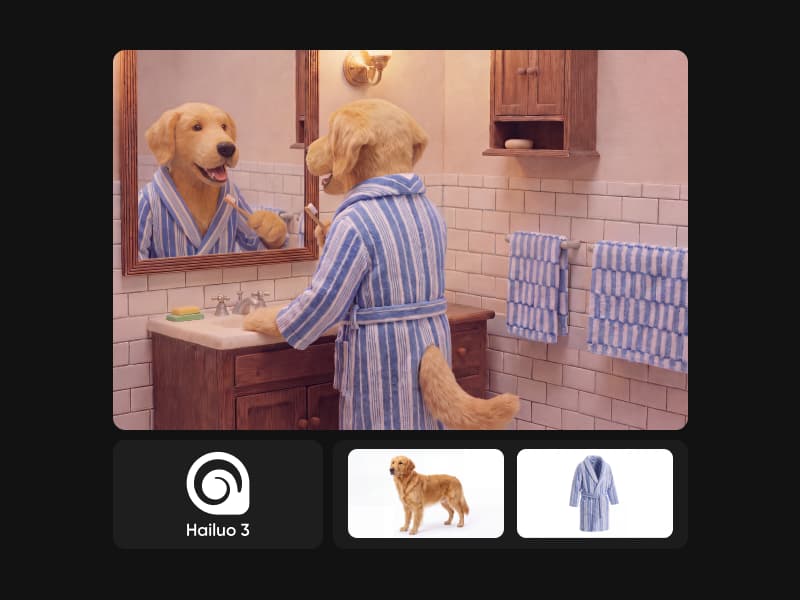
HeyGen Video is an AI video model that generates a finished clip with native audio from a single prompt. Describe the scene and it produces video and sound together in one pass — no separate voiceover or music step. Start from a first-frame image to lock the opening shot, or add up to 12 reference images, videos, and audio and name them in your prompt (Picture 1, Video 1) to steer the look and sound.
Direct every scene, down to the format
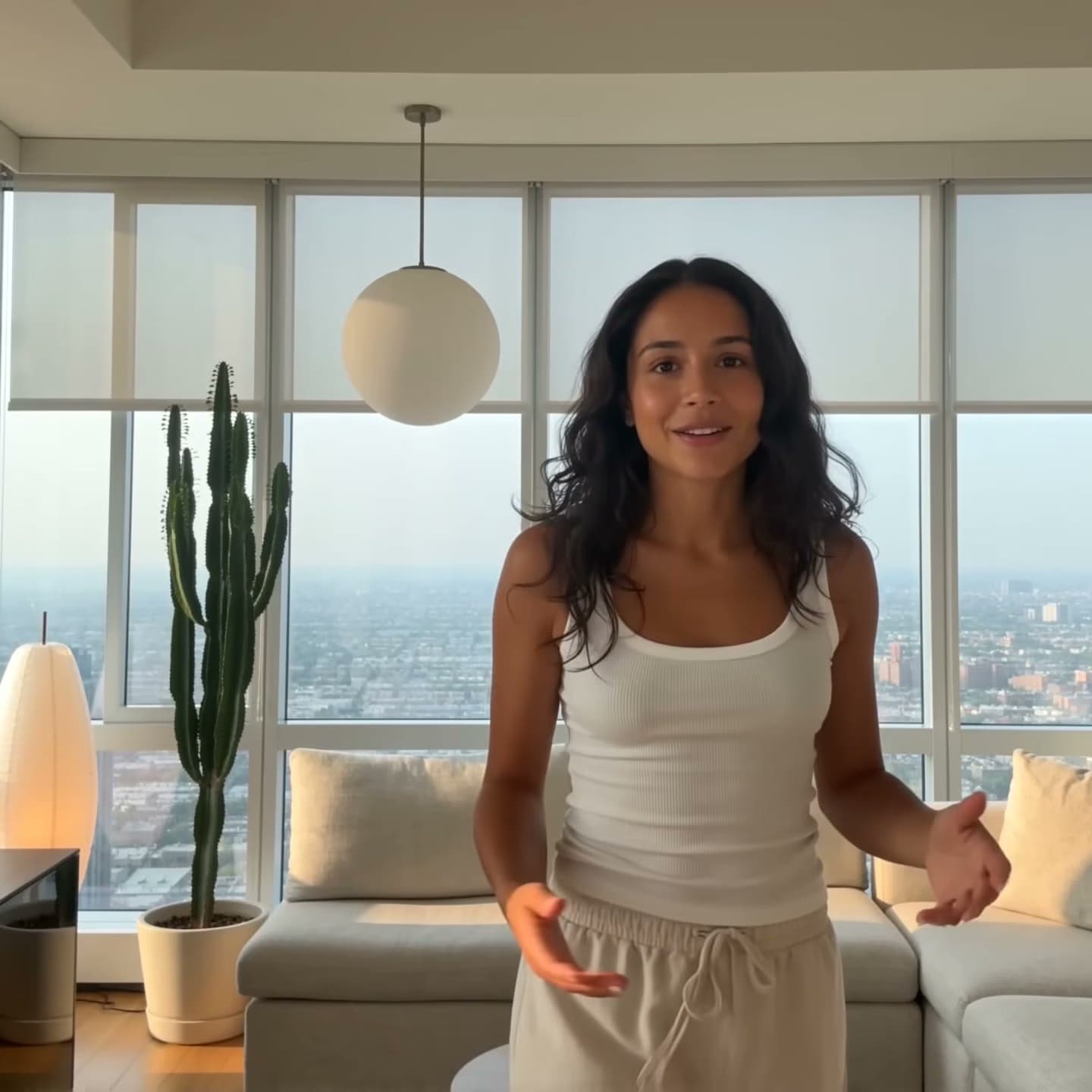
Set the output to match the channel: generate at 480p or 768p, choose a clip length from 5 to 15 seconds, and pick an aspect ratio from vertical 9:16 to cinematic 21:9 (plus 1:1, 4:3, 16:9, and 3:4). Prompt Enhancement in turbo or quality mode sharpens your description before generation, and a fixed seed lets you reproduce or iterate on a take.
HeyGen Video in Picsart AI Playground
HeyGen Video lives in Picsart AI Playground alongside 100+ models, so you can generate video with native audio right next to your other creative tools and keep editing the result in Picsart. Reach the same model wherever you work — on the web, in the desktop app, and through the CLI, MCP, REST API, and SDK — so a clip you prototype in AI Playground drops straight into an automated pipeline.
Start your first HeyGen Video
Ready to make your first clip? Open HeyGen Video in Picsart AI Playground and start with a single prompt — describe the scene and the sound you want to hear. Add a first-frame image to set the opening shot, or bring up to 12 reference images, videos, and audio to steer the look and feel. Generate once to get a finished video with native audio built in — no separate voiceover or music pass. Then trim, resize, and polish the result alongside the rest of your project in Picsart.
What you can make with HeyGen Video
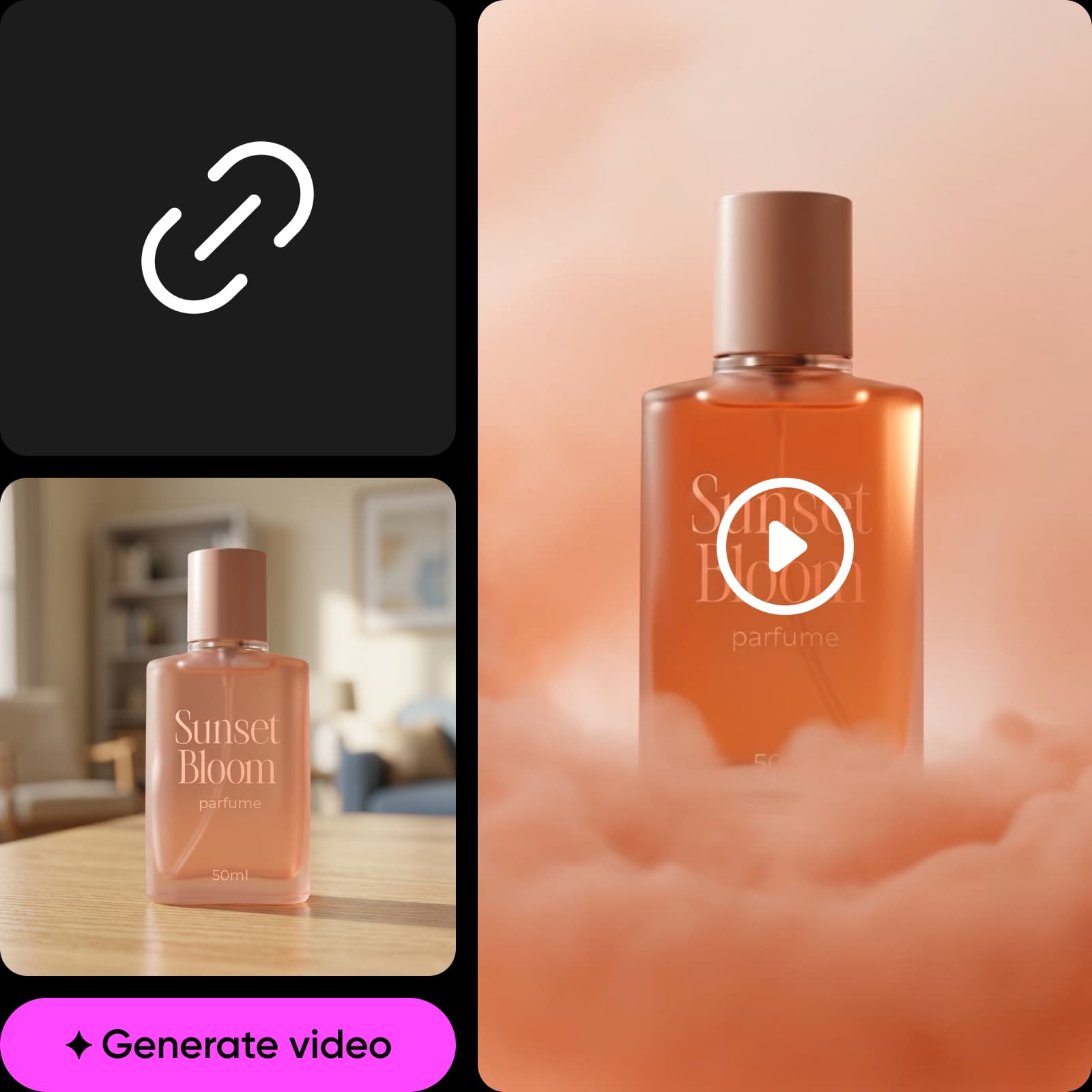
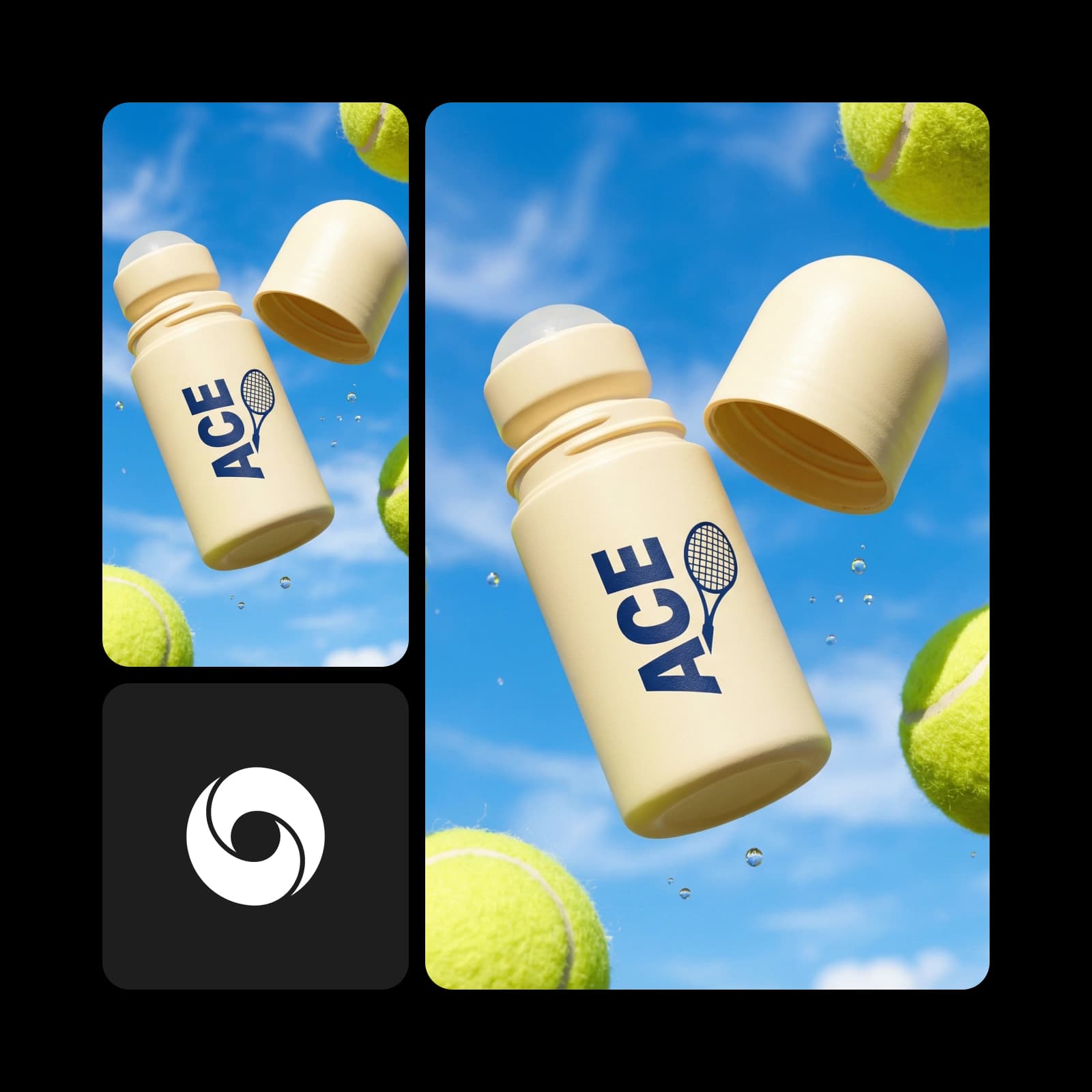
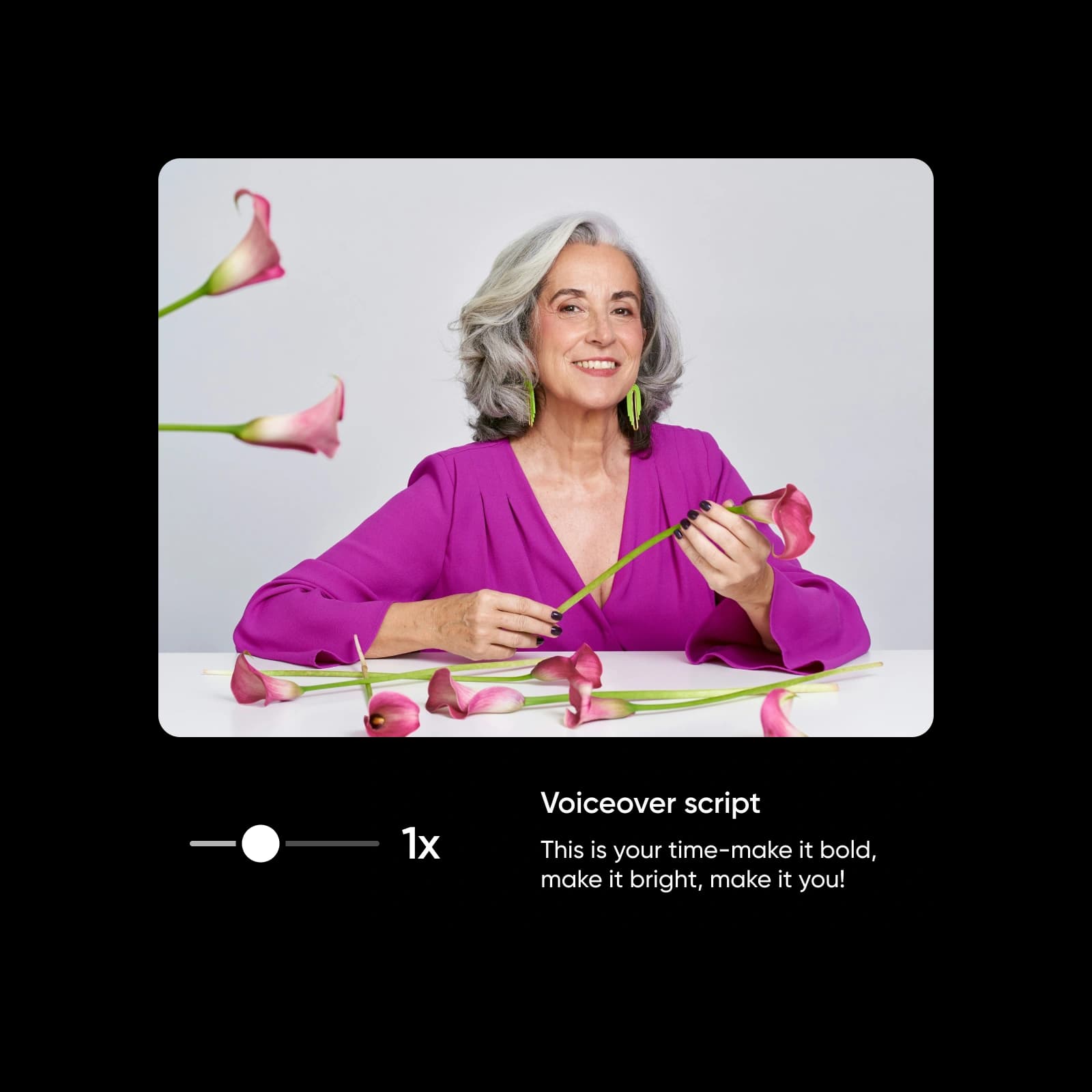
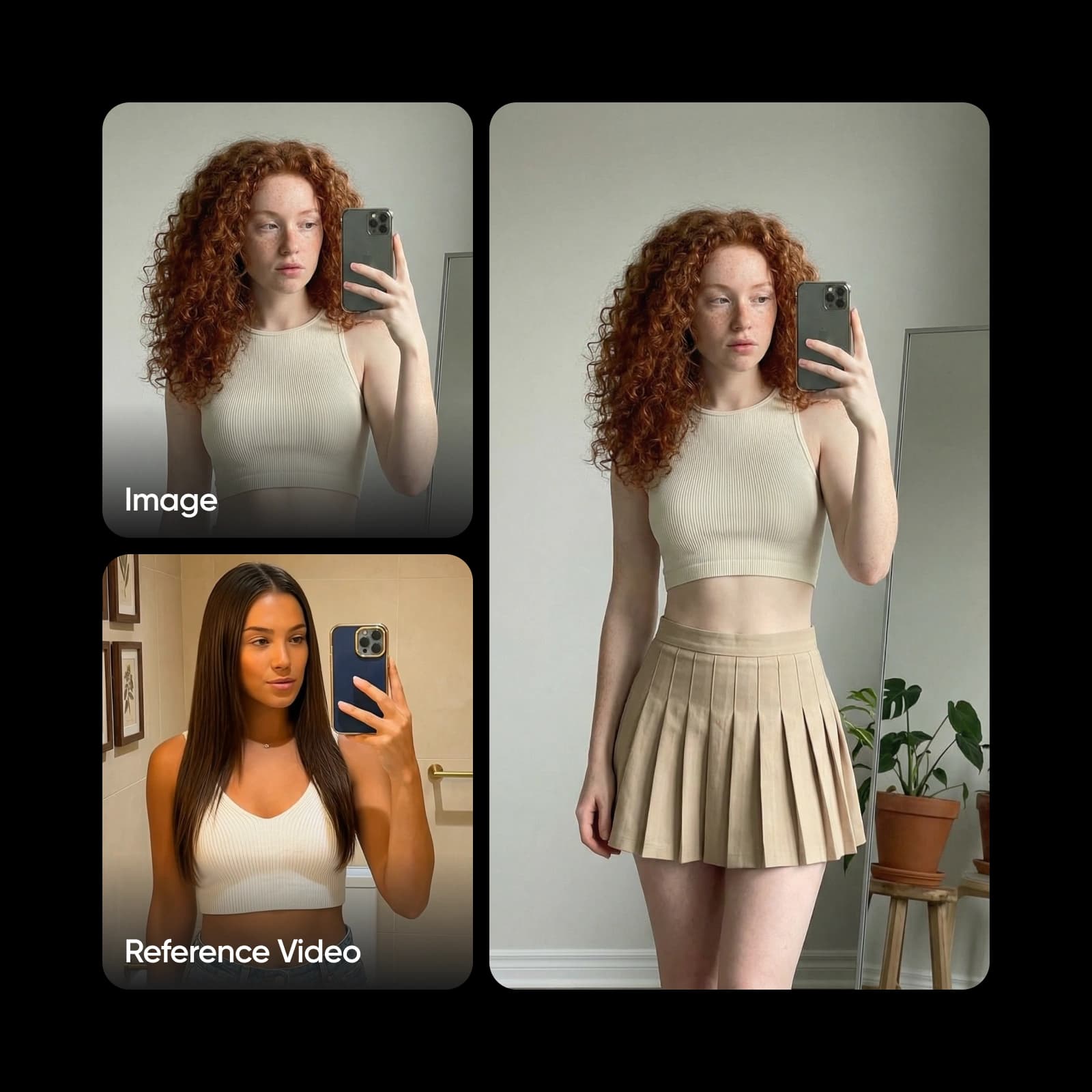
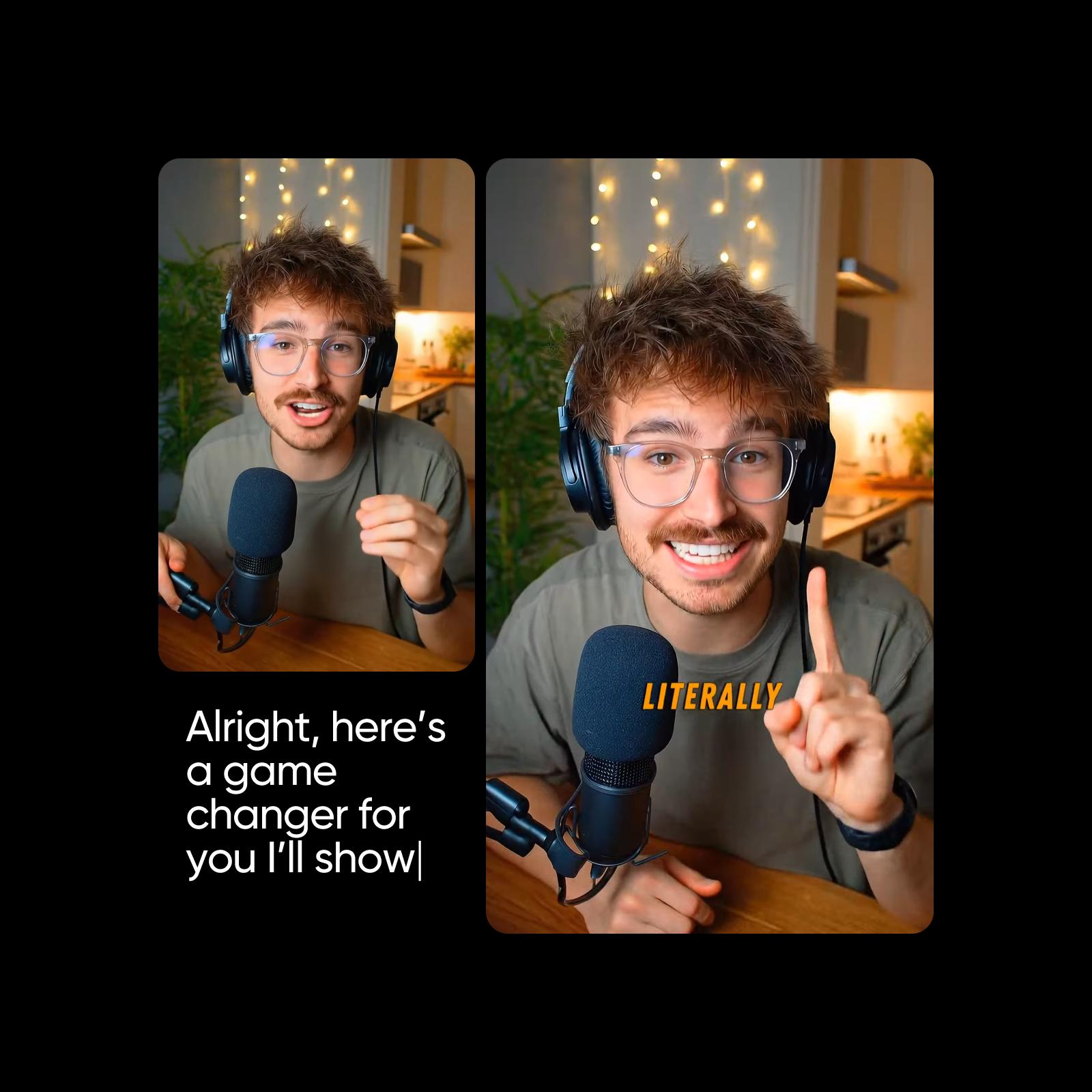
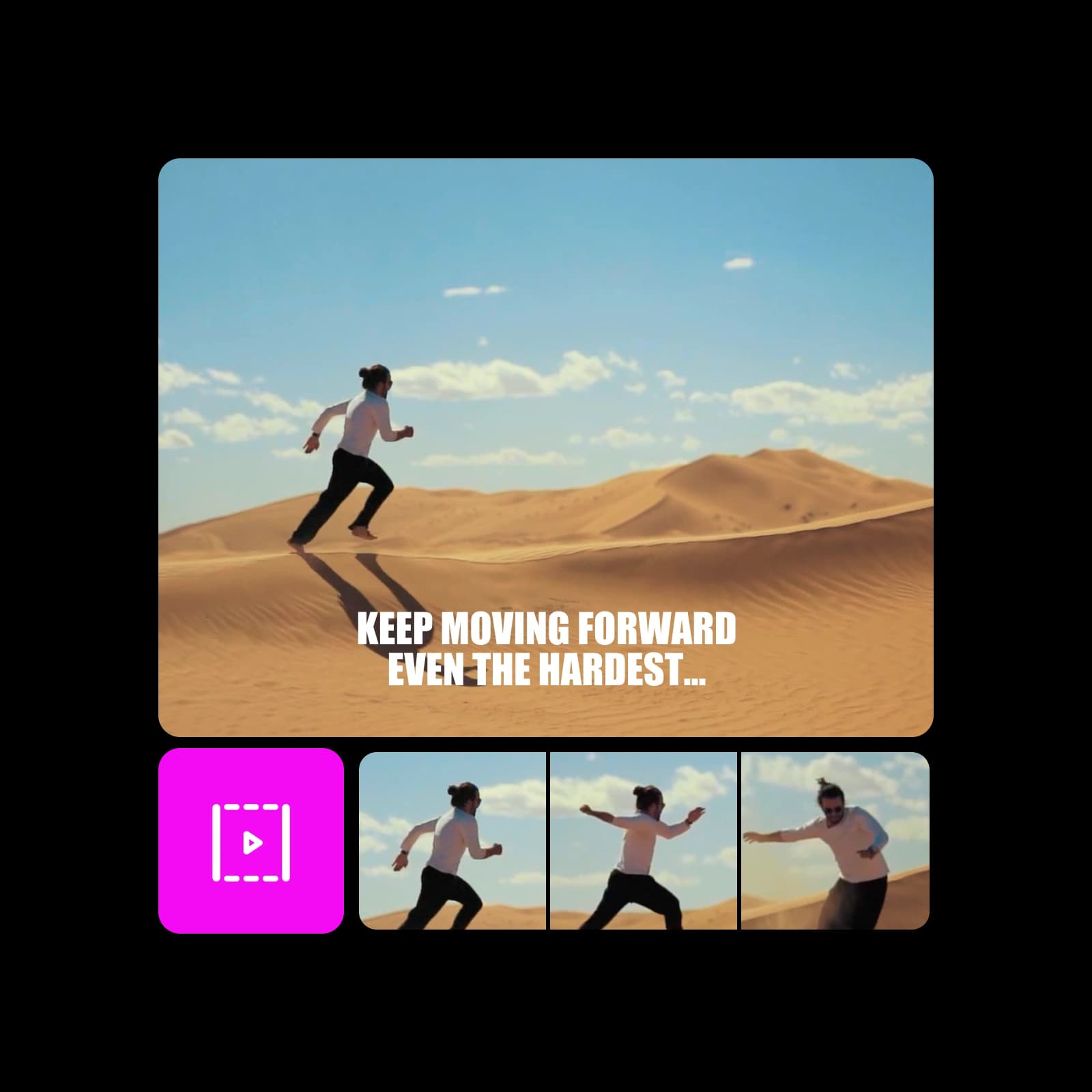
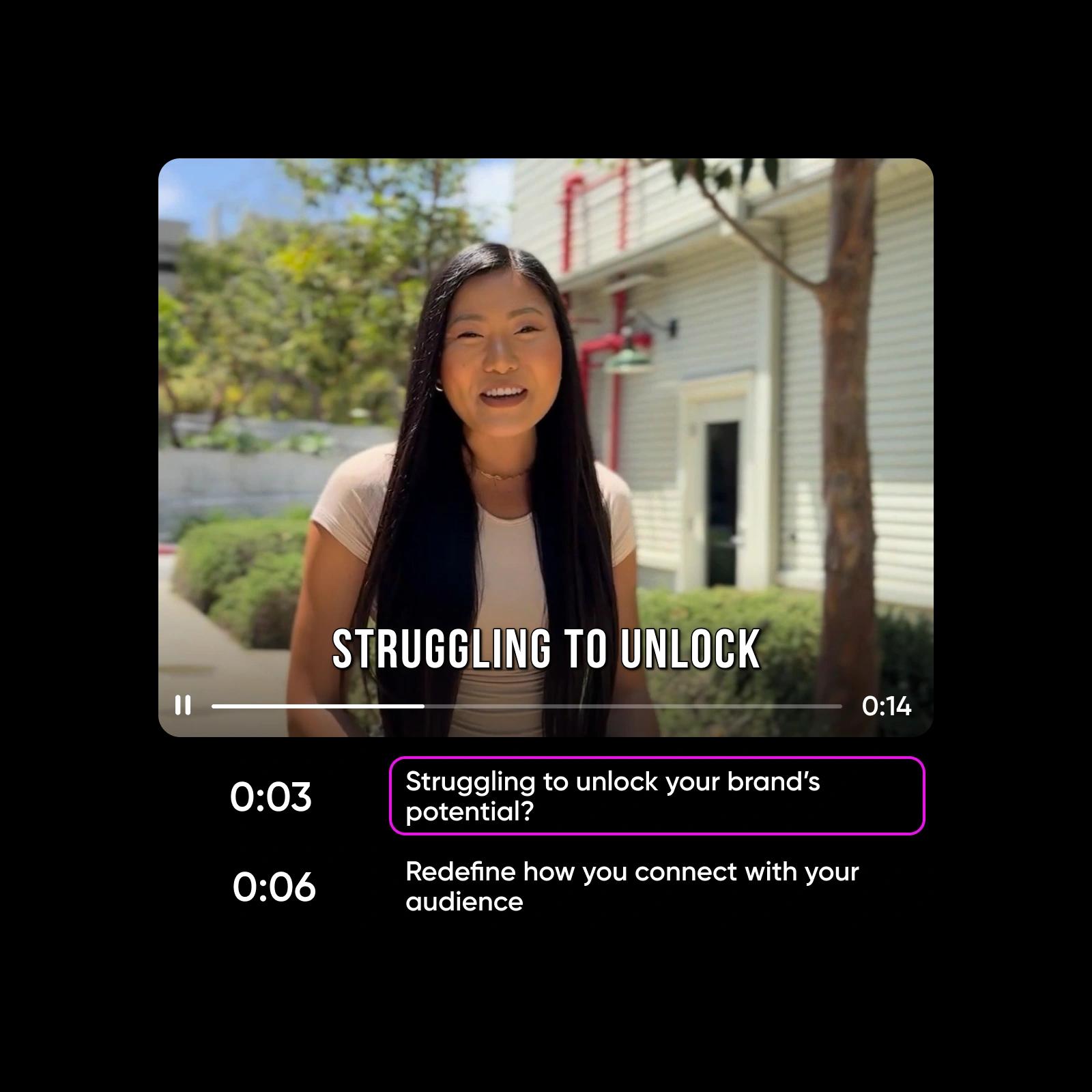
Social clips with built-in sound
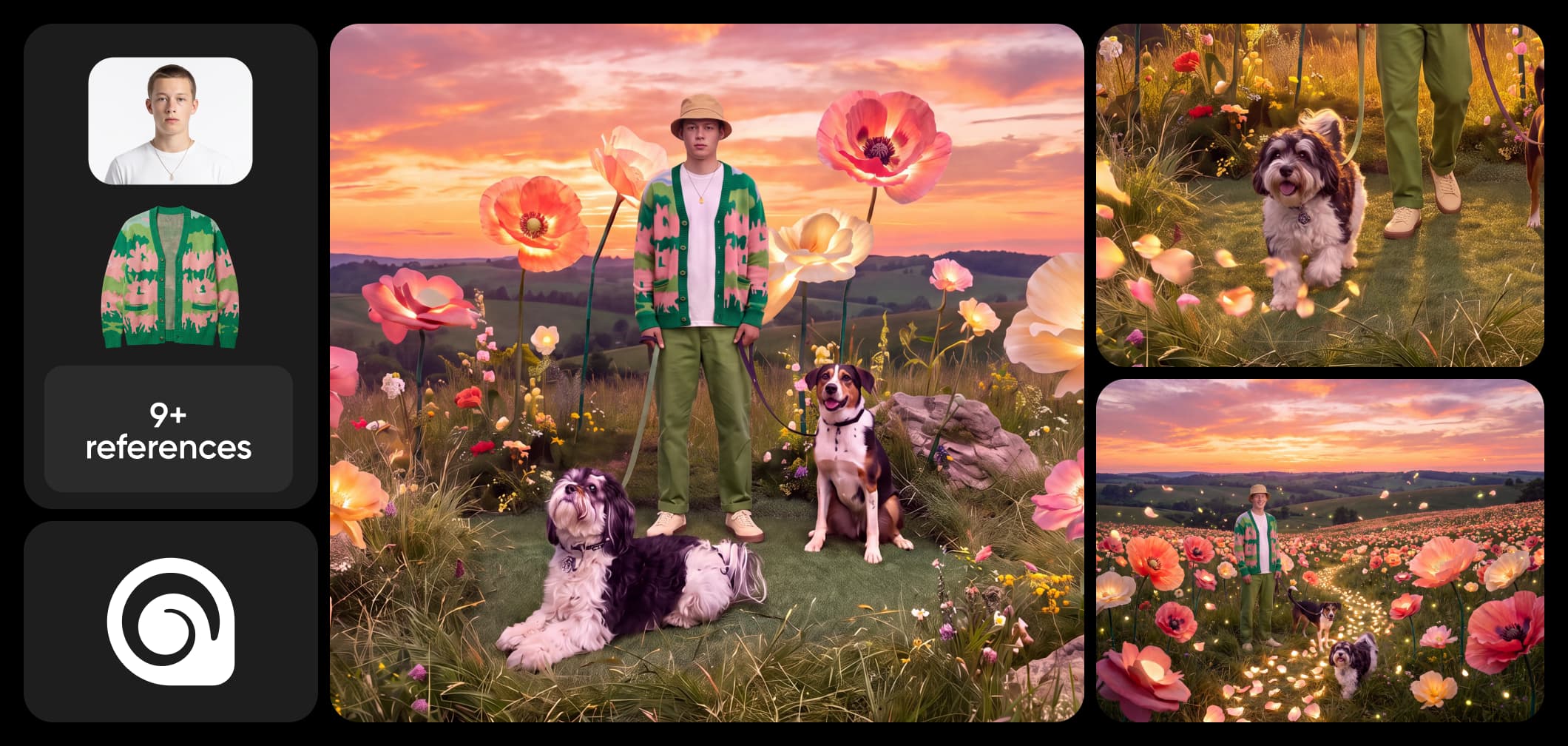
How to make a video with HeyGen Video
Write a prompt, add a first frame or references, generate with native audio, and finish in Picsart.
HeyGen Video FAQ
Answers about generating video with native audio in Picsart.
HeyGen Video is an AI video model that generates clips with native audio from a text prompt, a first-frame image, or up to 12 reference images, videos, and audio. It outputs video of 5 to 15 seconds at 480p or 768p, available in Picsart AI Playground.
More AI video models to use
Explore other AI video models available in Picsart AI Playground.
Pricing
Try a few clips or build a repeatable video workflow for launches, social, and paid campaigns.
Pro
Most popularAI tools for everyday creative work.
Ultra
Most powerfulHeavy AI usage for creators & teams.
Read up on AI video
Guides and tutorials on making AI video with native audio in Picsart.