Online editor obličeje: Upravte svůj vzhled úpravou obličeje
Snadno upravte svůj vzhled na fotografiích pomocí online úpravy obličeje. Nemusíte být odborník na úpravy fotek ani stahovat žádný software. Okamžitě upravte svůj vzhled přímo z karty prohlížeče pomocí editoru obličeje Picsart.
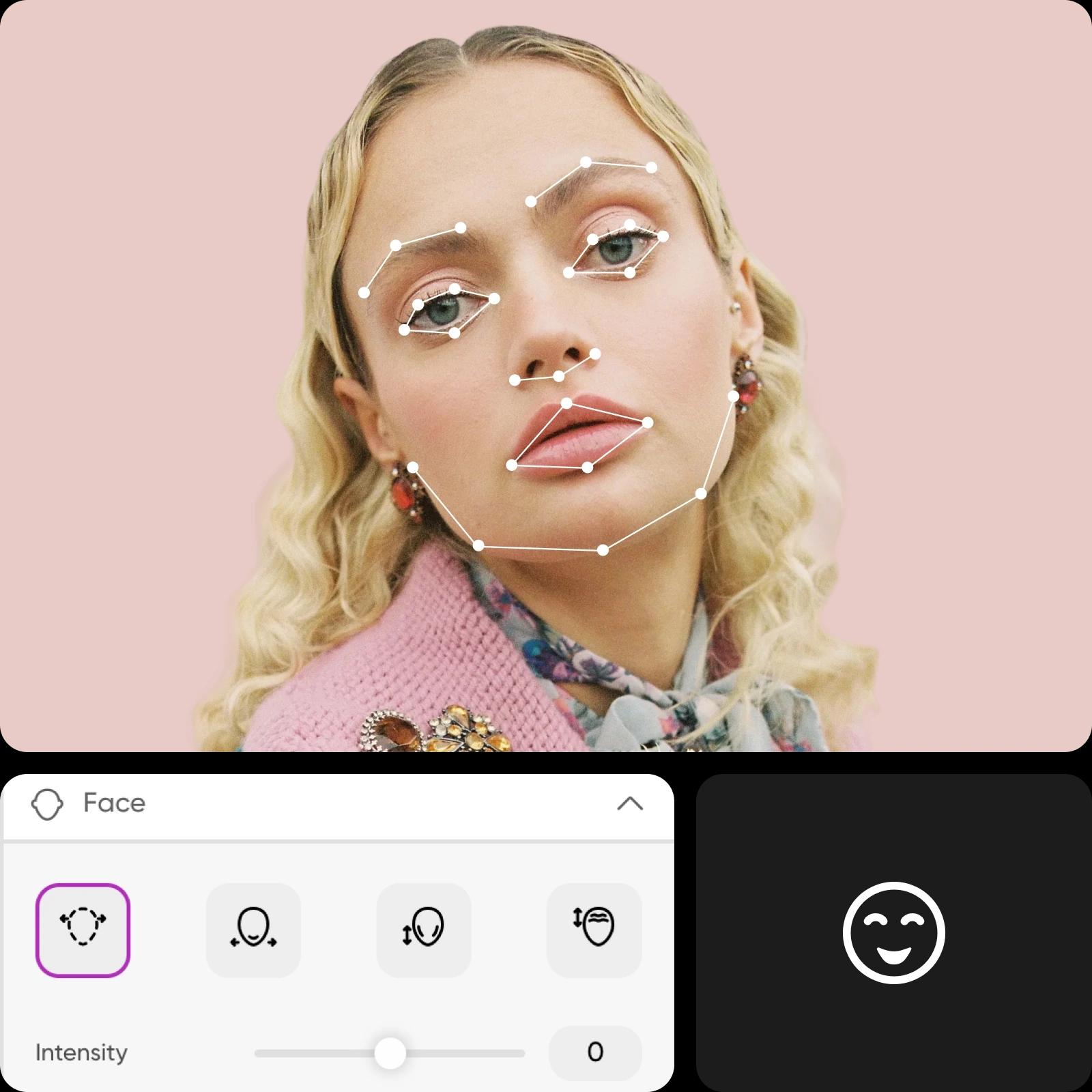
Jak upravit obličeje na fotkách pomocí Picsart
How to
Vybrat obrázek
Snadno upravte svůj vzhled
Úprava obličeje už nemusí být únavný proces. Využijte inteligentní detekce obličeje od Picsart, která automaticky rozpoznává vaše rysy a umožňuje vám upravit obličej na fotkách bleskovou rychlostí. Sbohem nerovné obočí nebo zkřivené úsměvy. Přesně upravte každý prvek obličeje pomocí snadno použitelných posuvníků pro dosažení požadovaného vzhledu.
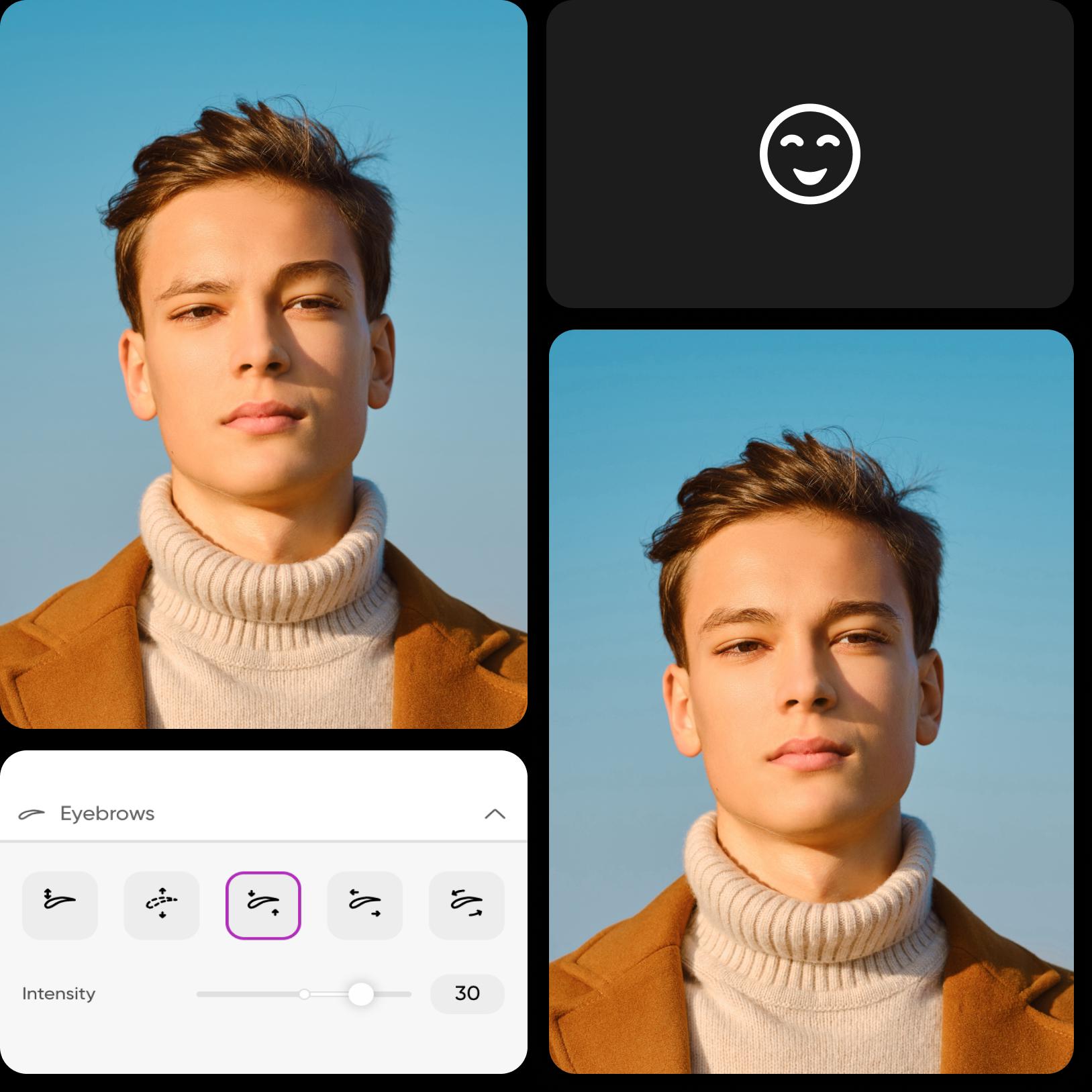
Editor fotek obličeje pro každou příležitost
Ať už upravujete svou fotku na LinkedIn profilu, příspěvky na Instagramu nebo profesionální portréty pro klienty, intuitivní rozhraní Picsart usnadňuje úpravu obličeje jako nikdy předtím. Zúžit nos, změkčit linii čelisti nebo dokonce upravit výraz obličeje - možnosti jsou nekonečné. Dosáhněte přesného vzhledu, který si přejete, až k nejmenším detailům. Hrajte s různými úpravami, aniž byste kdy poškodili původní fotografii.
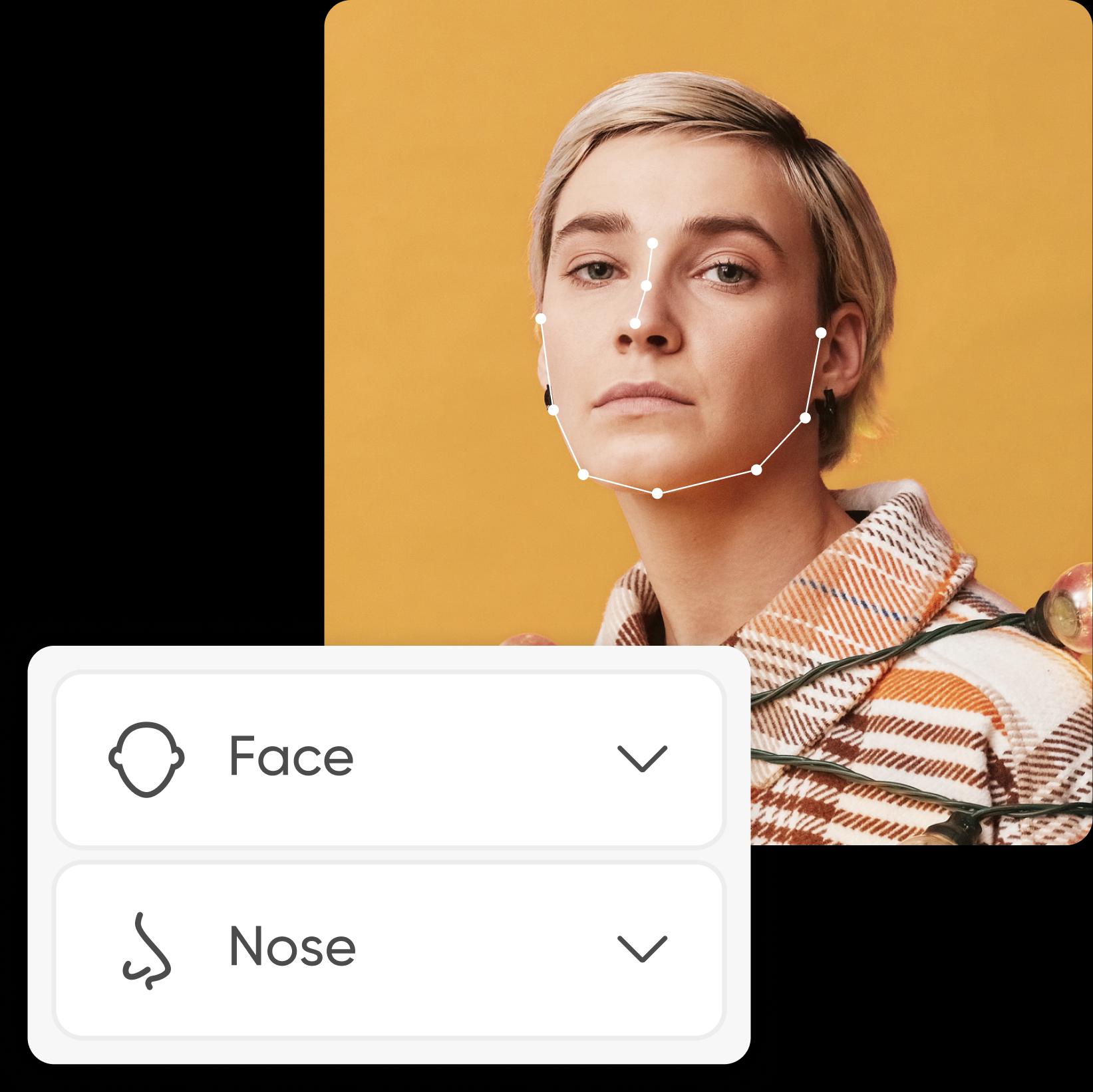
Experimentujte s novými vzhledy
Chcete upravit svůj vzhled v reálném životě? Získejte náhled změn na fotografiích, abyste si udělali lepší představu a ujasnili si svůj úsudek. Ať už to děláte pro sebe nebo pro klienty, editor obličeje Picsart poskytuje snadný způsob, jak získat realistické náhledy.
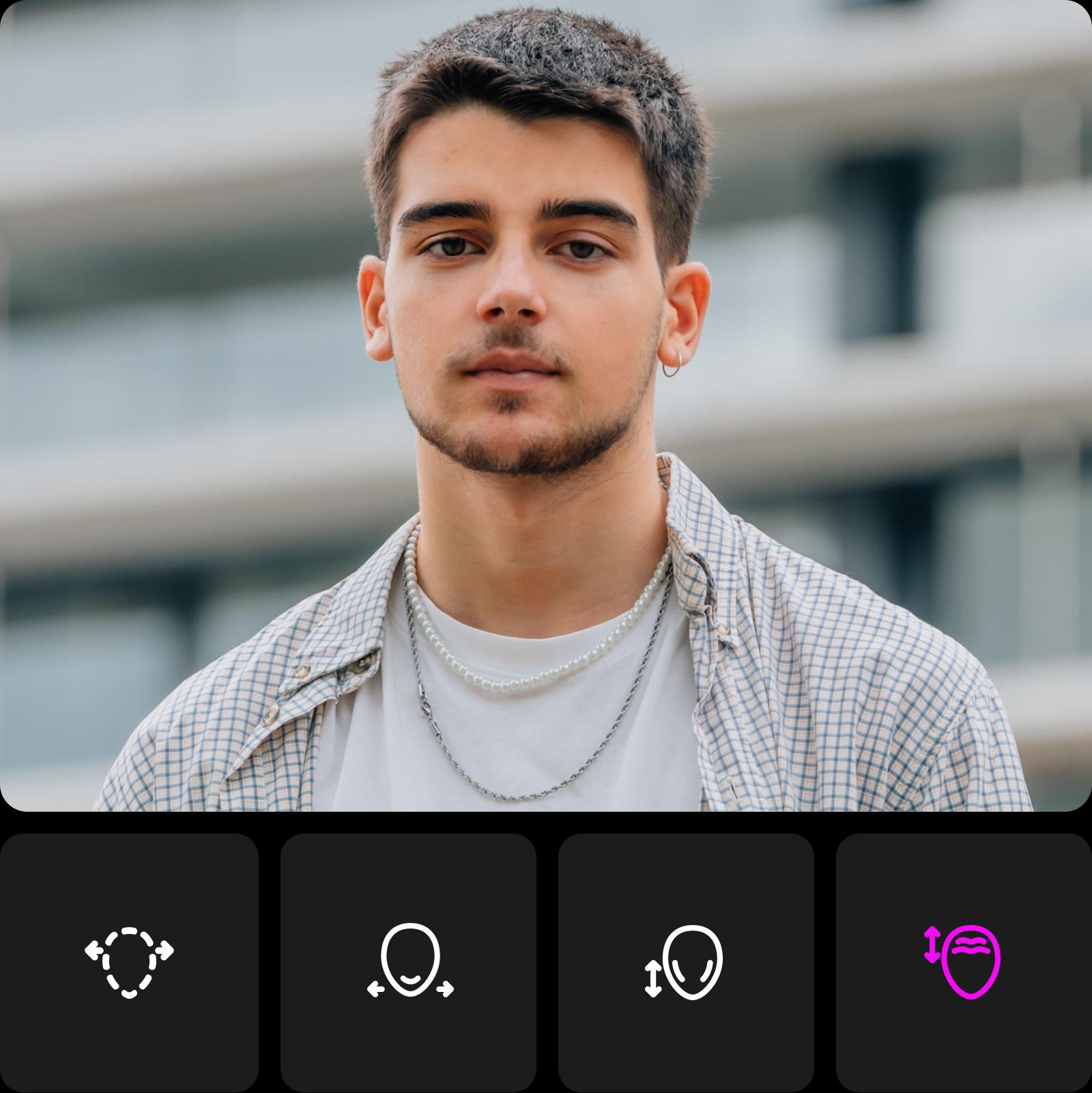
Vytvářejte zábavné úpravy s editorem obličeje
Úprava obličeje není jen o dosažení dokonalých rysů. Je to také o uvolnění vaší tvořivosti a zábavě! Vytvářejte humorné karikatury pro nezapomenutelné zábavy a neopakovatelné příspěvky na sociální sítě. Experimentujte s fantastickými vzhledy tím, že se proměníte ve svou oblíbenou fiktivní postavu nebo prozkoumáte zcela nové estetické styly.
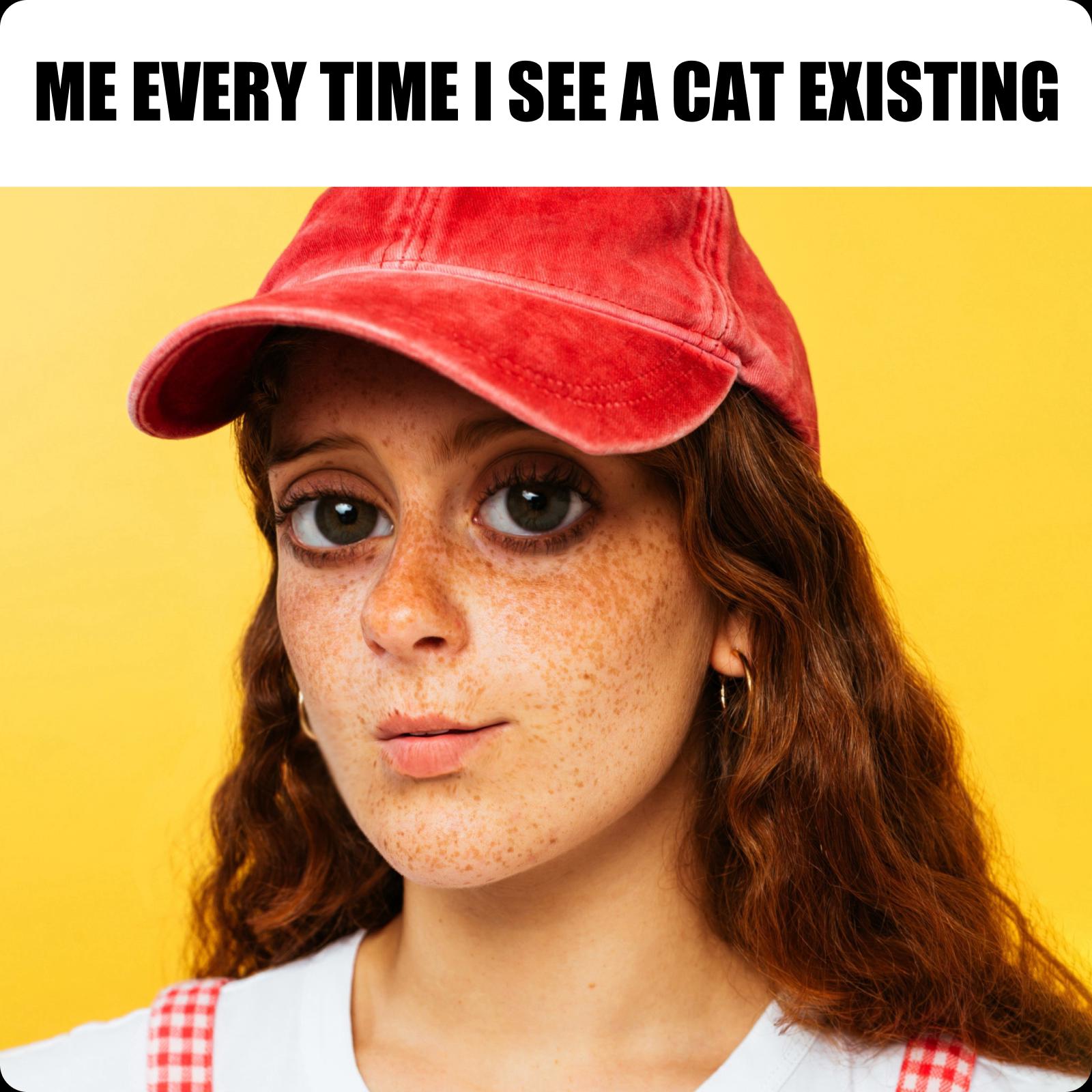
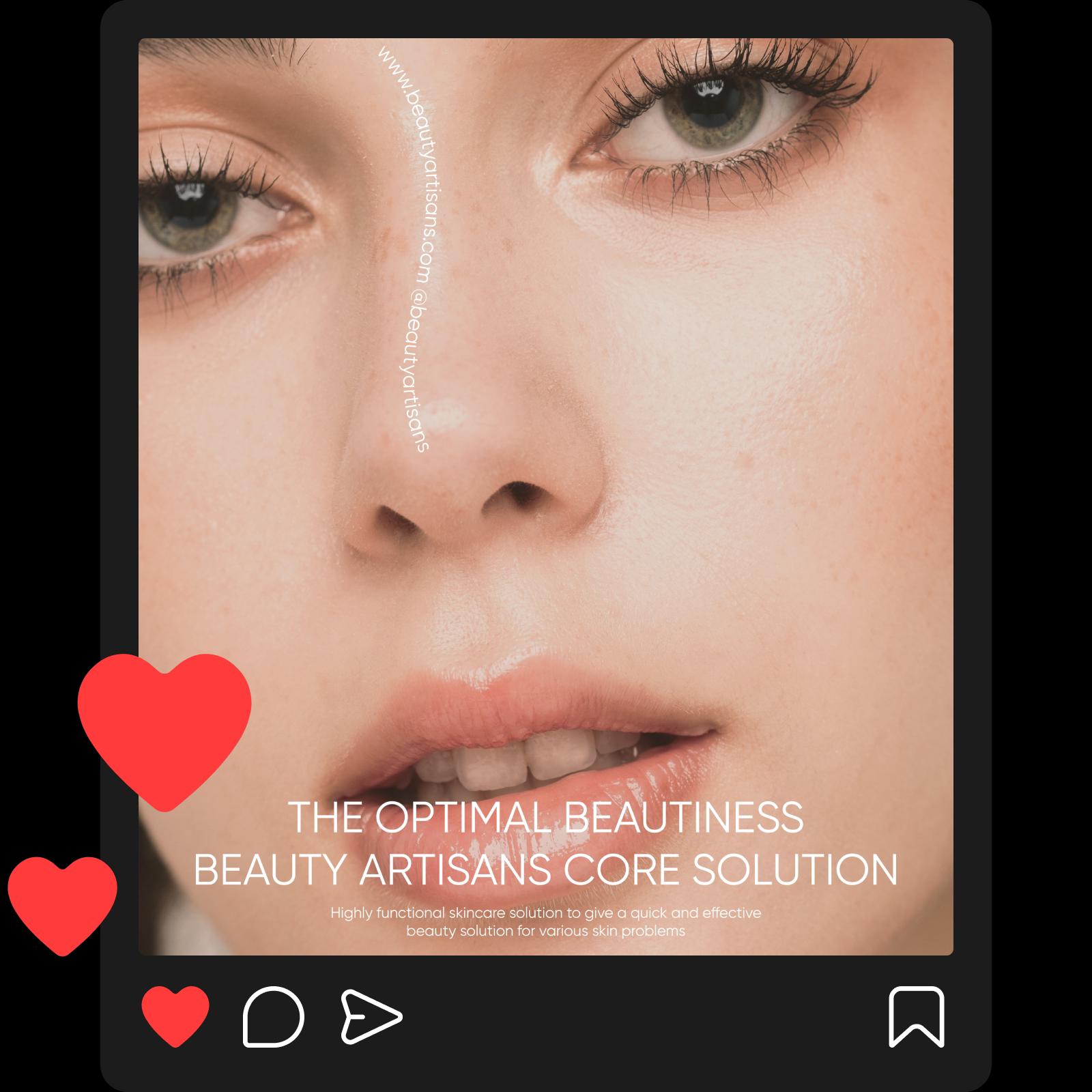
Upravte svou přítomnost na sociálních sítích
Ať už upravujete tváře na neformálních fotografiích, nebo promočních snímcích vaší značky, můžete se snadno spoléhat na online editor obličeje. Se snadností dosáhněte přesného vzhledu, po kterém toužíte. Zvýrazněte určité rysy obličeje na fotografiích, abyste zdůraznili make-up nebo prostě dosáhli určitého vzhledu. A když má vaše původní fotografie nízké rozlišení, použijte vestavěný AI unblur nástroj, aby vše vypadalo ostře a jasně.
Objevte další nástroje od Picsart, které si zamilujete
Jakmile dosáhnete vzhledu, který jste hledali, upravte další aspekty svého vizuálu pomocí Picsart's AI photo editor. Vykonávejte složité úpravy snadno díky pokročilému AI a najděte všechny potřebné nástroje na jednom pohodlném rozhraní.
Další nástroje pro úpravu fotek pomocí AI od Picsart
AI foto editor
Zrychlete svůj editační proces pomocí AI foto editoru.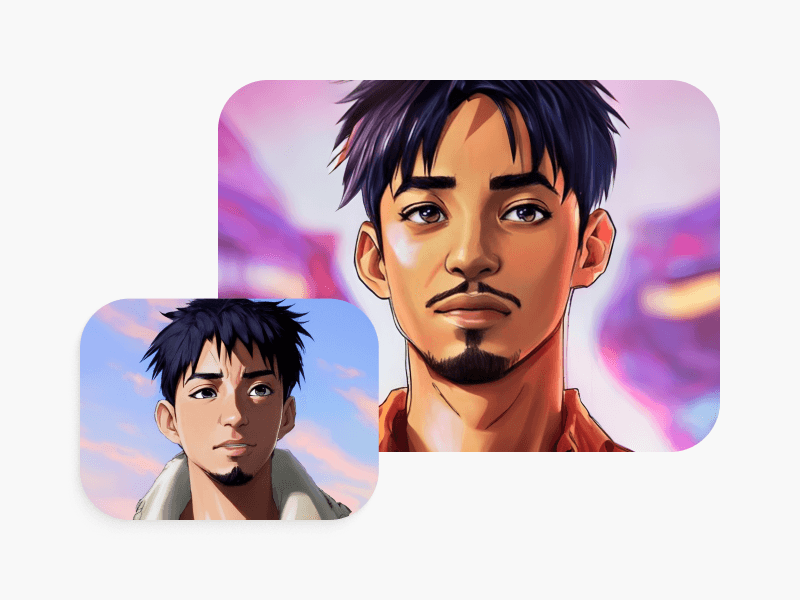
AI generátor obličeje
Snadno vytvářejte vlastní stockovou fotografii pro vaše recenze, vstupní stránky a další.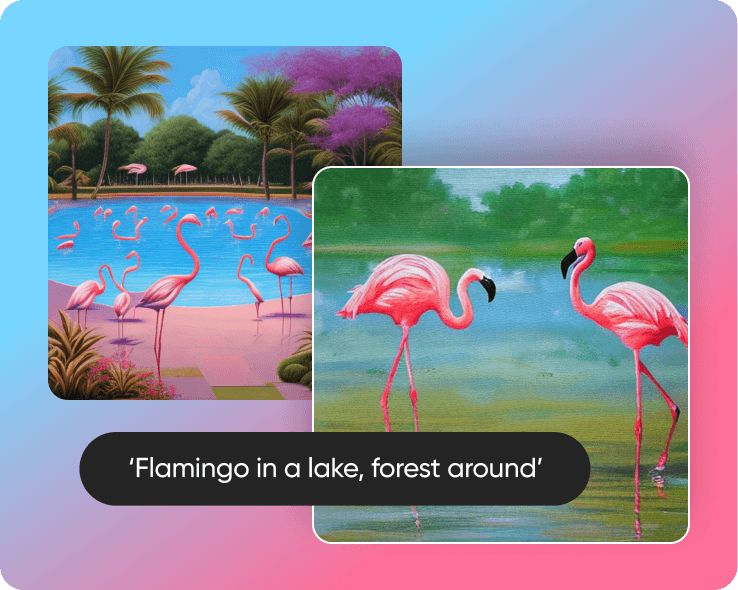
Generátor AI umění
Vytvořte poutavé umění během vteřin pomocí AI.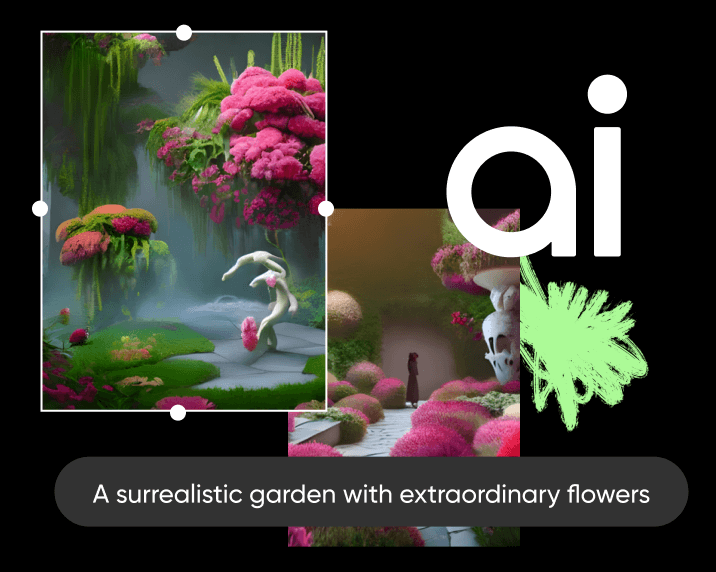
Generátor AI obrazu
Zadejte svou představu a nechte AI přeměnit vaše slova na fascinující obrázky.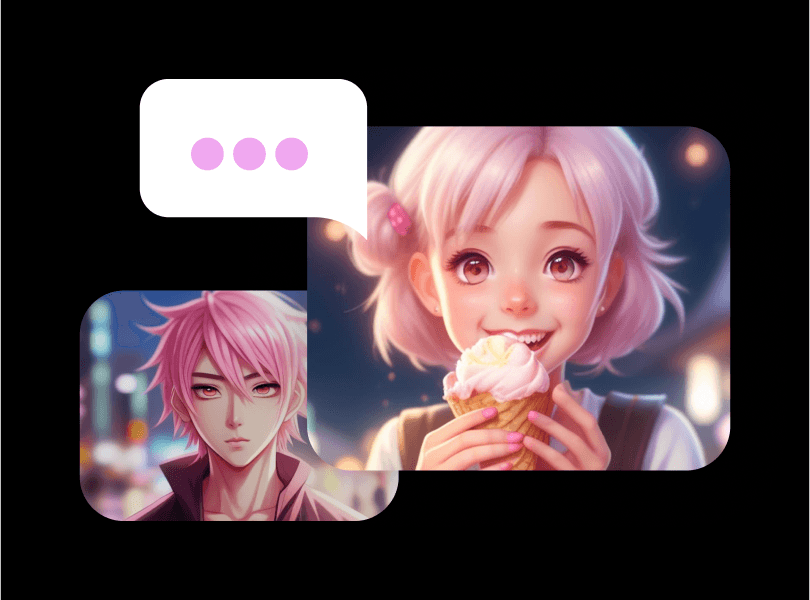
Generátor AI anime
Vytvořte poutavou fan art anime pouze zadáním podnětu.AI avatar
Vytvořte portréty v různých stylech pomocí AI.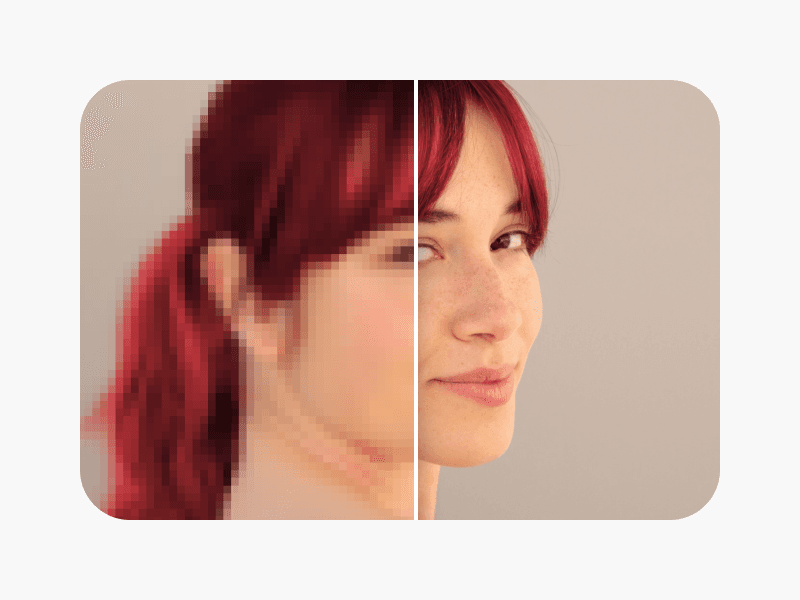
Zaostření obrazů
Rozlučte se s rozmazanými fotografiemi pomocí odstranění rozmazání umělou inteligencí.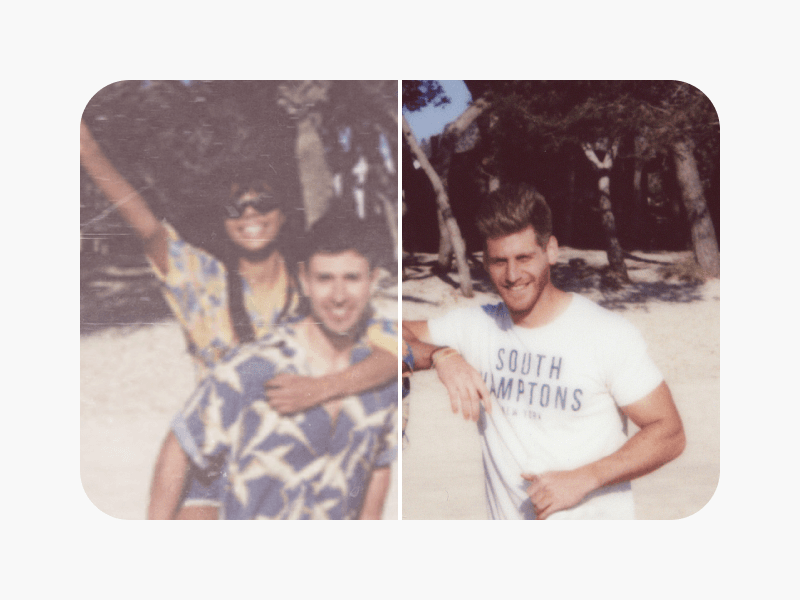
Obnova fotek
Dejte starým fotografiím nový život pro ostré a jasné vzpomínky.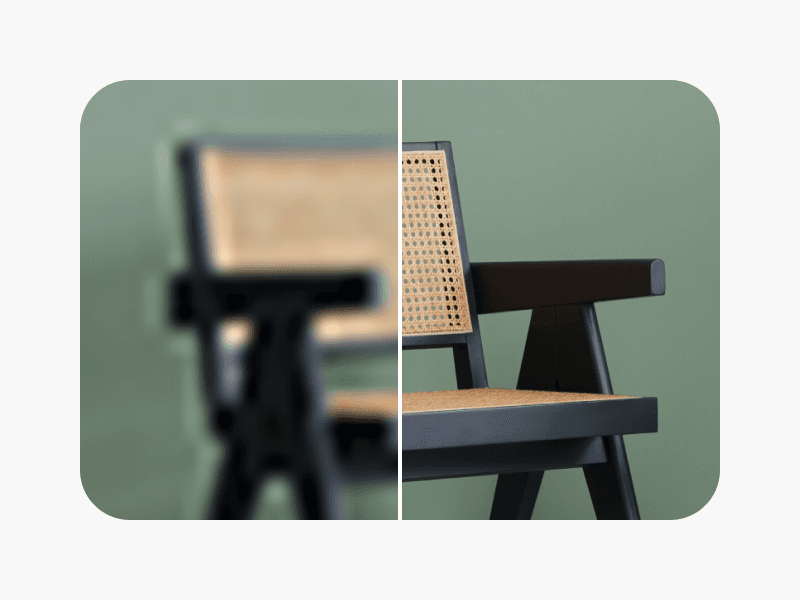
AI vylepšovač fotek
Zvyste rozlišení více obrázků s AI najednou.
Často kladené dotazy k editoru obličeje
Vůbec ne. Editor obličeje Picsart nabízí snadno použitelné rozhraní, které každý může využít bez ohledu na své zkušenosti s úpravou.


Retušujte portréty pro profily, obsah a kampaně
Pro
Most popularAI tools for everyday creative work.
Ultra
Most powerfulHeavy AI usage for creators & teams.