Bild kostenlos mit Schatten versehen: Schatten sofort bearbeiten
Verwandle deine Fotos mit Schatteneffekten in beeindruckende Kunstwerke – von Produktbildern bis hin zu Instagram-Beiträgen.
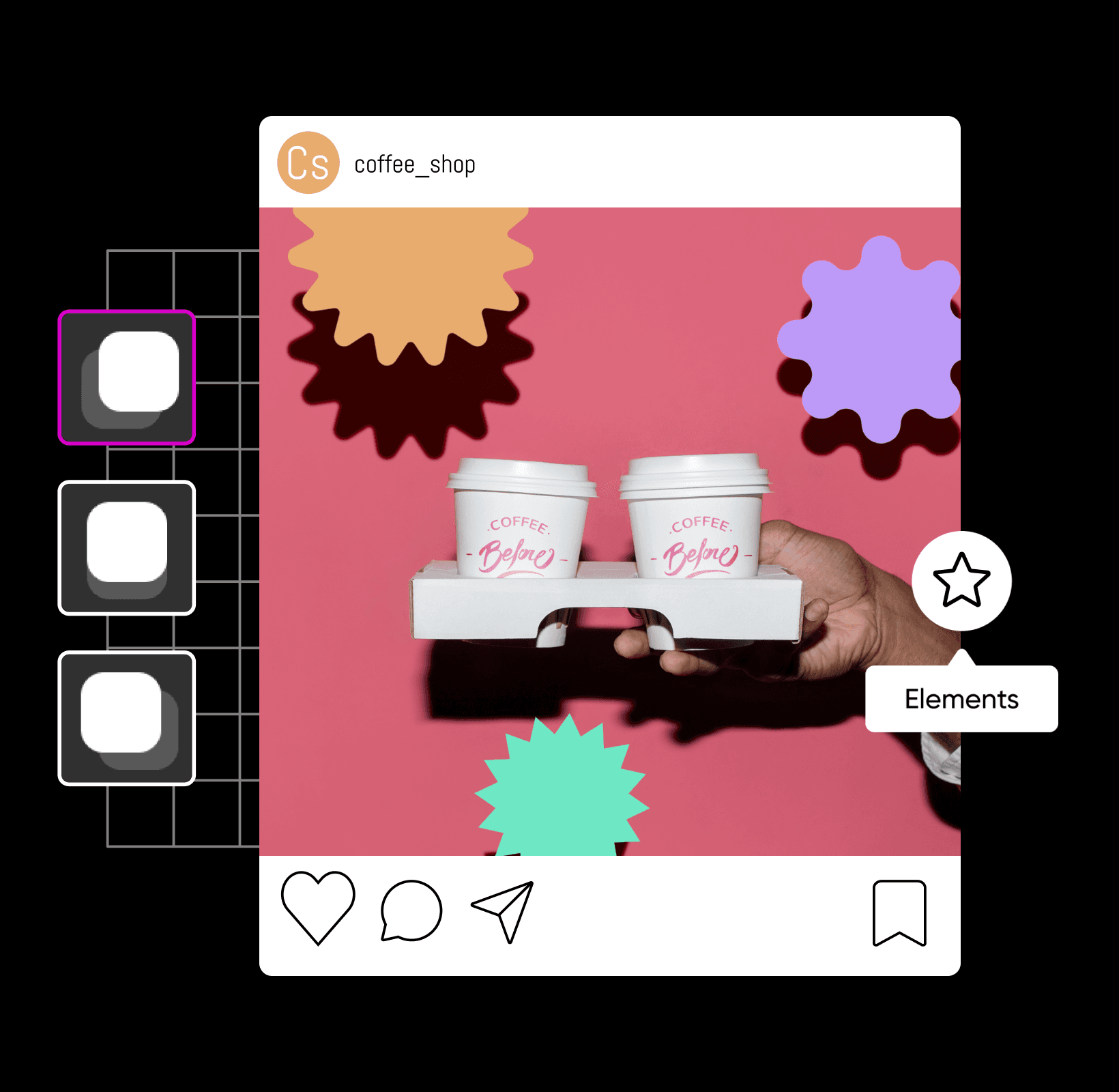
Verleihe deinen Designs mit professioneller Schattenbearbeitung den letzten Schliff
So fügst du einem Bild einen Schatten hinzu
Werte deine Fotos mit Schatteneffekten auf
Bei der Schattenbearbeitung erstellst, bearbeitest oder ergänzt du Schatten in einem Bild. Ob du an deiner nächsten Produkteinführung arbeitest oder dein letztes Fotoshooting bearbeitest – Schlagschatten werten jedes Bild sofort auf, von der Fotobearbeitung bis zum Grafikdesign. Mit einem Schatten-Tool für Fotos verleihst du deinen Bildern mit nur wenigen Klicks unglaublich realistische Schatten. So kannst du den Eindruck erwecken, dass ein Objekt schwebt und einen Schatten auf seinen Hintergrund wirft – für eine eindrucksvolle Komposition.
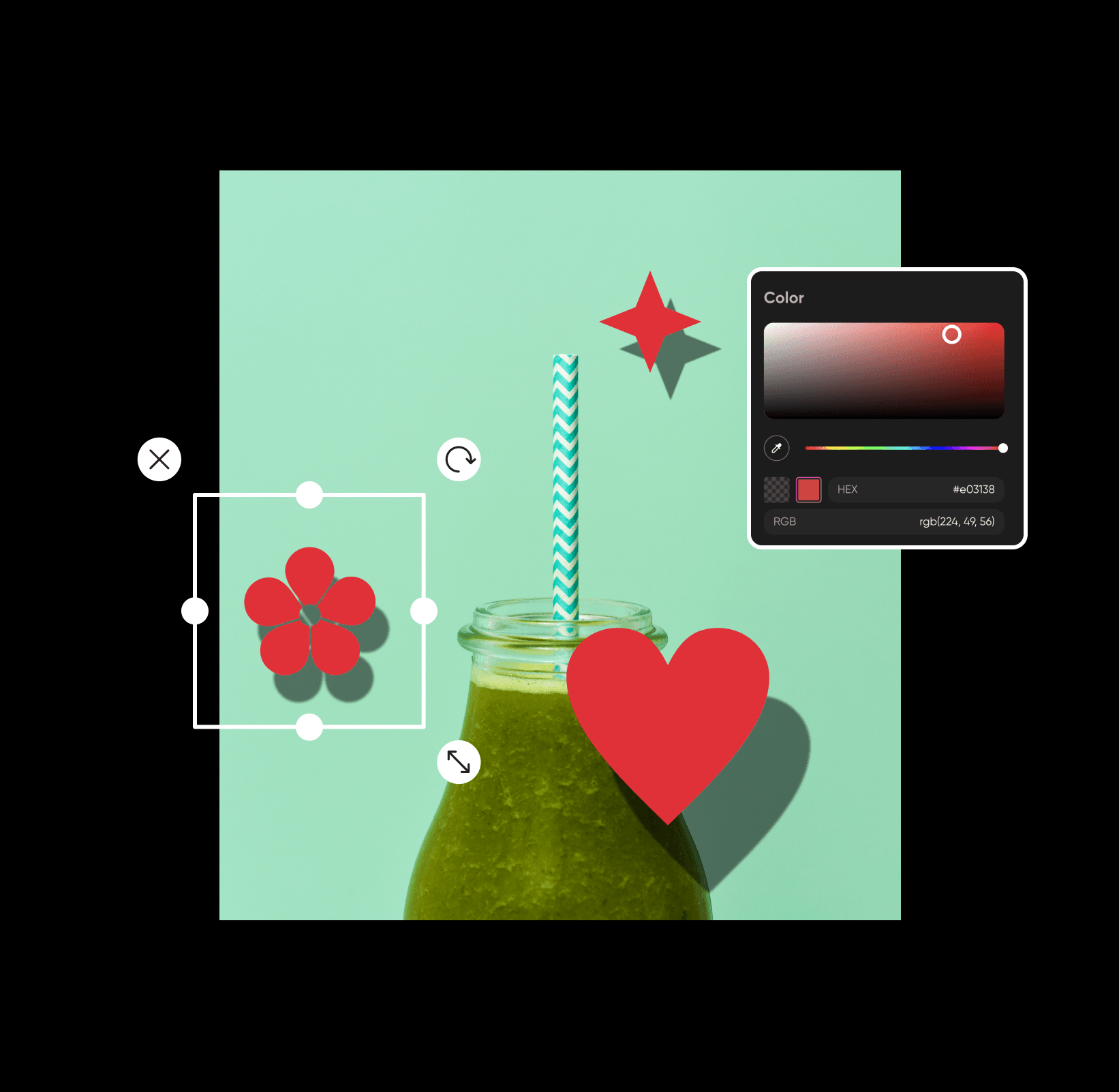
Bilder kostenlos online mit Schatten versehen
Von verdeckten Objekten bis hin zu schwebendem Text: Schatten verleihen deinen Lieblingsbildern in wenigen Sekunden eine dramatische, künstlerische Note. Die gute Nachricht? Auch ohne professionelle Bearbeitungskenntnisse kannst du Bilder mit unserem benutzerfreundlichen Fotoeditor kostenlos online mit Schatten versehen. Um deine Bilder auf ein neues Level zu heben, musst du nur mit verschiedenen Schatten und Designelementen experimentieren, bis du die perfekte Balance gefunden hast. So einfach geht’s!
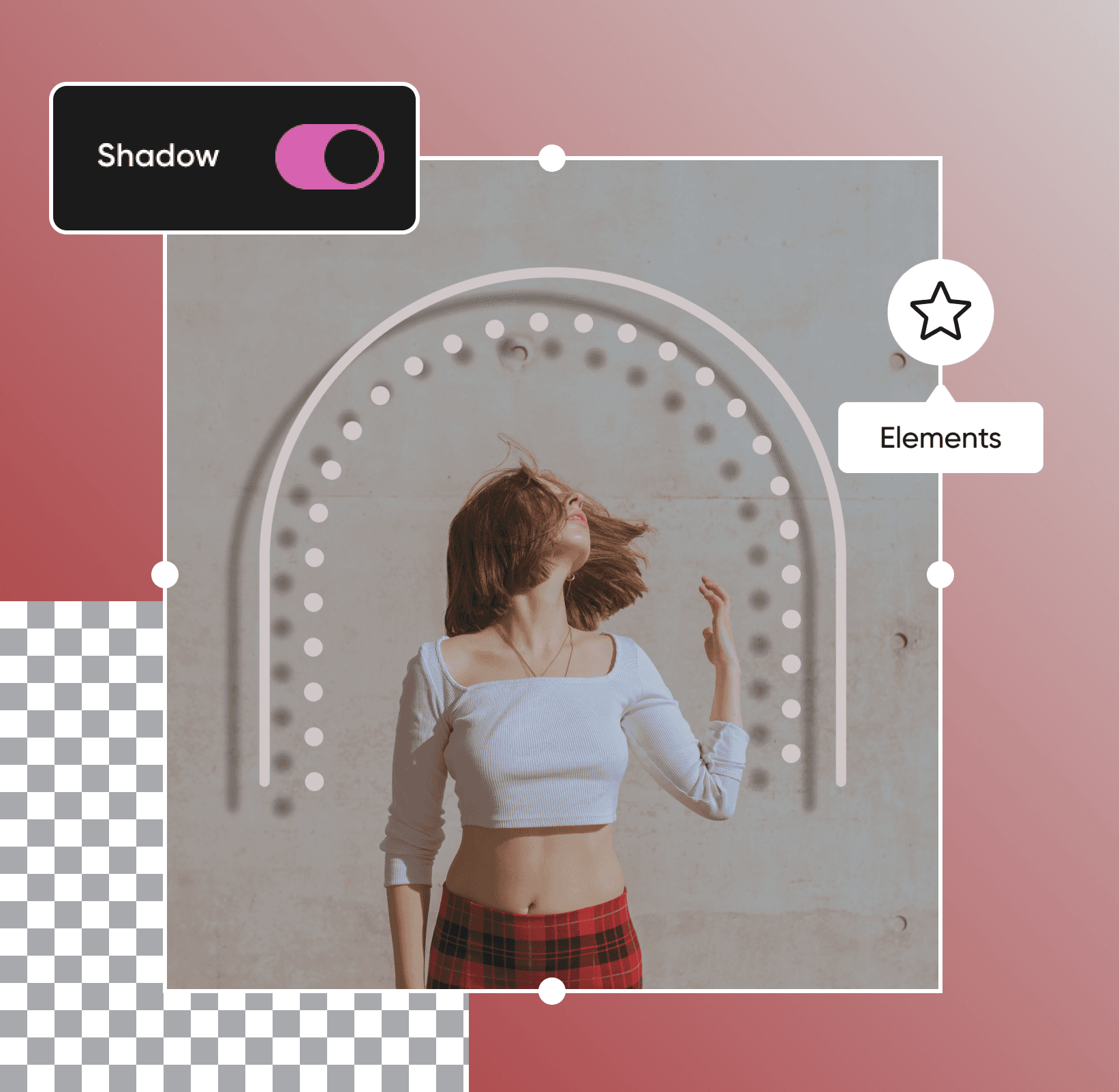
Mit Textschatten deine Botschaft vermitteln
Du möchtest deine Zielgruppe richtig ansprechen? Ob du deinen Marketingmaterialien den letzten Schliff gibst oder auffällige Eventplakate gestaltest – Schatten können den entscheidenden Unterschied machen. Mit unserem einfach zu bedienenden Schatten-Fotoeditor fügst du Text mit nur wenigen Klicks Schlagschatten hinzu, damit er sich deutlich vom Hintergrund abhebt. Schatten erzeugen zusätzlichen Kontrast zwischen deinem Text und dem restlichen Design. So bleibt dein gesamtes Design gut lesbar, übersichtlich und professionell.
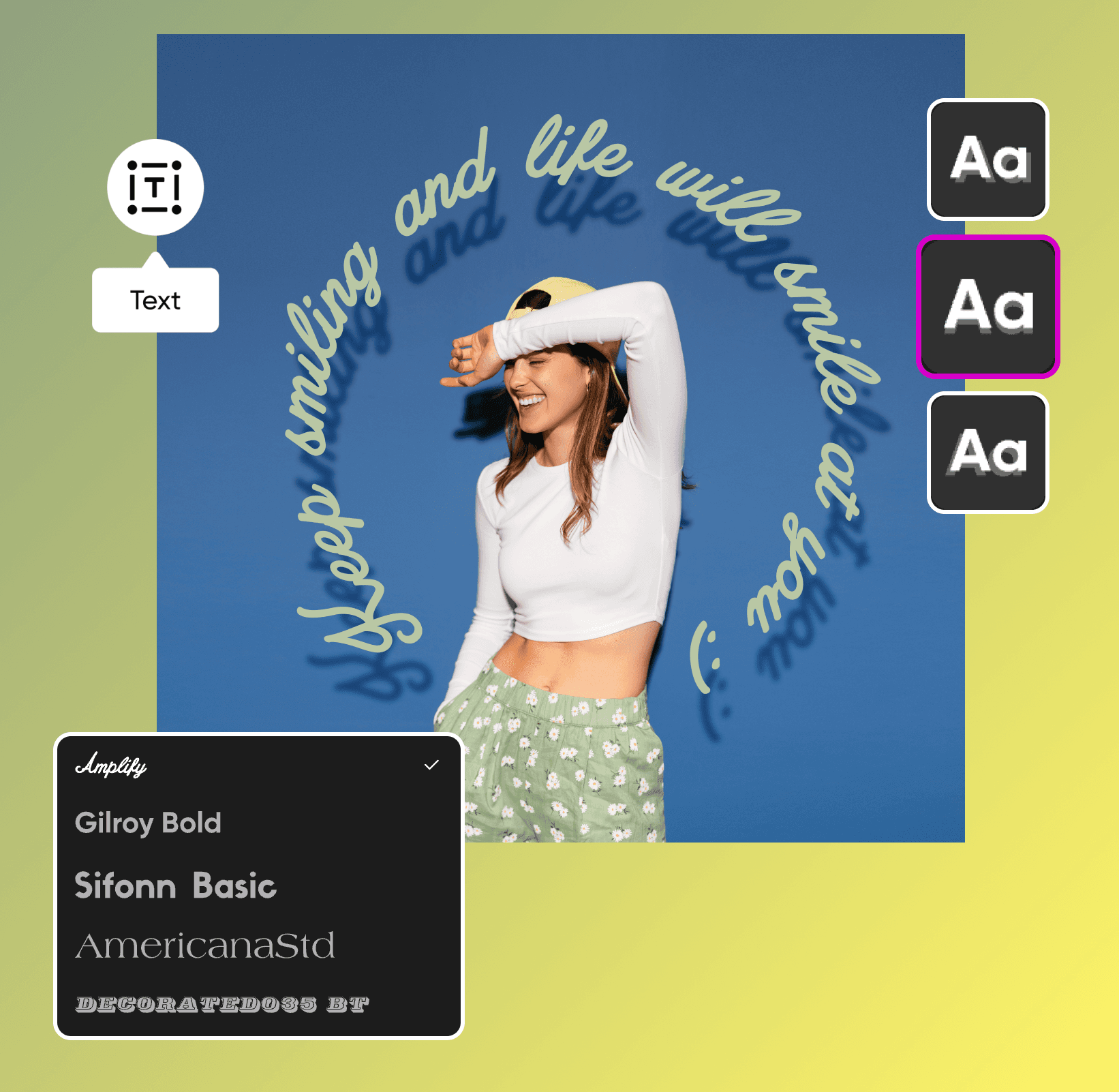
Setze deine Produktbilder mit Schatteneffekten in Szene
Von Etsy-Shops bis hin zu Websites kleiner Unternehmen: Mit unserer bald verfügbaren Schlagschattenfunktion wird es einfacher denn je, die Kunst der Bildkomposition mit Schlagschatten zu meistern. Wenn du einem bestehenden Foto neue Elemente hinzufügst, sorgen Schlagschatten dafür, dass deine Komposition natürlicher und ausgewogener wirkt. Ob du Produktbilder oder Werbematerialien bearbeitest – nutze unsere benutzerfreundlichen Bearbeitungstools, bevor du deine Designs mit der Welt teilst.
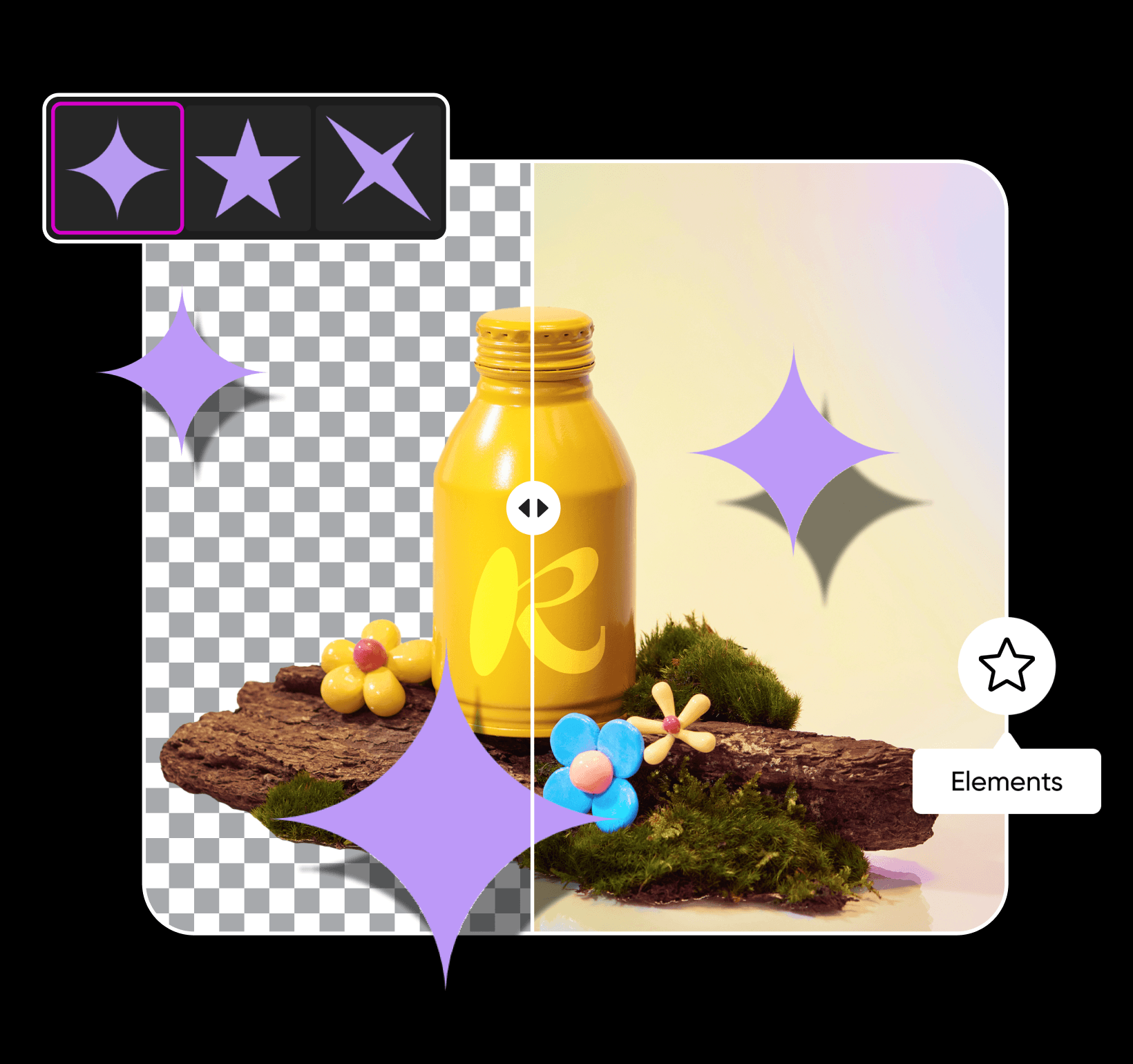
Stimme deinen Schatten ganz nach Wunsch ab
Du möchtest deinen Schatten anpassen? Nachdem du ihn deinem Foto hinzugefügt hast, kannst du Farbe, Deckkraft und Weichzeichnung ändern sowie Positionsvoreinstellungen für einen besonders realistischen Look auswählen. Wenn du deinen Schatten optimiert hast, bring deine Bilder mit unseren professionellen Bearbeitungstools aufs nächste Level. Lass deiner Kreativität mit angesagten Fotoeffekten, ausdrucksstarker Typografie, individuellen Stickern und weiteren Designelementen freien Lauf. Ganz gleich, wie deine Vorstellung aussieht – mit Picsart personalisierst du deine Bearbeitungen in wenigen Minuten.
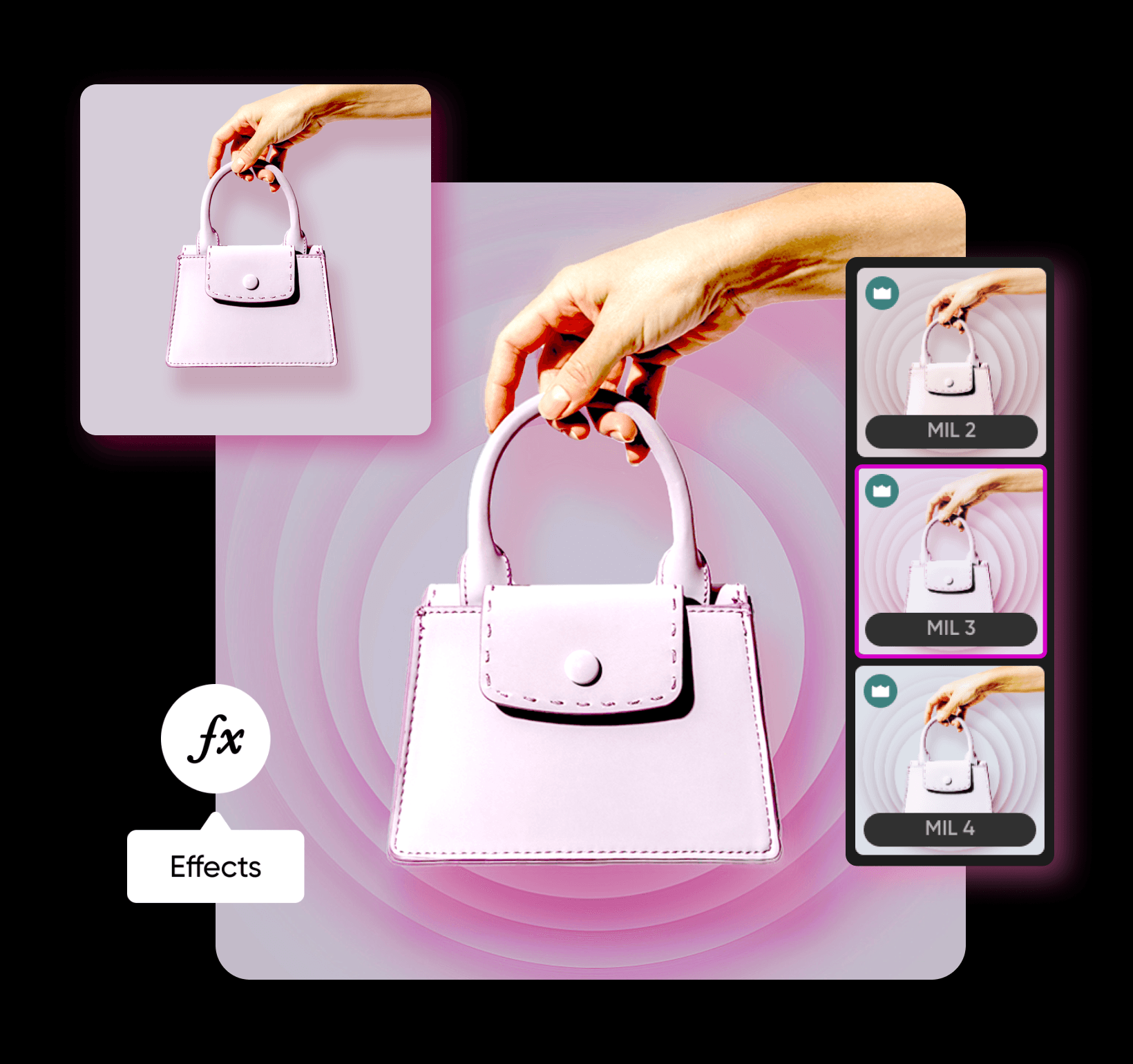
Schatten für Bilder mit KI-Bildmodellen hinzufügen
Verwende Bildmodelle, um Bilder mit Schatten in ausgefeilte Visuals, Designideen und sofort bearbeitbare Assets zu verwandeln.
Häufig gestellte Fragen zum Hinzufügen von Schatten zu Bildern
Klicke in der Symbolleiste links auf Elements und wähle ein Designelement aus. Anschließend kannst du dem Element einen Schatten hinzufügen und dessen Weichzeichnung, Deckkraft, Winkel und weitere Einstellungen anpassen.
Bearbeite Fotos für professionelle Creator-Inhalte
Pro
Most popularAI tools for everyday creative work.
Ultra
Most powerfulHeavy AI usage for creators & teams.
Enterprise
Custom AI solutions for large organizations.
- Volume discounts on credit rate
- On-demand top-ups


