Bilder entrauschen: Körnung mit KI aus Fotos entfernen
Erstelle mit dem KI-Entrauscher von Picsart klarere, schärfere und körnungsfreie Bilder. Nutze das Tool zur Rauschreduzierung, um Körnung und Verfärbungen zu entfernen und Bilder sofort in ihrer bestmöglichen Qualität wiederherzustellen.
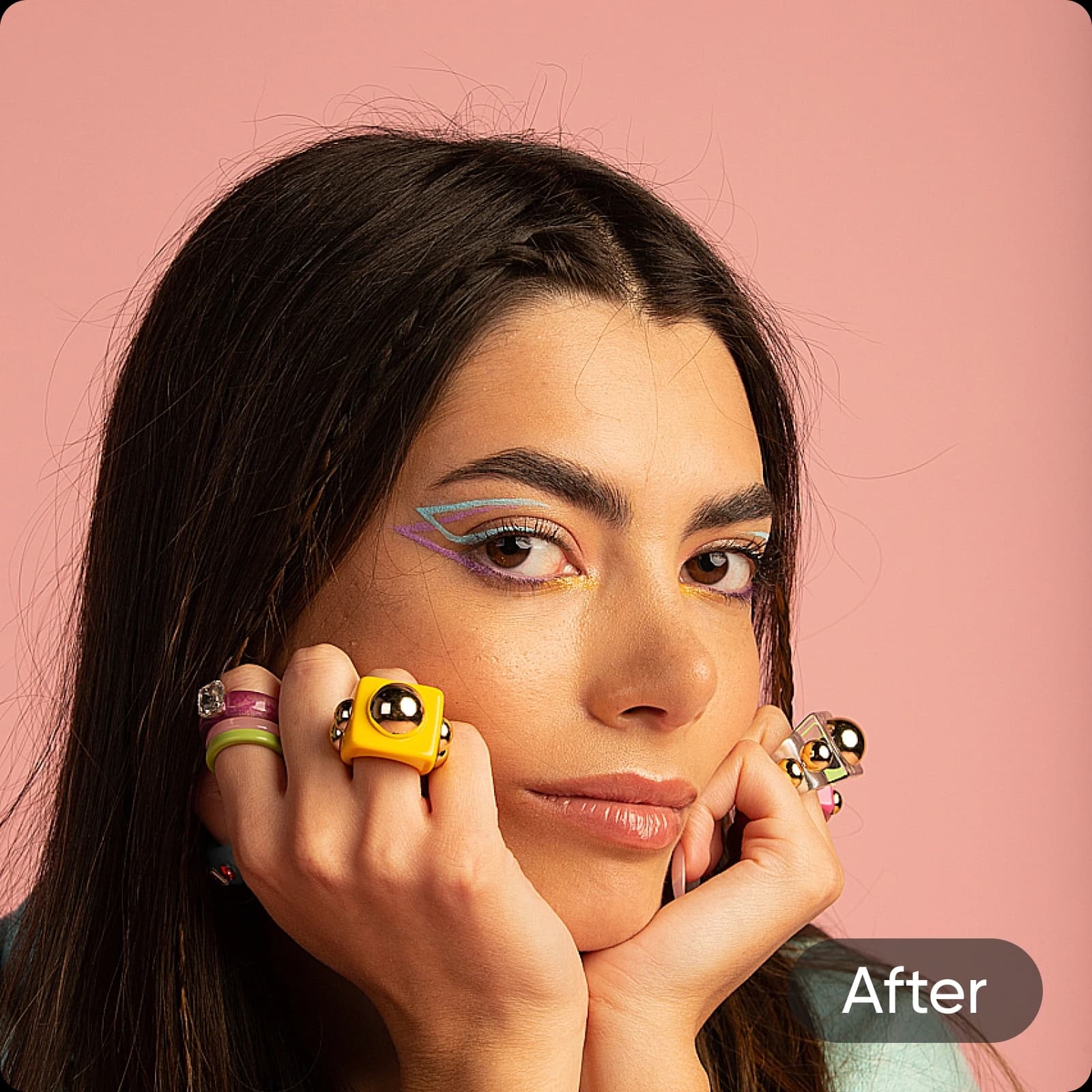
Warum Bildrauschen entfernen?
So entfernst du Bildrauschen aus Fotos
How to
Bild hochladen
Wähle über die Schaltfläche „Dateien durchsuchen“ oben ein Bild aus.
Körnung automatisch mit dem KI-Bildentrauscher entfernen
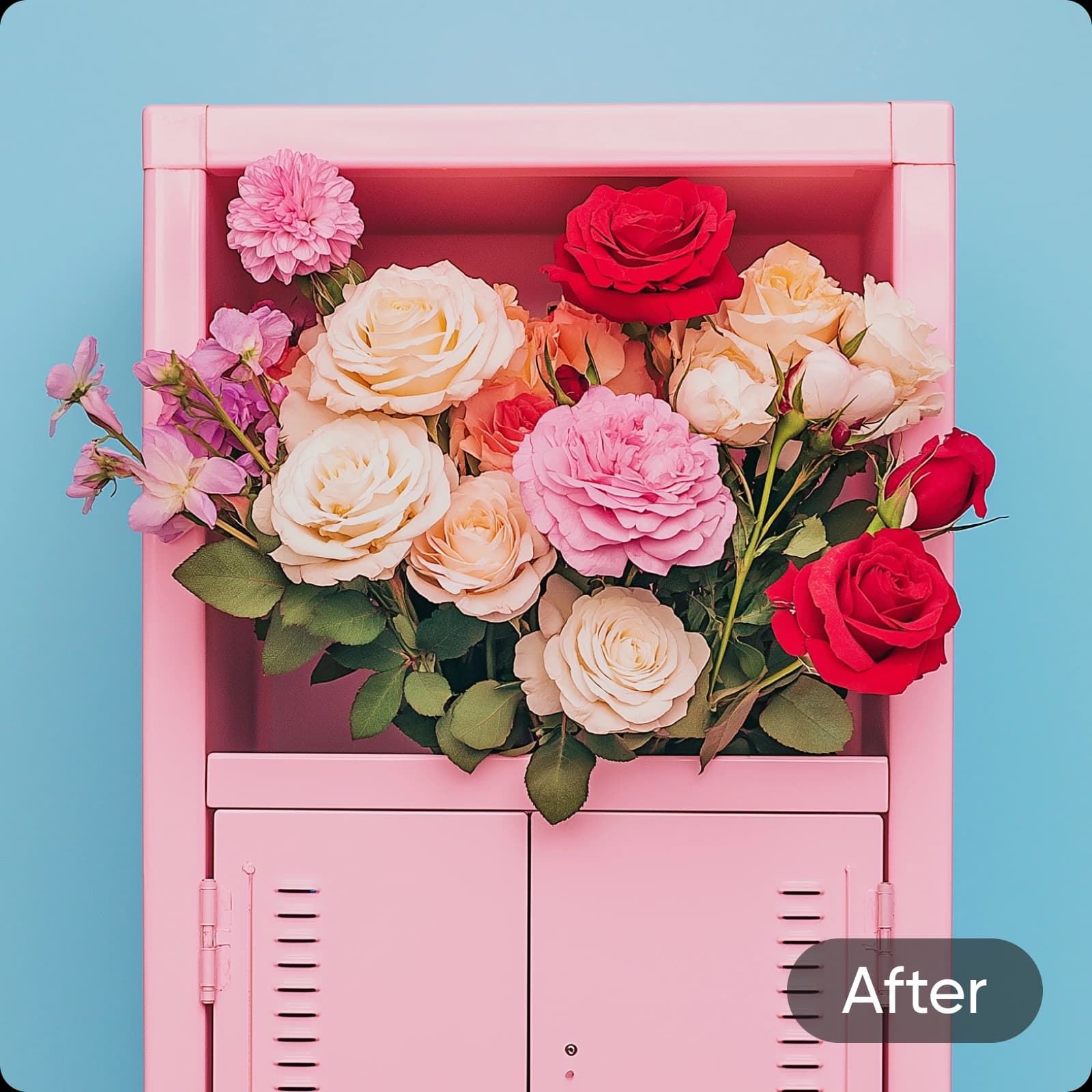
Verleihe körnigen, verschwommenen Fotos mit dem KI-Bildentrauscher von Picsart einen neuen Look. Die revolutionäre KI-Entrauschungsfunktion entfernt mühelos und sofort körnige Verzerrungen aus Bildern. Der einfache und effiziente Bildverbesserer von Picsart analysiert und korrigiert automatisch Fehler in deinen Fotos. So können Nutzer aller Erfahrungsstufen in Sekundenschnelle Bilder entrauschen und professionelle Ergebnisse erzielen.
- Störendes Bildrauschen reduzieren
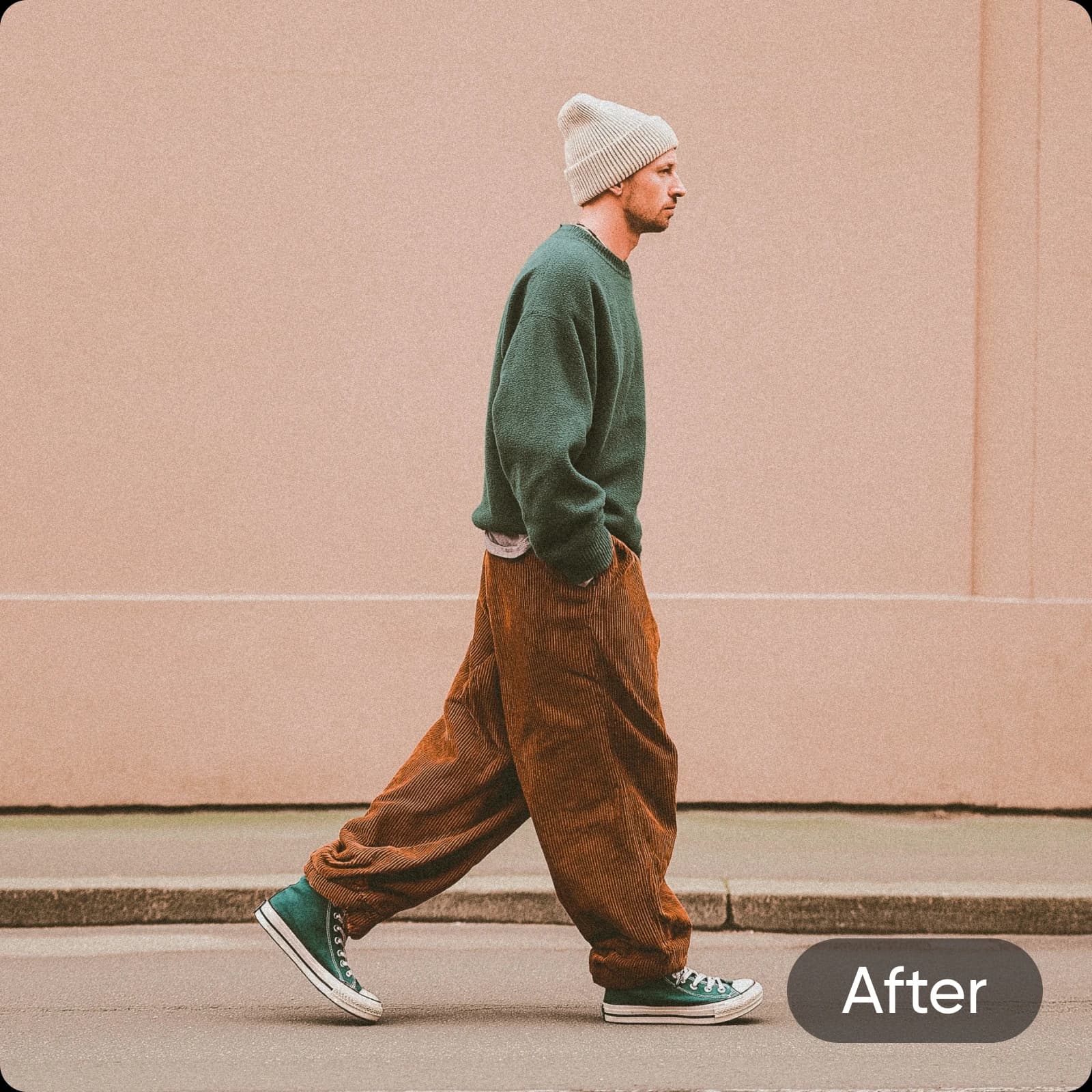
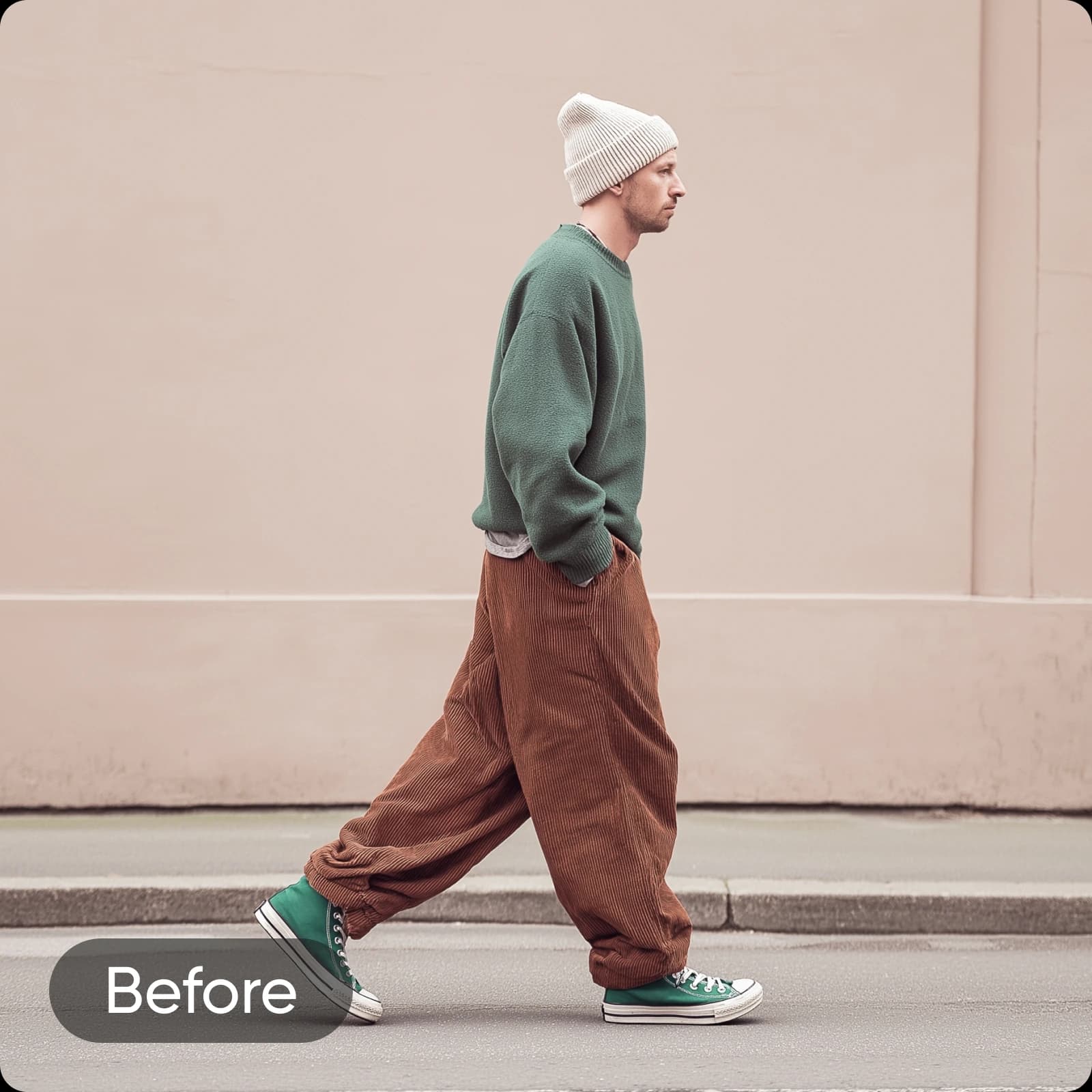
Erziele mit KI-Rauschreduzierung genau das wunderschöne Foto, das du dir vorgestellt hast
Lass kleine Makel niemals ein großartiges Foto ruinieren. Egal, ob du verschwommene Fotos korrigieren, Körnung aus Fotos entfernen oder Bilder schärfen möchtest: Mit dem KI-Bildentrauscher von Picsart lassen sich störende Hintergrundeffekte ganz einfach reduzieren. Die automatische Verbesserungstechnologie verwandelt nicht ganz perfekte Aufnahmen in website- und portfoliotaugliche Fotos. Damit ist das Tool ideal für Fotografen, die gestochen scharfe Bilder in hoher Qualität benötigen.
Körnung aus Fotos entfernen und professionelle visuelle Projekte gestalten
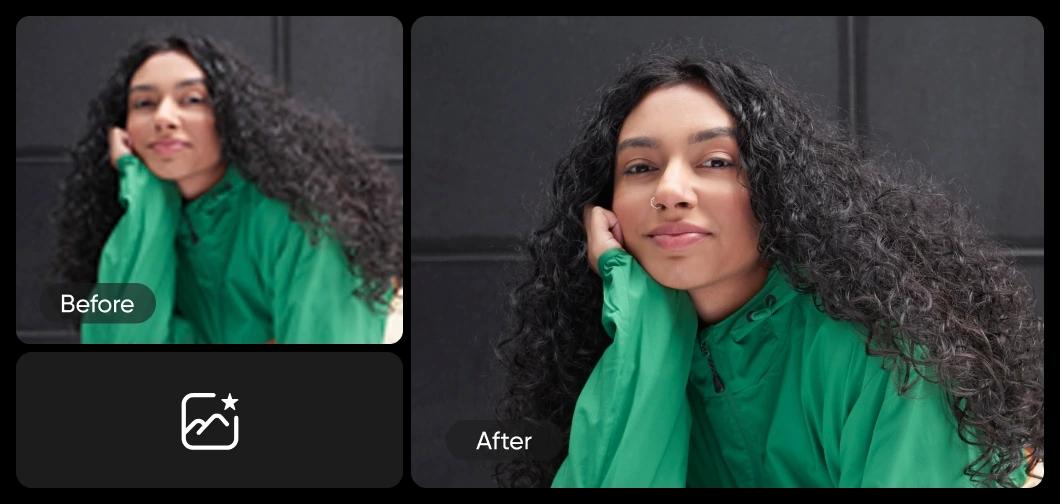
Arbeitest du an einer professionellen Präsentation, Social-Media-Beiträgen oder persönlichen Fotos? Ganz gleich, um welches Projekt es geht: Das KI-Entrauschungstool bringt die besten Details deiner Fotos zur Geltung. Nutze die KI-Rauschreduzierung, um Bilder zu entpixeln und ihnen so schärfere Details, lebendigere Farben und glattere Texturen für ein ansprechendes Ergebnis zu verleihen.
- Saubereres Bild für dein Design vorbereiten
Spare Zeit und entrausche Fotos stapelweise
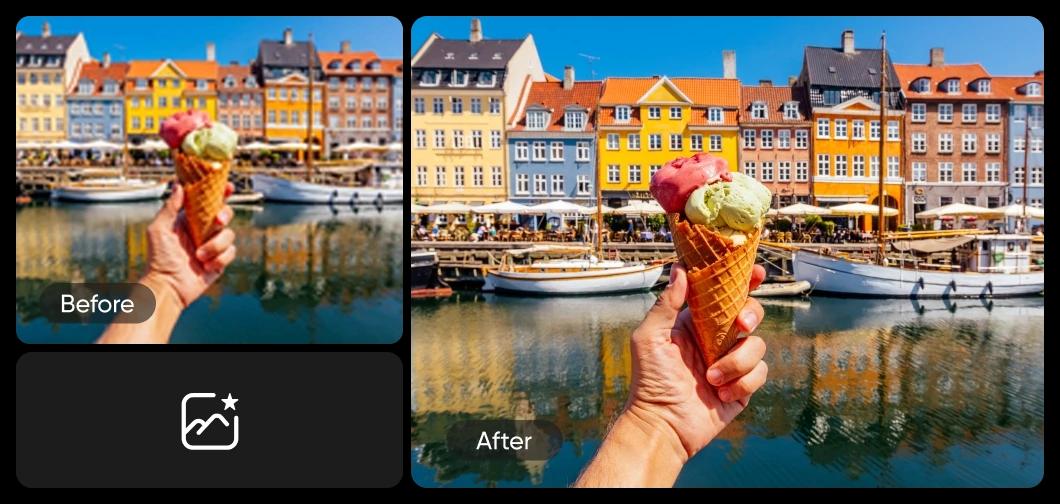
Du musst viele Fotos bearbeiten? Spare Zeit und optimiere deinen Workflow, indem du die Rauschreduzierung auf mehrere Bilder gleichzeitig anwendest. Wenn Lichtverhältnisse oder Kameraeinstellungen zu mehreren unterbelichteten Bildern führen, kannst du mit dem KI-Entrauscher für die Stapelverarbeitung deine Lieblingsfotos retten und lange Bearbeitungssitzungen verkürzen.
Markenvisuals mit dem KI-Bildentrauscher aufwerten
In einer visuell geprägten Welt zählt der erste Eindruck. Ob Fotografie, Grafikdesign, Marketing oder Social Media: Klare und lebendige Bilder erzählen eine einprägsame Geschichte über dein Unternehmen. Integriere den KI-Entrauscher in deinen Bildbearbeitungs-Workflow, um Bildrauschen in Fotos stapelweise zu entfernen, professionelle Standards einzuhalten und aus den richtigen Gründen Aufmerksamkeit zu erregen.

Bilder entrauschen mit einem Tool zur Rauschreduzierung, das alles kann
Erledige mehr mit weniger Aufwand. Nutze KI zum Entrauschen, um die Bildqualität zu verbessern und gleichzeitig verschiedene Optimierungsfunktionen anzuwenden. Die Auswahl an KI-Designtools von Picsart macht es ganz einfach, Bildrauschen in Fotosammlungen jeder Größe zu entfernen und Körnung, Unschärfe und mehr zu reduzieren.
- Foto nach Entstörung weiter bearbeiten
Häufig gestellte Fragen zum KI-Entrauscher
Unerwünschtes Bildrauschen kann die Qualität eines Bildes beeinträchtigen und zu körnigen Stellen, Verfärbungen und einem allgemeinen Detailverlust führen. Je nachdem, wie und wo du das Bild verwendest, kann die Qualität durch wiederholte Bearbeitung weiter abnehmen und das Bild zunehmend verschwommen wirken. Ein Bildentrauscher sorgt wieder für ein glatteres, klareres Erscheinungsbild mit schärferen Details und besserem Farbkontrast. So lässt sich das Foto vielseitiger einsetzen.
Verbessere die Bildqualität für professionelle Creator-Inhalte
Pro
Most popularAI tools for everyday creative work.
Ultra
Most powerfulHeavy AI usage for creators & teams.
Weitere beliebte Tools von Picsart


