Online certificate maker
Create certificates to honor achievements and recognize standards of excellence. Picsart’s online certificate maker allows you to transform a blank canvas into a document of lasting significance thanks to its user-friendly design tools and designer templates.
- Give achievements a personal touch
- Keep names and details readable
Design certificates with AI image models
Use image models to transform certificates into polished visuals, design ideas, and ready-to-edit assets.
Speed up the creative process with certificate templates
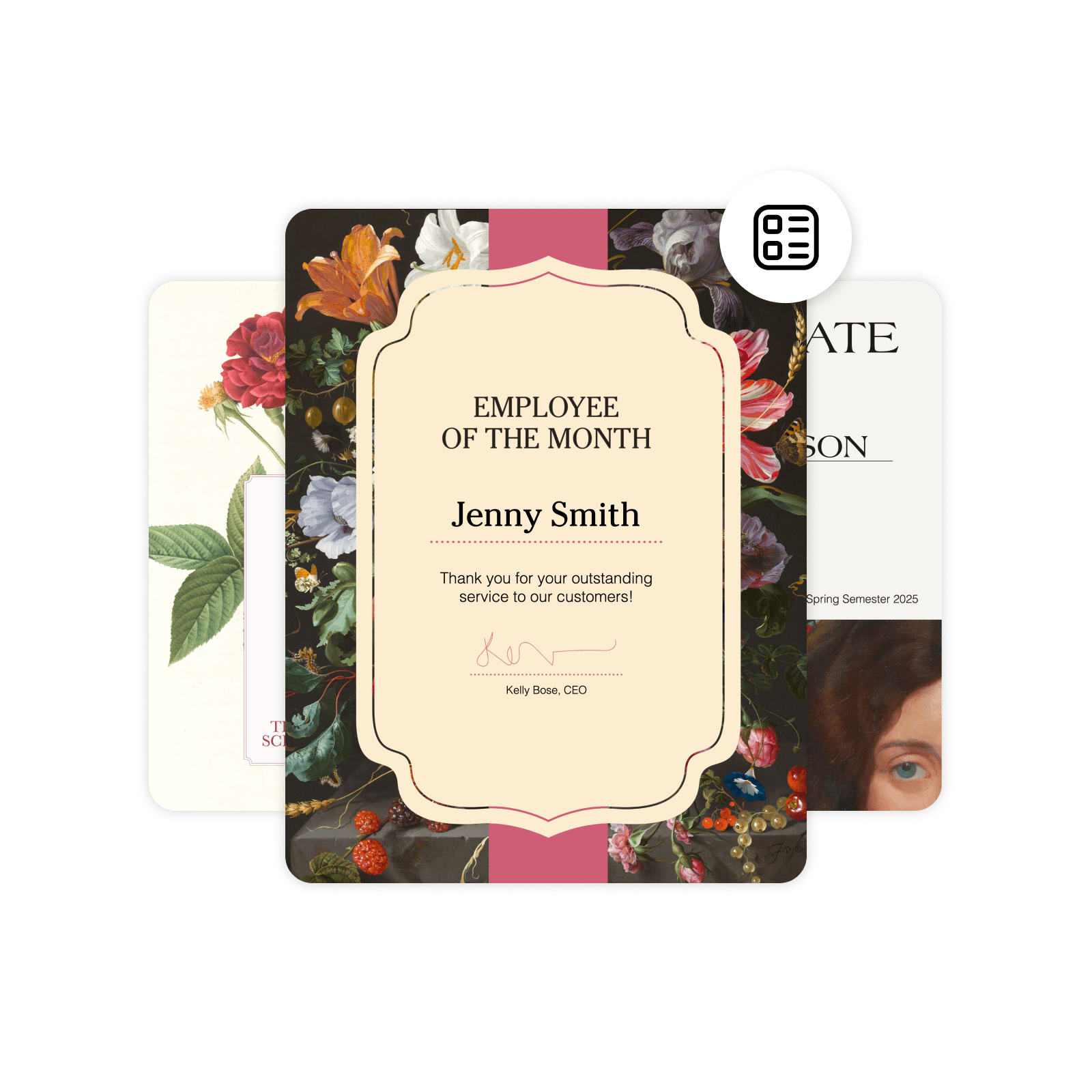
Take advantage of designer-created templates to make a certificate online quickly and with minimal effort. From sophisticated to whimsical, Picsart’s online certificate editor offers high-quality templates in a range of styles for popular occasions such as course completion, attendance, and employee of the month.


How to make certificate
How to
Open the certificate maker
Select the Start creating button to launch the certificate editor.
Capture important milestones on paper with a certificate maker
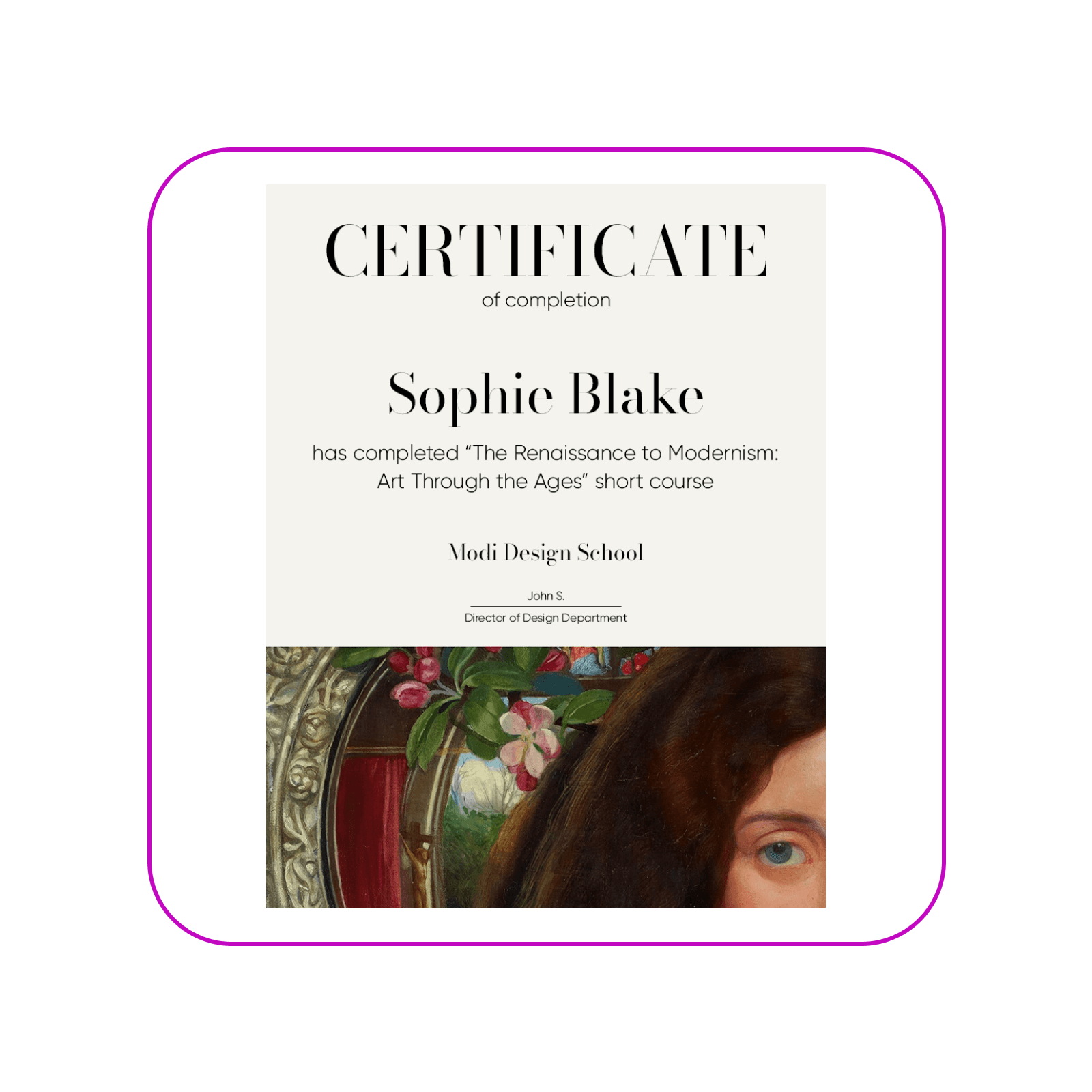
Certificates serve as a lasting symbol of accomplishment and provide a visual reminder to stay motivated. Create certificates online to put a spotlight on professional, educational, or personal achievements. With Picsart’s certificate creator, the handy photo editingfeatures make it easy to assemble a professional, visually appealing design in a matter of minutes.

Create certificates with every element configured to your taste
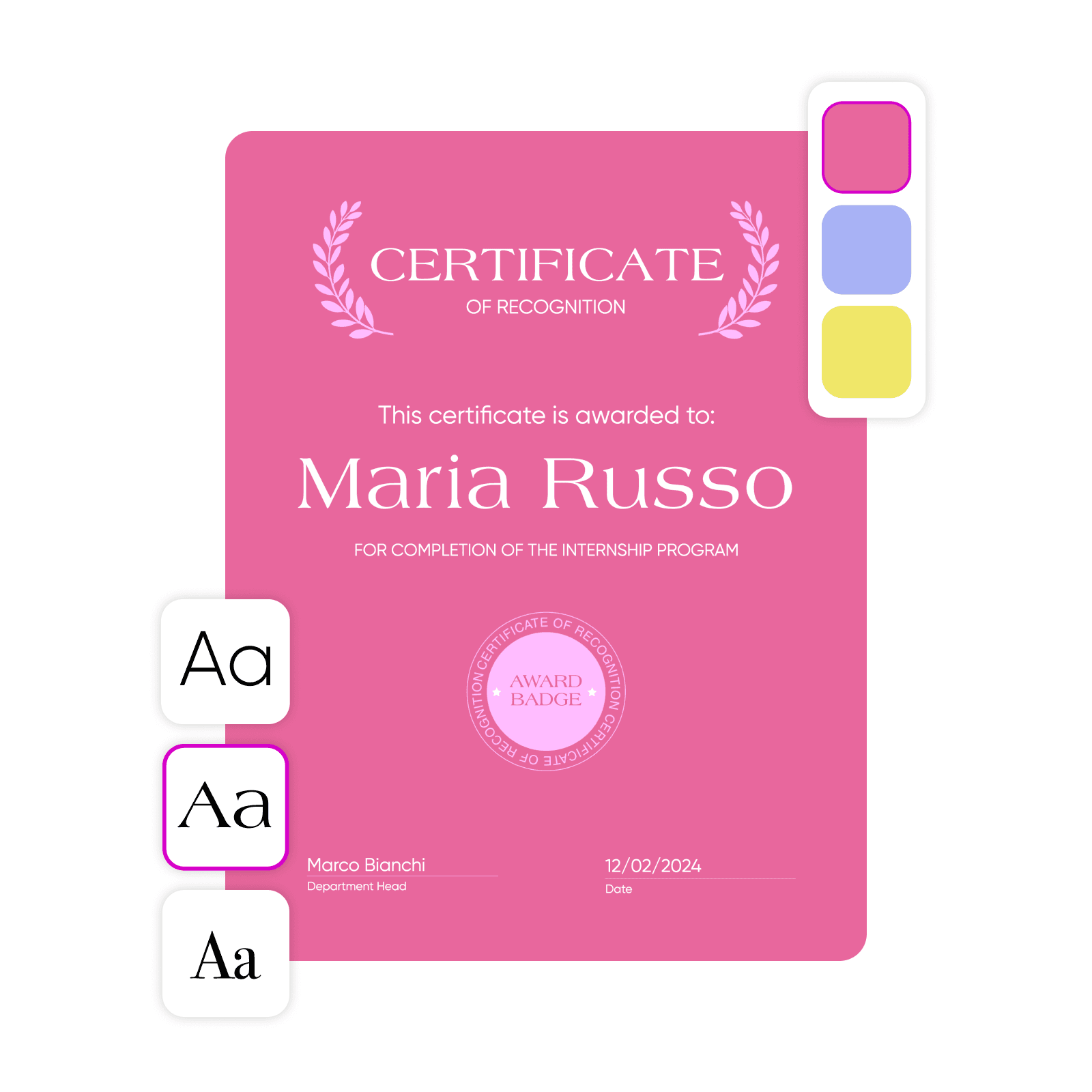
Enjoy creative control at every step. Customize the text, choose the perfect background color, upload brand photos or logos, and even add watermarks. Picsart’s certificate maker features an intuitive drag-and-drop interface, allowing you to effortlessly adjust almost every element. Create your own certificates from scratch to ensure they align with your personal or business branding. The best part— you don’t need any design experience at all.
Make Picsart’s certificate creator work for your business
Never skip an opportunity to show appreciation and encouragement for employees, students, or clients. With a professional certificate maker, document creation is so simple and efficient that businesses of all types and sizes can make time to recognize memorable moments, including:
Educational institutions: Make certificates to celebrate graduations, course completions, and other academic achievements.
Small businesses: Create gift certificates and vouchers with your business branding to distribute as customer rewards.
Human resource teams: Give out employee recognition certificates for performance, service, or special contributions.
Event organizers: Incorporate branding elements into participation certificates for conferences, seminars, and workshops.

Contests, loyalty programs, workshops—make certificates for all occasions
Design certificates the recipients will be proud to receive. Picsart’s certificate generator is ideal for celebrating completions and achievements in sports, education, events, or professional training. Need a more specialized design? Thanks to the diverse template library and customization features, you can create certificates for any activity you deem worthy. From fun, creative designs for kids to formal certificates of authenticity, Picsart gives both businesses and individuals the flexibility to decide which moments matter.

Discover more uses for the online certificate maker
Make Picsart’s award certificate maker your go-to tool for creating professional documents. The all-inclusive design tools give you the option to compose digital and print documents in a variety of formats for business, education, or personal use. Go beyond award certificates, and create PDFs, reports, or storyboards—whatever project is next on your agenda.
Certificate maker FAQ
The most common size for a certificate is 8.5 x 11 inches, the standard dimensions of a sheet of paper. However, feel to choose custom dimensions for your certificates. If you want to upload an image or select one from Picsart’s library to use as a background, you can easily use the image resizertool and adjust the photo to fit your desired layout without distortion.
More tools to love
Quiz maker
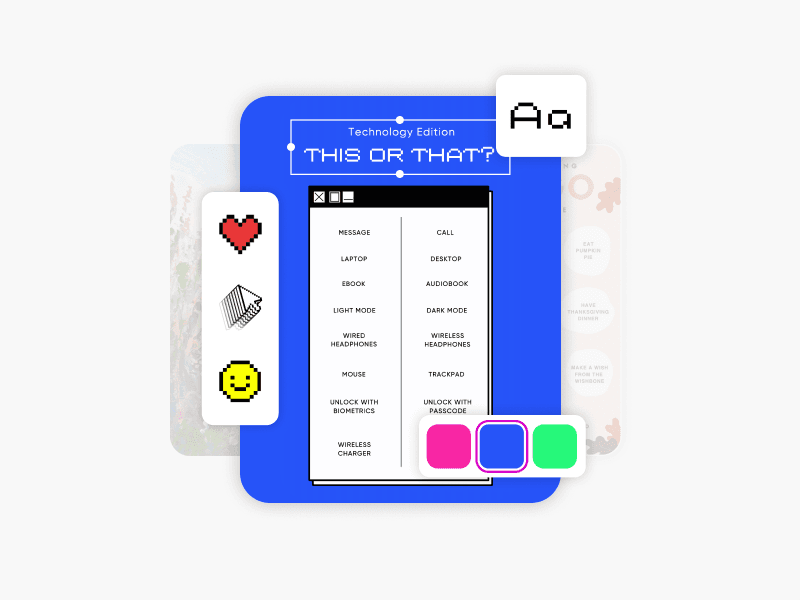
Design fun quizzes for learning, marketing, and social media engagement.
Document maker
Draft print-ready reports, presentations, and more with Picsart’s document maker.
Storyboard maker
Craft storyboards faster with storyboard templates and drag-and-drop tools.
Label maker
Create professional-quality labels for products with Picsart’s label maker.
Invoice maker
Design custom records of bills and transactions with Picsart’s invoice maker.
Infographic maker
Create informative infographics using Picsart’s ready-to-use templates.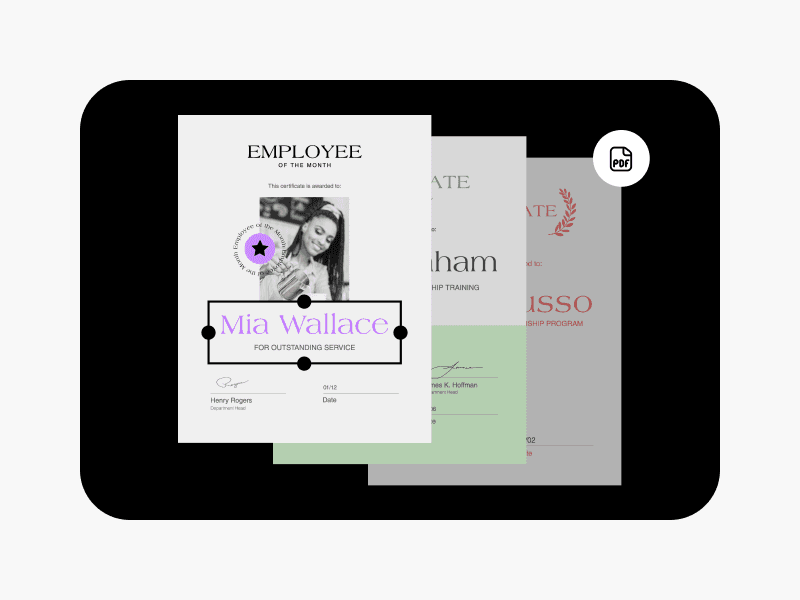
PDF maker
Instantly craft polished PDF files with Picsart’s template collection.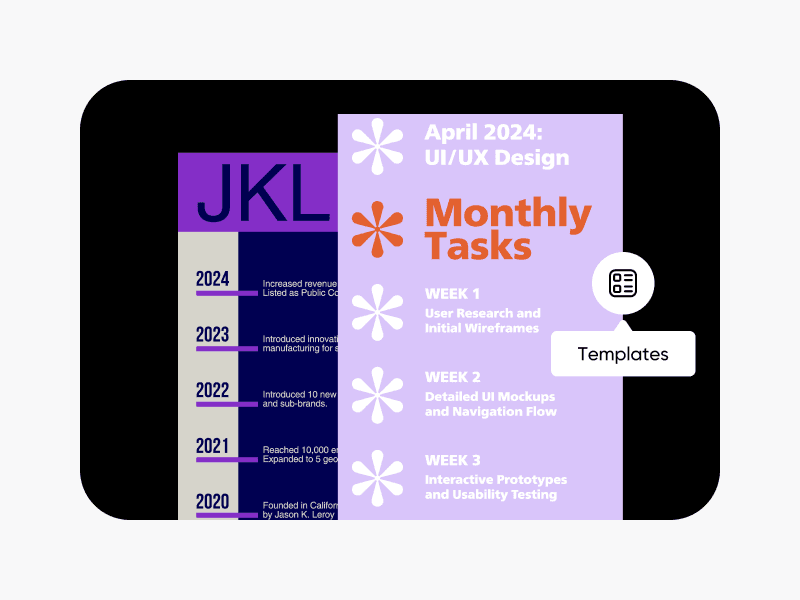
Timeline maker
Create visually appealing timelines with ease using Picsart’s template library.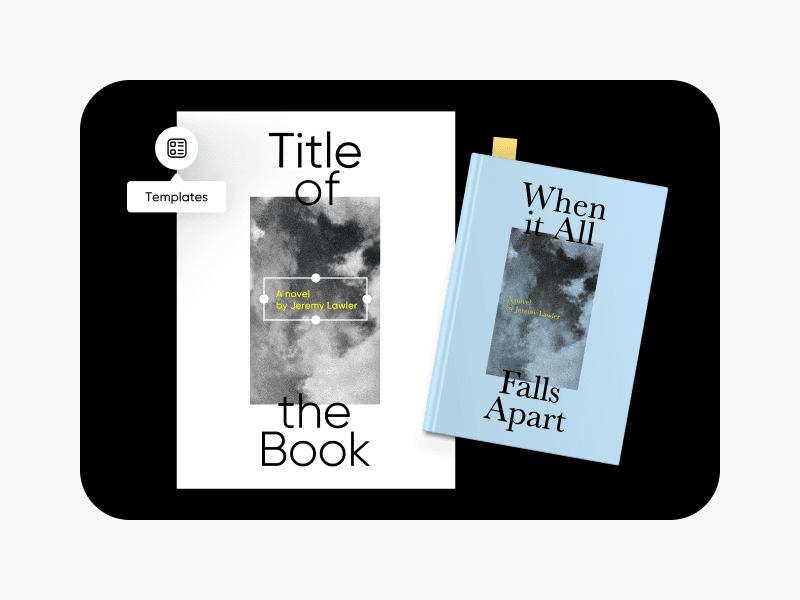
Book cover maker
Give your books unique covers using Picsart’s book cover maker.
Design certificates for brands, events, and social content
Pro
Most popularAI tools for everyday creative work.
Ultra
Most powerfulHeavy AI usage for creators & teams.
Enterprise
Custom AI solutions for large organizations.
- Volume discounts on credit rate
- On-demand top-ups