Sketch and ideate for free with Draw
Get a more hands-on approach to expressing your creativity with the Picsart Draw. Effortlessly sketch your ideas with an extensive set of drawing tools packaged into one easy-to-use interface.
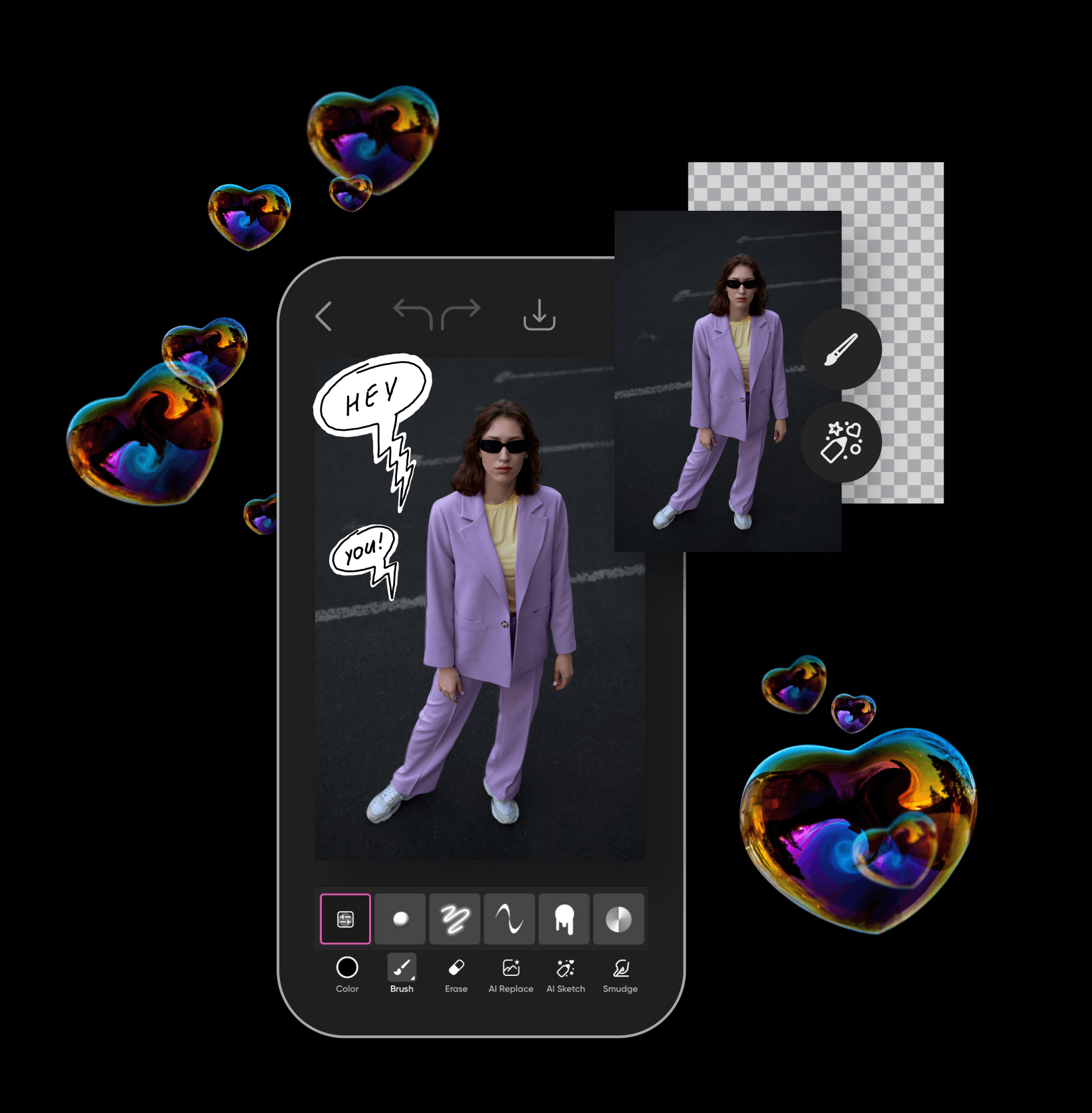
How to create sketches using Draw

Visualize effortlessly with the Picsart drawing tool
Bring your ideas to life with an easy-to-use drawing tool. Use a comprehensive set of brushes to easily highlight important information, brainstorm for new ideas, and even draw concept art. Start from a blank background or draw on one of your existing images.
Draw online right from your browser
Visualize your ideas and draw online art right from your browser without needing to install any apps. Just open the webpage and start drawing. It’s that simple. And if you need to make last-minute changes on the go, just switch to Picsart’s mobile apps and you’ll find all the features you need there too!
Jot down ideas with ease and style
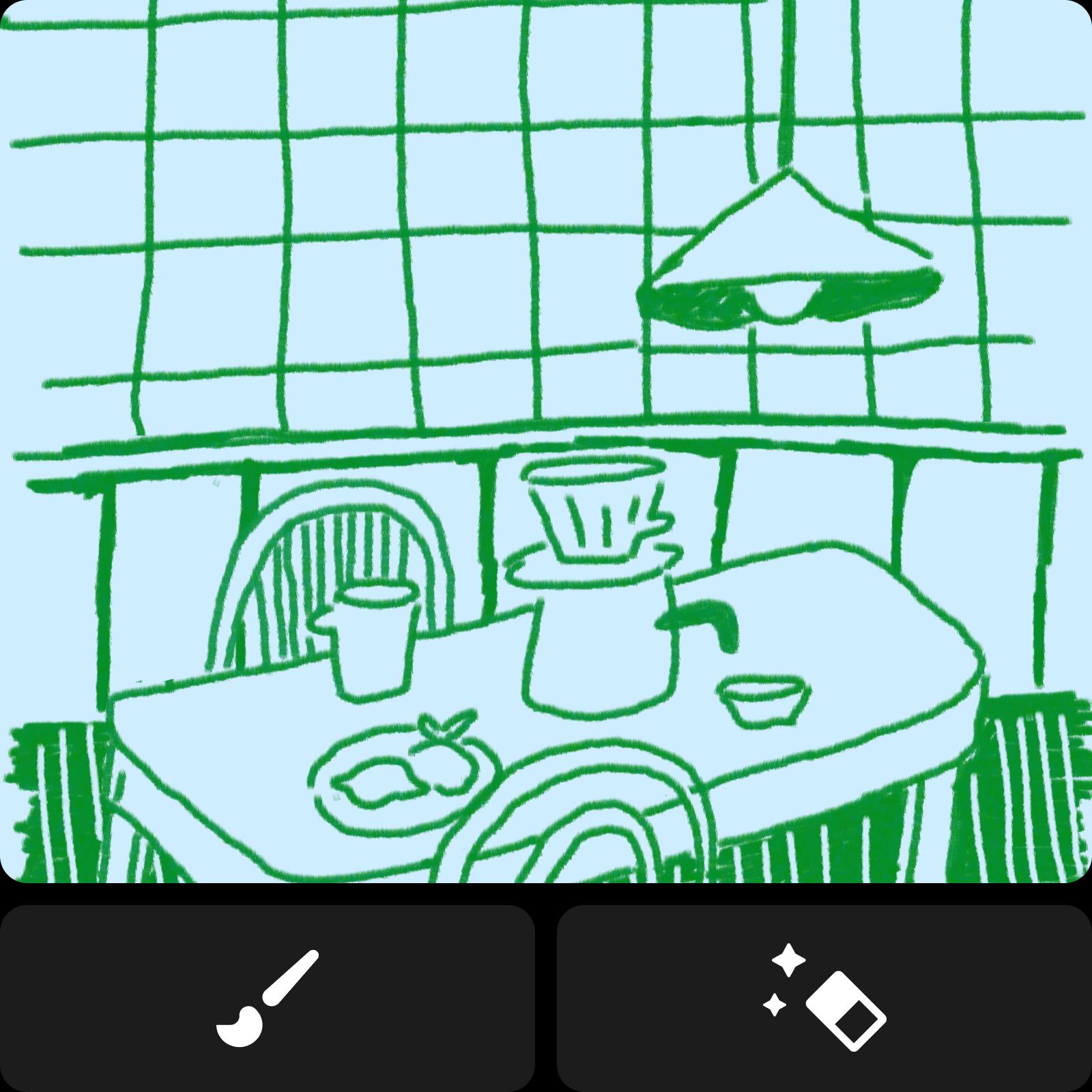
No idea is too ambitious with the Picsart drawing tool. Access a suite of brushes and erasers that will allow you to visualize any idea big or small. Customize your drawings down to the pixel by adjusting settings like size, opacity, spacing, scatter, and more. Looking to speed things up? Quickly add visual elements by tapping into Picsart’s large library of stickers or use the photo editor to turn an existing photo into a sketched sticker.

Quickly annotate and visualize data
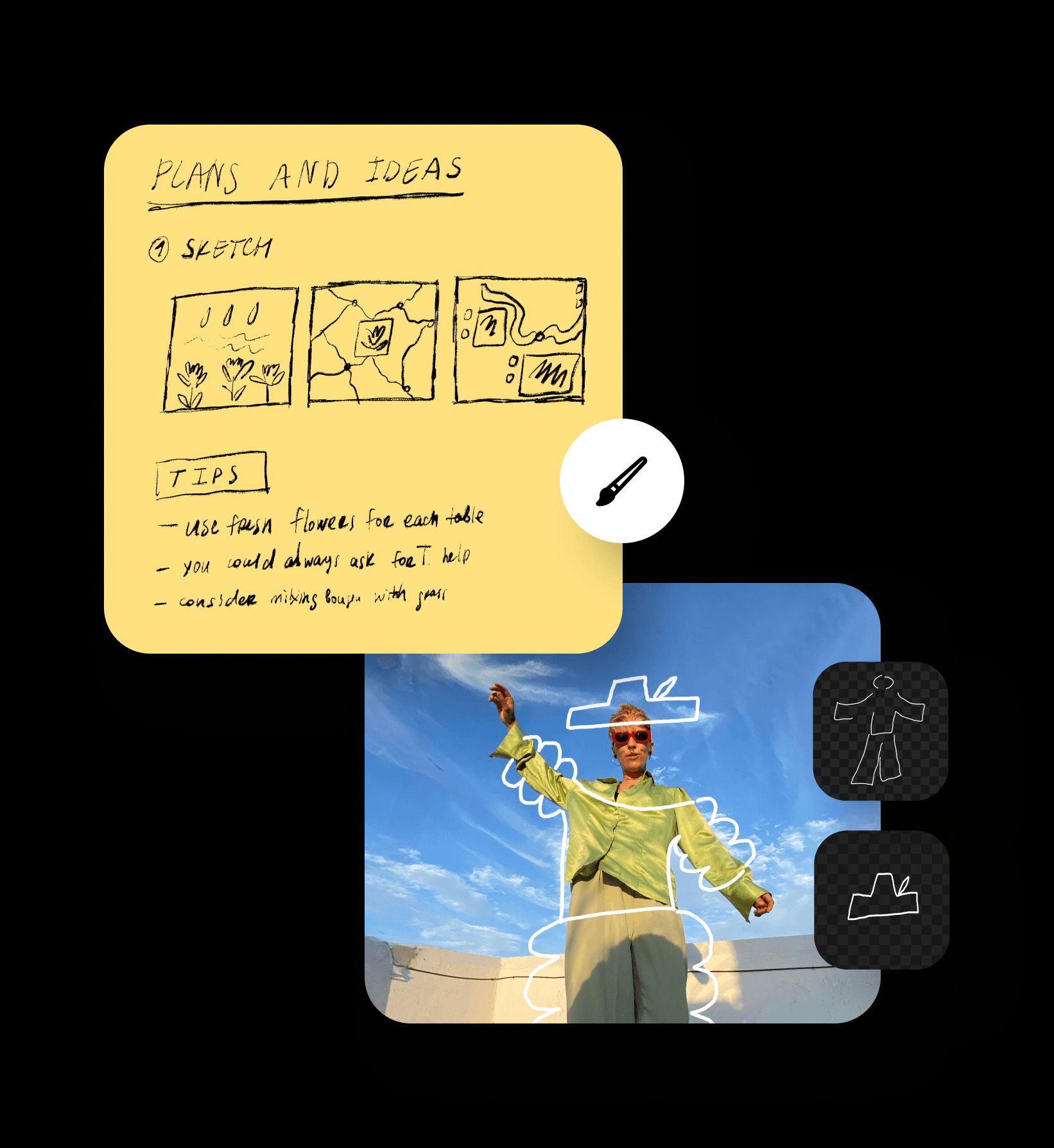
Effortlessly highlight important ideas with the online drawing tool using a selection of brushes perfect for annotating or concealing sensitive information. Use ready-to-go shapes like pointers and ellipses to speed up your review process and make everything look perfect. Get more freedom and flexibility with your charts, graphs, and mini-maps with the Draw tool. Effortlessly organize complex ideas into neat, hand-drawn visuals on the go.

Draw like a pro with traced art
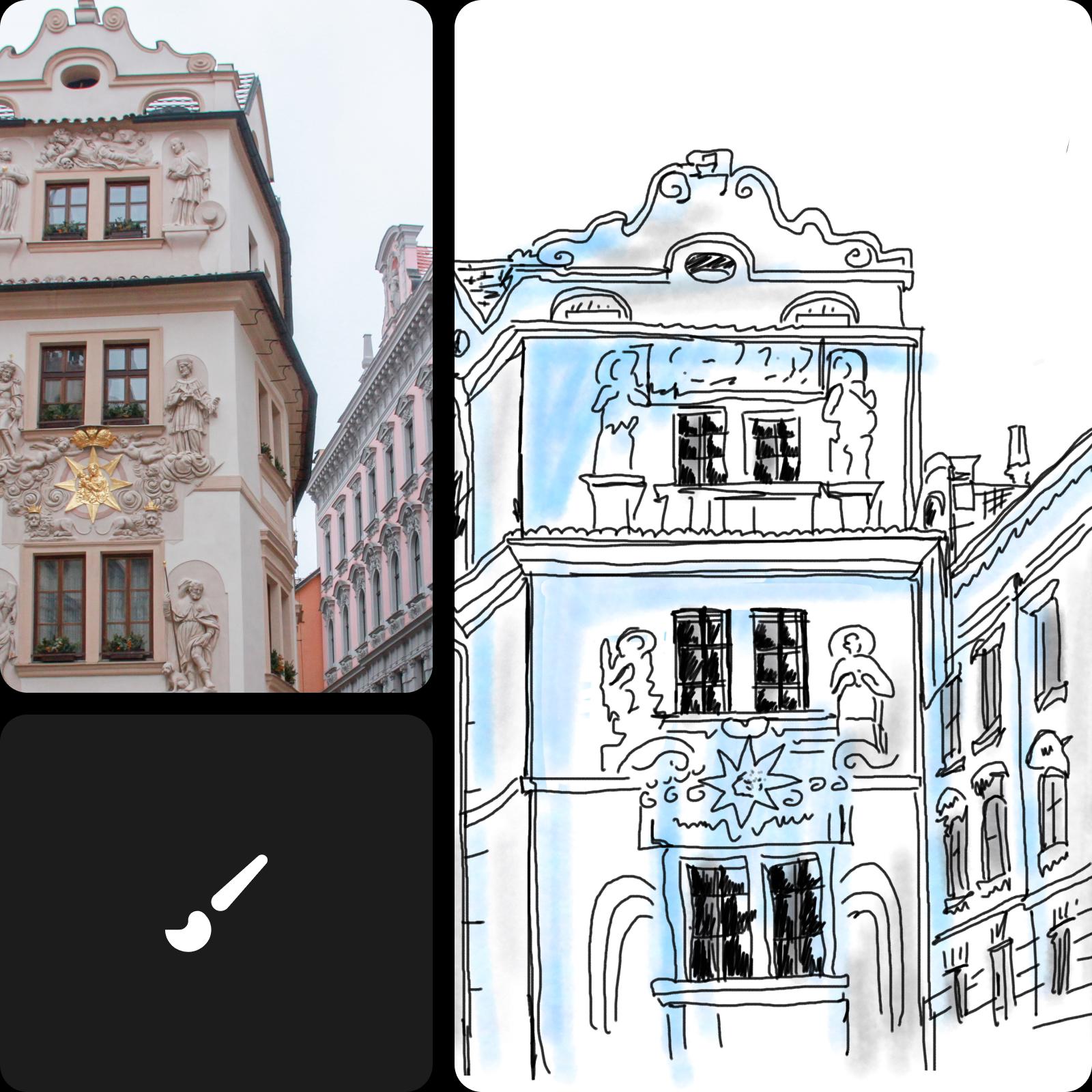
Draw your own version of an existing artwork or photo by using the Draw tool for tracing. Just upload your image and use the brushes for tracing and coloring. With a comprehensive set of drawing tools, you can create drawings of any artistic style with ease. And don’t forget to capture your artistic journey by using the Record tool to create a timelapse video of your drawing process.
Picsart Draw FAQ
Yes, you can use the Picsart Draw tool free of charge.
Discover more AI tools
Turn ideas into completed projects with the speed of light by utilizing AI superpowers.



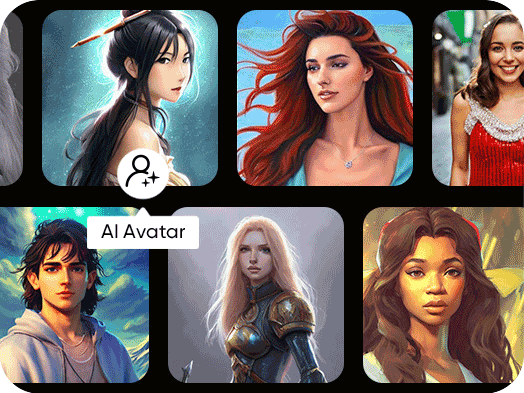
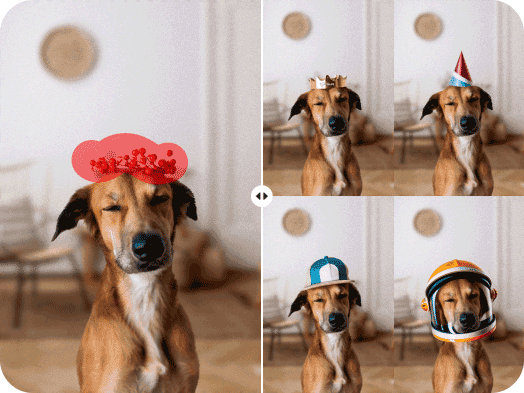

Design original visuals for every creator project
Pro
Most popularAI tools for everyday creative work.
Ultra
Most powerfulHeavy AI usage for creators & teams.
Enterprise
Custom AI solutions for large organizations.
- Volume discounts on credit rate
- On-demand top-ups