Picsart for Codex: One install, 140+ models, straight in your code.

Design resumes with AI image models

Use image models to transform resumes into polished visuals, design ideas, and ready-to-edit assets.

GPT Image 2New
Next-gen GPT image model with arbitrary output dimensions and multi-image input.Reference inputImage generationSee model
Nano Banana 2New
Fast 4K generation with accurate text and search-grounded accuracy.4KFast generationImage generationSee model
Nano Banana ProNew
Top-tier 4K images with precise multilingual text rendering.4KPro qualityImage generationSee model
Flux 2 FlexNew
Adaptable generation across varied visual styles at 2K.Image generationSee model
Seedream 5.0 Lite
Speedy 3K output with negative prompt and dual-image input support.Reference inputFast generationImage generationSee model
Kling 3.0 Image
Cinematic visuals with up to 4K resolution and 10 reference images.Reference input4KCinematicSee model
Kling O1 Image
O1-architecture image generation with multi-reference support.Reference inputCinematicImage generationSee model
Kling V2 New Image
Latest V2 image generation with optional restyle via image reference.Reference inputCinematicImage generationSee model
Hunyuan V3
Infographic-friendly generation with readable text and cfg control.Image generationSee model
Luma UNI-1
Luma UNI-1 — agentic image generation and editing with up to 9 reference images.Reference inputCinematicImage generationSee model
Luma UNI-1 Max
Luma UNI-1 Max — higher-quality UNI-1 variant with the same multi-reference editing controls.Reference inputCinematicImage generationSee model
Seedream 4.5
Detailed 4K renders with clean in-image text and dual-image input.Reference input4KImage generationSee model

How to make a resume

1

Open the resume maker

Use the the Create my resume button to launch the resume builder.

2

Select a template

3

Customize

4

Download

Get career-boosting results with resume templates

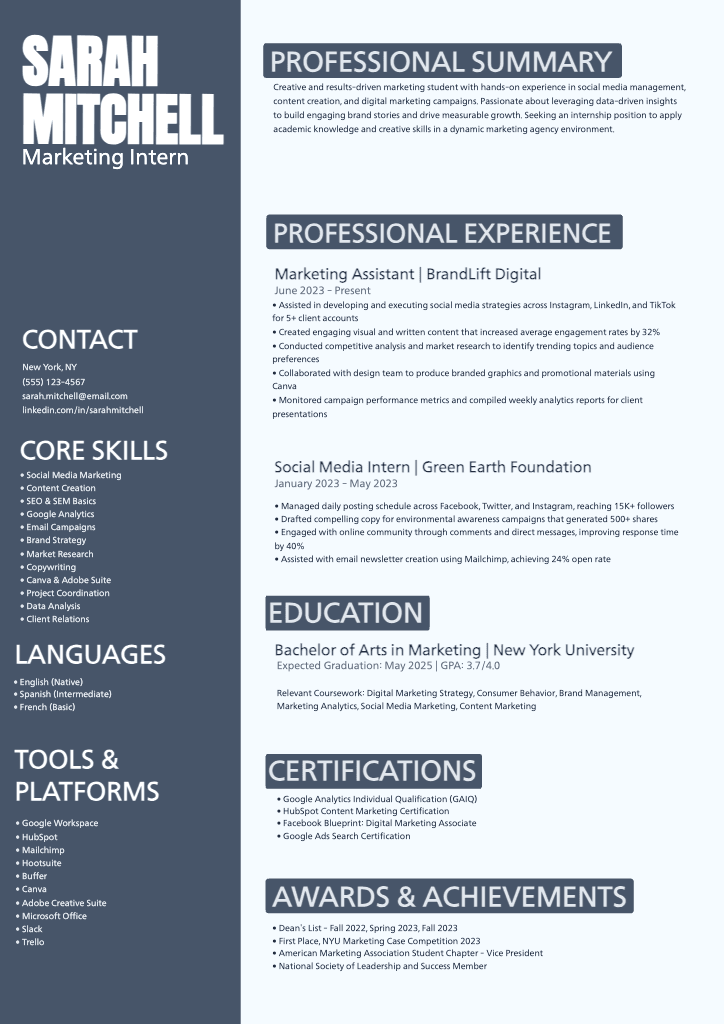
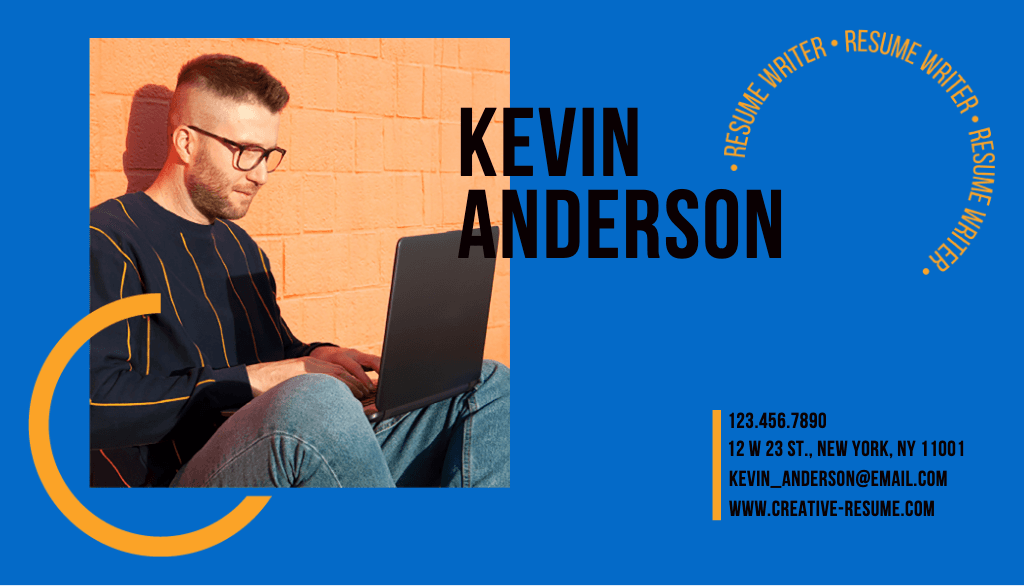
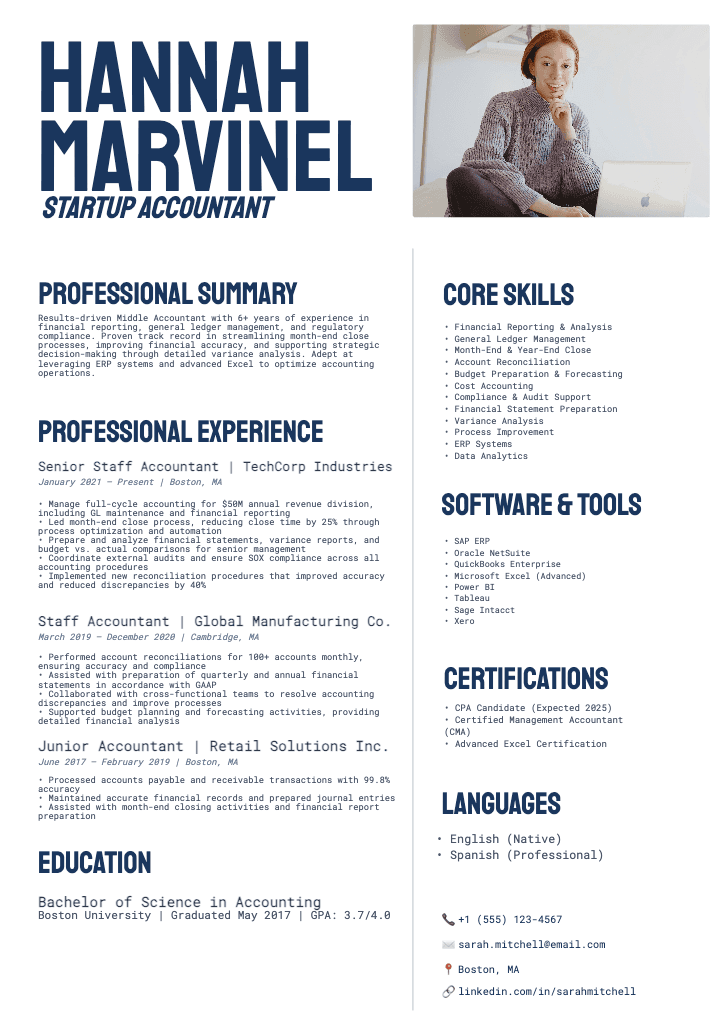
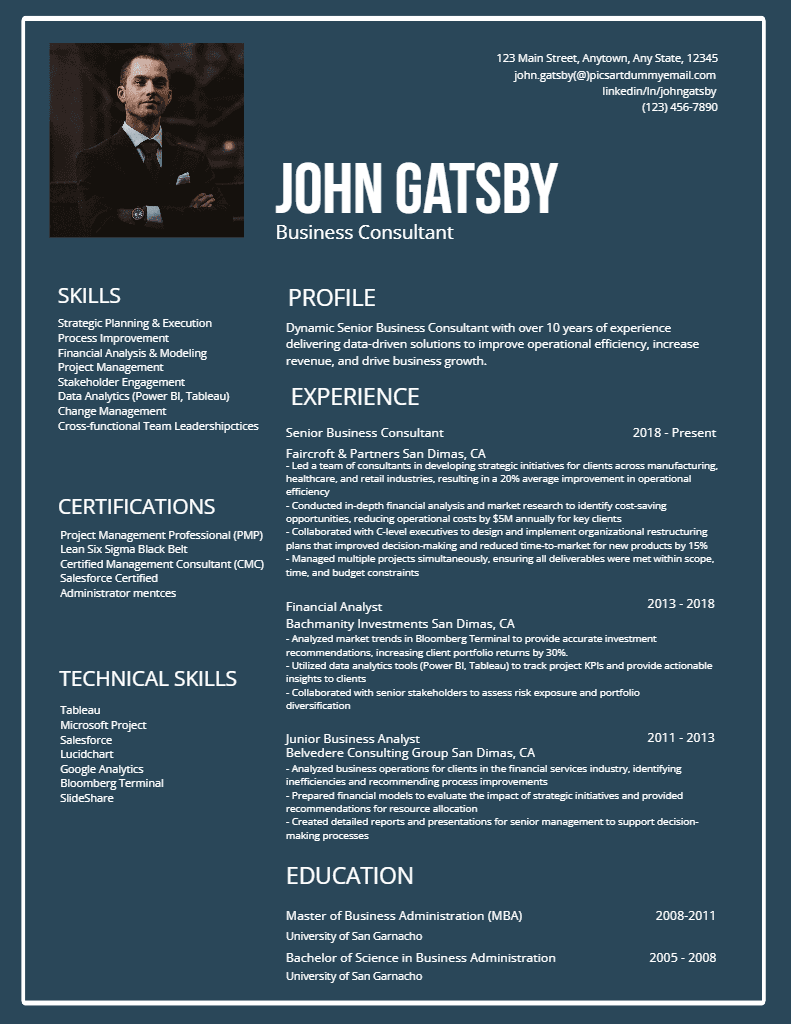
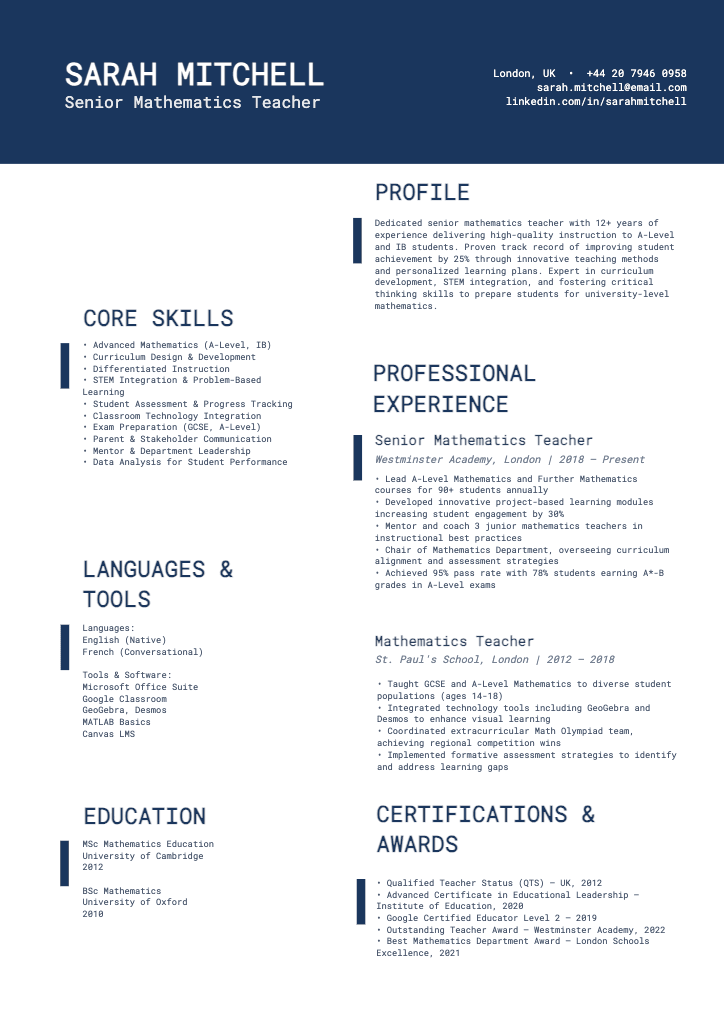
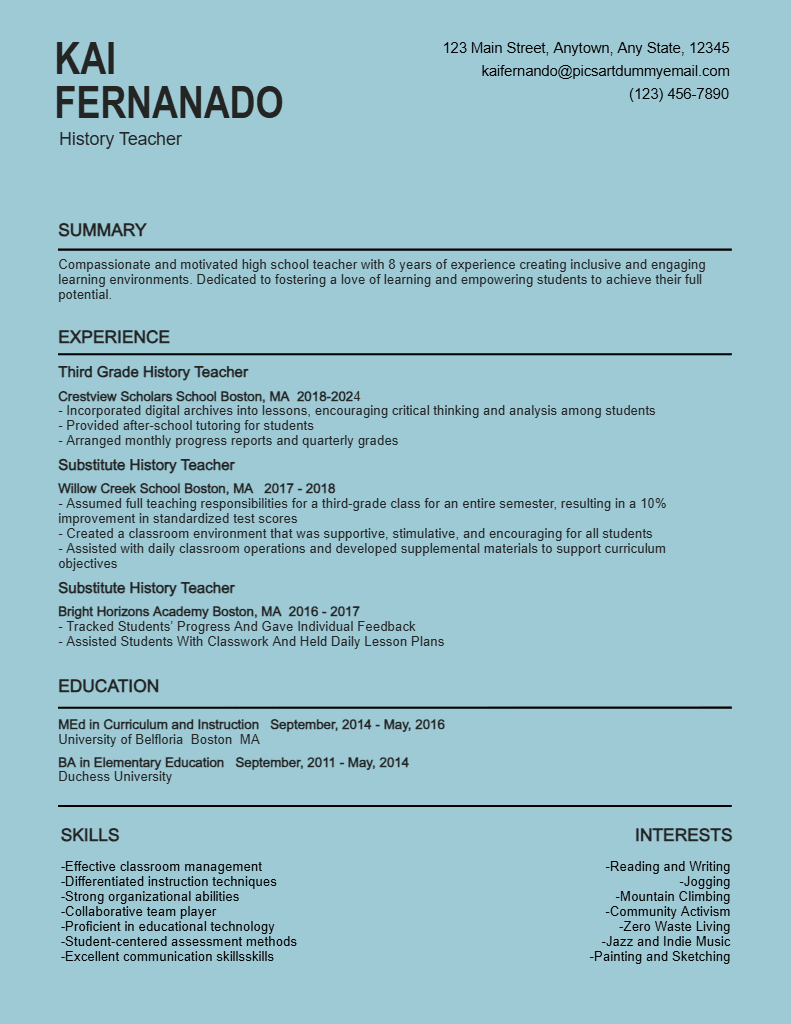
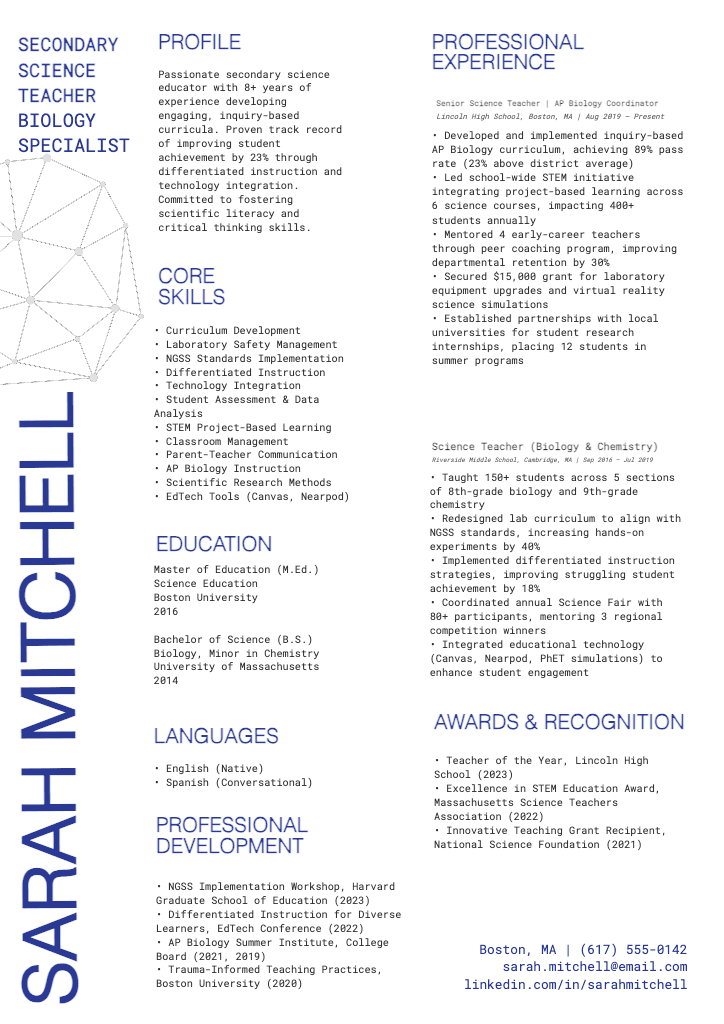
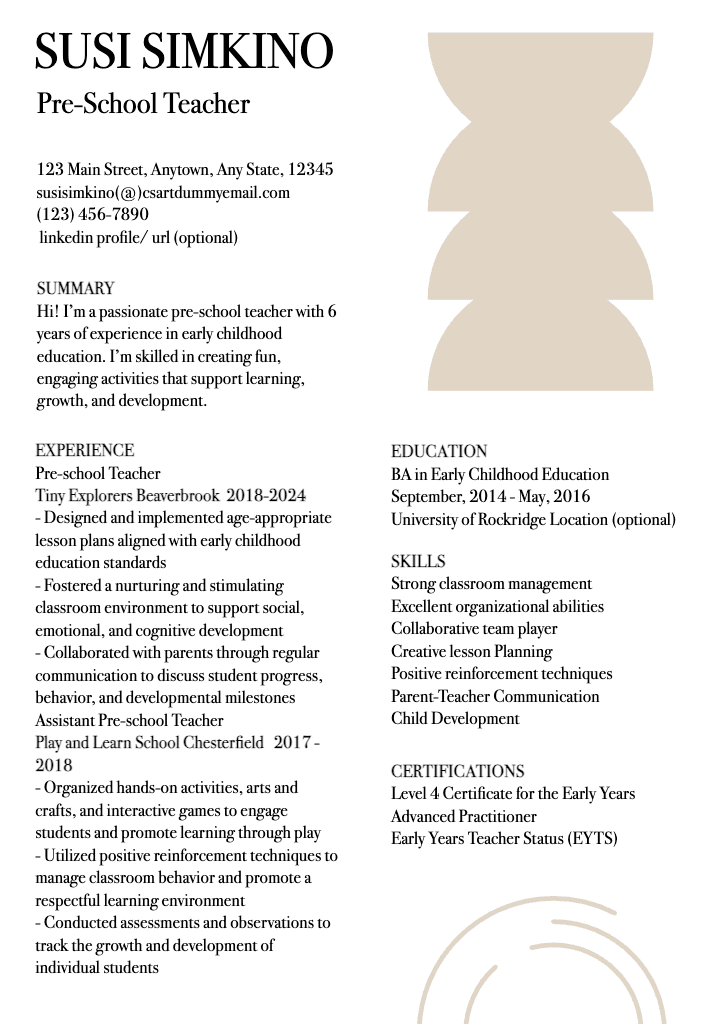
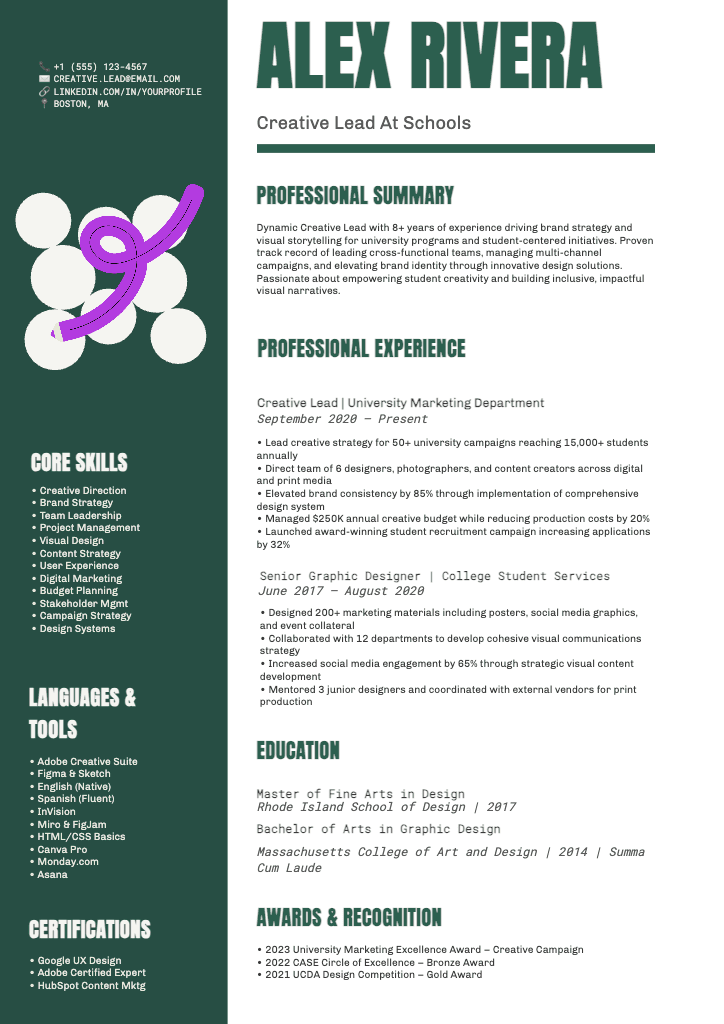
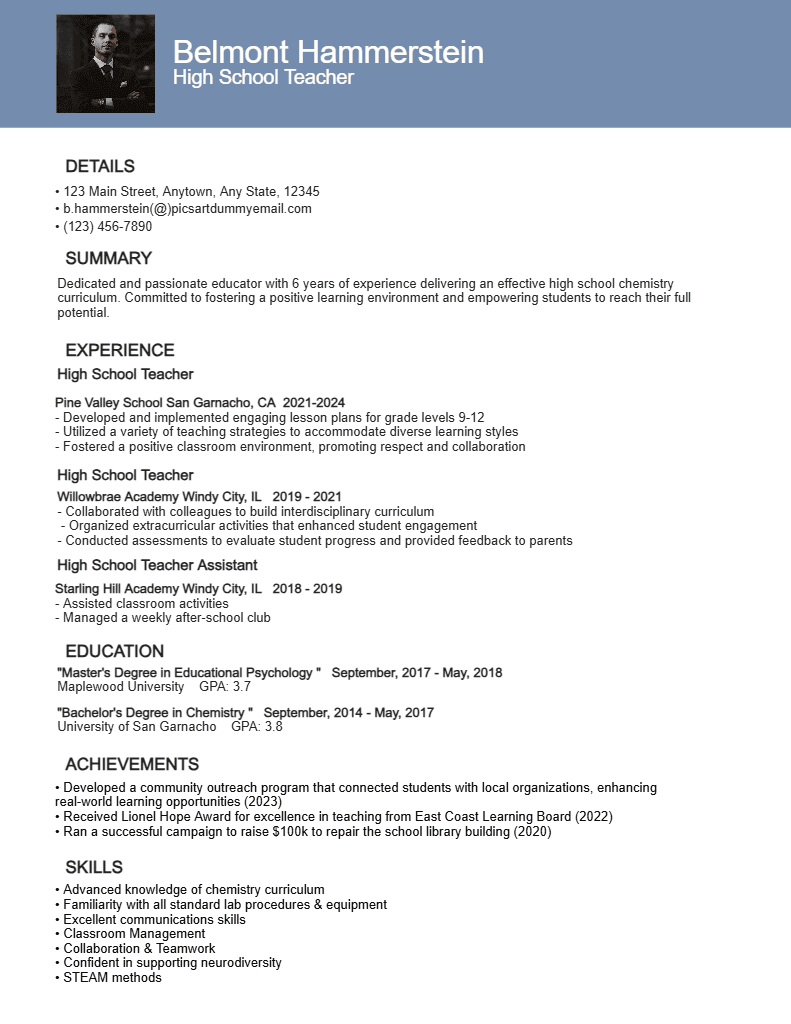
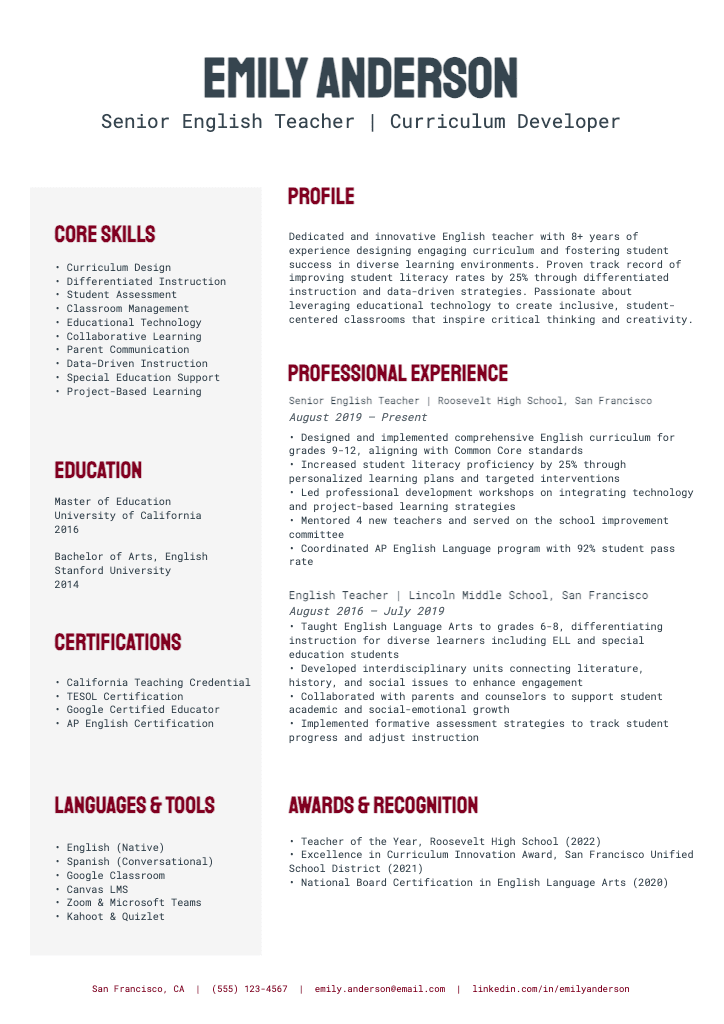
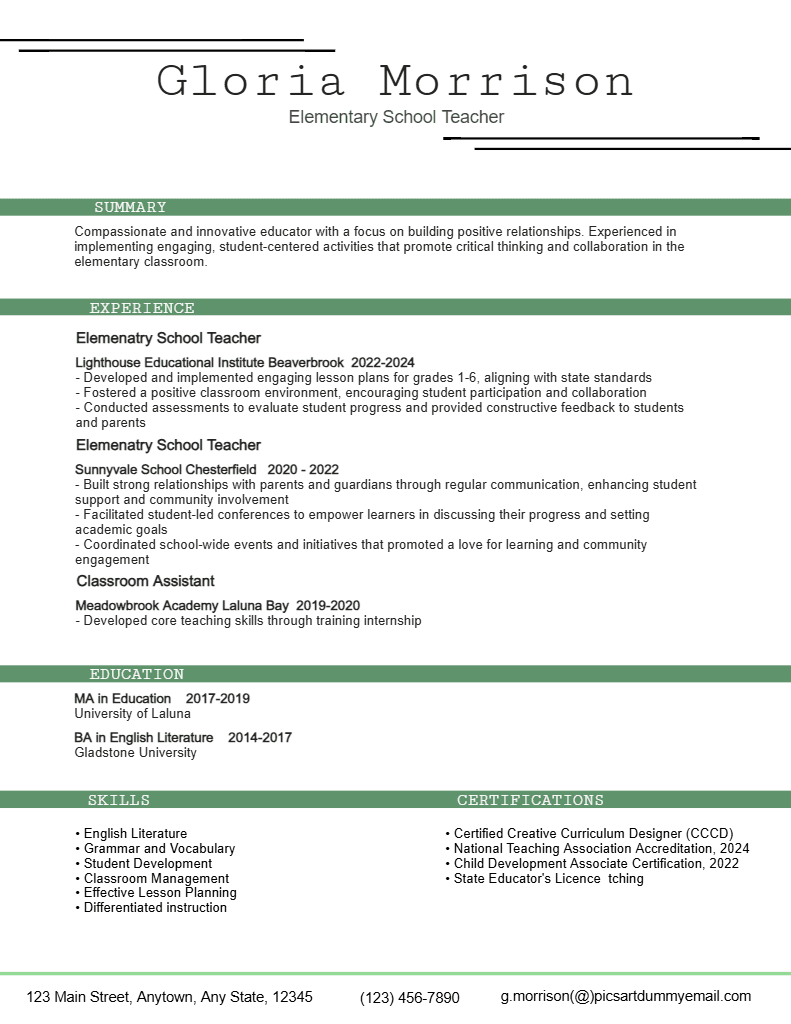
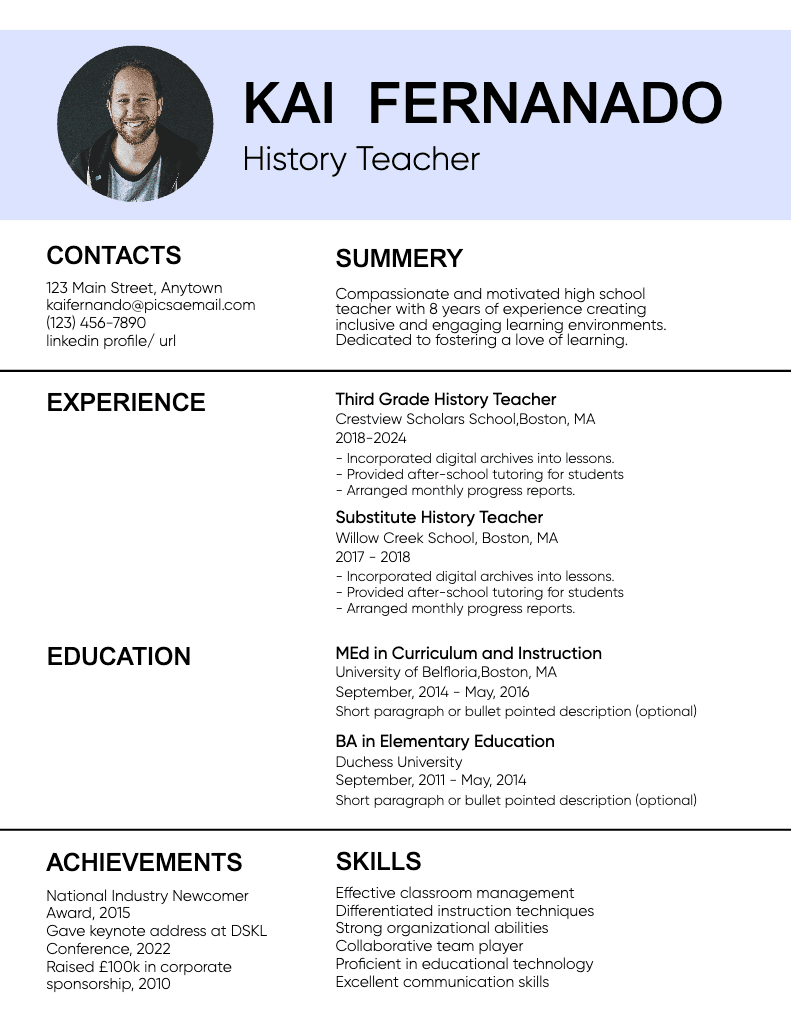
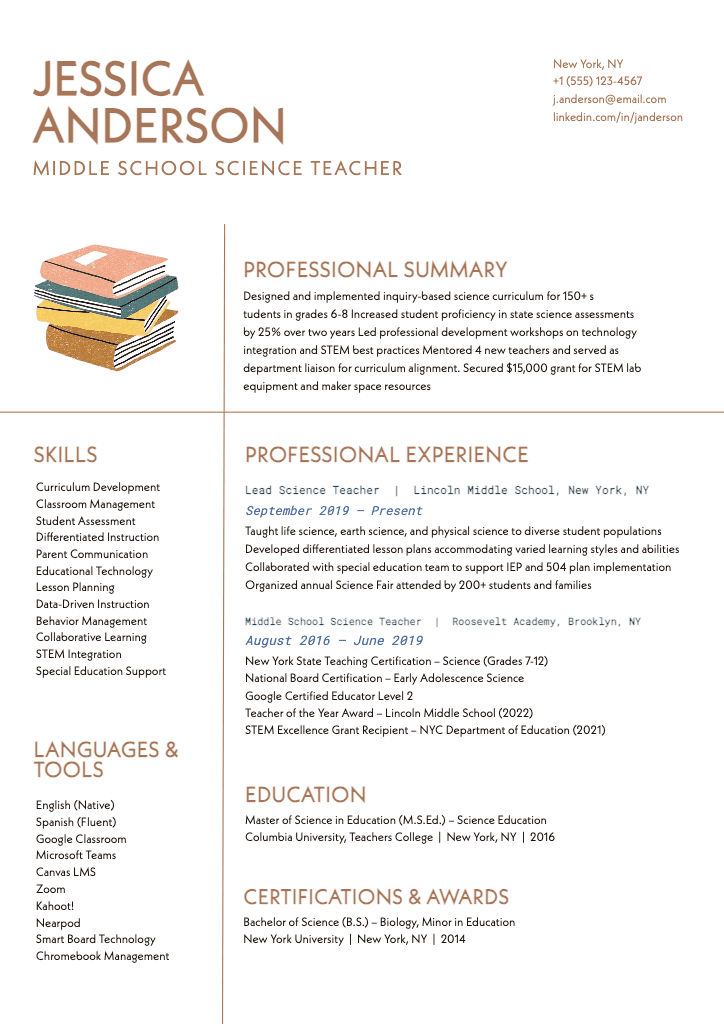
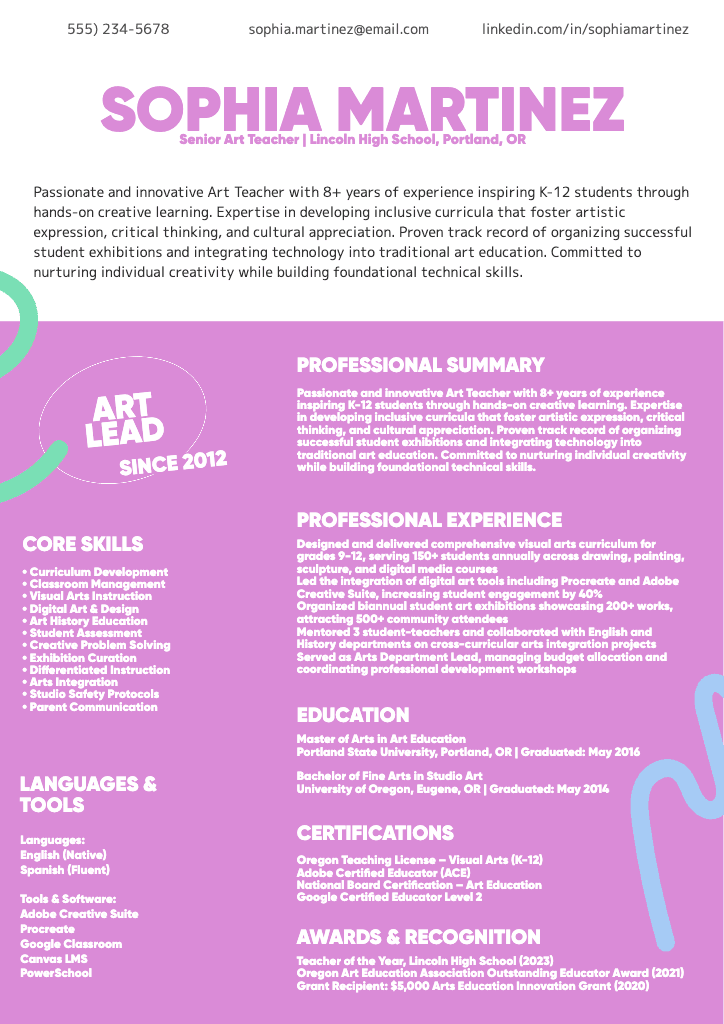
Stand out instantly with the right design. Picsart’s free resume maker offers professional-quality templates with expertly designed layouts to jumpstart the process. Achieve a traditional, minimal, or creative aesthetic with ease, and add your personal details to perfect the design.


Resume maker FAQ

How should a professional resume look?

Is the Picsart resume maker free to use?

Yes! You can use Picsart’s free resume builder online to design resumes, CVs, and other types of profiles. Some tools and content may require a subscription, but the editor includes a variety of free tools and resume templates available at no charge.

Can I use this resume builder for any type of job?

Of course! The resume maker includes a large variety of ready-to-use designs in common resume styles because they’re widely used across popular industries. However, you’re free to customize the layout and look of your resume to suit a specific job or aesthetic. While it’s great to be creative, make sure your resume design aligns with professional standards in your target field or industry.

Is the resume maker customizable?

Absolutely! Templates are available for your convenience, but you can also choose a blank canvas to create a resume from scratch. Then, insert elements such as headers, text boxes, dividers, shapes, and images to create a totally personalized layout. If you plan to use the design again, save it as a template for future projects.

How do I choose the right template for my resume?

Choose a resume template by researching the standards and expectations of employers in your field or industry. Also, consider the amount of information you need to include and how you can downplay any weak points. Then, pick a template that allows you to easily organize the content while maintaining clarity. For example, a template with a large header, wide margins, and broad line spacing can improve the visual balance of a resume with minimal work experience.

Can I create multiple resumes for different job applications?

Sure! One option is to create a resume template and customize it for individual applications. If you’re applying in industries with wide-ranging standards, such as creative fields, it may be beneficial to design multiple resumes with different aesthetics and use them with compatible employers.

How long does it take to create a resume?

The time it takes to create a resume depends on your goals. When using a template, you can generate a resume online in a few minutes by simply filling in your details. If you prefer to build resumes from scratch, you can rearrange design elements until you’re satisfied and decide how much time to spend on the project.

Should resumes be one page?

In most cases, a one-page resume is preferred because recruiters must review them quickly to find potential matches. However, a two-page format is often acceptable for a curriculum vitae (CV) or any job role requiring substantial experience, as the applicant must have an in-depth work history.


Design resumes for work, applications, and business needs

MOST POPULAR

Pro

AI tools for everyday creative work.

012345678901234567890123456789credits/month
~ 100Nano Banana Pro generations
~ 55Kling 3.0 videos
Fixed credits/mo
$15$10.5/mo
Billed yearly
You save $54 with yearly
  • Access to all photo & video editing features
  • Advanced background & object removal
  • Parallel video generations with the world's most powerful AI video models
  • Unlimited image generations with Flex.2 Klein
  • 1-tap image enhancer
  • Millions of stock photos & Getty video clips
  • Selection of trendy fonts, text styles & stickers
  • Thousands of premium templates
  • Support for 3+ brand kits
  • Bulk edit up to 50 images at once
  • 100 GB of cloud storage
New features:
  • 15+ creative AI agents that plan, execute, and deliver — across video, brand, localization, and more
  • Auto-generate content from your terminal or agent with the Picsart CLI
  • Use Picsart inside Claude Code, Cursor, and ChatGPT via MCP
MOST POWERFUL

Ultra

Heavy AI usage for creators & teams.

0123456789,012345678901234567890123456789credits/month
~ 500Nano Banana Pro generations
~ 277Kling 3.0 videos
$75$60/mo
Billed yearly, per seat
You save $180 with yearly
5x more usage than Pro
  • 140+ leading AI video, image, and audio models (Kling 3.0, Nano Banana, Veo 3, Seedance 2.0 & more)
  • Parallel video generations with the world's most powerful AI video models
  • Early access to advanced AI features
  • Unlimited image generations with Flex.2 Klein
  • Option to buy add-on credits that never expire
  • Up to 6.5 million Getty stock videos
  • Bulk edit up to 100 images at once
  • Support for 10+ brand kits
  • Create ad variations & localize
  • Track ads performance
  • Add team seats
  • 300 GB of cloud storage per seat
New features:
  • 15+ creative AI agents that plan, execute, and deliver — across video, brand, localization, and more
  • Auto-generate content from your terminal or agent with the Picsart CLI
  • Use Picsart inside Claude Code, Cursor, and ChatGPT via MCP