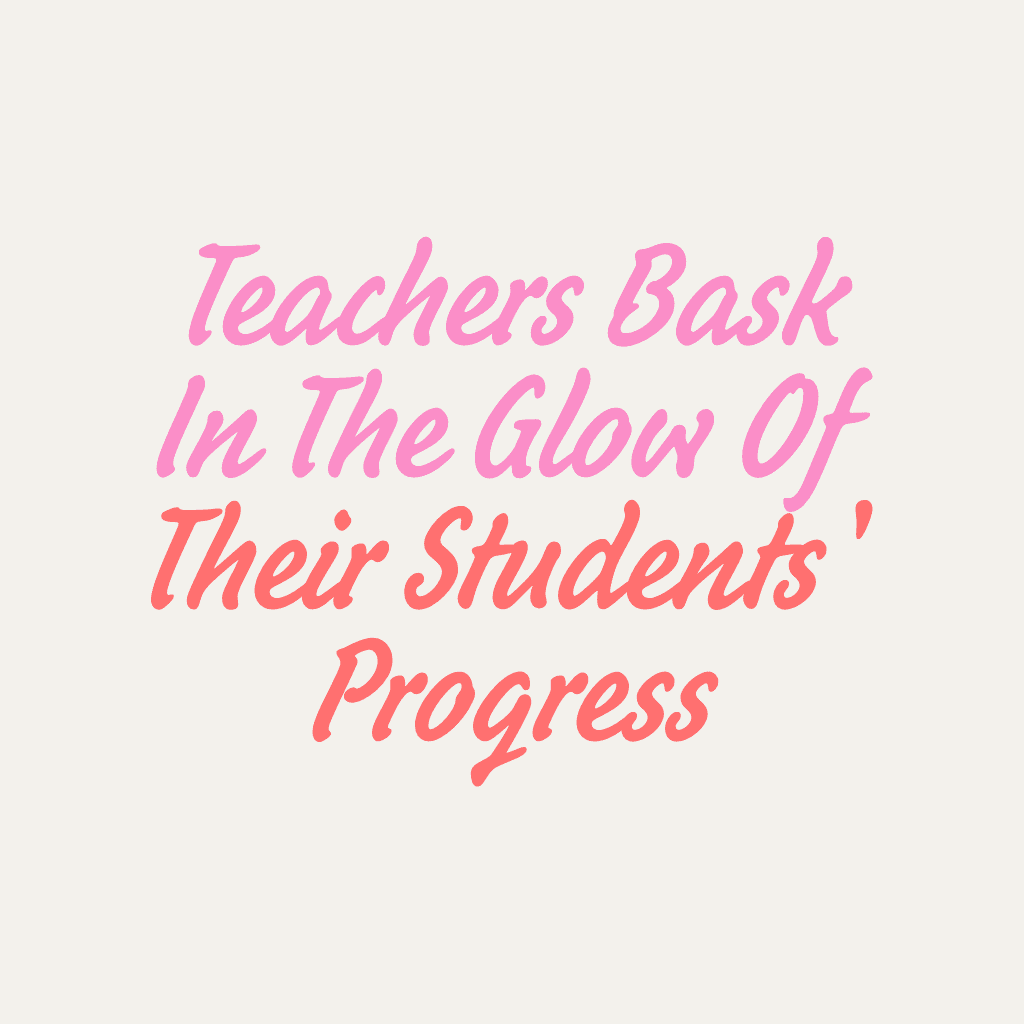
Design quotes with AI image models
Use image models to transform quotes into polished visuals, design ideas, and ready-to-edit assets.

Fast, easy quote poster creation
Write quotes on pictures online free in seconds, with minimal effort and no software downloads required.

High-quality, print-ready results
Combine high-resolution images and fonts to create quotes that grab attention in print or digital media.

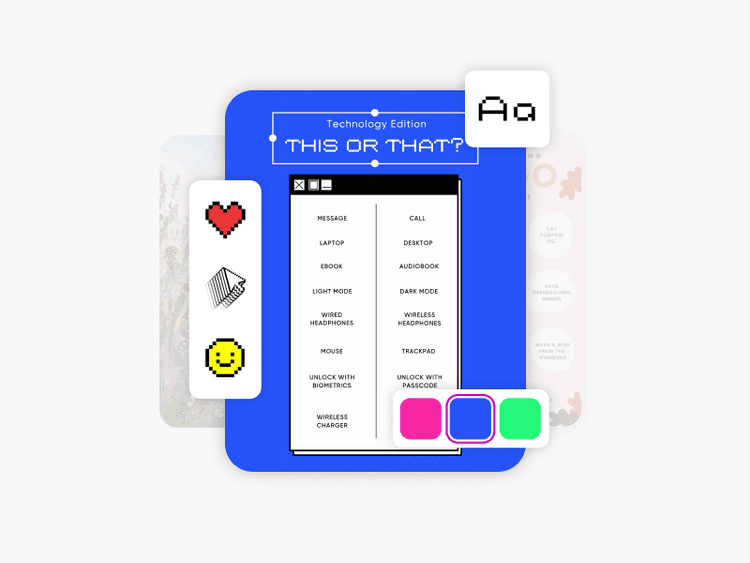
Beautifully designed, customizable templates
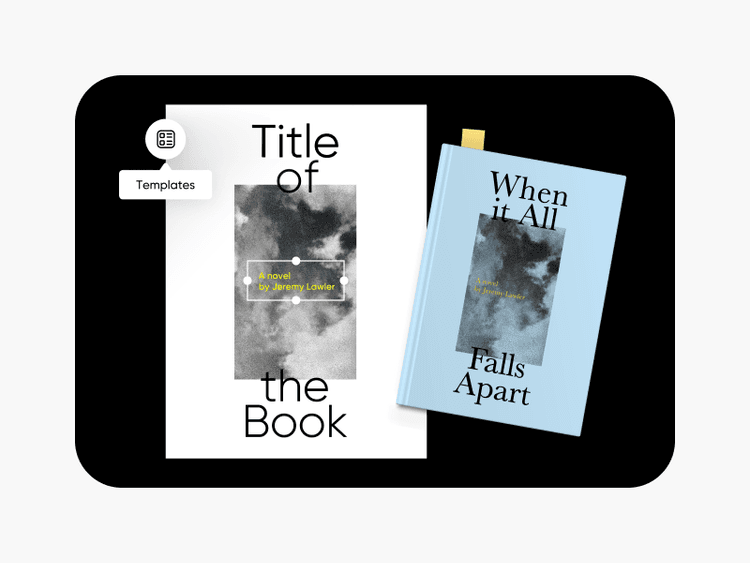
No design skills? No problem. Find the perfect template in the quote maker online, and make it your own.
How to make a quote poster
Open the Picsart photo editor
Select the Create now button to open the photo editor.
Choose a template
Personalize the design
Preview and download
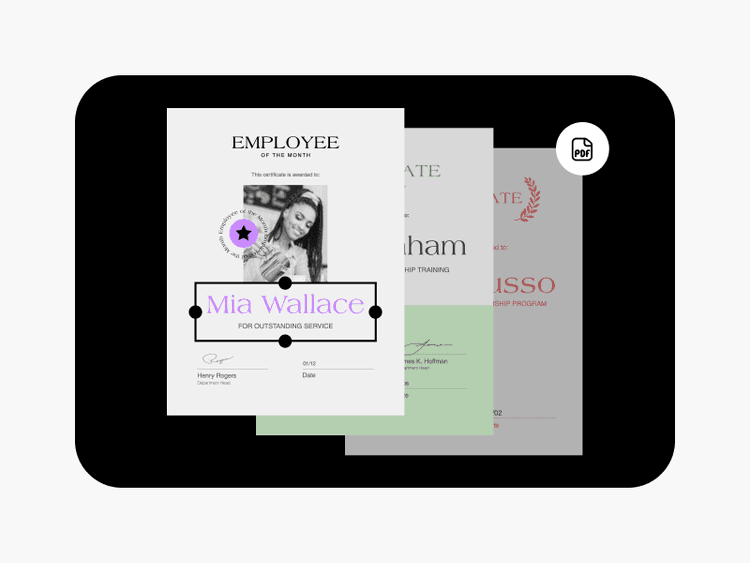
Find the perfect quote poster templates in any style
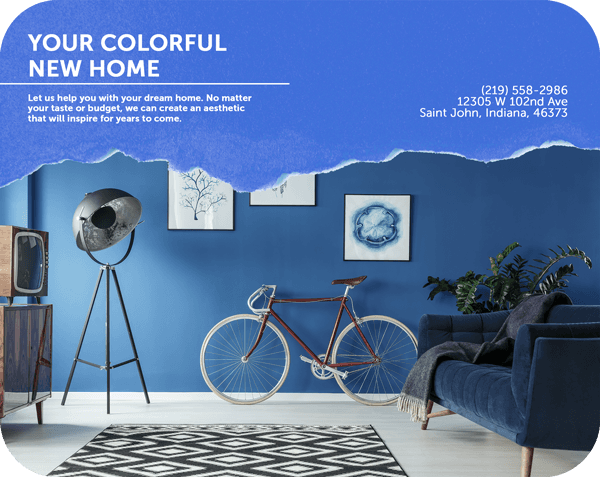
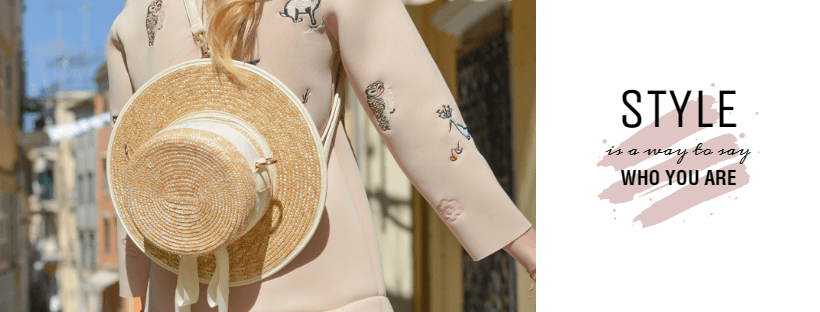
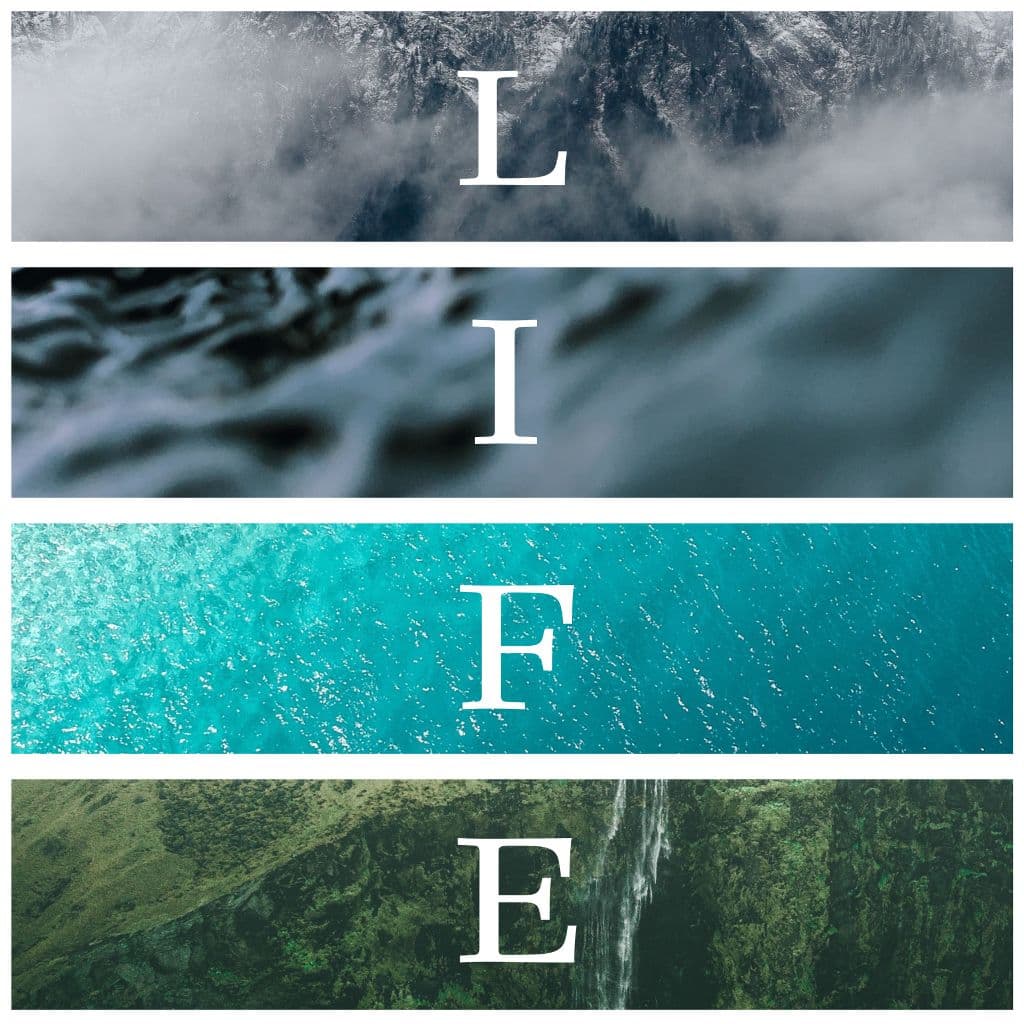
DIY doesn’t have to mean doing it ALL yourself. Effortlessly design a quote poster with the help of professionally made templates. From ultra-minimal posters with solid backgrounds to detailed designs with vibrant photography, take advantage of Picsart’s extensive library of quote poster templates to make your message stand out.
Quote maker FAQ
How to add photos to quote posters?
What makes a good quote poster?
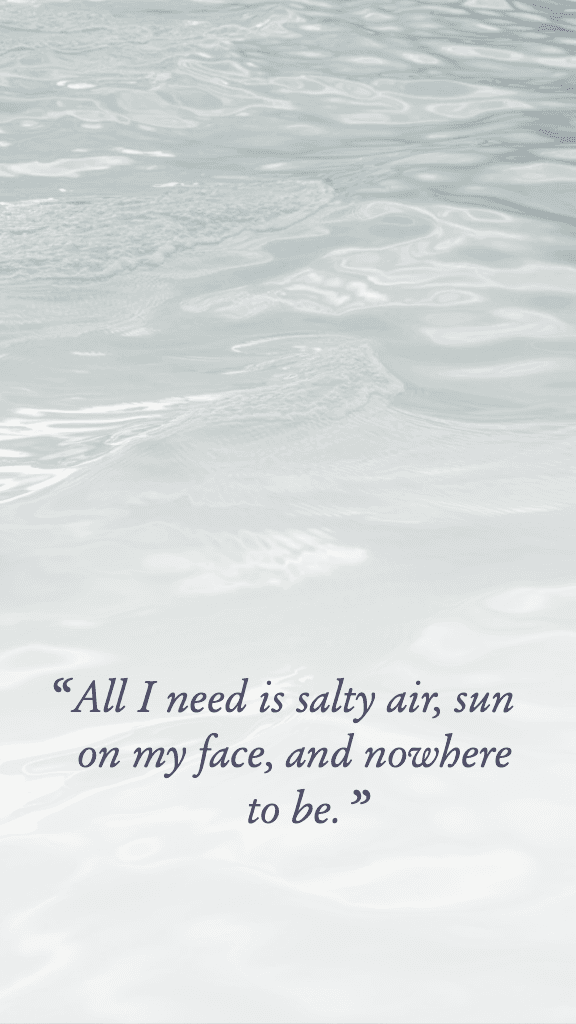
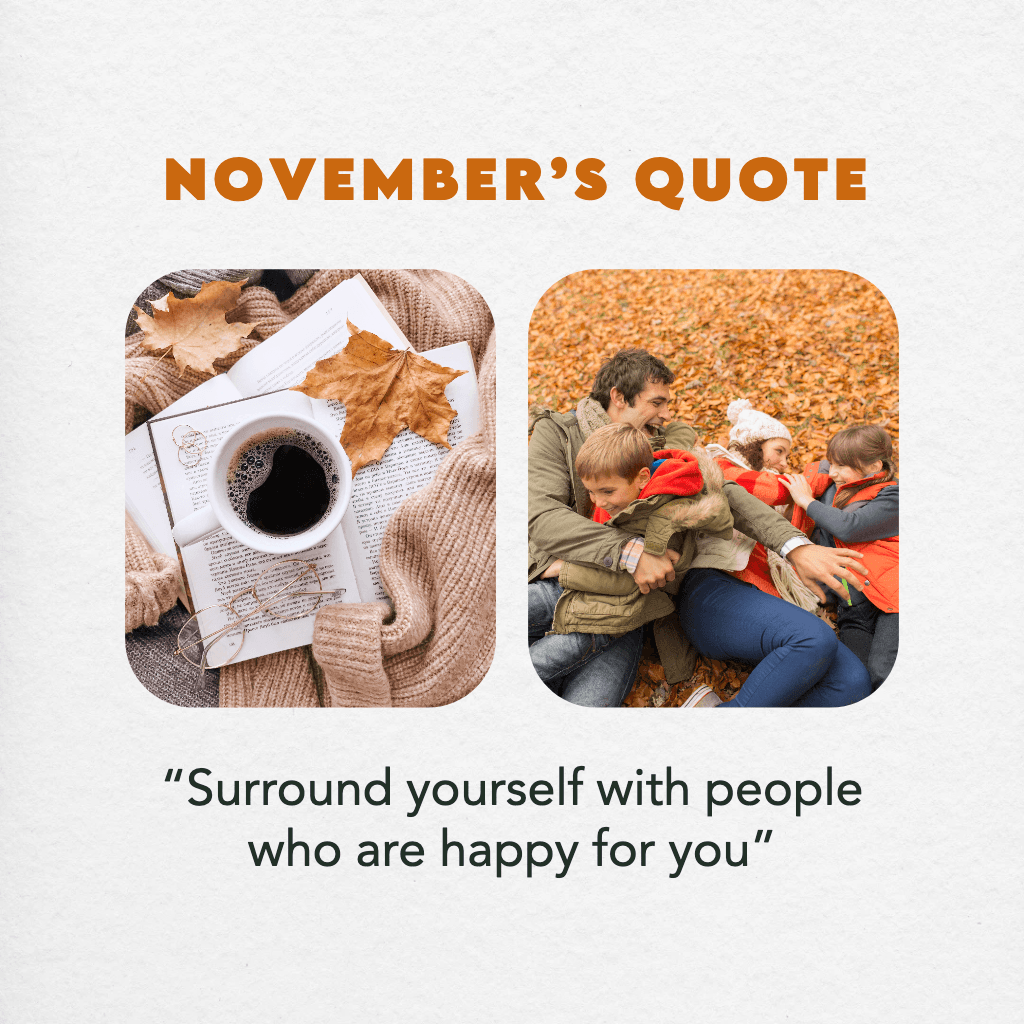
An attractive quote poster should be easy to read and have complementary colors with a well-balanced layout. For example, the fonts should work well together and have a scale, placement, and color scheme that isn’t harsh and distracting to the eyes.
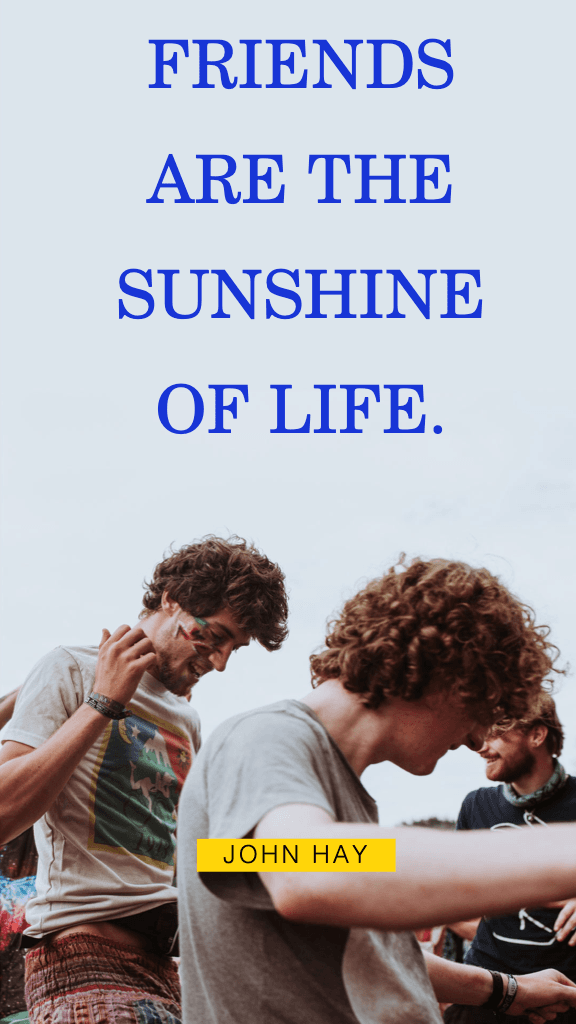
Choose a background that enhances the quote—either by sharing visual elements or reinforcing the message conveyed in the quote. A quote about athletic endurance and motivation wouldn’t typically pair well with a background photo of flowers or fish.
Avoid including too many elements and leave some blank space, since the focus should be on the quote. When using a photo as a background, it’s often helpful to lower the transparency to increase the visibility of the text.
How to create a quote poster?
Make quotes online with Picsart by opening the photo editor and selecting the Templates category. Filter for quotes in the search query, and choose a template to start customizing the design. Another option is to start with a blank canvas and upload a background image to design a poster from scratch.
Is Picsart’s quote poster maker free to use?
Yes! Users can create a quote online free. Some Picsart tools and content may require a subscription, but the quote creator includes a variety of free tools and quote templates available at no charge.
Do I need any design experience to use the quote poster maker?
Not at all! Picsart tools are designed to be beginner-friendly and many of them are automated to further simplify the process. Some tools and features also include short descriptions explaining how to use them. If you make a mistake or there’s anything you don’t like about a design, simply use the Undo arrow to get rid of the changes.
What is the best font for quotes?
Depending on the design, any font that is easily readable can work well in a quote poster. Choose a font based on the poster’s style, purpose, and audience. You can use multiple fonts in one design and vary their size and color to make the messaging even more dynamic. Look at Picsart templates for inspiration, and be as creative as you like!
More tools to love
Design quotes for brands, events, and social content
Pro
AI tools for everyday creative work.
- Access to all photo & video editing features
- Advanced background & object removal
- Parallel video generations with the world's most powerful AI video models
- Unlimited image generations with Flex.2 Klein
- 1-tap image enhancer
- Millions of stock photos & Getty video clips
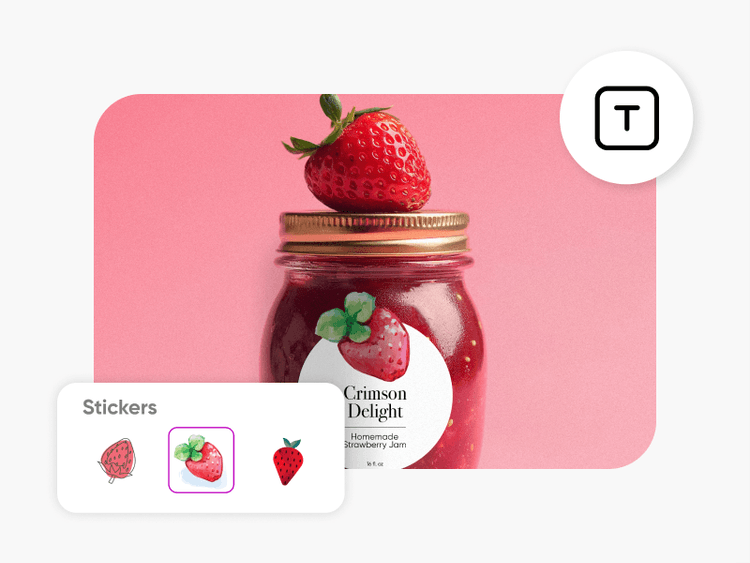
- Selection of trendy fonts, text styles & stickers
- Thousands of premium templates
- Support for 3+ brand kits
- Bulk edit up to 50 images at once
- 100 GB of cloud storage
- 15+ creative AI agents that plan, execute, and deliver — across video, brand, localization, and more
- Auto-generate content from your terminal or agent with the Picsart CLI
- Use Picsart inside Claude Code, Cursor, and ChatGPT via MCP
Ultra
Heavy AI usage for creators & teams.
- 140+ leading AI video, image, and audio models (Kling 3.0, Nano Banana, Veo 3, Seedance 2.0 & more)
- Parallel video generations with the world's most powerful AI video models
- Early access to advanced AI features
- Unlimited image generations with Flex.2 Klein
- Option to buy add-on credits that never expire
- Up to 6.5 million Getty stock videos
- Bulk edit up to 100 images at once
- Support for 10+ brand kits
- Create ad variations & localize
- Track ads performance
- Add team seats
- 300 GB of cloud storage per seat
- 15+ creative AI agents that plan, execute, and deliver — across video, brand, localization, and more
- Auto-generate content from your terminal or agent with the Picsart CLI
- Use Picsart inside Claude Code, Cursor, and ChatGPT via MCP