AI Replace: החליפו כל אובייקט בתמונה בחינם
הסירו הסחות דעת והחליפו אותן באלמנטים חזותיים מותאמים אישית שנוצרו באמצעות AI. השתמשו בהחלפה באמצעות AI כדי לשדרג צילומי מוצר עם אביזרים מתאימים, לשפר תמונות חופשה על ידי הסרת עוברי אורח שמפריעים לפריים ועוד.
צרו עם AI Replace בעזרת מודלים ליצירת תמונות באמצעות AI
השתמשו במודלים ליצירת תמונות כדי להפוך את AI Replace לתמונות מלוטשות, לרעיונות עיצוב ולנכסים מוכנים לעריכה.
איך משתמשים ב-AI Replace ב-Picsart
How to
העלו תמונה
בחרו תמונה כדי להתחיל.
החליפו אובייקטים בתמונות שלכם בחינם
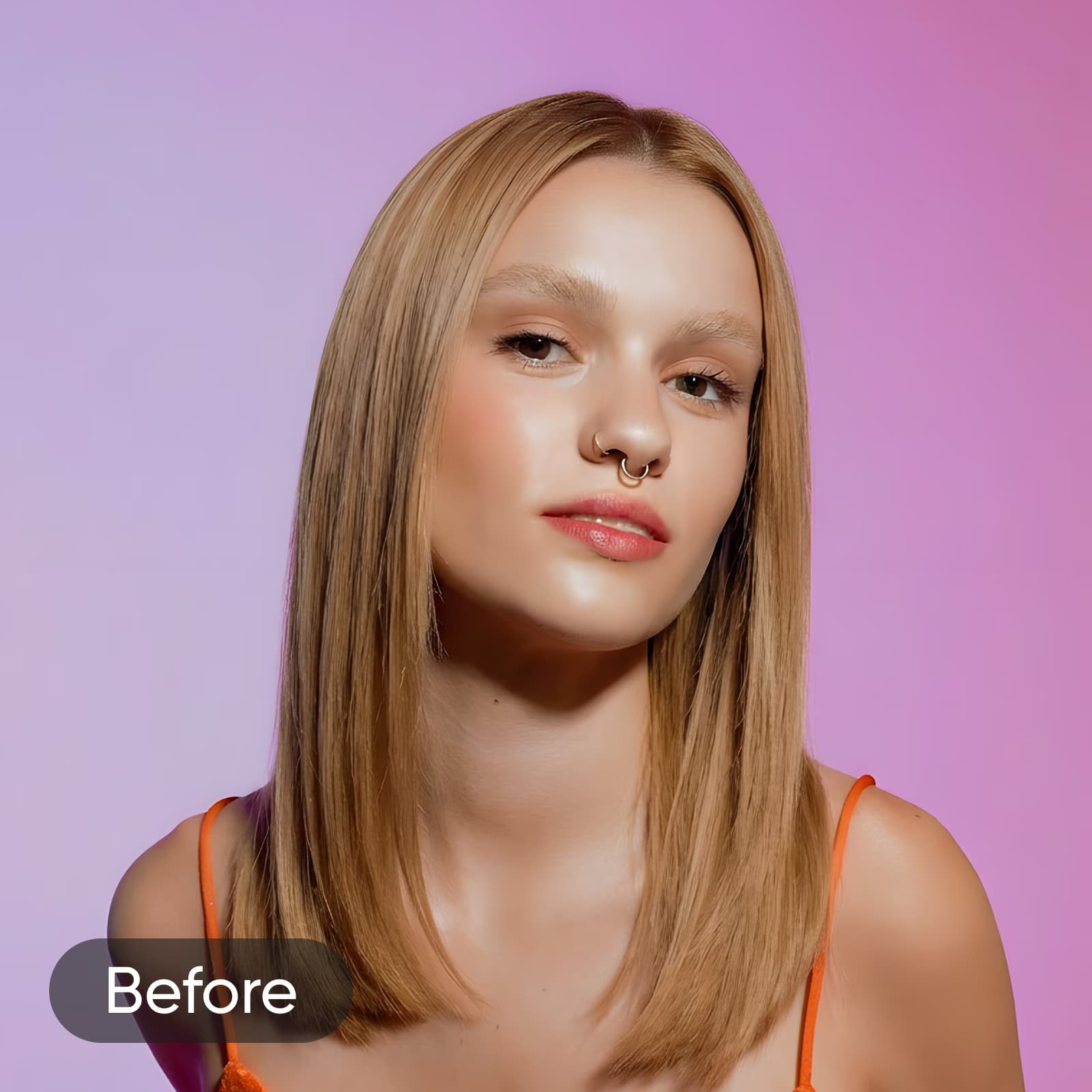
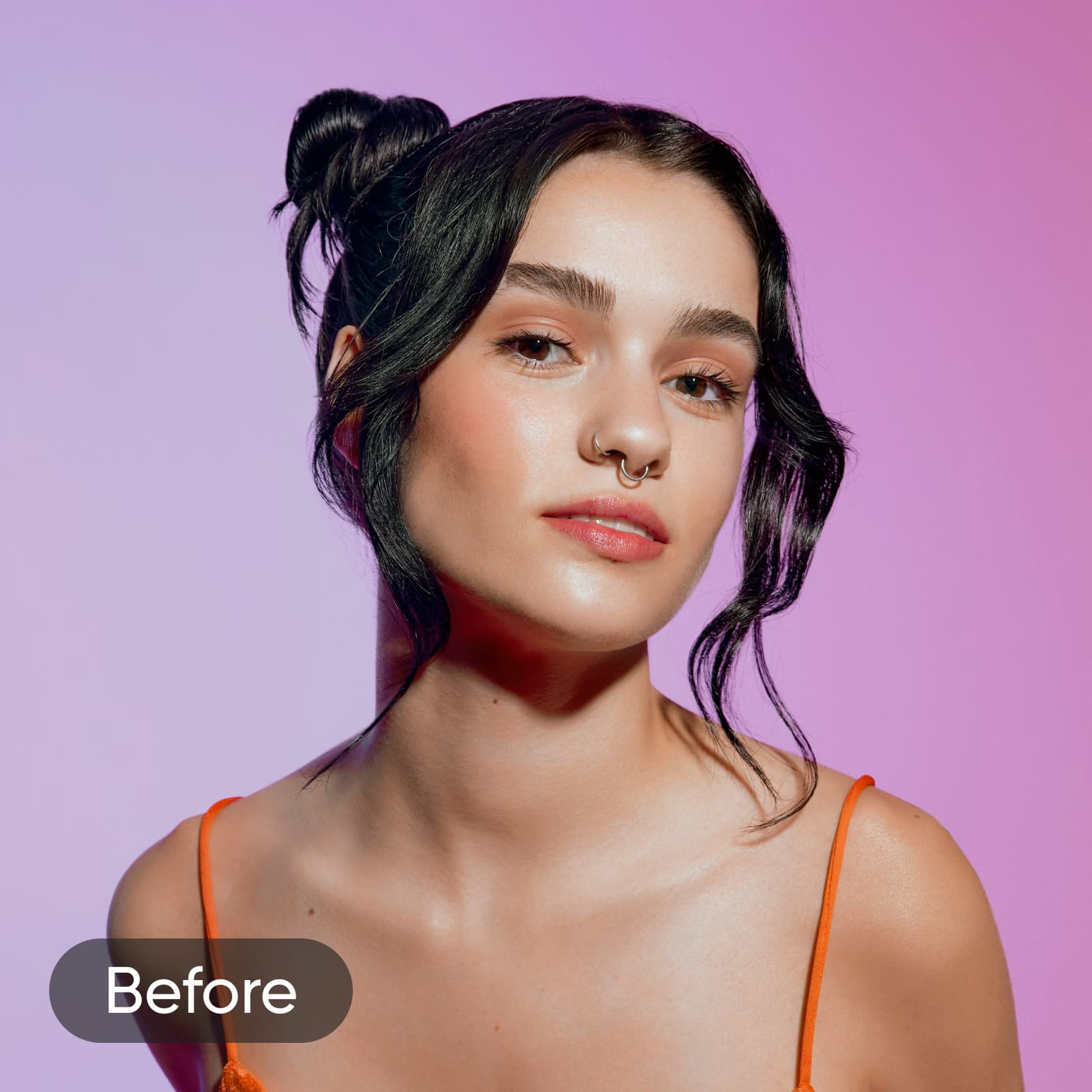
AI Replace של Picsart משתמש ב-AI גנרטיבי כדי להחליף כל אלמנט בתמונה שלכם במשהו חדש לגמרי. בחרו מה תרצו לשנות: בגדים, שיער, שמיים, רקעים או כל אובייקט אחר, ואז תארו את האובייקט החלופי בהנחיית טקסט או בחרו מתוך אפשרויות פופולריות. הכלי משחזר את האזור שמסביב באופן אוטומטי, כך שהעריכה משתלבת בתמונה המקורית. משיפור צילומי מוצר ועד לעדכון תמונות פורטרט והוספת אלמנטים חדשים לסצנה — AI Replace מאפשר לערוך אובייקטים בדיוק רב, בלי מסכות ידניות או מיומנויות מתקדמות.
שדרגו צילומי מוצר עם AI Replace
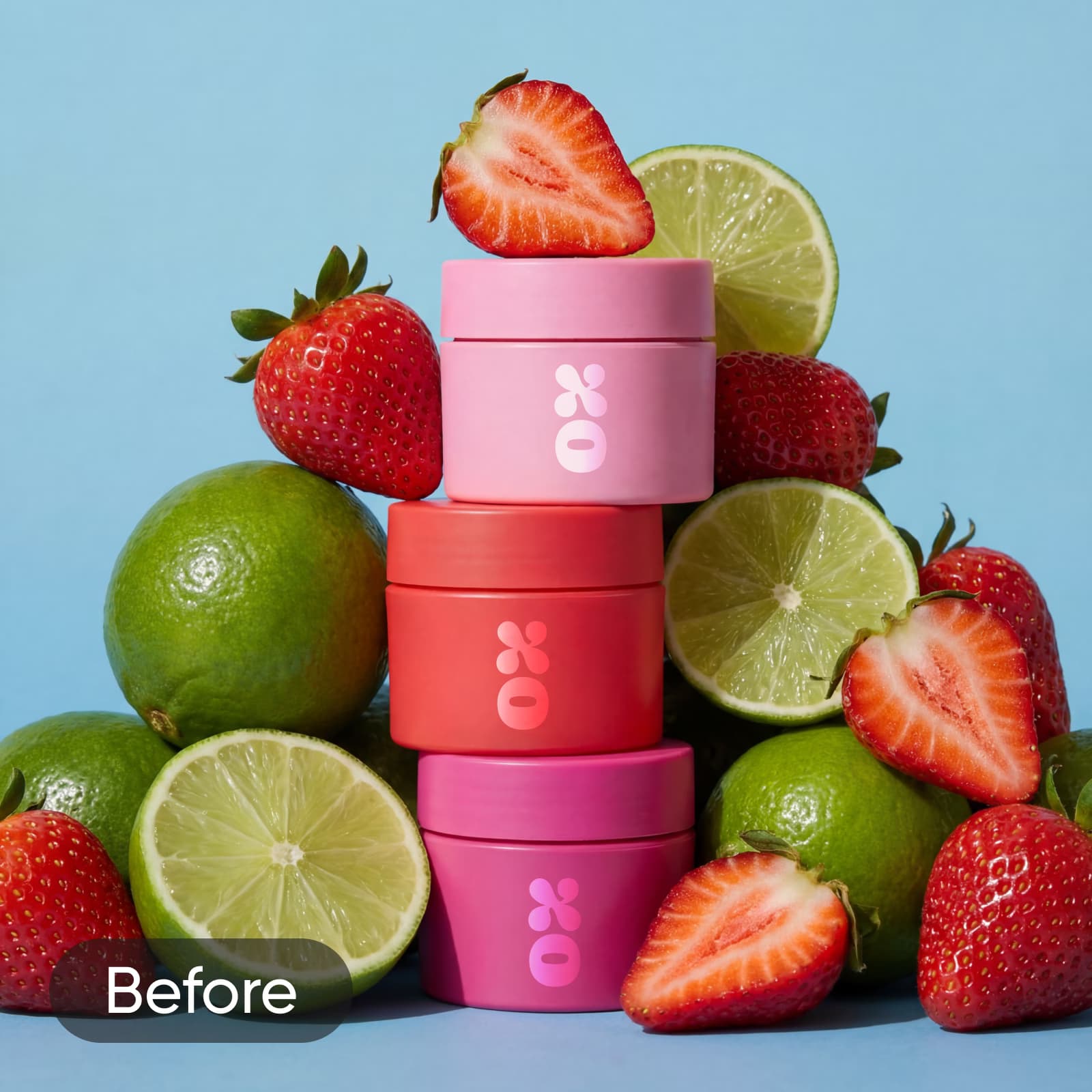
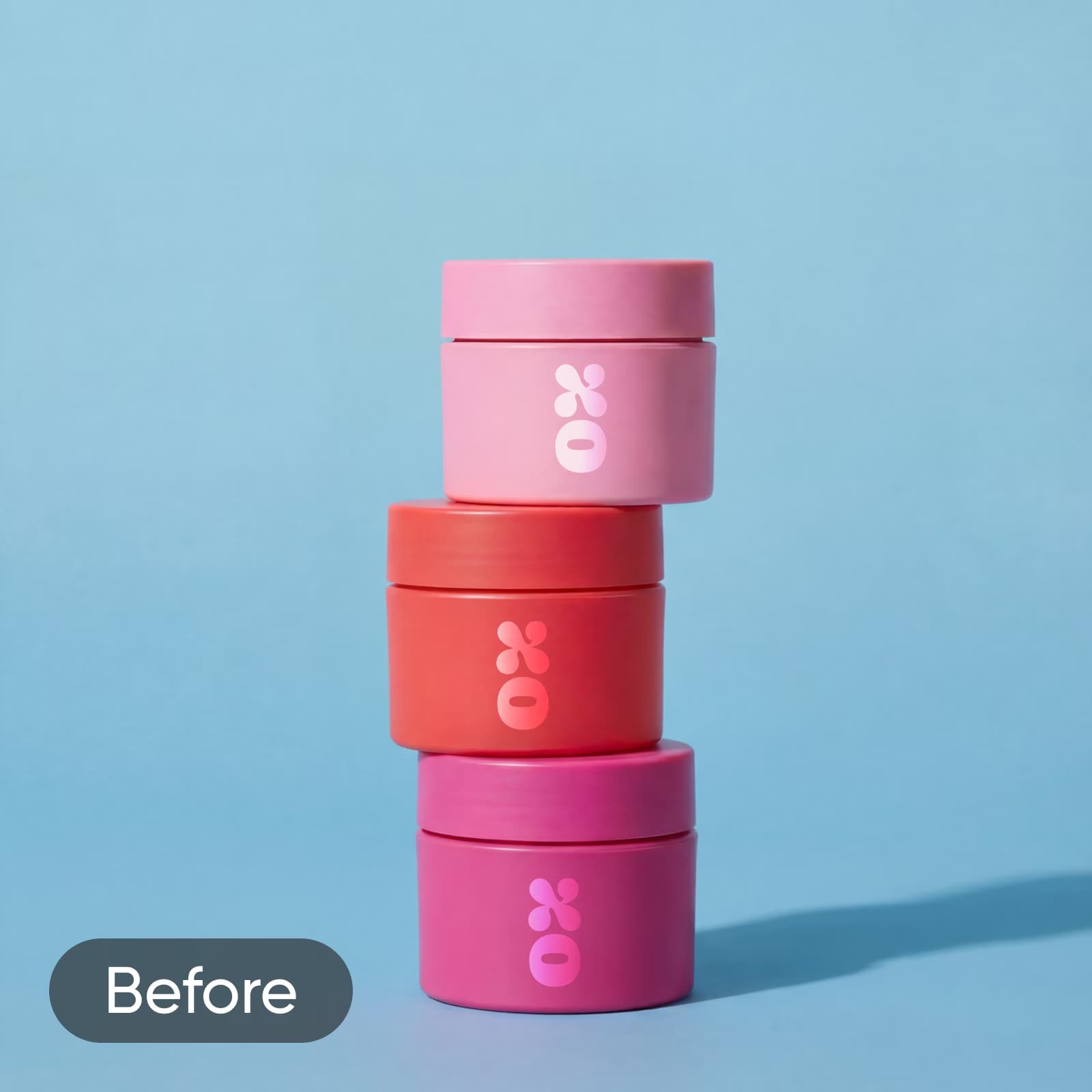
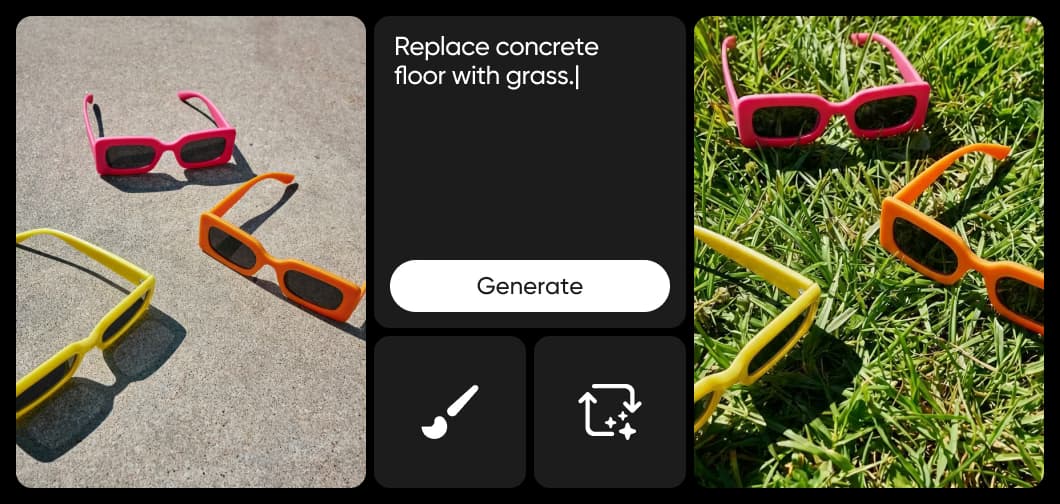
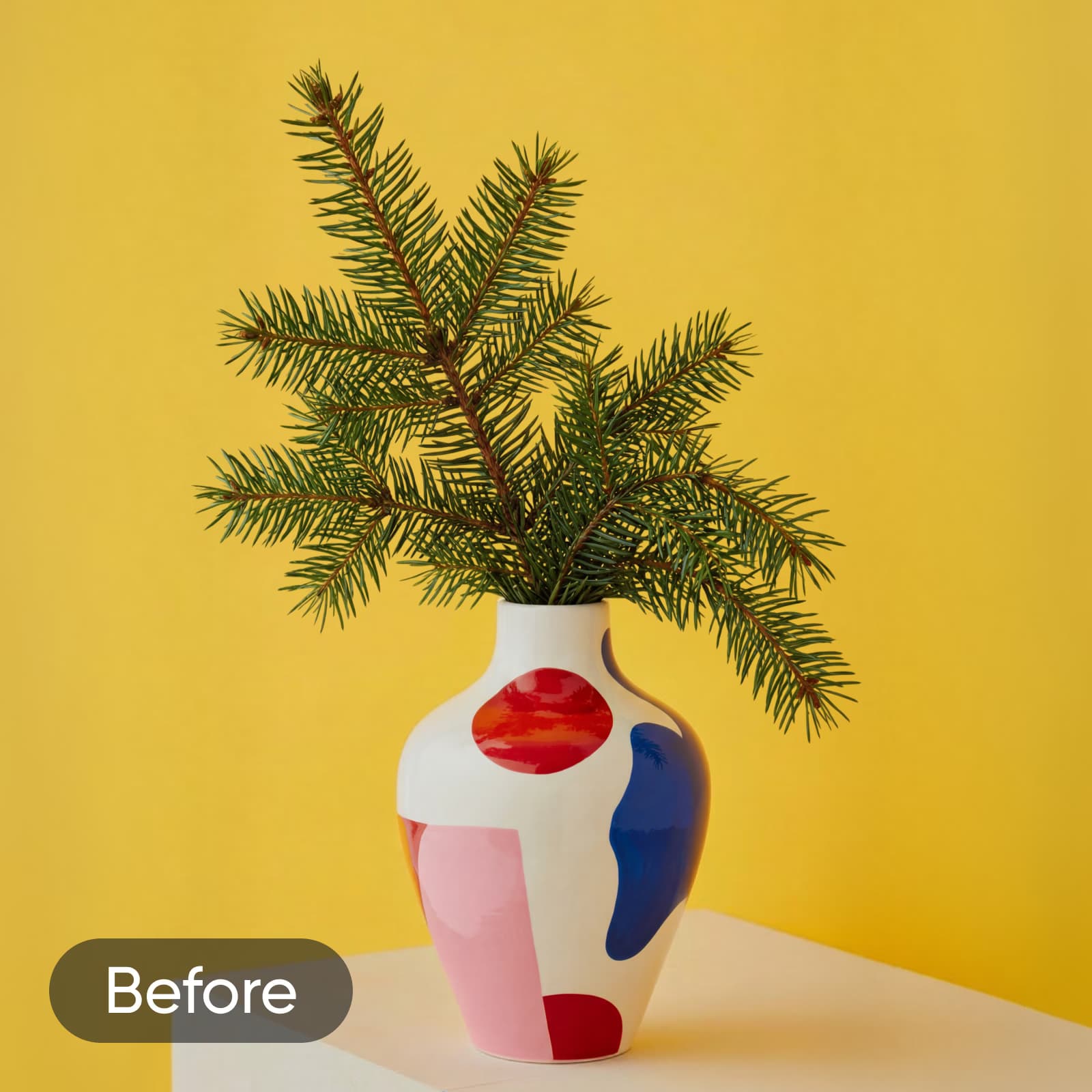
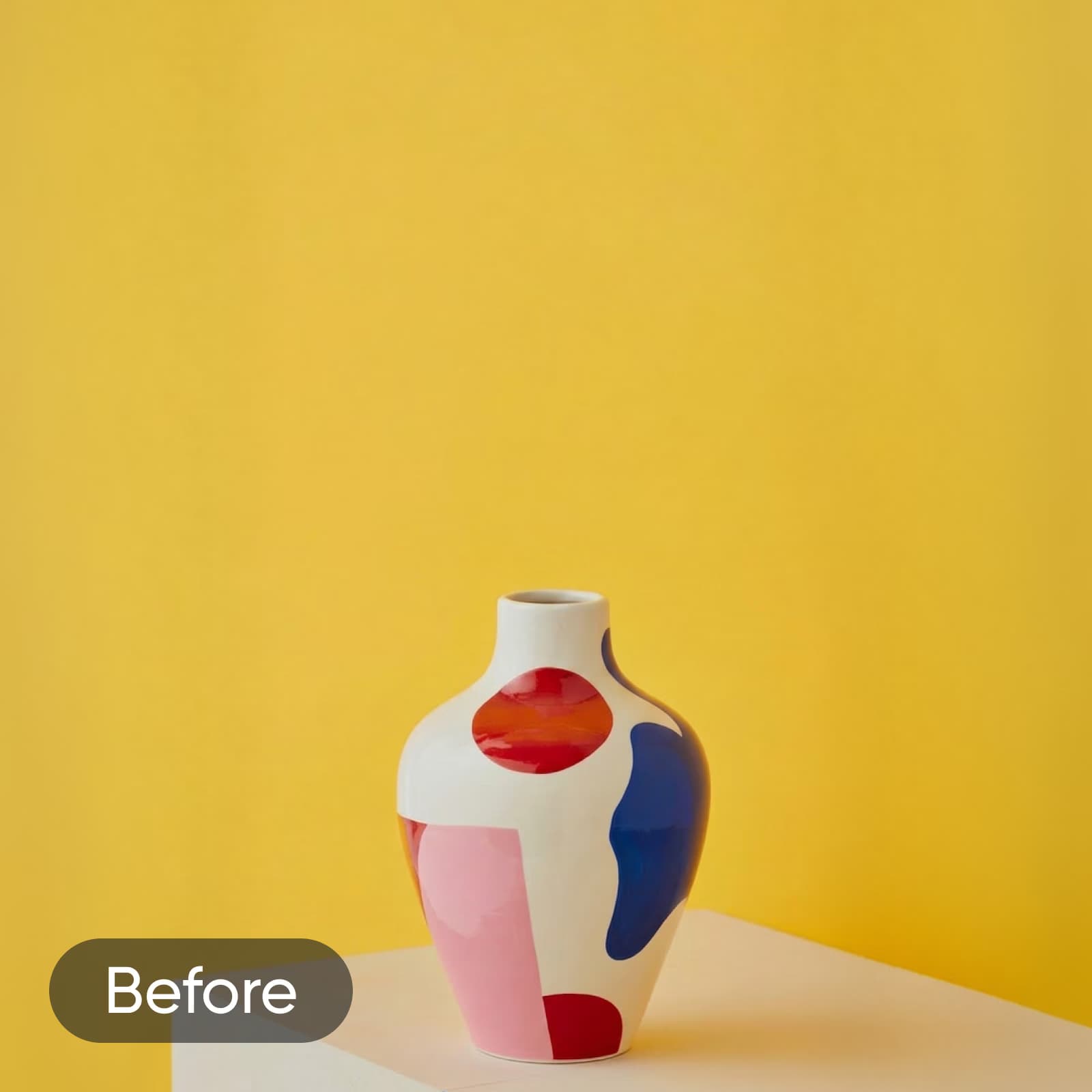
אין צורך לשכור מעצב או לקנות שוב ושוב אביזרים חדשים לצילומים כדי ליצור תמונות מוצר שתופסות את העין. פשוט השתמשו ב-AI inpainting כדי להוסיף אובייקטים חדשים שישלימו את המוצר וישדרגו את חומרי הפרסום שלכם. השקתם עכשיו שפתון לחות בטעם תות וליים? הוסיפו תמונות מציאותיות של שני הפירות, או התנסו בסגנונות שונים של AI art כדי להתאים טוב יותר לחזון של הקמפיין. עדיין חסר משהו? השתמשו בכלי AI Replace כדי ליצור אביזרים לצילומים, כמו קשתות, גבישים, אגרטלים ועוד.
החליפו אלמנטים בתמונות בכמה הקשות בלבד
מוכנים לקחת את כישורי העריכה שלכם לשלב הבא? חשבו על כלי AI image replace כמו על שרביט קסמים, שהופך כל חלק בתמונה שלכם למשהו חדש לגמרי. החליפו בקלות אובייקטים בתמונות באמצעות טכניקה שנקראת “inpainting”. בדומה ל- AI image generator, גם הכלי הזה משתמש בטכנולוגיית טקסט לתמונה מתקדמת כדי להפוך את הדמיון שלכם למציאות תוך שניות. מעיצובי תפאורה ייחודיים שנוצרו באמצעות AI ועד להחלפת פנים ב-AI — הכול אפשרי בעזרת בינה מלאכותית.
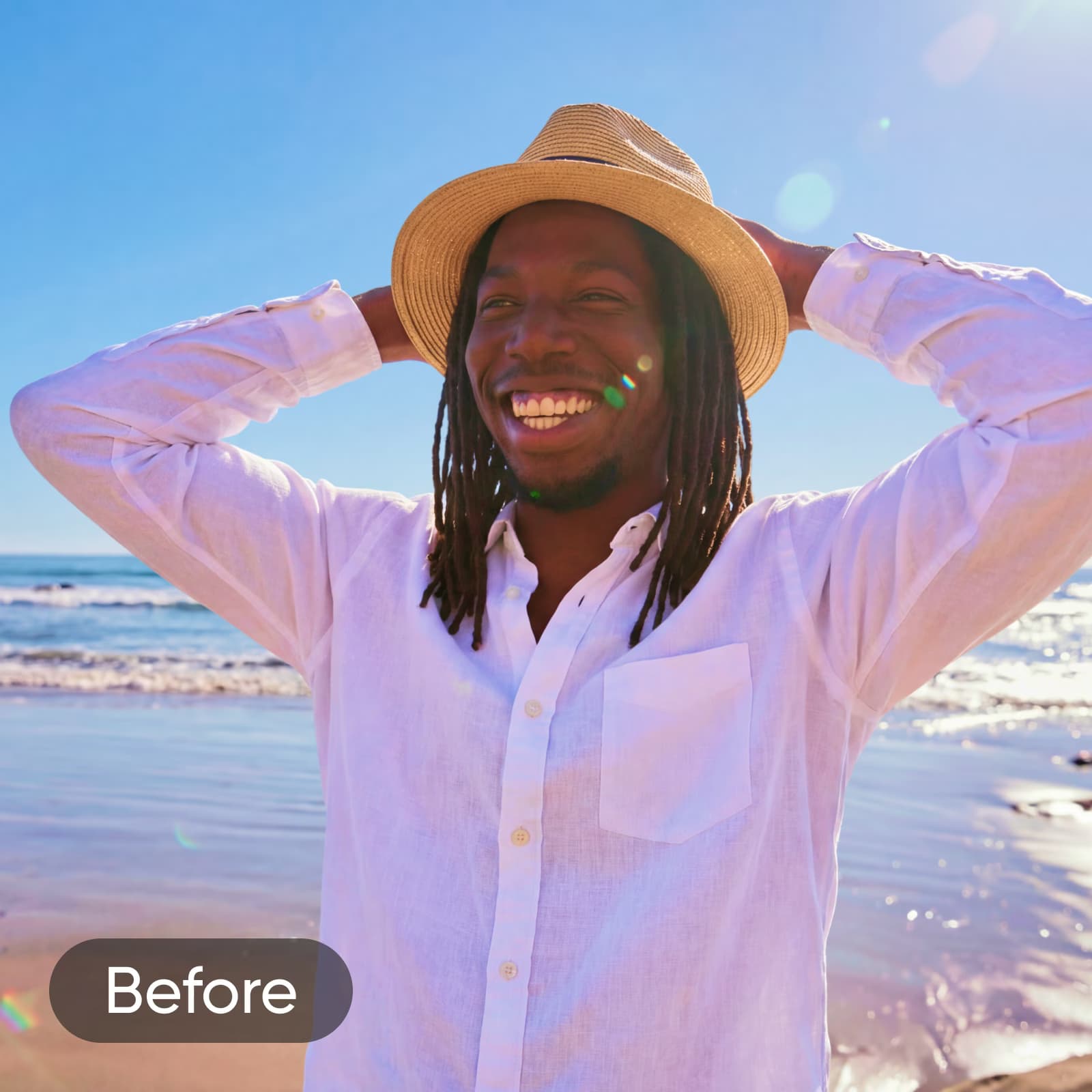
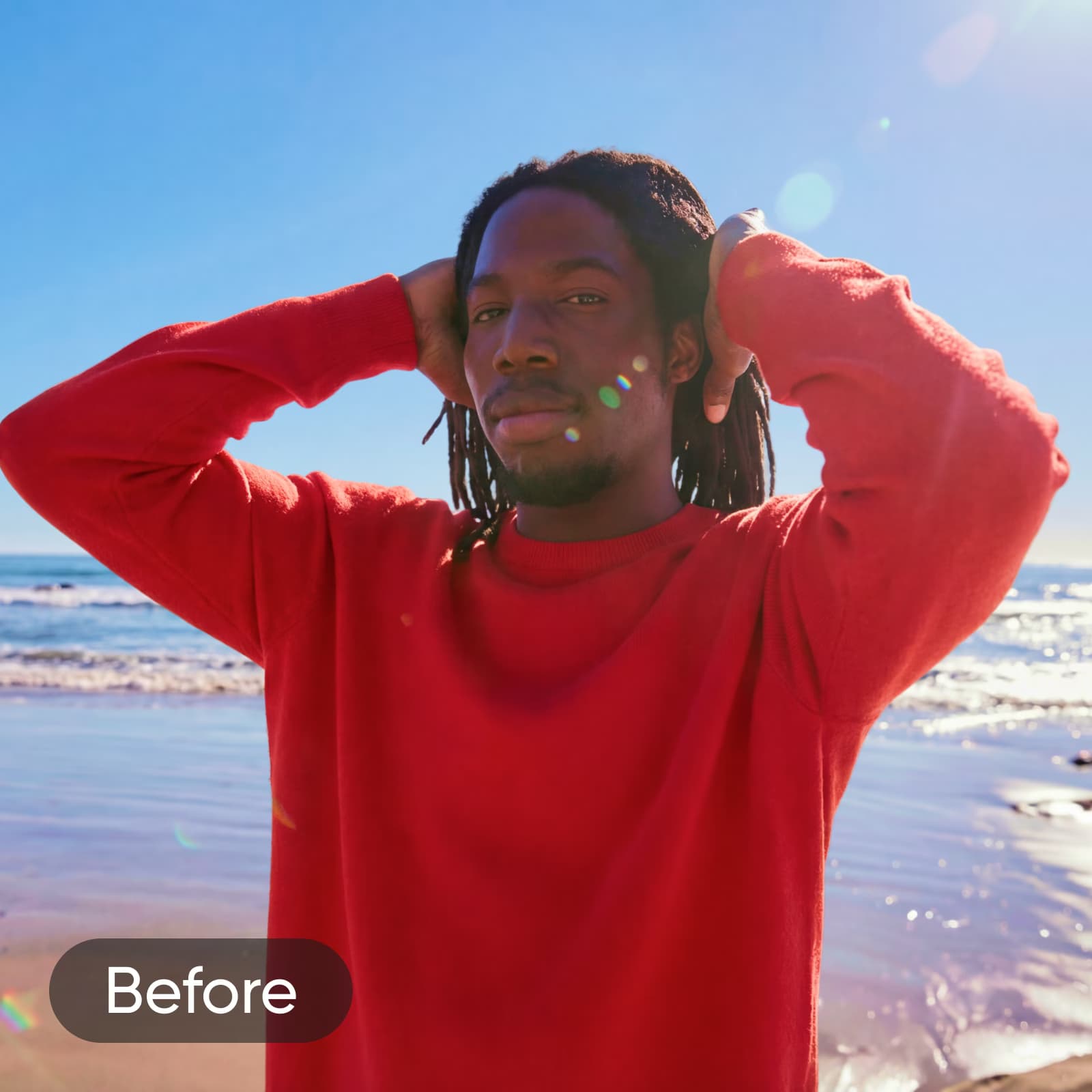
השתמשו ב-AI Replace לכל פרויקט יצירתי
החליפו אלמנטים בתמונות מוצר
החליפו אביזרים, אריזות או פריטים נלווים בצילומי מוצר כדי להתאים אותם לקמפיינים עונתיים או למיתוג מעודכן. קבלו תוצאות באיכות של סטודיו בלי לצלם מחדש.
קדמו את המותג שלכם עם עיצובים מותאמים אישית שנוצרו באמצעות AI
בין אם אתם משווקים עסק קטן בפייסבוק או עורכים תמונות מוצר לקראת השקה גדולה, בכמה דקות בלבד תוכלו להחליף אלמנטים בחומרי הפרסום באמצעות AI וליצור עיצובים מותאמים אישית. ואם תרצו לשפר את איכות התמונה לפני שתעלו אותה לרשת, AI enhance ישדרג אותה מיד ויעניק לה מראה חד וברור יותר. מרקעים כיפיים לפוסטרים ועד ללוגואים של מותגים שתופסים את העין — קל מאי פעם לחזק את אסטרטגיית השיווק שלכם באמצעות תמונות מקוריות, גם אם אתם לא מעצבים גרפיים מנוסים.
נסו כלים נוספים לעריכה באמצעות AI של Picsart


שאלות נפוצות על AI Replace
AI Replace של Picsart הוא כלי עריכה מבוסס AI גנרטיבי, שמחליף אובייקטים נבחרים בתמונות שלכם באלמנטים חדשים. הוא משתמש ב-AI inpainting כדי לשחזר את האזור שמסביב לאחר כל החלפה, וליצור תוצאות שמשתלבות באופן טבעי בתמונה המקורית — בלי מסכות ידניות או שכבות.
ערכו תמונות באמצעות AI לכל רעיון יצירתי
Pro
Most popularAI tools for everyday creative work.
Ultra
Most powerfulHeavy AI usage for creators & teams.
Enterprise
Custom AI solutions for large organizations.
- Volume discounts on credit rate
- On-demand top-ups