צרו הזמנות מותאמות אישית עם מחולל הזמנות חינמי
צרו הזמנות אונליין לכל אירוע עם מחולל ההזמנות החינמי של Picsart. עורך קל לשימוש, תבניות מעוצבות מקצועית ותערובת עשירה של תמונות, רקעים וגופנים עוזרים לכם לעצב הזמנות בקלות, מרעיון ראשון ועד לעיצוב הסופי.
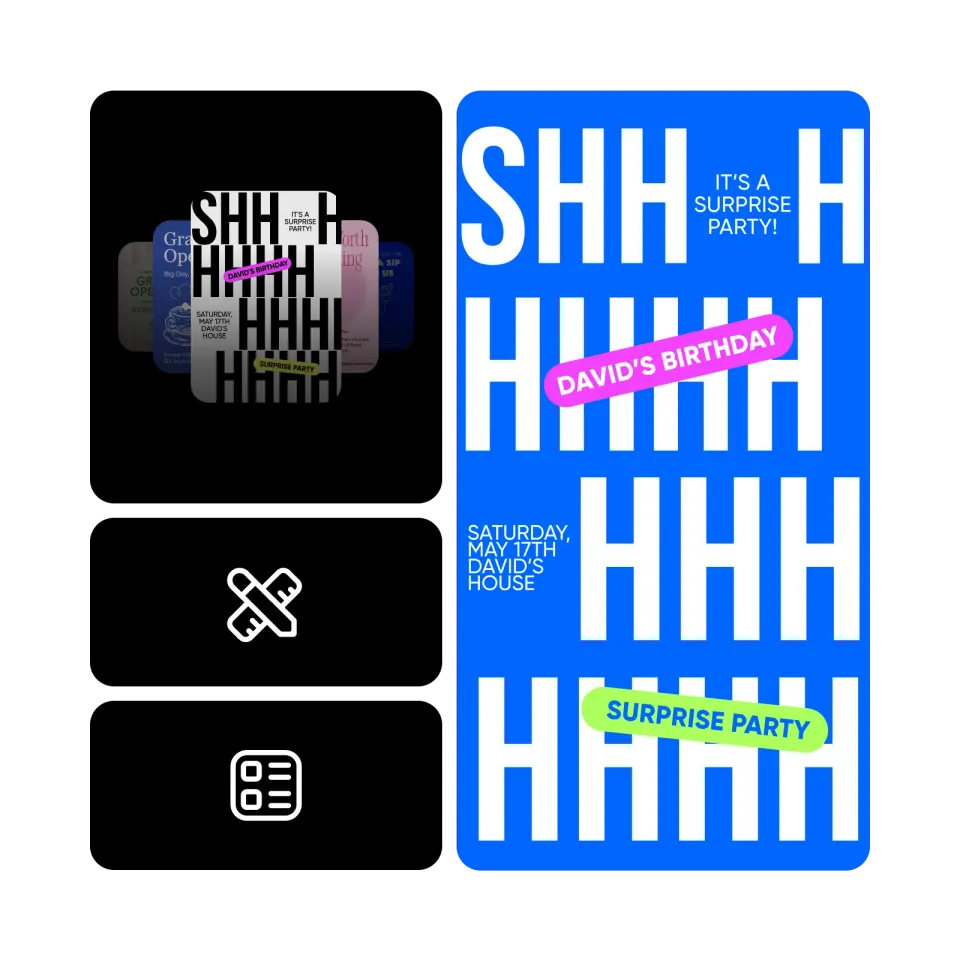
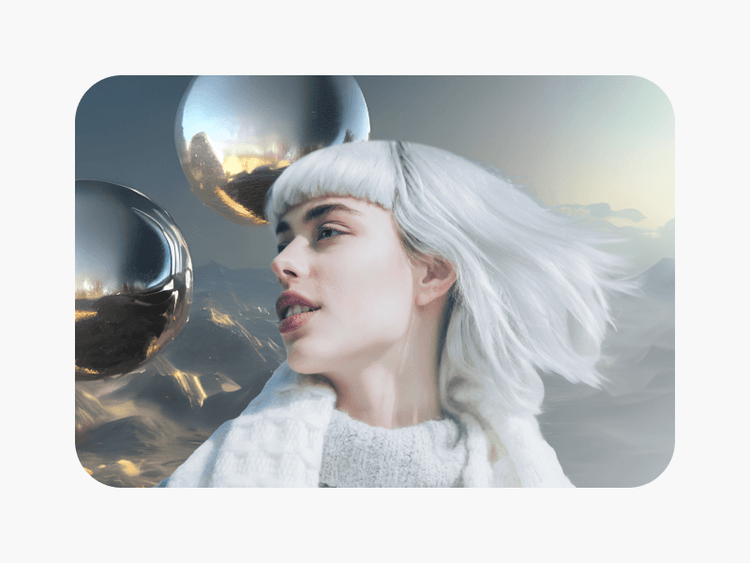
עצבו הזמנות עם מודלים של תמונות AI
השתמשו במודלים של תמונות כדי להפוך הזמנות לוויזואלים מלוטשים, רעיונות עיצוב ונכסים ערוכים מוכנים.

תבניות הזמנה מוכנות לשימוש
בחרו מספריה עצומה של תבניות הזמנה מעוצבות מקצועית כדי לזרז את תהליך העיצוב שלכם.

כלי עריכה מובנים
השתמשו בכלי עריכת תמונות מובנים כדי ליצור כרטיסי הזמנה שמתאימים בדיוק לטעמכם.
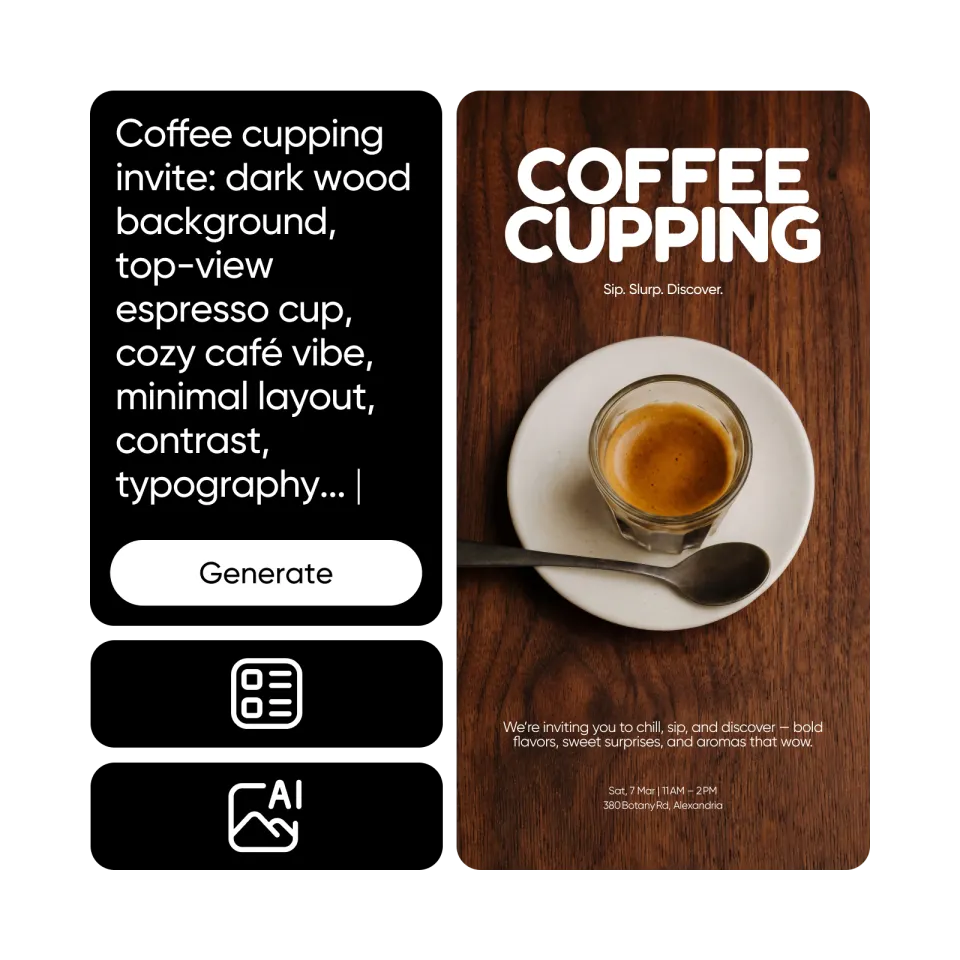
יצירת הזמנות מונעת על ידי AI
צרו עיצובים ייחודיים להזמנה תוך שניות בעזרת עוזר AI - רק תארו את האירוע שלכם ו-AI יעשה את השאר.
איך ליצור הזמנות עם Picsart
פתח את מחולל ההזמנות
השתמשו בכפתור למטה כדי לפתוח את עורך Picsart ולהתחיל ליצור את ההזמנה שלכם.
בחר תבנית הזמנה
ערוך את הטקסט
התאם אישית
שמור
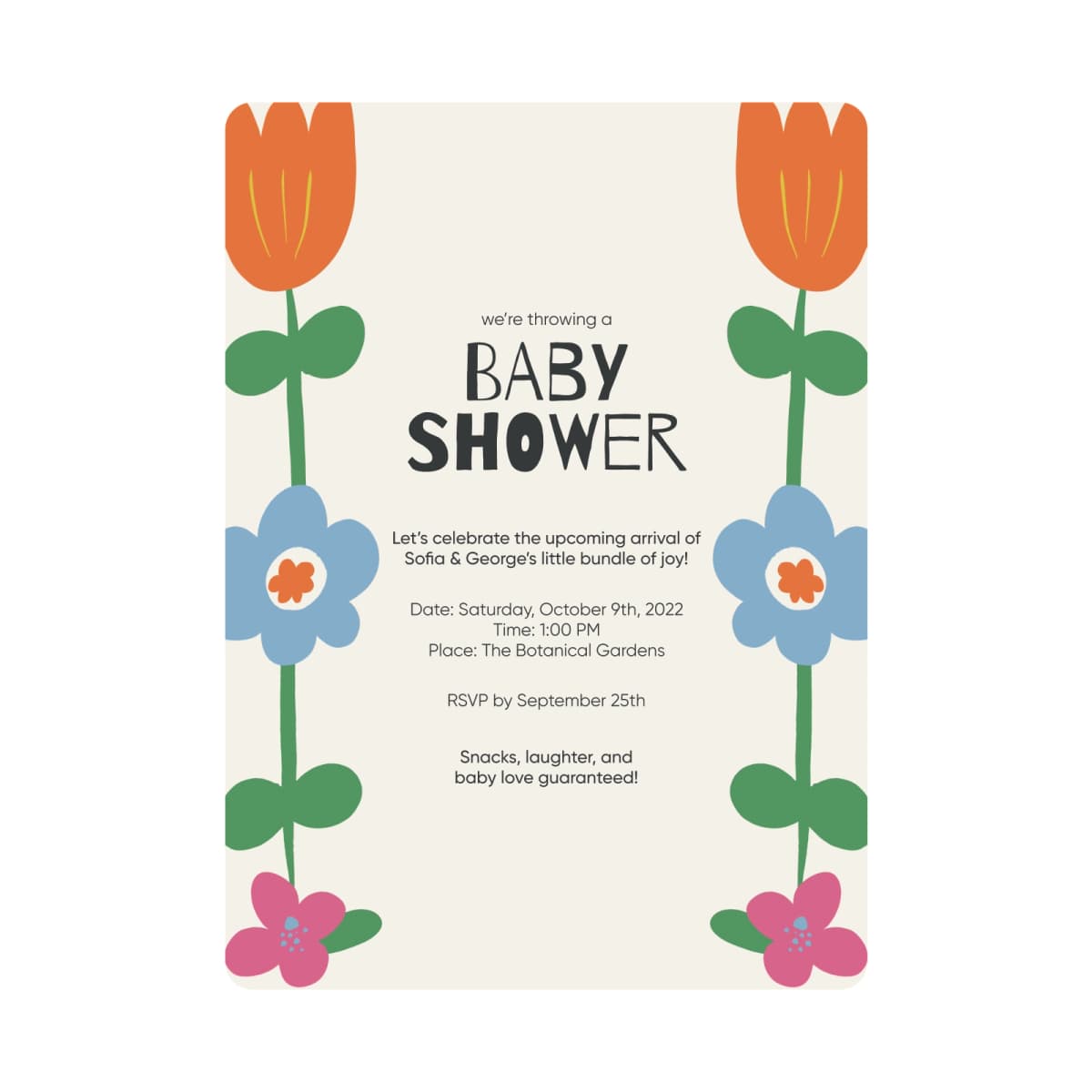
עצבו כרטיסי הזמנה בקלות. אין צורך בכישורי עיצוב
מחולל כרטיסי ההזמנה של Picsart מעוצב לשימוש על ידי כולם. אין צורך בכישורים מוקדמים כדי ליצור הזמנות לאירועים שלכם או לבזבז שעות בניסיון להבין את הכיוון העיצובי. בזכות ממשק המשתמש של Picsart וספריית המשאבים כמו תבניות וצילום מניות, תוכלו לעצב כרטיסי הזמנה במהירות רבה.

בחרו מתוך שפע של תבניות הזמנה
התחילו את תהליך עיצוב ההזמנה שלכם עם ספריית תבניות כרטיסי הזמנה באיכות גבוהה ומעוצבות על ידי מומחים לכל האירועים. בין אם אתם יוצרים הזמנה למסיבת יום הולדת, חתונה, סדנה או כנס, תמצאו אפשרויות מוכנות לשימוש בספריית התבניות של Picsart.
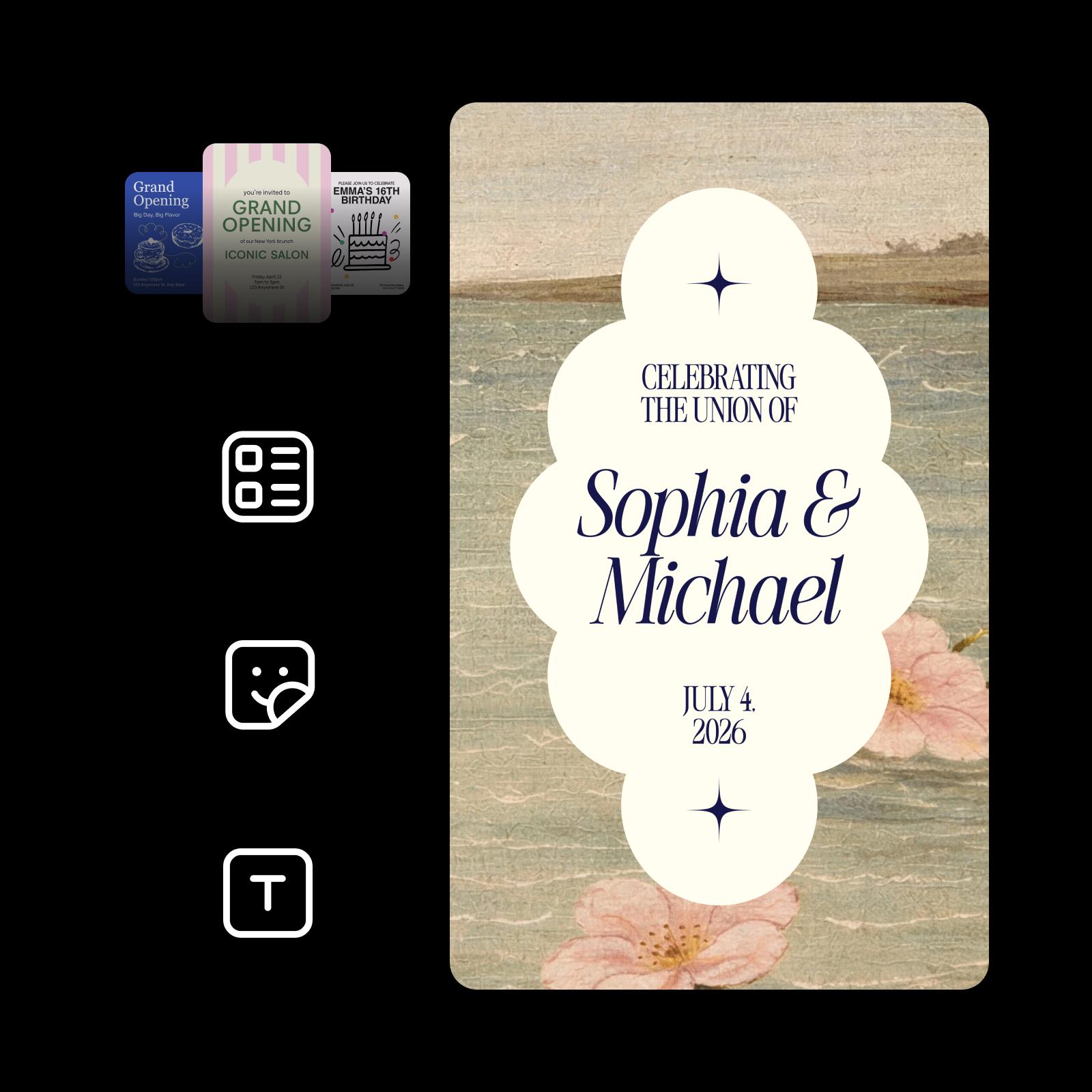
הוסיפו נגיעה אישית להזמנות שלכם
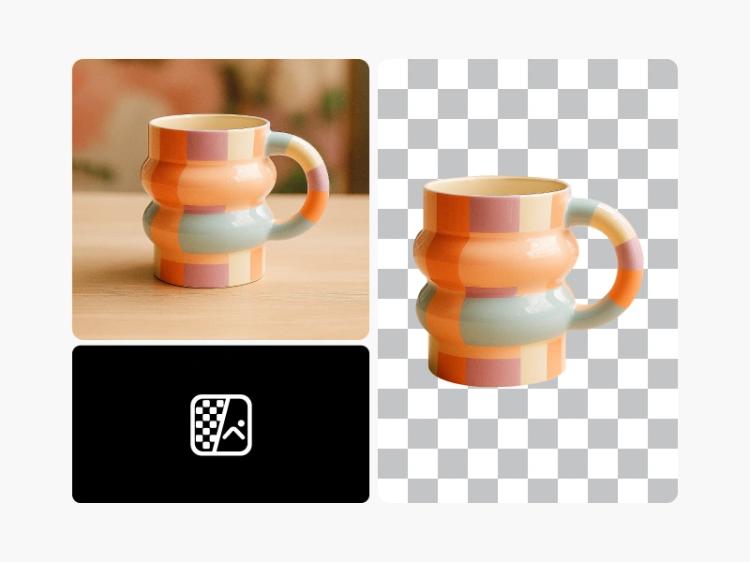
נצלו את עורך התמונות המובנה של מחולל ההזמנה כדי לכוונן את המראה הסופי של כרטיסי ההזמנה שלכם. שלבו את התמונות שלכם בעיצוב ההזמנה לאפקט אישי. הסירו אובייקטים שמפריעים למראה עם כלי המחיקה המופעל על ידי AI. עיינו בספריית הגופנים כדי להוסיף טקסט לתמונות או לשחק עם אפקטי התמונות כדי לעצב את המראה הכללי.

צרו הזמנות שנראות טוב גם בהדפסה
ההזמנות שאתם יוצרים עם מחולל ההזמנות של Picsart יראו טוב בדיוק כמו בהדפסה כמו על המסך שלכם. עצבו את כרטיסי ההזמנה שלכם בביטחה, בתודעה שכל הצבעים ואלמנטים העיצוב יראו מדויקים גם על כרטיסים מודפסים.

רעיונות להזמנות לכל אירוע
עצבו הזמנות חתונה אלגנטיות שמשקפות את הסגנון שלכם, מהסיומו לתאריכים ועד לפרטים של הטקס והאירוח.

טיפים לעיצוב הזמנות שאנשים אוהבים לפתוח
עצבו הזמנות שמרגישות מעניינות ומכוונות על ידי התמקדות בפרטים שעושים את ההבדל:
✔️ השתמשו בגופנים נועזים ובפריסות מאוזנות כדי לשמור על הודעתכם ברורה.
✔️ בחרו צבעים מושכי עין שמתאימים לאווירת האירוע שלכם.
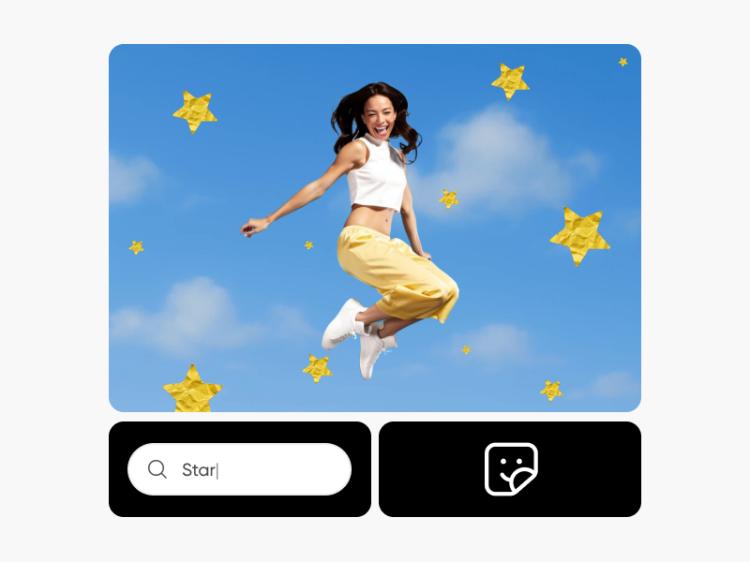
✔️ הוסיפו מדבקות ואלמנטים עיצוביים מתחשבים כדי להוסיף אישיות ללא עומס.
✔️ התחילו עם מחולל התמונות AI להצתת רעיונות ולעיצוב הכיוון הוויזואלי.
✔️ זיקוק והתאמה מחדש בקלות בעזרת AI Enhancer ו-AI Expand לכל אירוע.

עצבו הזמנות מהר יותר עם מחולל הזמנות AI
אם אתם מחפשים דרך חלופית ומהירה לעצב הזמנות, Picsart Aura הופכת את זה לקל. פשוט תארו את האירוע במילים ותקבלו עיצובים של הזמנות שניתן להתאים אישית מעבר לכך. AI מאיץ את התהליך היצירתי, מייצר רעיונות טריים, ותומך במשתמשים ללא ניסיון בעיצוב תוך מתן מקום לנגיעות ולעריכות אישיות.
שאלות נפוצות על מחולל הזמנות
כן, תוכלו להשתמש במחולל ההזמנות ללא תשלום. חלק מהתכנים והכלים עשויים לדרוש מנוי בתשלום.
בוודאי! תוכלו להעלות את התמונות שלכם ואפילו גופנים כדי להשתמש בכרטיסי ההזמנה שלכם.
תוכלו לייצא את ההזמנות שלכם בפורמטים של PNG, JPG, ו-PDF.
מחולל ההזמנות של Picsart מציע כלים לכל שלב בעיצוב כרטיסי ההזמנה שלכם. בין אם אתם זקוקים לגופנים, מדבקות, צורות או רקעים, תוכלו למצוא הכל בממשק נוח אחד, כך שאין צורך לעבור בין אפליקציות שונות למשימות שונות.
עוד כלים לאהוב מ-Picsart

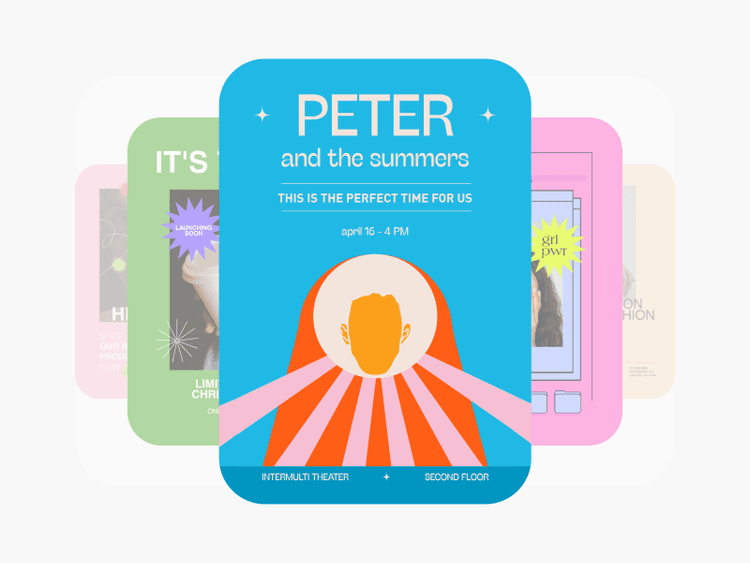

גלה מבחר רחב של תבניות כרטיסי הזמנה
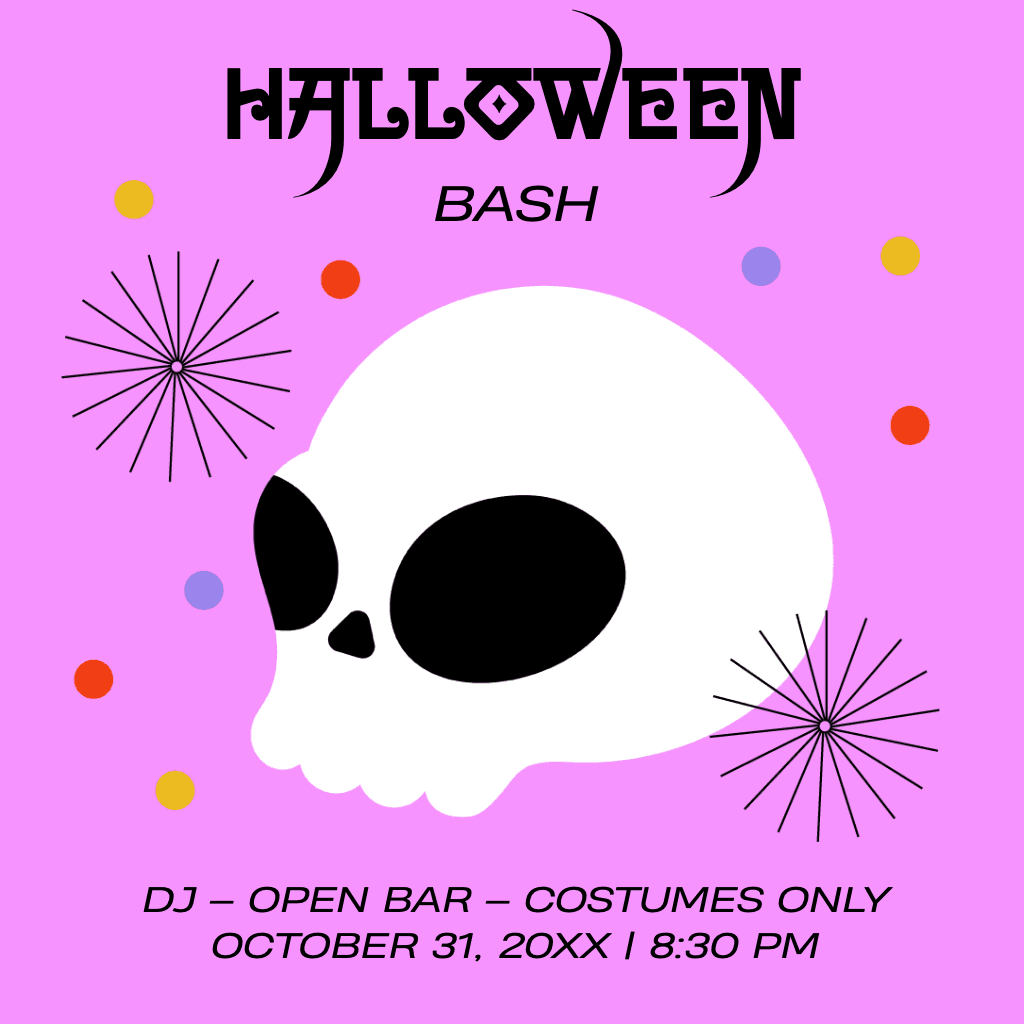
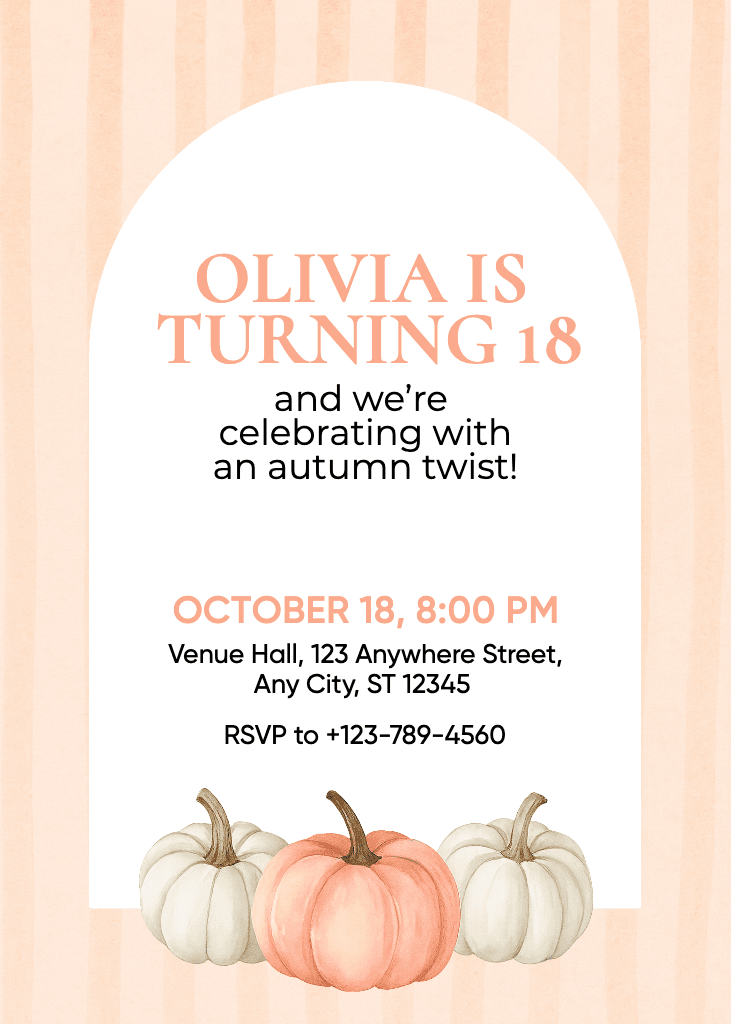
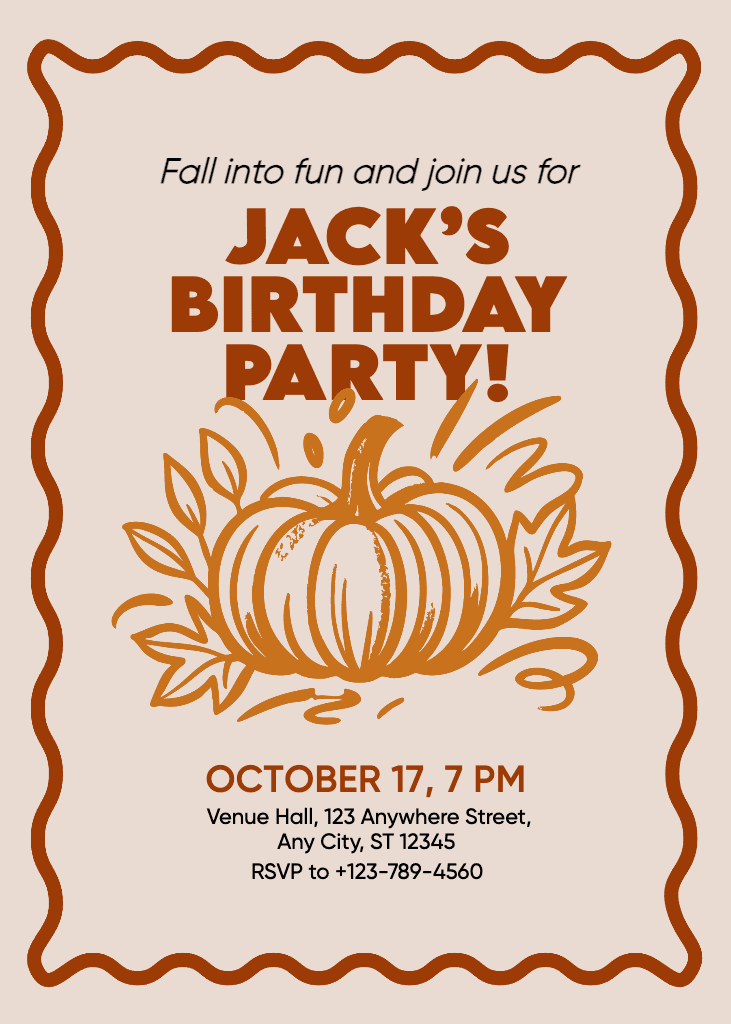
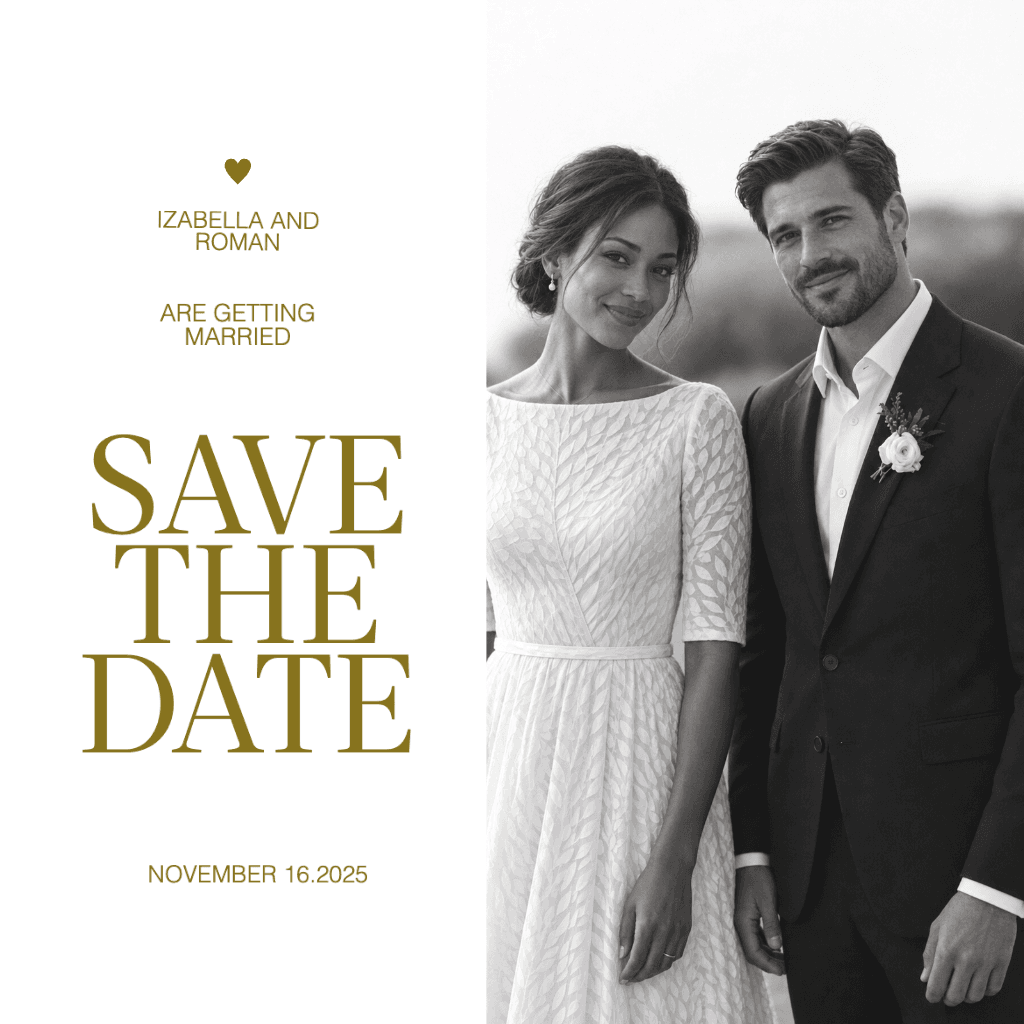
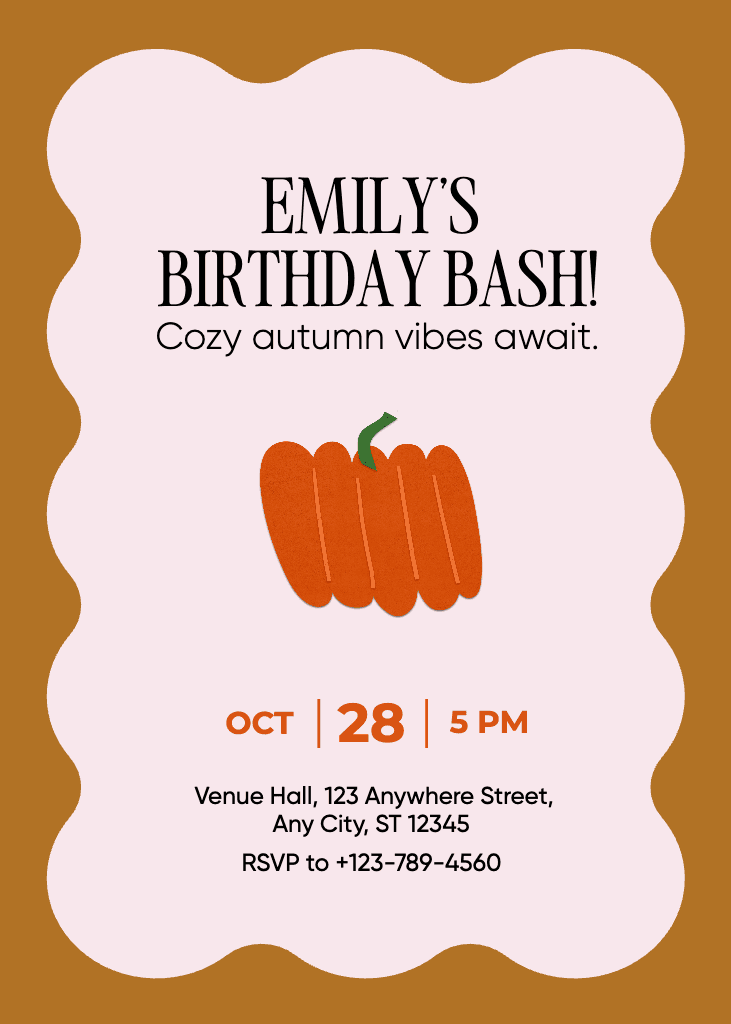
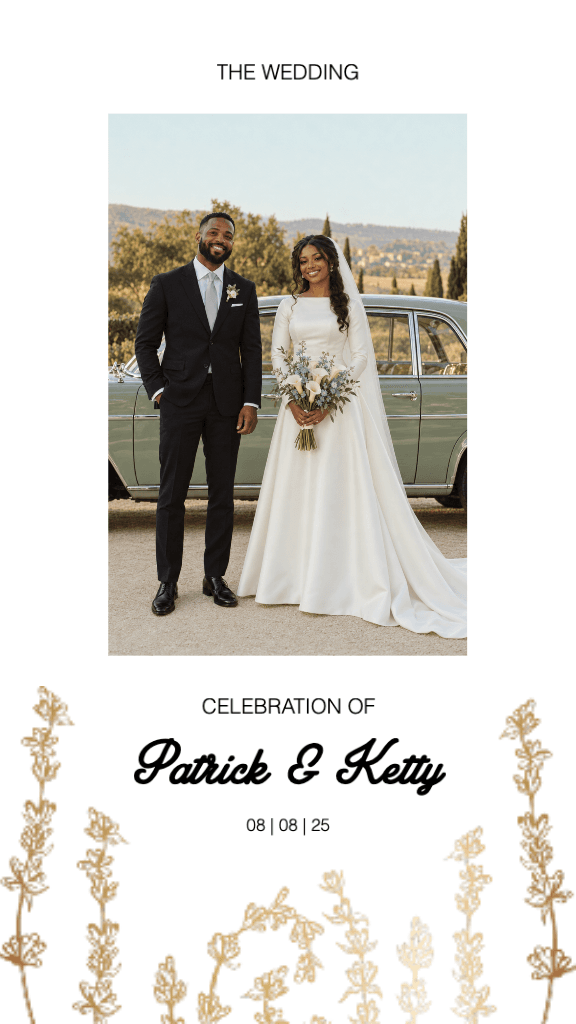
הציצו על המבחר הרחב של תבניות כרטיסי ההזמנה הזמינות במחולל ההזמנות של Picsart.
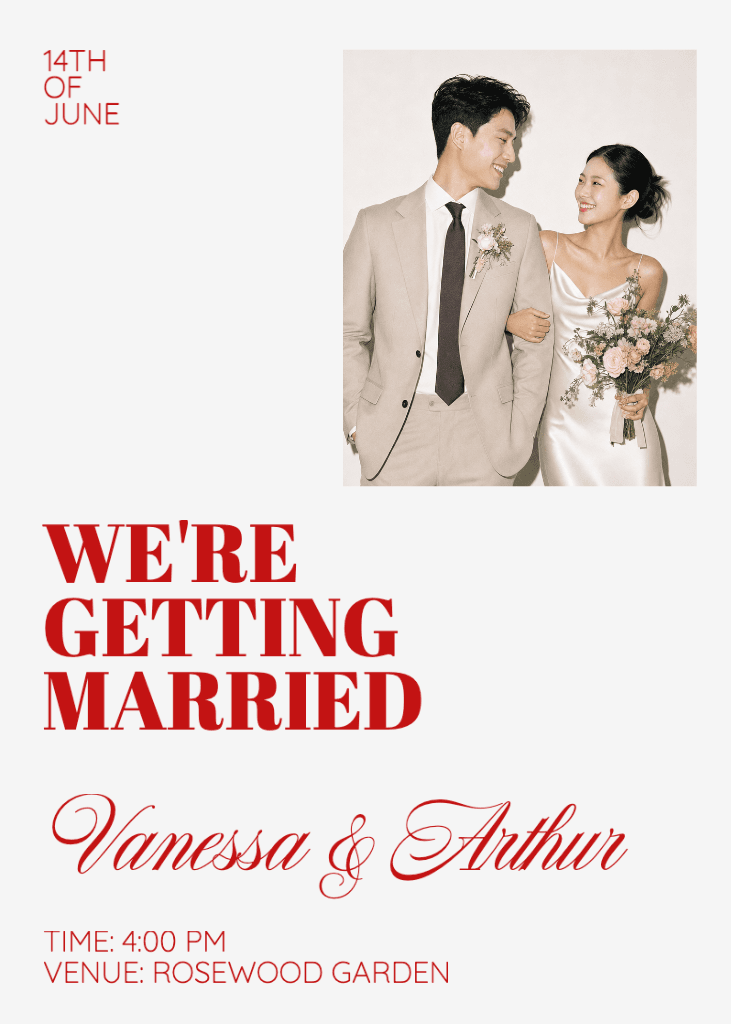
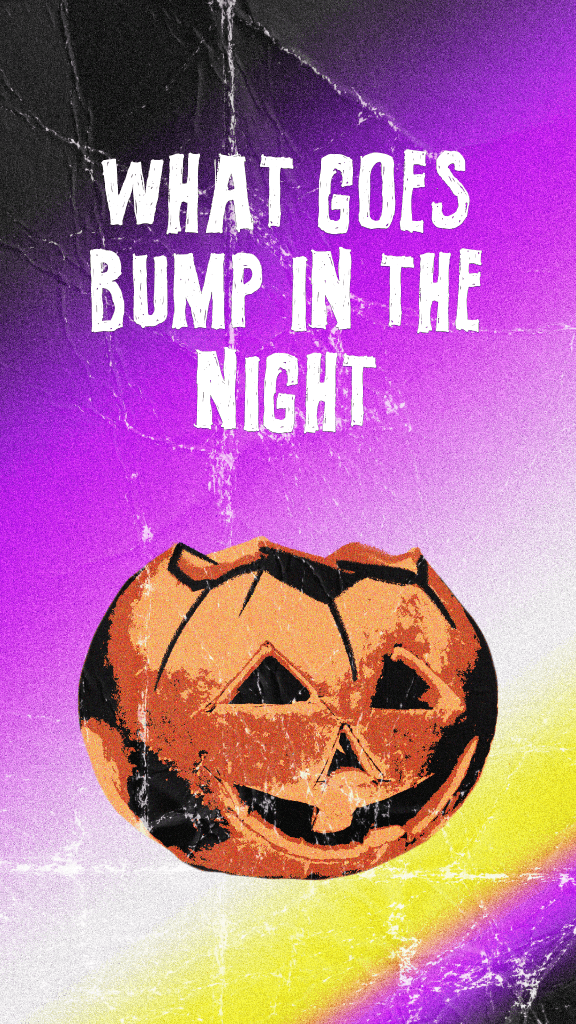
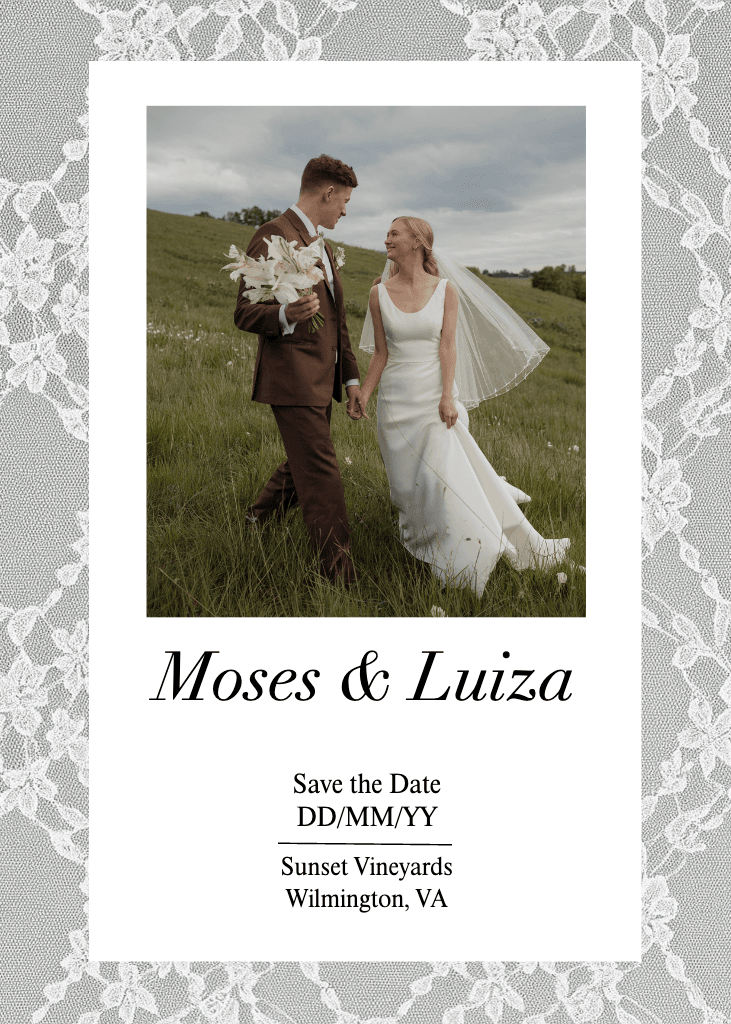

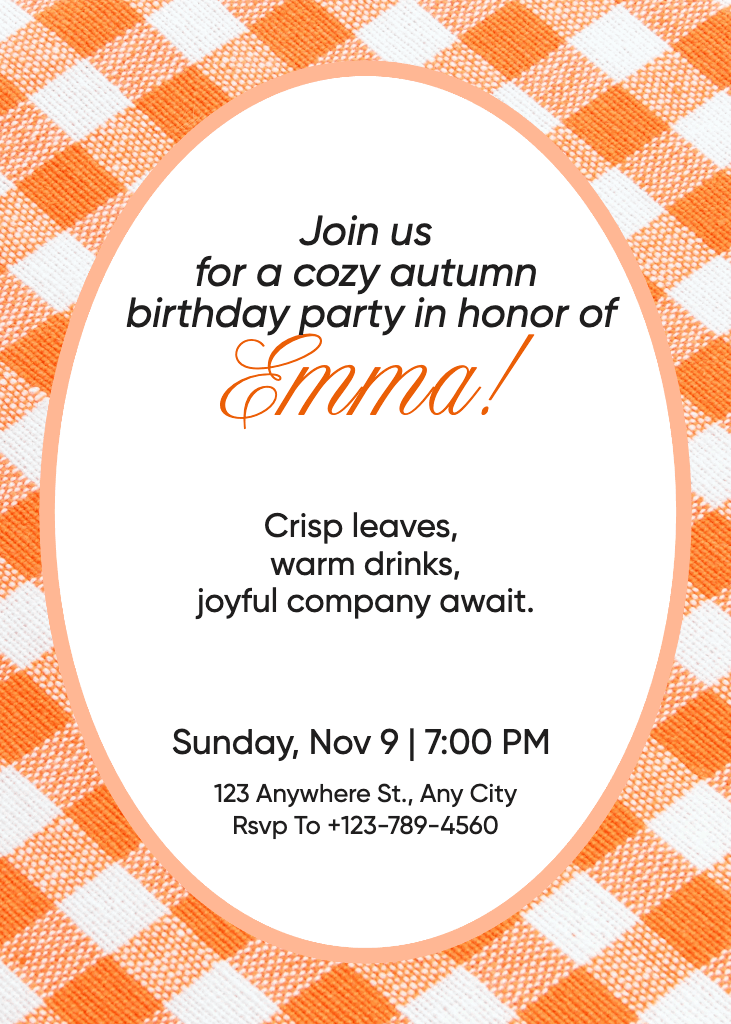
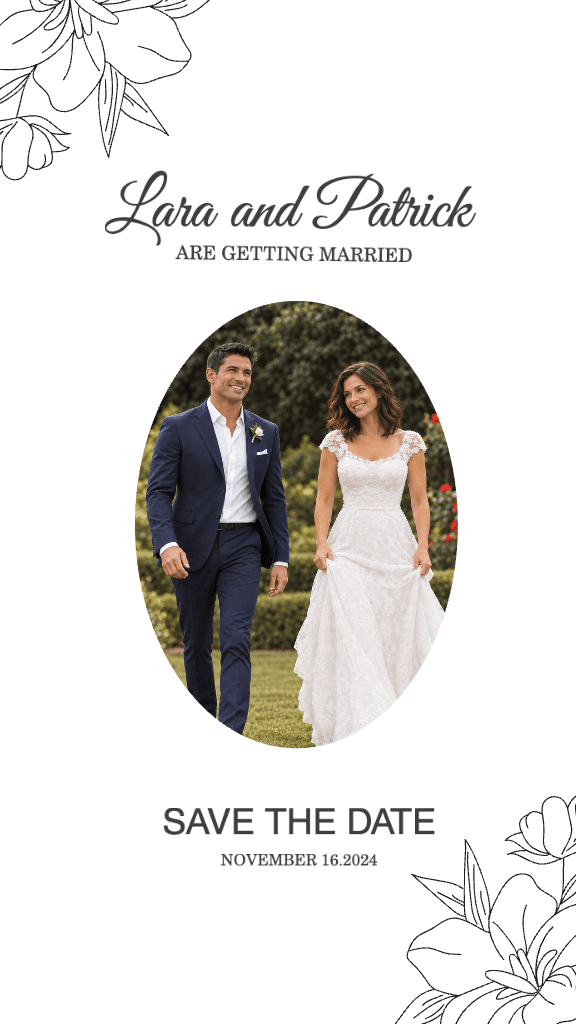
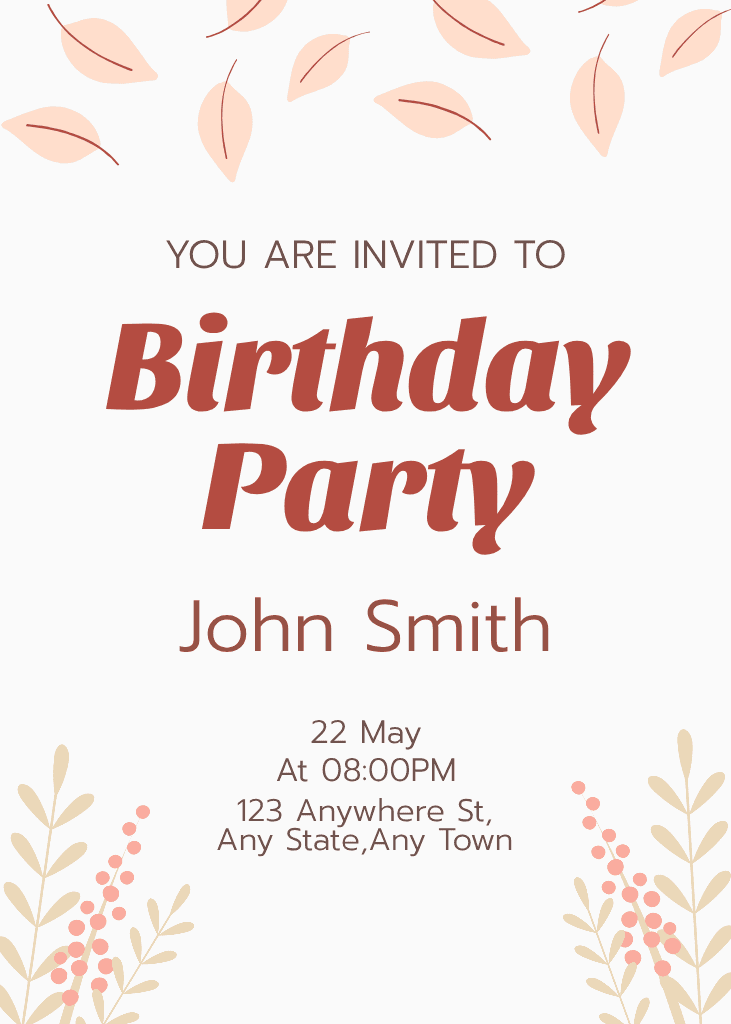
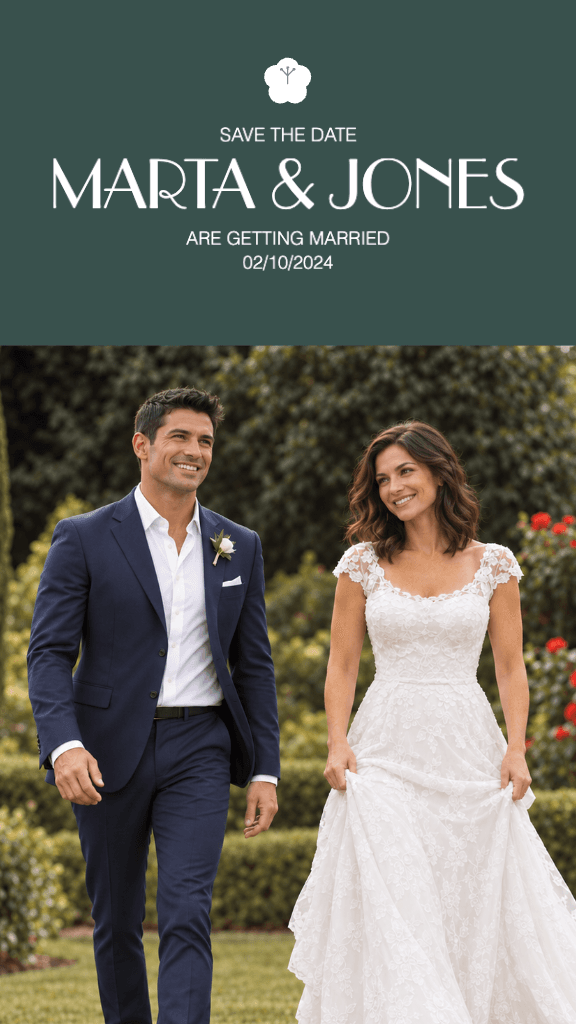

עצבו הזמנות לאירועים, חגיגות וקמפיינים
Pro
Most popularAI tools for everyday creative work.
Ultra
Most powerfulHeavy AI usage for creators & teams.