YouTube Banner Maker: Create Channel Art With AI
Use the online YouTube banner maker in Picsart Flow with a prompt, your photo, or a template. AI designs channel art around your name, logo, and tagline, sized to 16:9 at 2560 x 1440 with the text kept in the safe area, so it looks right on phones, computers, and TVs.
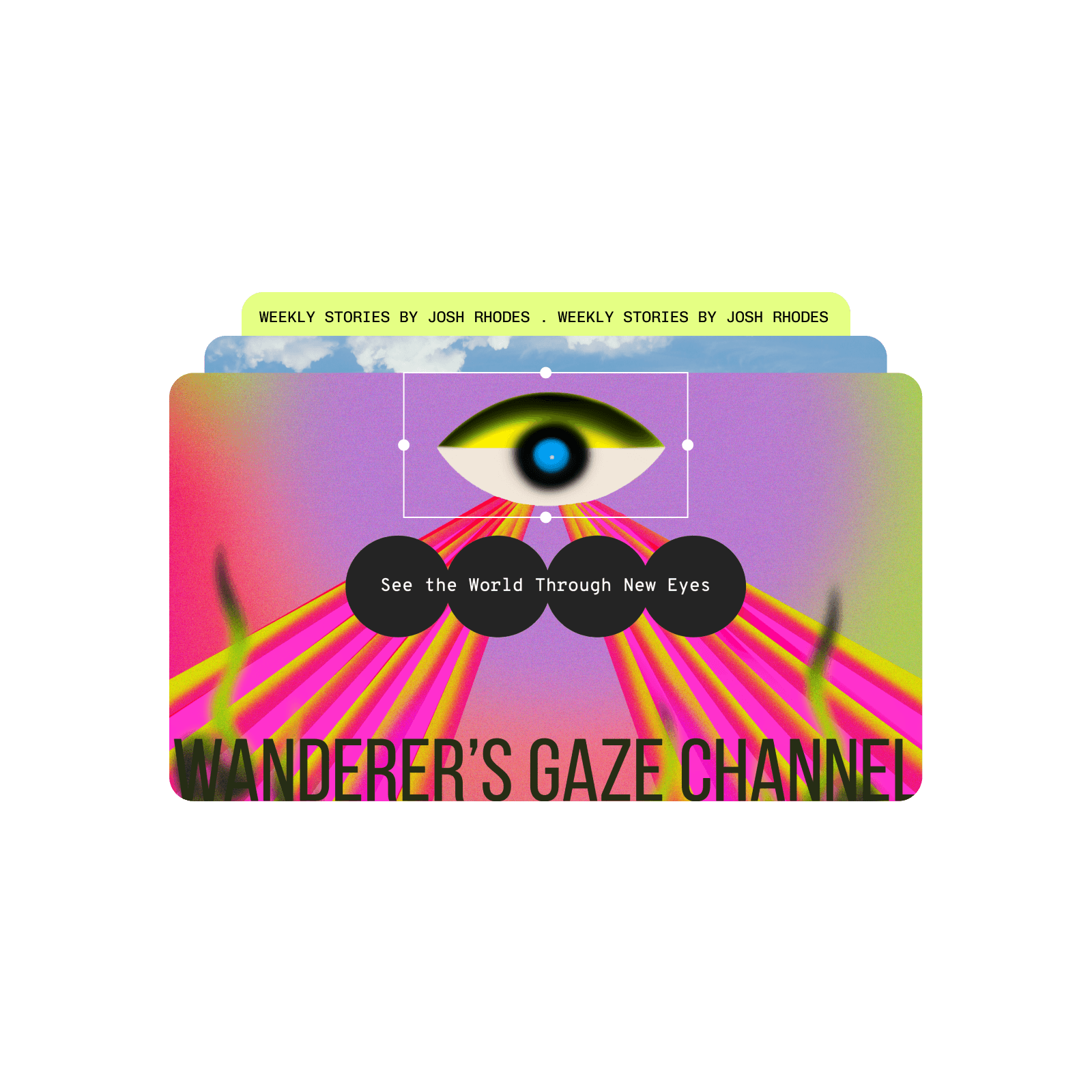
Design YouTube banners with AI image models
Learn how to make a YouTube banner in Picsart Flow
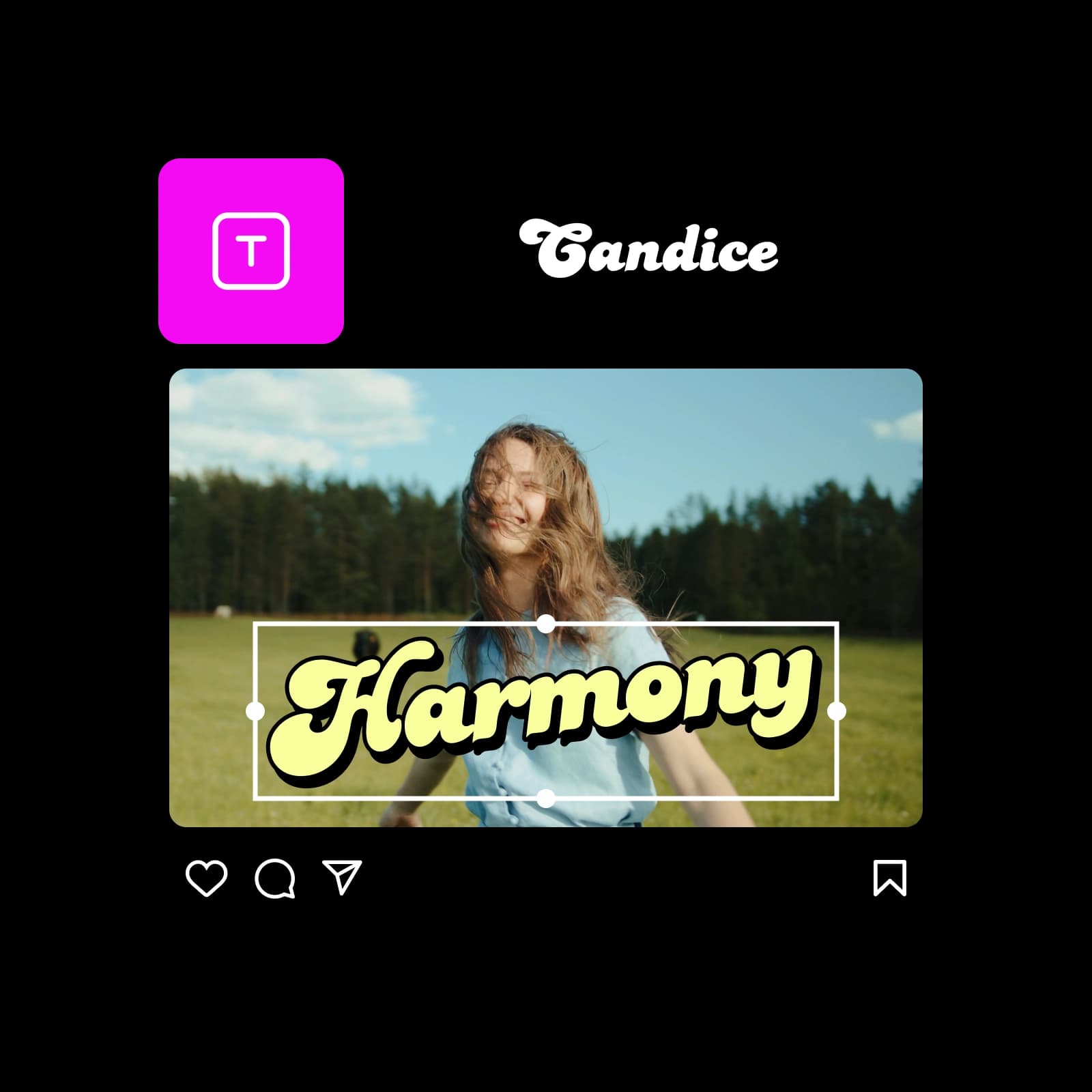
See ways to use the YouTube banner maker
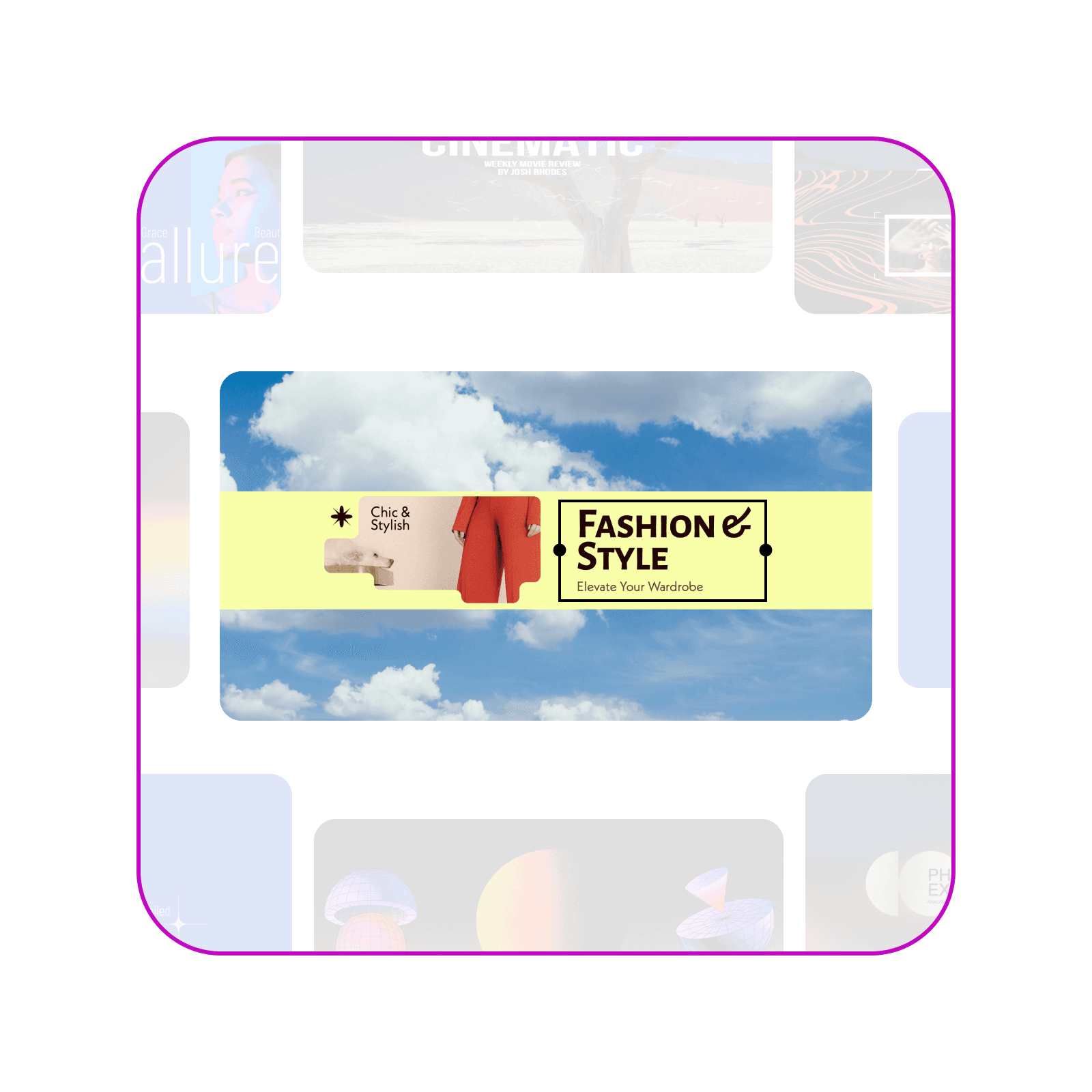
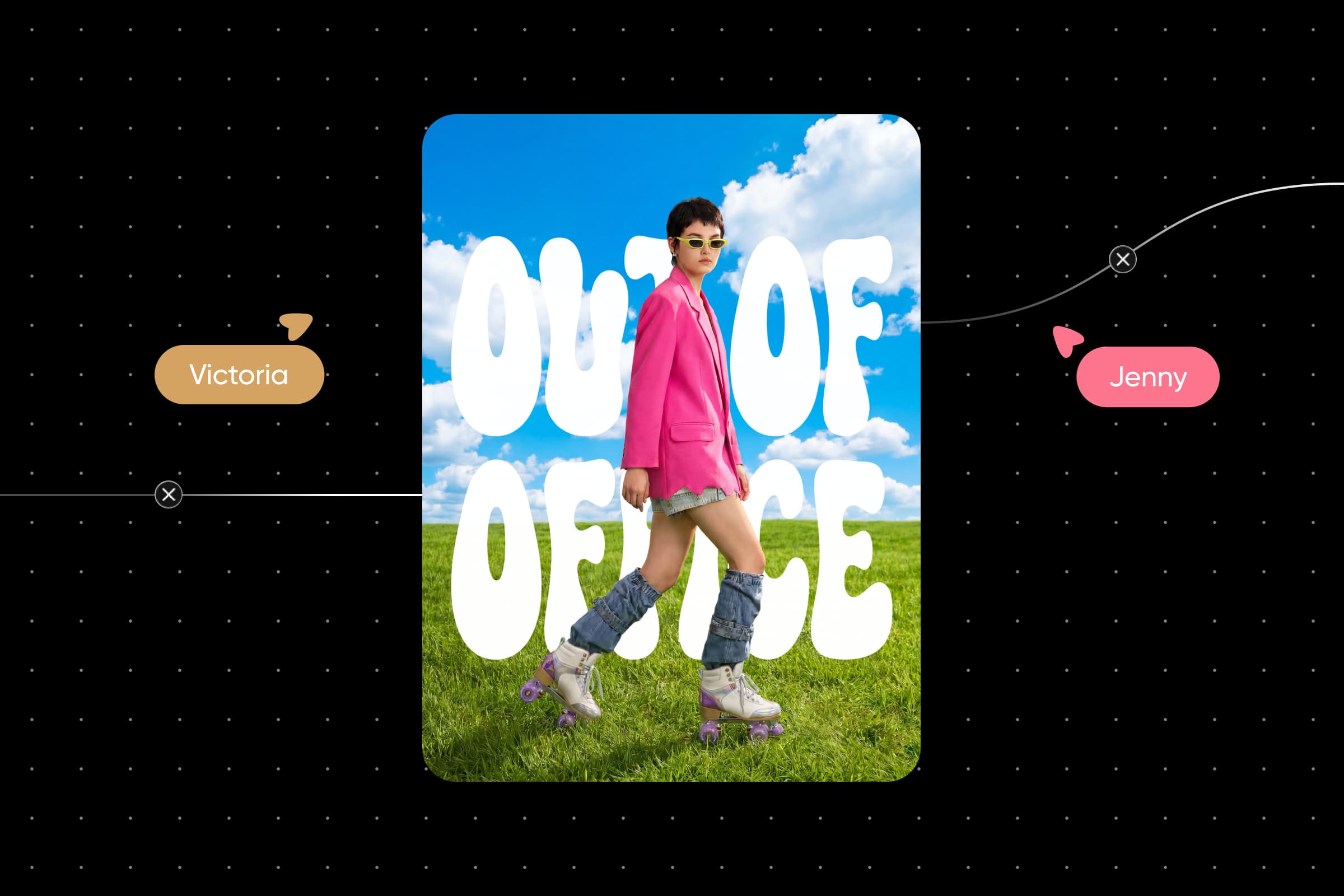
A clean, editorial banner for a style channel, with a model cutout and a bold title on a sky background.
Wide 16:9 YouTube channel banner, 2560 x 1440. A pale butter-yellow strip runs across a bright blue sky with soft white clouds. On the strip, a cutout of a model in a red coat on the left and a thin black box on the right with the title ‘Fashion & Style’ in a bold rounded serif and the tagline ‘Elevate Your Wardrobe’ in small type. Keep all text and the cutout in the middle third so nothing is cropped on phones. Clean, editorial, high contrast.
Get the YouTube banner size and ratio right
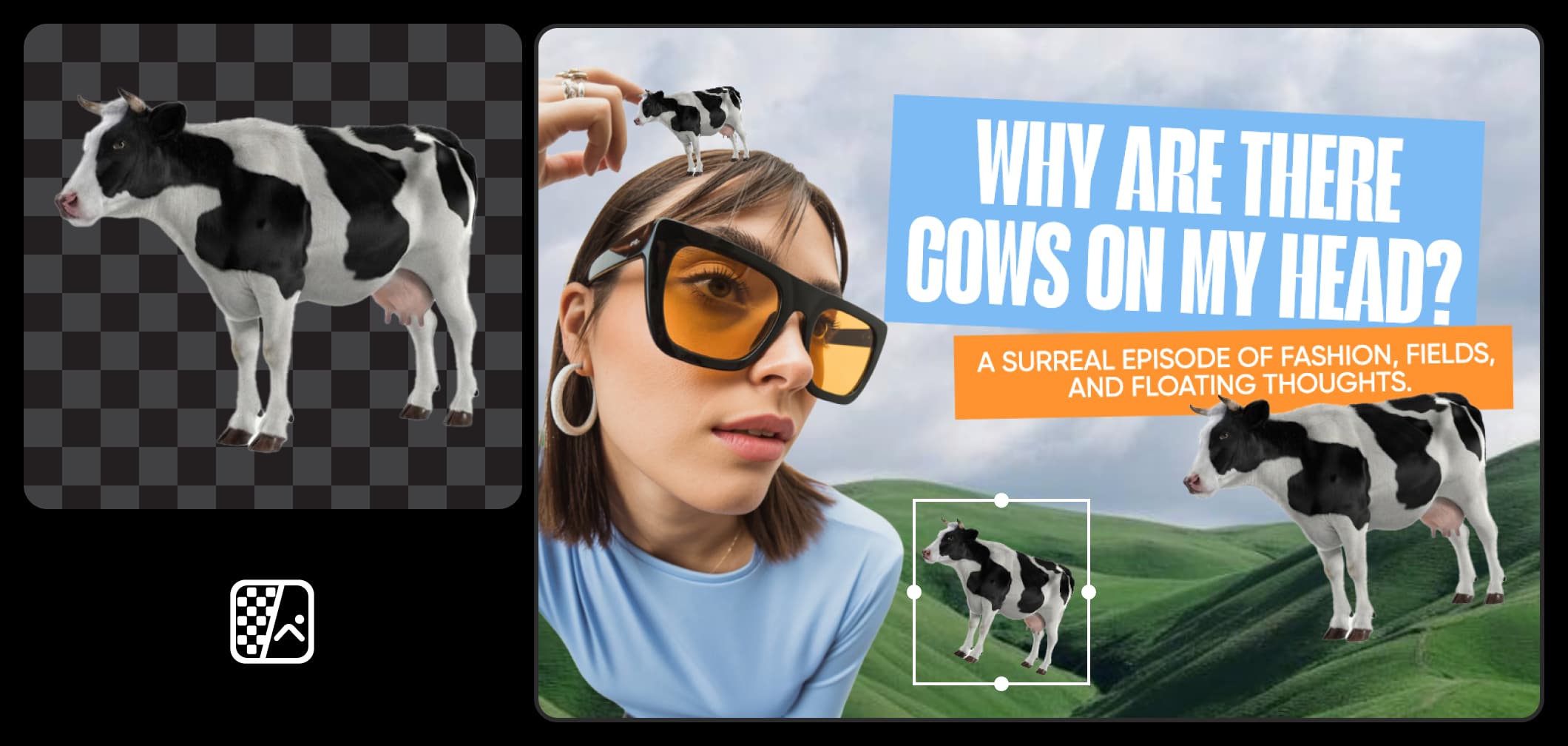
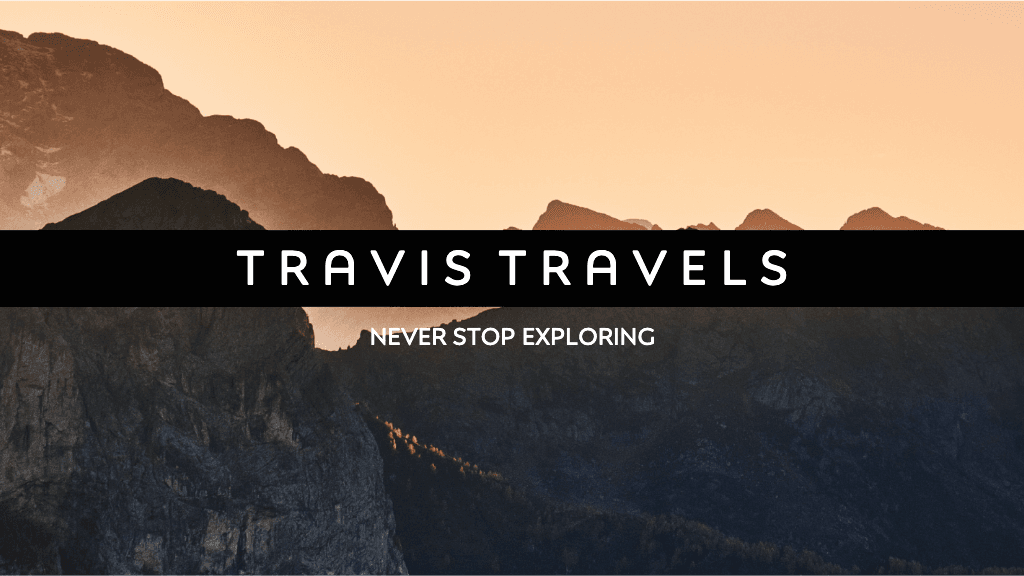
Make your YouTube banner 2560 x 1440 pixels, which is a 16:9 ratio. YouTube accepts 2048 x 1152 at minimum, up to 6 MB. YouTube crops the banner differently on phones, computers, and TVs, so keep your name and logo near the center. Need a YouTube banner resizer? With generative editing on the canvas, the same editing set that repaints any area with Inpaint and re-shoots a photo from a new angle, Outpaint's 16:9 aspect chip extends a narrow photo to fit. One picture of you or your setup can fill the whole banner.
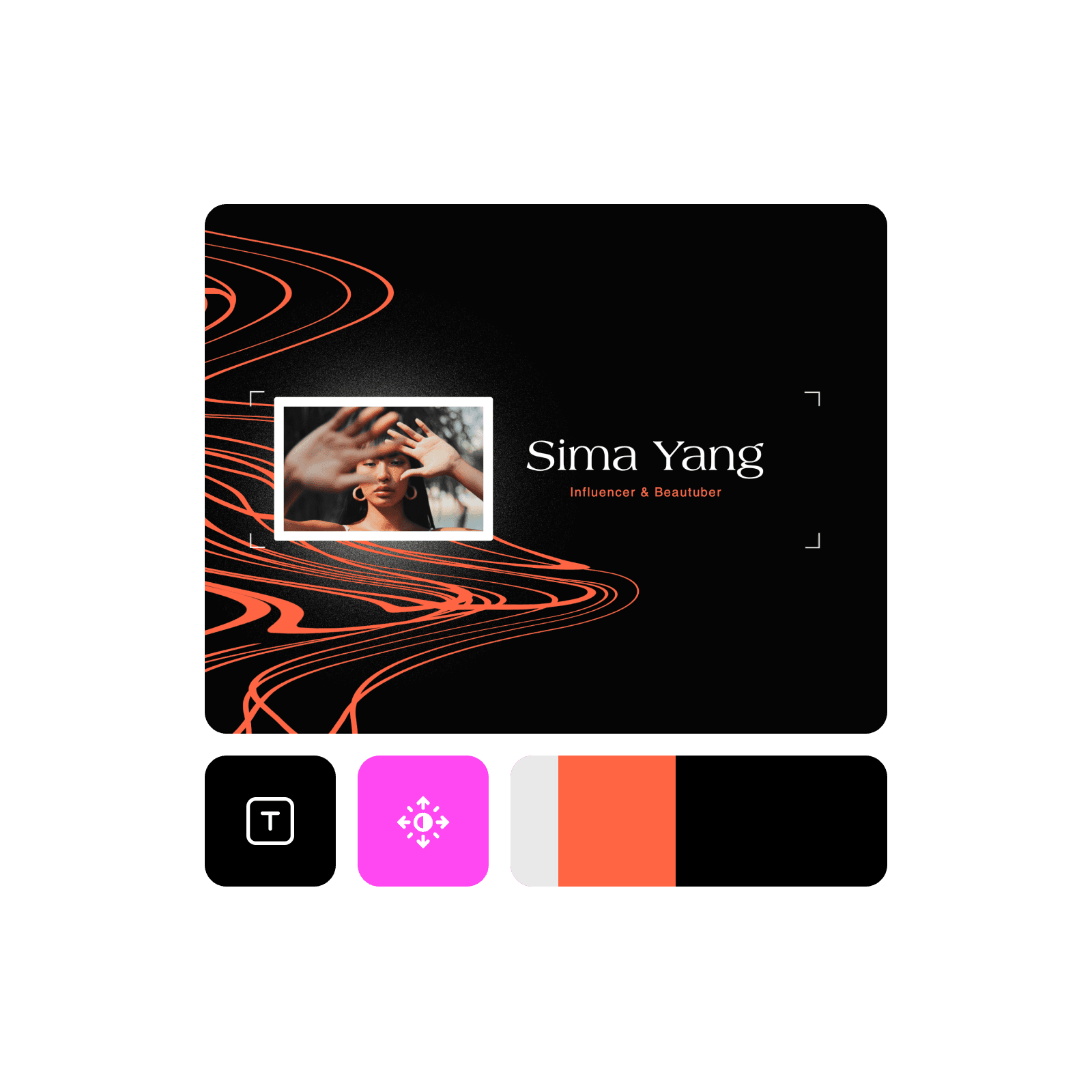
Generate channel art with the AI YouTube banner maker
Describe your channel name, niche, colors, and mood, and Picsart Flow designs custom banners around them. Add your avatar or logo as a reference image so the art matches the rest of your channel. Right-click the canvas to add a second model, run the prompt on both, and keep the banner that reads best. To build workflows faster, select your banner nodes and switch the model or the resolution for all of them in one edit, or regenerate the whole chain with one click and follow every run in the queue.
Design a banner for your channel's niche
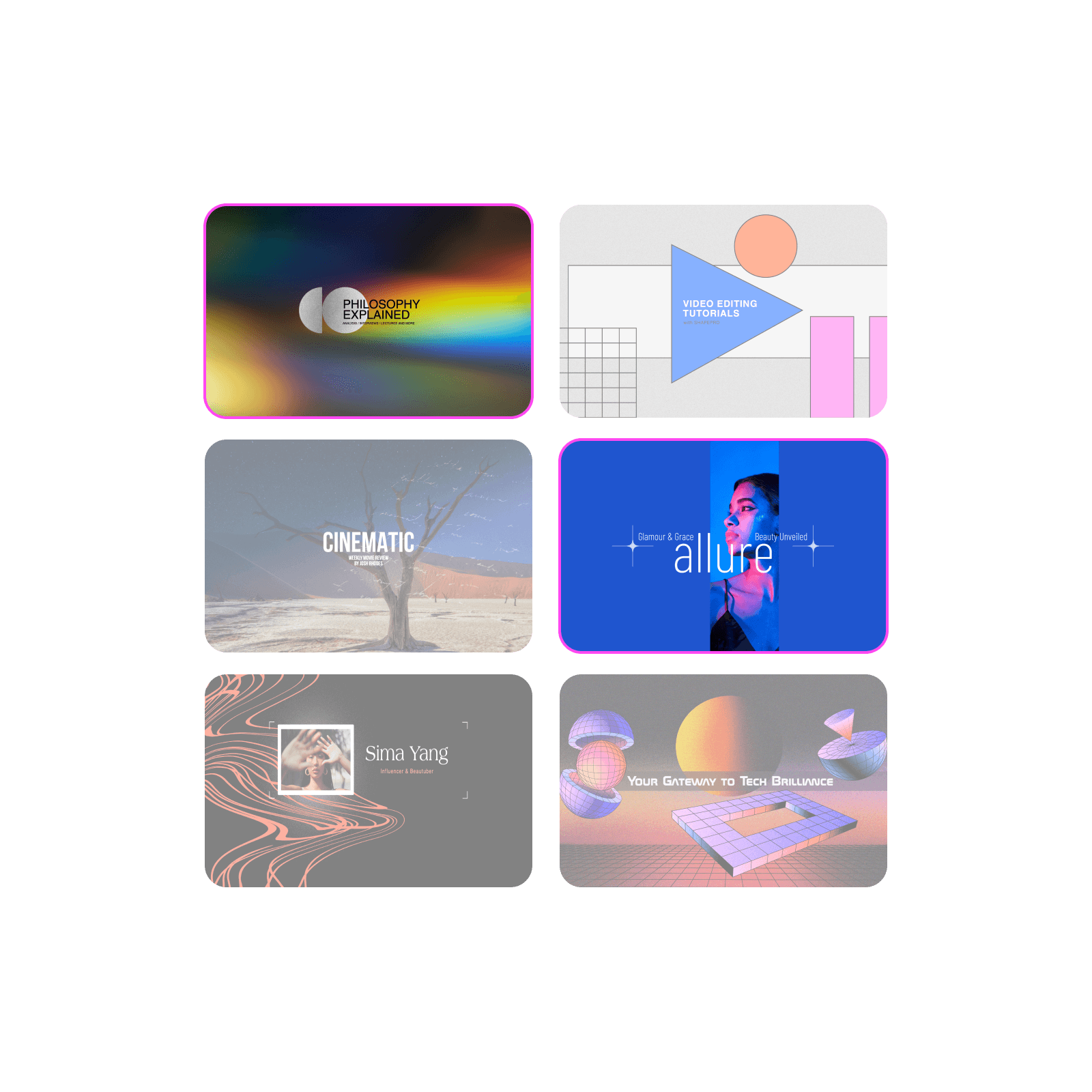
Every niche needs a different look: a gaming YouTube banner suits neon, and a cooking channel suits warm kitchen tones. For YouTube banner ideas, put the niche, name, and mood in one prompt. Once your channel looks the part, you can make money on YouTube with Picsart Earn. Pick a paid campaign, create the content in Picsart, and post it on your channel. You get paid based on how it performs.
Match your banner, thumbnails, and logo
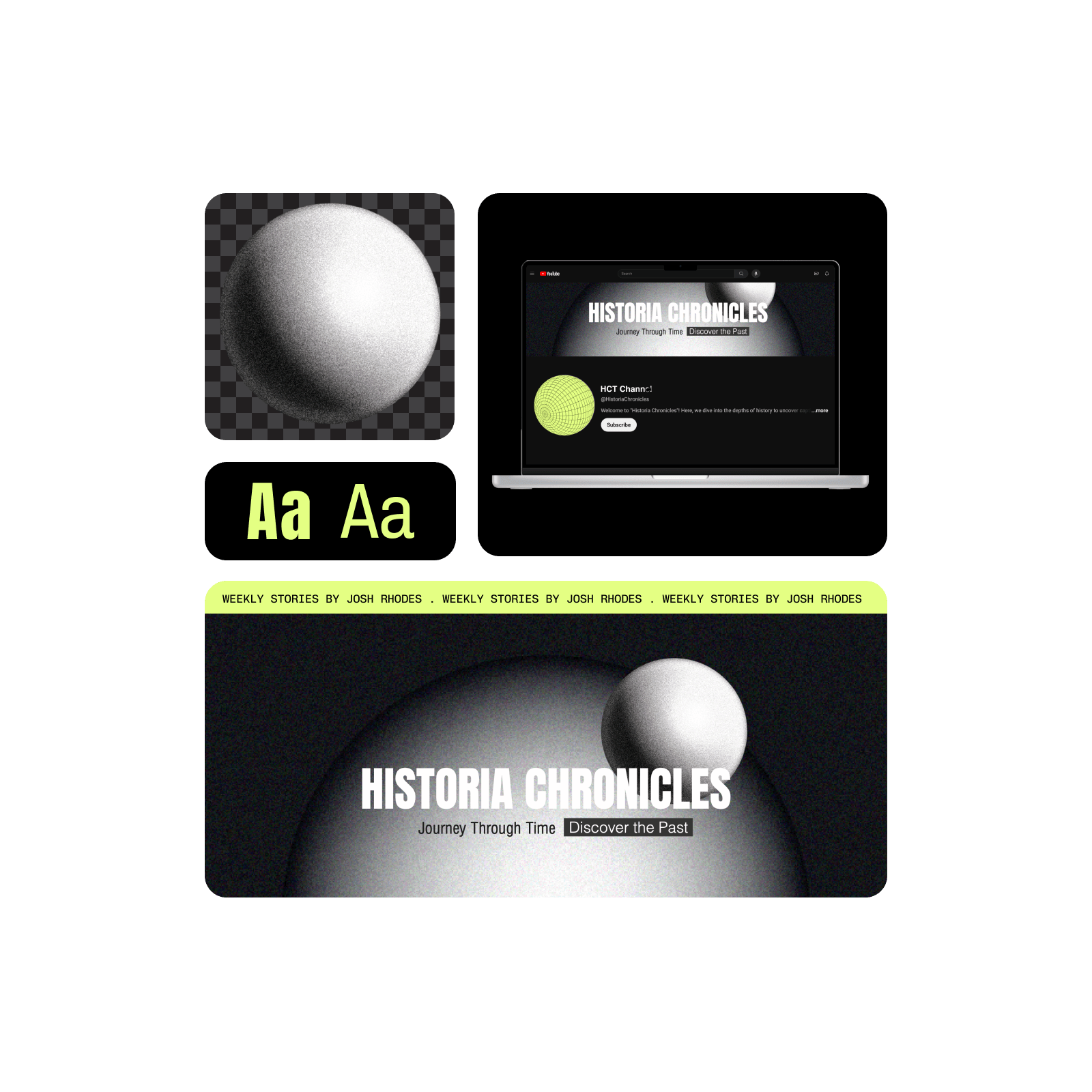
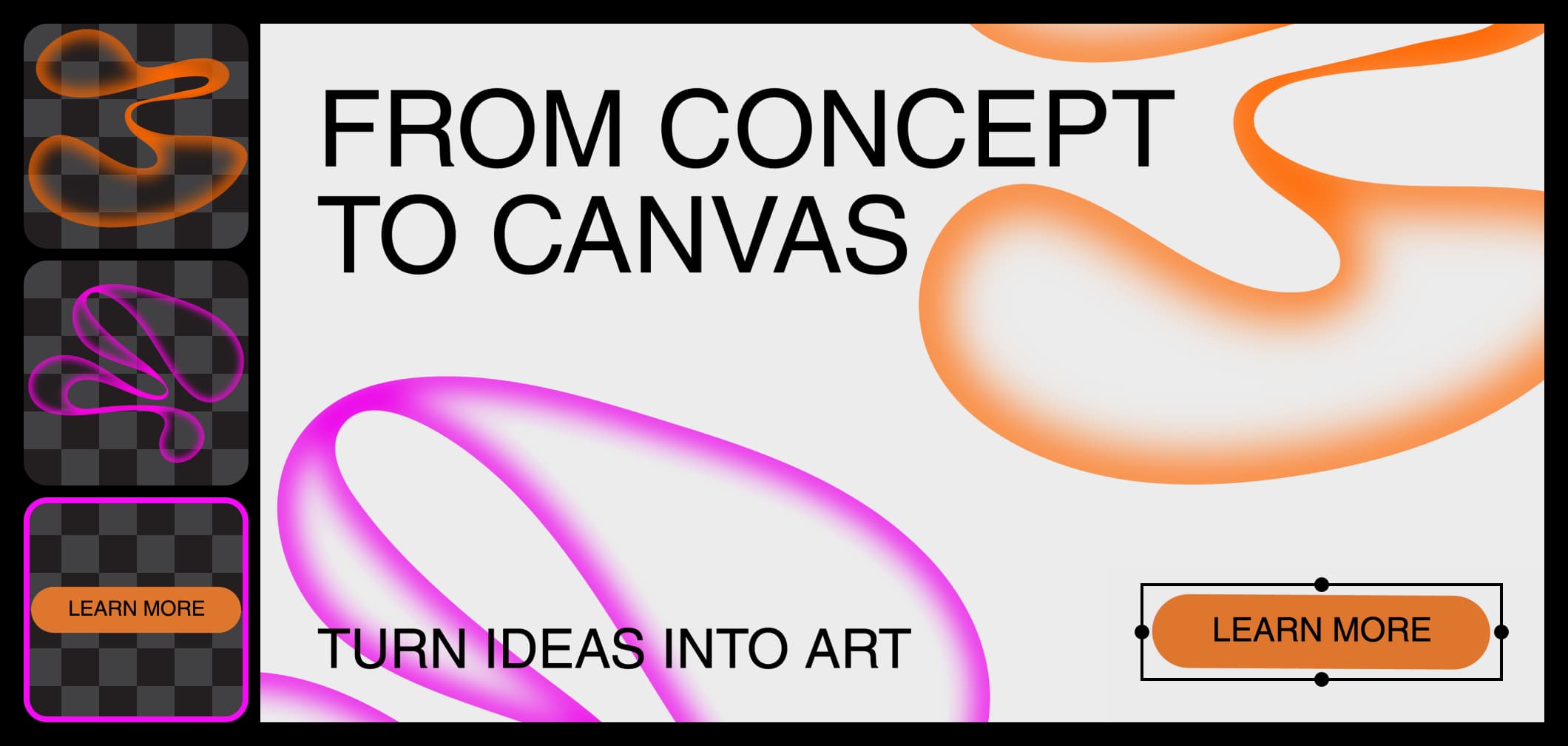
Your YouTube channel art works best when the banner, thumbnails, and logo look like one set. Shift-drag one style reference to every image node in Picsart Flow, and each channel graphic follows the same colors and look. Build the banner and thumbnails on one canvas, then organize large canvases with frames, color tags, and search, so the whole set stays easy to find. No logo yet? The brand logo variations workflow creates several versions of one mark, so you can pick the one that fits your banner.
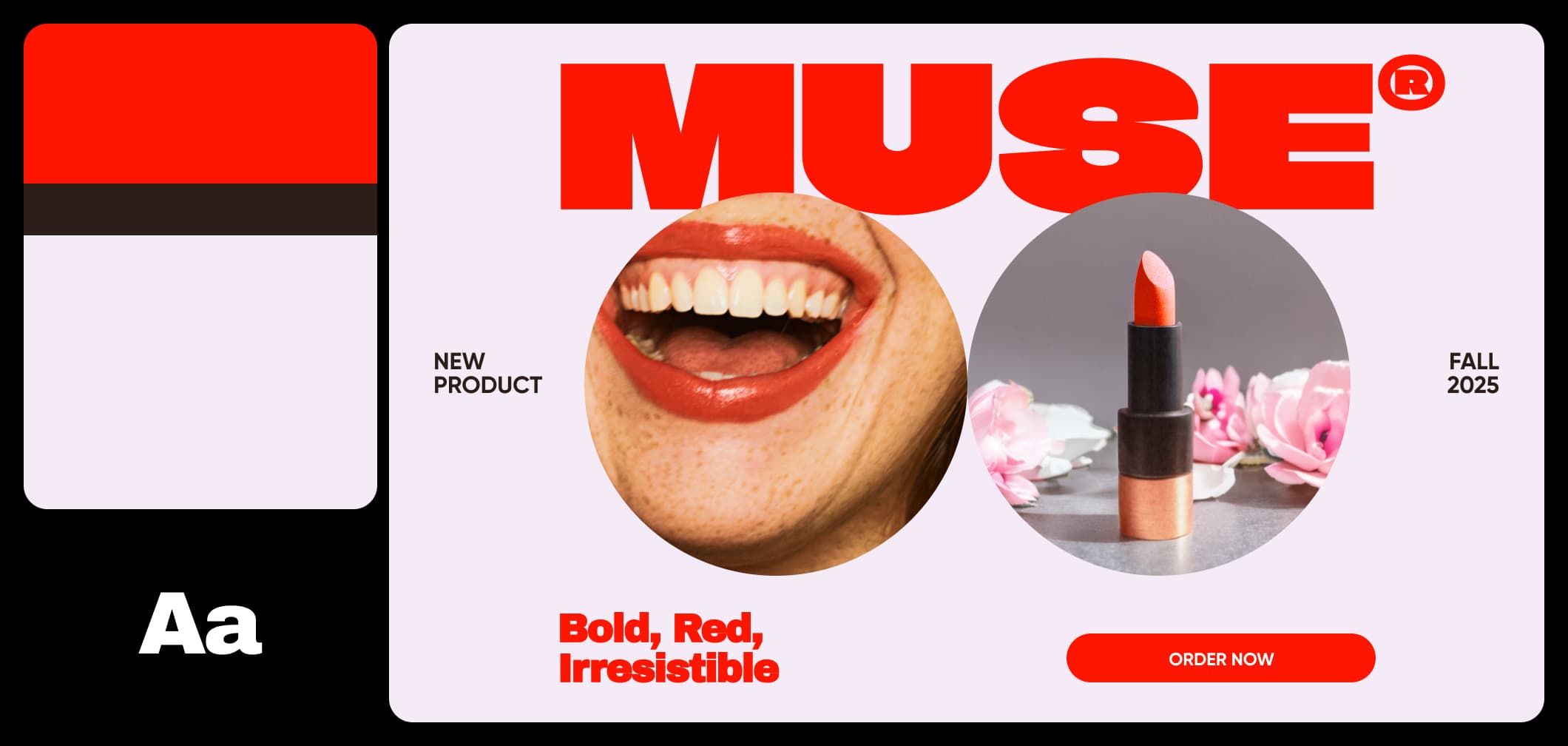
Update your banner for every season and launch
Refresh your YouTube banner for a holiday, a new series, or a new upload schedule without a redesign. Brush over the title or date with Inpaint and describe the new text, right on the Picsart Flow canvas. Only that area changes, so the rest of the banner, from colors to your logo, stays pixel-identical. Keep last season's version on the canvas, so you can switch back any time.
- New banners for holidays, series launches, and upload schedules
- Swap the title or date with Inpaint by describing the new text
- Colors, layout, and your logo stay pixel-identical




Get answers about the YouTube banner maker
It's credit-based. Creating a Picsart account and opening Flow templates costs nothing, and each banner you generate uses AI credits from your plan. Flow shows the estimated cost before every run, so you know what it takes before you make it.
Design YouTube banners for every creator channel
Pro
Most popularAI tools for everyday creative work.
Ultra
Most powerfulHeavy AI usage for creators & teams.
Enterprise
Custom AI solutions for large organizations.
- Volume discounts on credit rate
- On-demand top-ups
Find makers for the rest of your channel
Banner done? Finish your channel and social profiles with these Picsart pages.