צייר וסעף חופשי עם Draw
קבל גישה ידנית יותר להבעת היצירתיות שלך עם Picsart Draw. צייר בקלות את הרעיונות שלך עם אוסף נרחב של כלי ציור בממשק קל לשימוש.
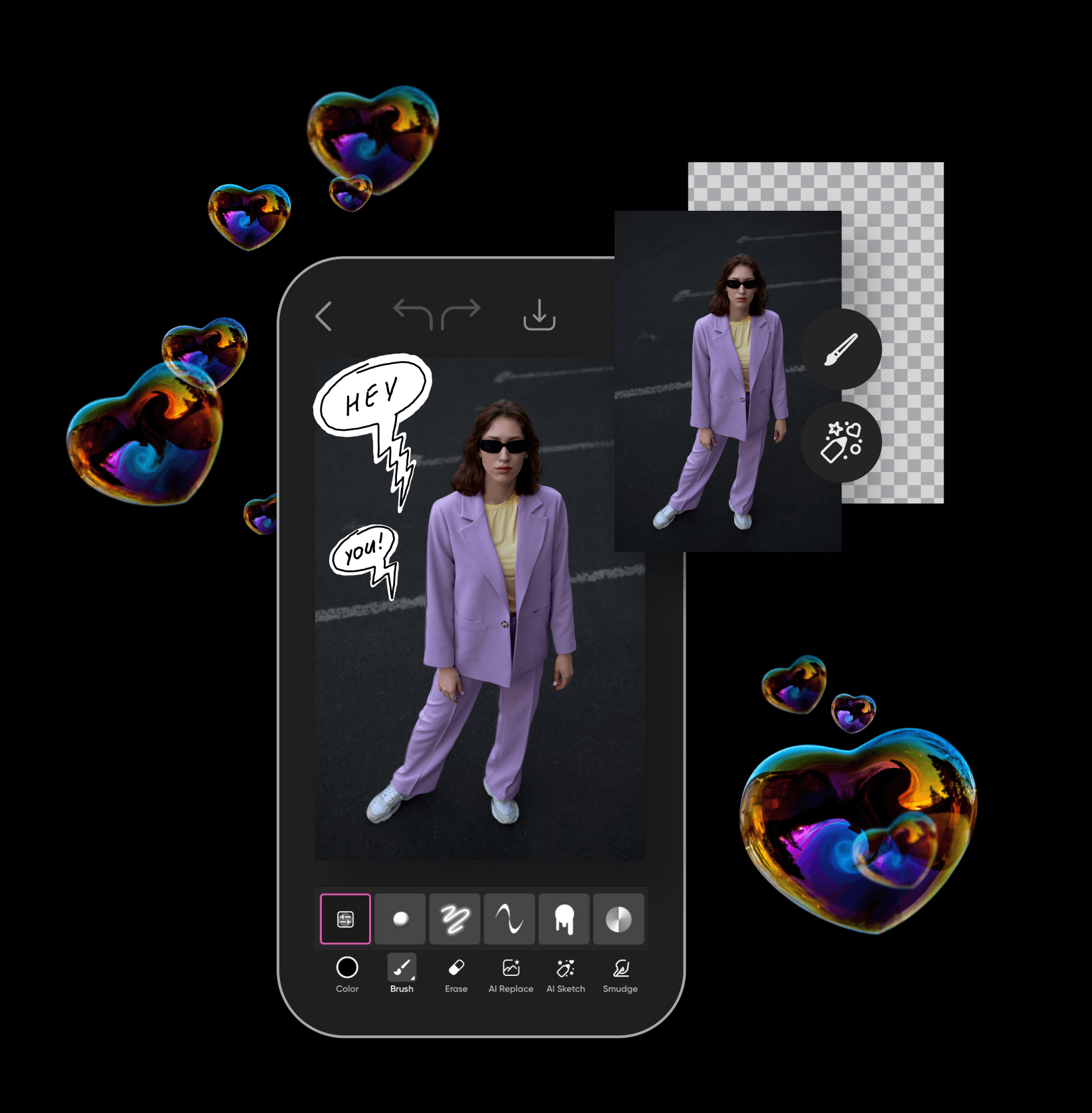

מגוון מברשות
בחר מתוך ספריית מברשות שתמיד גודלת כדי לצייר ולהביע אפילו את הרעיונות המורכבים ביותר.

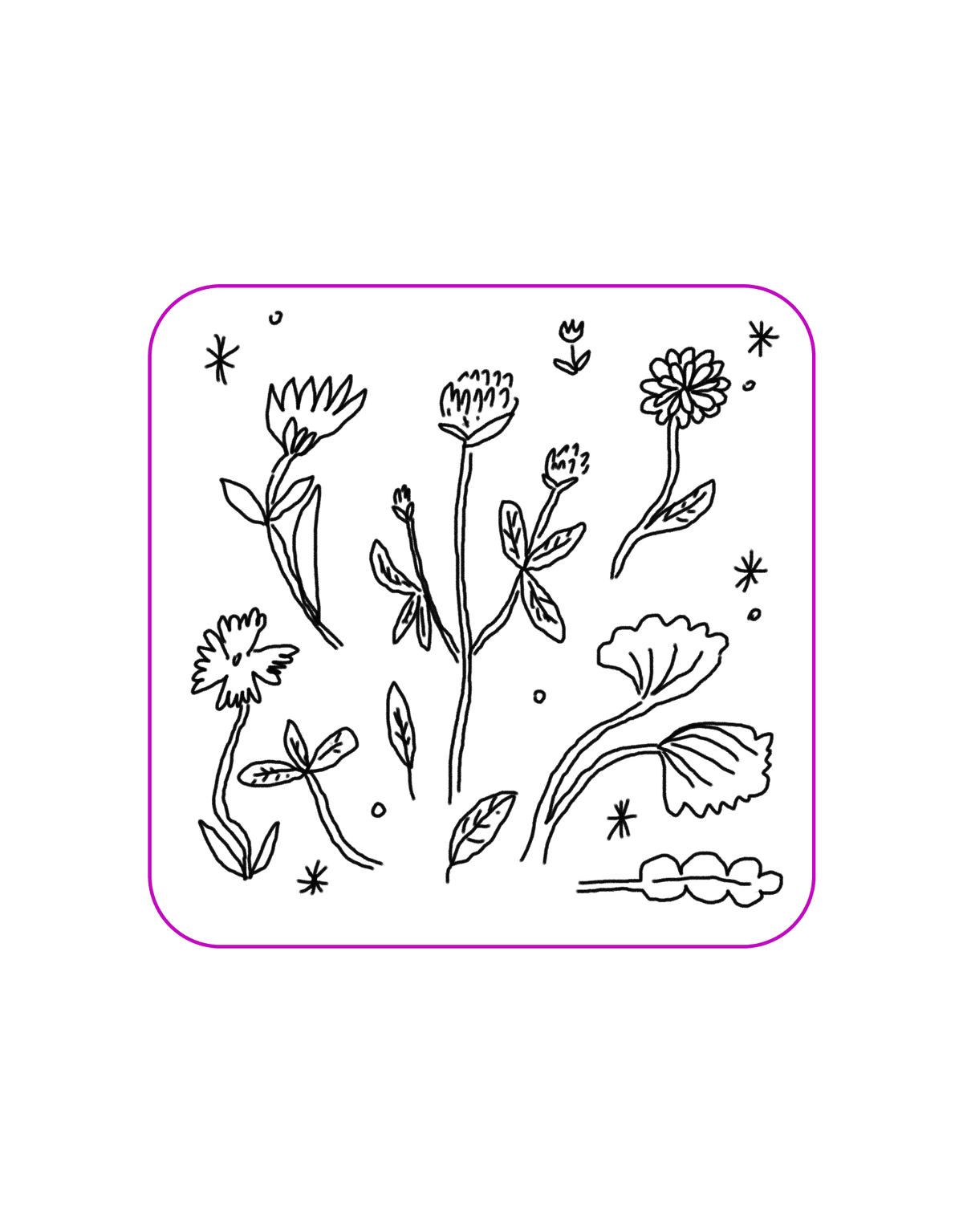
הוסף תמונות
הוסף תמונות ליצירת לוחות חזון, להאצת תהליך הציור והקלות ציורים עם שקפים.
צורות ומילויים
השתמש בצורות מוכנות מראש ומילויי דוגמאות כדי להעניק נופך אמנותי לסקיצות שלך בקלות.
איך ליצור סקיצות באמצעות Draw
בחר בכלי Draw
השתמש בסרגל הכלים מצד שמאל כדי להפעיל את כלי ה-Draw. פשוט לחץ על סמל המברשת.
בחר בד
בחר מברשת
הוסף תמונות ומדבקות
הורדה
הדמיה בקלות באמצעות כלי ציור Picsart
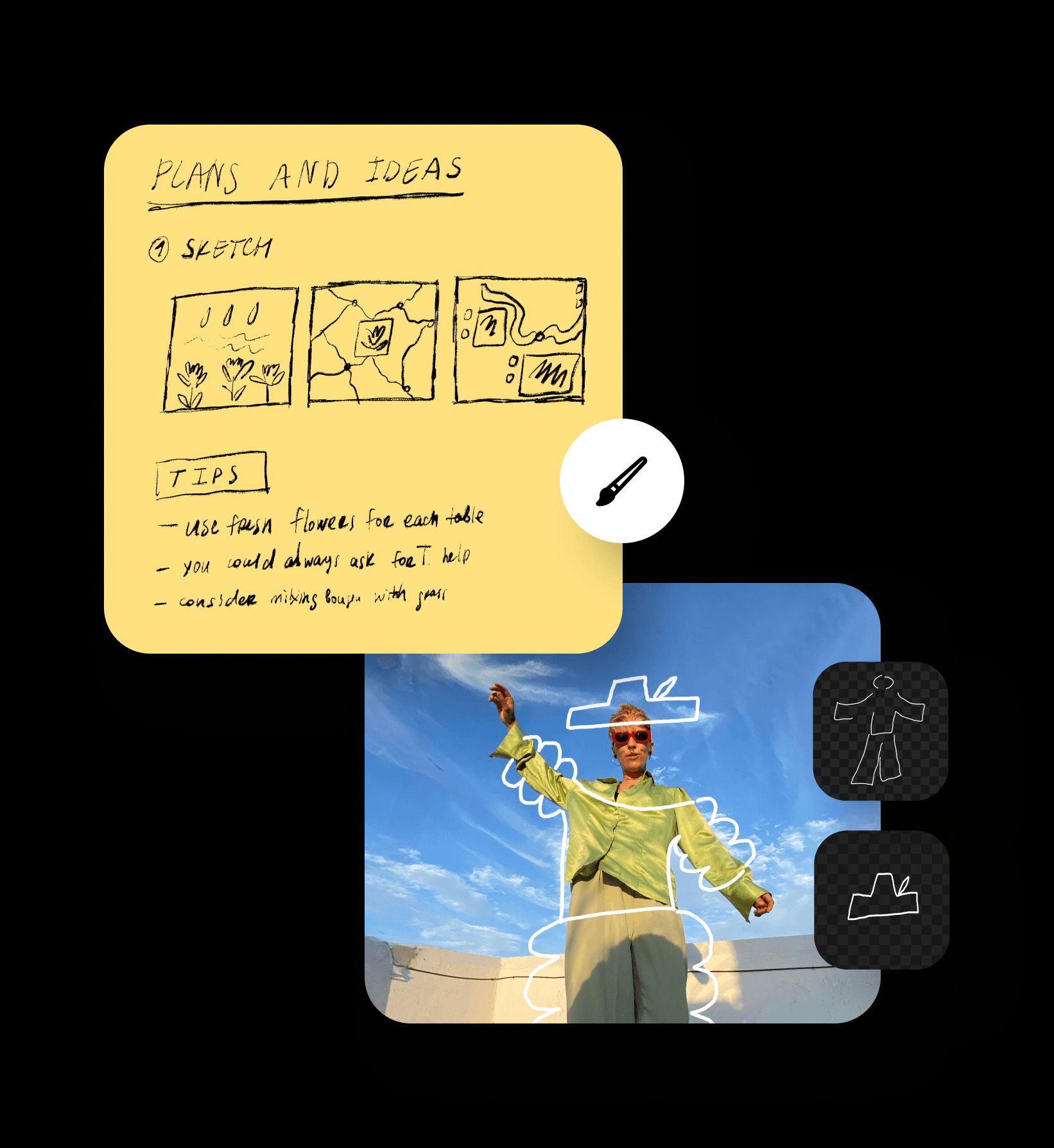
הביאו את הרעיונות שלכם לחיים עם כלי ציור קל לשימוש. השתמשו באוסף מברשות מקיף כדי להבליט בקלות מידע חשוב, לסעף רעיונות חדשים ואפילו לצייר אמנות. התחילו מרקע ריק או ציירו על אחת מהתמונות הקיימות שלכם.
צייר אונליין ישירות מהדפדפן שלך
הדמיית הרעיונות שלך וצייר אומנות אונליין ישירות מהדפדפן שלך בלי צורך בהתקנת אפליקציות. פשוט פתח את הדף והתחל לצייר. זה פשוט ככה. ואם אתה צריך לבצע שינויים של רגע אחרון בדרכים, פשוט עבור לאפליקציית המובייל של Picsart ותמצא את כל הפונקציות שאתה צריך שם גם!
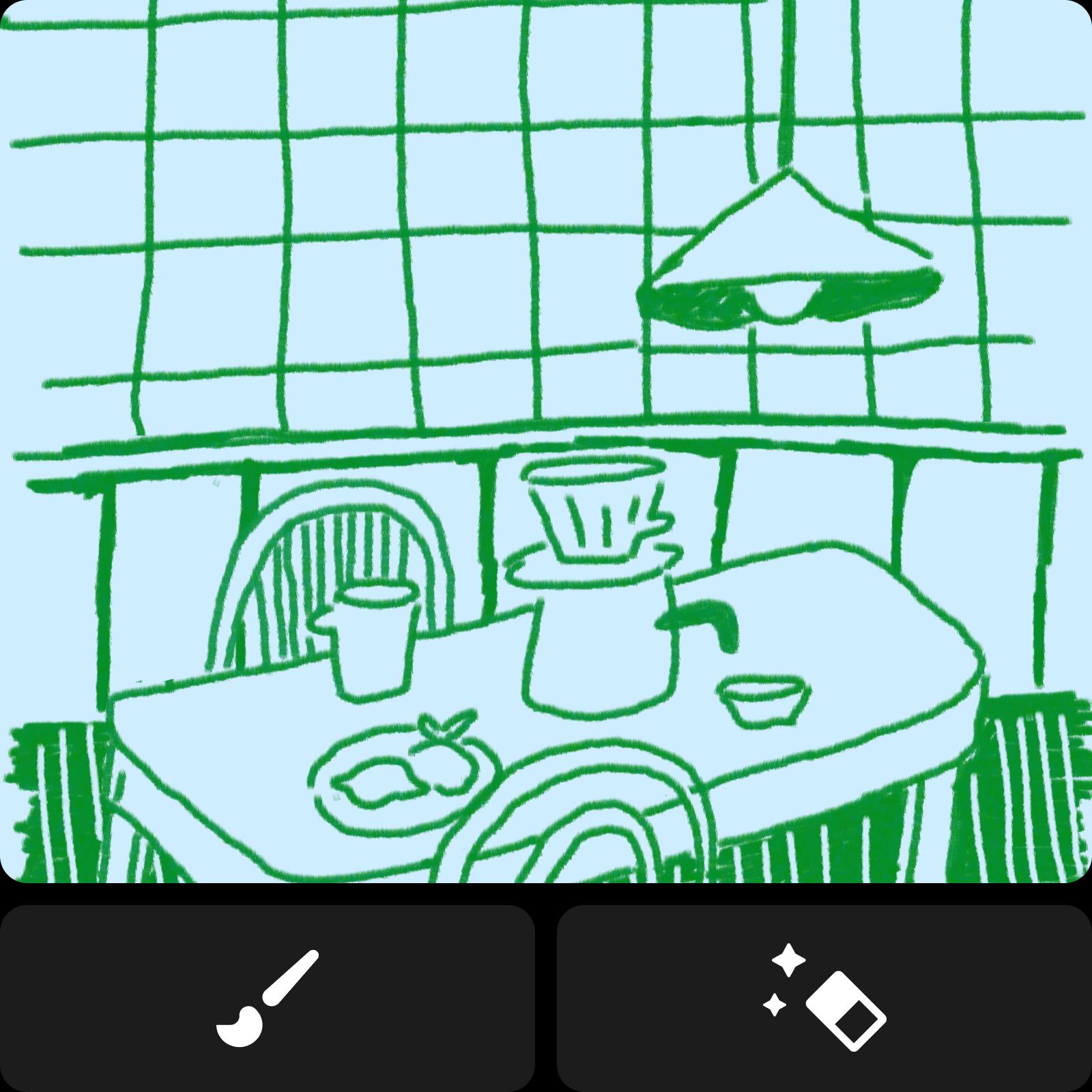
רשום רעיונות ביתר קלות וסגנון
אין רעיון שאפתני מדי עם כלי הציור של Picsart. גש לערכת מברשות ומחקים שיאפשרו לך להמחיש כל רעיון גדול או קטן. התאם אישית את הציורים שלך עד לרמת הפיקסל על ידי התאמת הגדרות כמו גודל, אטימות, ריווח, פיזור ועוד. מחפש להאיץ את הדברים? הוסף במהירות אלמנטים חזותיים על ידי ניצול ספריית המדבקות הגדולה של Picsart או השתמשת בעורך התמונות כדי להפוך תמונה קיימת למדבקת סקיצה.

הער והמחיש נתונים במהירות
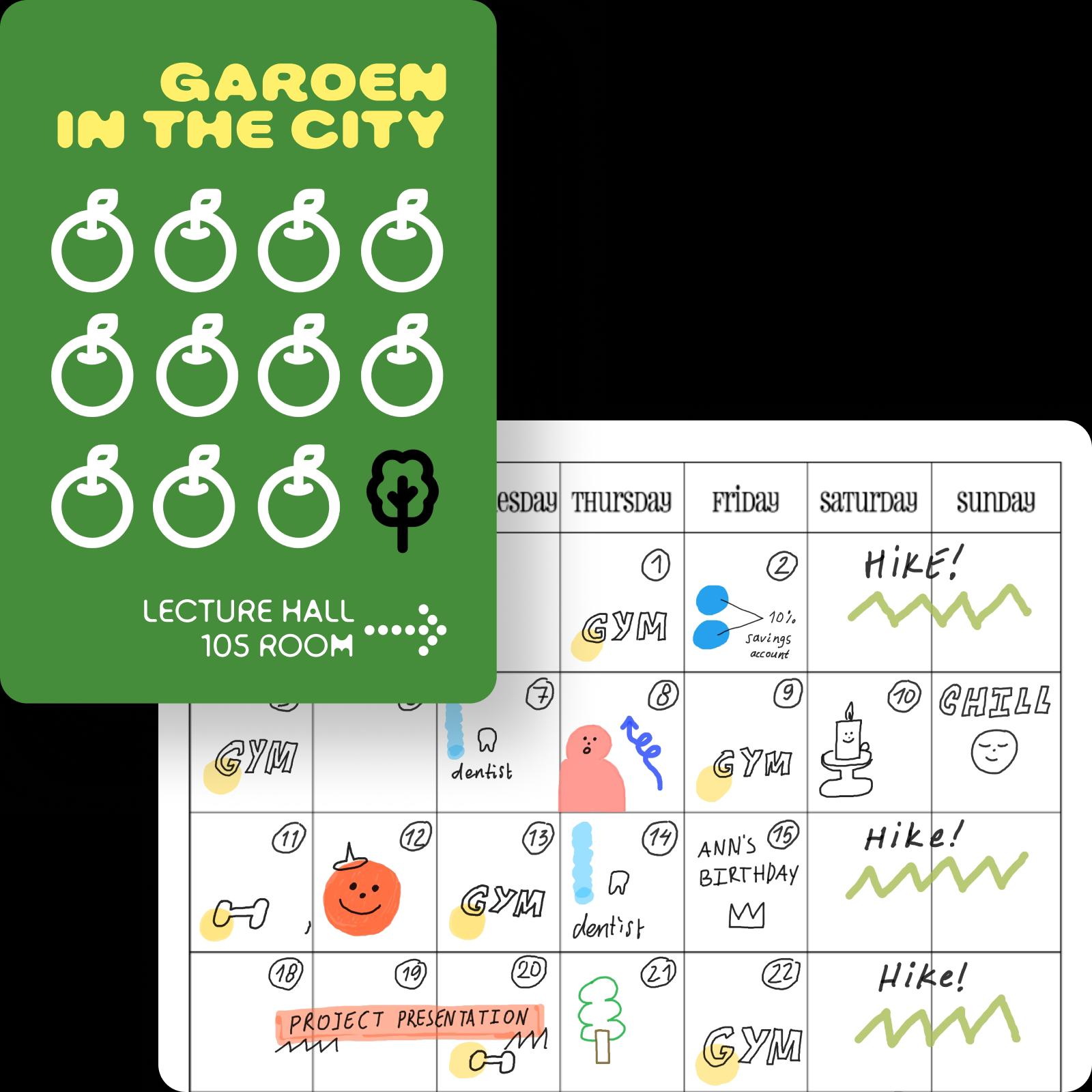
הדגש רעיונות חשובים בקלות עם כלי הציור אונליין באמצעות מבחר מברשות מושלם להעברות או להסתרת מידע רגיש. השתמש בצורות מוכנות כמו מצביעים ואליפסות כדי להאיץ את התהליך ולעשות הכל באופן מושלם. קבל יותר חופש וגמישות עם הגרפים, התרשימים ומינימפים שלך עם כלי הציור. ארגן בקלות רעיונות מורכבים לחזותיים ידניים מסודרים תוך כדי תנועה.
צייר במקצועיות עם אמנות מעוקבת
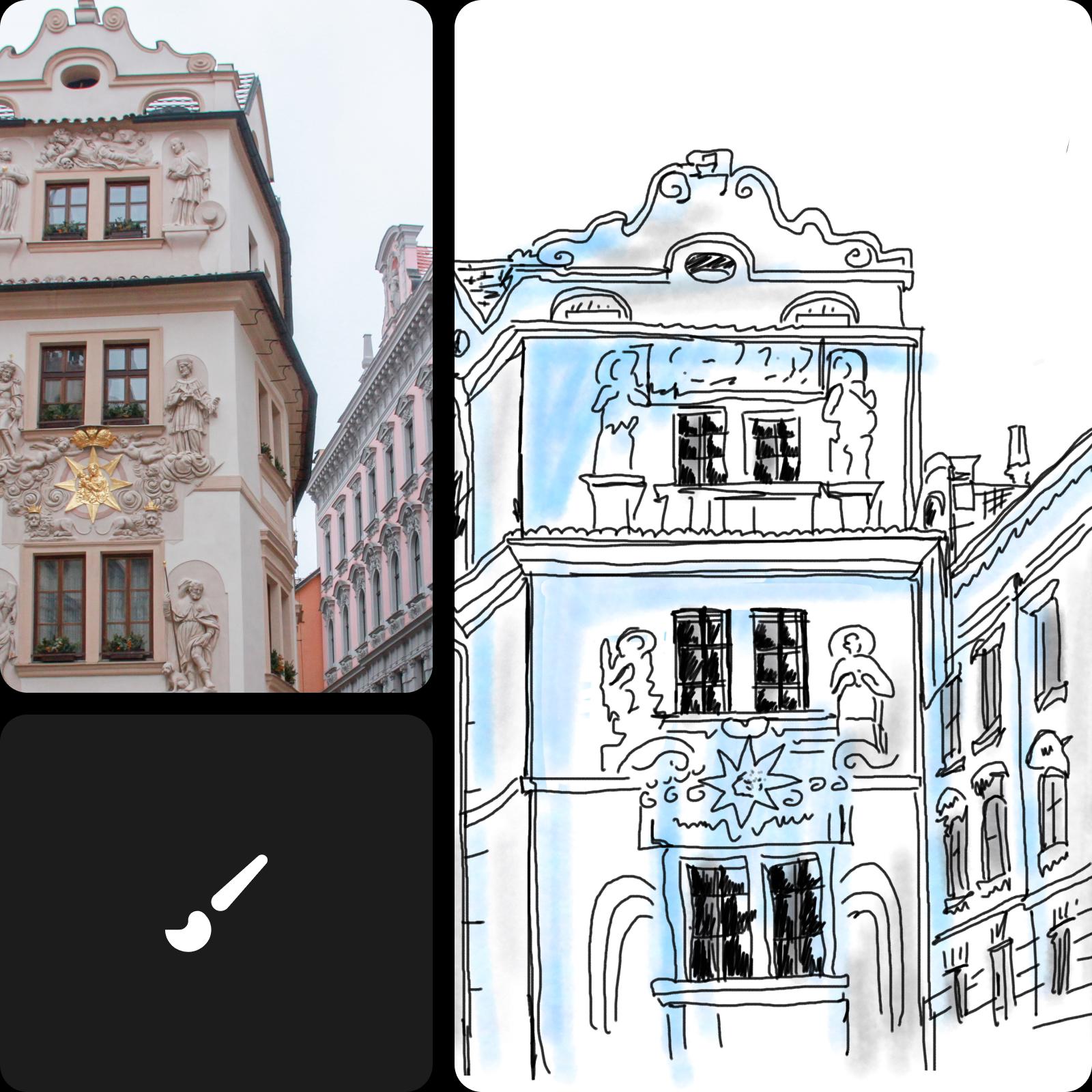
צייר את הגרסה האישית שלך של יצירה קיימת או צילום על ידי שימוש בכלי הציור למעקב. פשוט העלה את התמונה שלך והשתמש במברשות למעקב ולצבע. עם אוסף כלים מקיף לציור, תוכל ליצור ציורים של כל סגנון אמנותי בקלות. ואל תשכח לתעד את מסע האמנות שלך על ידי שימוש בכלי ההקלטה ליצירת סרטון זמן אמת של תהליך הציור שלך.
שאלות נפוצות על Picsart Draw
כן, אתה יכול להשתמש בכלי Picsart Draw ללא תשלום.
כלי Picsart Draw מצוין ליצירת סקיצות בדרכים, רישום רעיונות והערות על מסמכים ותמונות.
כן, אתה יכול ללכת ולחזור בתהליך הציור שלך עם כפתורי הביטול והחזרה.
בוודאי! אתה יכול לייצא את הציורים שלך בפורמטים JPG, PNG ו-PDF.
כן! בדיוק, ישנם 9 סוגי מברשות ייחודיים בעורך הציור של Picsart.
בכלל לא, כלי הציור של Picsart מיועד לכולם, בין אם הם מתחילים או מקצוענים.
כן, אתה יכול. Picsart Draw זמין ברשת, על סמארטפונים וטאבלטים שמריצים אנדרואיד או iOS, כמו גם באפליקציה מקורית לווינדוס.
כלי הציור האונליין החינמי של Picsart הוא הטוב ביותר בכל מה שקשור להציע מגוון רחב של מברשות ומחקים, פונקציונליות שכבות, וכן תכונות עריכה בינה מלאכותית כגון החלפת AI.
גלה כלים נוספים של AI
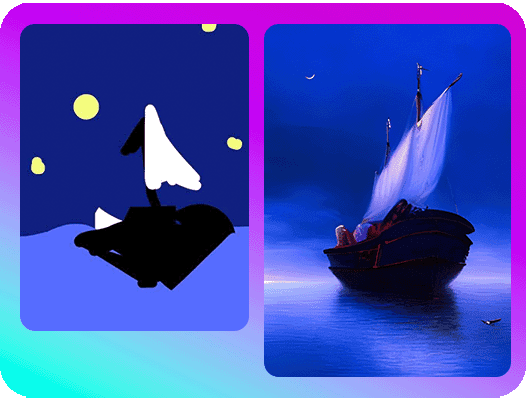
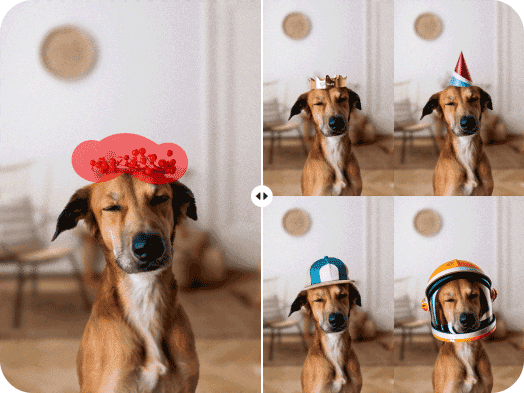
הפוך רעיונות לפרויקטים מוגמרים במהירות האור על ידי שימוש בכוחות העל של AI.


Picsart בתקשורת




עצב חזותיות מקוריות לכל פרויקט יוצר
Free
Starter tools for casual exploration.