1. Home
  2. AI Szöveg videóvá

Szövegből videó AI generátor: Alakítsa át a szöveget érdekfeszítő videókká

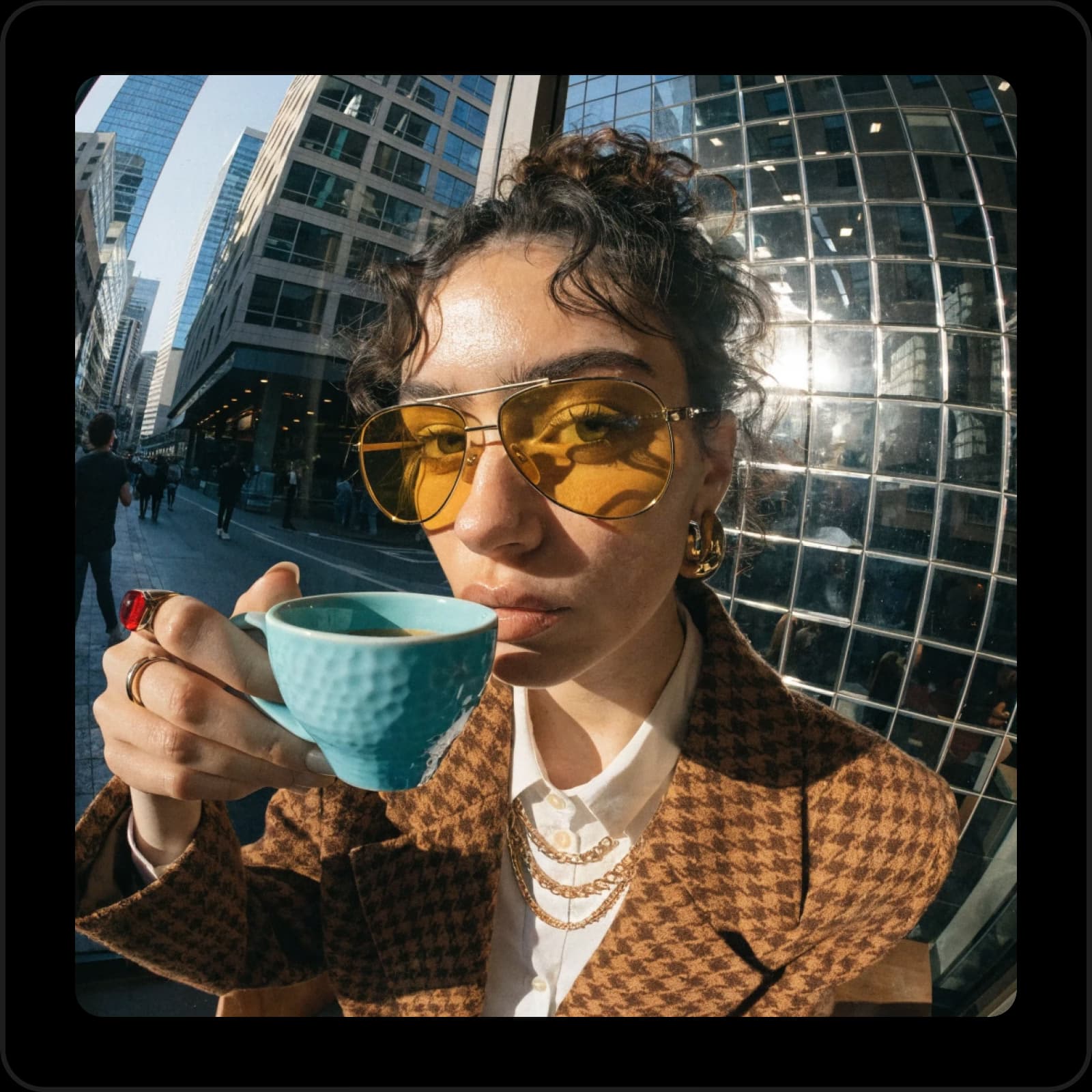
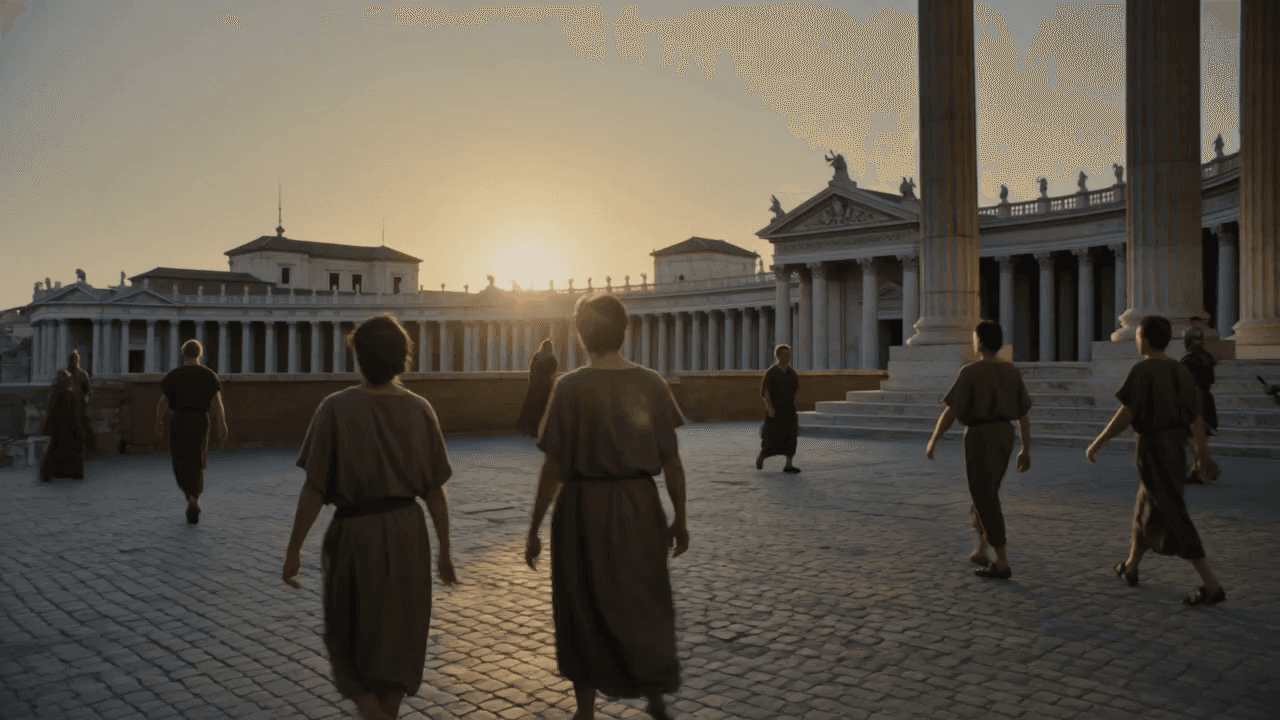
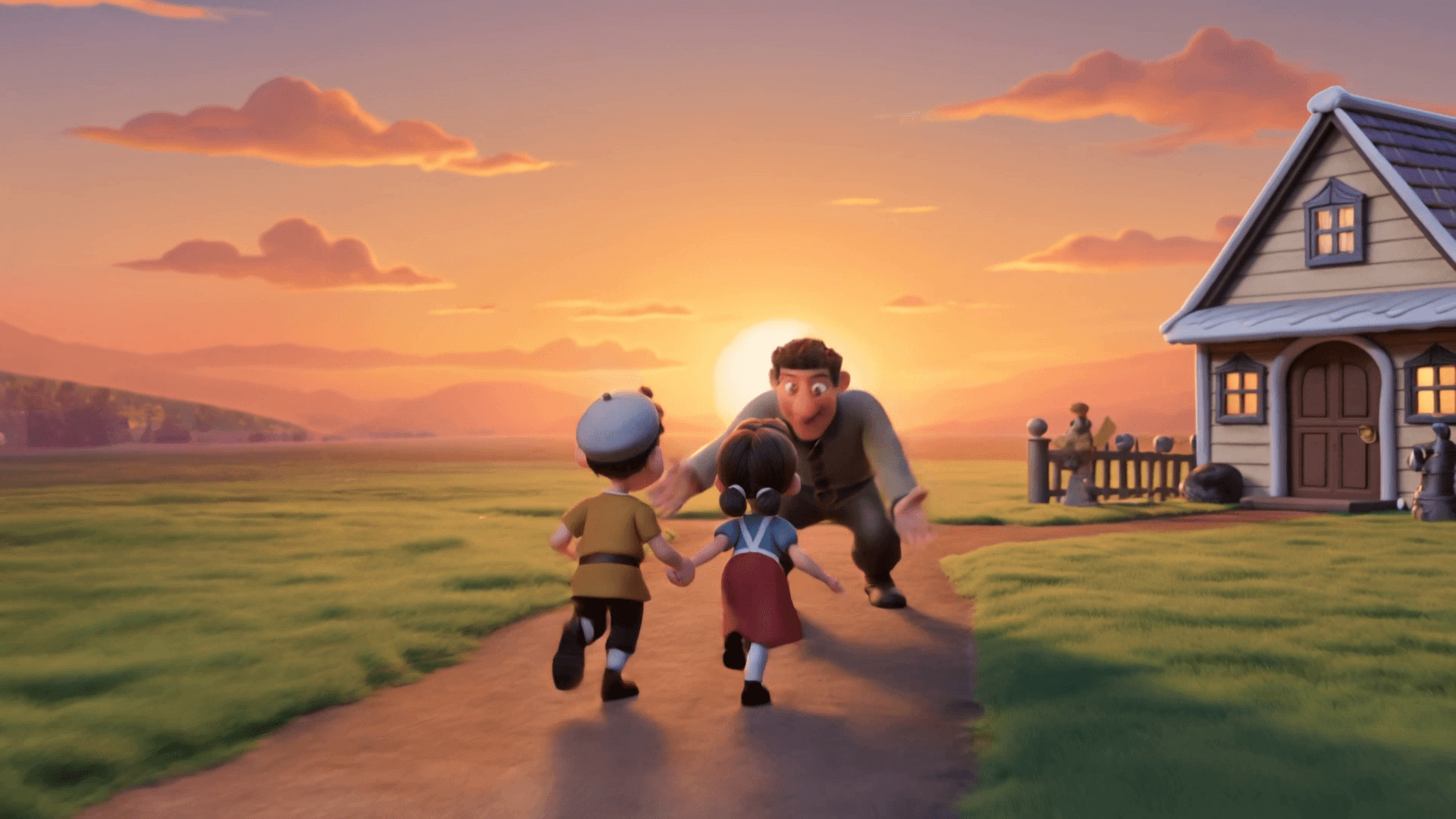
Alakítsa át az írásos ötleteket görgetegető tartalommá a Picsart Szövegből Videó AI-val. Ez az eszköz másodpercek alatt alakítja át ötleteit kiváló minőségű videókká - nincs szükség szerkesztési készségekre. Legyen szó közösségi bejegyzésekről, hirdetésekről vagy kreatív történetekről, ez a leggyorsabb módja annak, hogy koncepcióból videóvá váljon az AI-val működő sebességgel.

Kezdje el
 ikon szövegből videók készítéséhez

Videók generálása szövegből másodpercek alatt

Gépelje be az ötletét, és hagyja, hogy a Szövegből Videó AI Generátor elvégezze a többit.

 ikon a generált videó testreszabásához

Rugalmas és teljesen testreszabható kimenet

Finomhangolja szövegből videó kimenetét a stílus, a tempó és az animáció könnyed beállításával.

ikon gyors szövegből videó generálásához

Nincs szükség szerkesztési tapasztalatra

Az AI Szövegből Videó eszköz gondoskodik a vizuális elemekről - csak ossza meg az ötletét.

Egyszerű videószerkesztés.
Videószöveg létrehozásaHáttér eltávolításaVideóobjektumok törléseKépek videóvá alakításaVideók szerkesztéseAI videók generálásaPróbálja ki az AI videószűrőketFedezze fel a stock videókatVideók megváltoztatása AI-valFedezze fel a videó eszközöket

Use Picsart anywhere

Install the app, or bring Picsart into the AI workspaces your team already uses.

Use Picsart with

  • ChatGPT / Codex
  • Claude
  • Terminal
  • Cursor
  • OpenClaw
  • Hermes

Download the app

Download on the App StoreGET IT ON Google PlayGet it from Microsoft

Follow Picsart

Pinterest
AICPA SOC

Create

  • AI Image Generator
  • AI Video Generator
  • AI Playground
  • Flow
  • AI Photo Editor
  • AI Video Editor
  • AI Agents
  • Content Library
  • AI Models

Creators

  • Earn with Picsart
  • Earn campaigns
  • Clipping
  • For Brands
  • Video Studio
  • Tutorials
  • Challenges

Connect

  • ChatGPT / Codex
  • MCP setup
  • Command line
  • Developers
  • Google Drive

Business

  • Pricing
  • Enterprise
  • Industries
  • Quicktools

Company

  • Support
  • Careers
  • About us
  • Blog
  • Press Center
Terms of UsePrivacy PolicyInternet-Based AdvertisingCommunity GuidelinesDMCASecurity PolicyAccessibility
© 2026 PicsArt, Inc.

Emelje a tartalma játékát az AI Szövegből Videó Generátorral

80%

gyorsabb videókészítési idő

10x

több tartalomkimenet

58%

magasabb elköteleződési arányok

80%

költségmegtakarítás


Hogyan alakítsunk szöveget videóvá AI-val

1

Nyissa meg a Szövegből Videó Generátort

Indítsa el az eszközt, hogy közvetlenül az írott tartalmából hozzon létre videókat.

2

Adja meg az írásos ötletét vagy scriptjét

3

Válassza ki a kívánt videóstílust és hangulatot

4

Generálja a videót egy kattintással

5

Azonnal letöltheti vagy megoszthatja a videót

Készítsen videókat percek alatt az AI Szövegből Videóval

Hozzon létre tartalmat gyorsabban egy erőteljes Szövegből Videó eszközzel, amelyet a modern alkotók számára terveztek. Ez a szövegből videót generáló AI eszköz a szkripteket magával ragadó vizuális elemekké alakítja - nincs szükség szerkesztésre. Ha inkább képeket szeretne animálni, próbálja ki a Képből Videó eszközt, vagy fedezze fel a teljes AI videó készítő eszköztárat. Kezdő vizuális elemeket szeretne? Használja az AI Kép Generátort a gyorsan előkészíthető tartalmi elemek generálásához.

AI-alapú Szövegből Videó tartalomcsapatok számára

Érdekes videók építése írásos ötletekből percek alatt a Szövegből Videó Generátor segítségével. Alkotók és marketingesek számára tervezve, ez az eszköz egyszerűsíti a gyártást - csak írja le az ötletét, és az AI csiszolt, megosztásra kész tartalommá alakítja azt, amely az Ön közönségéhez van igazítva.

Testreszabhatja Szövegből Videó kimeneteit könnyedén

Finomhangolja a videó minden részletét könnyeden a Picsart Szövegből Videó AI-val. Állítsa be a stílust, hangulatot, tempót és még sok mást, hogy megfeleljen a tartalmi céljainak. A beépített vezérlők, amelyek úgy érzik, mint egy intelligens videoszerkesztő, rugalmasítást kínálnak bonyolultság nélkül - tökéletes azoknak az alkotóknak, akik kontrollt szeretnének a tanulási görbe nélkül.

Szövegből videó konverter bármilyen felhasználási esetre

Azonnali videó szövegötletből

Azonnali videó szövegötletből

Csak írjon egy ötletet - a videó másodpercek alatt készen áll az erőteljes AI feldolgozással.

Válassza ki a stílusát

Válassza ki a stílusát

Válasszon animációs stílusok, hangulatok és tempó opciók közül, hogy megfeleljen a víziójának.

Professzionális eredmények

Professzionális eredmények

Generáljon kiváló minőségű videókat, amelyek ideálisak marketinghez, oktatáshoz, oktatóanyagokhoz és azon túl.

Kreatív szabadság, nincs szükség készségekre

Kreatív szabadság, nincs szükség készségekre

Fókuszáljon az ötleteire - az AI automatikusan kezeli a vizuális elemeket, elrendezést és mozgást.

Sebességre tervezve

Sebességre tervezve

Koncepcióból csiszolt videóvá legfeljebb 5x gyorsabban, mint a hagyományos szerkesztés.

Tökéletes közösségi és webes megjelenéshez

Tökéletes közösségi és webes megjelenéshez

Export formátumok optimalizálva TikTok, Instagram, YouTube és webes kampányokhoz.

Természetes mozgás és történetmesélés hozzáadása fejlett AI modellekkel

Ez a Szövegből Videó eszköz a Luma AI modellt használja, hogy sima, természetes mozgást generáljon az írásos ötleteiből. Megkapja a hangulatot és tempót a történetvezérelt eredményekhez. Hamarosan: Google Veo integráció a még fejlettebb videó generálási lehetőségekhez - realizmust, részletességet és filmszerű minőséget hoz az AI videóidhoz.

Szövegből Videó AI GYIK

A szövegből videó AI generátor egy eszköz, amely mesterséges intelligenciát használ arra, hogy az írott ötleteket vagy scripteket animált vagy élő mozgású videókká alakítsa.

Az eszköz fejlett AI modelleket használ a szöveged jelentésének és hangulatának értelmezésére, majd kiválasztja a vizuális elemeket, mozgást, átmeneteket és hangot, amelyek összeillenek az ötleteddel.

Igen. A generálás előtt különféle animációs stílusok, tempó opciók és hangulat előbeállítások közül választhatsz, hogy illeszkedjenek a tartalmi céljaidhoz.

Az eszköz lehetővé teszi a videók letöltését a közösségi média, hirdetések, prezentációk és más felhasználási módok számára optimalizált népszerű formátumokban.

Természetesen. Egyszerű kezelőfelülettel és automatikus szerkesztéssel bárki használhatja - nincs szükség előzetes videós tapasztalatra.


További eszközök a Picsart-tól, amelyeket szeretni fog

online ai képből videó generátor

AI Képből Videó

Bármely képet animált videó jelenetekké alakít át AI-val.

ai kép generátor

AI Kép Generátor

Írja be a vízióját, és hagyja, hogy az AI a szavai alapján lenyűgöző vizuális elemeket hozzon létre.

Picsart AI videó stílusváltó

AI Videószűrők

Újratervezze videóinak megjelenését AI-val működő videószűrőkkel.

videó hirdetés készítő

Videó Hirdetés Készítő

Hozzon létre érdekes videóhirdetéseket másodpercek alatt AI segítségével.

háttér eltávolító eszköz a Picsart fotószerkesztőben

Háttér Eltávolító

Mesterien távolítsa el a hátteret AI-val vagy tegye átlátszóvá.

AI kép javító

AI Fotó Javító

Növelje fel több kép felbontását AI-val egyetlen lépésben.

PricingSave big

AI videók készítése AI videó modellekkel

Használjon videó modelleket klipek, felvételek és ötletek AI videókká alakításához közösségi felületeken, hirdetésekben és kreatív munkafolyamatokban.

SESeedance 2.0New
Next-gen cinematic video with optional audio and reference image. Up to 4K.Reference inputAudio4KCinematicSee model
SESeedance 2.0 FastNew
SESeedance 2.0 Video EditNew
SESeedance 2.0 Fast Video EditNew
WAWan 2.7
KLKling V3
KLKling V3 TurboNew
KLKling V2.6
KLKling V3 Omni
KLKling Video O1New
KLKling Motion Control V3
KLKling Motion Control 2.6
SESeedance 2.0New
SESeedance 2.0New
SESeedance 2.0New
SESeedance 2.0New
SESeedance 2.0New
Fast cinematic video with audio, reference images, and start/end frame control.Reference inputAudioFast generationCinematicSee model
Edit video — replace subjects, add or remove objects, restyle scenes with reference images.Video editingReference inputVideo generationSee model
Fast video edit — modify scenes with reference images.Video editingReference inputFast generationSee model
Wan 2.7 T2V — up to 15s at 1080p with audio input and prompt enhancement.Text to videoAudio1080pCinematicSee model
Long-form video up to 15s with native audio and start/end frame control.AudioCinematicVideo generationSee model
Faster V3 variant — long-form video up to 15s with native audio, start/end frame control, and 720p/1080p output.Audio1080pFast generationCinematicSee model
Mature pipeline with audio and pro-tier rendering.
AudioPro qualityCinematic
See model
Flexible generation across creative styles using V3 Omni architecture, with optional 4K output.
4KCinematicVideo generation
See model
O1-architecture video generation with 5 or 10 second output.CinematicVideo generationSee model
Map body movement from a video clip onto a portrait photo — V3 quality.CinematicPhotorealVideo generationSee model
Transfer body movement from a reference video onto a portrait photo.Reference inputCinematicPhotorealSee model
Next-gen cinematic video with optional audio and reference image. Up to 4K.Reference inputAudio4KCinematicSee model
SESeedance 2.0 FastNew
Fast cinematic video with audio, reference images, and start/end frame control.Reference inputAudioFast generationCinematicSee model
SESeedance 2.0 Video EditNew
Edit video — replace subjects, add or remove objects, restyle scenes with reference images.Video editingReference inputVideo generationSee model
SESeedance 2.0 Fast Video EditNew
Fast video edit — modify scenes with reference images.Video editingReference inputFast generationSee model
WAWan 2.7
Wan 2.7 T2V — up to 15s at 1080p with audio input and prompt enhancement.Text to videoAudio1080pCinematicSee model
KLKling V3
Long-form video up to 15s with native audio and start/end frame control.AudioCinematicVideo generationSee model
KLKling V3 TurboNew
Faster V3 variant — long-form video up to 15s with native audio, start/end frame control, and 720p/1080p output.Audio1080pFast generationCinematicSee model
KLKling V2.6
Mature pipeline with audio and pro-tier rendering.AudioPro qualityCinematicSee model
KLKling V3 Omni
Flexible generation across creative styles using V3 Omni architecture, with optional 4K output.4KCinematicVideo generationSee model
KLKling Video O1New
O1-architecture video generation with 5 or 10 second output.CinematicVideo generationSee model
KLKling Motion Control V3
Map body movement from a video clip onto a portrait photo — V3 quality.CinematicPhotorealVideo generationSee model
KLKling Motion Control 2.6
Transfer body movement from a reference video onto a portrait photo.Reference inputCinematicPhotorealSee model
Next-gen cinematic video with optional audio and reference image. Up to 4K.Reference inputAudio4KCinematicSee model
SESeedance 2.0 FastNew
Fast cinematic video with audio, reference images, and start/end frame control.Reference inputAudioFast generationCinematicSee model
SESeedance 2.0 Video EditNew
Edit video — replace subjects, add or remove objects, restyle scenes with reference images.Video editingReference inputVideo generationSee model
SESeedance 2.0 Fast Video EditNew
Fast video edit — modify scenes with reference images.Video editingReference inputFast generationSee model
WAWan 2.7
Wan 2.7 T2V — up to 15s at 1080p with audio input and prompt enhancement.Text to videoAudio1080pCinematicSee model
KLKling V3
Long-form video up to 15s with native audio and start/end frame control.AudioCinematicVideo generationSee model
KLKling V3 TurboNew
Faster V3 variant — long-form video up to 15s with native audio, start/end frame control, and 720p/1080p output.Audio1080pFast generationCinematicSee model
KLKling V2.6
Mature pipeline with audio and pro-tier rendering.AudioPro qualityCinematicSee model
KLKling V3 Omni
Flexible generation across creative styles using V3 Omni architecture, with optional 4K output.4KCinematicVideo generationSee model
KLKling Video O1New
O1-architecture video generation with 5 or 10 second output.CinematicVideo generationSee model
KLKling Motion Control V3
Map body movement from a video clip onto a portrait photo — V3 quality.CinematicPhotorealVideo generationSee model
KLKling Motion Control 2.6
Transfer body movement from a reference video onto a portrait photo.Reference inputCinematicPhotorealSee model
Next-gen cinematic video with optional audio and reference image. Up to 4K.Reference inputAudio4KCinematicSee model
SESeedance 2.0 FastNew
Fast cinematic video with audio, reference images, and start/end frame control.Reference inputAudioFast generationCinematicSee model
SESeedance 2.0 Video EditNew
Edit video — replace subjects, add or remove objects, restyle scenes with reference images.Video editingReference inputVideo generationSee model
SESeedance 2.0 Fast Video EditNew
Fast video edit — modify scenes with reference images.Video editingReference inputFast generationSee model
WAWan 2.7
Wan 2.7 T2V — up to 15s at 1080p with audio input and prompt enhancement.Text to videoAudio1080pCinematicSee model
KLKling V3
Long-form video up to 15s with native audio and start/end frame control.AudioCinematicVideo generationSee model
KLKling V3 TurboNew
Faster V3 variant — long-form video up to 15s with native audio, start/end frame control, and 720p/1080p output.Audio1080pFast generationCinematicSee model
KLKling V2.6
Mature pipeline with audio and pro-tier rendering.AudioPro qualityCinematicSee model
KLKling V3 Omni
Flexible generation across creative styles using V3 Omni architecture, with optional 4K output.4KCinematicVideo generationSee model
KLKling Video O1New
O1-architecture video generation with 5 or 10 second output.CinematicVideo generationSee model
KLKling Motion Control V3
Map body movement from a video clip onto a portrait photo — V3 quality.CinematicPhotorealVideo generationSee model
KLKling Motion Control 2.6
Transfer body movement from a reference video onto a portrait photo.Reference inputCinematicPhotorealSee model
Next-gen cinematic video with optional audio and reference image. Up to 4K.Reference inputAudio4KCinematicSee model
SESeedance 2.0 FastNew
Fast cinematic video with audio, reference images, and start/end frame control.Reference inputAudioFast generationCinematicSee model
SESeedance 2.0 Video EditNew
Edit video — replace subjects, add or remove objects, restyle scenes with reference images.Video editingReference inputVideo generationSee model
SESeedance 2.0 Fast Video EditNew
Fast video edit — modify scenes with reference images.Video editingReference inputFast generationSee model
WAWan 2.7
Wan 2.7 T2V — up to 15s at 1080p with audio input and prompt enhancement.Text to videoAudio1080pCinematicSee model
KLKling V3
Long-form video up to 15s with native audio and start/end frame control.AudioCinematicVideo generationSee model
KLKling V3 TurboNew
Faster V3 variant — long-form video up to 15s with native audio, start/end frame control, and 720p/1080p output.Audio1080pFast generationCinematicSee model
KLKling V2.6
Mature pipeline with audio and pro-tier rendering.AudioPro qualityCinematicSee model
KLKling V3 Omni
Flexible generation across creative styles using V3 Omni architecture, with optional 4K output.4KCinematicVideo generationSee model
KLKling Video O1New
O1-architecture video generation with 5 or 10 second output.CinematicVideo generationSee model
KLKling Motion Control V3
Map body movement from a video clip onto a portrait photo — V3 quality.CinematicPhotorealVideo generationSee model
KLKling Motion Control 2.6
Transfer body movement from a reference video onto a portrait photo.Reference inputCinematicPhotorealSee model
Next-gen cinematic video with optional audio and reference image. Up to 4K.Reference inputAudio4KCinematicSee model
SESeedance 2.0 FastNew
Fast cinematic video with audio, reference images, and start/end frame control.Reference inputAudioFast generationCinematicSee model
SESeedance 2.0 Video EditNew
Edit video — replace subjects, add or remove objects, restyle scenes with reference images.Video editingReference inputVideo generationSee model
SESeedance 2.0 Fast Video EditNew
Fast video edit — modify scenes with reference images.Video editingReference inputFast generationSee model
WAWan 2.7
Wan 2.7 T2V — up to 15s at 1080p with audio input and prompt enhancement.Text to videoAudio1080pCinematicSee model
KLKling V3
Long-form video up to 15s with native audio and start/end frame control.AudioCinematicVideo generationSee model
KLKling V3 TurboNew
Faster V3 variant — long-form video up to 15s with native audio, start/end frame control, and 720p/1080p output.Audio1080pFast generationCinematicSee model
KLKling V2.6
Mature pipeline with audio and pro-tier rendering.AudioPro qualityCinematicSee model
KLKling V3 Omni
Flexible generation across creative styles using V3 Omni architecture, with optional 4K output.4KCinematicVideo generationSee model
KLKling Video O1New
O1-architecture video generation with 5 or 10 second output.CinematicVideo generationSee model
KLKling Motion Control V3
Map body movement from a video clip onto a portrait photo — V3 quality.CinematicPhotorealVideo generationSee model
KLKling Motion Control 2.6
Transfer body movement from a reference video onto a portrait photo.Reference inputCinematicPhotorealSee model

Videók generálása minden tartalmi ötlethez

Pro

Most popular

AI tools for everyday creative work.

$15 $10.5/mo
Billed yearly
You save $54 with yearly
  • Access to all photo & video editing features
  • Advanced background & object removal
  • Parallel video generations with the world's most powerful AI video models
  • Unlimited image generations with Flex.2 Klein
  • 1-tap image enhancer
  • Millions of stock photos & Getty video clips
  • Selection of trendy fonts, text styles & stickers
  • Thousands of premium templates
  • Support for 3+ brand kits
  • Bulk edit up to 50 images at once
  • 100 GB of cloud storage
New features:
  • Auto-generate content from your terminal or agent with the Picsart CLI
  • Use Picsart inside Claude Code, Cursor, and ChatGPT via MCP — coming soon
  • AI agents for multi-step workflows and batch generation — coming soon

Ultra

Most powerful

Heavy AI usage for creators & teams.

$45 $24.5/mo
Billed yearly, per seat
You save $246 with yearly
  • Everything in Pro
  • Early access to advanced AI features
  • Leading AI models to design & automate workflows (Nano Banana, Veo 3, Seedance 2.0 & more)
  • Parallel video generations with the world's most powerful AI video models
  • Unlimited image generations with Flex.2 Klein
  • Support for 10+ brand kits
  • Add team seats
  • Create ad variations and localize
  • Track ads performance
  • 2000 credits for API services
  • Bulk edit up to 100 images at once
  • 300 GB of cloud storage per seat
New features:
  • Auto-generate content from your terminal or agent with the Picsart CLI
  • Use Picsart inside Claude Code, Cursor, and ChatGPT via MCP — coming soon
  • AI agents for multi-step workflows and batch generation — coming soon

Enterprise

Custom AI solutions for large organizations.

Custom credit volume
  • Volume discounts on credit rate
  • On-demand top-ups
Custom
Contact for pricing
  • Access to photo & video editor SDKs
  • Mobile web SDK support
  • Prepaid or pay-as-you-go creative APIs
  • Embed professional-grade editing into your product or workflow
  • Fully configurable editing experience
  • White-label to match your brand
  • Support for built-in marketing, e-commerce & printing use cases
  • Bring your own assets: images, templates & fonts
  • Enterprise-grade security, SLAs & support
  • Dedicated account manager

AI videó generálás megértése

Tanulja meg, hogyan alakítják a videókat az ötletek, klipek és modellek kiválasztása.

How to generate AI videos from text prompts with Picsart preview
Video generation

How to generate AI videos from text prompts with Picsart

4 minIntermediate
How to turn photos into AI-animated videos with Picsart preview
Video generation

How to turn photos into AI-animated videos with Picsart

4 minIntermediate
How to create vertical AI videos for TikTok and Reels preview
Video generation

How to create vertical AI videos for TikTok and Reels

4 minBeginner
How to add cinematic camera motion to images with AI preview
Video generation

How to add cinematic camera motion to images with AI

4 minIntermediate
How to extend video clips with AI continuation preview
Video generation

How to extend video clips with AI continuation

4 minAdvanced
Video generation

How to make a short film with AI using Picsart Storyline

4 minIntermediate
Az összes oktatóanyag megtekintése