Online Card Maker: Create Custom Cards With AI
Make cards online in Picsart Flow with ready-made card templates, or start from a photo or prompt. AI builds a card to print or share, from birthday wishes to holiday greetings and thank-you notes.
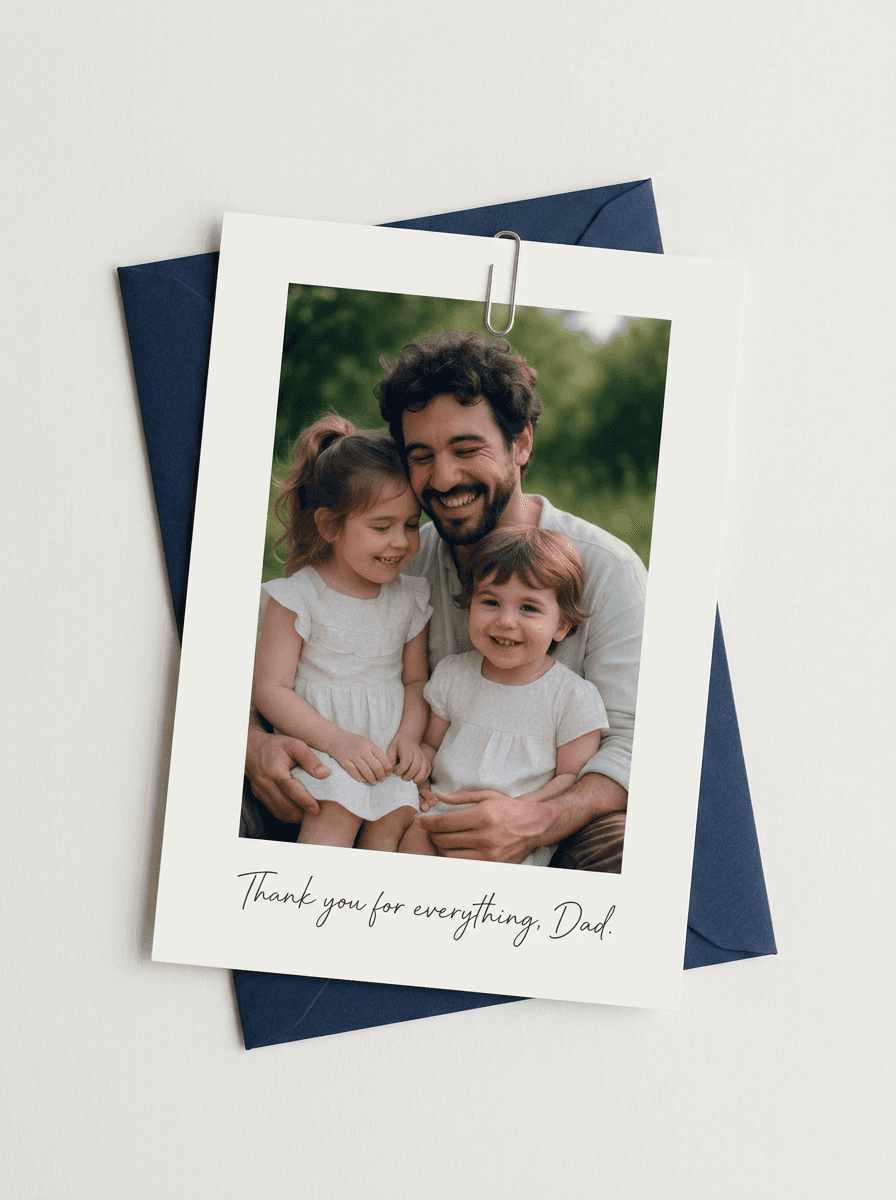
Choose from leading AI image models for your cards
Learn how to make a card online with AI

Start with a card design template from Picsart Flow
Pick the card workflow closest to your occasion, swap in your photo, and run it. Change any step and run it again until it looks right.


Make cards for any occasion with the card creator
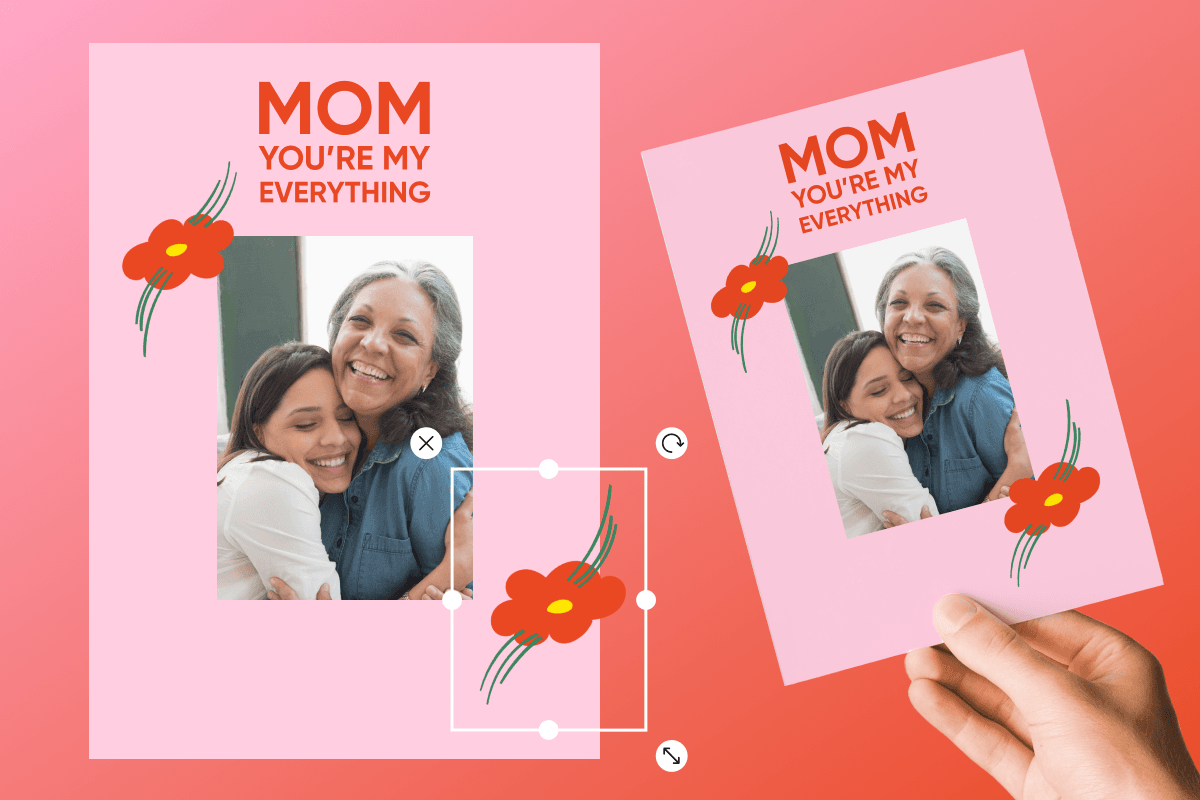
This custom card maker in Picsart Flow covers every occasion, from the holidays and Mother's Day to birthdays, weddings, and graduations. Pick a workflow, swap in your photo and message, and run it to create a card for the moment you're celebrating. Keep a family photo in Picsart Drive and add it to any card design with the Asset node, which brings every saved view of it into the workflow. When the next occasion comes around, change the theme in the prompt and run the same workflow again.

Craft truly personal card designs
Create your own card with a personal touch the recipient will recognize. Drop a portrait into this photo card maker, and the workflow builds the card around it, from a floral Mother's Day layout to a polaroid-style keepsake. For a group card, invite family or coworkers to the same online card maker canvas to add photos and comments live. Frames and color tags help you keep a busy canvas organized, and canvas search finds any node or sticky note in a second, so every contribution stays easy to find.
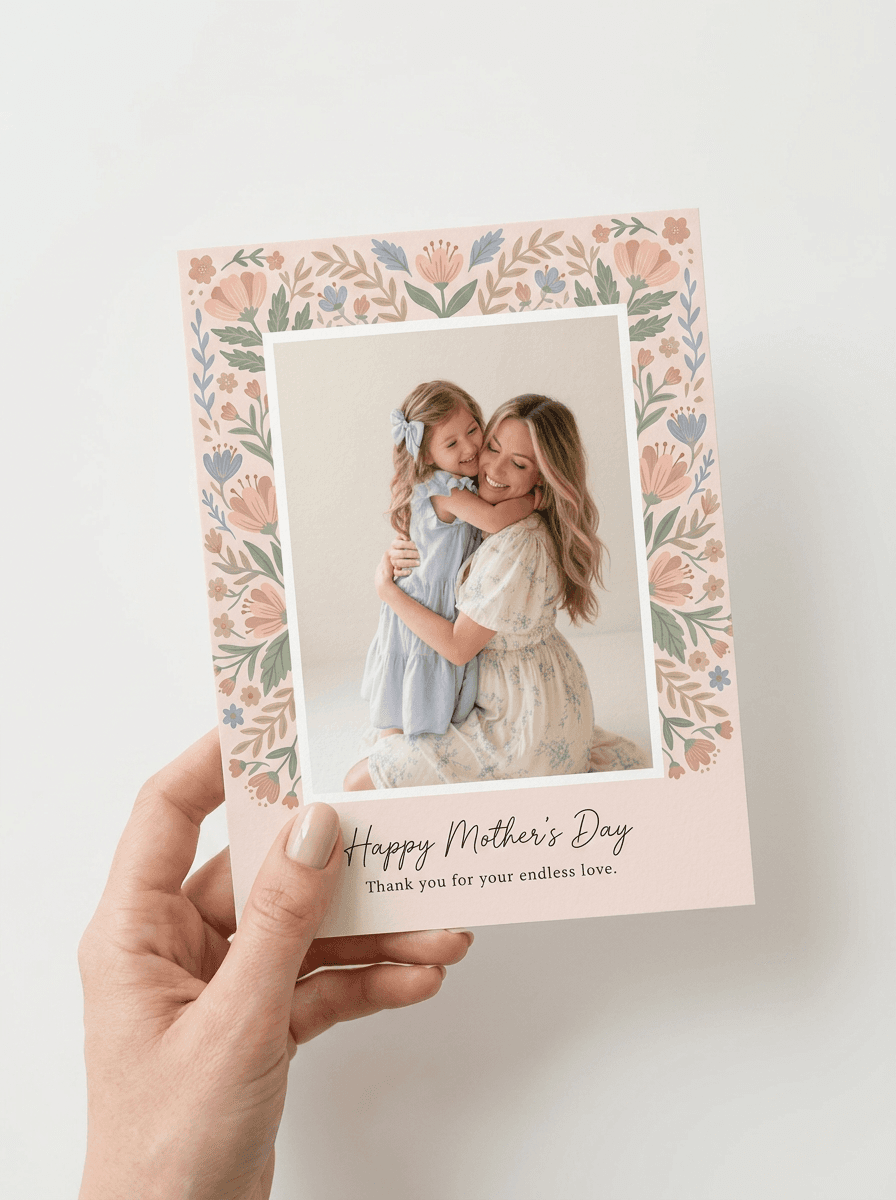
Generate any card design with the AI card maker
Describe the occasion, style, colors, and words you want, and Picsart Flow turns them into an AI card design. Right-click anywhere, search for a model, and press Enter to insert it wherever the card maker workflow needs it, so you build card workflows in less time. The same toolkit duplicates whole frames, connects several nodes in one drag, and lists every generation in a run queue. Use Flow as an AI card generator: switch the model for several nodes at once, then Shift+Click Generate to rerun the whole chain.
Edit any detail with the card editor on the canvas
Card editing in Flow is simple, thanks to canvas-based generative editing, which can repaint one area, extend an image, relight a clip, or re-shoot a photo from a new viewpoint. For a card, brush over a name, photo, or greeting with Inpaint and describe the change. Only that part of the card design updates, while the rest stays pixel-identical. Outpaint's aspect chips extend the card to an exact print ratio, and every card edit lands on a new node while the original stays intact.
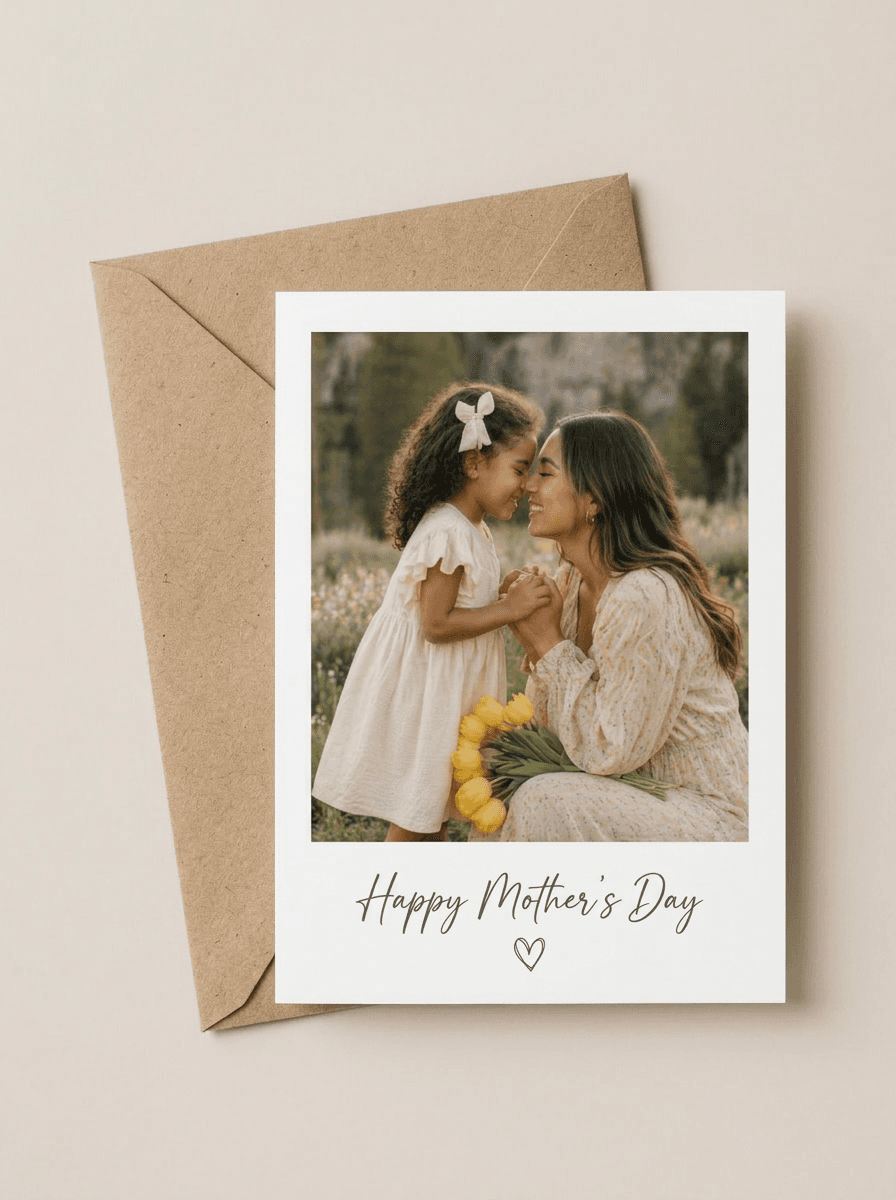
Bring your card to life as an animated card
Turn a finished card into a moving greeting with the Camera Motion node in Picsart Flow. It creates a 5 to 15 second clip where the camera pushes in or orbits while the card design stays exactly as made. This digital card maker gives you a clip to send online and a still card for print. For more ideas, explore AI video animation workflows with motion templates, animated captions, and scenes that turn one image into a short story.
Print cards that look as good on paper as on screen
Printable cards from Picsart Flow look as sharp on paper as they do on screen. Before you print, upscale the image with AI: the upscaler enlarges it 2x or 4x and keeps textures and fine lettering crisp. Then download it and finish your online card making at home on cardstock or by sharing the card online.
- Start from a sharp, well-lit photo so the card prints clean.
- Keep the message short so it stays readable on the front.
- Size it at 5 x 7 inches, the standard card size, and print on cardstock.






Get answers about the online card maker
Yes, you can start for free. Creating a Picsart account and opening Picsart Flow card templates costs nothing. Generating a design uses the AI credits in your Picsart plan, and Flow shows the estimated cost before each run, so you only spend credits when you make a card.
Design cards for every message and moment
Pro
Most popularAI tools for everyday creative work.
Ultra
Most powerfulHeavy AI usage for creators & teams.
Find the right card maker for every moment
Need a free online card maker for one specific occasion? Start with these Picsart pages.