プログラムされたカメラモーション

MiniMax H3 Max カメラコントロール: AIビデオでカメラを制御

MiniMax H3 Max カメラコントロールは、単一の画像を自分でプログラムするカメラパスを使用してビデオに変換します。2〜12のキーフレームを設定し、方位角、高さ、距離を調整してシーンを回転させたり、プッシュインしたりでき - 任意のプロンプトを追加することも可能です。PicsartのAIプレイグラウンドで今すぐ利用可能。


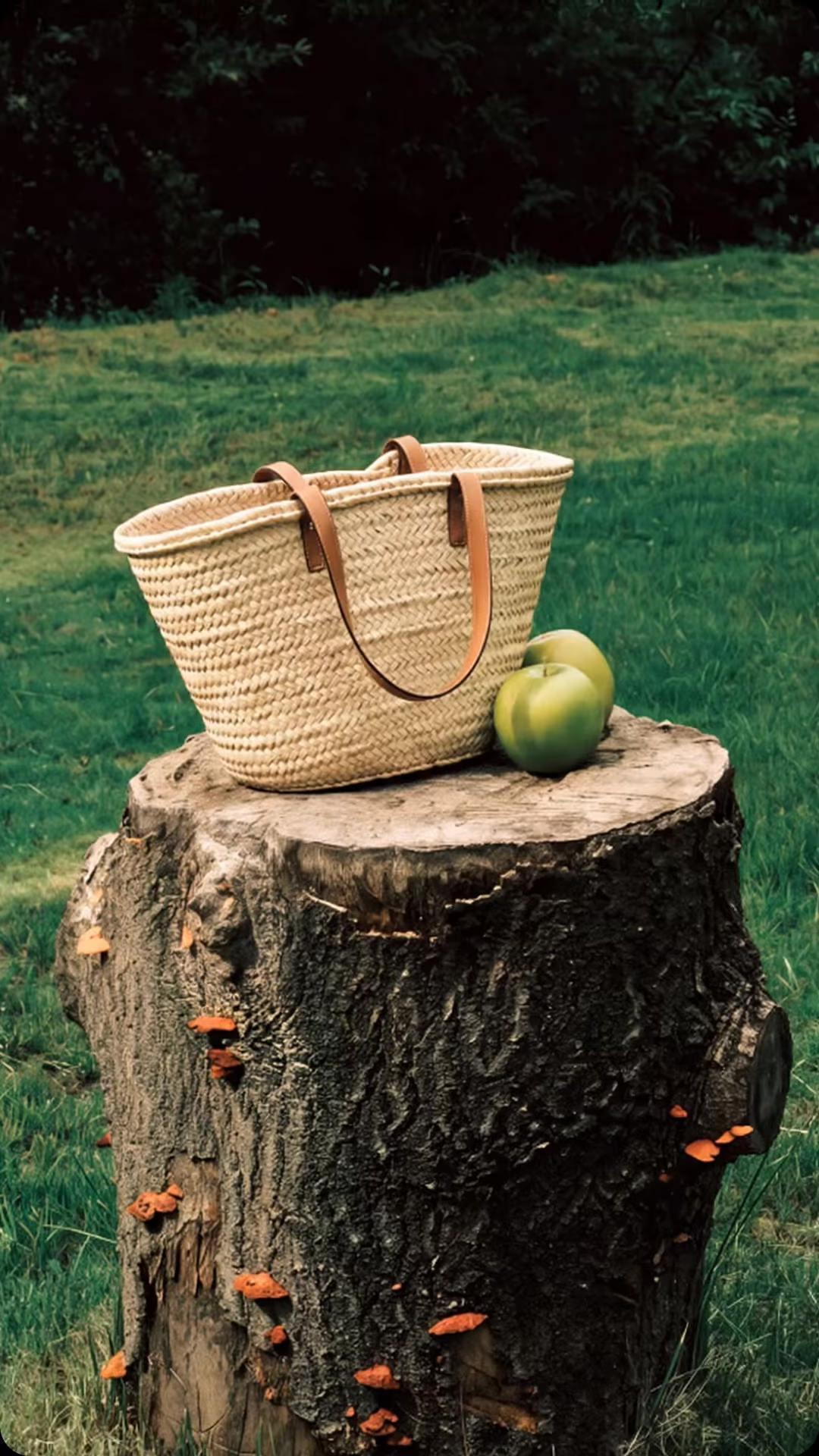
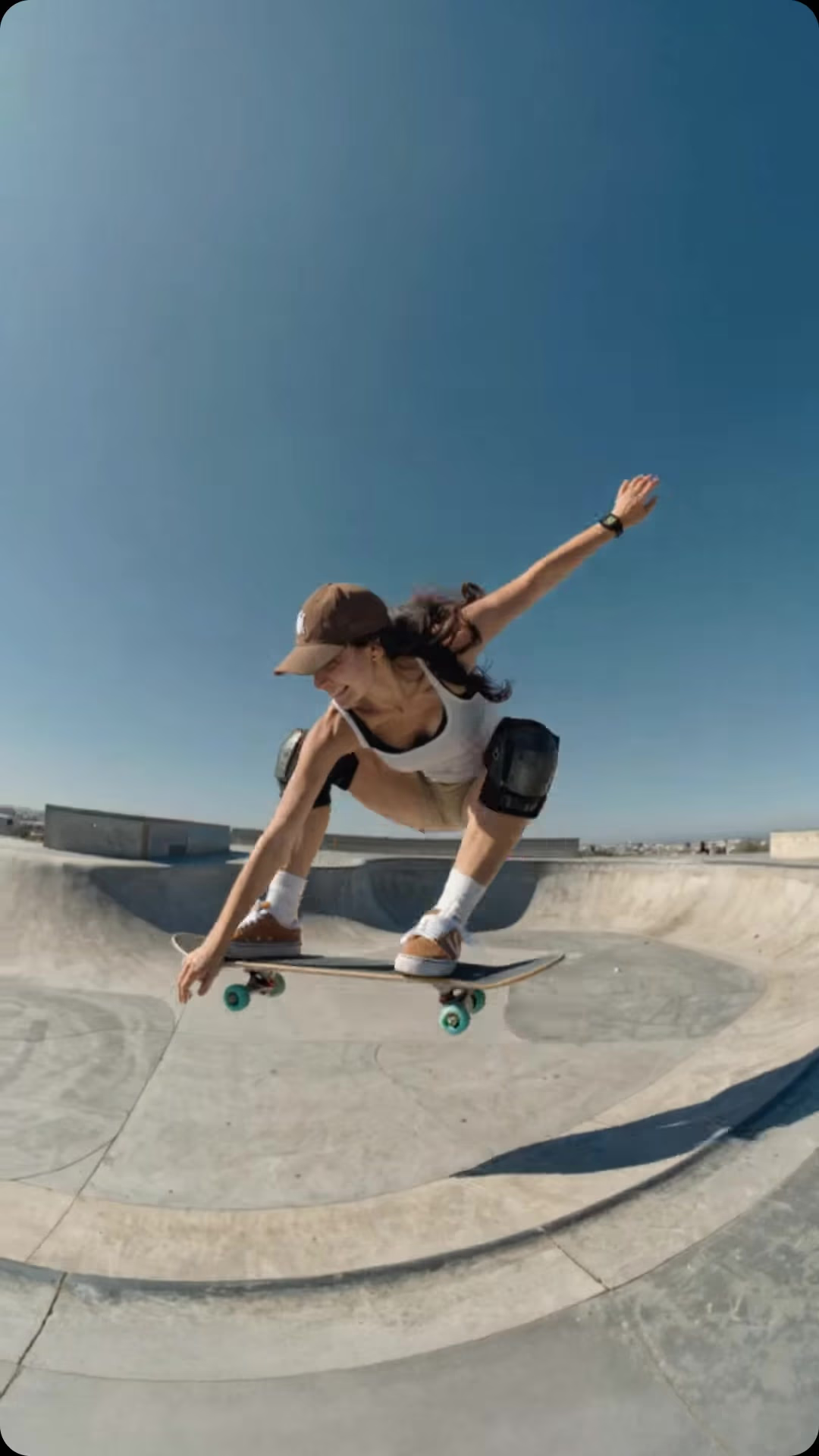
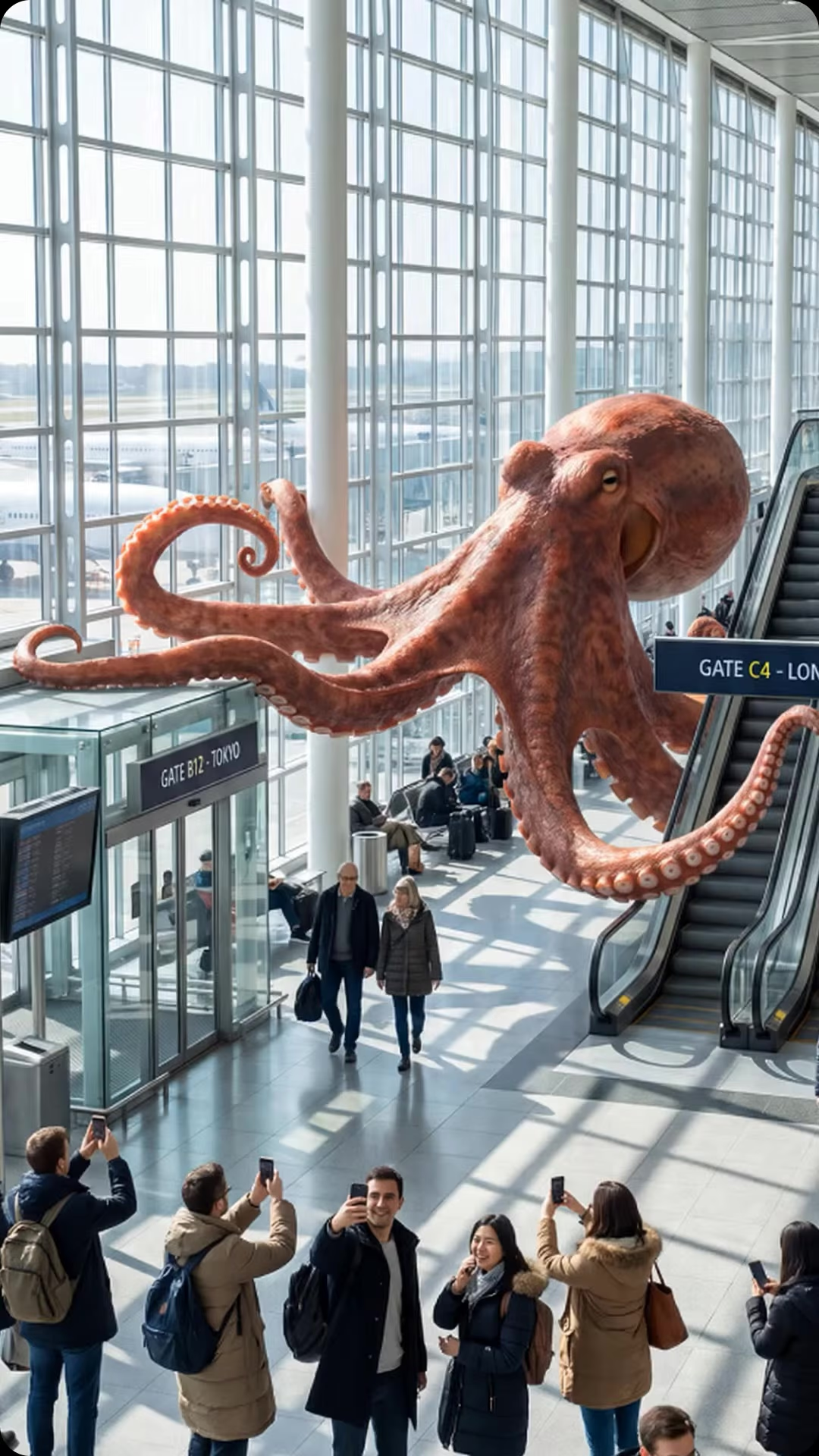
MiniMax H3 Max カメラコントロールで作成されたカメラ動作

画像入力、カメラ出力

MiniMax H3 Max カメラコントロールの仕組み

静止画像から始め、単なるテキストプロンプトに頼るのではなくカメラの軌道をモデルに渡します。MiniMax H3 Max カメラコントロールは2〜12のキーフレームを読み込み - 各フレームは方位角、高さ、距離を伴った一時点を表します - それらの間にスムーズなパスを補間し、計画した通りの動きに移行します。プロンプトを追加してシーンをアニメートしたり、レンズ以外をすべて静止させたりします。

方位角、高さ、距離

キーフレームごとにカメラパスをプロット

各キーフレームは3つの要素を設定します: 被写体の周りカメラを振るための方位角、角度を上げ下げするための高さ、近づくか引き離すための距離です。最大12個まで連鎖し、MiniMax H3 Max カメラコントロールは間の動きを構築 - スローフォビットし、クレーンで上昇させたり、鋭くパンチインさせることができます。通常、リグとドリーが必要とされるカメラの振り付けが、たった1枚の写真から駆動されます。

プロンプトはオプション

シーンを凍結し、カメラだけを動かす

プロンプトを空白のままにしておくと、MiniMax H3 Max カメラコントロールはシーンを完全に静止させたままカメラが通り過ぎます - 製品、ポートレート、風景のきれいな視差滑走で他に動いているものはありません。フレームにも命を入れたい場合は、プロンプトを追加してプロンプト拡張をバランスまたは品質に設定し、モデルがどの程度詳しく記述するかを決め、同じ動きを必要な時に繰り返すためにシードを挿入します。

キーも設定も不要

MiniMax H3 Max カメラコントロールがPicsartに存在する場所

MiniMax H3 Max カメラコントロールは、Picsartの AIプレイグラウンド で利用可能なので、150以上の他のAIモデルと単一のワークスペースで比較しながらカメラの動きをプログラムできます - 設定やモデルの構成は不要です。別のジョブが必要ですか? MiniMax H3 Max は、素早く、トップランクなテキストと画像からビデオへの変換を提供し、MiniMax H3 は、ネイティブ2Kと同期されたオーディオをレンダリングします。そしてあなたはどのように作業してもMiniMax H3 Max Camera Controlsにアクセスできます:ウェブで、デスクトップアプリで、CLI、MCP、REST API、SDKを介してご自身のプロジェクトに組み込んだり。

監督できるショット

カメラコントロールに手を伸ばすとき

カメラの動きがポイントであるときはMiniMax H3 Max カメラコントロールを選択 - 製品の回転、建築的なフライスルー、劇的なリビール、または正確にフィットさせる必要があるループパララックスショット。動きの言葉を記述し、願う代わりに、タイムライン上でそれをプロットし、480p、768p、または1080pで最大15秒のリピート可能なパスを取得。Picsart内で150以上のモデルと並んでいるため、ここでショットを監督し、次のショットに対してモデルを切り替えられる。

MiniMax H3 Max カメラコントロールで任意のショットを監督
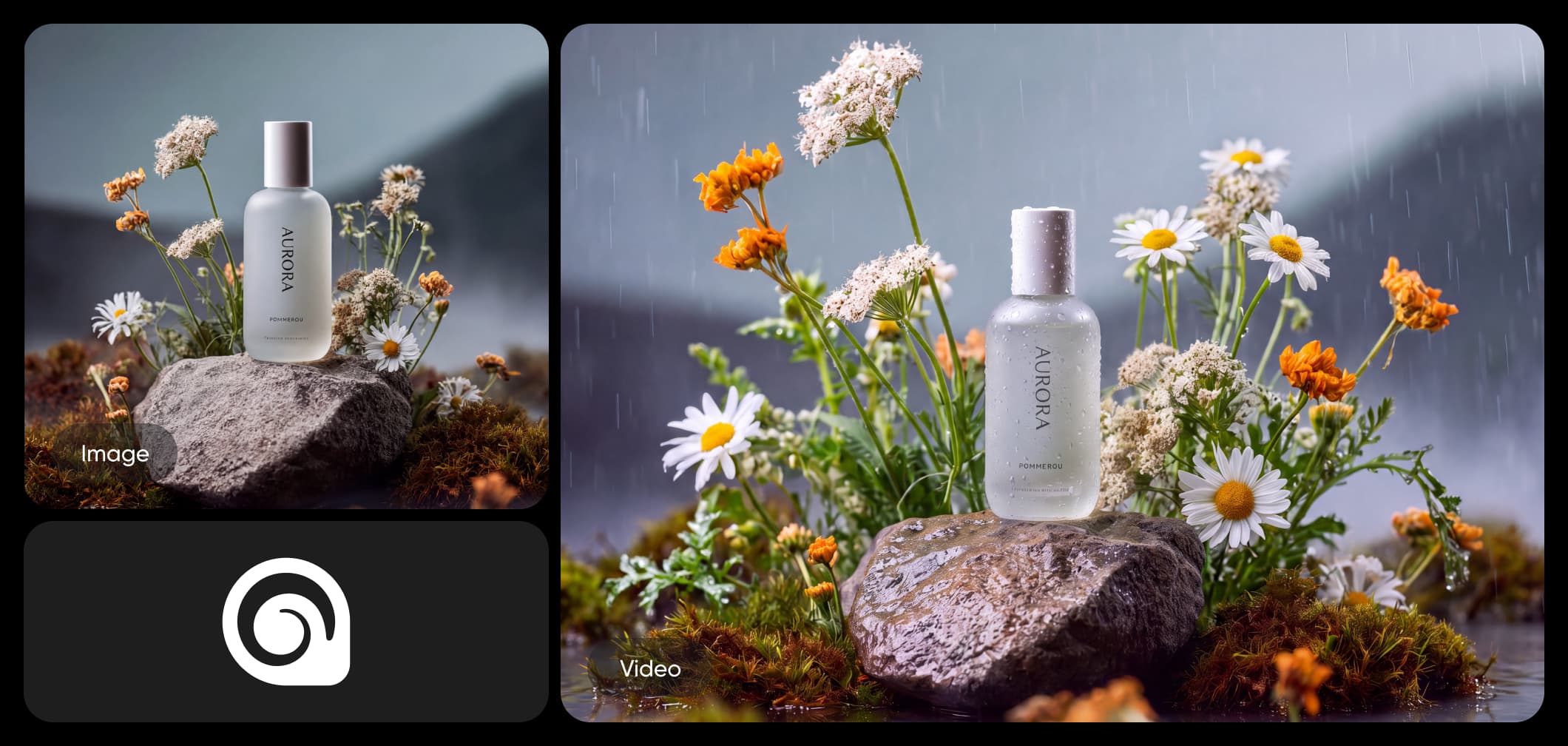
軌道とリビール

スムーズな軌道で製品、キャラクター、セットをあらゆる面からリビールするために、方位角キーフレームで被写体の周りにカメラを振る。

動画を生成
MiniMax H3 Max カメラコントロール軌道とリビール

MiniMax H3 Max カメラコントロールに似たモデルを探る

MiniMax H3 Max カメラコントロールを他のビデオモデルと比較して動きとカメラコントロールを確認する。

MiniMax H3 Max カメラコントロール AI モデル FAQ

  • MiniMax H3 Max カメラコントロールは、プログラム可能なカメラモーションを追加するMiniMax H3 Maxの画像からビデオへの変種です。単一の画像から始めて、方位角、高さ、距離を時間経過の中で制御する2〜12のキーフレームを設定し、オプションでテキストプロンプトも使用できます。出力は480p、768p、または1080pで最大15秒です。

MiniMax H3 Max カメラコントロールでAIカメラの動きを指示

Pro

Most popular

AI tools for everyday creative work.

$15 $10.5/mo
Billed yearly
You save $54 with yearly
  • Access to all photo & video editing features
  • Advanced background & object removal
  • Parallel video generations with the world's most powerful AI video models
  • Unlimited image generations with Flex.2 Klein
  • 1-tap image enhancer
  • Millions of stock photos & Getty video clips
  • Selection of trendy fonts, text styles & stickers
  • Thousands of premium templates
  • Support for 3+ brand kits
  • Bulk edit up to 50 images at once
  • 100 GB of cloud storage
New features:
  • Auto-generate content from your terminal or agent with the Picsart CLI
  • Use Picsart inside Claude Code, Cursor, and ChatGPT via MCP — coming soon
  • AI agents for multi-step workflows and batch generation — coming soon

Ultra

Most powerful

Heavy AI usage for creators & teams.

$45 $24.5/mo
Billed yearly, per seat
You save $246 with yearly
  • Everything in Pro
  • Early access to advanced AI features
  • Leading AI models to design & automate workflows (Nano Banana, Veo 3, Seedance 2.0 & more)
  • Parallel video generations with the world's most powerful AI video models
  • Unlimited image generations with Flex.2 Klein
  • Support for 10+ brand kits
  • Add team seats
  • Create ad variations and localize
  • Track ads performance
  • 2000 credits for API services
  • Bulk edit up to 100 images at once
  • 300 GB of cloud storage per seat
New features:
  • Auto-generate content from your terminal or agent with the Picsart CLI
  • Use Picsart inside Claude Code, Cursor, and ChatGPT via MCP — coming soon
  • AI agents for multi-step workflows and batch generation — coming soon

Enterprise

Custom AI solutions for large organizations.

Custom credit volume
  • Volume discounts on credit rate
  • On-demand top-ups
Custom
Contact for pricing
  • Access to photo & video editor SDKs
  • Mobile web SDK support
  • Prepaid or pay-as-you-go creative APIs
  • Embed professional-grade editing into your product or workflow
  • Fully configurable editing experience
  • White-label to match your brand
  • Support for built-in marketing, e-commerce & printing use cases
  • Bring your own assets: images, templates & fonts
  • Enterprise-grade security, SLAs & support
  • Dedicated account manager