壁紙メーカー:AIでオリジナル壁紙を作成
写真、プロンプト、または既成のワークフローから、Picsart Flowでスマホやデスクトップ用の壁紙を作成できます。画面に合わせて比率を設定すれば、同じワークフローをいつでも再実行して、新しいデザインを作れます。
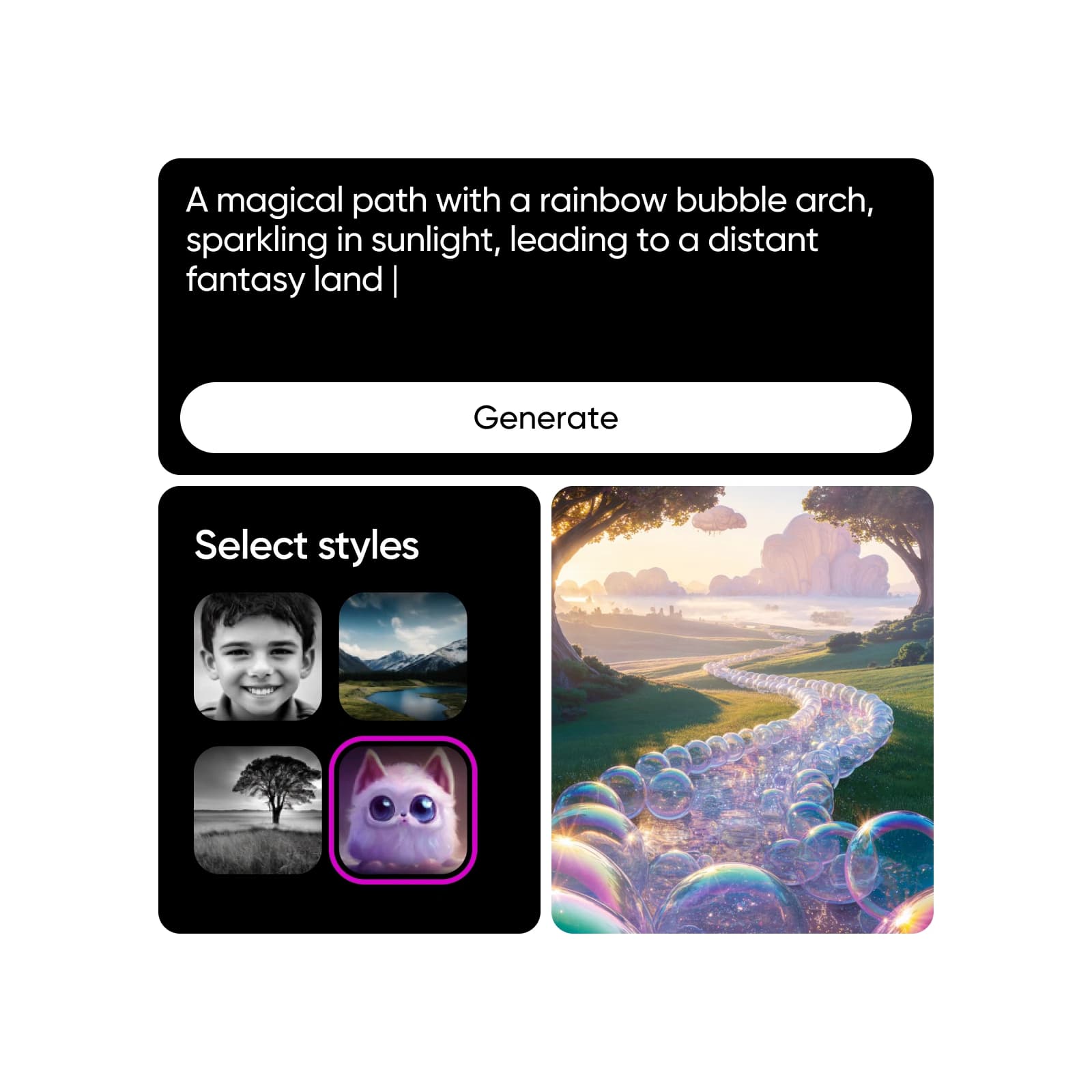
AI画像モデルで壁紙をデザイン
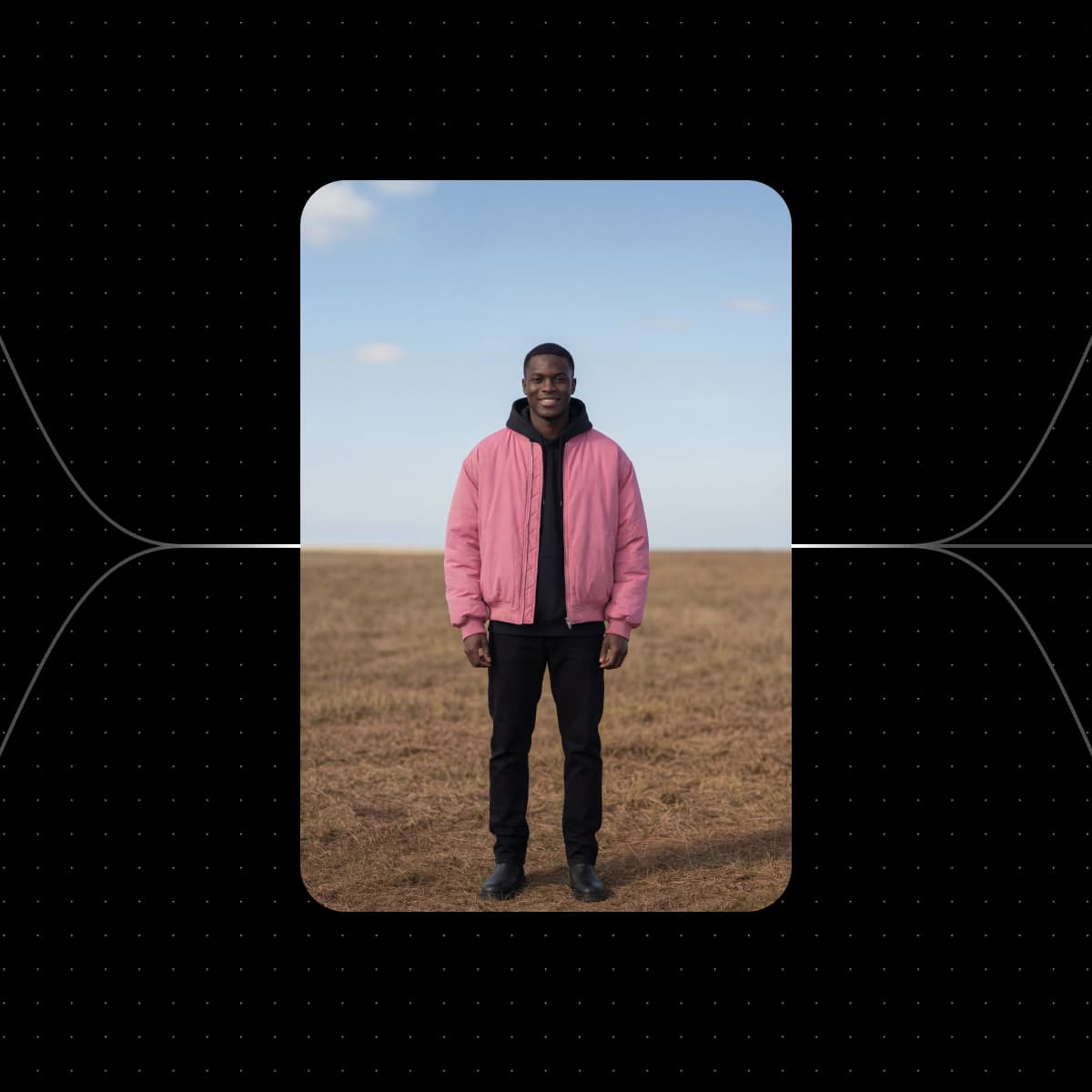
Picsart Flowの壁紙ワークフローから始める
以下のワークフローは、どれも壁紙に使える画像や動画を作成できます。写真を追加し、画面サイズを選んで実行しましょう。


1つのプロンプトから作られた壁紙を見る

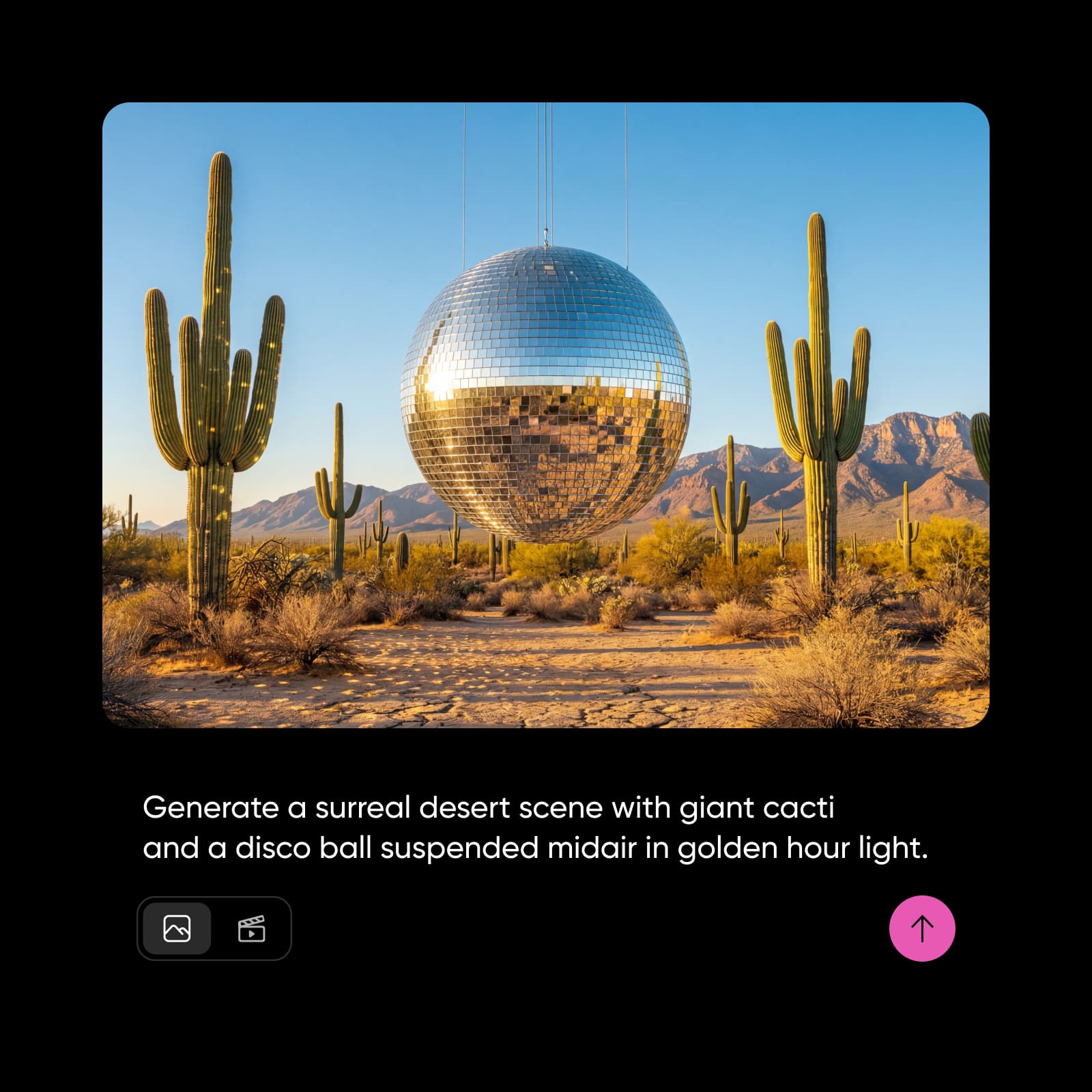

輝く宇宙の風景を、スマホやタブレットのロック画面に。
柔らかな渦巻銀河の中で輝く星…
あらゆる画面に合うオリジナル壁紙を作成
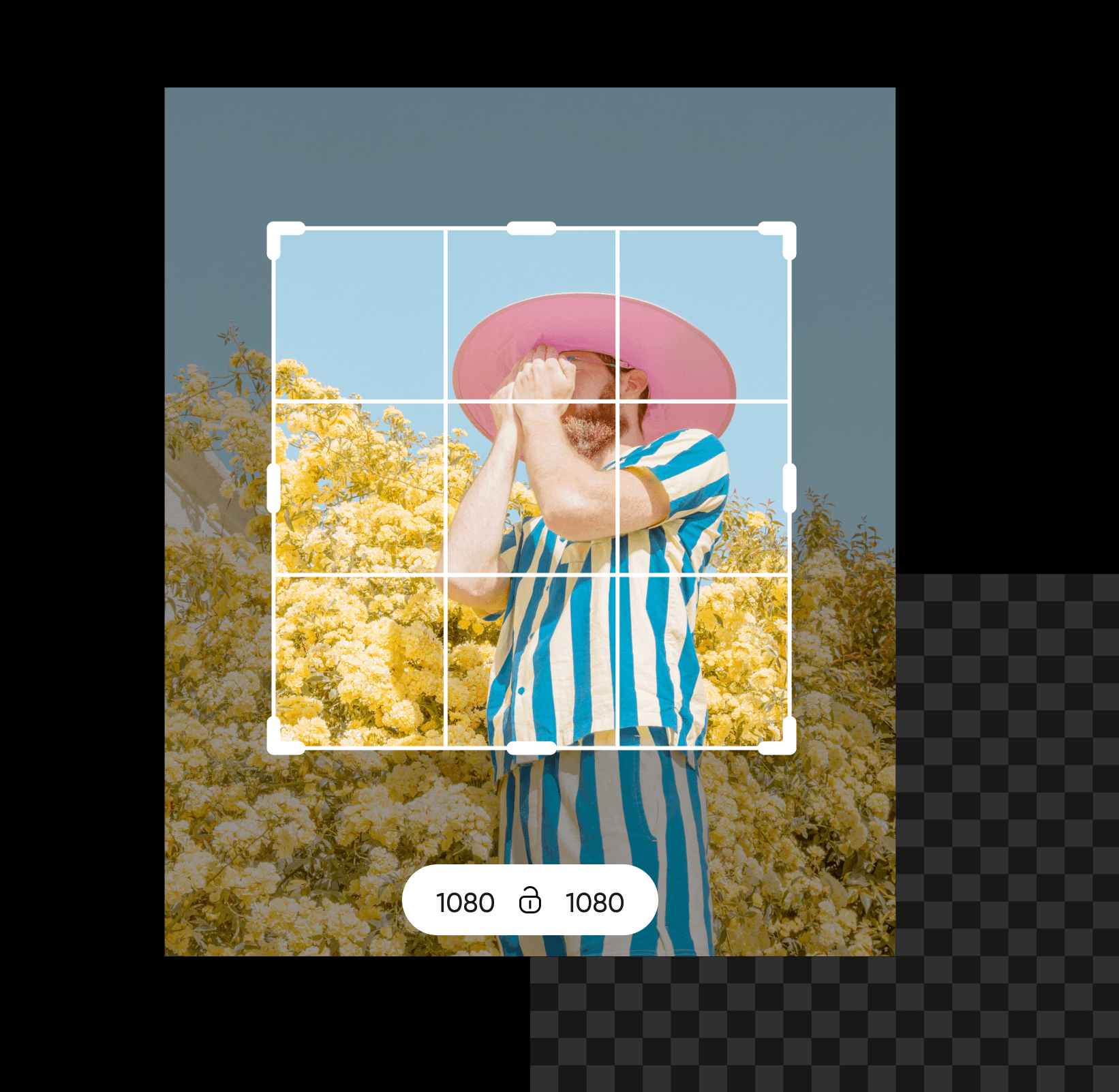
Picsart Flowのオリジナル壁紙メーカーで、iPhoneやAndroidスマホ、iPad、ノートパソコン、PC向けのデザインを作成できます。壁紙アートを作ったら、Outpaintのアスペクト比チップで9:16や16:9に拡張できます。元の画像は動かないので、どのデバイスでも被写体が画面内に収まります。4Kのデスクトップ壁紙を作るなら、Nano Banana 2のような最大4K出力に対応したモデルを選べば、大型モニターでもくっきりと表示できます。

AI壁紙ジェネレーターで好きなスタイルを生成
雨が降るアニメ風の街並みから静かな銀河まで、好みのスタイルを説明すれば、Picsart Flowが壁紙を作成します。Flowにはワークフローの構築をスピードアップするショートカットもあります。1枚の写真をドラッグして複数の画像ノードにつなぎ、パステル、水彩、ネオンのスタイルを一度に試したり、右クリックで好きなモデルを挿入したり、実行キューですべての生成状況を確認したりできます。プロンプトを調整してShift+Click Generateを押し、AI生成の壁紙がイメージどおりになるまでチェーン全体を再実行しましょう。どんなスタイルでもオリジナルの背景を作成できます。
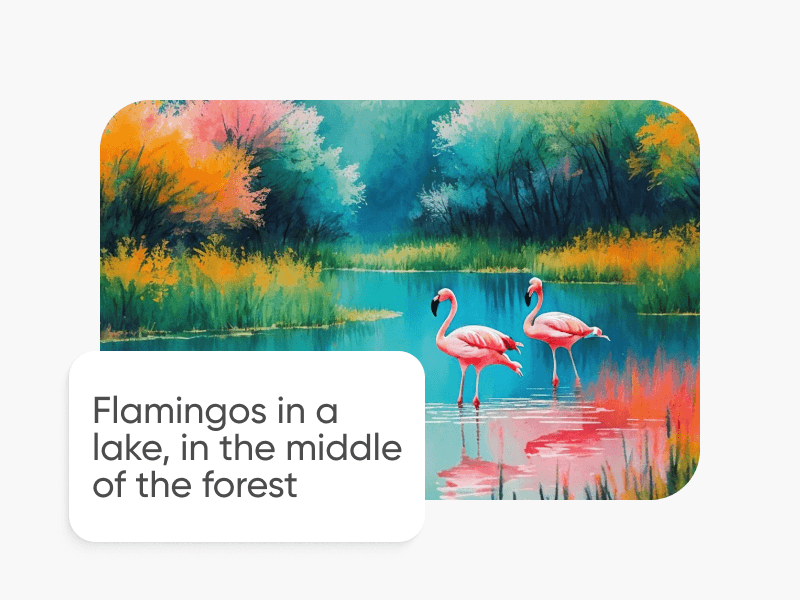
写真を壁紙コラージュに変身
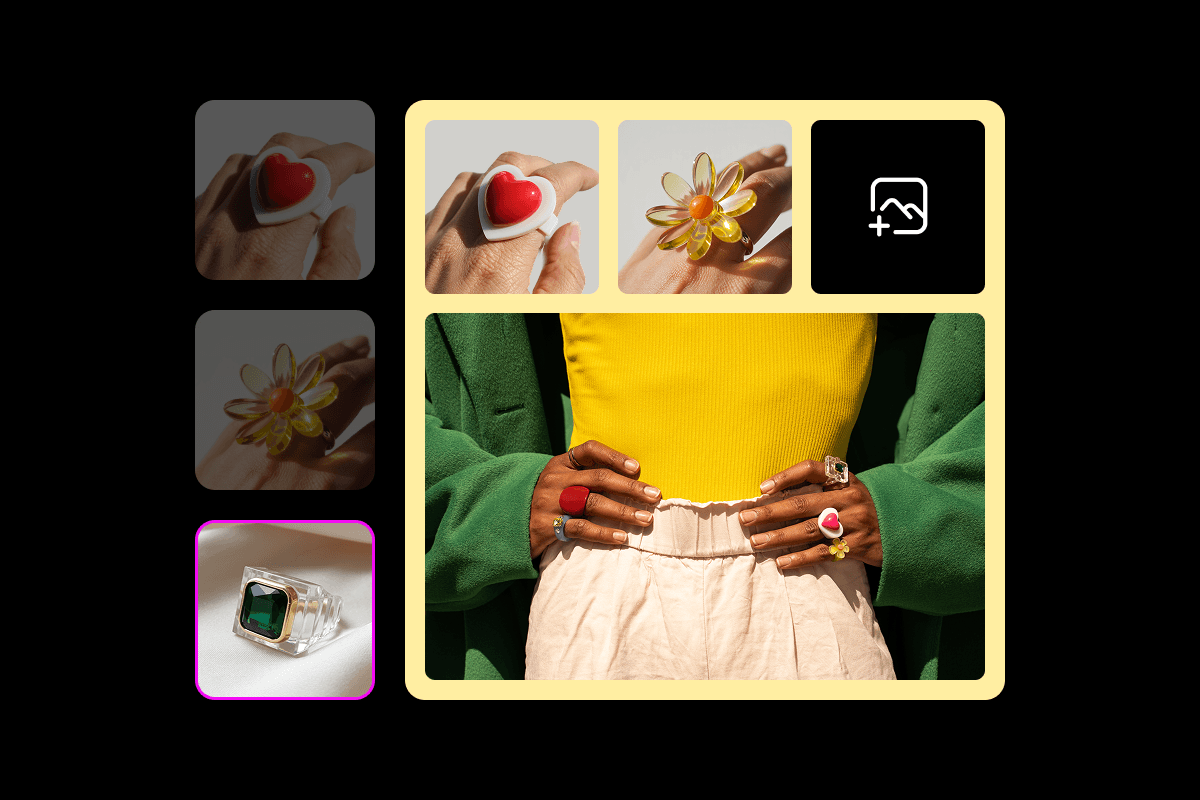
1枚のポートレートでも旅行の写真一式でも、Picsart Flowを写真から壁紙を作るメーカーとして活用できます。写真1枚なら、夕焼けのビーチポートレートのワークフローで、夕日のビーチを背景にしたポートレートを作成できます。また、上の桜のワークフローでは、春の花の下にポートレートを配置できます。どちらもスマホ画面に合うサイズです。複数の写真を使う場合は、コラージュ壁紙メーカーのワークフローで1つの縦型レイアウトにまとめられます。壁紙の入力写真を入れ替えて、再実行すれば新しいレイアウトを作れます。

Flowのキャンバス上で壁紙を編集
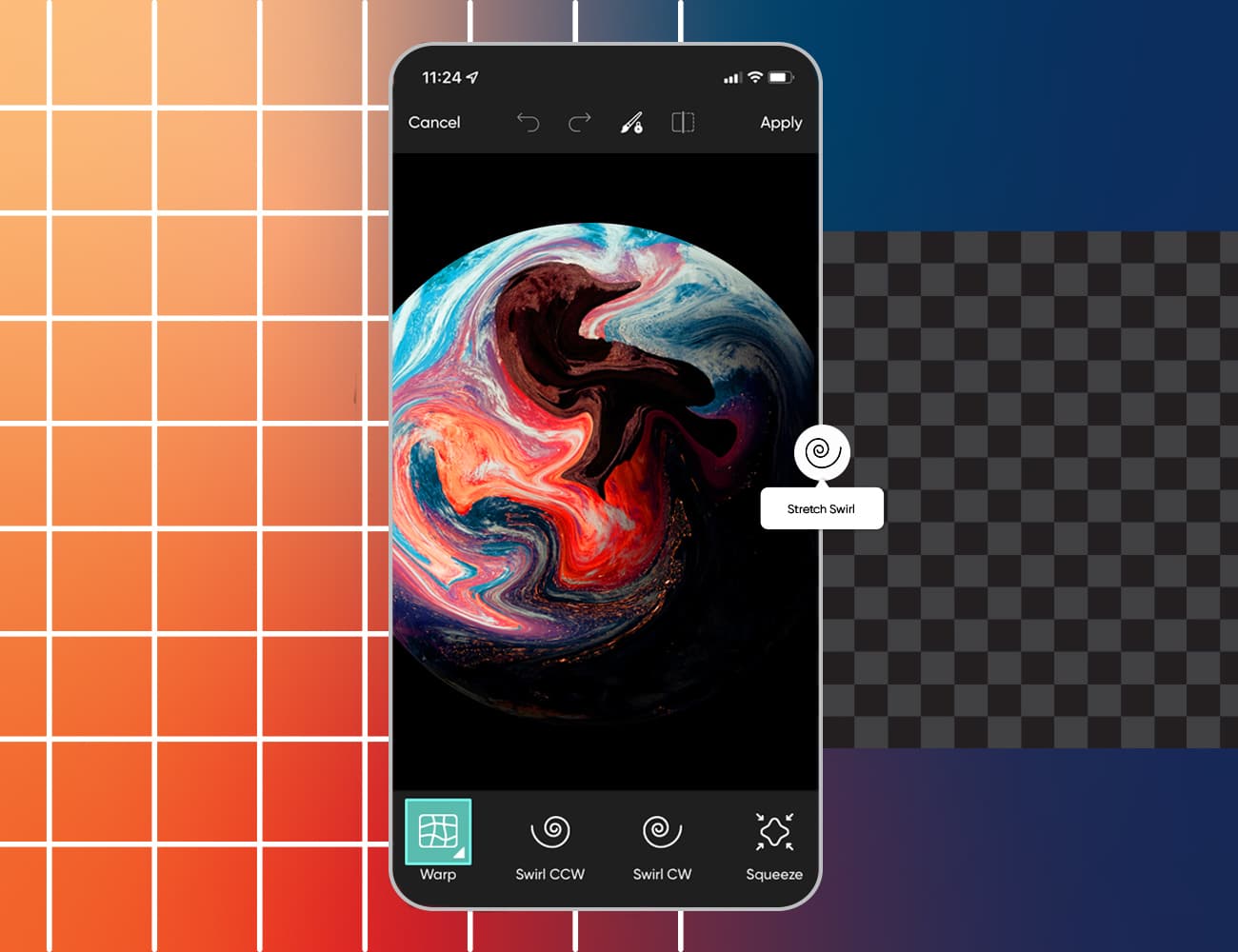
壁紙にぴったりの写真でも、気になるものが1つだけ写り込んでいることがあります。Flowの生成編集ツールなら、キャンバスを離れずに修正できます。画像を枠外に広げたり、新しい角度から撮影したように変えたりするのと同じツールです。Inpaintで通行人や看板、散らかった部分をブラシでなぞり、代わりに何を表示するか説明しましょう。その部分だけが変わり、オリジナル壁紙の残りの部分はピクセル単位でそのまま保たれます。同じ方法で上部をカスタマイズし、ロック画面の時計用のスペースを作ることもできます。編集内容はそれぞれ新しいノードに追加されるので、元の写真も隣に残ります。

季節やイベントに合わせた壁紙を作成
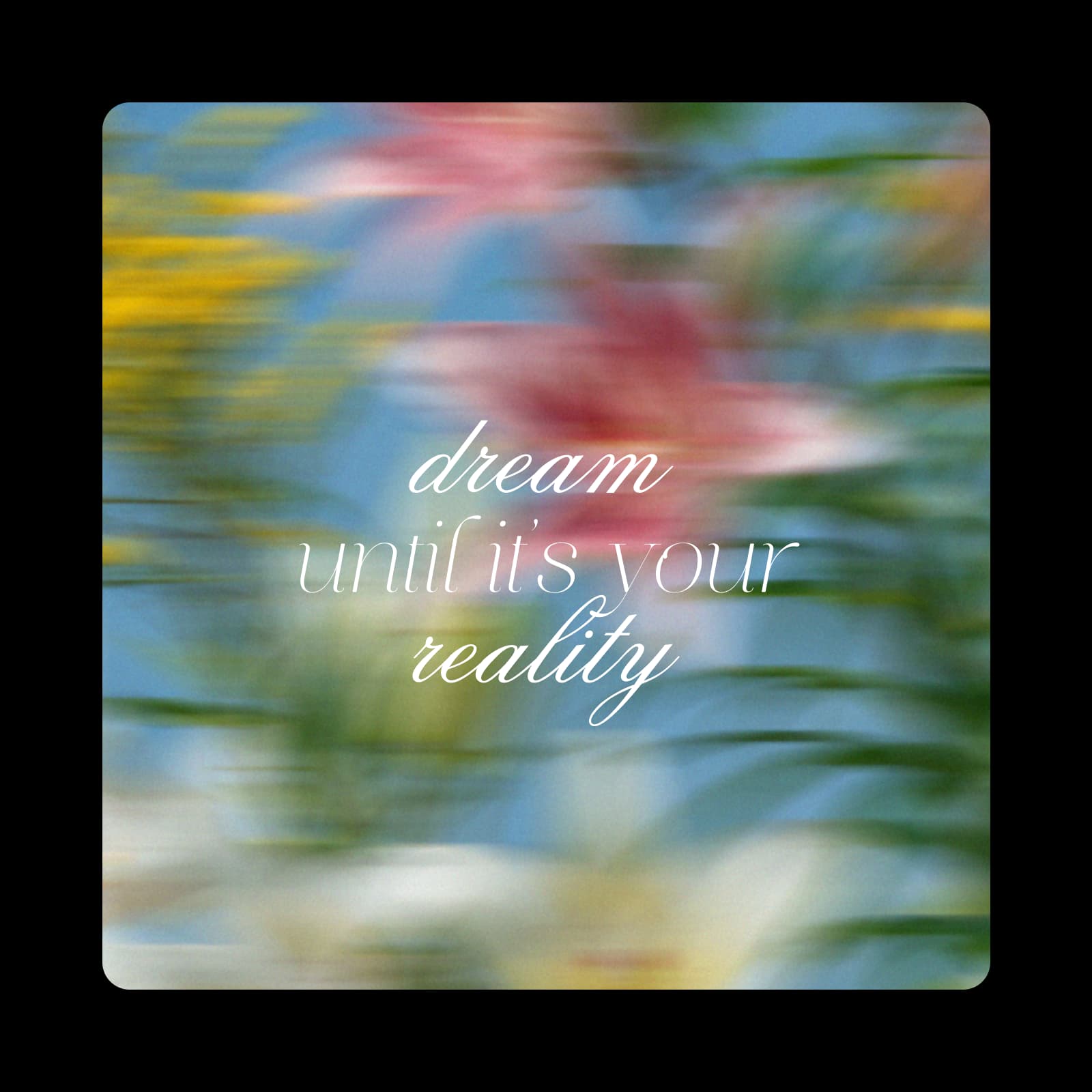
秋の落ち葉や雪景色の山小屋から、ゲーム環境やお気に入りの名言まで、季節や祝日、趣味に合わせたオリジナル壁紙を作りましょう。テーマをプロンプトに入力するか、京都の春のタイムラプスのような季節のワークフローから始めて、春の風景を短いシネマティック動画に仕上げられます。新しい壁紙が欲しくなったら、同じワークフローに新しいテーマを加えて再実行。すべてのバージョンを1つのキャンバスに保存して、いつでも切り替えられます。
画面に合わせて壁紙をデザイン
壁紙には時計やウィジェット、アイコンも表示されます。スマホ用壁紙のワークフローを実行する前に、配置を考えておきましょう。プロンプトで上部に何もない落ち着いたスペースを作るよう指定するか、Outpaintでフレームを上方向に広げてスペースを確保します。デスクトップでも同じルールを使いましょう。アイコンは通常、画面の片側に並びます。
- ロック画面の時計が読みやすいよう、上部3分の1はすっきりさせましょう。
- デスクトップでは、メインの被写体を片側に置き、アイコン用のスペースを空けましょう。
- 一般的なスマホには9:16、モニターやノートパソコンには16:9を使いましょう。




壁紙メーカーについてのよくある質問
料金を支払わずに始められます。Picsartアカウントは無料で、Picsart Flowの壁紙テンプレートも無料で開けます。画像や動画の生成にはプランに含まれるAIクレジットを使用します。実行前にFlowが推定コストを表示するため、作成する壁紙にだけクレジットを使えます。
あらゆる画面やスタイルに合う壁紙をデザイン
Pro
Most popularAI tools for everyday creative work.
Ultra
Most powerfulHeavy AI usage for creators & teams.
Enterprise
Custom AI solutions for large organizations.
- Volume discounts on credit rate
- On-demand top-ups
画面に使えるPicsartの他のメーカーをチェック
背景やコラージュ、別の画面用のデザインを作りたいですか?Picsartの以下のページから始めましょう。