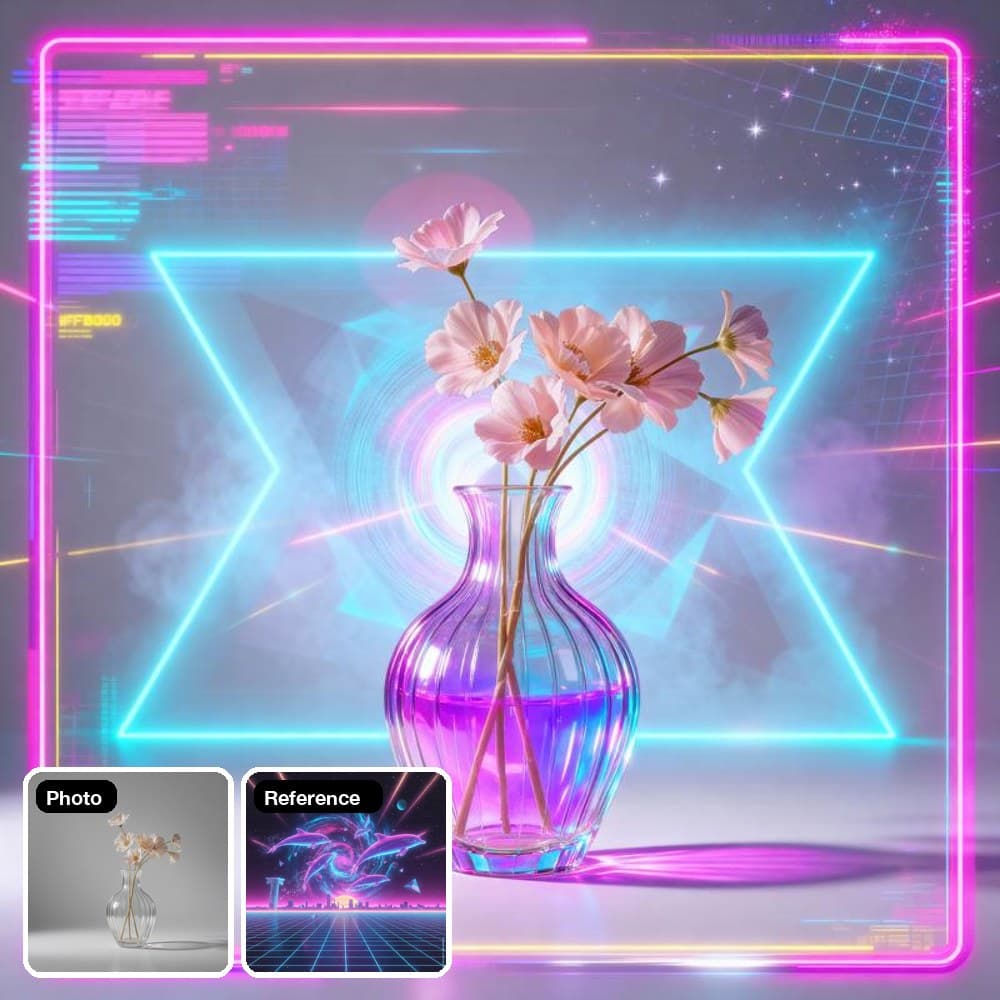
- 写真

- スタイルの参照画像

- Seedream 4.0

- Nano Banana

AIスタイル転送:画像に好きな雰囲気をプラス
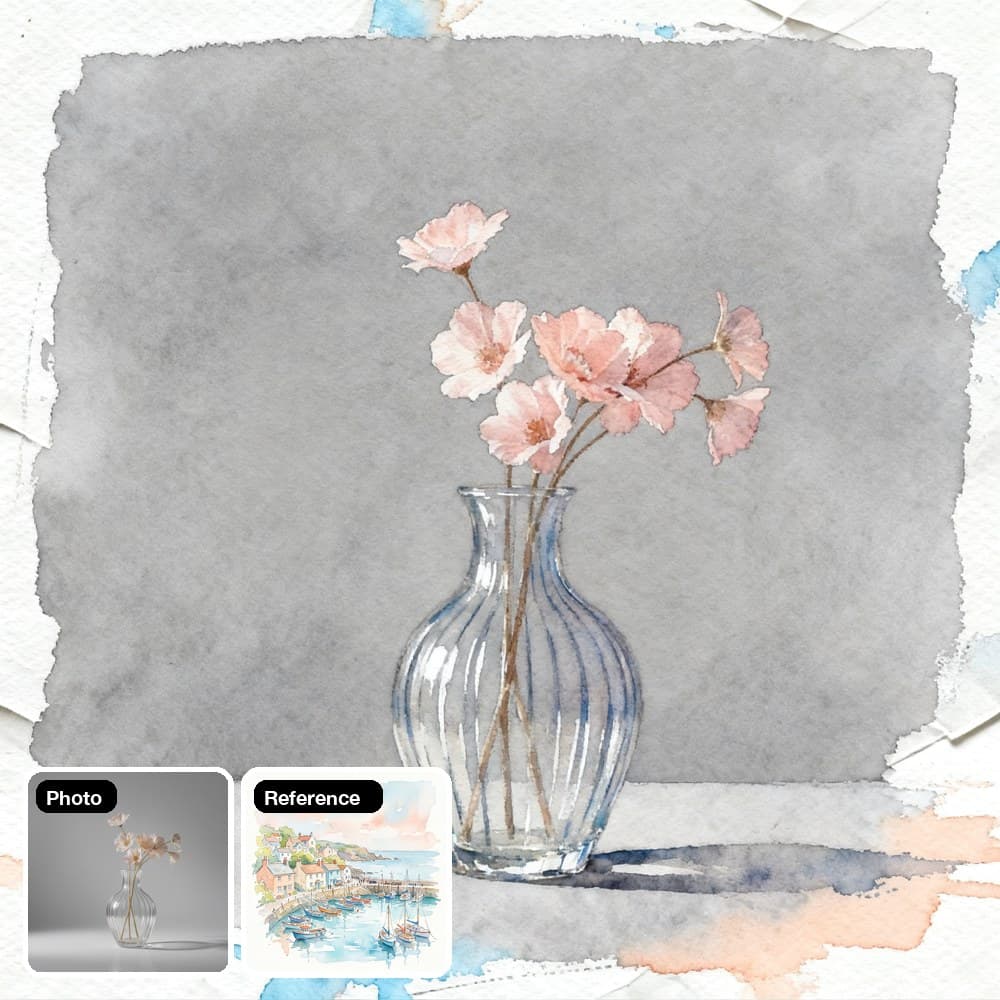
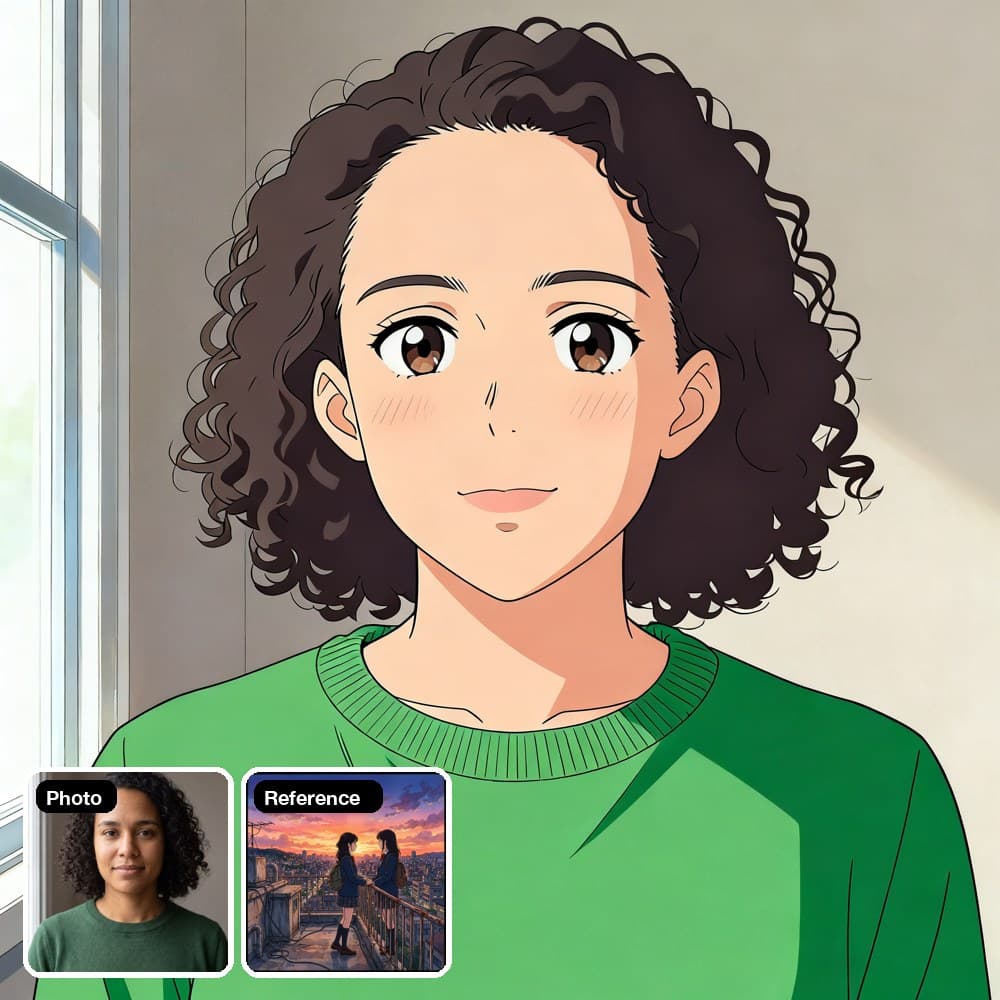
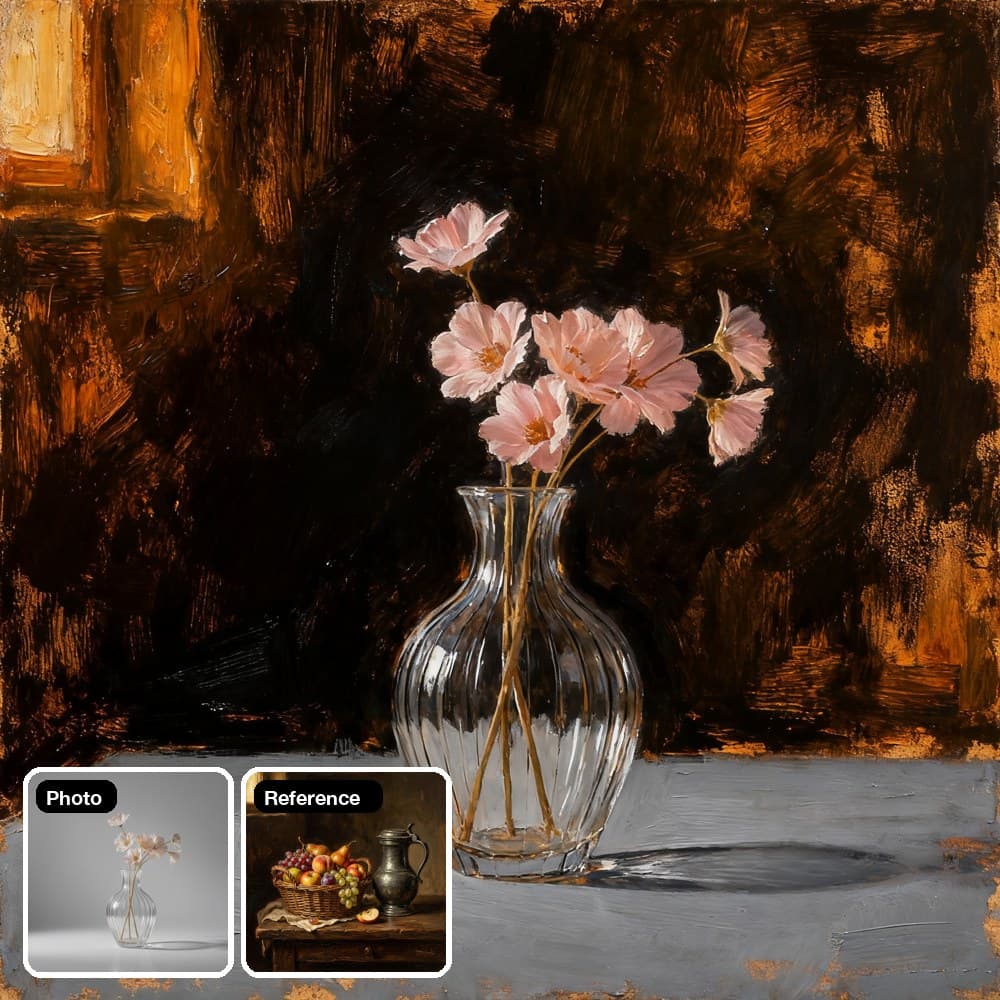
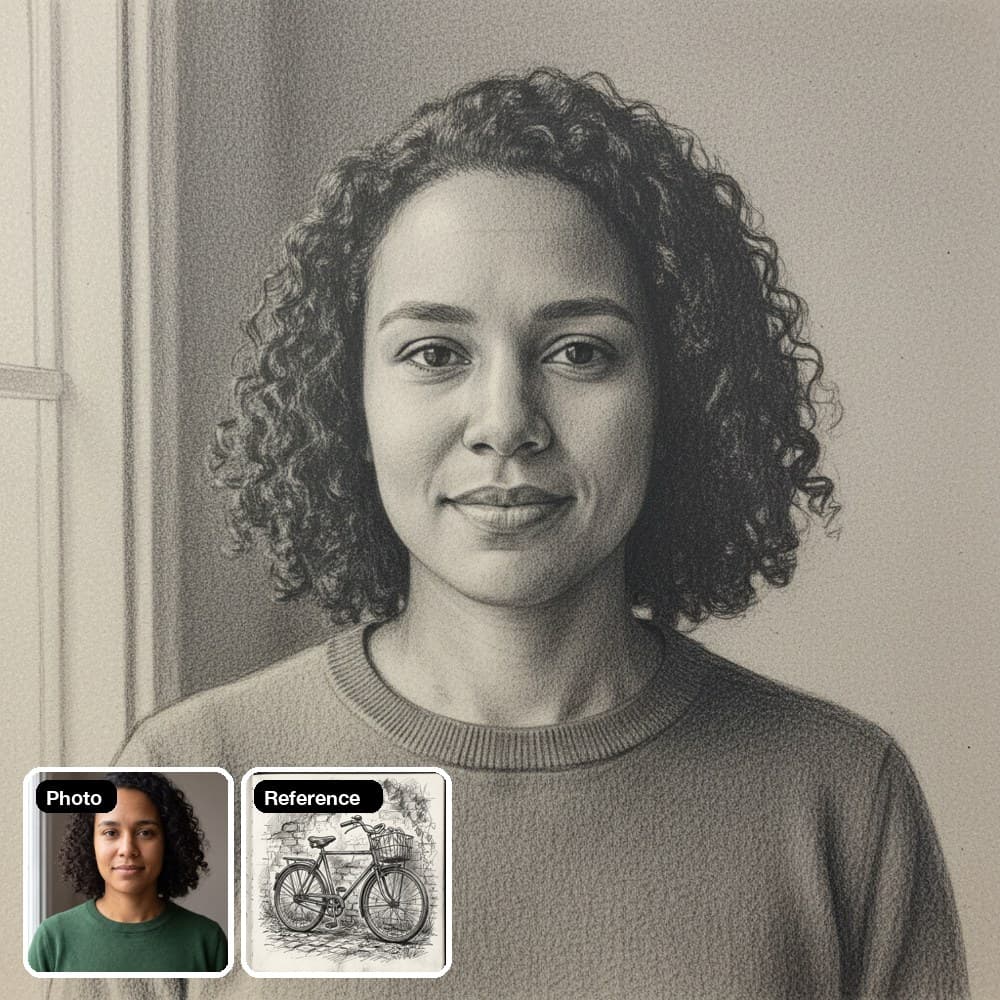
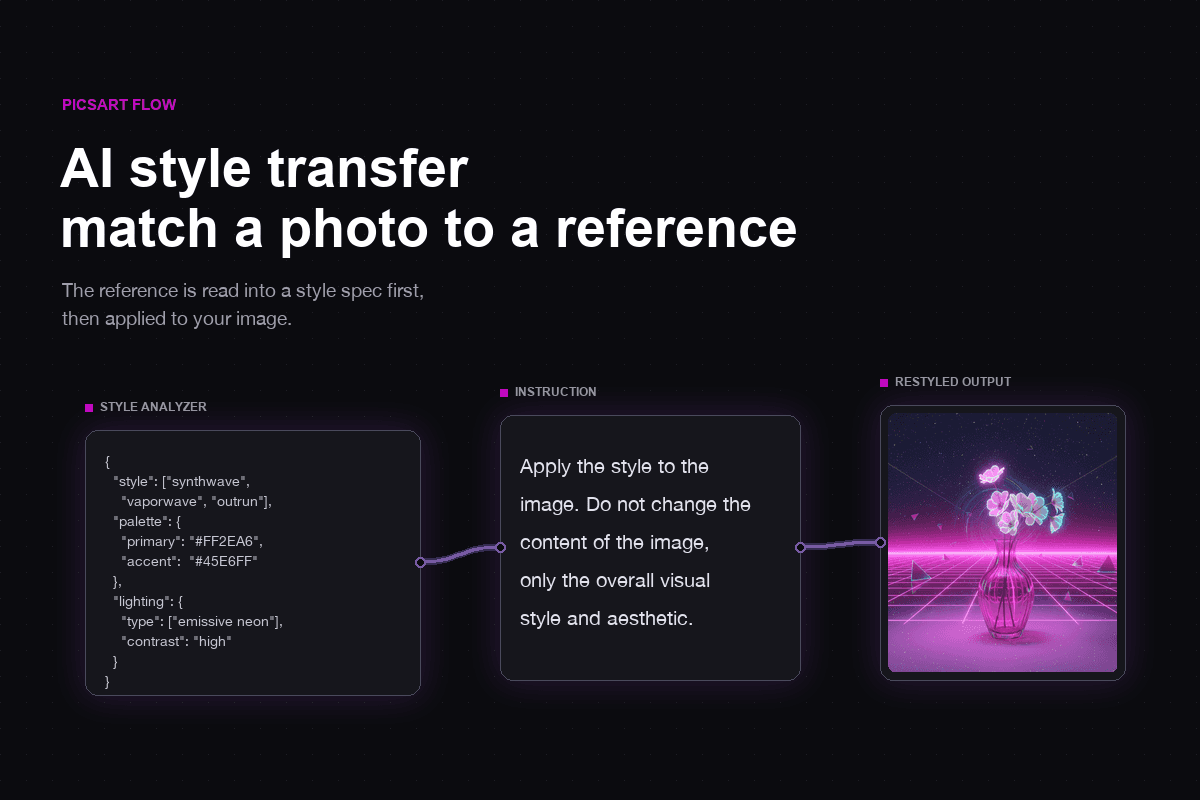
Picsart Flowの画像スタイル転送は、参照画像の雰囲気を読み取り、写真に反映します。テンプレートまたは2枚の画像から始められます。
1つのキャンバスでAIスタイル転送
参照画像の読み込みから最終ファイルの書き出しまで、画像スタイル変更に必要な機能が1つのキャンバスにそろっています。
どんな写真もスタイルを変更
被写体をそのままにスタイルを変えられるAI写真スタイル変更ツールをお探しですか?さまざまな画像をリスタイルして、1枚の参照画像でどんな変化が生まれるか試してみましょう。
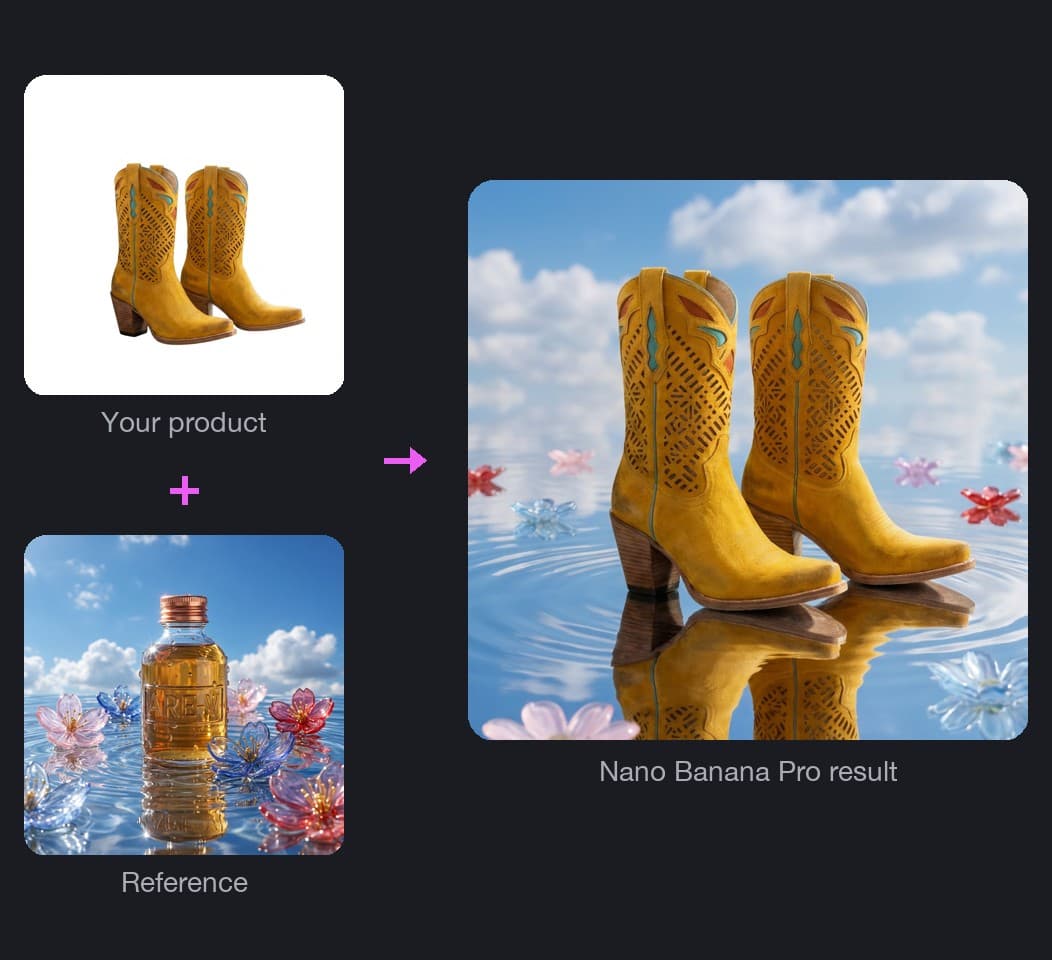
参照画像の雰囲気に商品をなじませる
Product Placement Style Transferは、商品写真から商品だけを切り抜き、参照画像のオブジェクトは取り込まずに、そのムードだけを反映します。続いてNano Banana Proが、StoriesやReelsに使える縦型9:16のシーンを生成します。
Picsart Flowで画像のスタイルを転送する方法
この画像スタイル変換ツールは、空のキャンバスで使えます。写真を追加して、仕上げたい雰囲気を選びましょう。設定済みのテンプレートを使うなら、Style Extractorテンプレートを開き、画像を2枚追加して実行してください。
スタイルを画像で示すか、言葉で説明
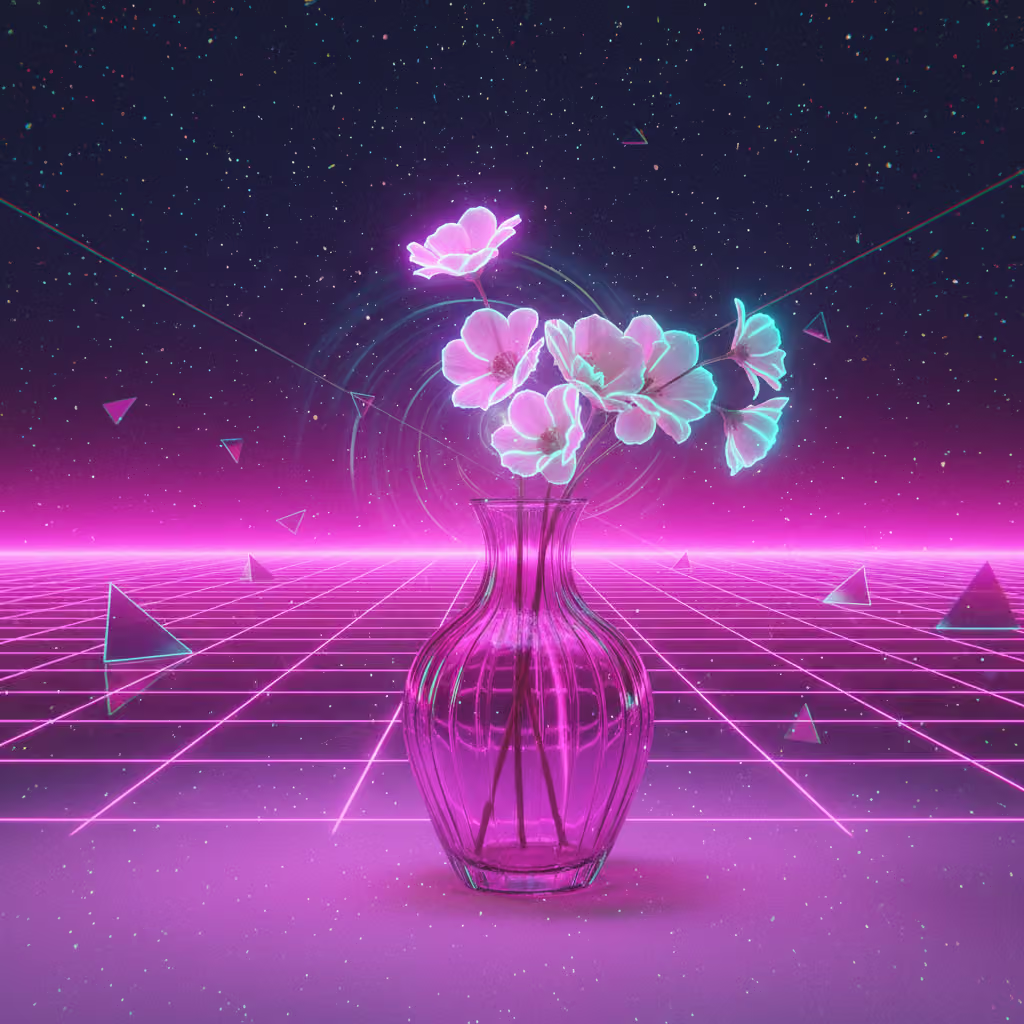
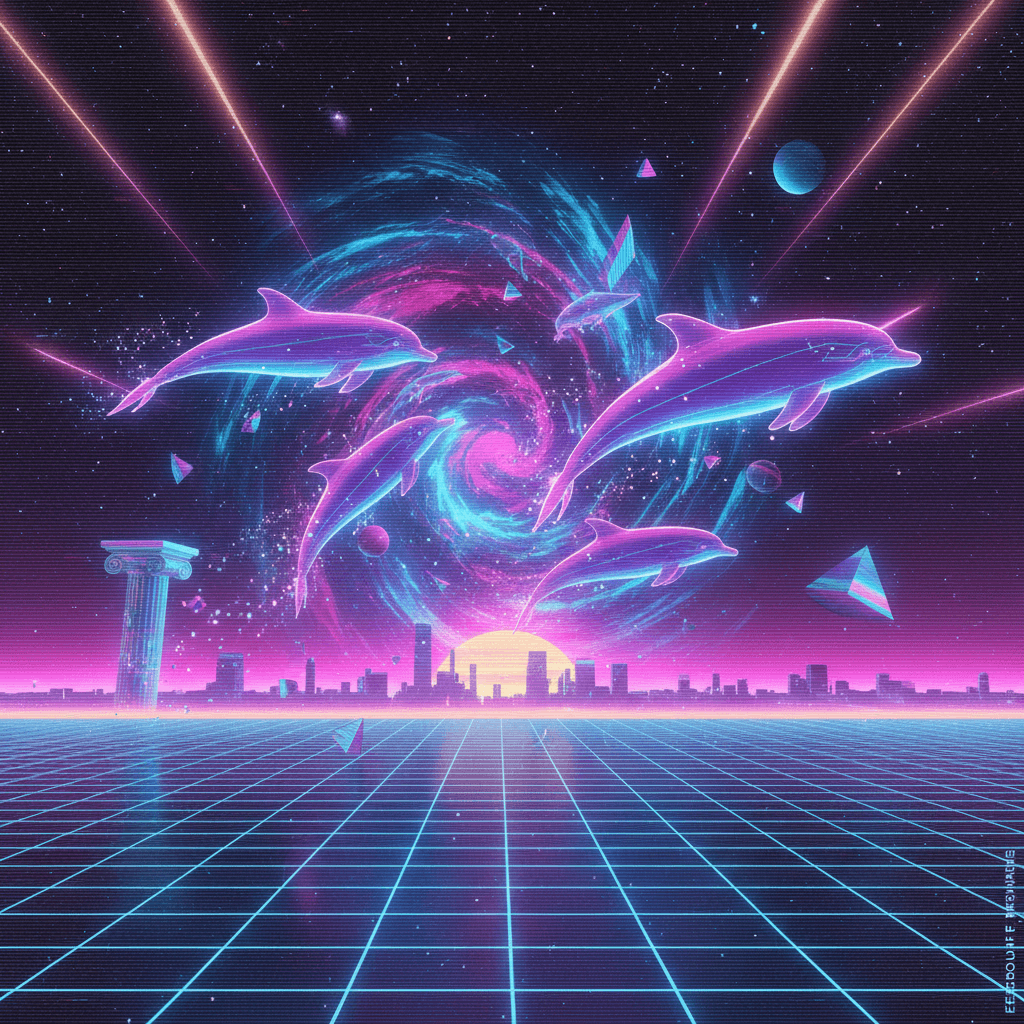
Picsart Flowでは、参照画像からスタイルをコピーすることも、言葉で指定することもできます。参照画像をアップロードすると、Style Analyzerノードが画像を生成する前に、カラーコード、ライティング、質感、ムードを分析して書き出します。参照画像がない場合は、「緑が色あせた1970年代のフィルム写真」のように、プロンプトにスタイルを入力してください。
- どんな画像からも雰囲気を取り込める
- プロンプトにメモを追加
フィルターを重ねず、画像全体を描き直す
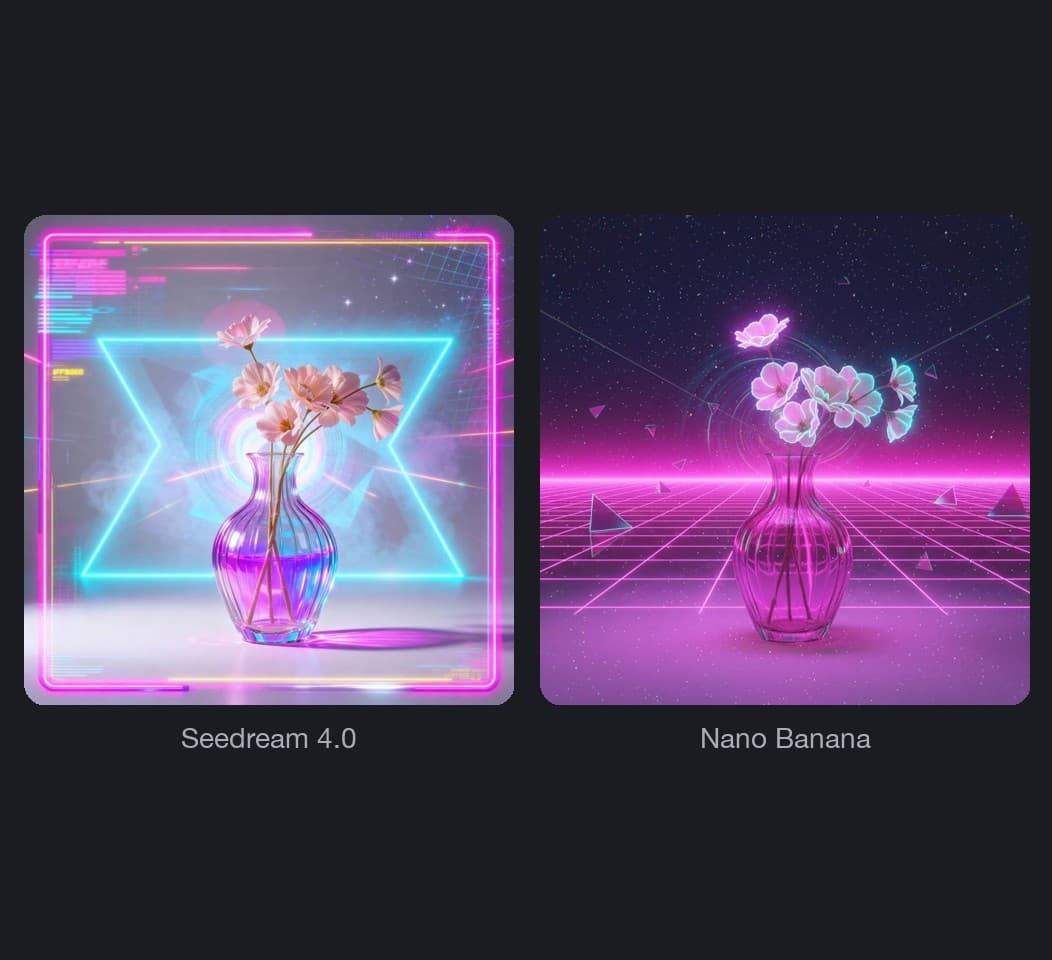
Flowの画像モデルは、新しいスタイルで画像全体を描き直します。そのため、色だけでなく、筆致や粒子感、光の表現も変わります。実行するたびに新しく描き直すので、細部は仕上がりによって少し異なる場合があります。
- 2つのモデルで2つの仕上がり
- 再実行して新しいバージョンを作成
スタイル変更後に細部を修正
スタイルによっては、ロゴや手など、残したい部分まで描き変わることがあります。画像ノードのActionsメニューから、Flowの生成編集ツールの1つであるInpaintを開き、該当箇所をブラシで塗って修正内容を入力してください。変更されるのはマスクした範囲だけで、結果は新しいノードに表示されるため、最初のバージョンと比較できます。
- ストロークごとに元に戻す
- ダウンロード前にアップスケール
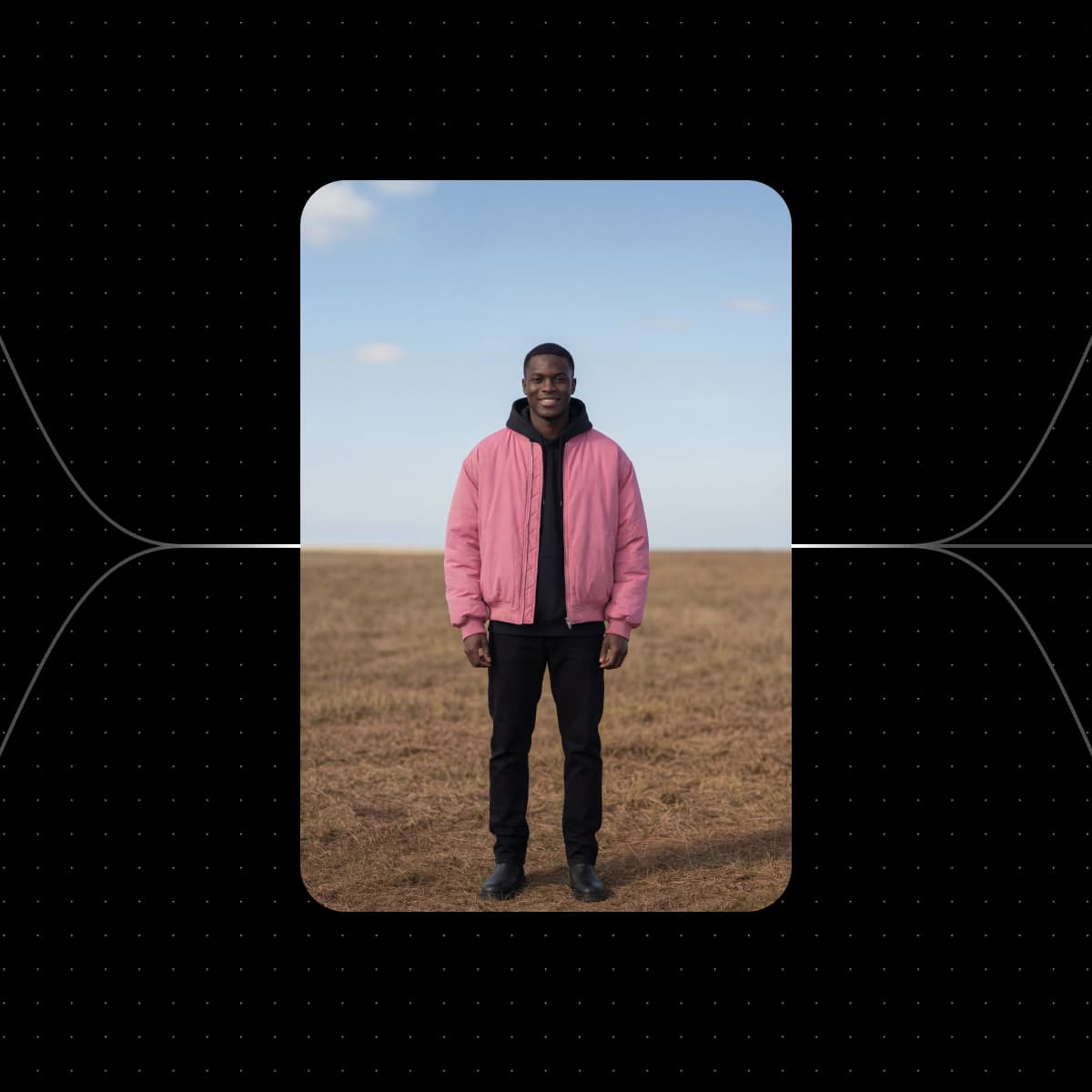
必要なサイズに合わせてスタイルを変更
実行前に画像ノードでアスペクト比を設定すると、用途に合った形でスタイル変更後の画像が生成されます。フィード投稿には1:1または4:5、StoriesやReelsには9:16、バナーには16:9を選べます。2つのモデルを使う場合は、パラメーターの一括編集で両方のノードのサイズを同時に変更できます。
- 正方形、縦長、横長
- ノードごとに解像度を設定
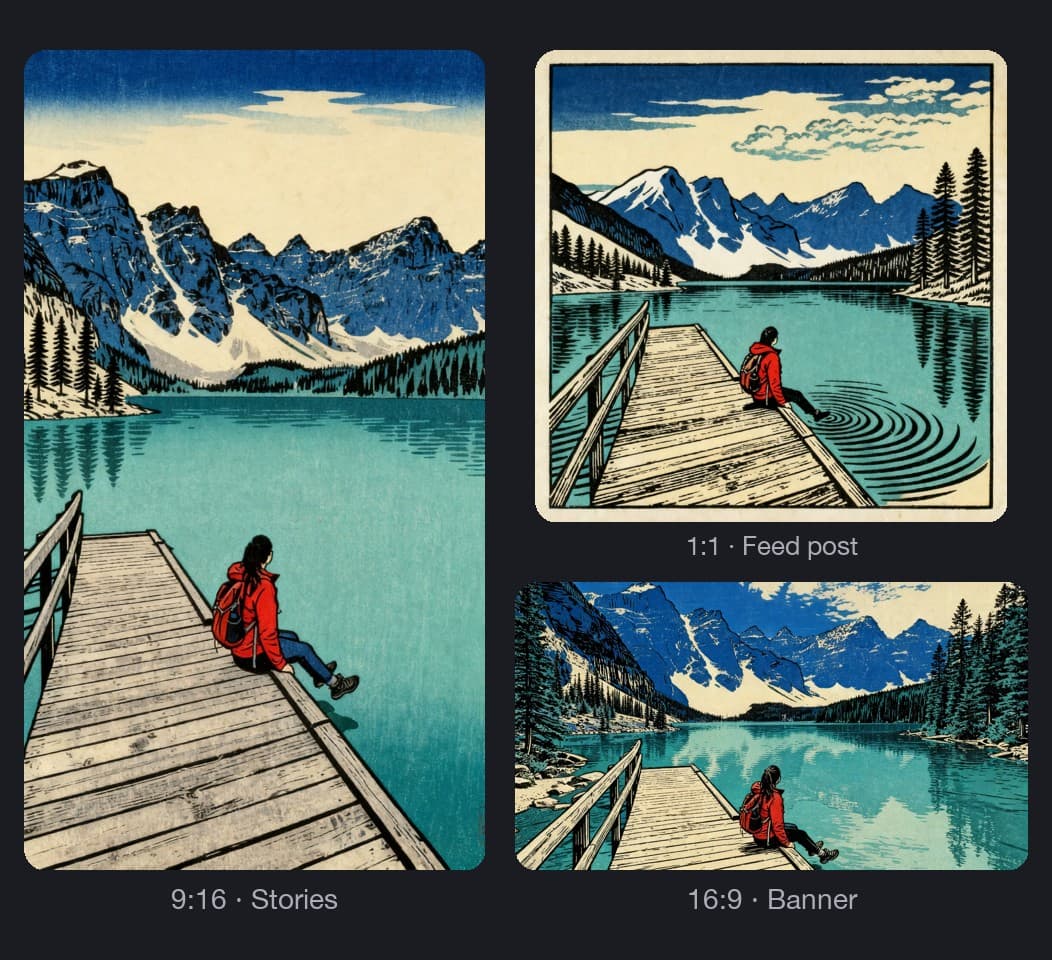
同じスタイルを一連の画像に適用
気に入ったスタイルができたら、SNS投稿全体で統一感のある色使いにするように、後続の写真にも適用できます。入力画像を入れ替えてフレームを再実行すると、同じ参照画像とスタイル設定で次の写真を仕上げます。クライアントやチームメンバーと共有するには、入力内容からフォームが作られるシンプルなアプリとしてフレームを公開しましょう。画像が増えても、カラータグとキャンバス検索で大きなキャンバスを整理できます。
- 非公開、リンク共有、招待制
- 実行者が自分のクレジットを使用
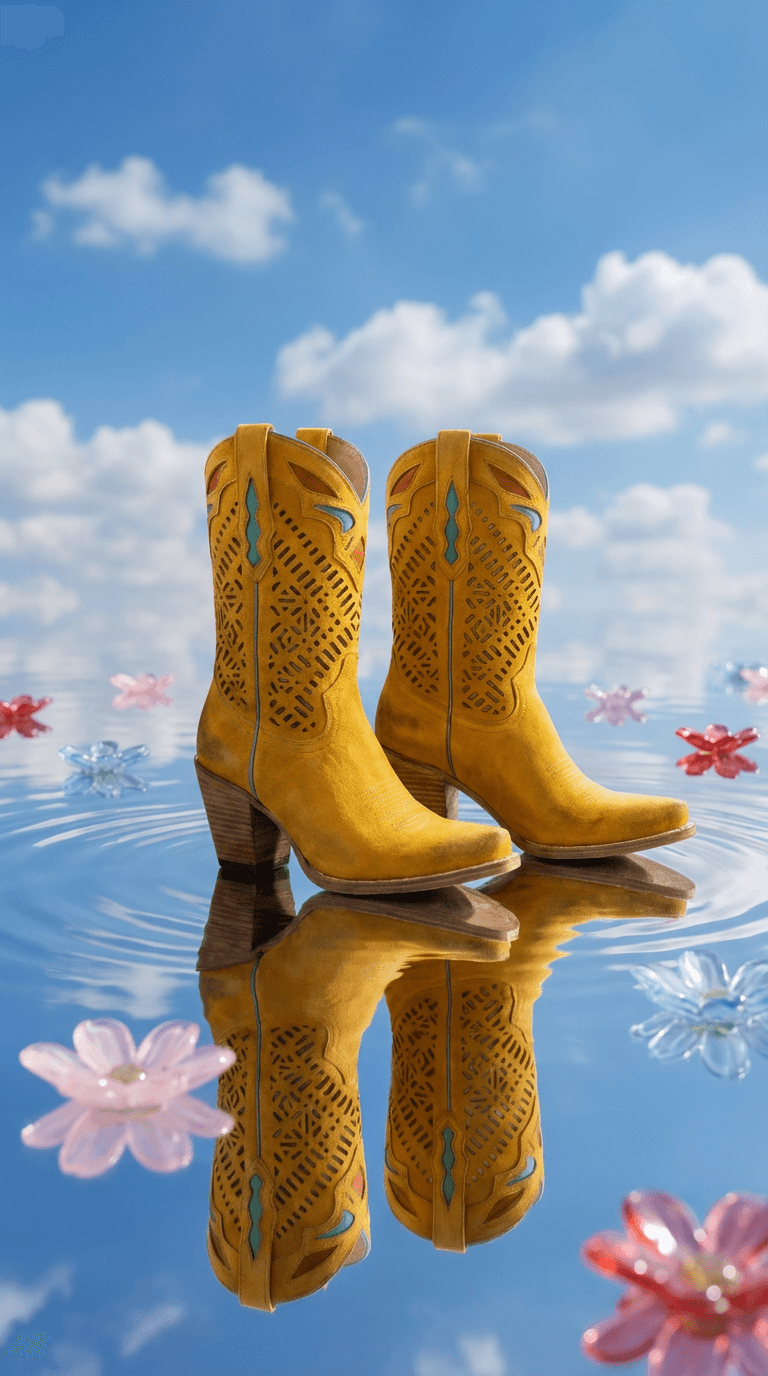
スタイルに合わせて描き出すモデルを選ぶ
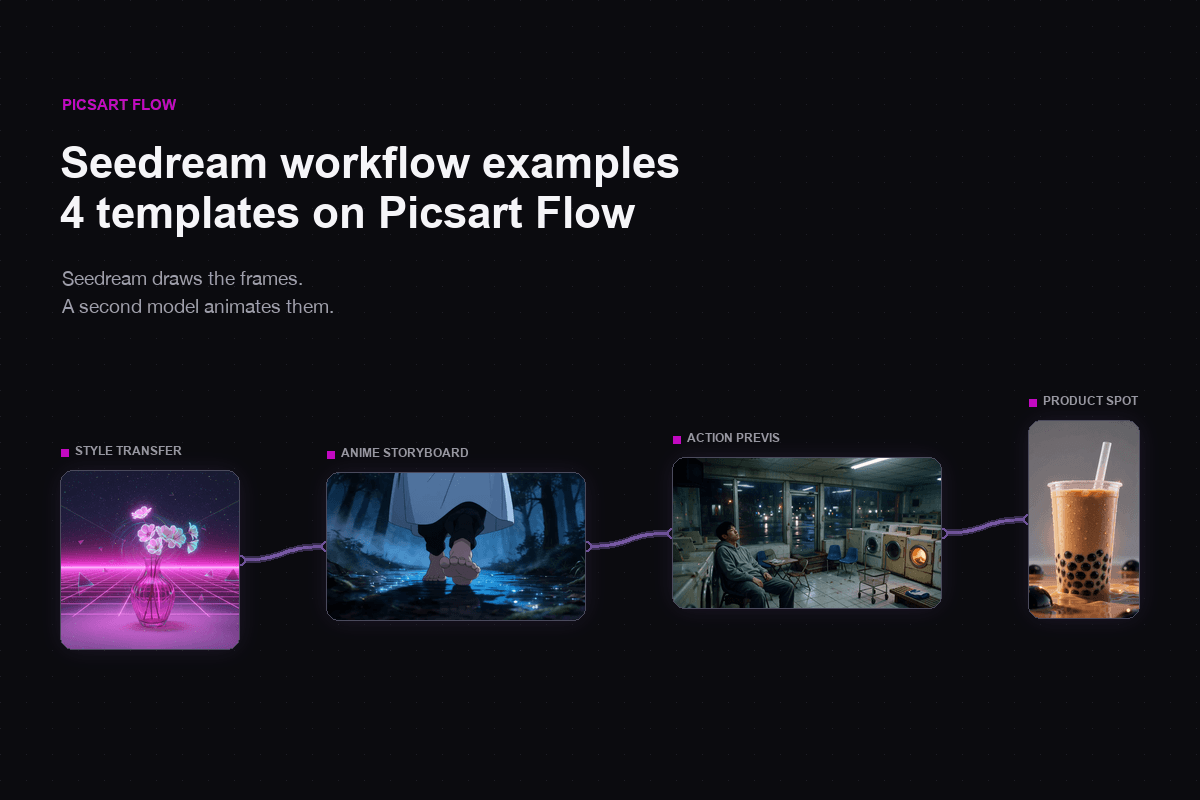
AIスタイル変更ワークフローでは、各ノードが個別のモデルで動作し、実行前にモデルを切り替えられます。Seedream 4.0:ネイティブ4k画像出力。Nano Banana Pro:一貫性のあるキャラクターデザインに最適。Nano Banana 2:高速処理でプロレベルの品質。Flux 2 Pro:細部まで精細なフォトリアル画像。


クリエイターのPicsart評価をチェック
Picsartで作品を作るユーザーのレビュー。




AIスタイル転送に関するよくある質問
Picsartの画像スタイル転送ではAIクレジットを使用し、生成した分だけお支払いいただきます。クレジットはPicsartのサブスクリプションに含まれるほか、追加パックとしても購入できます。プランに含まれるクレジットを使って無料で作成を始められます。Flowでは実行前に必要なクレジット数の目安が表示され、追加購入したクレジットに有効期限はありません。
クリエイティブな制作にAIスタイルで画像を変換
Pro
Most popularAI tools for everyday creative work.
Ultra
Most powerfulHeavy AI usage for creators & teams.