Explore your style with Virtual Try On Clothes
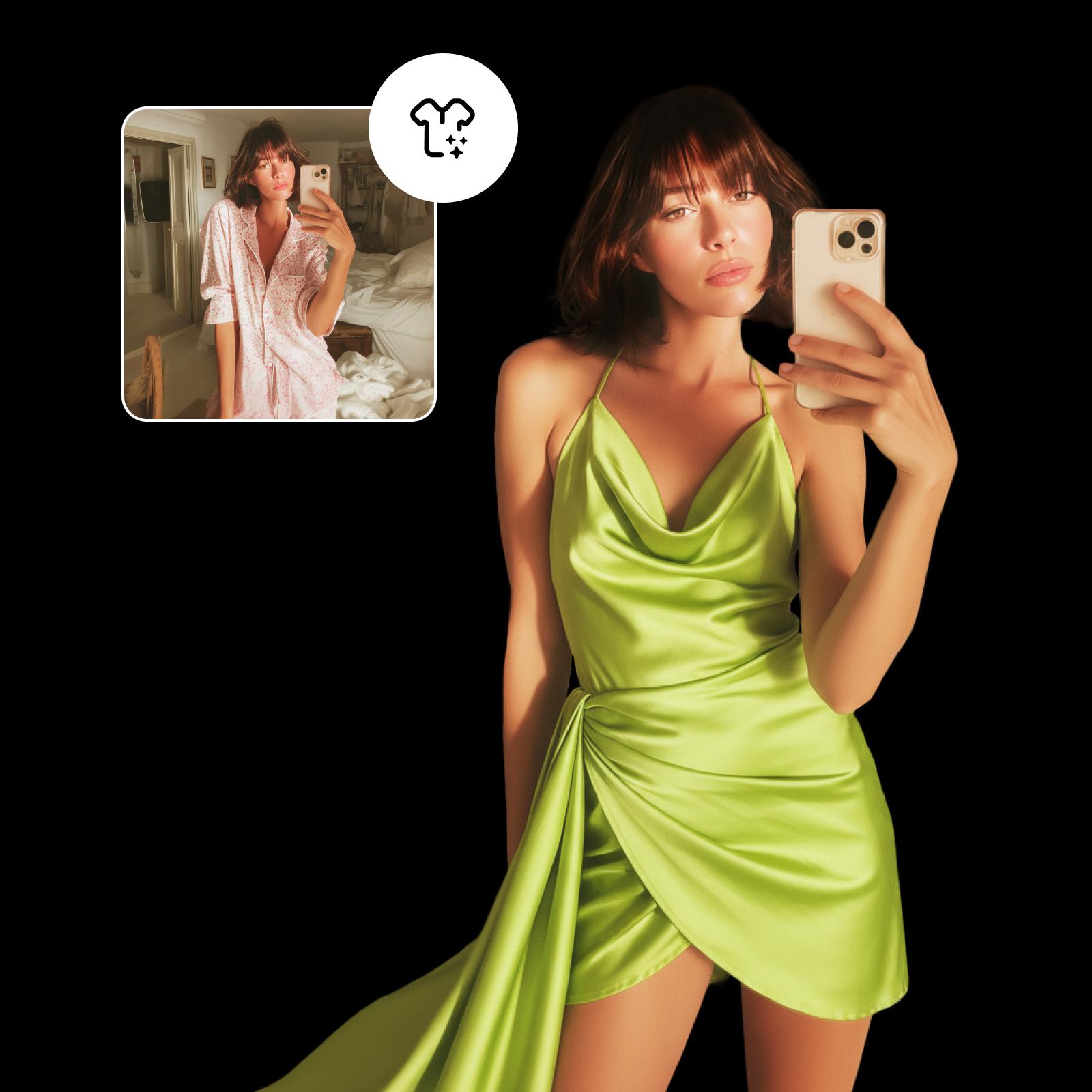
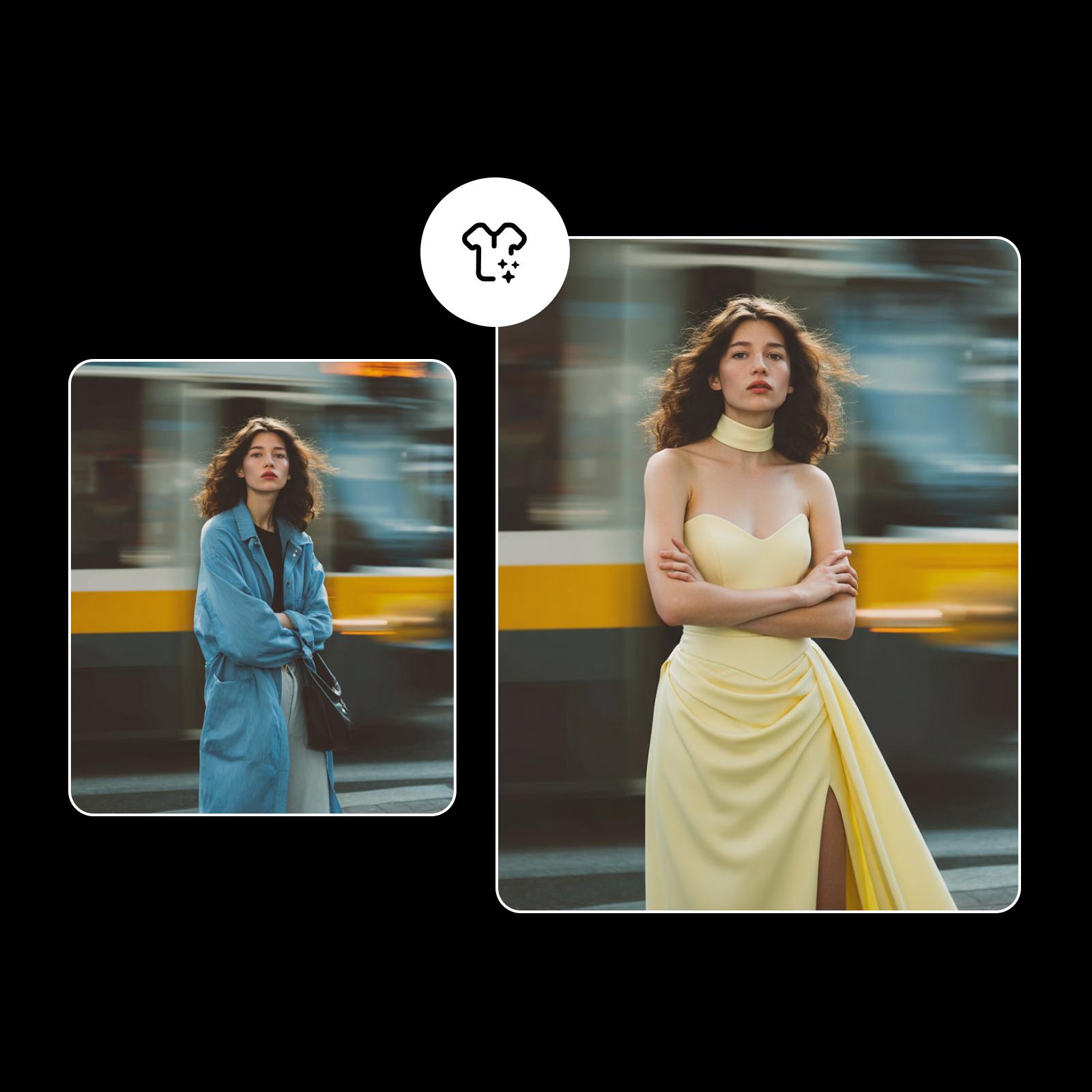
See how your next outfit really looks - without leaving your seat. Upload a photo, choose any style, and watch AI dress you in seconds. Try on clothes virtually to find your perfect fit.
How to use the Virtual Try On Clothes tool
Upload your photo
Start by adding your image from your device to create a personalized try-on experience.
Choose your outfit category
Let AI style you
Download or adjust your look
Discover the power of virtual try on
Upload your photo and explore styles in seconds with Virtual Try On Clothes. This virtual try-on clothing experience uses AI technology to show realistic outfit previews so you can see how clothes look before buying, skip store visits, and make confident fashion choices online.

Explore outfit categories with Virtual Outfit Try On
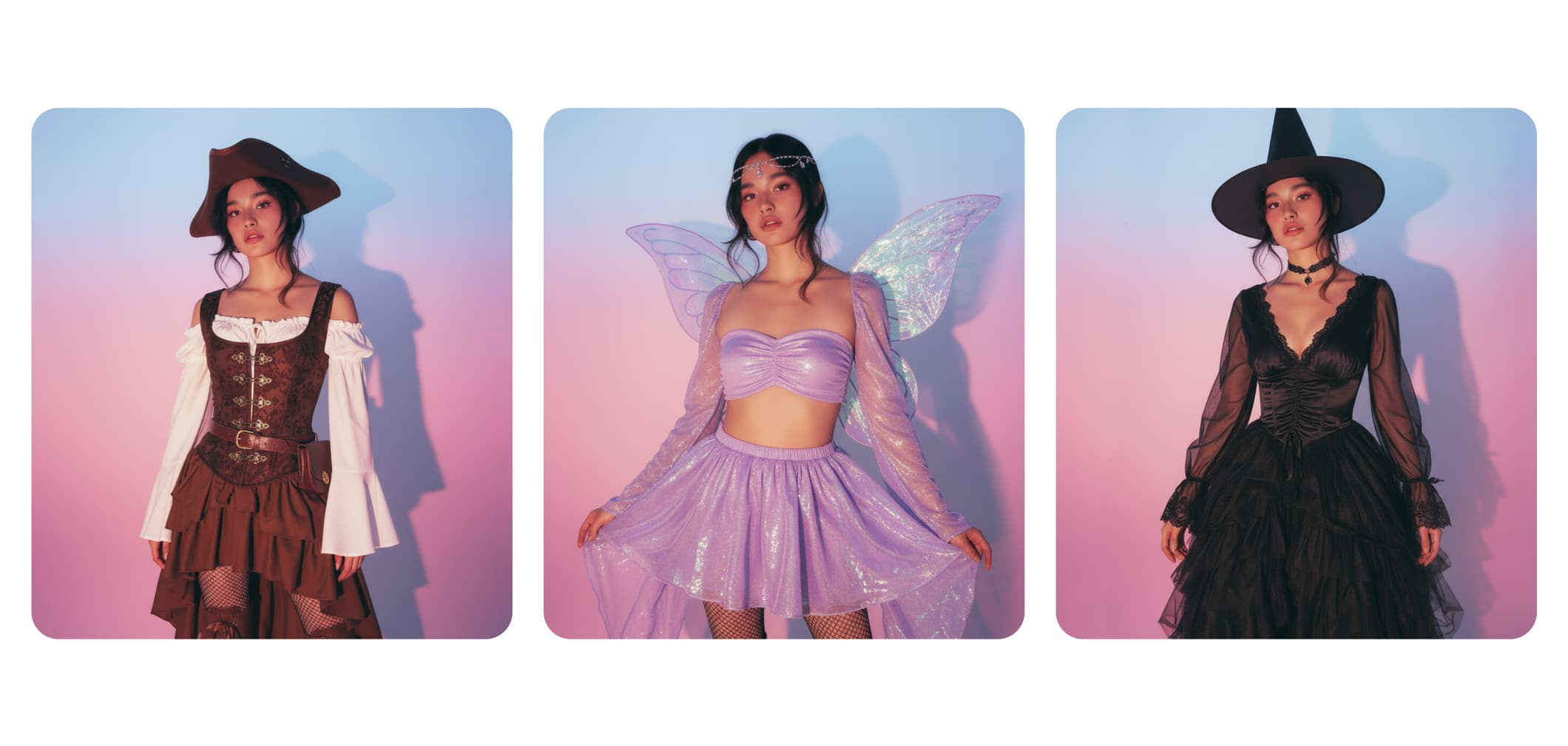
Get into the spooky spirit by previewing Halloween costumes - from classic witches to creative character looks - and see how each one transforms your look.

Transform your look with virtual outfit try-on
Skip the uncertainty with Virtual Try On Clothes. This outfit visualizer helps you see how every look fits before you buy - no fitting rooms, no wasted time. Try on clothes virtually, share outfits for feedback, and enjoy fewer returns. It’s a fun, practical way to shop confidently and express your true style.

Perfect your results with virtual try-on tools
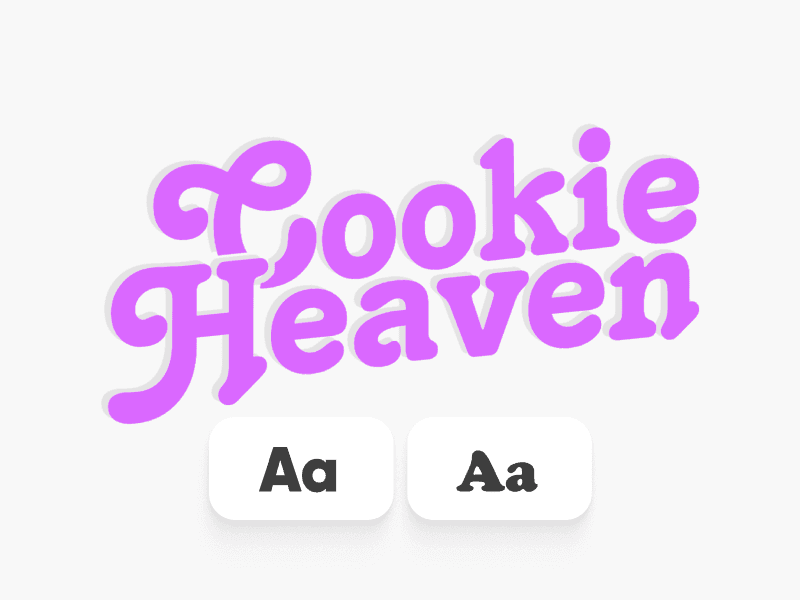
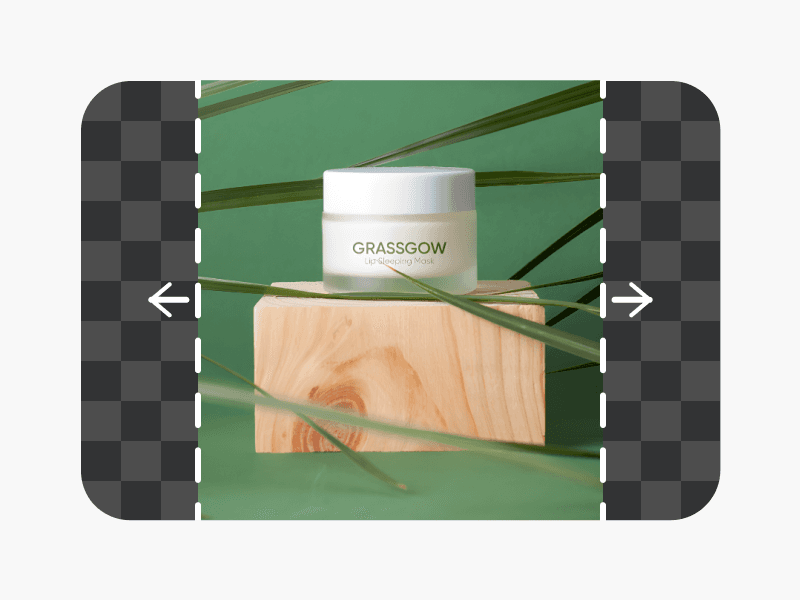
For the most realistic look, upload a clear photo with good lighting. After your virtual try-on session, enhance your image using the Text Editor, AI Image Extender, or Background Changer. You can also explore the mobile version in the Picsart app to style anytime, anywhere.

All the virtual try-on features you need
Explore AI-powered tools that make digital fashion fun, fast, and effortless. Upload your photo, choose your style, and let technology handle the rest - so every try-on feels seamless and creative.
Wide clothing library
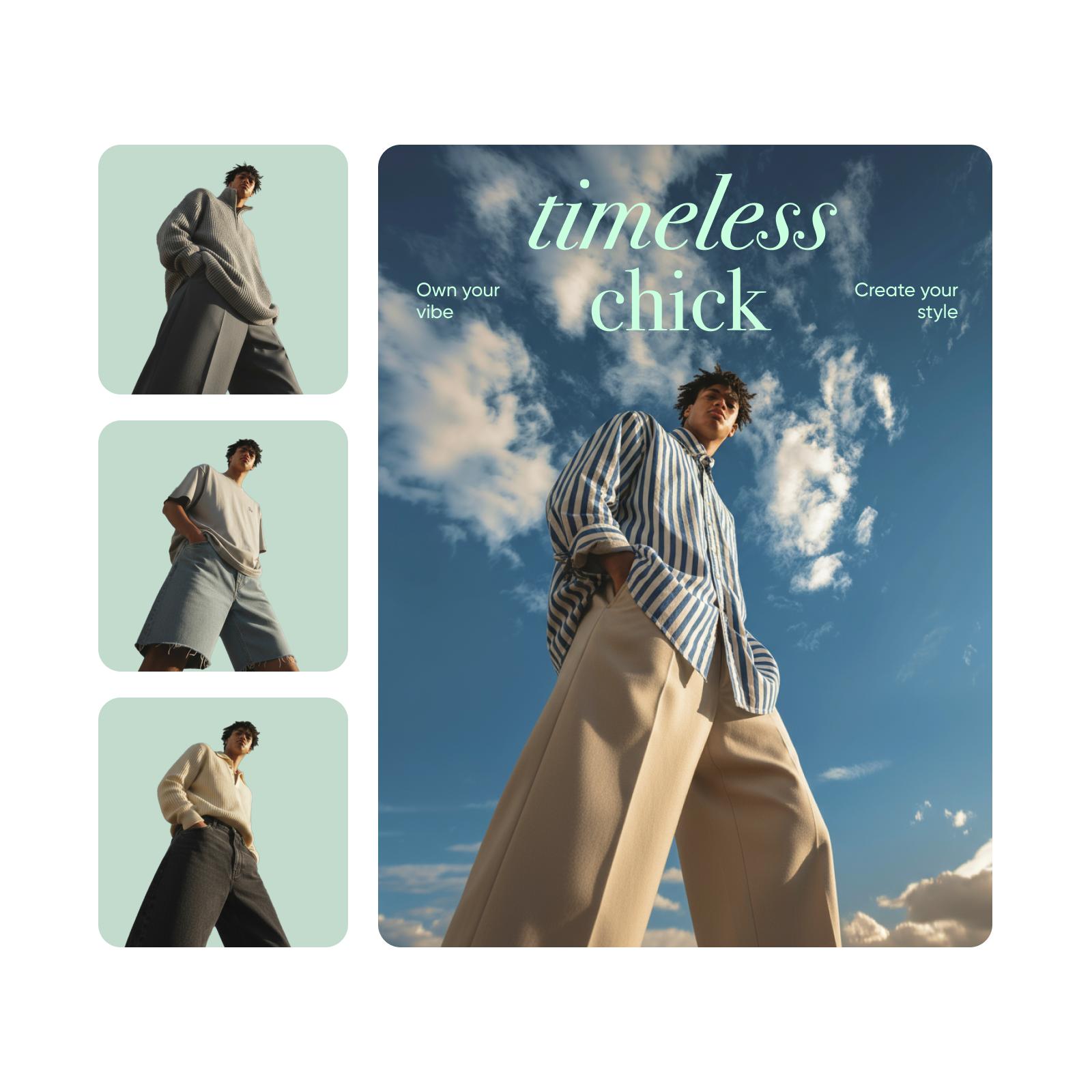
Browse dresses, wedding gowns, tops, pants, and men’s wear - all in one place.
User-uploaded photo support
Upload your image once to see how outfits truly look on you.
AI-powered realistic previews
Enjoy lifelike, accurate results that mirror real fabric textures and fits.
Quick outfit switching
Change styles in seconds to explore endless looks and combinations.
High-quality downloadable previews
Save and share your favorite virtual looks in crisp, detailed quality.
Easy and intuitive design
Get results fast with a simple, user-friendly interface anyone can use.
Diverse fashion options
Discover styles for every mood - from everyday outfits to statement looks.
Fun and shareable experience
Show your new looks to friends and get instant feedback online.
Virtual Try On Clothes FAQ
A virtual try-on tool uses AI technology to show how different clothes would look on you - no physical fitting room required. It’s a fast, interactive way to visualize styles and outfits on your own photo before buying.
Upload a clear photo, choose an outfit category, and let the AI generate a realistic preview. The virtual try-on experience helps you see how each look fits and feels, all within seconds.
Yes. You can explore the wedding dresses category to preview your dream gown, compare styles, and find the perfect design before stepping into a boutique.
Absolutely. The outfit visualizer includes men’s wear, from tailored suits to casual styles, giving you realistic AI previews for every look.
Yes. The virtual try-on clothing tool uses advanced AI to produce lifelike, high-quality previews that closely match real-world fit and fabric appearance.
Yes. Your photos are processed securely and never shared without consent. Picsart’s virtual try-on platform follows strict privacy and data protection standards to keep your information safe.
More tools to love