Brand Kit Generator: Picsart सह काही मिनिटांत ब्रँड किट मिळवा
Picsart Brand Kit Generator वापरून तुमच्या ब्रँडला साजेसा कंटेंट झटपट तयार करा. तुमचा लोगो, फॉन्ट आणि रंग अपलोड करून व्यावसायिक ब्रँड किट तयार करा आणि तुमच्या शैलीशी जुळणाऱ्या स्मार्ट, AI-संचालित डिझाइन सूचना मिळवा. ब्रँडची ओळख डिझाइन करण्याच्या कल्पना शोधण्यापासून ते एकसंध ब्रँड अॅसेट तयार करण्यापर्यंत, काही क्लिकमध्ये ही प्रक्रिया सोपी करा. ब्रँड किट कसे तयार करायचे हे समजून घेत असाल किंवा एकसंध व्हिज्युअल्ससाठी विश्वासार्ह ब्रँड किट मेकर हवा असेल, तर AI Brand Kit Generator तुमच्यासाठी योग्य आहे.
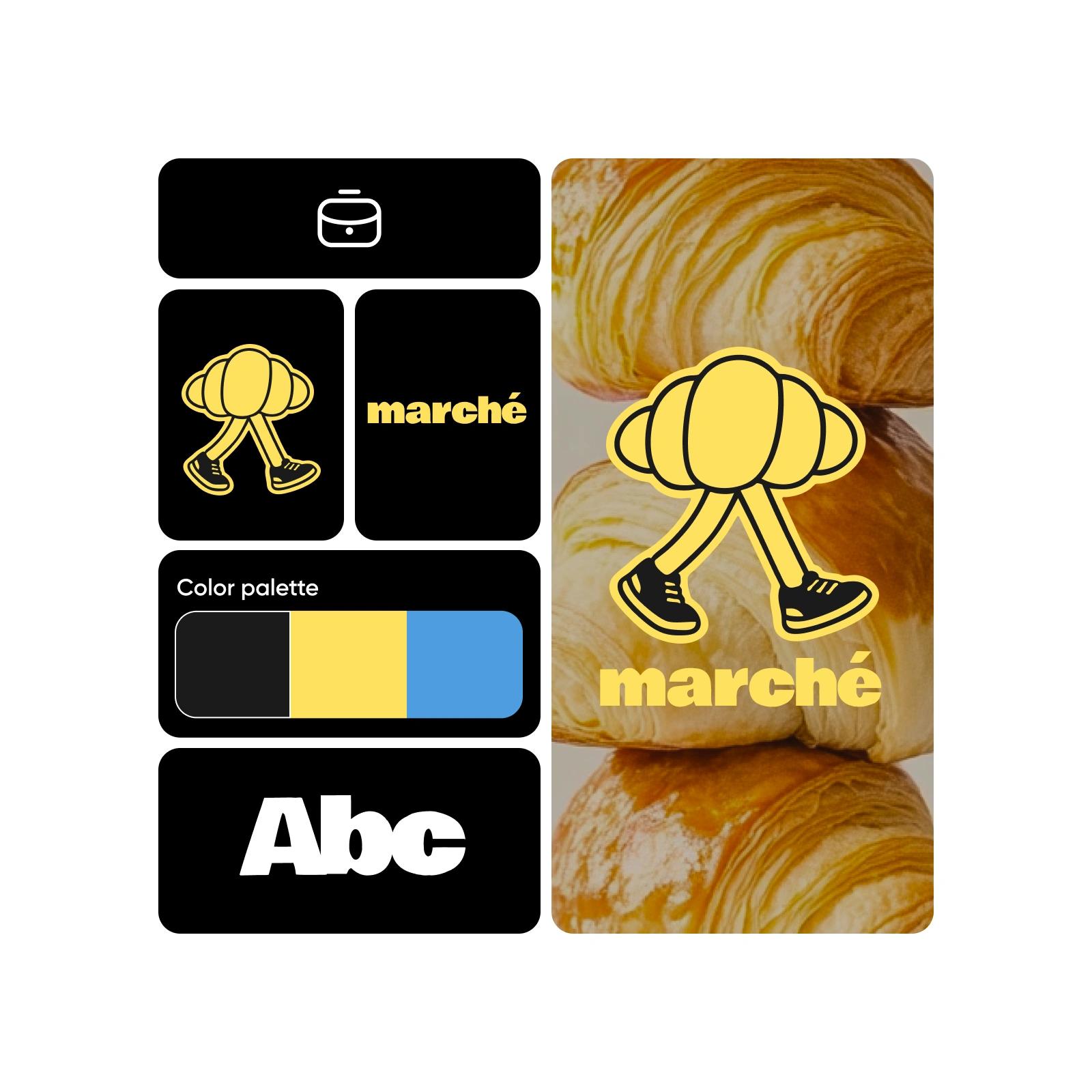
ब्रँड किट कसे तयार करावे
How to
ब्रँड किट क्रिएटर उघडा
सुरुवात करण्यासाठी तयार करायला सुरुवात करा बटणावर क्लिक करा.
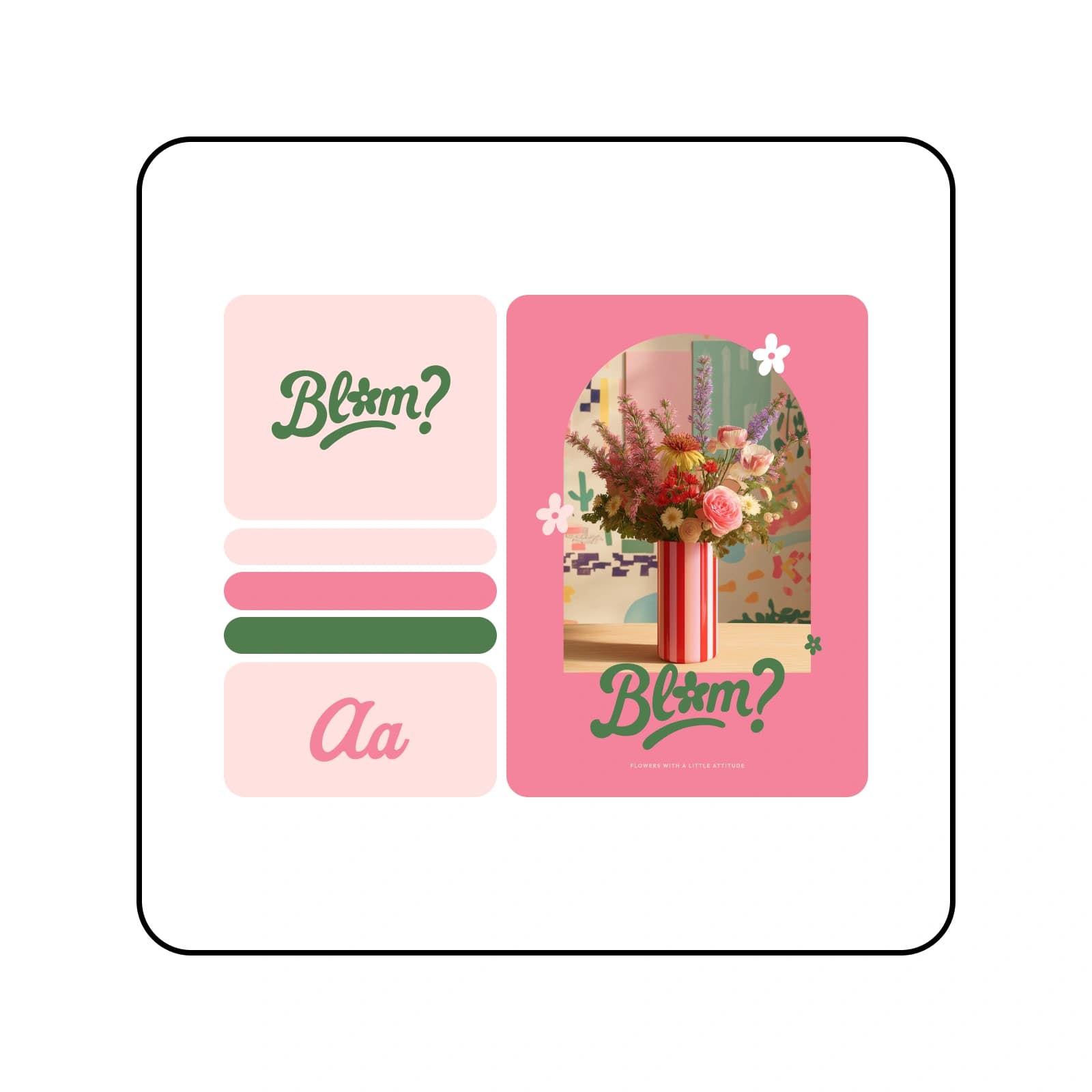
Brand Kit Generator वापरून त्वरित ब्रँड ओळख तयार करा
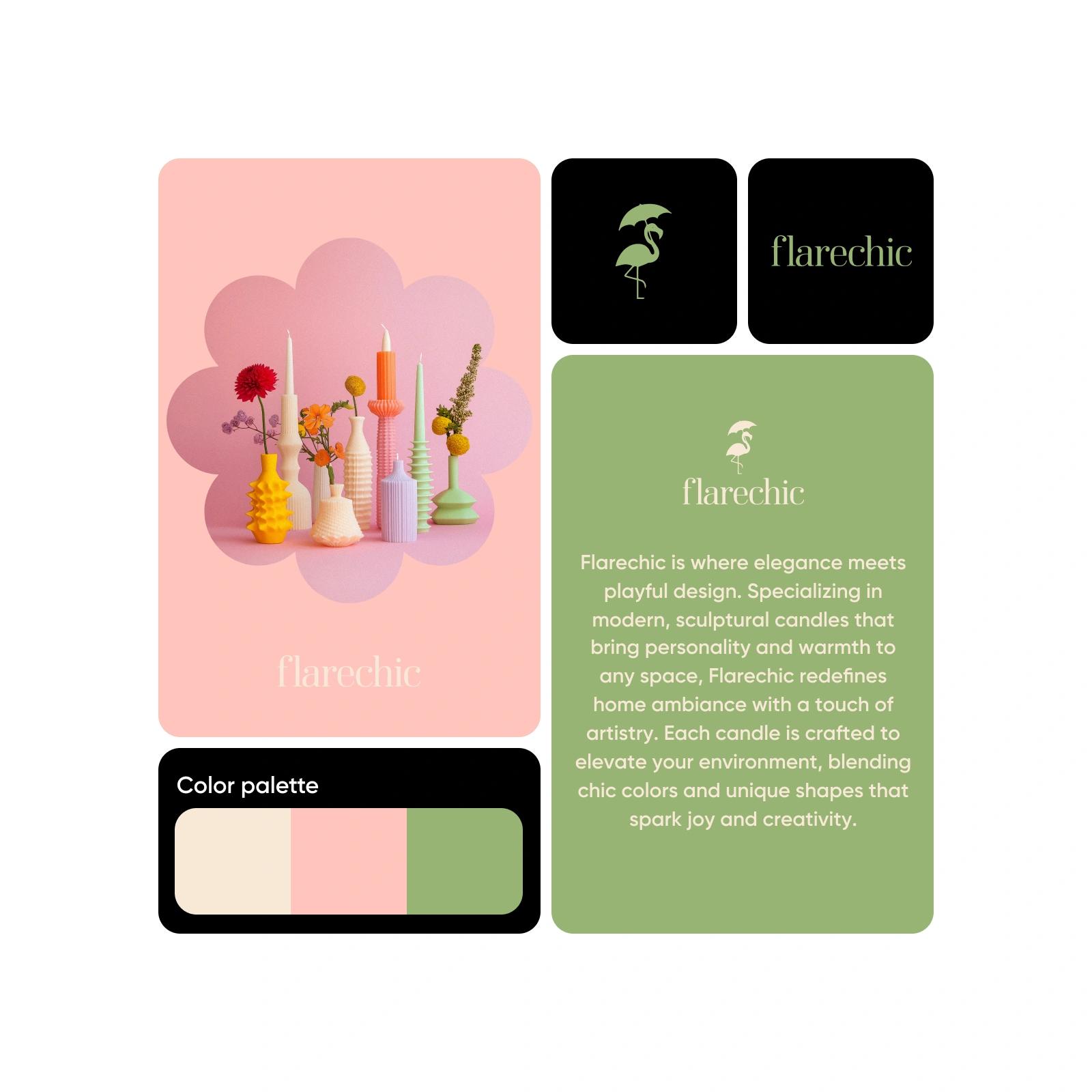
Picsart च्या Brand Kit Generator सह एकसंध ब्रँड किट तयार करणे आणि व्यवस्थापित करणे सोपे आहे. डिझाइनच्या कल्पना शोधा, लोगोच्या वेगवेगळ्या शैली वापरून पाहा आणि सर्जनशील अडथळ्यांवर मात करा. तुम्ही अगदी नव्याने सुरुवात करत असाल किंवा आधीचे ब्रँड किट अपलोड करत असाल, Picsart कस्टमाइझ करता येणारी टेम्पलेट्स आणि स्मार्ट, सहज वापरता येणाऱ्या साधनांच्या मदतीने तुमच्या ब्रँडच्या ओळखीच्या गरजांनुसार ब्रँडला साजेसे व्हिज्युअल्स झटपट तयार करणे सोपे करते.
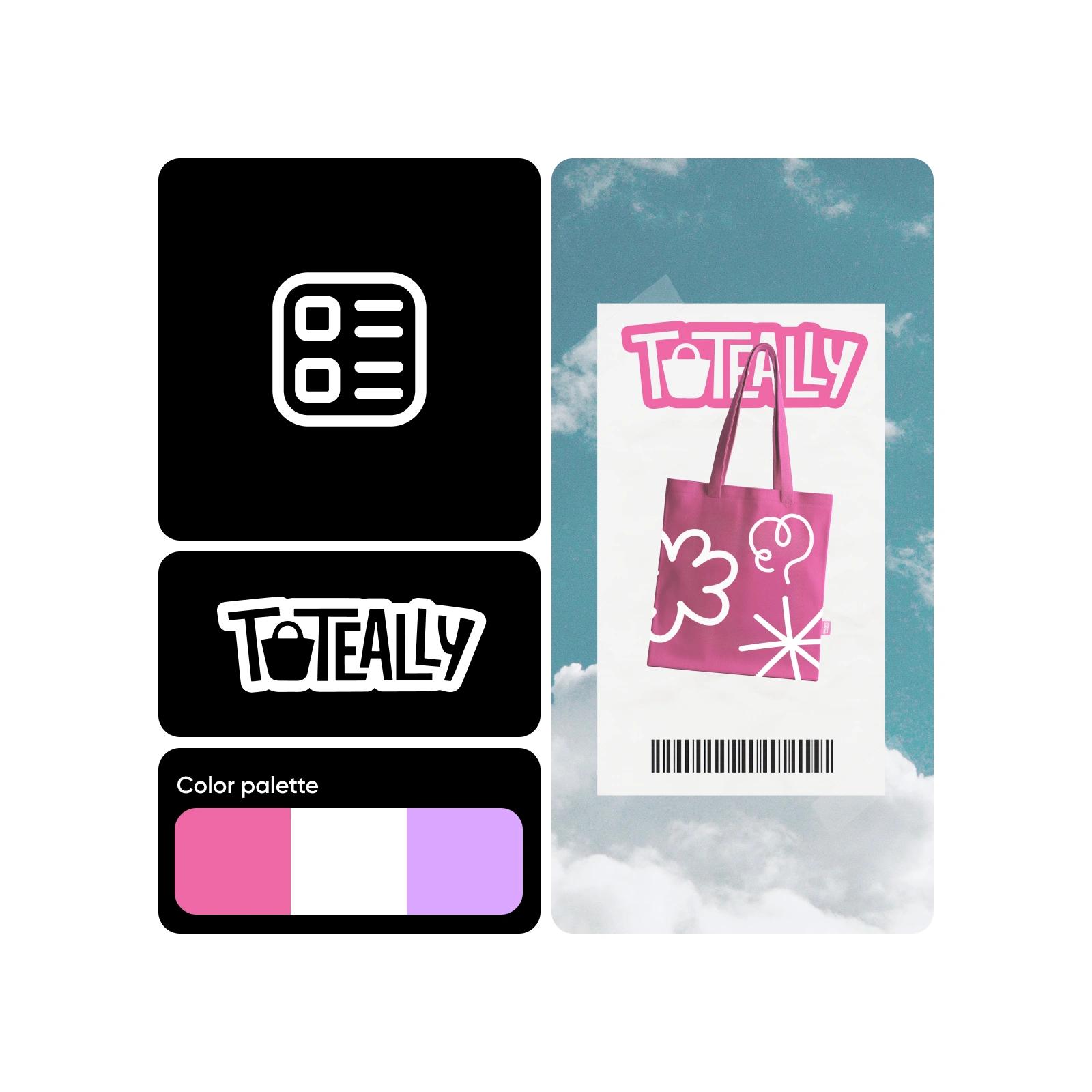
नव्याने सुरुवात करा किंवा आधीच्या लोगोवरून ब्रँड किट तयार करा
लोगो नाही? काही हरकत नाही. Picsart Brand Kit Generator वापरून काही मिनिटांत संपूर्ण ब्रँड किट तयार करा—अगदी नव्याने सुरुवात करून किंवा तुमचा सध्याचा लोगो वापरून. तुमचे अॅसेट अपलोड करा किंवा तुमच्या ब्रँडचे नाव आणि शैलीला साजेशी अनोखी व्हिज्युअल ओळख तयार करण्यासाठी अंगभूत AI Logo Generator वापरा.
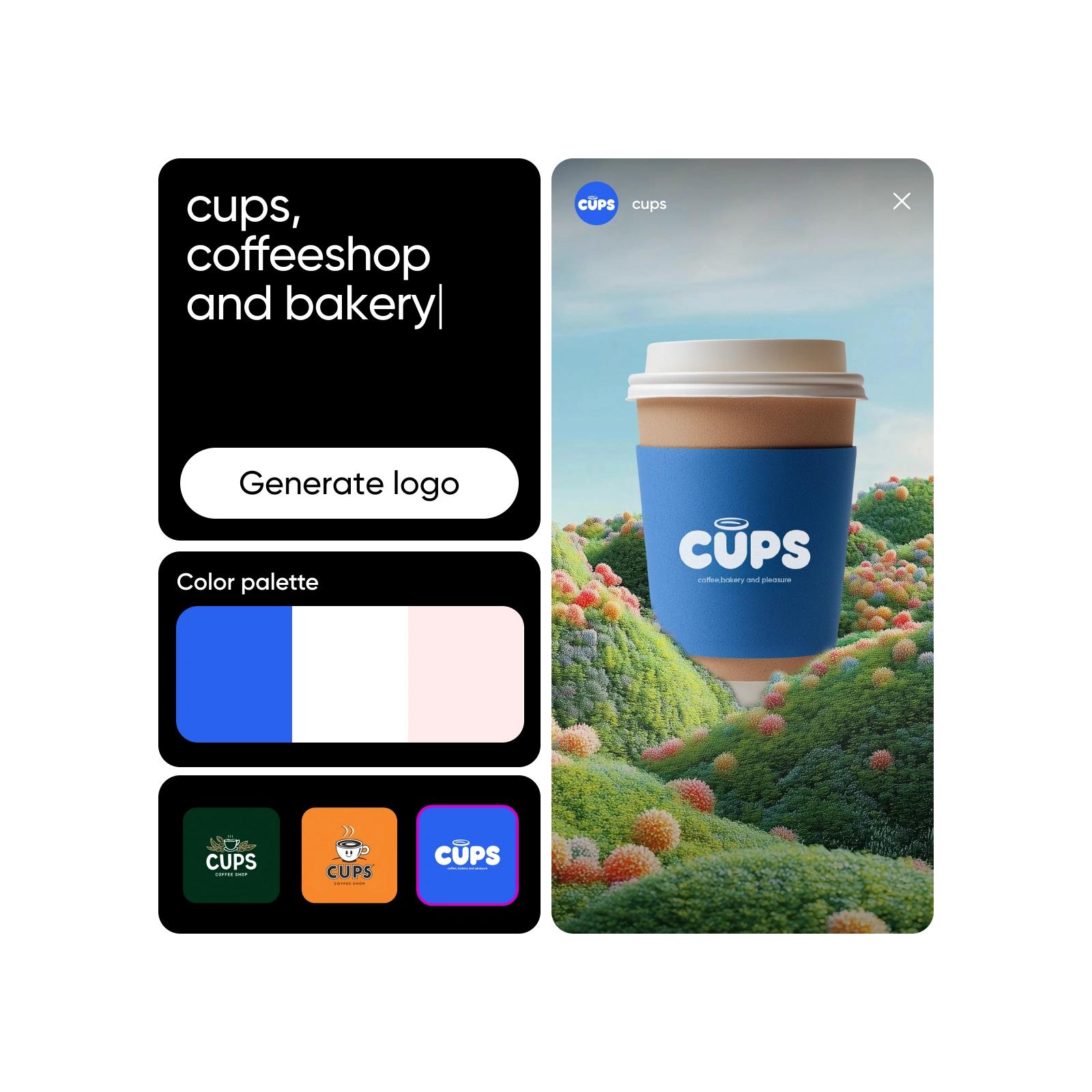
ब्रँड किटचे नियम पाळणे आता सोपे
Picsart च्या खास टेम्पलेट्समुळे, तुमच्या ब्रँड ओळखीशी विसंगत असलेल्या कंटेंटची चिंता करण्याची गरज नाही. थेट ब्रँड किट क्रिएटरमध्ये, निवडलेल्या रंगसंगतीशी जुळण्यासाठी खास तयार केलेली ब्रँड टेम्पलेट्स तुम्हाला मिळतील. ही तयार डिझाइन्स काही मिनिटांत मसुद्यातून पूर्ण कंटेंटमध्ये रूपांतरित होतात. वेळ वाचवण्याचा आणि विविध प्लॅटफॉर्मवर ब्रँड किटचे नियम एकसारखे पाळण्याचा हा उत्तम मार्ग आहे.
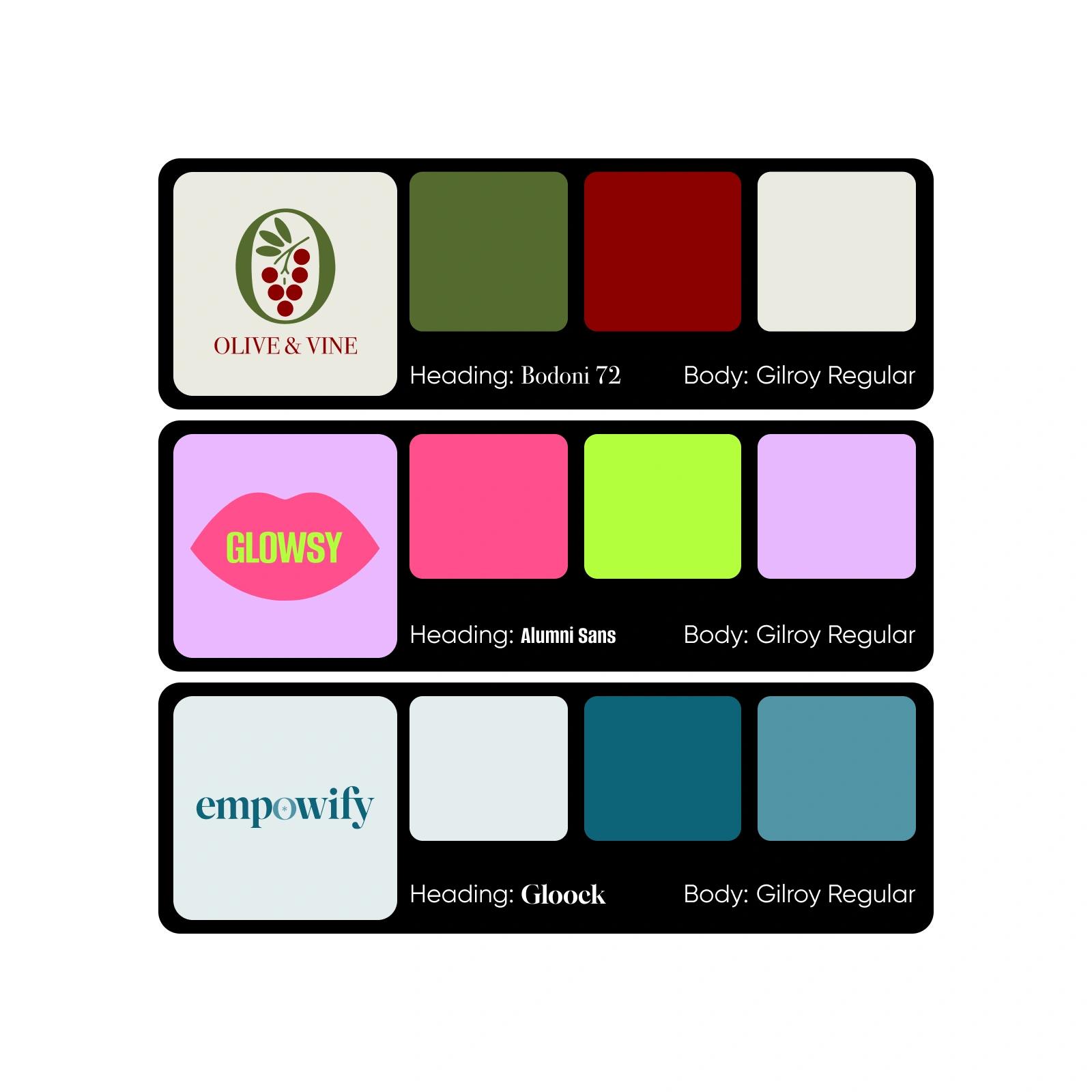
विविध उद्योगांसाठी ब्रँड किट डिझाइन करा
रेस्टॉरंट, सौंदर्य ब्रँड, वैयक्तिक कोचिंग व्यवसाय किंवा इतर कोणत्याही क्षेत्रासाठी लोगो ब्रँड किट तयार करायचे असो, Picsart चा Brand Kit Generator हे सर्व करू शकतो. तुमच्या व्यवसायासाठी एकदा किंवा क्लायंटसाठी आवश्यक तितक्या वेळा सहजपणे ब्रँड किट तयार करा.
आता Brand Kit Generator वापरून पाहा
ब्रँडचे व्हिज्युअल्स एकसारखे ठेवणे आता कटकटीचे राहिलेले नाही. आत्ताच ब्रँड किट क्रिएटर वापरा आणि Picsart च्या इमेज टूल्सच्या संचासोबत वापरून, अत्याधुनिक AI च्या मदतीने तुमच्या कंटेंट निर्मितीच्या प्रत्येक टप्प्याला बळ द्या.
Brand Kit Generator विषयी वारंवार विचारले जाणारे प्रश्न
तुमच्या ब्रँड किटमध्ये लोगोची विविध रूपे, प्राथमिक आणि दुय्यम रंगसंगतींसह hex कोड, तसेच तुमच्या ब्रँडच्या सौंदर्यदृष्टीशी जुळणारे फॉन्ट असावेत.
क्रिएटरसाठी तयार प्रोजेक्ट्ससाठी AI डिझाइन्स तयार करा
Pro
Most popularAI tools for everyday creative work.
Ultra
Most powerfulHeavy AI usage for creators & teams.
Enterprise
Custom AI solutions for large organizations.
- Volume discounts on credit rate
- On-demand top-ups


