Zo eenvoudig in gebruik! Ik heb in een paar minuten tekst aan mijn productfoto's toegevoegd. De editor is supergebruiksvriendelijk en dankzij de lettertypen ziet mijn webwinkel er professioneel uit, zonder extra ontwerpkosten.
Maria L., eigenaar van een klein bedrijfVoeg tekst toe aan afbeeldingen met de gratis teksteditor van Picsart
Geef je foto's karakter door er tekst aan toe te voegen in een lettertype dat je mooi vindt. Kies uit een ruime selectie gratis lettertypen die passen bij de sfeer van je afbeelding. Of upload je eigen lettertype! Plaats en vergroot of verklein de tekst zo vaak als je wilt, zonder gedoe.
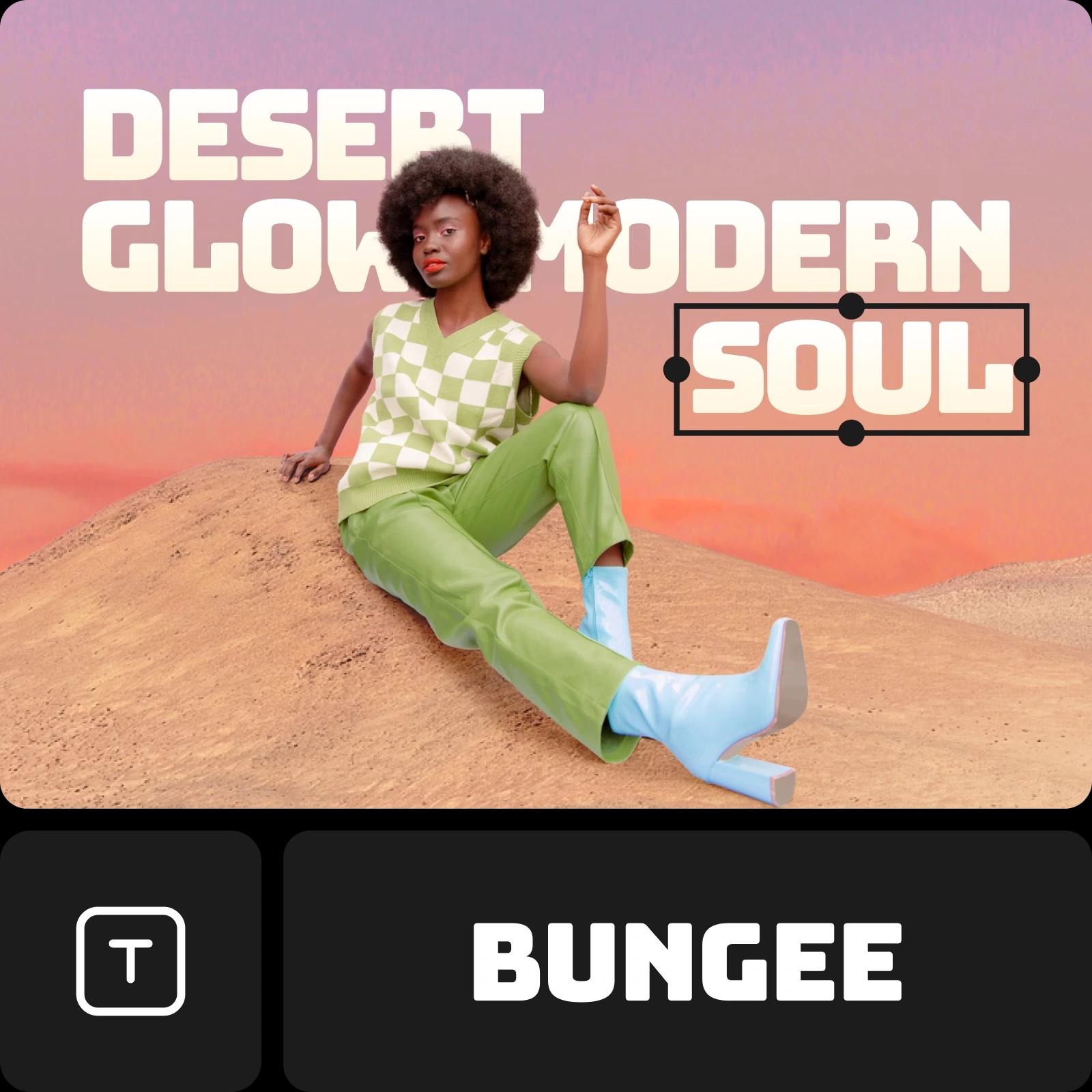
Tekst toevoegen aan foto's
How to
Maak een project
Start een nieuw project in Picsart om tekst toe te voegen. Upload een afbeelding of begin met een van de sjablonen.
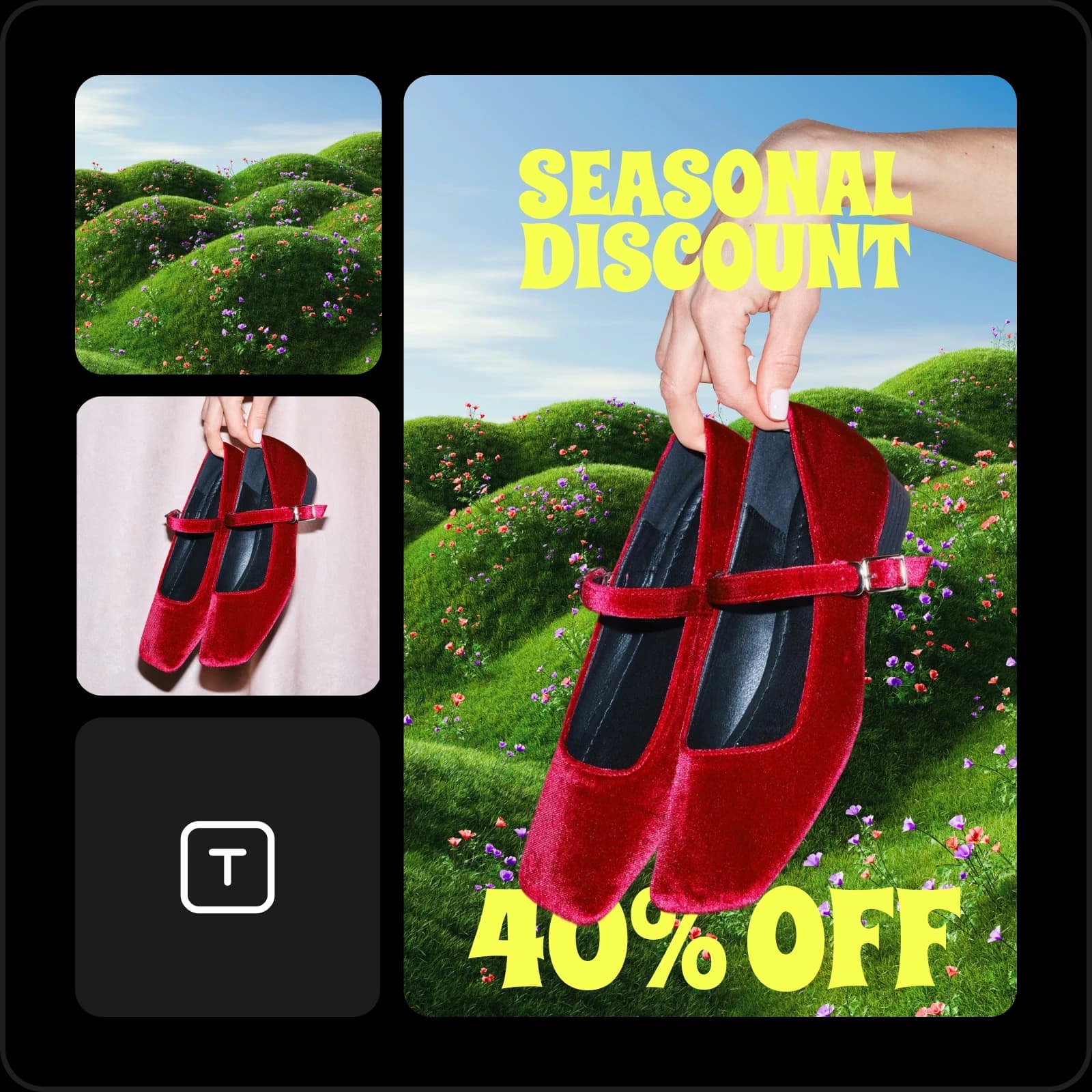
Gratis tekst toevoegen aan afbeeldingen
Maak in een paar minuten opvallende beelden met de gratis teksteditor van Picsart. Gebruik deze voor persoonlijke projecten, schoolopdrachten of professionele ontwerpen: tekst toevoegen aan afbeeldingen is heel eenvoudig. Ervaring is niet nodig: kies een lettertype, typ je tekst en zie hoe je foto's veranderen in verzorgde creaties met tekst.

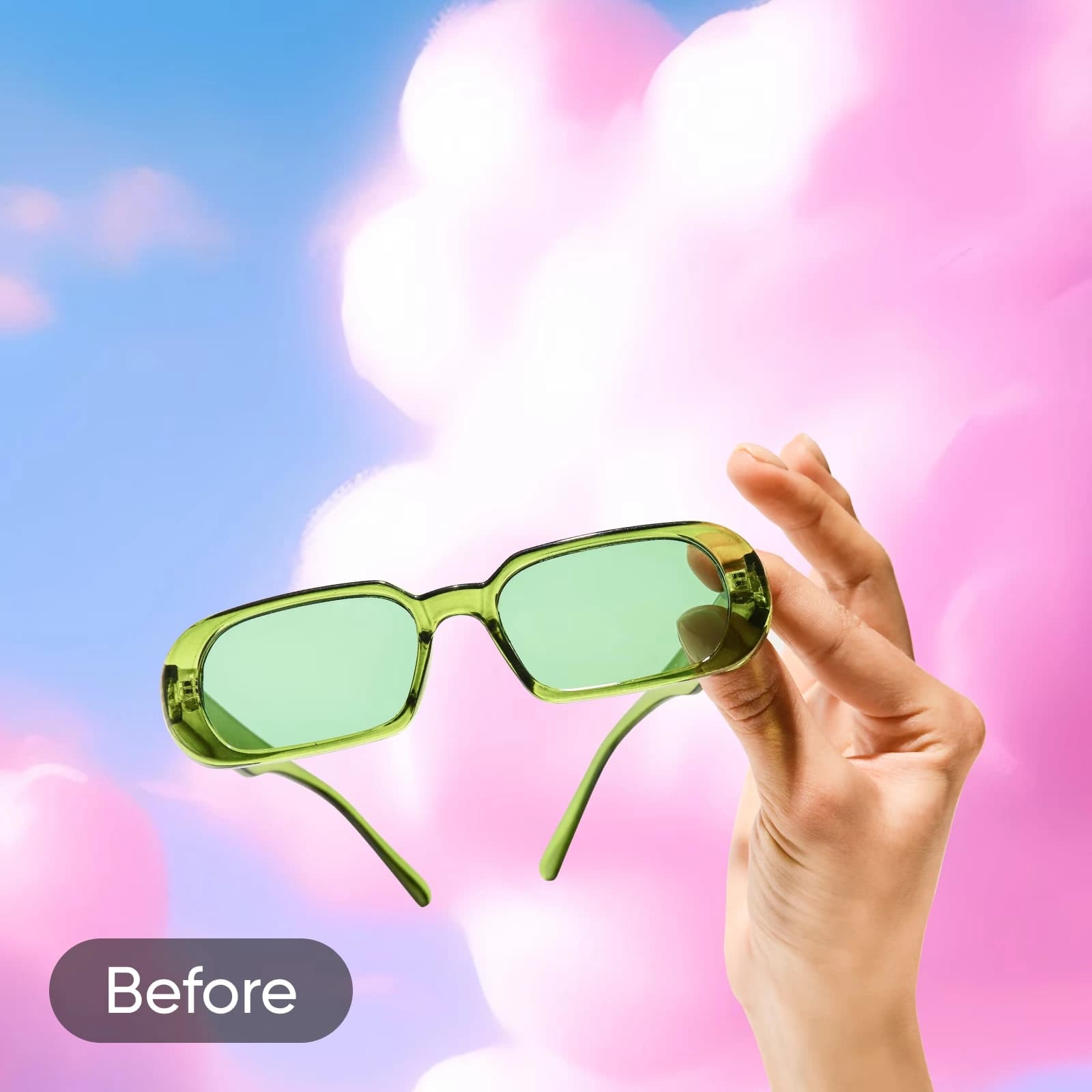
After
Teksteditor voor marketingbeelden, slogans en merkcontent
Met de teksteditor van Picsart maak je beelden voor elk doel. Voeg opvallende slogans toe aan productfoto's, maak ontwerpen in je huisstijl voor webwinkels of geef tekst vorm voor advertentiecampagnes en socialmediaberichten. Bedrijven, makers en particulieren ontwerpen moeiteloos verzorgde content die de aandacht trekt.

Toegang tot een ruime bibliotheek met lettertypen
Experimenteer met de uitstraling van je tekst met een ruime keuze aan lettertypen. Blader door de uitgebreide bibliotheek met lettertypen die is ingebouwd in de interface van de foto-editor van Picsart. Kies uit klassieke lettertypefamilies en trendy, nieuwe lettertypen om de gewenste uitstraling te creëren.

Upload je lettertypen
Heb je een bepaald lettertype in gedachten? Geen probleem. Voeg eenvoudig je eigen lettertypen toe aan foto's met de teksttool van Picsart en creëer de uitstraling die je voor ogen hebt. Importeer je lettertypebestanden in .ttf-indeling naar Picsart om je eigen lettertypen in toekomstige creatieve projecten te gebruiken.

Pas tekst aan als een professional
Til je beelden met tekst naar een hoger niveau met uitgebreide aanpassingsmogelijkheden. Pas je tekst eenvoudig aan, tot en met de kleurcode. Buig tekst, markeer deze en experimenteer met de afstand en uitlijning.

Laat je boodschap visueel spreken op sociale media
Versterk je aanwezigheid op sociale media met de teksteditor van Picsart en beelden die meer zeggen dan bijschriften. Voeg tekst toe aan afbeeldingen om je boodschap op een mooie manier over te brengen. Met lettertypen die elke verkoopposter, videominiatuur, inspirerende post en alles daartussenin een upgrade geven!

Meer tools om mee te experimenteren
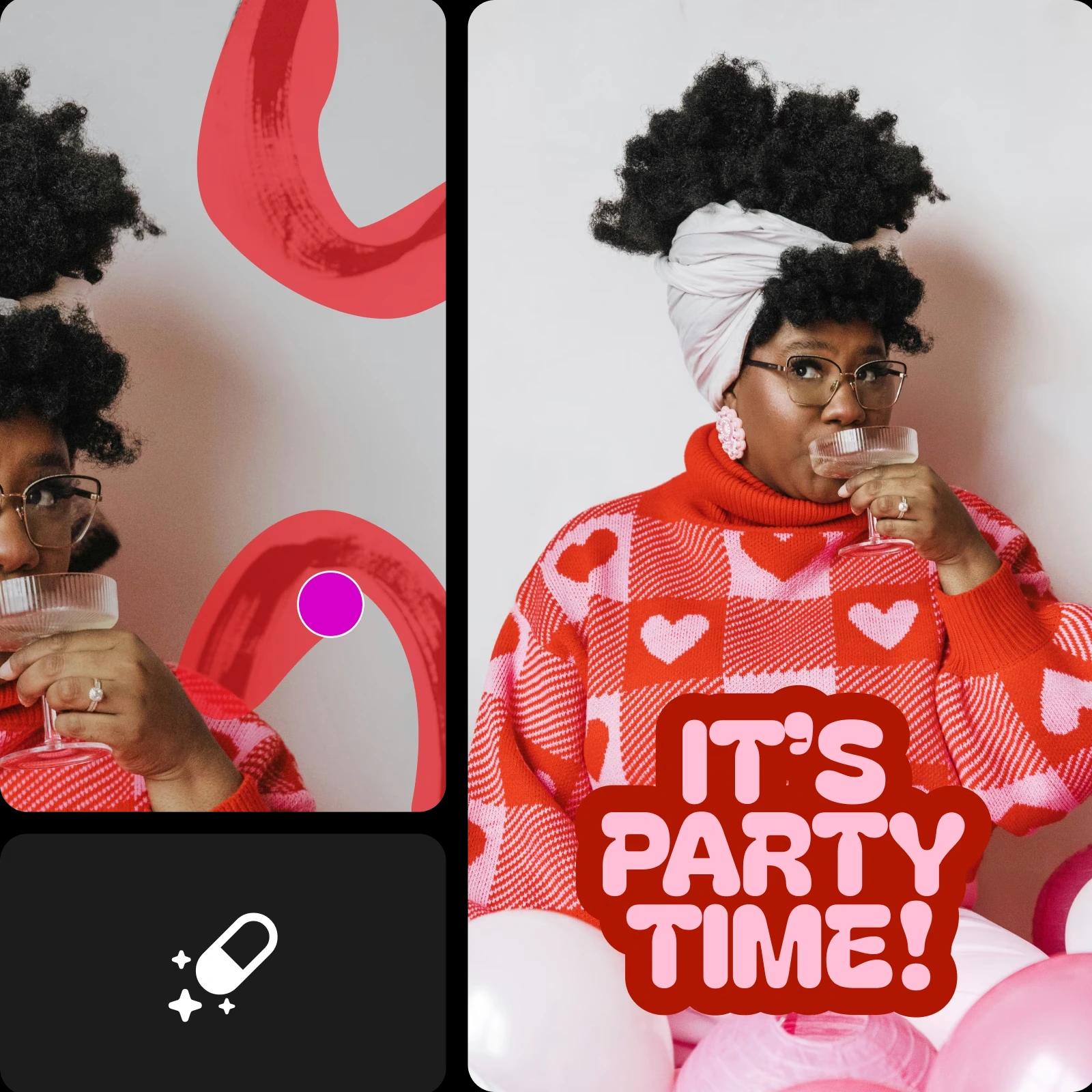
Picsart biedt meer dan alleen basisbewerking van tekst: met creatieve tools kun je volop experimenteren. Vervaag een afbeelding om je tekst eruit te laten springen, verwijder ongewenste tekst en vervang deze door iets nieuws, of buig tekst voor een stijlvol effect. Met eindeloos veel manieren om je ontwerp aan te passen, maak je elke afbeelding helemaal eigen.
Perfect voor sociale media. Ik gebruik de teksteditor graag voor snelle Instagram-berichten. Door tekst te buigen en met stijlen te spelen, voelt mijn content elke keer weer fris en leuk aan.
Jordan S., contentmakerEen echte tijdsbesparing. Ik heb de tools voor het vervagen van afbeeldingen en het verwijderen van tekst gebruikt om oude campagnebeelden opnieuw te ontwerpen. Mijn advertenties zien er nu verzorgd uit en ik had geen ontwerpervaring nodig.
Devon K., marketingmanagerGa verder met bewerken in Picsart
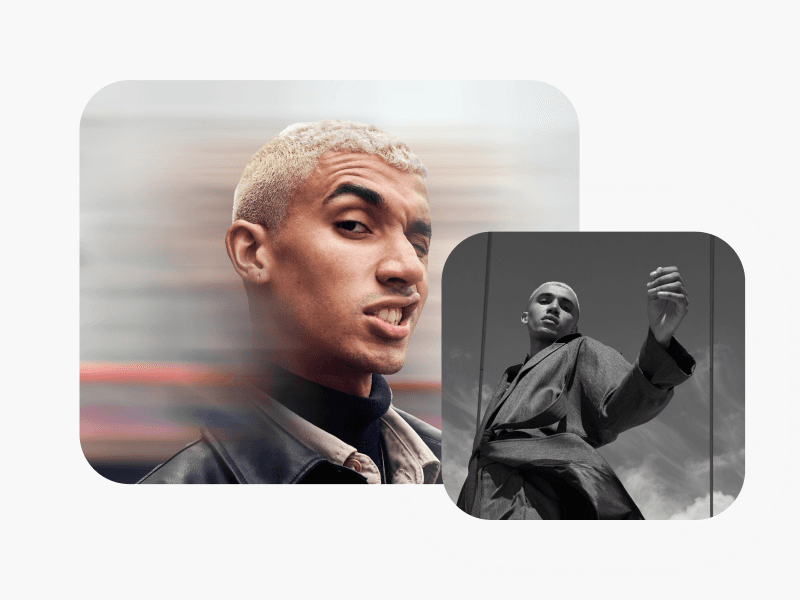
Leer de basis van afbeeldingen bewerken
Leer hoe je met praktische stappen strakkere bewerkingen maakt.
Veelgestelde vragen over de foto-teksteditor
Met de teksteditor van Picsart voeg je eenvoudig tekst toe aan foto's. Klik tijdens het bewerken van een foto op de knop Tekst in de linkerwerkbalk en selecteer het type tekst dat je wilt toevoegen.
Bewerk foto's voor verzorgde content voor makers
Pro
Most popularAI tools for everyday creative work.
Billed yearly
Ultra
Most powerfulHeavy AI usage for creators & teams.
Billed yearly, per seat
Enterprise
Custom AI solutions for large organizations.
Custom credit volume
- Volume discounts on credit rate
- On-demand top-ups
Custom
Contact for pricing