AI Replace: bezpłatnie zamieniaj dowolne obiekty na zdjęciach
Usuń niepożądane elementy i zastąp je własnymi, wygenerowanymi przez AI. Użyj AI Swap, aby ulepszyć zdjęcia produktów, dodając do nich pasujące rekwizyty, popraw zdjęcia z wakacji, usuwając z nich przechodniów psujących kadr, i zrób o wiele więcej.
Twórz z AI Replace, korzystając z modeli AI do generowania obrazów
Używaj modeli do generowania obrazów, aby przekształcać AI Replace w dopracowane materiały wizualne, pomysły na projekty i zasoby gotowe do edycji.
Jak korzystać z AI Replace w Picsart
How to
Prześlij obraz
Wybierz obraz, aby rozpocząć.
Bezpłatnie zastępuj obiekty na zdjęciach
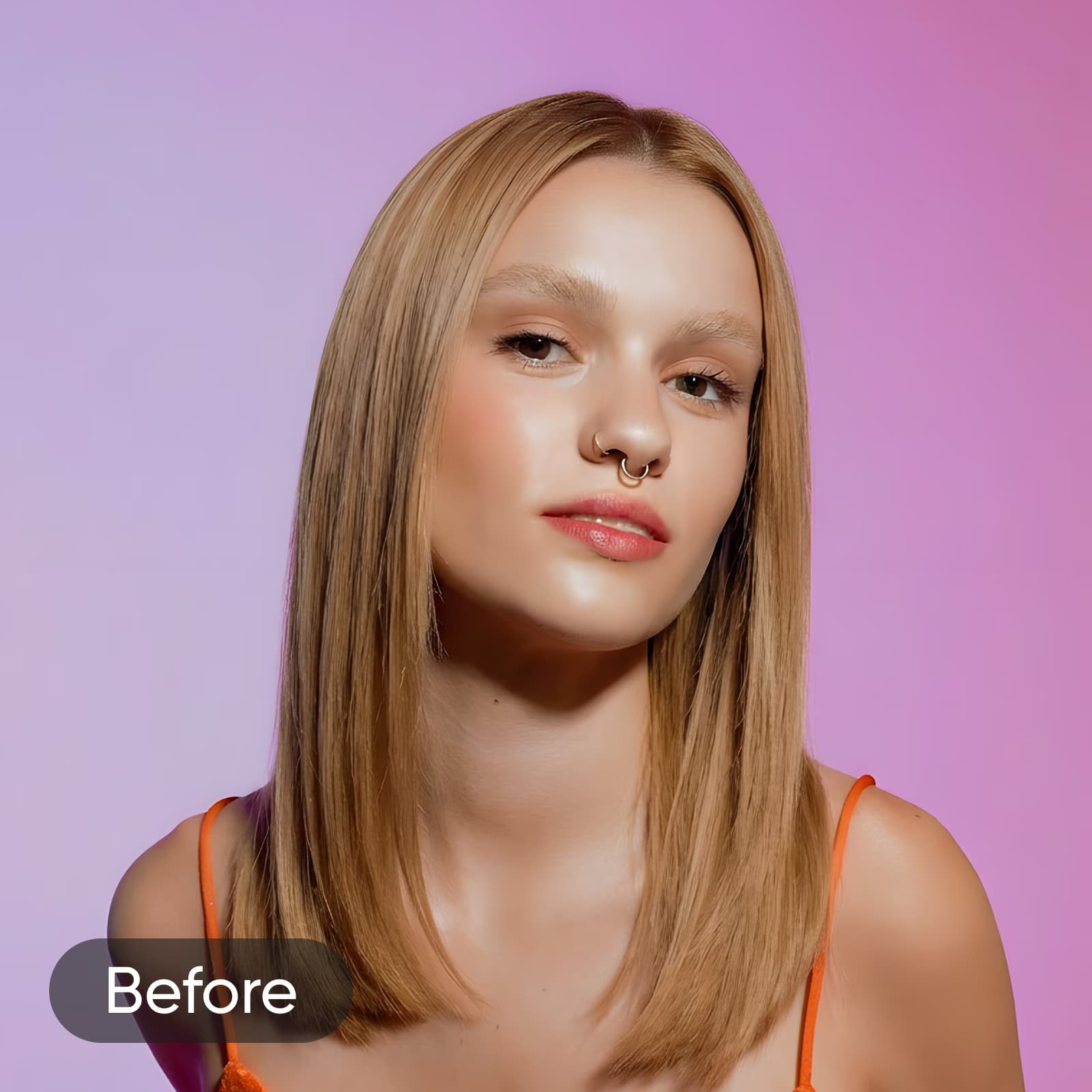
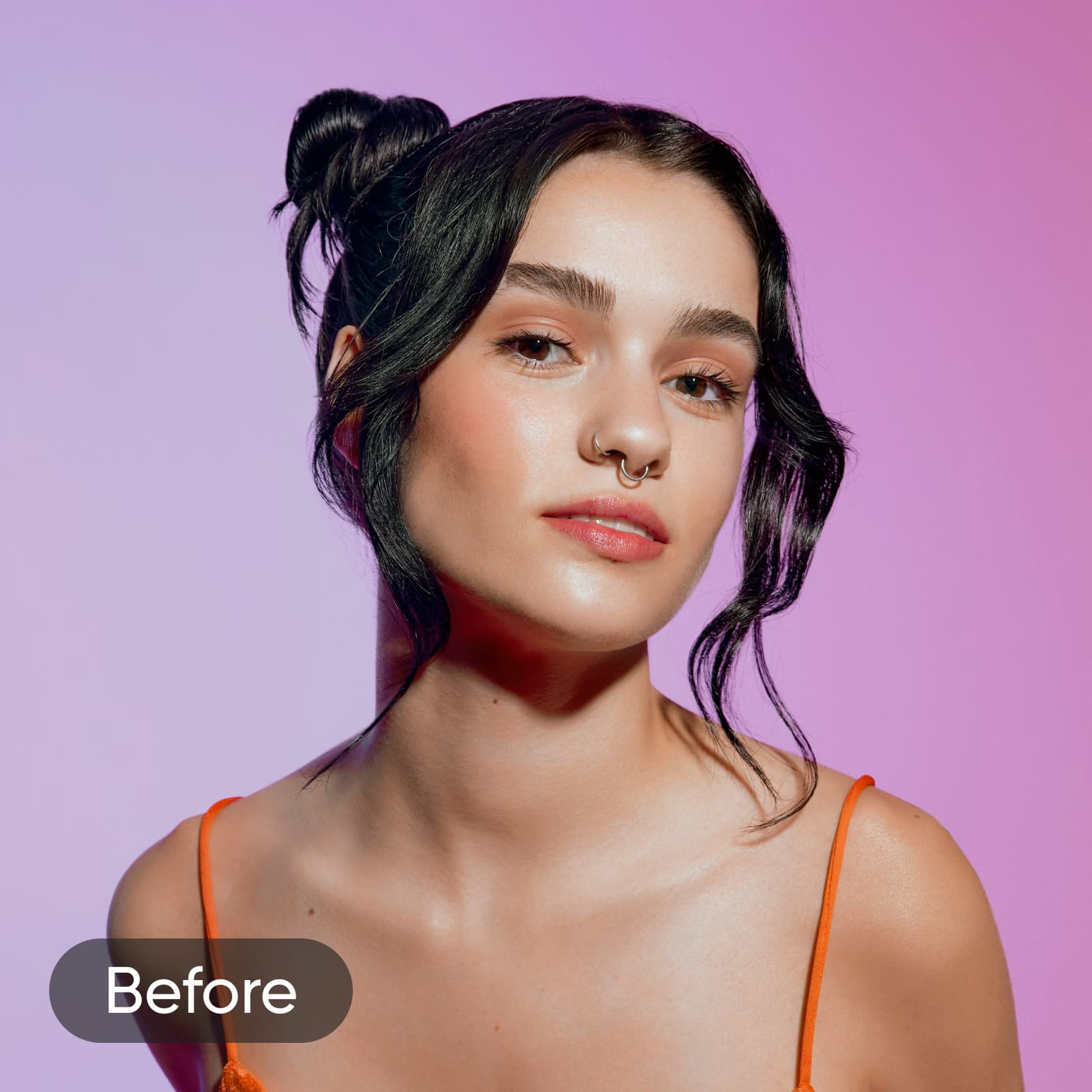
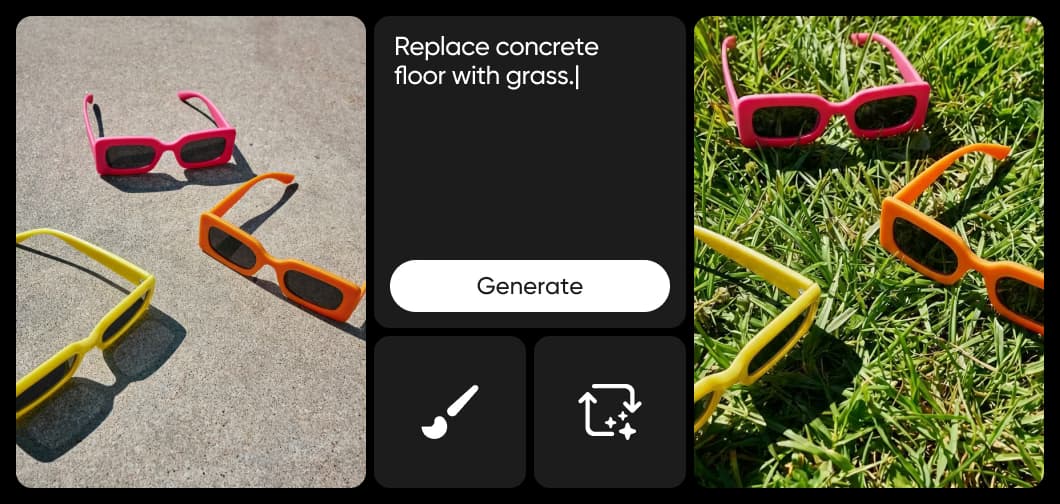
AI Replace w Picsart wykorzystuje generatywną AI, aby zastępować dowolne elementy na zdjęciu zupełnie nowymi. Wybierz, co chcesz zmienić: ubrania, włosy, niebo, tło lub dowolny obiekt, a następnie opisz zamiennik w prompcie tekstowym albo wybierz jedną z popularnych gotowych opcji. Narzędzie automatycznie odtwarza otoczenie, dzięki czemu edycja naturalnie wtapia się w oryginalny obraz. AI Replace umożliwia precyzyjną edycję pojedynczych obiektów bez ręcznego maskowania i zaawansowanych umiejętności — od dopracowywania zdjęć produktów i odświeżania portretów po dodawanie nowych elementów do sceny.
Ulepsz zdjęcia produktów dzięki AI Replace
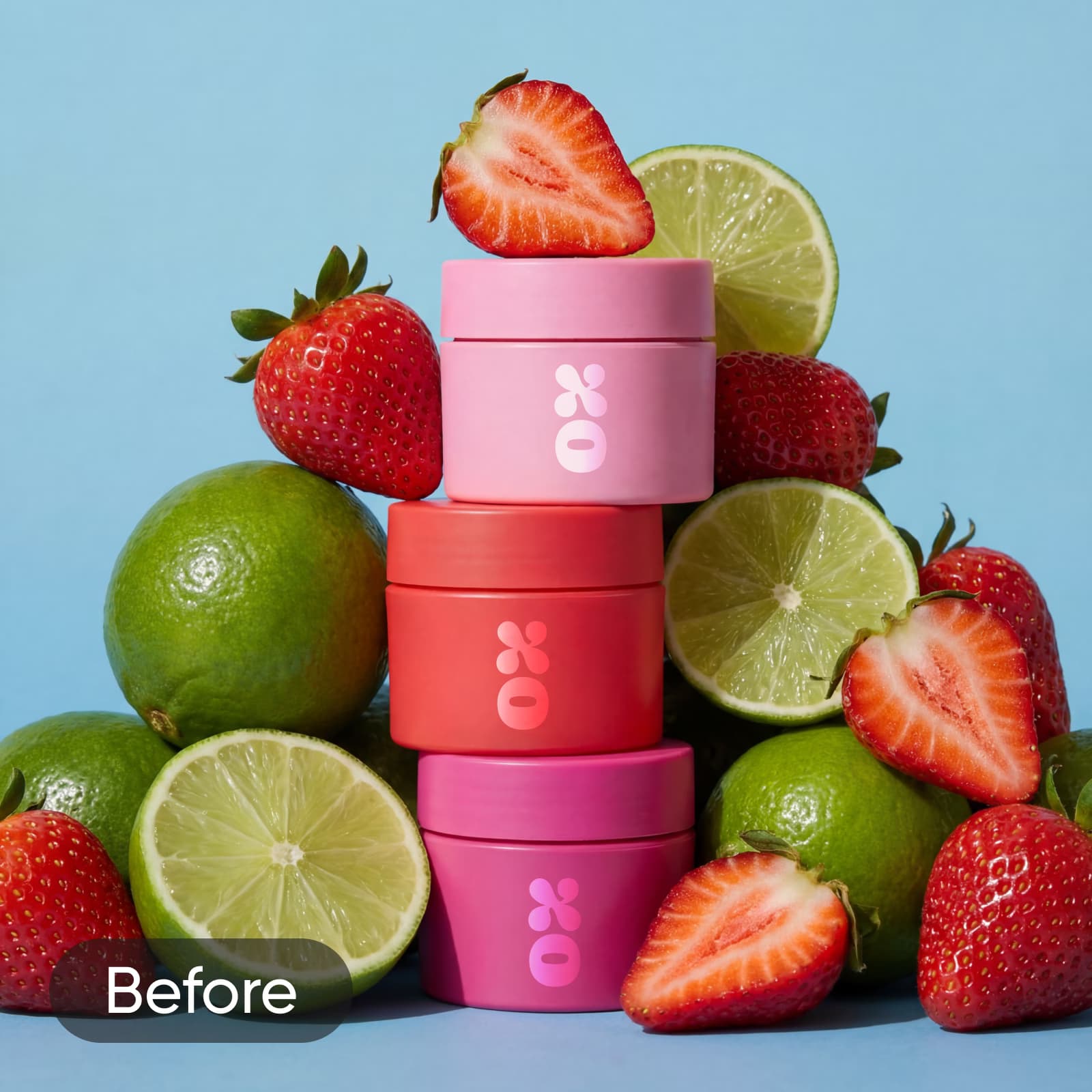
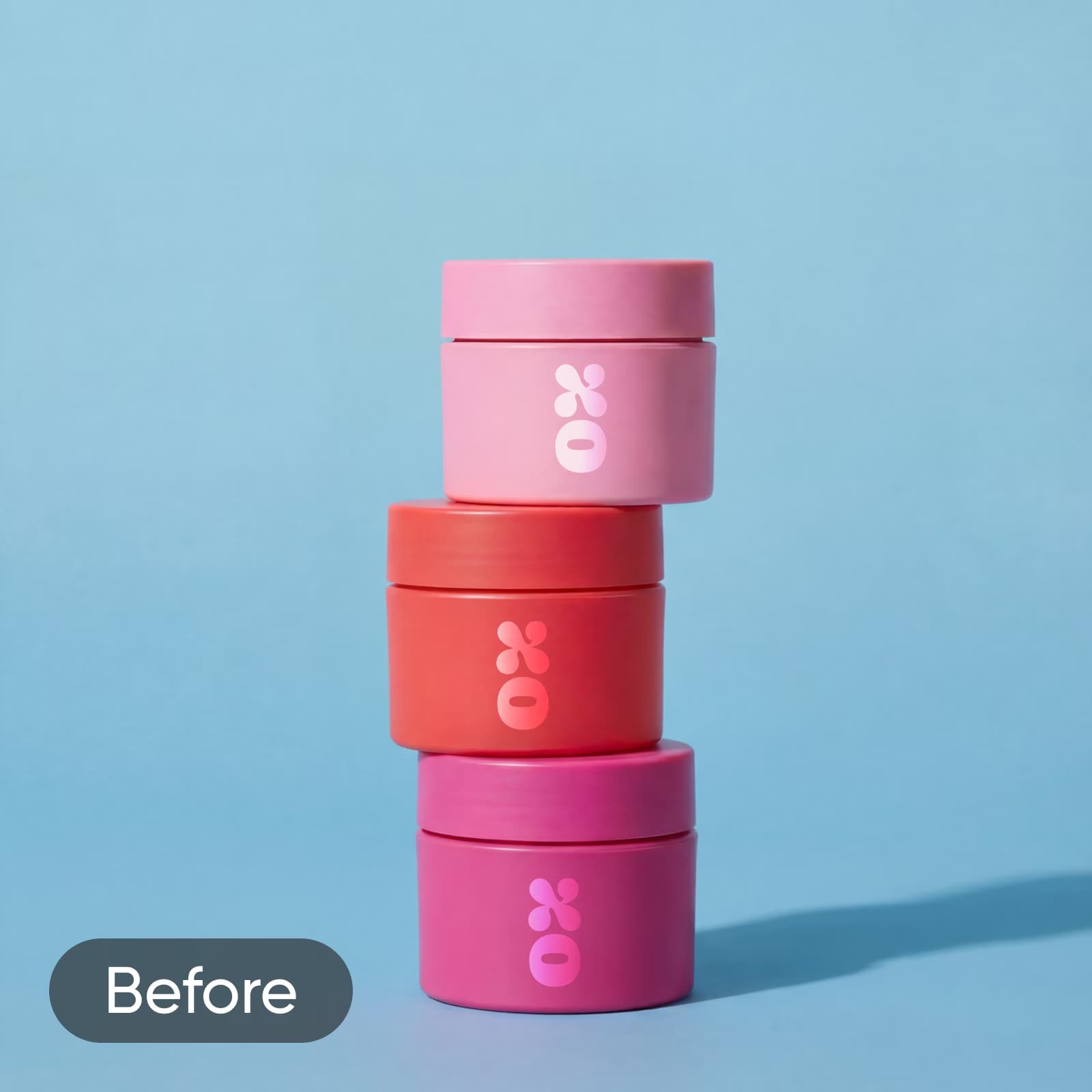
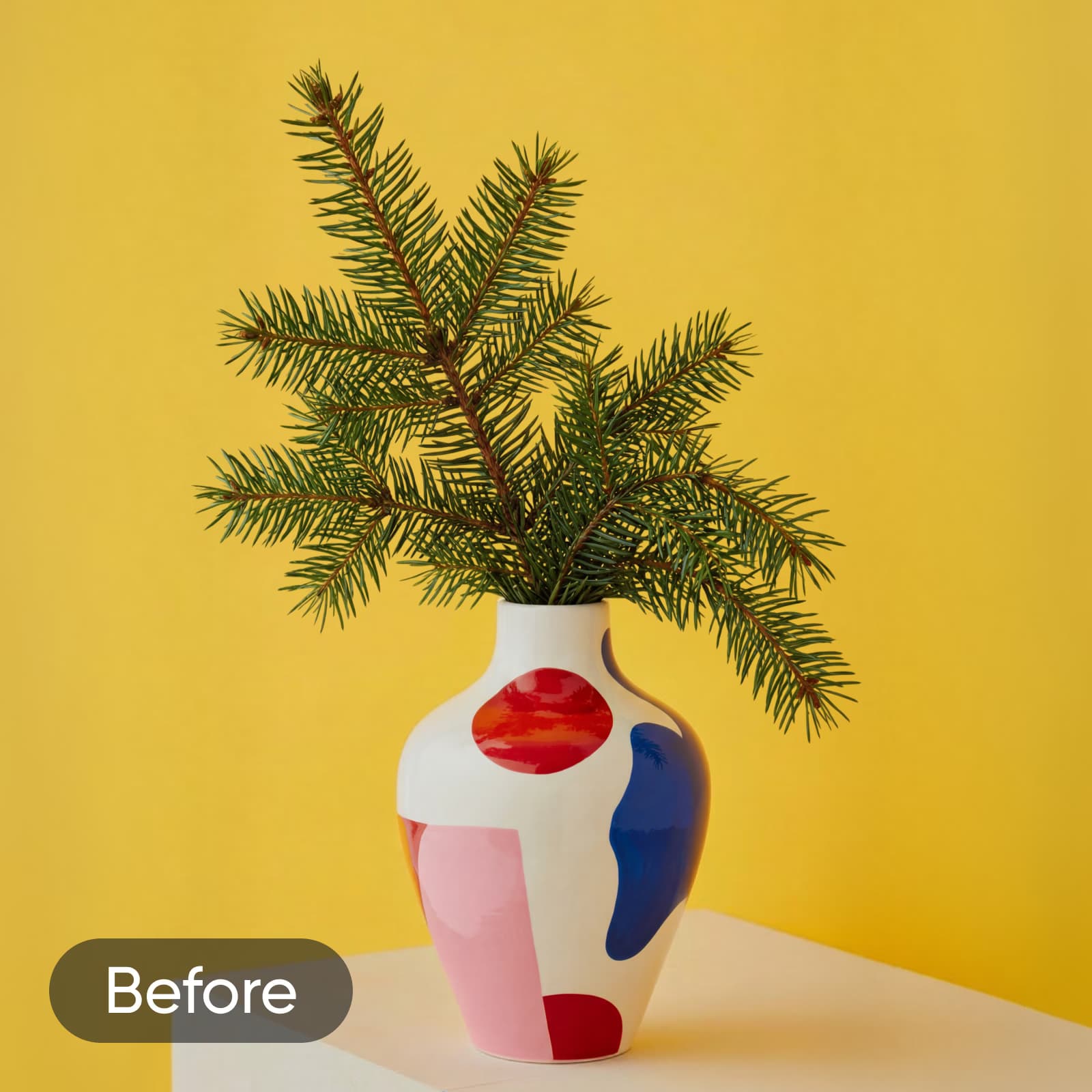
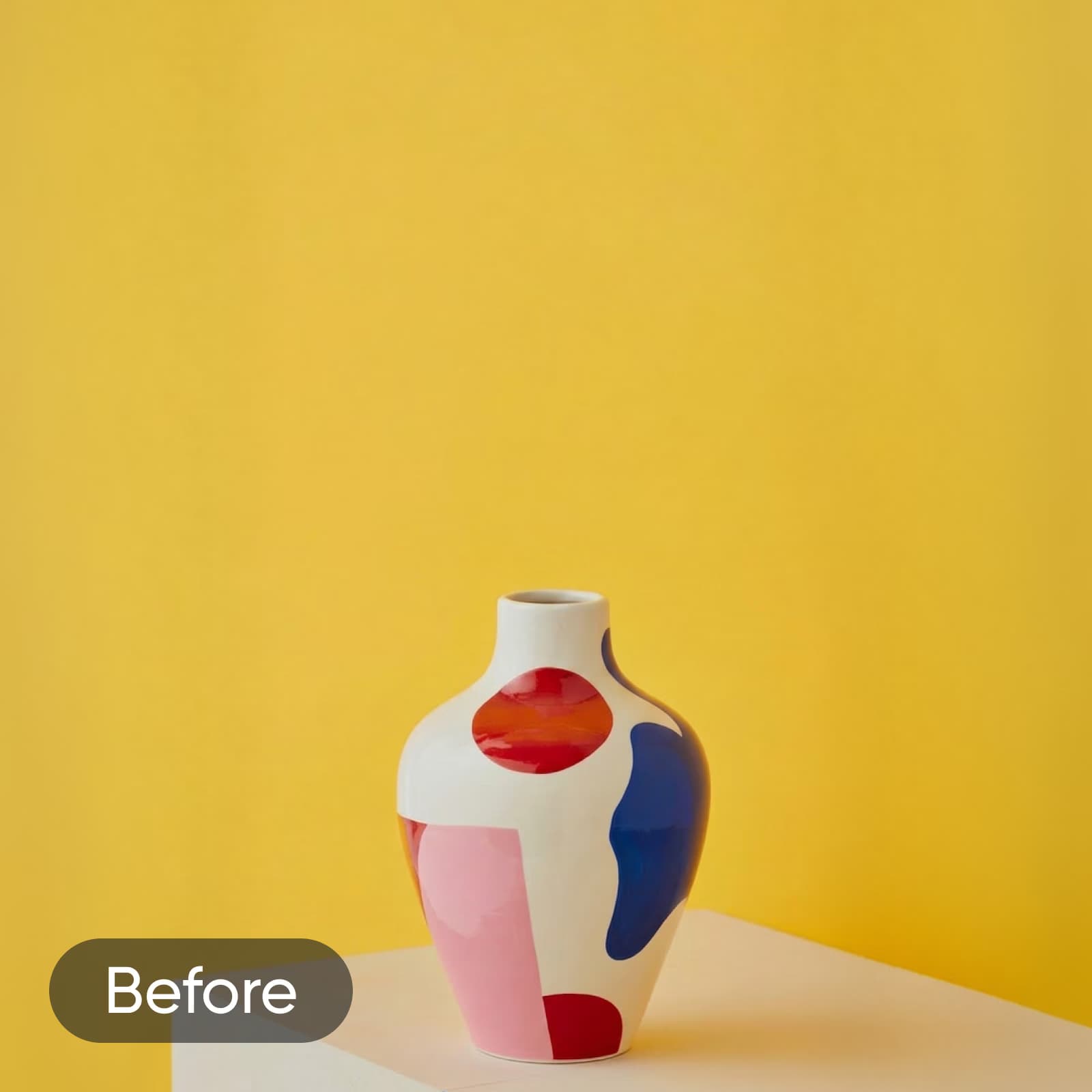
Nie musisz zatrudniać projektanta ani stale kupować nowych rekwizytów, aby tworzyć przyciągające wzrok zdjęcia produktów. Użyj AI inpainting, aby dodać nowe obiekty, które uzupełnią produkt i uatrakcyjnią materiały promocyjne. Właśnie wprowadzasz nowy balsam do ust o smaku truskawkowo-limonkowym? Dodaj realistyczne obrazy obu owoców albo poeksperymentuj z różnymi stylami AI Art, aby lepiej oddać zamysł kampanii. Nadal czegoś brakuje? Użyj narzędzia AI Replace, aby stworzyć rekwizyty, takie jak łuki, kryształy, wazony i wiele innych.
Zmieniaj obrazy za pomocą AI w kilku prostych krokach
Chcesz rozwinąć swoje umiejętności edycji? Potraktuj narzędzie AI Image Replace jak magiczną różdżkę, która zmieni dowolną część obrazu w coś zupełnie nowego. Z łatwością zamieniaj obiekty na obrazach za pomocą AI, korzystając z techniki zwanej „inpaintingiem”. Podobnie jak AI Image Generator, to narzędzie wykorzystuje zaawansowaną technologię przekształcania tekstu w obraz, aby w kilka sekund urzeczywistnić Twoje pomysły. Od wyjątkowych projektów scenografii wygenerowanych przez AI po zamianę twarzy za pomocą AI — sztuczna inteligencja pozwala na wszystko.


Korzystaj z AI Replace w każdym kreatywnym projekcie
Zamieniaj elementy na zdjęciach produktów
Zmieniaj rekwizyty, opakowania lub akcesoria na zdjęciach produktów, aby dopasować je do sezonowych kampanii lub odświeżonej identyfikacji marki. Uzyskaj jakość studyjną bez ponownego wykonywania zdjęć.
Promuj swoją markę dzięki własnym projektom tworzonym przez AI
Niezależnie od tego, czy promujesz małą firmę na Facebooku, czy edytujesz zdjęcia produktów przed ważną premierą, wystarczy kilka minut, aby za pomocą AI Swap zmienić materiały promocyjne i stworzyć własne projekty. A jeśli przed opublikowaniem chcesz poprawić jakość obrazu, AI Enhance błyskawicznie ulepszy zdjęcia, zapewniając im większą wyrazistość i ostrość. Od efektownych teł plakatów po przyciągające uwagę logo marki — tworzenie oryginalnych materiałów wizualnych, które wzmocnią Twoją strategię marketingową, jest prostsze niż kiedykolwiek, nawet jeśli nie jesteś doświadczonym projektantem graficznym.
Wypróbuj inne narzędzia AI do edycji w Picsart


Najczęściej zadawane pytania o AI Replace
AI Replace w Picsart to narzędzie do edycji oparte na generatywnej AI, które zastępuje zaznaczone obiekty na zdjęciach nowymi elementami. Wykorzystuje AI inpainting do odtworzenia otoczenia po każdej zamianie, zapewniając płynne rezultaty, które naturalnie wtapiają się w oryginalny obraz — bez ręcznego maskowania i nakładania warstw.
Edytuj obrazy za pomocą AI i realizuj każdy kreatywny pomysł
Pro
Most popularAI tools for everyday creative work.
Ultra
Most powerfulHeavy AI usage for creators & teams.
Enterprise
Custom AI solutions for large organizations.
- Volume discounts on credit rate
- On-demand top-ups