Create fashion content for your next collection
Bring clothing, accessories, and footwear photos into Picsart to build listing images and collection campaigns. Explore new settings, prepare a batch of product shots, and turn an approved still into a short video in Picsart Flow.
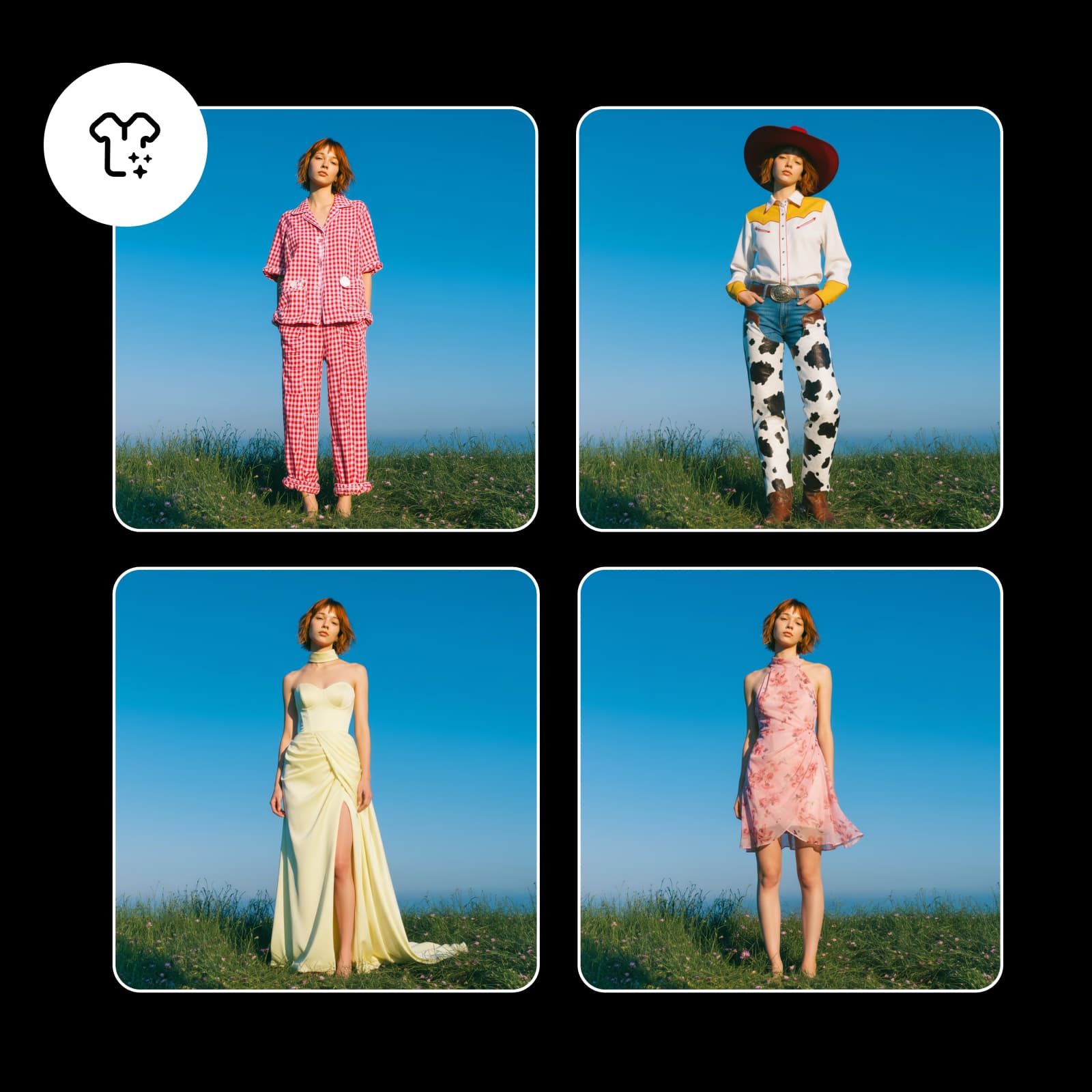
Develop the look of a fashion release
These background examples show different settings for garments and accessories. Use your own product photos to explore a direction for the collection.
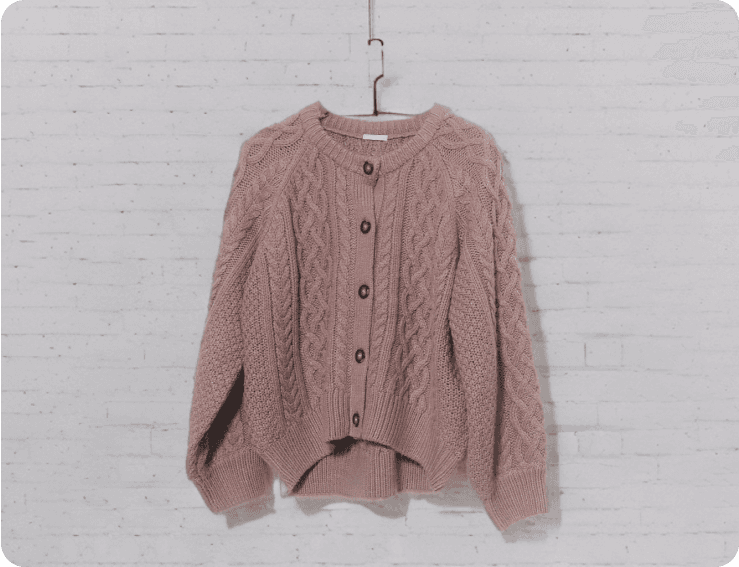
Clothing and apparel
Try a collection setting around a real garment photo.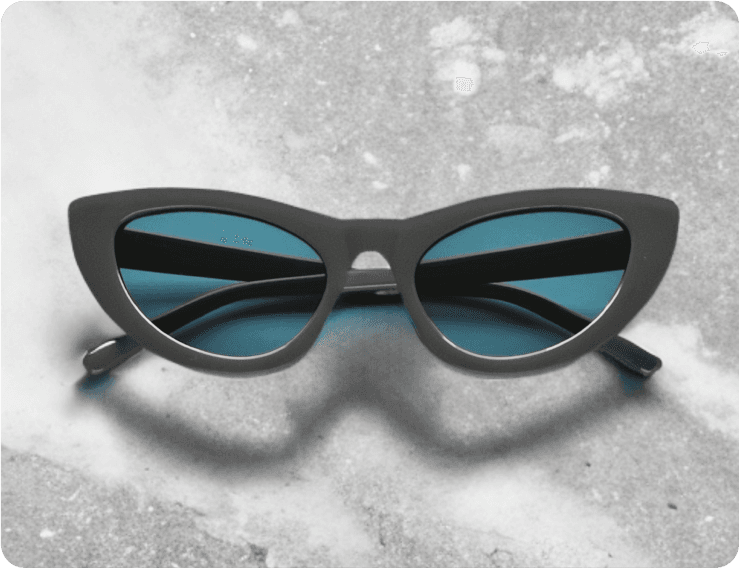
Accessories
Explore backgrounds for jewelry, eyewear, and smaller details.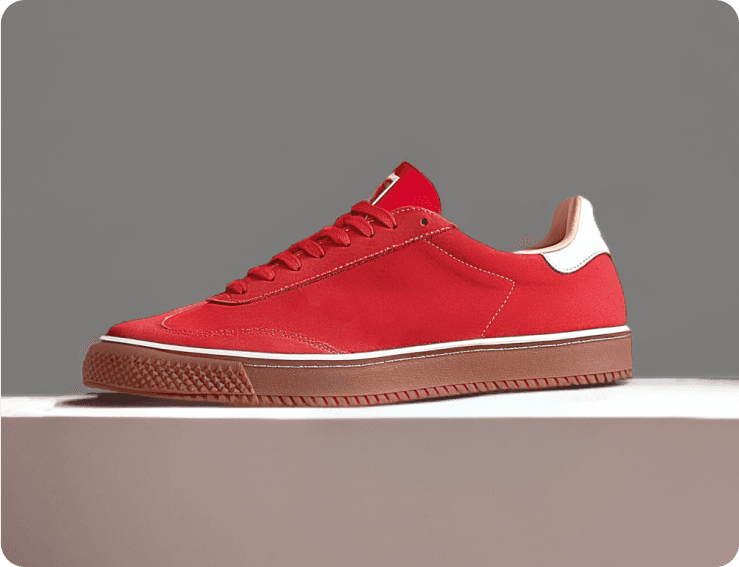
Footwear
Create a setting for a sneaker drop or seasonal shoe range.Virtual try-on concepts
Explore outfit directions from a reference photo, then review garment details.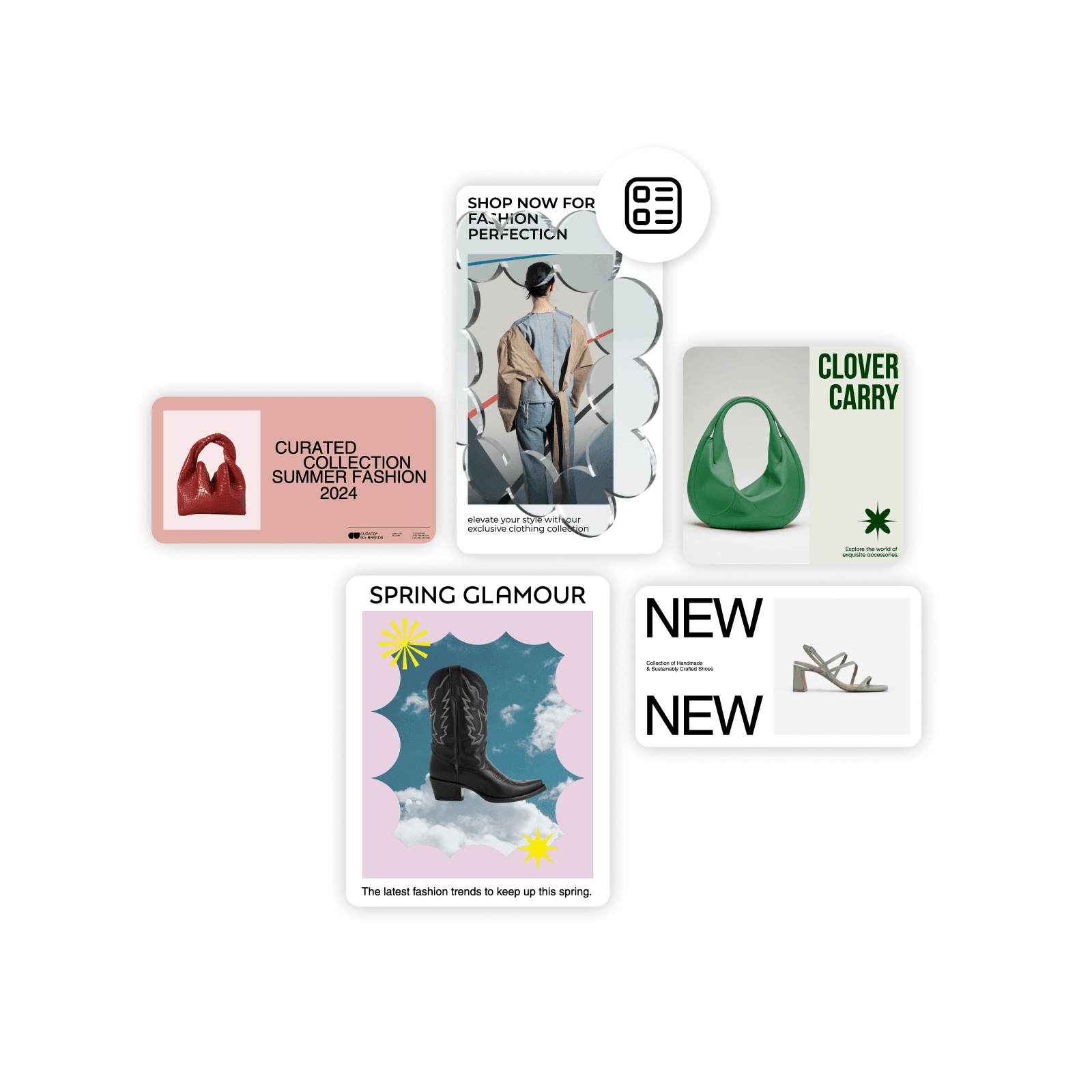
Collection launch campaigns
Turn collection photos into coordinated announcements and promotional designs.
Give the collection a repeatable production workflow
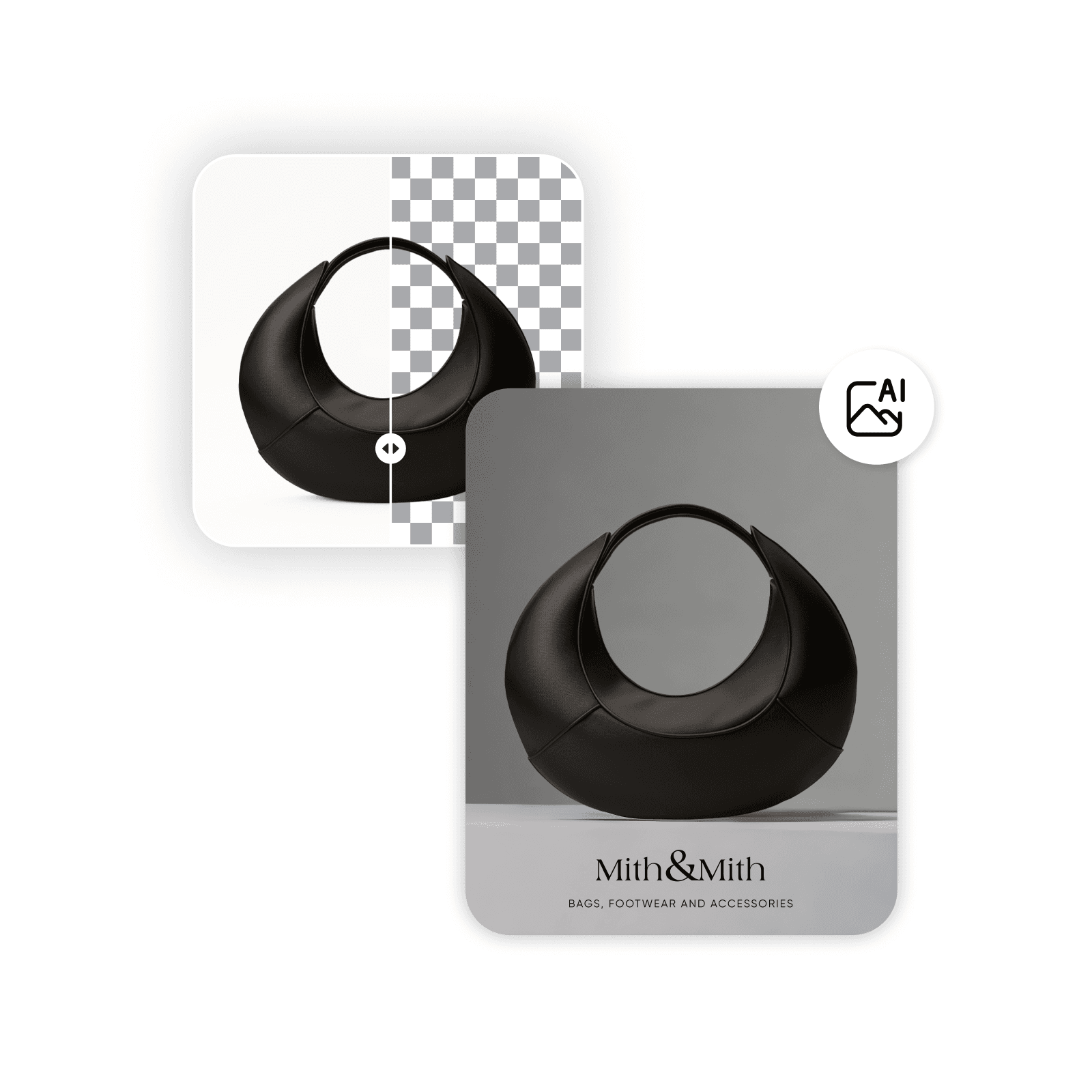
A new collection needs more than one image. In Picsart Flow, connect the photo-editing and generation steps you want to reuse across the release. Start with a test garment, review the fabric, seams, and color, then refine the workflow before applying the approach to more items.
For a short campaign clip, animate an approved still and check the garment details through the full sequence.
How to prepare content for a fashion drop
Choose the next step for your fashion photos
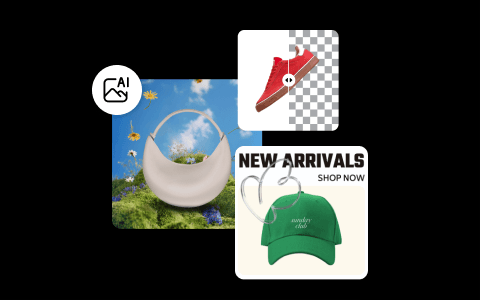
Use the workflow that matches the collection task, from repeated edits to an early styling concept.
Fashion content creation questions
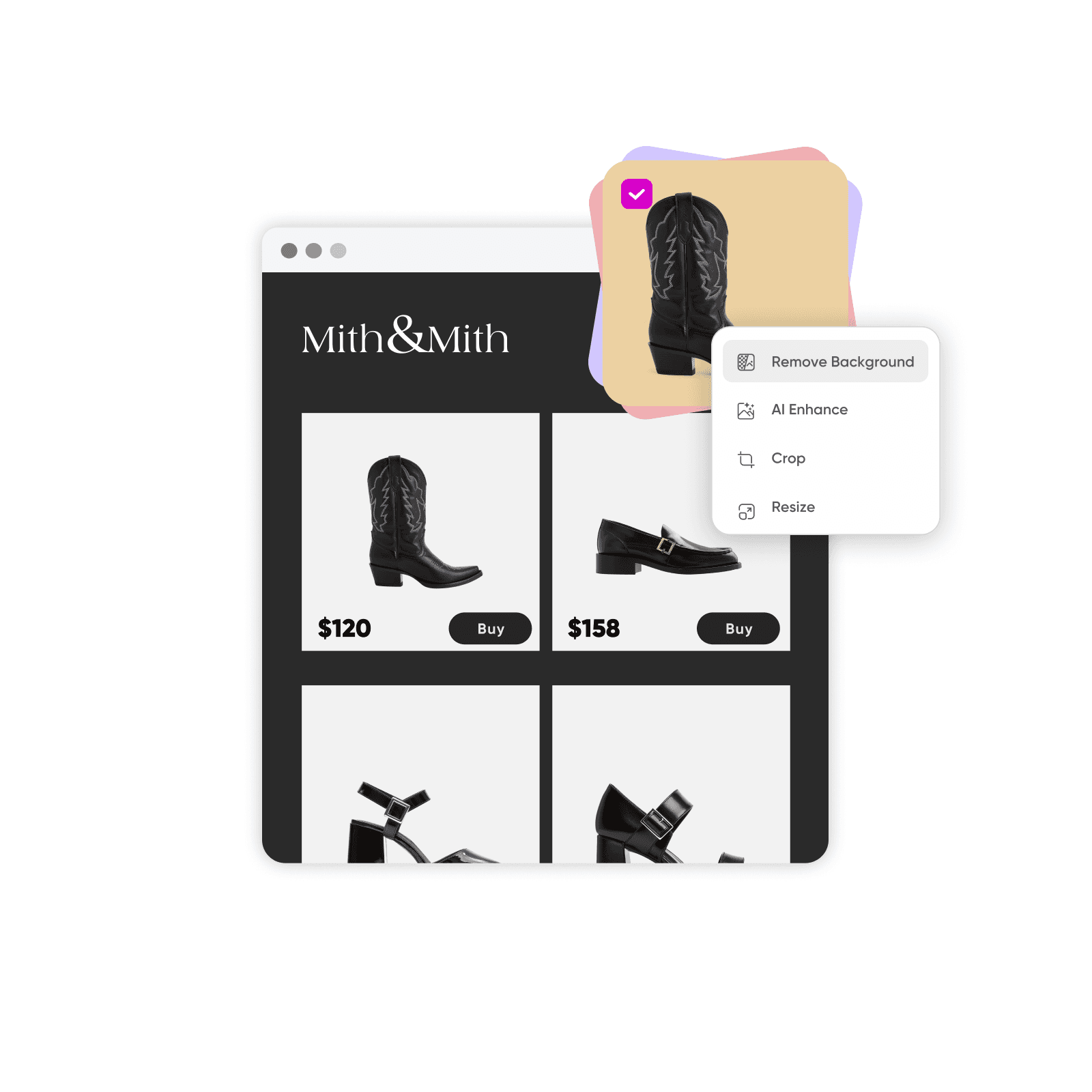
Prepare product listing images, accessory details, footwear promos, collection announcements, and short campaign videos. Choose the output before building a workflow so the framing and source photos fit the job.
Explore more fashion content tools
Choose a tool or workflow for your next project.