Create food and drink content for your menu and feed
Use your dish, drink, and packaging photos to build menu graphics, weekly specials, and short promotional videos. Explore backgrounds in Picsart and connect the campaign steps in Picsart Flow.
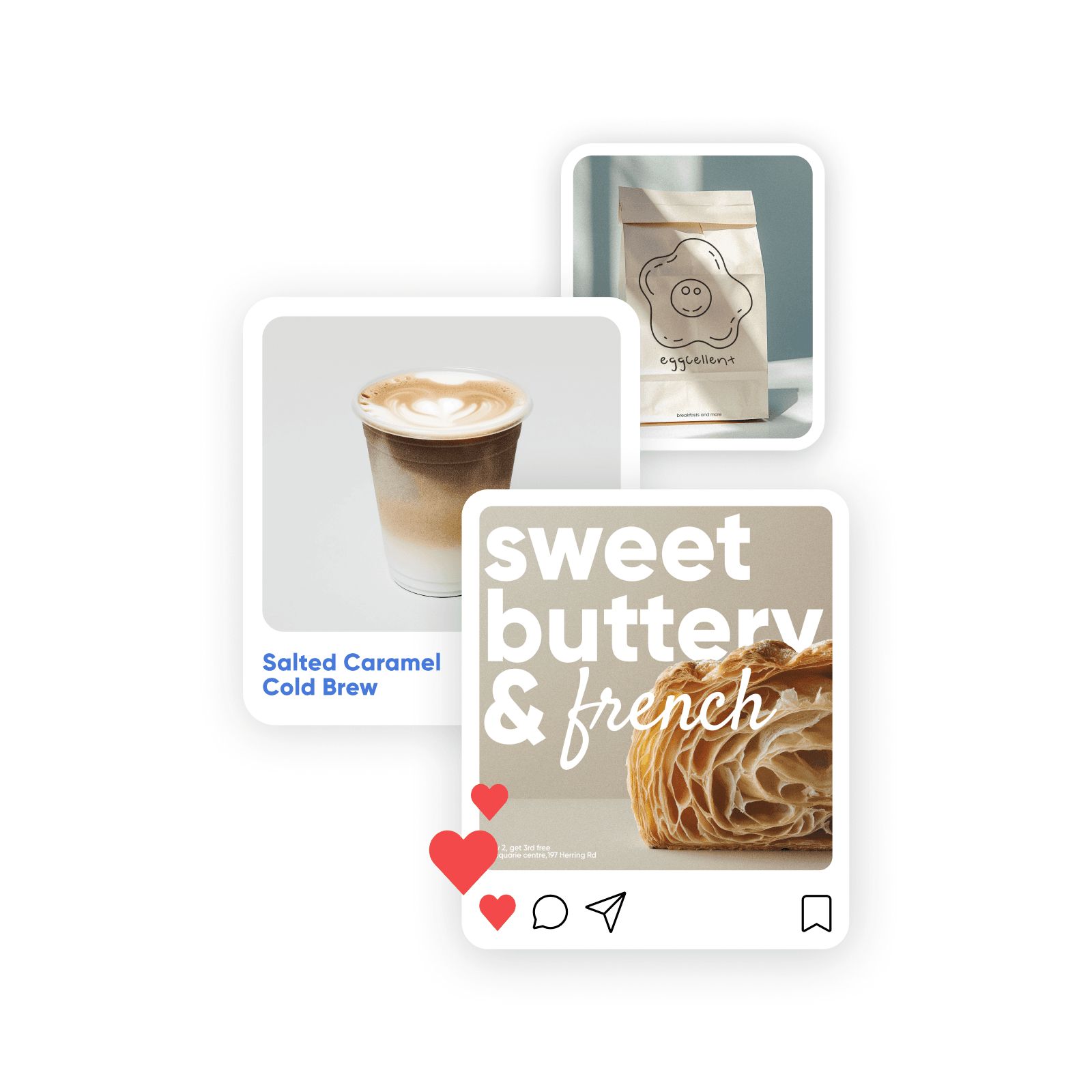
Explore settings for food, drinks, and desserts
Use these background examples as a starting point for your own photos. Keep the dish, serving size, and ingredients faithful to what customers will receive.
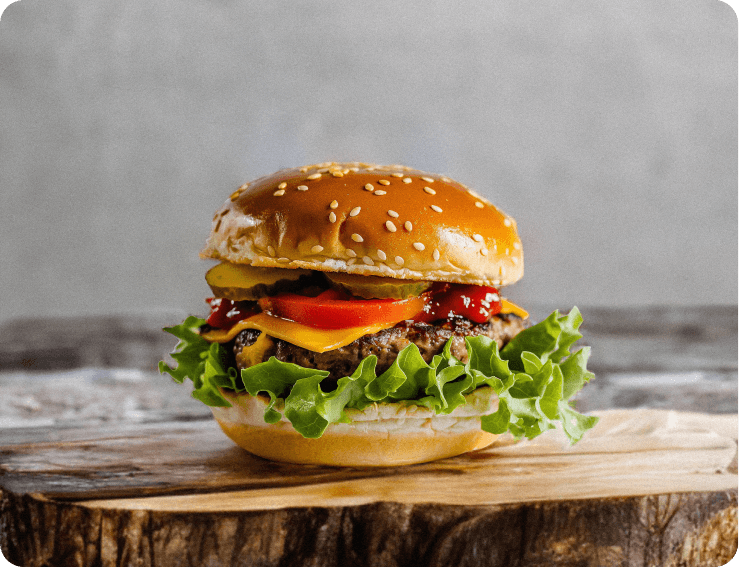
Food photography
Try a table setting around a real dish photo.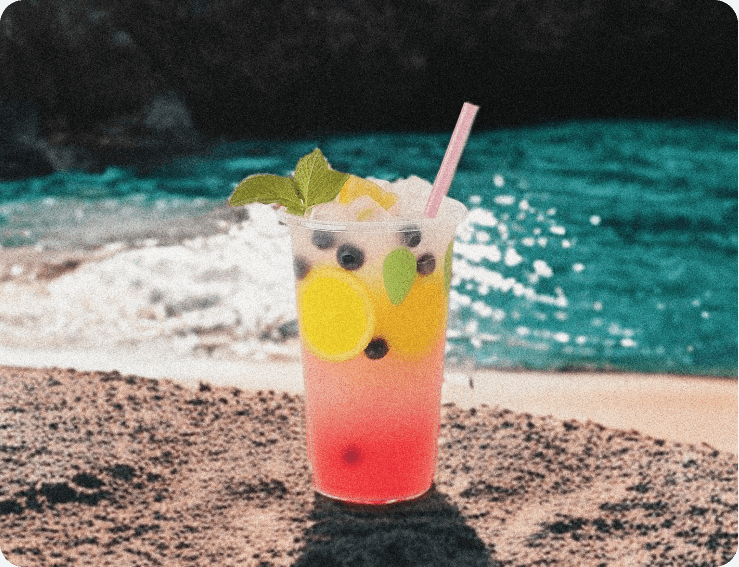
Drink promotions
Explore a cafe, bar, or seasonal setting for a beverage.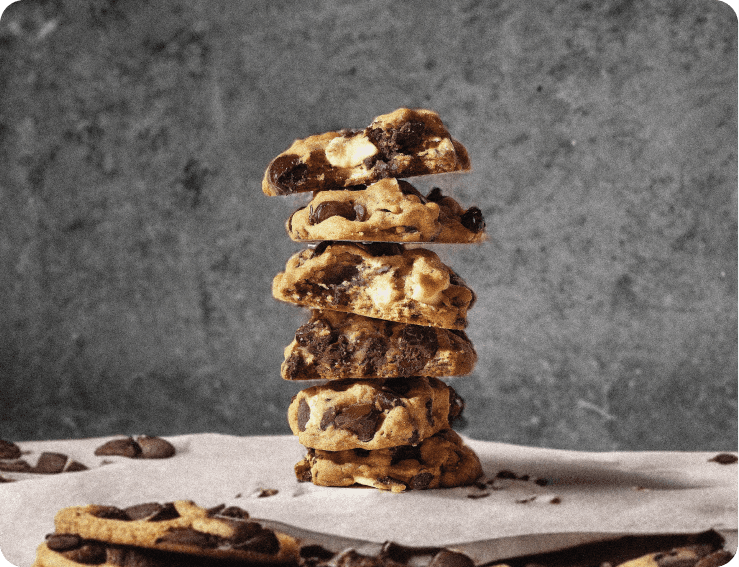
Dessert launches
Build a backdrop for a bakery release or dessert special.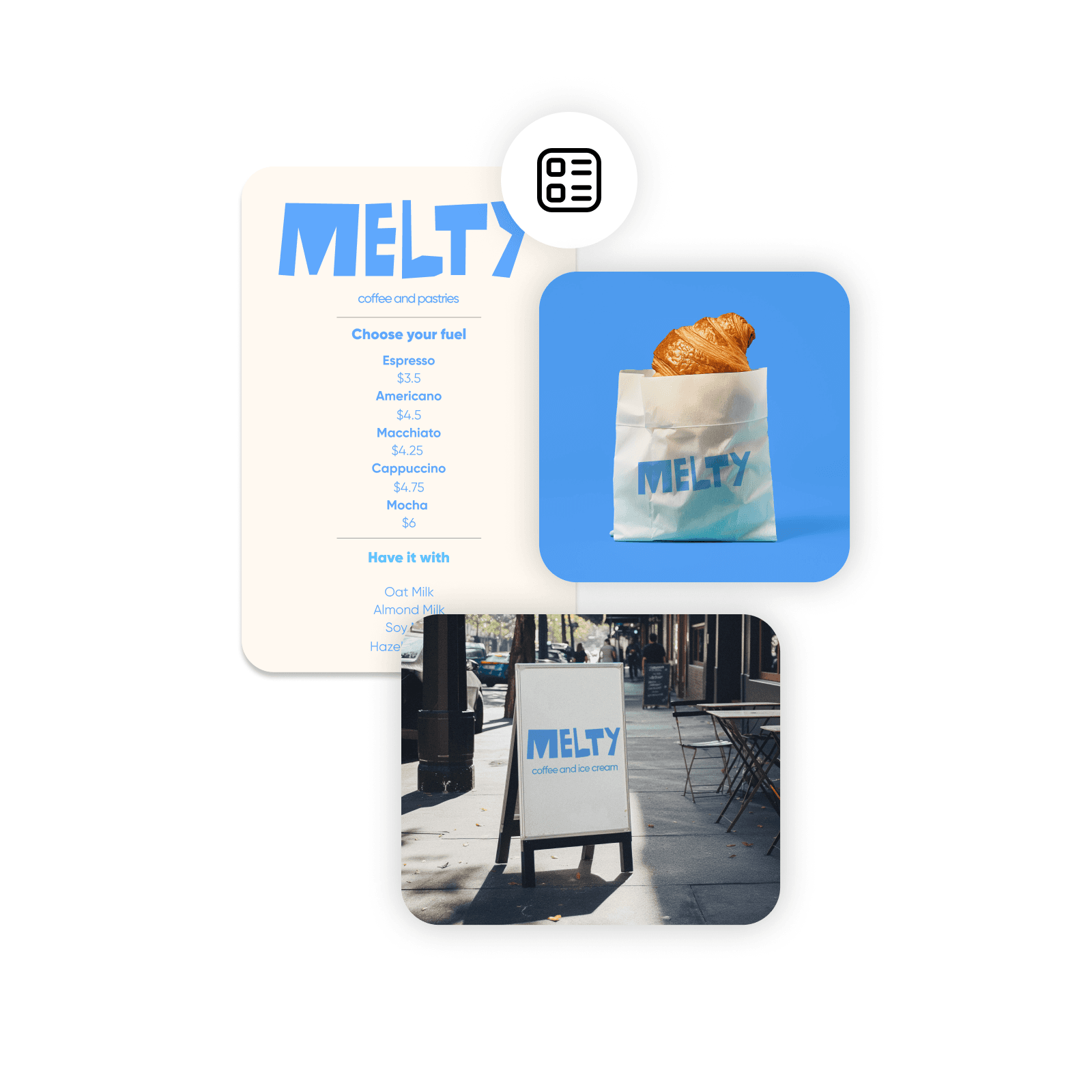
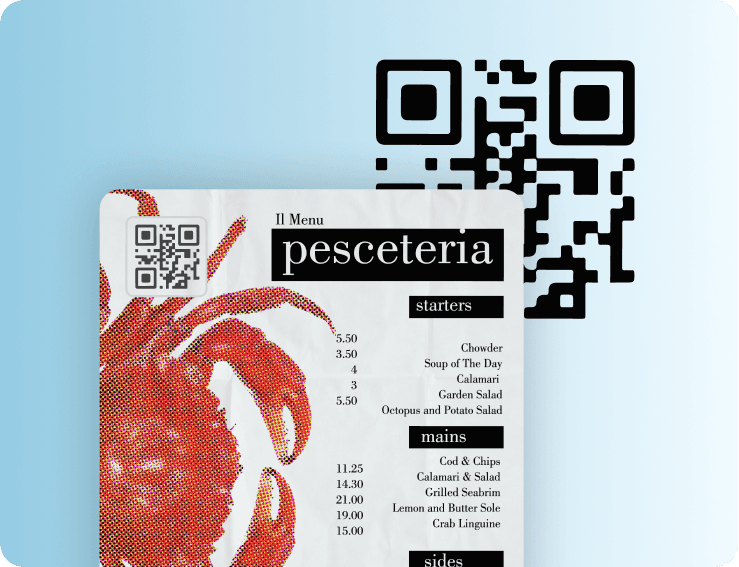
Menus and packaging
Combine real food photos with item names, prices, and packaging details.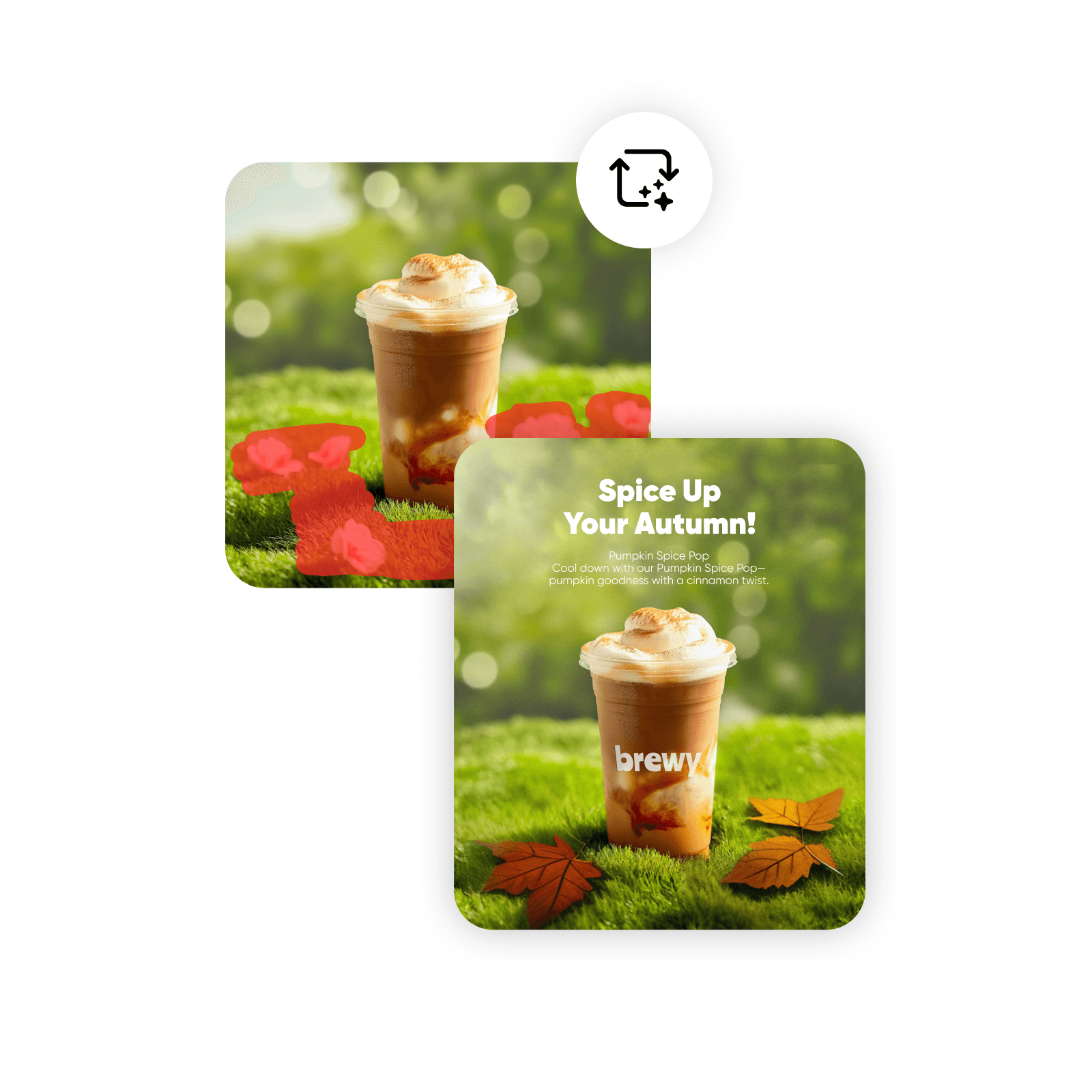
Seasonal offers
Explore seasonal props around an actual dish or drink photo.
Turn a weekly special into a campaign you can reuse
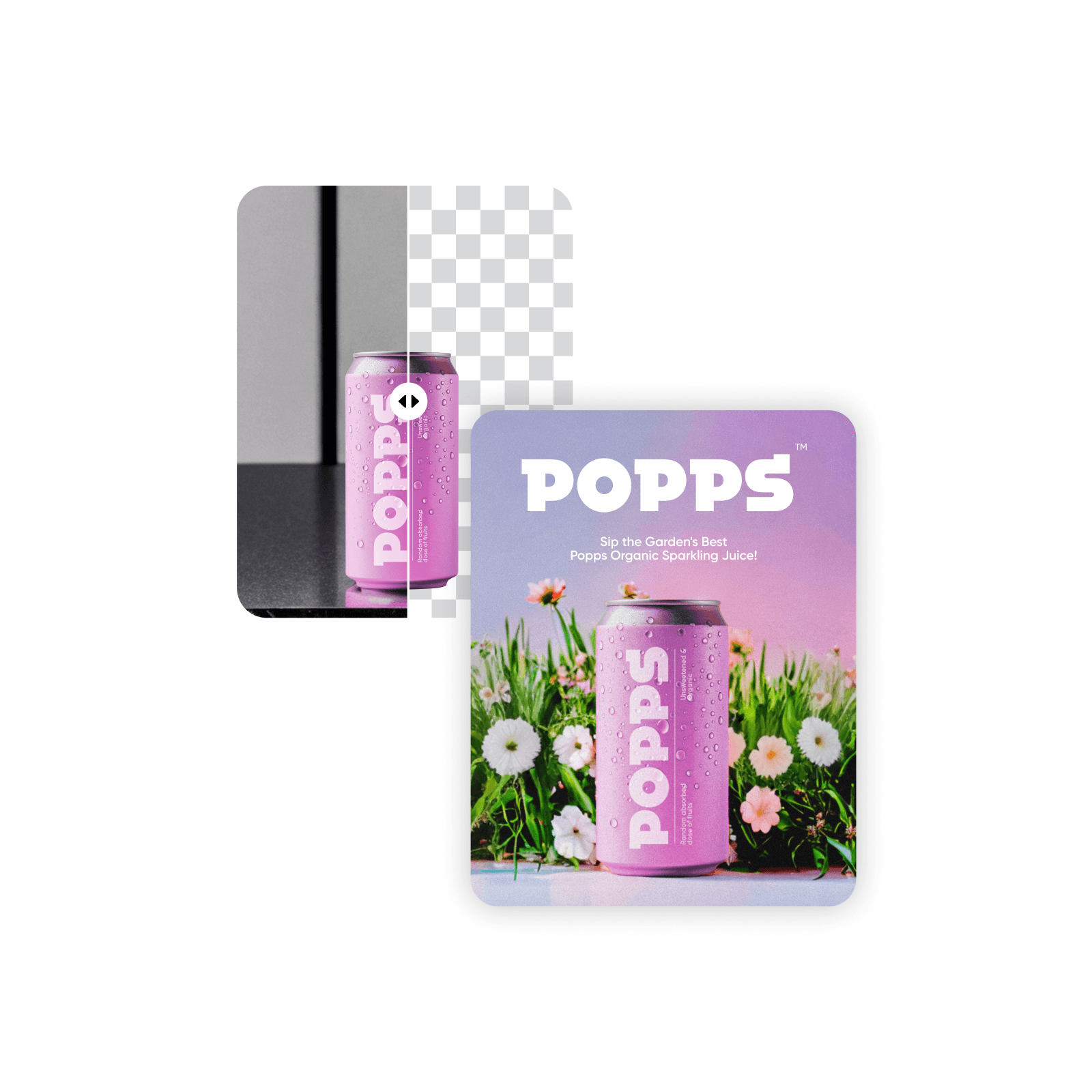
Start with a photo of the actual dish or drink and a clear offer. Use Picsart Flow to explore the image and video steps for a menu update, announcement, or short promotional clip.
Reuse the workflow for the next special with a new source photo and updated details. Add prices, dates, and menu text after choosing the visual, then check them before sharing.
How to promote a new dish or drink
Prepare the menu and promotion details
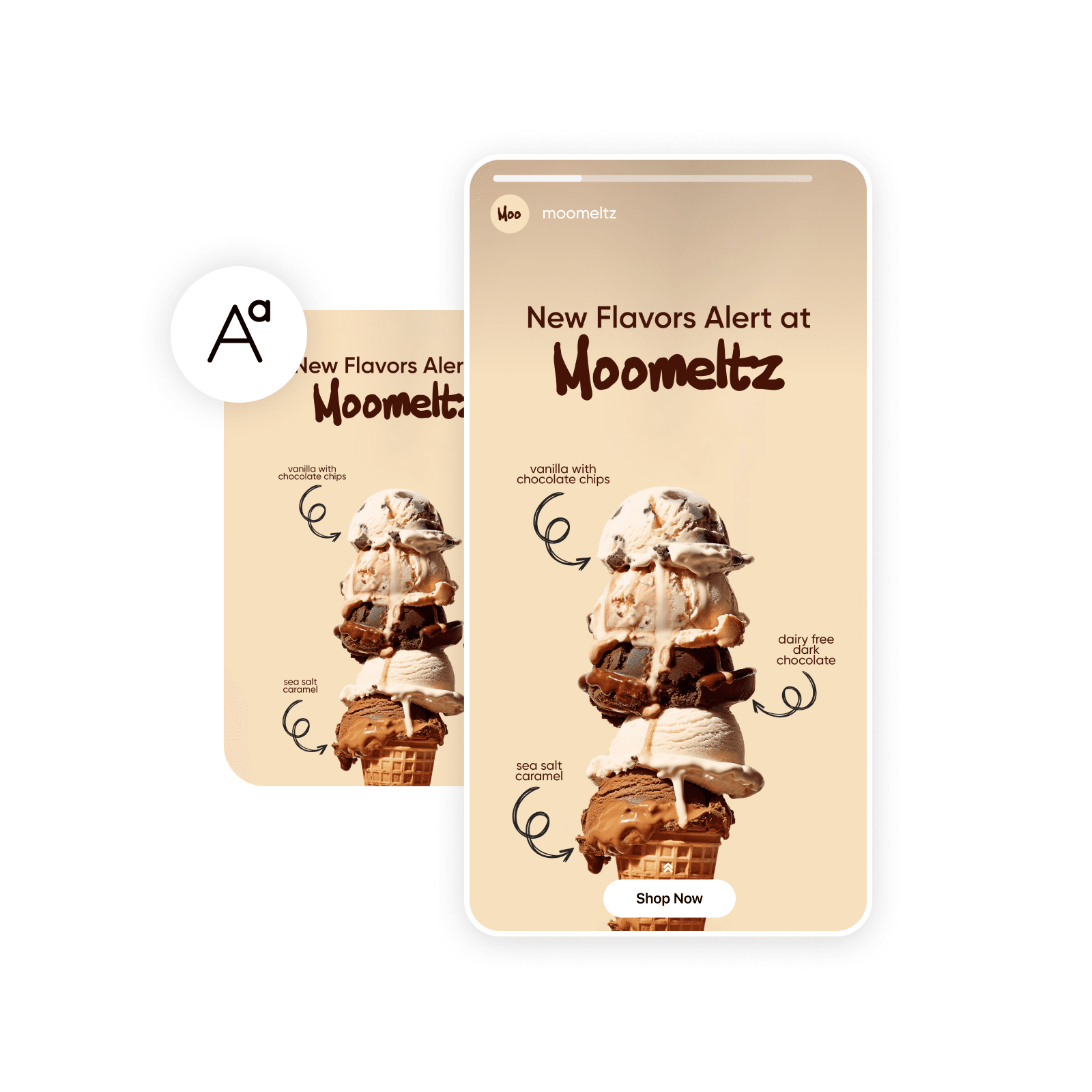
Finish the information customers need after choosing the food or drink visual.
Food and drink content questions
Create menu graphics, dish and drink photos, opening announcements, weekly specials, and social posts. Picsart Flow can also help you build short promotional videos from an image or creative brief.

Explore more food and drink content tools
Choose a tool or workflow for your next project.