Picsart యొక్క వాల్పేపర్ మేకర్తో ఉచిత అనుకూల వాల్పేపర్లను సృష్టించండి
మీ డిజిటల్ వర్క్స్పేస్లను మీ అవసరాలకు మరియు రుచికి అనుగుణంగా వాల్పేపర్లను అనుకూలీకరించండి. Picsart యొక్క ఉచిత వాల్పేపర్ మేకర్ను ఉపయోగించి మీ ఫోన్, టాబ్లెట్, ల్యాప్టాప్ మరియు డెస్క్టాప్ కోసం సులభంగా వాల్పేపర్లు మరియు బ్యాక్డ్రాప్లను సృష్టించండి. స్టిక్కర్లు, ట్రెండీ ఫాంట్స్ మరియు AI సాధనాలతో సులభంగా అనుకూల ఆర్గనైజర్ వాల్పేపర్లను రూపొందించండి.
AI చిత్రం నమూనాలతో వాల్పేపర్లను రూపకల్పన చేయండి
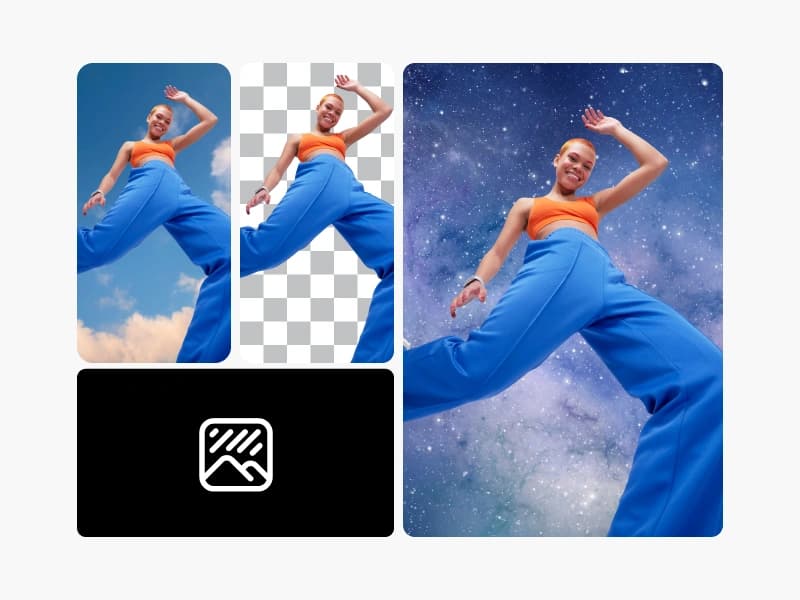
చిత్ర నమూనాలను ఉపయోగించి వాల్పేపర్లను సతి చిత్రం, డిజైన్ ఆలోచనలు మరియు సవరించడానికి సన్నద్ధమైన ఆస్తులతో మార్చండి.
వాల్పేపర్లు ఎలా సృష్టించాలి
How to
వాల్పేపర్ క్రియేటర్ను ఓపెన్ చేయండి
వాల్పేపర్ మేకర్ను ఓపెన్ చేయడానికి క్రింది బటన్ను ఉపయోగించండి.
ఏ రకమైన వాల్పేపర్లనైనా తయారు చేయండి
Picsart వాల్పేపర్ మేకర్తో ఏకాకృతమైన వాల్పేపర్లను సులభంగా సృష్టించవచ్చు. మీ గేమింగ్ ల్యాప్టాప్ కోసం అనుకూల చిత్రణ కావాలా? మీరు AI చిత్ర జనరేటర్ని ఉపయోగించి మీ ఊహించిన ప్రతిదాన్ని సృష్టించవచ్చు. మీరు స్మార్ట్ఫోన్ లేదా టాబ్లెట్ కోసం ఆకర్షణీయమైన వాల్పేపర్ని అనుకూలంగా చేస్తారా? సులభం. Picsart యొక్క అంతర్నిర్మిత ఎడిటింగ్ సాధనాలతో మీ చిత్రాన్ని పిక్సెల్ స్థాయిలో అనుకూలీకరించండి.

ప్రముఖ ఫాంట్లతో మీ వాల్పేపర్లను వ్యక్తిగతీకరించండి
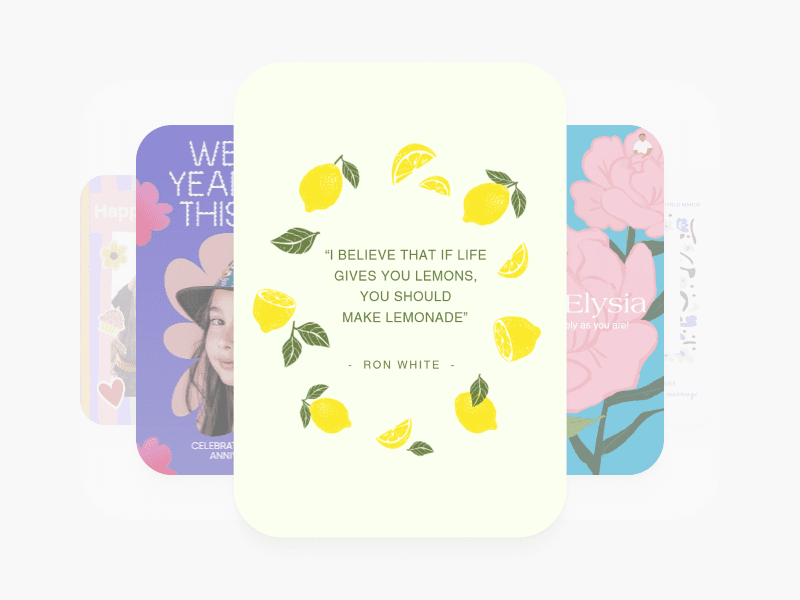
వ్యక్తిగత సందేశాలతో మీ వాల్పేపర్లను అనుకూలీకరించడానికి ఫాంట్లు మరియు పాఠ్య శైలుల లైబ్రరీను అవసరమని ఉపయోగించండి. సులభంగా మీ వాల్పేపర్లలో పాఠ్యాన్ని జోడించండి Picsart యొక్క పాఠ్య సాధనంతో మరియు విస్తృత ఫాంట్ ఎంపికతో మీ ఆలోచనను అనుకూలీకరించండి. డిజైనర్-చే డిజైన్ చేయబడిన పాఠ్య శైలులతో ఫాంట్లతో మిక్స్ చేయండి మరియు మీకు ఆకర్షణీయంగా ఉండే లేఅవుట్స్ను కూర్చండి.

ఏ వాల్పేపర్ అవసరాల కోసం ఫోటోలు
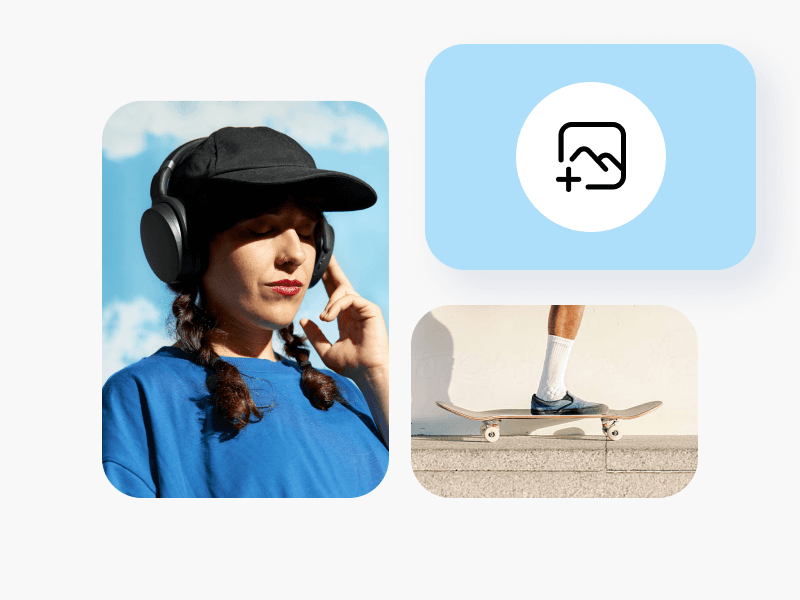
మీకు వాల్పేపర్ల కోసం పద్ధతులు, ఐడియాల కోసం పరిమితులు కాని చిత్రాల యొక్క ఒక విజువల్స్ మరియు ఆలోచనలకు సహకరిస్తుంది. ద ఫోటో గ్రంథాలయం Picsart వాల్పేపర్ క్రియేటర్లో నేరుగా అనువాదించడం జరిగింది, కాబట్టి మీరు ఇతర బ్రౌజర్ టాబ్కు మారవలసిన అవసరం లేదు. ఇంకా అద్భుత విషయం ఏమిటంటే, చాలామంది ఫోటోలు మీకు ఖచ్చితంగా ఉచితంగా అందుబాటులో ఉన్నాయి.

AI తో బ్యాక్గ్రౌండ్లు జనరేట్ చేయండి
Picsart యొక్క బ్యాక్గ్రౌండ్ మేకర్ ఉపయోగించి స్క్రీన్కు సరిపోయే మరియు మీ సృజనాత్మక దృష్టికోణాల అనుకరణపడే చిత్రణలను సులభంగా వ్యక్తీకరించండి. కస్టమ్ చిత్రాలు మరియు డిజైన్లను సృష్టించడంలో మీకు డ్రాయింగ్ లేదా డిజైన్ నైపుణ్యాలు అవసరం లేదు. కేవలం AI చిత్రం జనరేటర్ తొ పాటు పరోక్ష సారథ్యంలో సమర్పించండి చెయతూ మీరు కొనసాగించే ఏదైనా అన్వేషించండి.

Picsart తో మీ వాల్పేపర్లను వ్యక్తిగతీకరించండి
అంతుచిక్కని అనుకూలత Picsart Picsart ఆన్లైన్ ఫోటో ఎడిటర్తో మీ వాల్పేపర్లను అనుకూలీకరించండి. కష్టమైన ఎడిట్లకు సులభంగా వినియోగించడానికి అమరికలు సెట్ చేసి ఇష్టంగా ఎలా చేయాలో చూసేది సరదా! Picsart ఫోటోలలో మీ వాల్పేపర్ అవకాశాన్ని నాశనం చేసే అసంతృప్తిన ఎన్నికలు కస్టమైజ్ చేయండి. AI ఎన్హాన్స్తో పెద్ద స్క్రీన్పై మీ ఎడిట్లు చాలా అద్భుతంగా కనిపించనూ పేర్పట్ చేయండి వేగనూ చూస్తును.

Picsart Auraతో త్వరగా సృష్టించండి
ఏదైనా ఆలోచనను కస్టమ్ వాల్పేపర్లోకి మార్చడానికి సులభమైన పాఠ్య సూచనతో Picsart Aura, AI వాల్పేపర్ జనరేట్ చేసిన నిమిషాలలోజనరేట్ చేసిన తర్వాత, మొత్తం AI అనువర్తన సాధనాలను ఉపయోగించి మీ వాల్పేపర్ని రంగులు, పరిమాణం మరియు వ్యక్తిగతీకరణ పునరావృతం చేయండి
AI సాధనాలు కనుగొనండి
Picsart యొక్క పూర్తి AI ఫోటో ఎడిటింగ్ సాధనాల సూట్ను అన్వేషించి మరియు మీ అత్యంత ఎంపికల ఆలోచనలు కూడా సులభంగా చేయడానికి ప్రొటైమీట్ సలహానివ్వడానికి అవసరం లేదు.
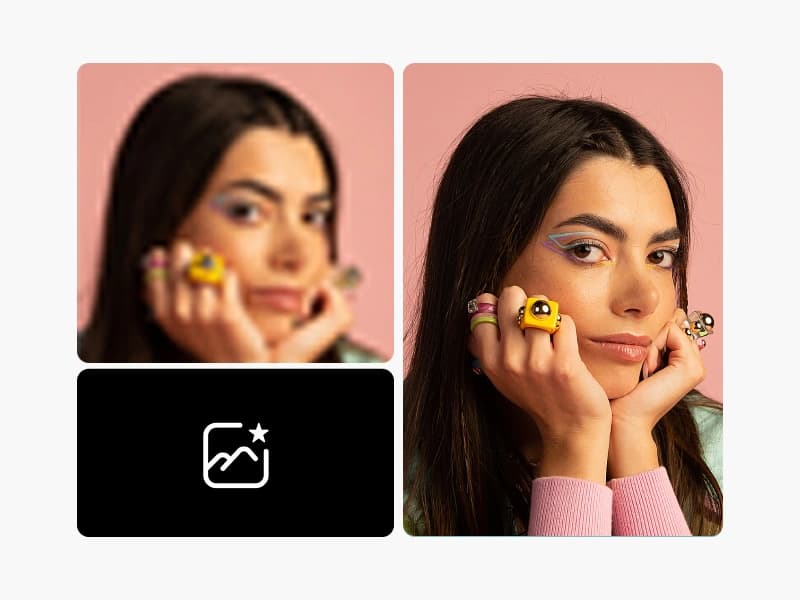
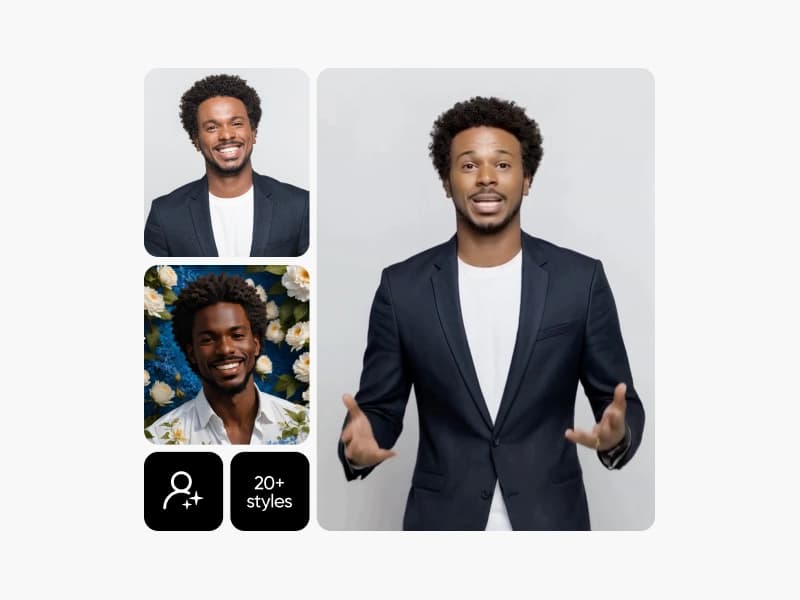
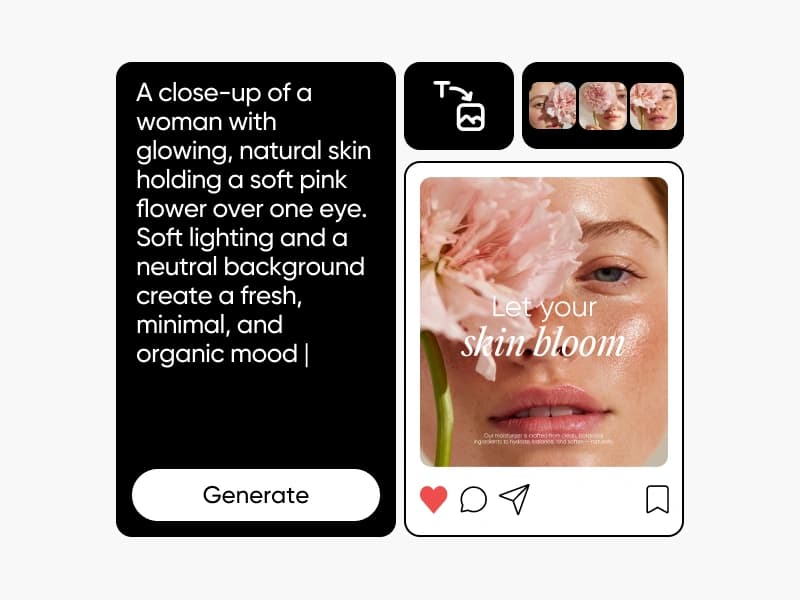
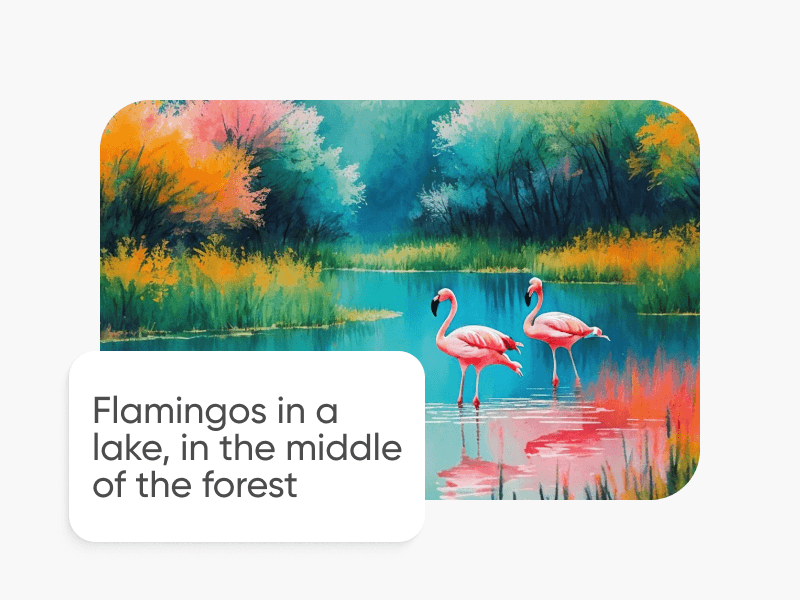

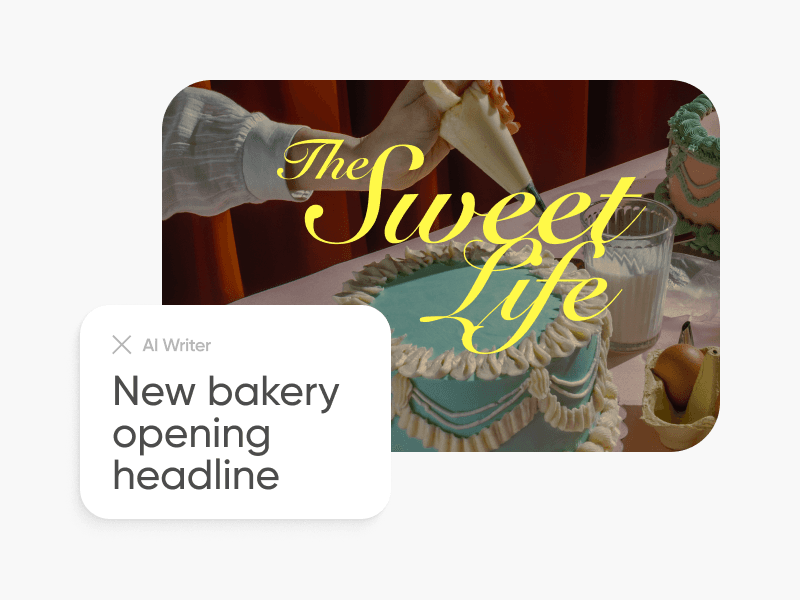
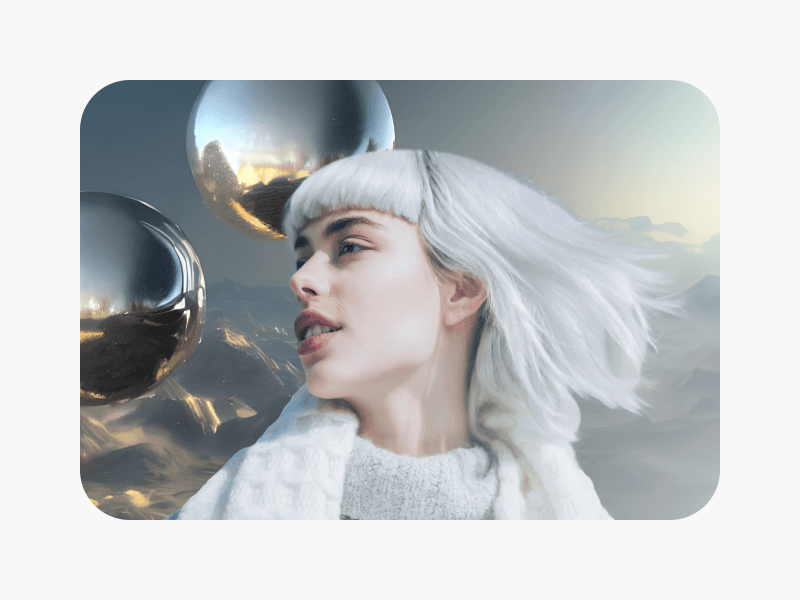
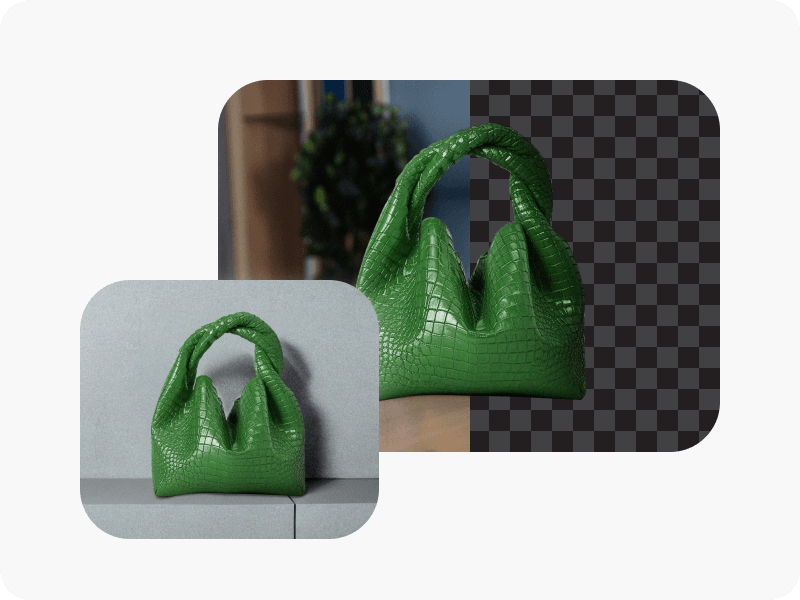
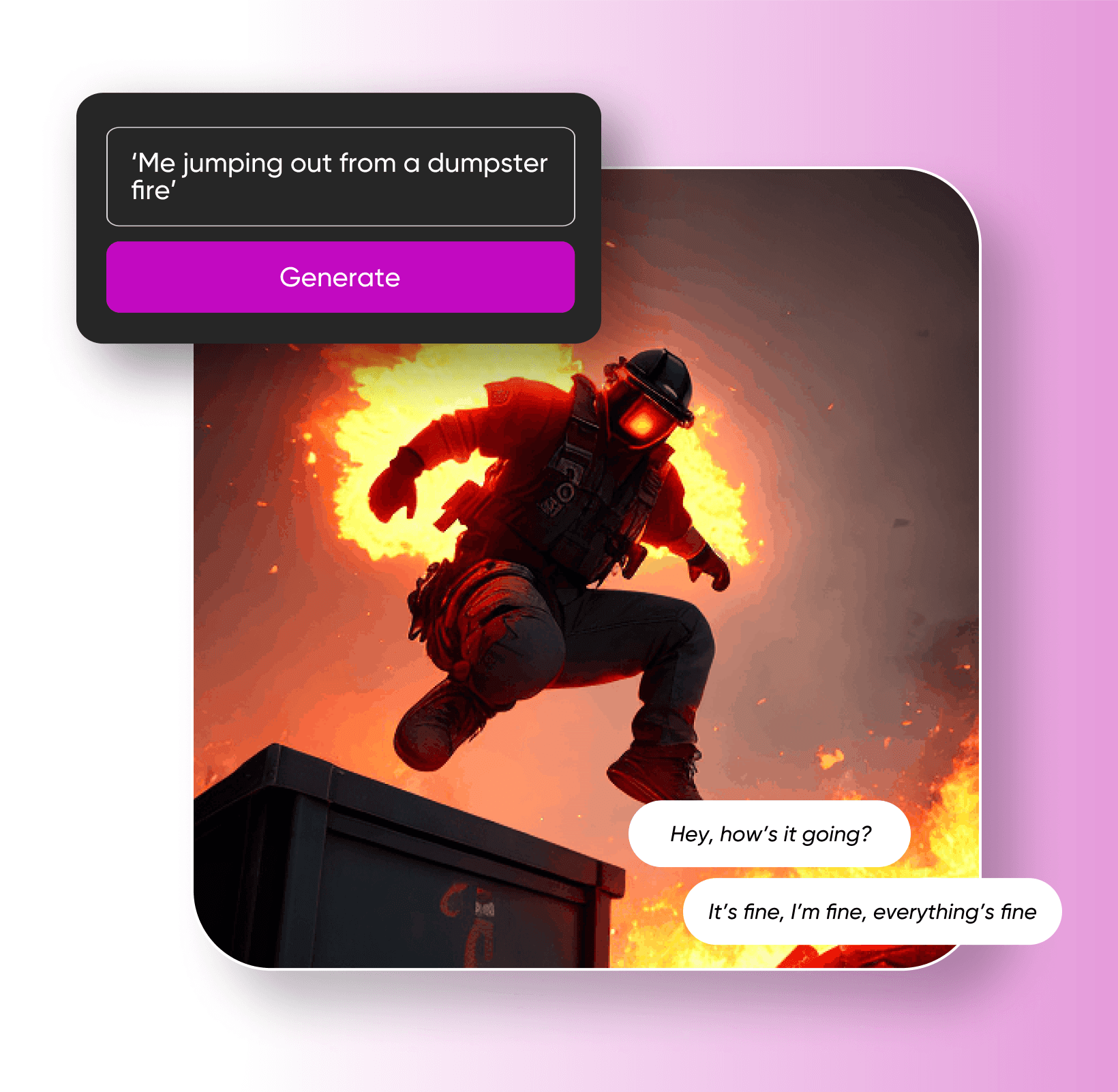
Picsart నుండి ప్రేమించేందుకు మరిన్ని ఎడిటింగ్ సాధనాలు
Picsart యొక్క ఎడిటింగ్ సాధనాల సూట్లో నేడు మీ వాల్పేపర్ నిర్మాణ ప్రయాణానికి అవసరం లేదు స౦పిక్షిండి.
వాల్పేపర్ మేకర్ ఎఫ్.ఏ.క్యూస్
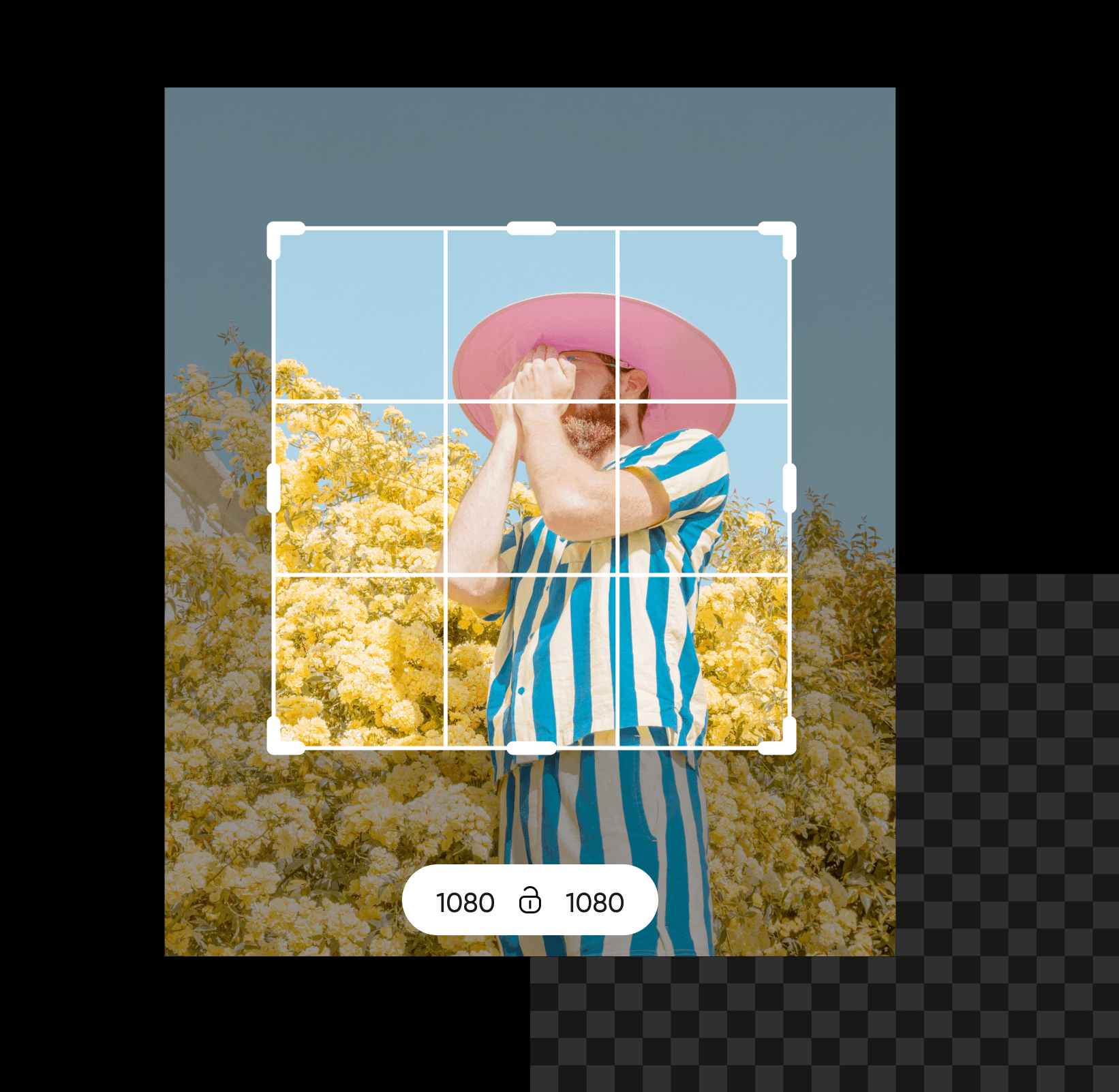
1920 x 1080 ఉత్తమమైన ప్రారంభాంశం, ఈ 16:9 దృశ్యపుళిక లక్షణాలు మరియు పిక్సెల్ గాల నిర్వచితం HDTV టెక్కు చెందినవి.
ప్రతి తెర మరియు శిల్పానికి వాల్పేపర్లను రూపకల్పన చేయండి
Pro
Most popularAI tools for everyday creative work.
Ultra
Most powerfulHeavy AI usage for creators & teams.
Enterprise
Custom AI solutions for large organizations.
- Volume discounts on credit rate
- On-demand top-ups