เครื่องมือสร้างการ์ดออนไลน์: สร้างการ์ดแบบกำหนดเองด้วย AI
สร้างการ์ดออนไลน์ใน Picsart Flow ด้วยเทมเพลตการ์ดสำเร็จรูป หรือเริ่มจากรูปภาพหรือพรอมต์ AI จะสร้างการ์ดให้พร้อมพิมพ์หรือแชร์ ตั้งแต่คำอวยพรวันเกิดไปจนถึงคำทักทายในเทศกาลและข้อความขอบคุณ
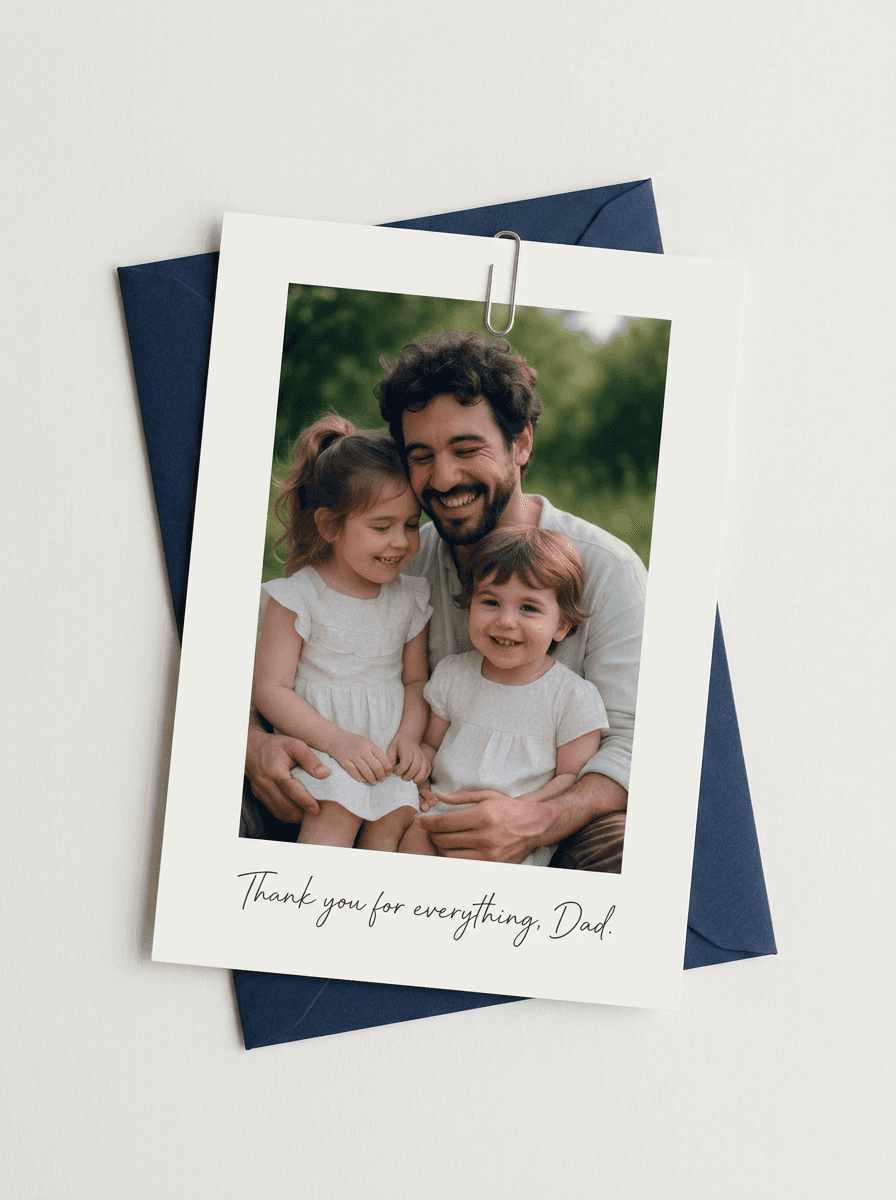
เลือกใช้โมเดลสร้างภาพ AI ชั้นนำสำหรับการ์ดของคุณ
เรียนรู้วิธีสร้างการ์ดออนไลน์ด้วย AI
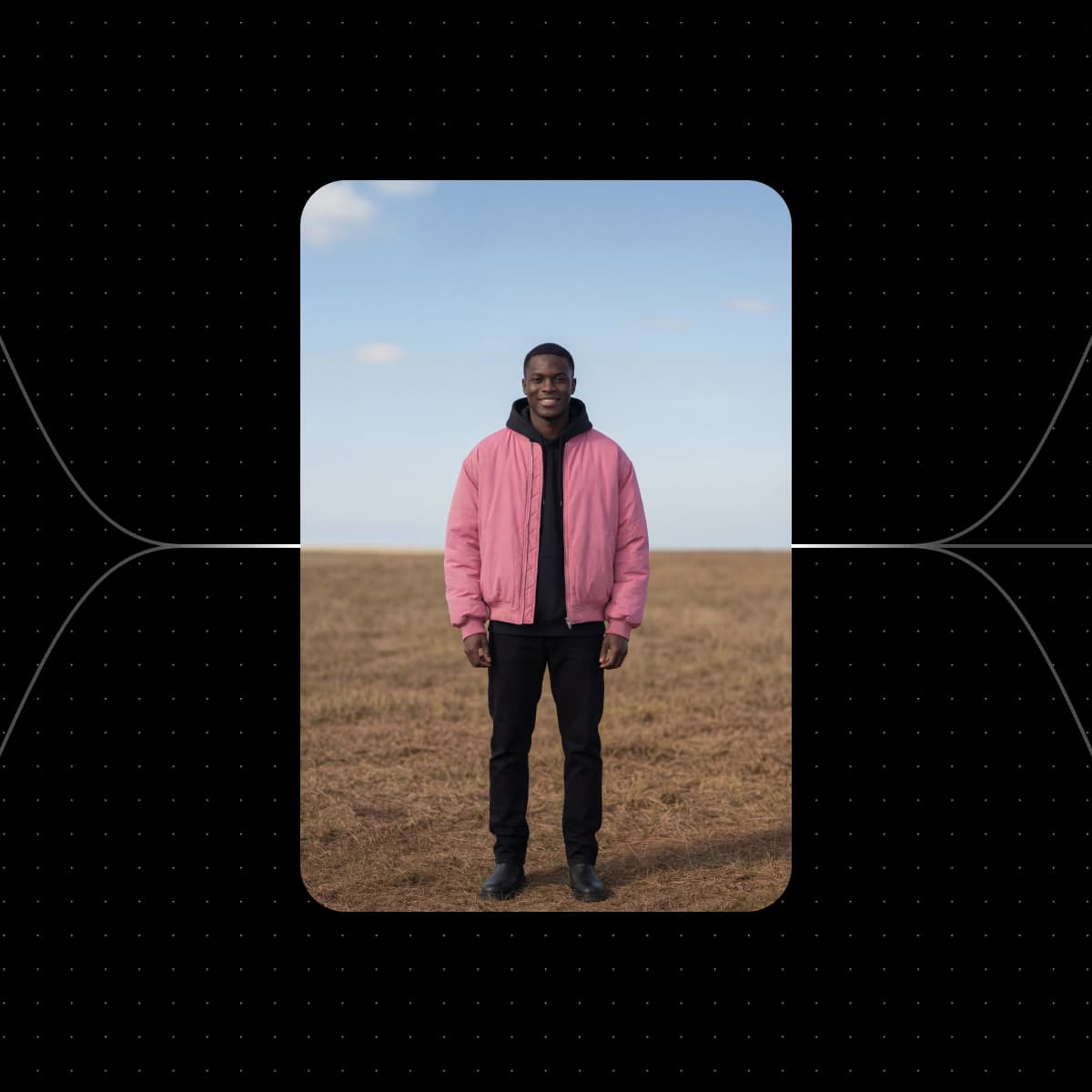
เริ่มต้นด้วยเทมเพลตดีไซน์การ์ดจาก Picsart Flow
เลือกเวิร์กโฟลว์การ์ดที่ตรงกับโอกาสของคุณมากที่สุด เปลี่ยนเป็นรูปถ่ายของคุณ แล้วเรียกใช้ ปรับขั้นตอนได้ตามต้องการและเรียกใช้อีกครั้งจนกว่าจะได้ผลลัพธ์ที่ใช่


สร้างการ์ดสำหรับทุกโอกาสด้วยเครื่องมือสร้างการ์ด
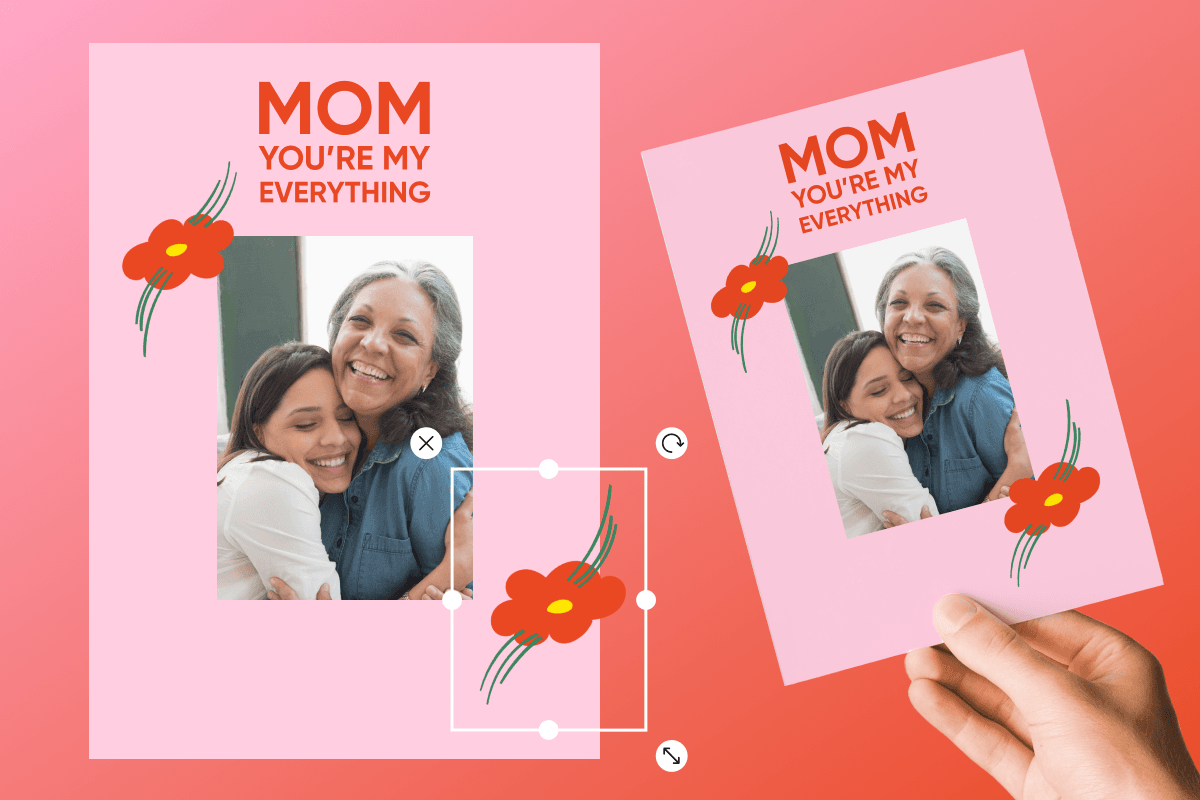
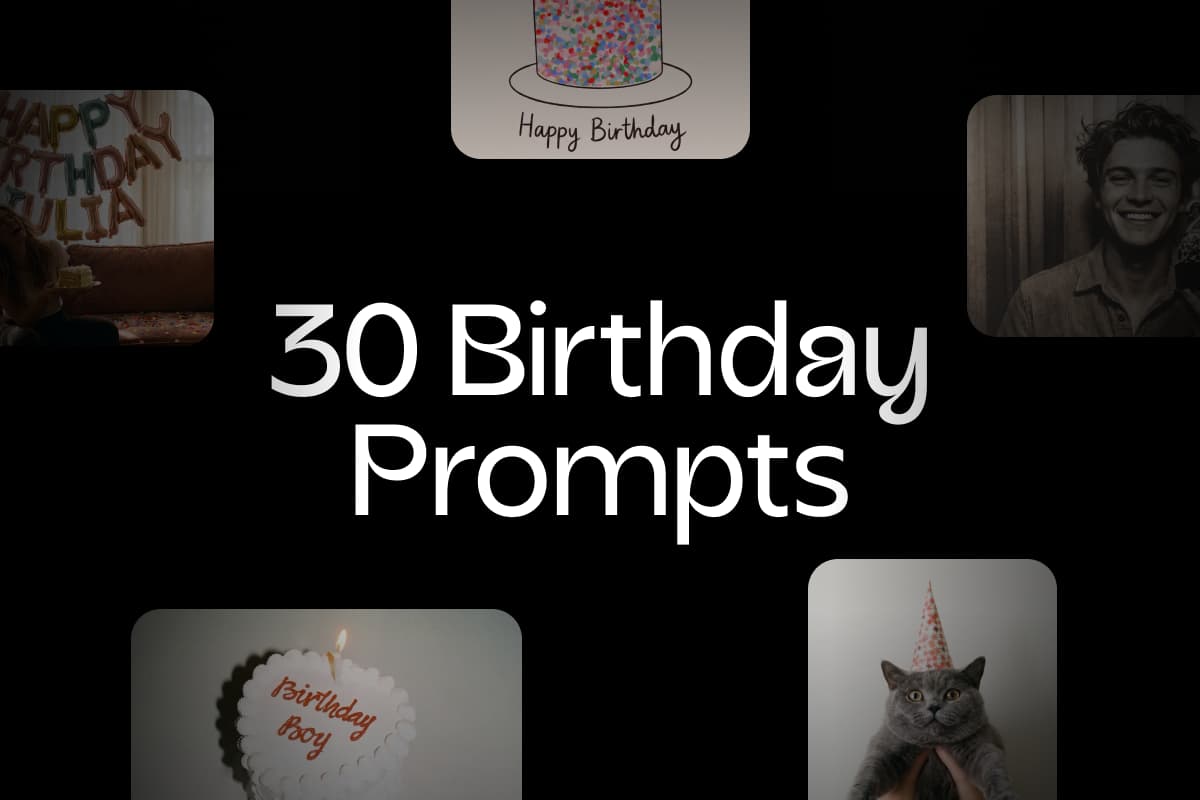
เครื่องมือสร้างการ์ดแบบกำหนดเองใน Picsart Flow รองรับทุกโอกาส ตั้งแต่เทศกาลและวันแม่ ไปจนถึงวันเกิด งานแต่งงาน และงานรับปริญญา เลือกเวิร์กโฟลว์ เปลี่ยนเป็นรูปถ่ายและข้อความของคุณ แล้วเรียกใช้เพื่อสร้างการ์ดสำหรับช่วงเวลาพิเศษที่คุณกำลังฉลอง เก็บรูปครอบครัวไว้ใน Picsart Drive แล้วเพิ่มลงในดีไซน์การ์ดได้ด้วยโหนด Asset ซึ่งนำรูปที่บันทึกไว้ทุกเวอร์ชันเข้ามาในเวิร์กโฟลว์ เมื่อถึงโอกาสถัดไป ก็เปลี่ยนธีมในพรอมต์แล้วเรียกใช้เวิร์กโฟลว์เดิมอีกครั้ง

สร้างสรรค์ดีไซน์การ์ดที่เป็นตัวคุณอย่างแท้จริง
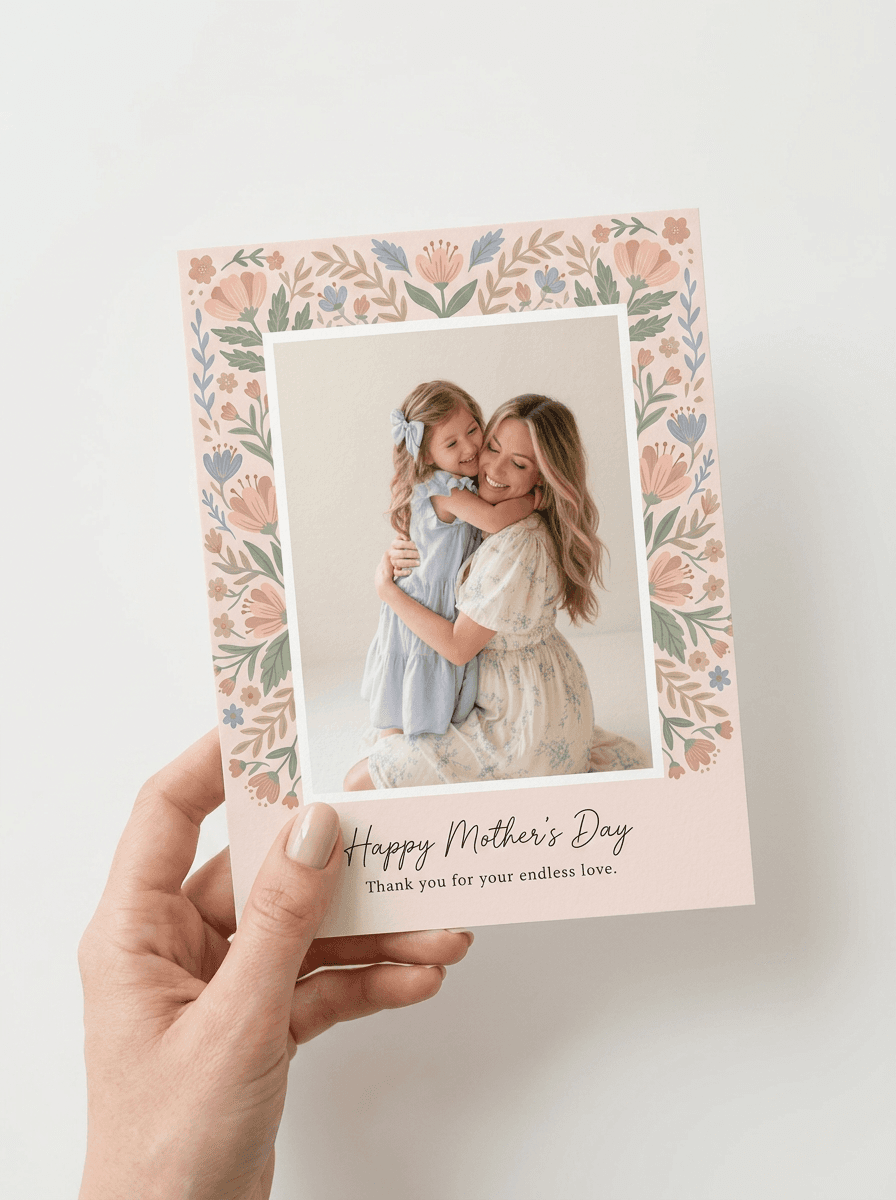
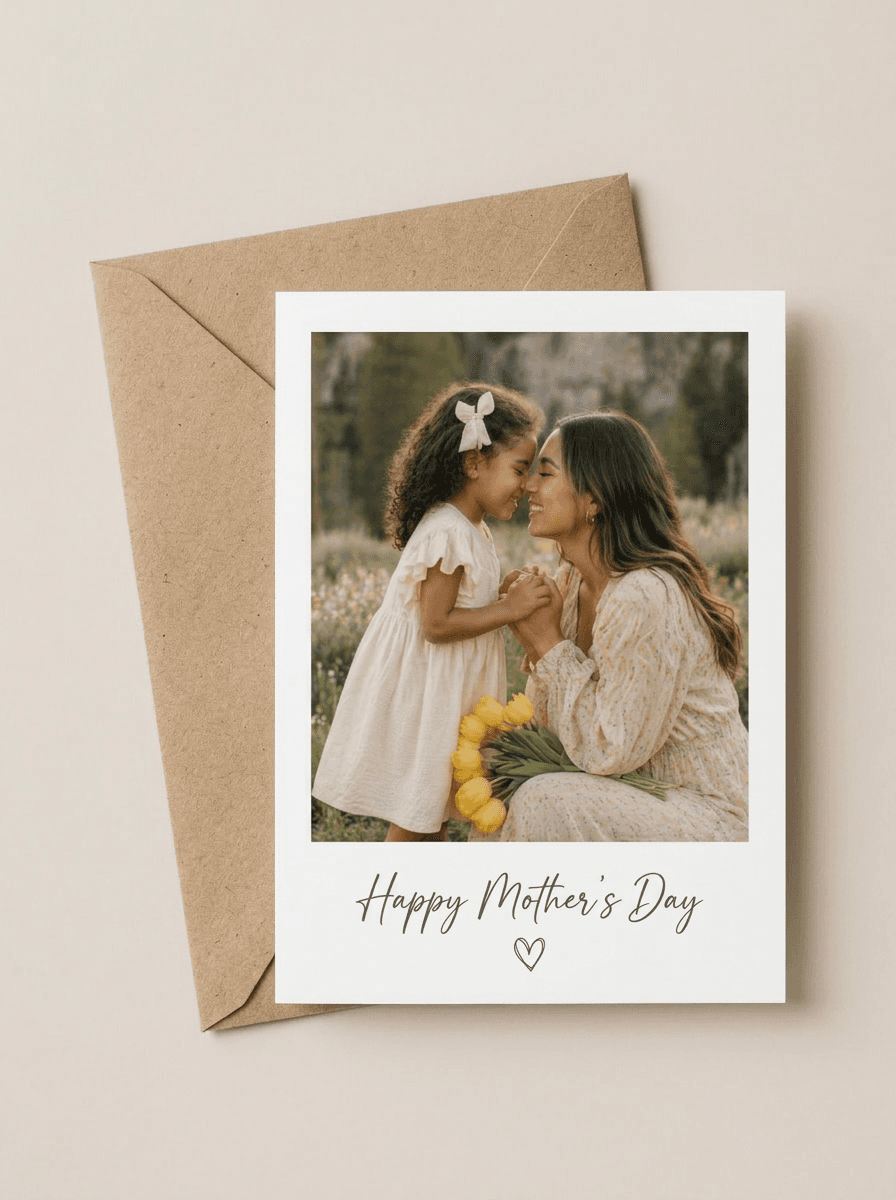
สร้างการ์ดในแบบของคุณ พร้อมรายละเอียดเฉพาะตัวที่ผู้รับจะจดจำได้ วางภาพพอร์ตเทรตลงในเครื่องมือสร้างการ์ดรูปถ่าย แล้วเวิร์กโฟลว์จะสร้างการ์ดให้เข้ากับภาพนั้น ตั้งแต่เลย์เอาต์วันแม่ลายดอกไม้ไปจนถึงการ์ดที่ระลึกสไตล์ Polaroid หากต้องการทำการ์ดร่วมกันหลายคน ก็เชิญครอบครัวหรือเพื่อนร่วมงานมาใช้แคนวาสของเครื่องมือสร้างการ์ดออนไลน์เดียวกัน เพื่อเพิ่มรูปถ่ายและแสดงความคิดเห็นแบบเรียลไทม์ ใช้กรอบและแท็กสีเพื่อจัดระเบียบแคนวาสที่มีองค์ประกอบมากมาย และค้นหาโหนดหรือโน้ตติดแคนวาสได้ในไม่กี่วินาที เพื่อให้หาเนื้อหาที่ทุกคนมีส่วนร่วมได้ง่าย
สร้างดีไซน์การ์ดได้ทุกรูปแบบด้วยเครื่องมือสร้างการ์ด AI
บอกโอกาส สไตล์ สี และข้อความที่ต้องการ แล้ว Picsart Flow จะเปลี่ยนสิ่งเหล่านั้นให้เป็นดีไซน์การ์ดด้วย AI คลิกขวาที่ใดก็ได้ ค้นหาโมเดล แล้วกด Enter เพื่อเพิ่มโมเดลในตำแหน่งที่ต้องการในเวิร์กโฟลว์สร้างการ์ด ช่วยให้คุณสร้างเวิร์กโฟลว์การ์ดได้รวดเร็วยิ่งขึ้น ชุดเครื่องมือเดียวกันนี้ยังช่วยทำสำเนาเฟรมทั้งชุด เชื่อมต่อหลายโหนดด้วยการลากเพียงครั้งเดียว และแสดงรายการทุกการสร้างไว้ในคิวการทำงาน ใช้ Flow เป็นเครื่องมือสร้างการ์ดด้วย AI: เปลี่ยนโมเดลให้หลายโหนดพร้อมกัน แล้วกด Shift+Click Generate เพื่อเรียกใช้ทั้งชุดอีกครั้ง
แก้ไขทุกรายละเอียดด้วยเครื่องมือแก้ไขการ์ดบนแคนวาส
การแก้ไขการ์ดใน Flow ทำได้ง่ายด้วยการแก้ไขภาพด้วย AI บนแคนวาส ซึ่งช่วยวาดทับพื้นที่ใดพื้นที่หนึ่ง ขยายภาพ ปรับแสงให้คลิป หรือถ่ายภาพใหม่จากมุมมองอื่นได้ หากต้องการแก้ไขการ์ด ให้ใช้ Inpaint ระบายทับชื่อ รูปถ่าย หรือคำอวยพร แล้วบรรยายสิ่งที่ต้องการเปลี่ยน เฉพาะส่วนนั้นของดีไซน์การ์ดจะเปลี่ยนไป ส่วนที่เหลือยังคงเหมือนเดิมทุกพิกเซล ชิปอัตราส่วนภาพของ Outpaint ช่วยขยายการ์ดให้ได้อัตราส่วนสำหรับงานพิมพ์ที่ต้องการ และทุกการแก้ไขการ์ดจะถูกเพิ่มเป็นโหนดใหม่ โดยเก็บต้นฉบับไว้เหมือนเดิม
เพิ่มชีวิตชีวาให้การ์ดด้วยแอนิเมชัน
เปลี่ยนการ์ดที่เสร็จแล้วให้เป็นคำอวยพรเคลื่อนไหวด้วยโหนด Camera Motion ใน Picsart Flow โดยจะสร้างคลิปความยาว 5 to 15 วินาที ที่กล้องซูมเข้าไปหรือเคลื่อนวนรอบ ขณะที่ดีไซน์การ์ดยังคงเหมือนเดิมทุกประการ เครื่องมือสร้างการ์ดดิจิทัลนี้ให้ทั้งคลิปสำหรับส่งทางออนไลน์และการ์ดภาพนิ่งสำหรับพิมพ์ หากต้องการไอเดียเพิ่มเติม ลองดูเวิร์กโฟลว์สร้างแอนิเมชันวิดีโอด้วย AI ที่มีเทมเพลตการเคลื่อนไหว คำบรรยายเคลื่อนไหว และฉากที่เปลี่ยนภาพเดียวให้เป็นเรื่องสั้น
พิมพ์การ์ดให้สวยคมชัดทั้งบนกระดาษและหน้าจอ
การ์ดสำหรับพิมพ์จาก Picsart Flow คมชัดบนกระดาษเช่นเดียวกับบนหน้าจอ ก่อนพิมพ์ ให้เพิ่มความละเอียดของภาพด้วย AI เครื่องมือเพิ่มความละเอียดจะขยายภาพ 2x หรือ 4x โดยยังคงพื้นผิวและตัวอักษรขนาดเล็กให้คมชัด จากนั้นดาวน์โหลดและพิมพ์การ์ดออนไลน์ของคุณที่บ้านบนกระดาษการ์ด หรือแชร์การ์ดทางออนไลน์
- เริ่มจากภาพที่คมชัดและมีแสงดี เพื่อให้งานพิมพ์ดูชัดเจน
- ใช้ข้อความสั้นเพื่อให้อ่านง่ายบนด้านหน้าการ์ด
- เลือกขนาดมาตรฐาน 5 × 7 นิ้ว แล้วพิมพ์บนกระดาษการ์ด





คำตอบเกี่ยวกับเครื่องมือสร้างการ์ดออนไลน์
มี คุณเริ่มใช้งานได้ฟรี การสร้างบัญชี Picsart และเปิดเทมเพลตการ์ด Picsart Flow ไม่มีค่าใช้จ่าย การสร้างดีไซน์จะใช้เครดิต AI ในแพ็กเกจ Picsart ของคุณ และ Flow จะแสดงค่าใช้จ่ายโดยประมาณก่อนเรียกใช้แต่ละครั้ง คุณจึงใช้เครดิตเฉพาะตอนสร้างการ์ดเท่านั้น
ออกแบบการ์ดให้เข้ากับทุกข้อความและทุกช่วงเวลา
Pro
Most popularAI tools for everyday creative work.
Ultra
Most powerfulHeavy AI usage for creators & teams.
เลือกเครื่องมือสร้างการ์ดที่ใช่สำหรับทุกช่วงเวลา
กำลังหาเครื่องมือสร้างการ์ดออนไลน์ฟรีสำหรับโอกาสใดโอกาสหนึ่งอยู่ไหม เริ่มจากหน้า Picsart เหล่านี้ได้เลย