وال پیپر میکر: AI کے ساتھ کسٹم وال پیپر بنائیں
اپنے فون یا ڈیسک ٹاپ کے لیے Picsart Flow میں کسی تصویر، پرامپٹ یا پہلے سے تیار ورک فلو سے وال پیپر بنائیں۔ اپنی اسکرین کے لیے تناسب منتخب کریں، پھر جب بھی نیا انداز چاہیں، وہی ورک فلو دوبارہ چلائیں۔
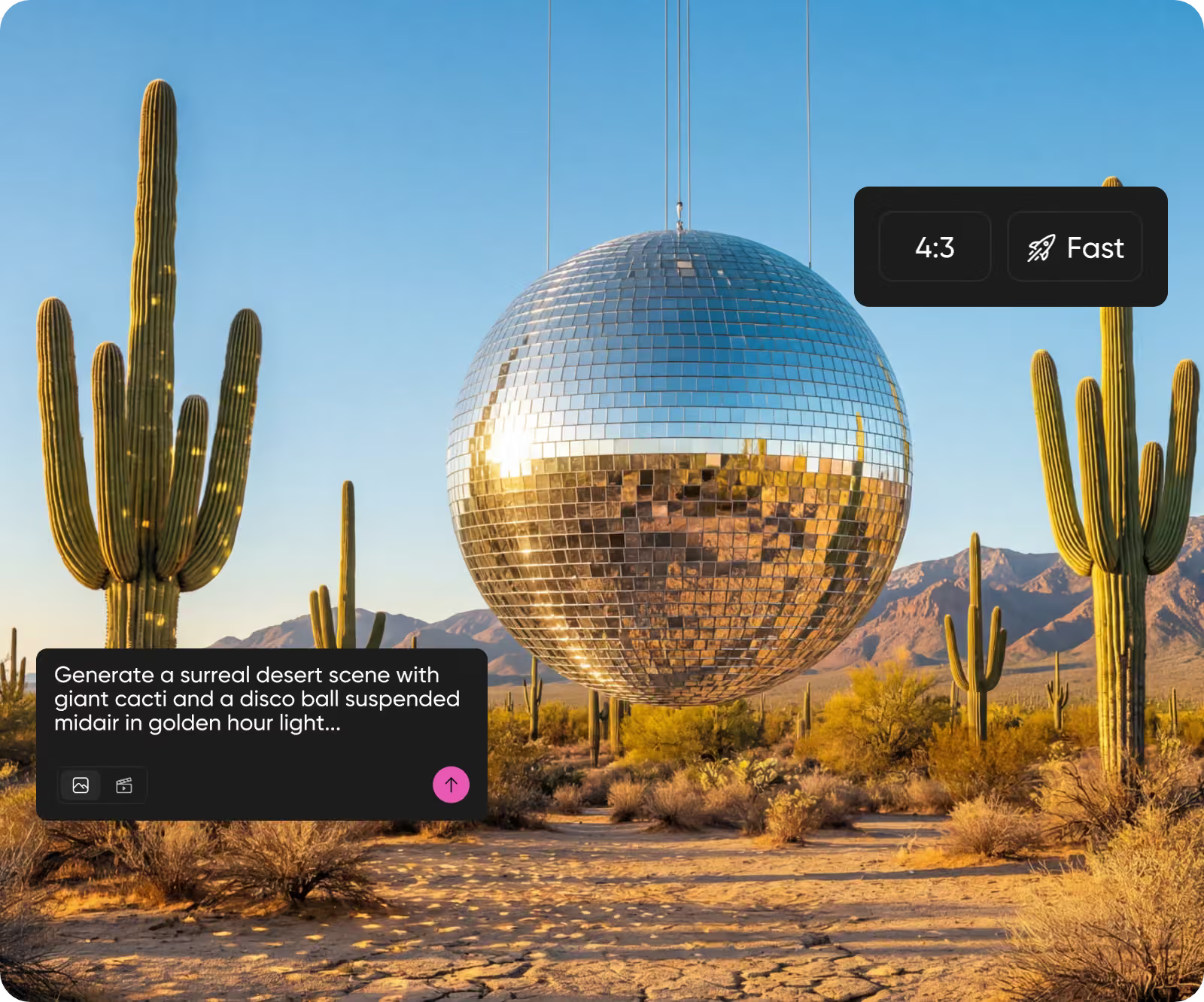
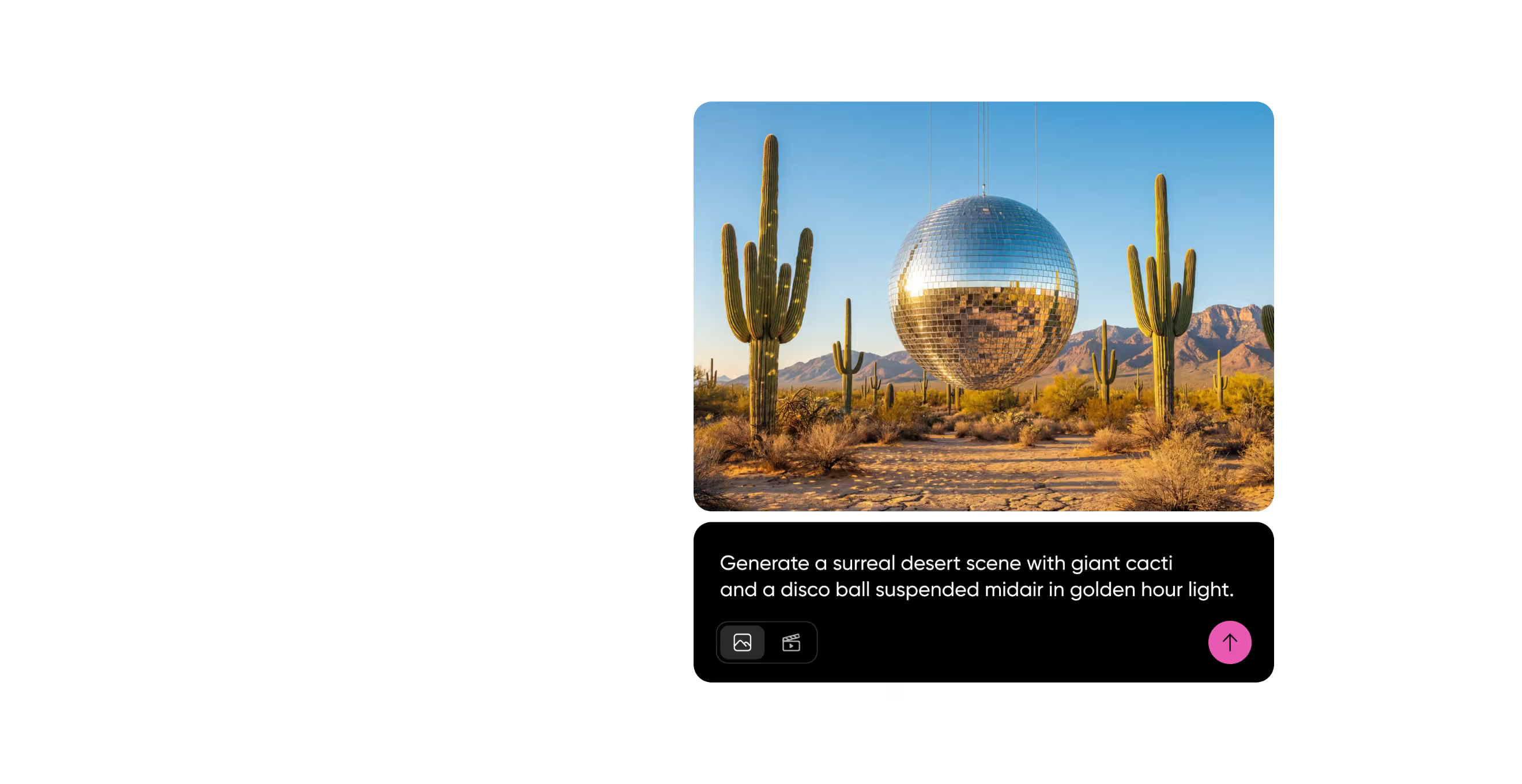
AI امیج ماڈلز کے ساتھ وال پیپر ڈیزائن کریں
جانیں کہ AI کے ساتھ اپنا وال پیپر کیسے بنائیں
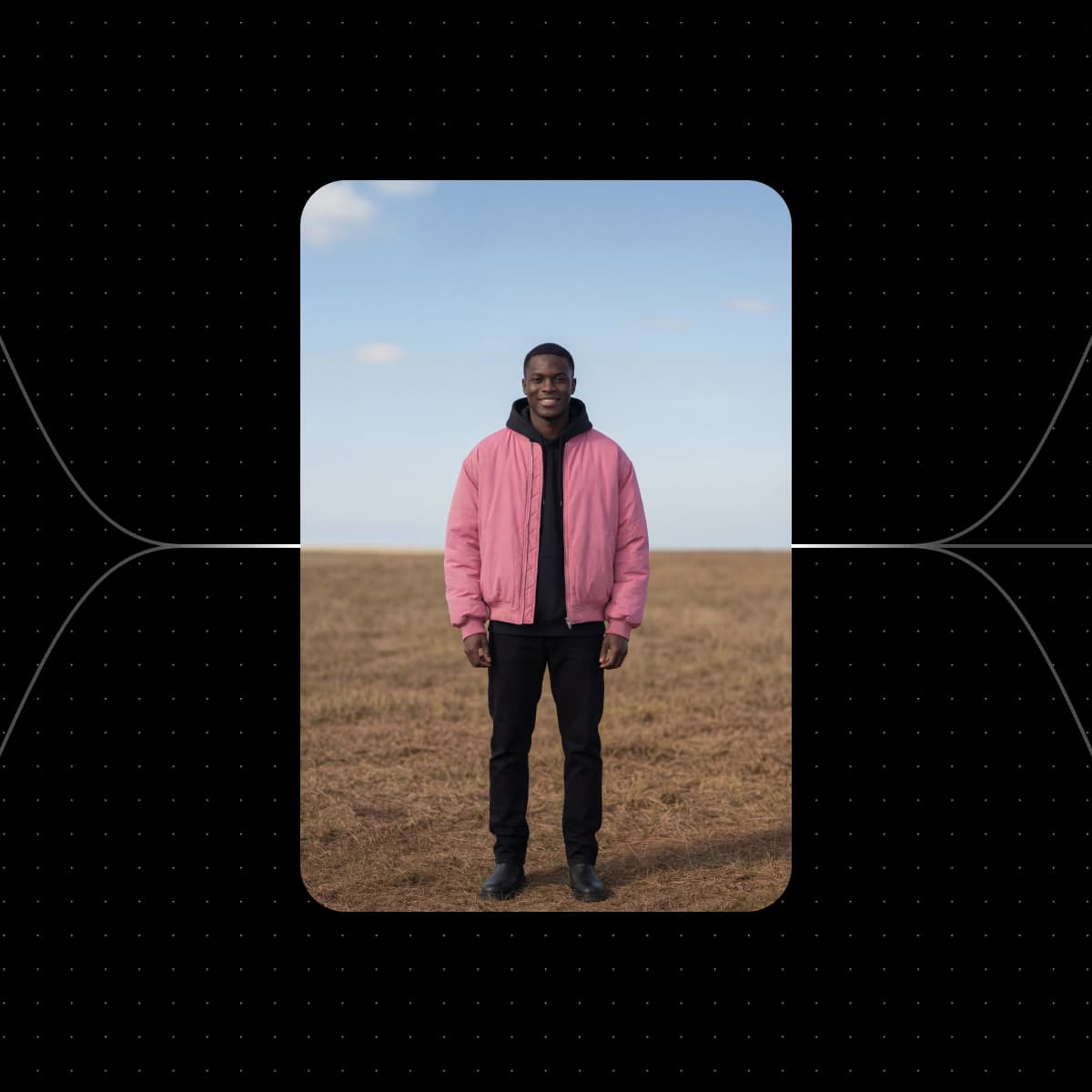
Picsart Flow کے وال پیپر ورک فلو سے آغاز کریں
نیچے دیا گیا ہر ورک فلو پہلے ہی وال پیپر کے لیے تیار تصویر یا کلپ بناتا ہے۔ اپنی تصویر شامل کریں، اسکرین منتخب کریں اور ورک فلو چلائیں۔


ایک ہی پرامپٹ سے بنے وال پیپر دیکھیں
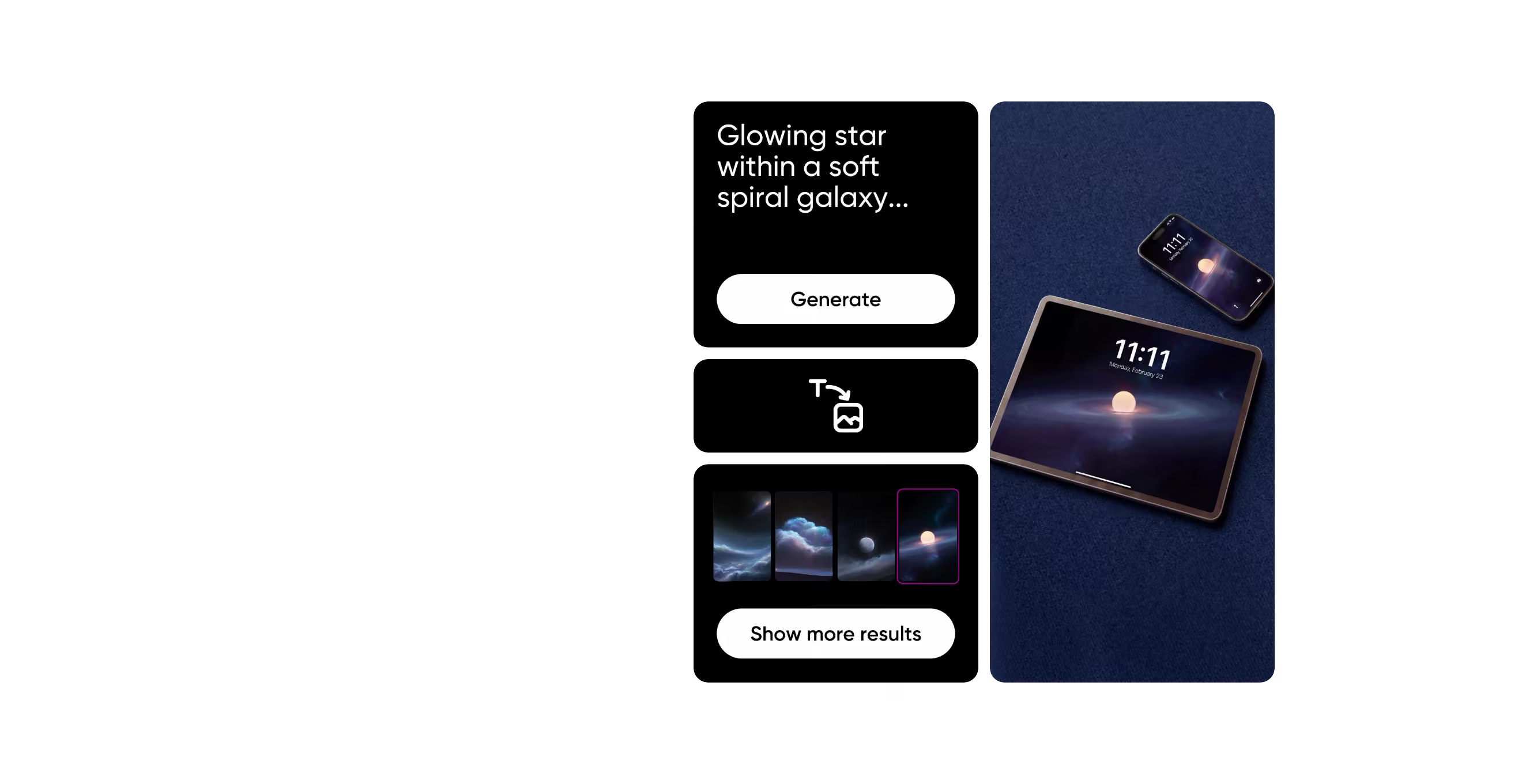
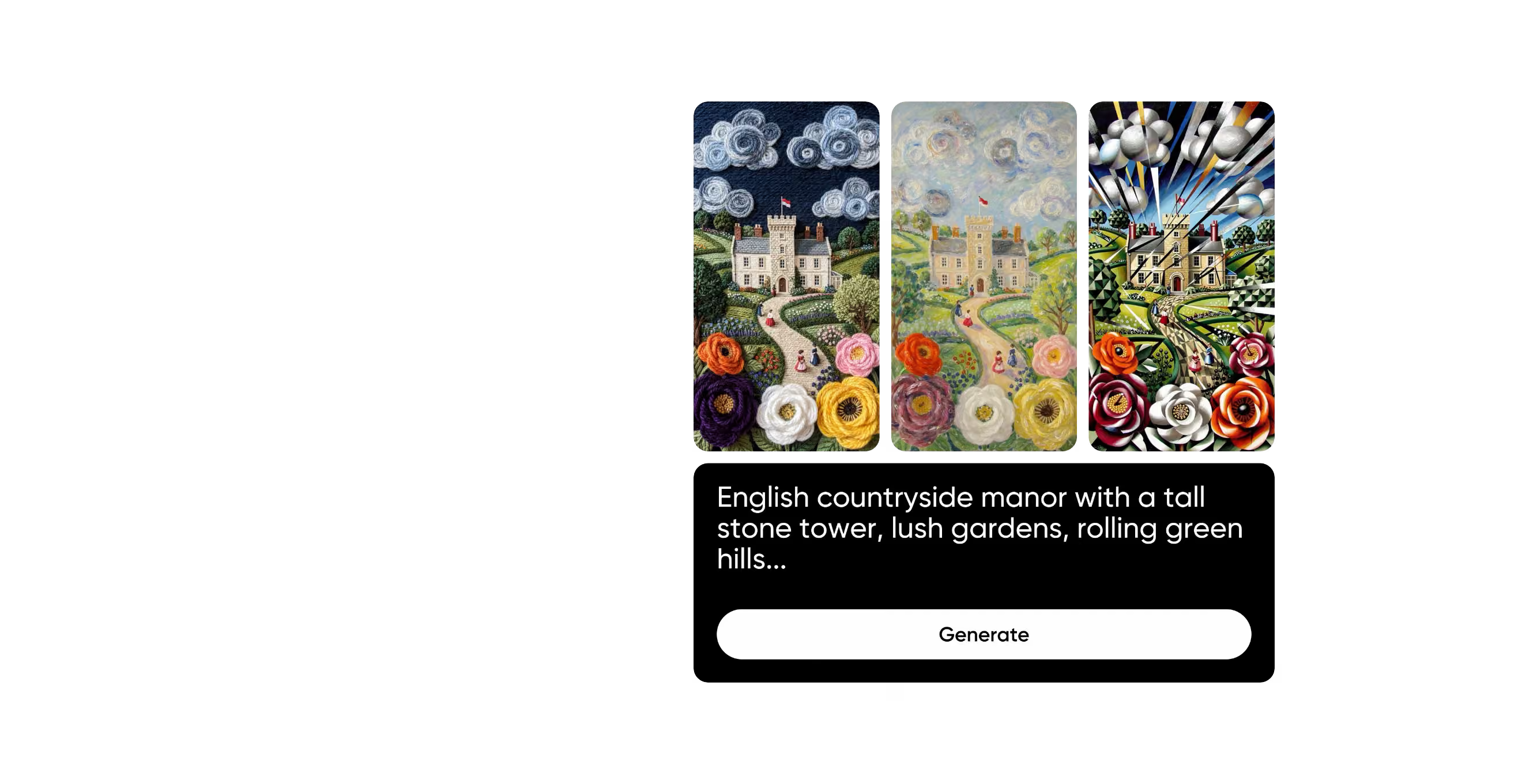
چمکتا ہوا خلائی منظر، فون اور ٹیبلٹ کی لاک اسکرین کے لیے۔
نرم گھومتی کہکشاں کے اندر چمکتا ہوا ستارہ…
ہر اسکرین کے لیے کسٹم وال پیپر بنائیں
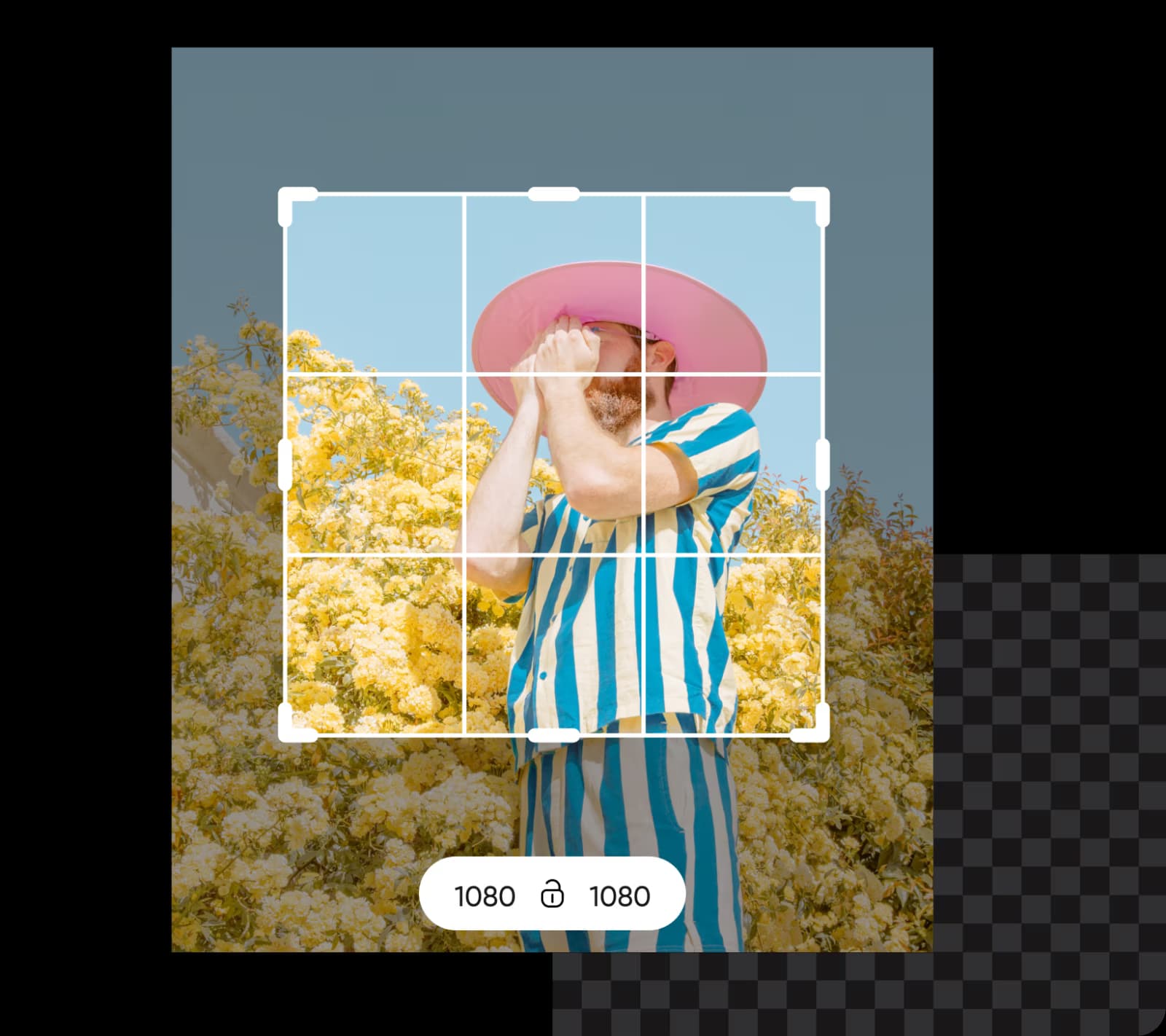
Picsart Flow کا یہ کسٹم وال پیپر میکر آپ کے iPhone یا Android فون، iPad، لیپ ٹاپ اور PC کے لیے ڈیزائن بناتا ہے۔ ایک بار وال پیپر آرٹ بنائیں، پھر Outpaint کے aspect chips سے اسے 9:16 یا 16:9 تک پھیلائیں۔ اصل تصویر اپنی جگہ رہتی ہے، اس لیے ہر ڈیوائس پر آپ کا مرکزی موضوع فریم میں رہتا ہے۔ 4K ڈیسک ٹاپ وال پیپر کے لیے Nano Banana 2 جیسا ماڈل منتخب کریں، جو 4K تک آؤٹ پٹ دیتا ہے، تاکہ بڑی اسکرین پر بھی تصویر واضح رہے۔
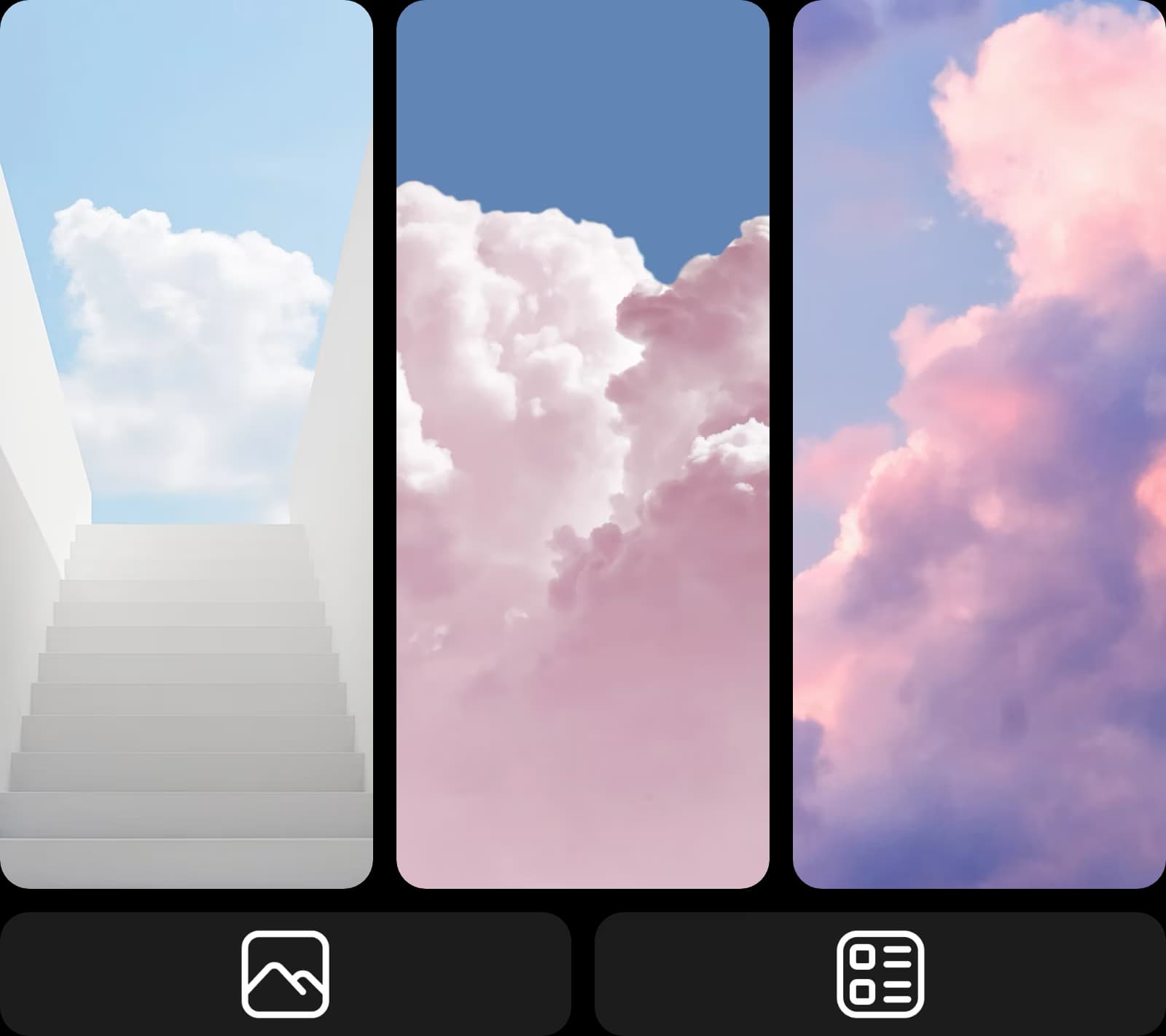
AI وال پیپر جنریٹر سے کوئی بھی انداز بنائیں
بارش والی اینیمی گلیوں سے لے کر پُرسکون کہکشاں تک، اپنے پسندیدہ انداز کی تفصیل بتائیں اور Picsart Flow آپ کا وال پیپر بنا دے گا۔ Flow میں ورک فلو بنانے کو تیز کرنے کے شارٹ کٹس موجود ہیں: ایک ہی ڈریگ میں ایک تصویر کو کئی امیج نوڈز سے منسلک کریں اور ایک بار میں پیسٹل، واٹر کلر یا نیون انداز آزمائیں، رائٹ کلک سے کوئی بھی ماڈل شامل کریں، اور رن کیو میں ہر جنریشن دیکھیں۔ پرامپٹ میں تبدیلی کریں اور Shift+Click Generate سے پوری چین دوبارہ چلائیں، یہاں تک کہ AI سے بنا وال پیپر بالکل آپ کی پسند کا ہو جائے۔ کسی بھی انداز میں اپنا پس منظر بنائیں۔
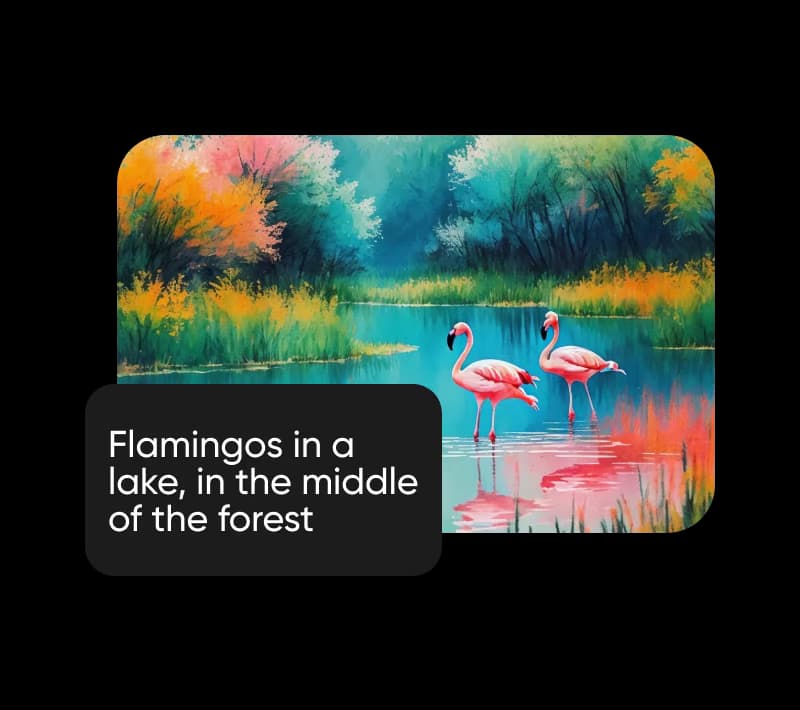
اپنی تصاویر کو وال پیپر کولیج میں بدلیں
تصاویر اپ لوڈ کرکے Picsart Flow کو وال پیپر میکر کے طور پر استعمال کریں، چاہے ایک پورٹریٹ ہو یا پورے سفر کی تصاویر۔ ایک تصویر کے لیے، سورج ڈوبتے ساحل پر پورٹریٹ ورک فلو آپ کی پورٹریٹ کو غروبِ آفتاب کے وقت ساحل کے پس منظر میں رکھتا ہے، جبکہ اوپر دیا گیا چیری بلاسم ورک فلو اسے بہار کے پھولوں کے نیچے دکھاتا ہے۔ دونوں فون اسکرین کے لیے موزوں ہیں۔ متعدد تصاویر کے لیے، کولیج وال پیپر میکر ورک فلو انہیں ایک عمودی لے آؤٹ میں ترتیب دیتا ہے۔ وال پیپر اِن پٹ میں تصویر بدلیں اور نئے لے آؤٹ کے لیے اسے دوبارہ چلائیں۔
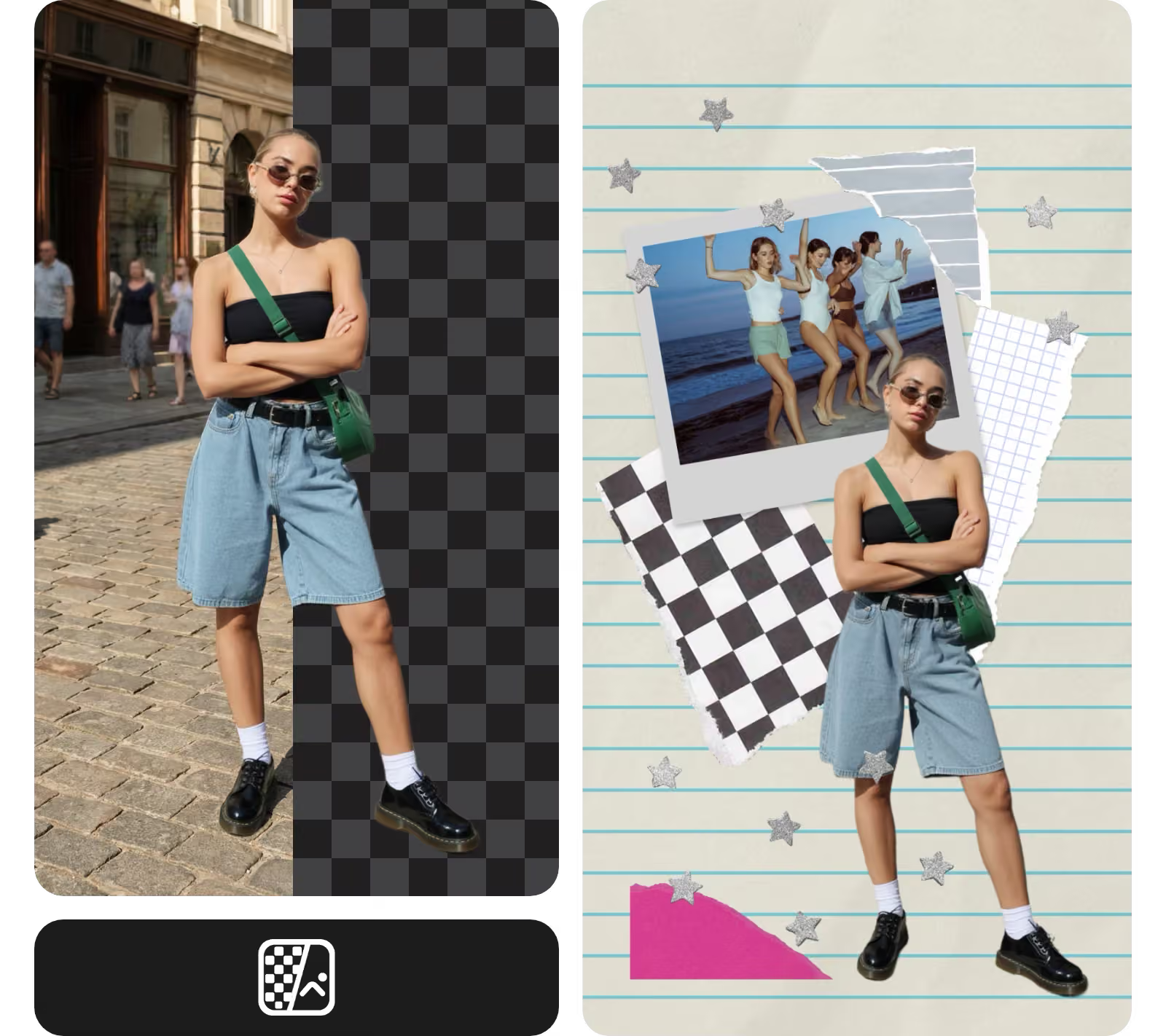
Flow کینوس پر ہی اپنا وال پیپر ایڈٹ کریں
کچھ تصاویر وال پیپر کے لیے تقریباً ٹھیک ہوتی ہیں، بس ان میں کوئی ایک چیز توجہ ہٹا رہی ہوتی ہے۔ Flow کے جنریٹو ایڈیٹنگ ٹولز کینوس چھوڑے بغیر یہ مسئلہ حل کرتے ہیں۔ انہی ٹولز سے تصویر کو اس کی سرحدوں سے آگے پھیلایا یا نئے زاویے سے دوبارہ بنایا جا سکتا ہے۔ کسی اجنبی، سائن یا بکھری ہوئی چیز پر Inpaint سے برش کریں اور بتائیں کہ اس کی جگہ کیا ہونا چاہیے۔ صرف وہی حصہ بدلے گا، جبکہ آپ کا باقی کسٹم وال پیپر پکسل بہ پکسل ویسا ہی رہے گا۔ لاک اسکرین کی گھڑی کے لیے جگہ بنانے کی خاطر اوپر والا حصہ بھی اسی طرح صاف کریں۔ ہر ترمیم ایک نئے نوڈ میں آتی ہے، اس لیے آپ کی اصل تصویر بالکل ساتھ موجود رہتی ہے۔
ہر موسم اور موقع کے لیے تھیم والے وال پیپر بنائیں
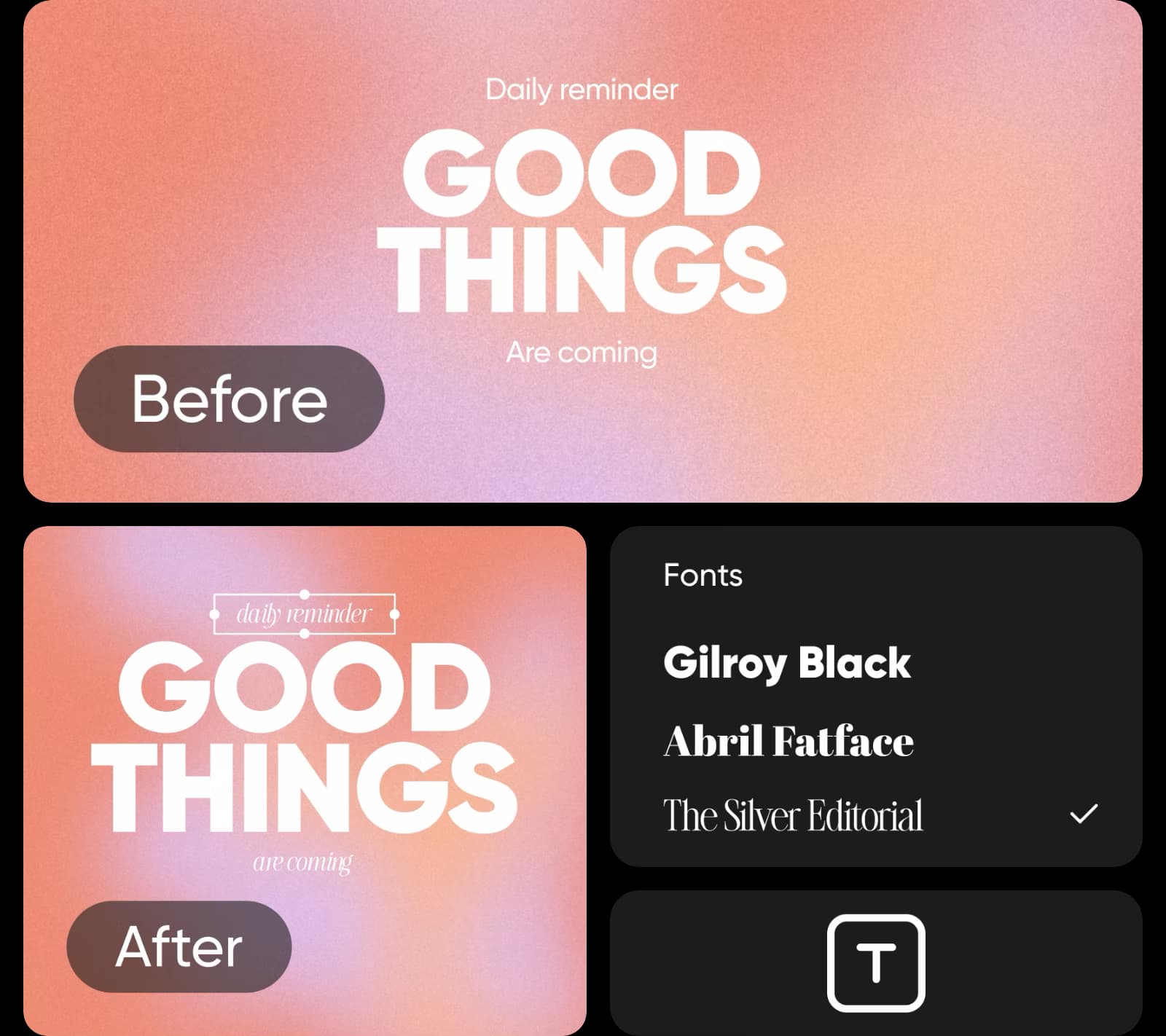
ہر موسم، تہوار یا شوق کے لیے کسٹم وال پیپر بنائیں، خزاں کے پتوں اور برفیلے کیبن سے لے کر گیمنگ سیٹ اپ یا پسندیدہ قول تک۔ تھیم پرامپٹ میں لکھیں یا Kyoto کے بہار کے ٹائم لیپس جیسے موسمی ورک فلو سے شروع کریں، جو بہار کے منظر کو ایک مختصر سنیماٹک کلپ میں بدل دیتا ہے۔ نیا وال پیپر بنانے کے لیے جب چاہیں اسی ورک فلو کو نئی تھیم کے ساتھ دوبارہ چلائیں، اور ہر ورژن کو ایک ہی کینوس پر محفوظ رکھیں تاکہ بعد میں دوبارہ استعمال کر سکیں۔
ایسے وال پیپر ڈیزائن کریں جو آپ کی اسکرین کے لیے موزوں ہوں
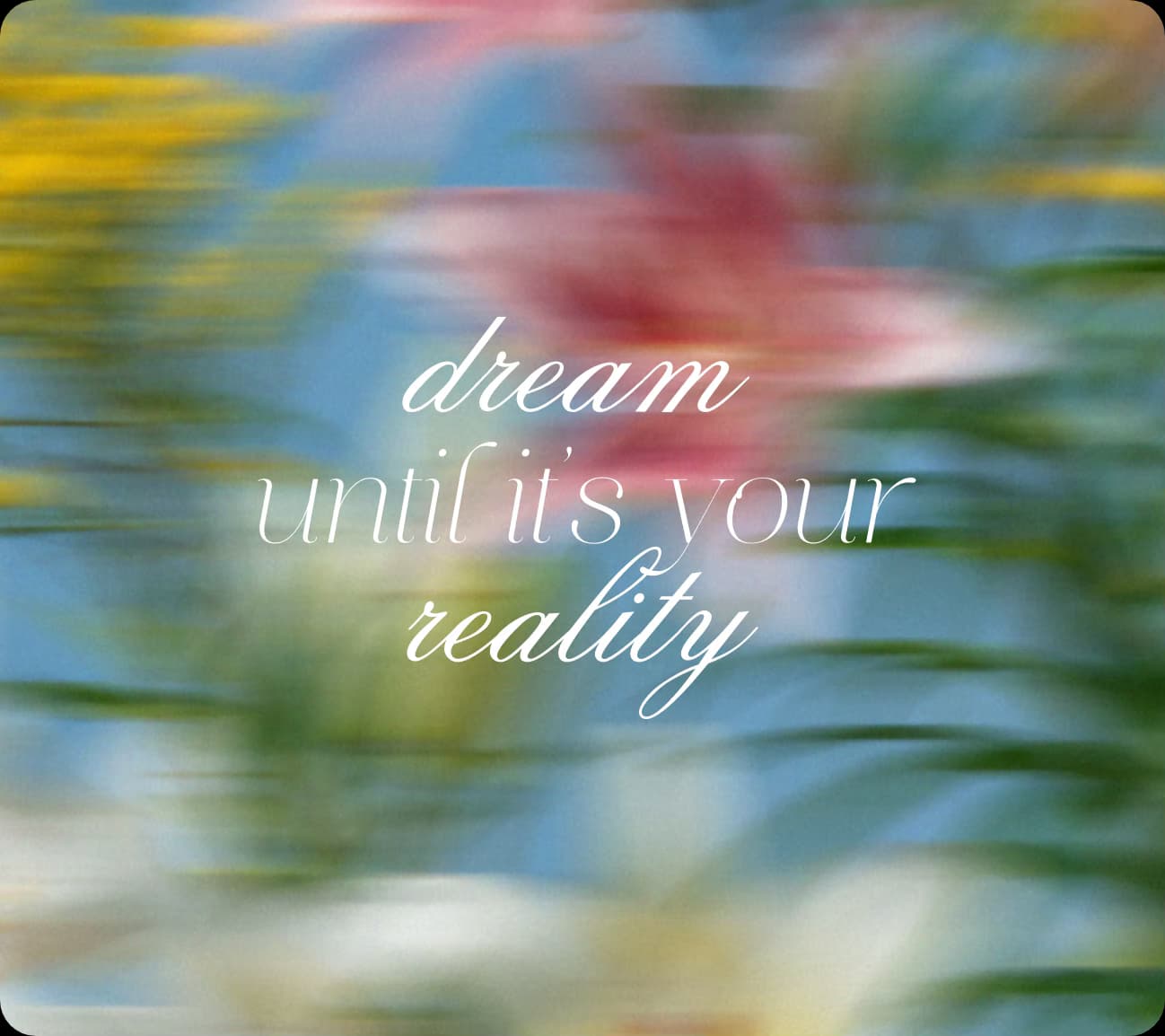
وال پیپر پر گھڑی، ویجٹس اور آئیکنز بھی ہوتے ہیں۔ فون وال پیپر میکر ورک فلو چلانے سے پہلے ان کے لیے جگہ رکھیں: پرامپٹ میں اوپر ایک پُرسکون، خالی جگہ مانگیں یا Outpaint سے فریم کو اوپر کی طرف پھیلائیں۔ ڈیسک ٹاپ پر بھی یہی طریقہ اپنائیں، جہاں آئیکنز عموماً اسکرین کے ایک طرف ہوتے ہیں۔
- گھڑی کے لیے اوپر کا ایک تہائی حصہ خالی رکھیں۔
- آئیکنز کے لیے مرکزی موضوع ایک طرف رکھیں۔
- فون کے لیے 9:16؛ مانیٹر اور لیپ ٹاپ کے لیے 16:9۔




وال پیپر میکر کے بارے میں جوابات حاصل کریں
آپ بغیر ادائیگی کیے شروع کر سکتے ہیں۔ Picsart اکاؤنٹ مفت ہے، اور Picsart Flow کا کوئی بھی وال پیپر ٹیمپلیٹ کھولنا بھی مفت ہے۔ تصویر یا کلپ بنانے کے لیے آپ کے پلان میں موجود AI کریڈٹس استعمال ہوتے ہیں، اور Flow ہر رن سے پہلے اندازاً لاگت دکھاتا ہے، اس لیے کریڈٹس صرف ان وال پیپرز پر خرچ ہوتے ہیں جو آپ بناتے ہیں۔
ہر اسکرین اور انداز کے لیے وال پیپر ڈیزائن کریں
Pro
Most popularAI tools for everyday creative work.
Ultra
Most powerfulHeavy AI usage for creators & teams.
اپنی اسکرین کے لیے Picsart کے مزید میکرز دیکھیں
پس منظر، کولیج یا کسی دوسری اسکرین کے لیے ڈیزائن چاہیے؟ ان Picsart صفحات سے شروع کریں۔