使用AI图像模型设计YouTube横幅
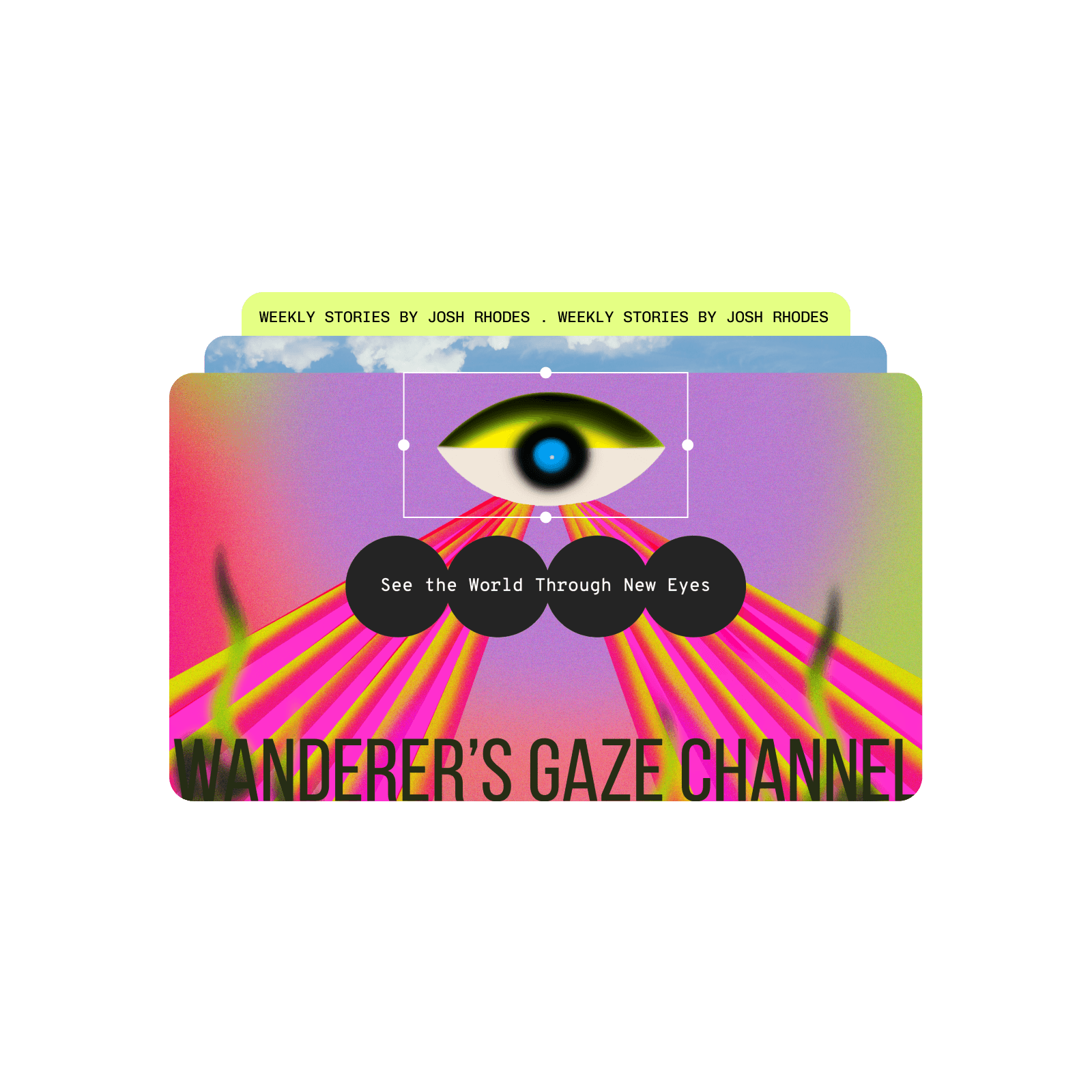
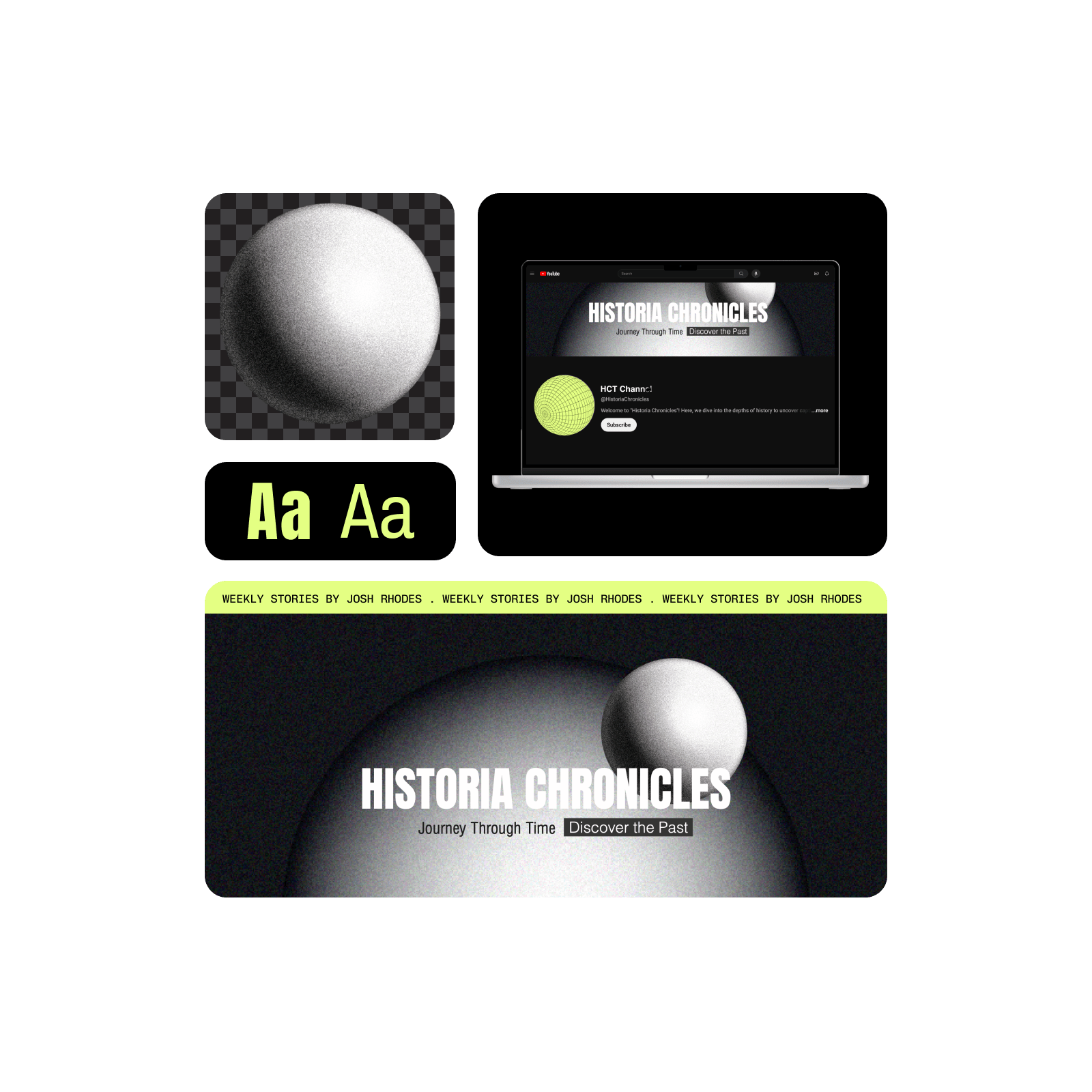
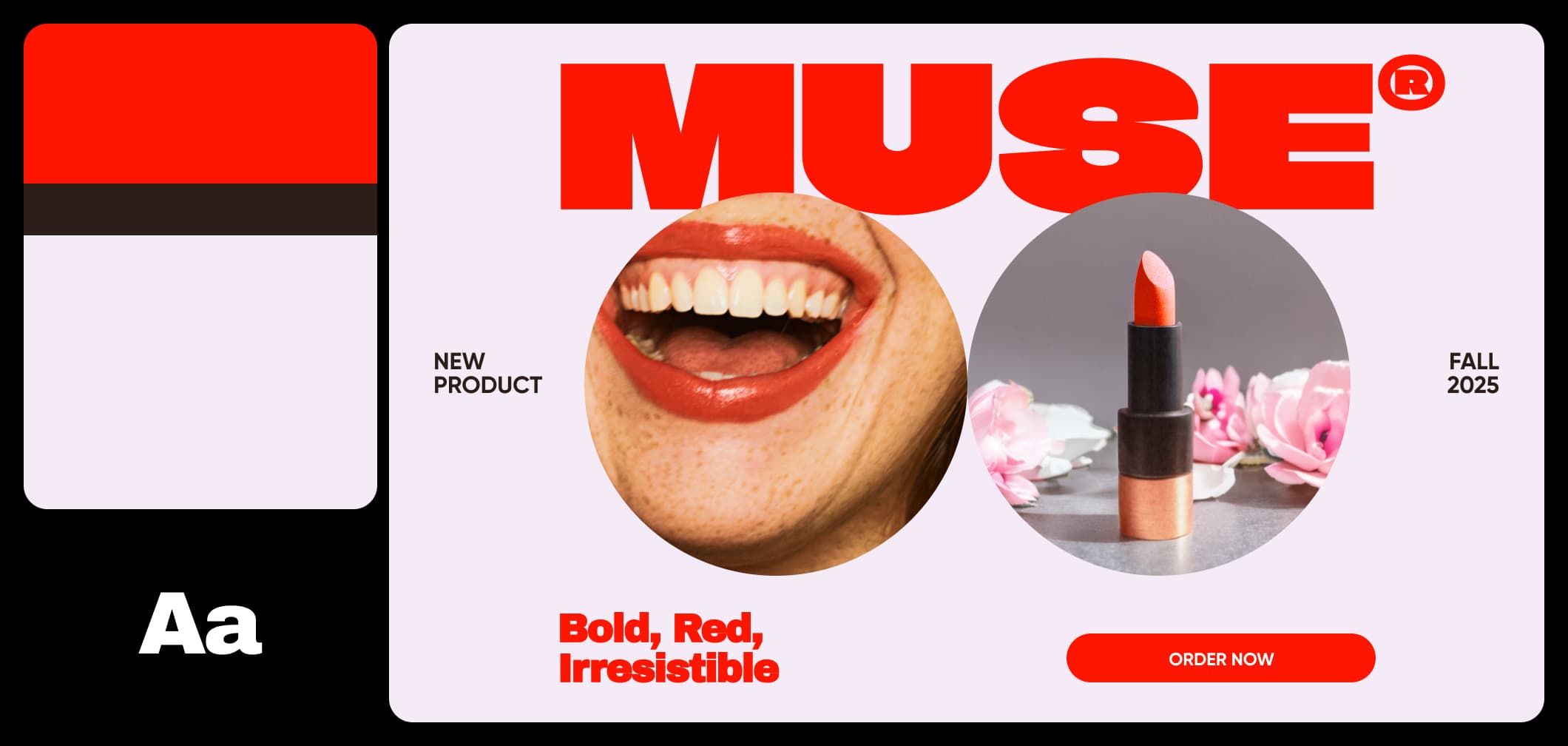
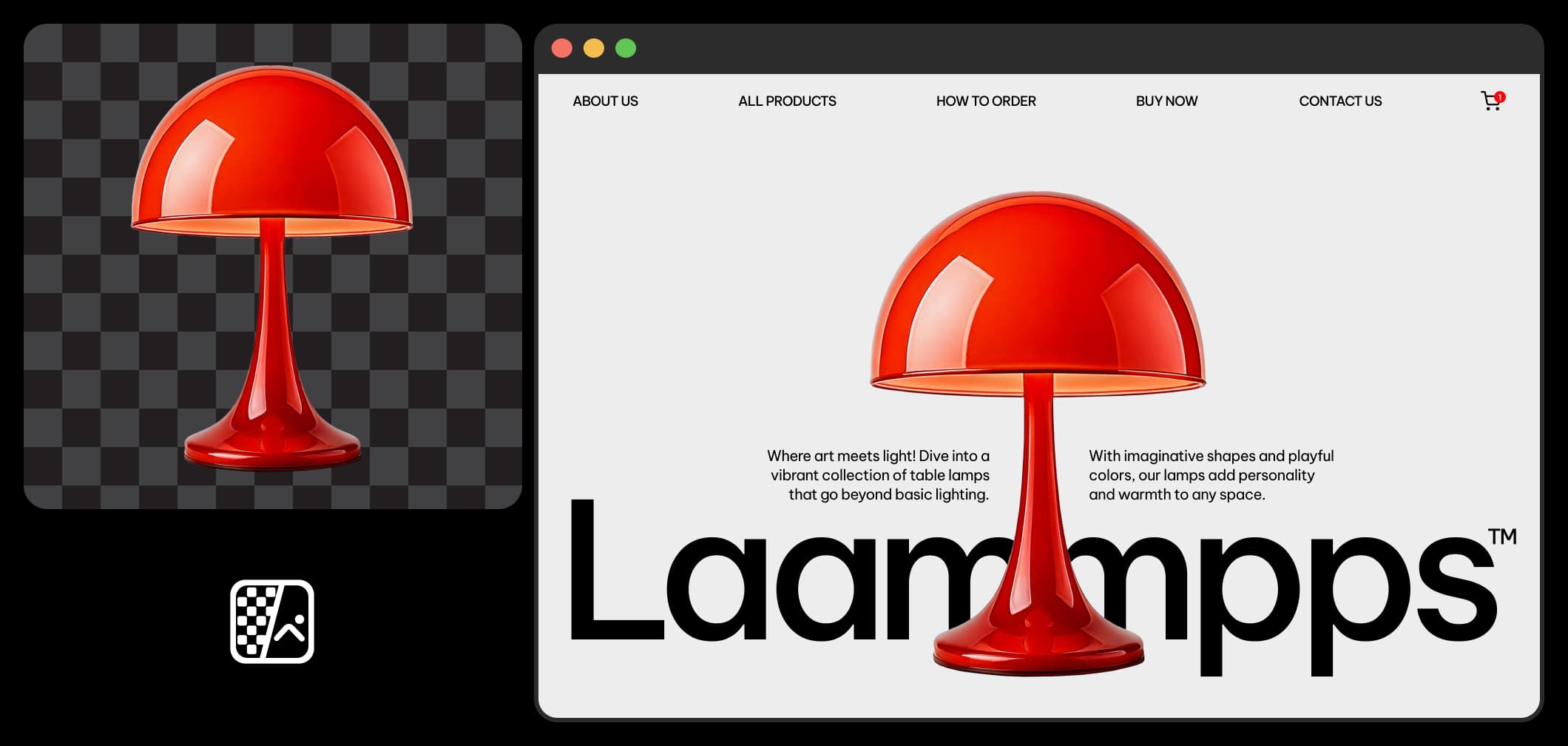
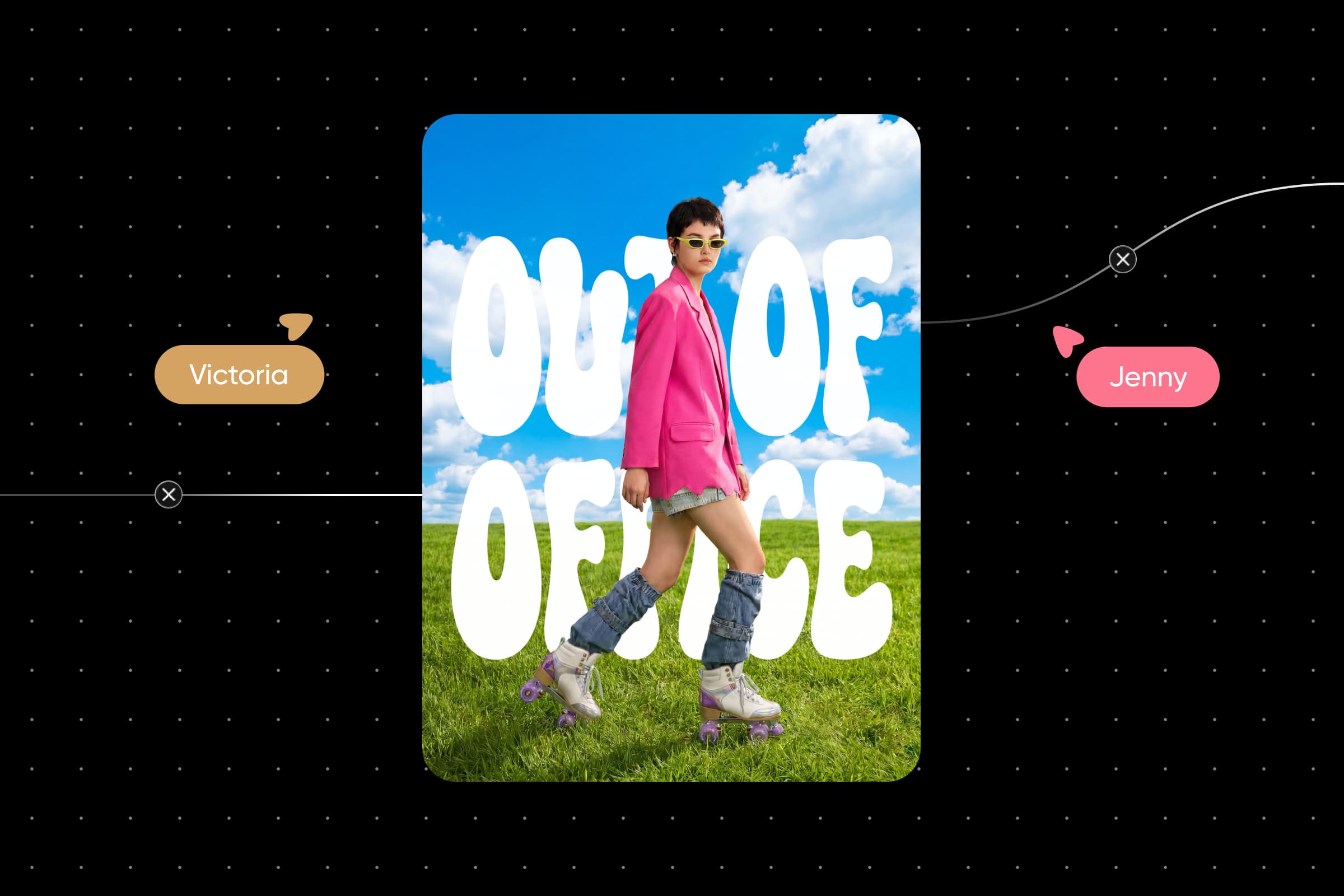
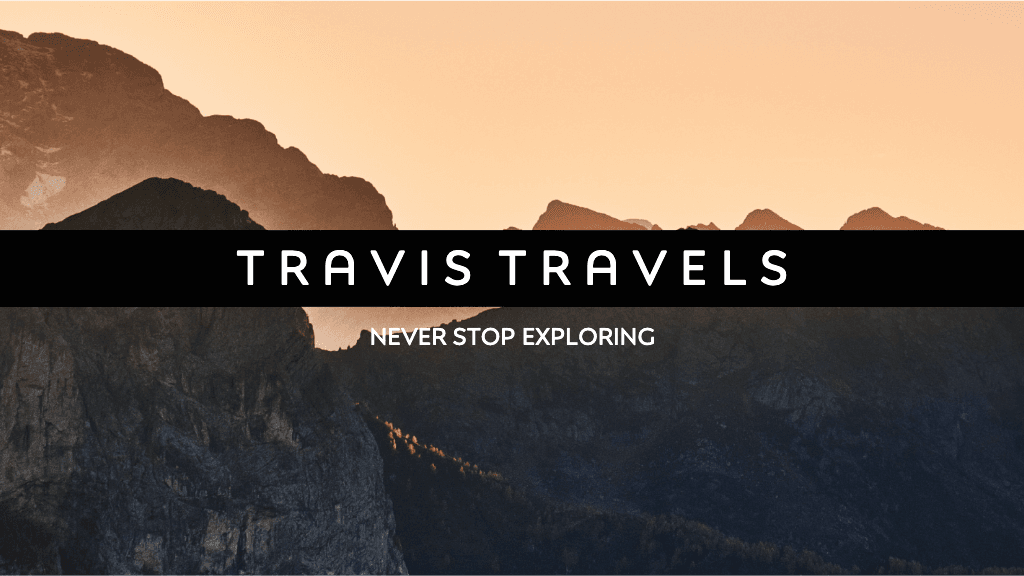
使用图像模型将YouTube横幅转换为精致视觉、设计理念和随时可编辑的资源。
GPT Image 2New
Next-gen GPT image model with arbitrary output dimensions and multi-image input.Reference inputImage generationSee model
Nano Banana 2New
Fast 4K generation with accurate text and search-grounded accuracy.4KFast generationImage generationSee model
Seedream 5.0 Lite
Speedy 3K output with negative prompt and dual-image input support.Reference inputFast generationImage generationSee model
Kling 3.0 Image
Cinematic visuals with up to 4K resolution and 10 reference images.Reference input4KCinematicSee model
Kling O1 Image
O1-architecture image generation with multi-reference support.Reference inputCinematicImage generationSee model
Kling V2 New Image
Latest V2 image generation with optional restyle via image reference.Reference inputCinematicImage generationSee model
Luma UNI-1
Luma UNI-1 — agentic image generation and editing with up to 9 reference images.Reference inputCinematicImage generationSee model
Luma UNI-1 Max
Luma UNI-1 Max — higher-quality UNI-1 variant with the same multi-reference editing controls.Reference inputCinematicImage generationSee model
Seedream 4.5
Detailed 4K renders with clean in-image text and dual-image input.Reference input4KImage generationSee model

免费YouTube横幅制作工具
获取免费工具和内容的广泛选择。

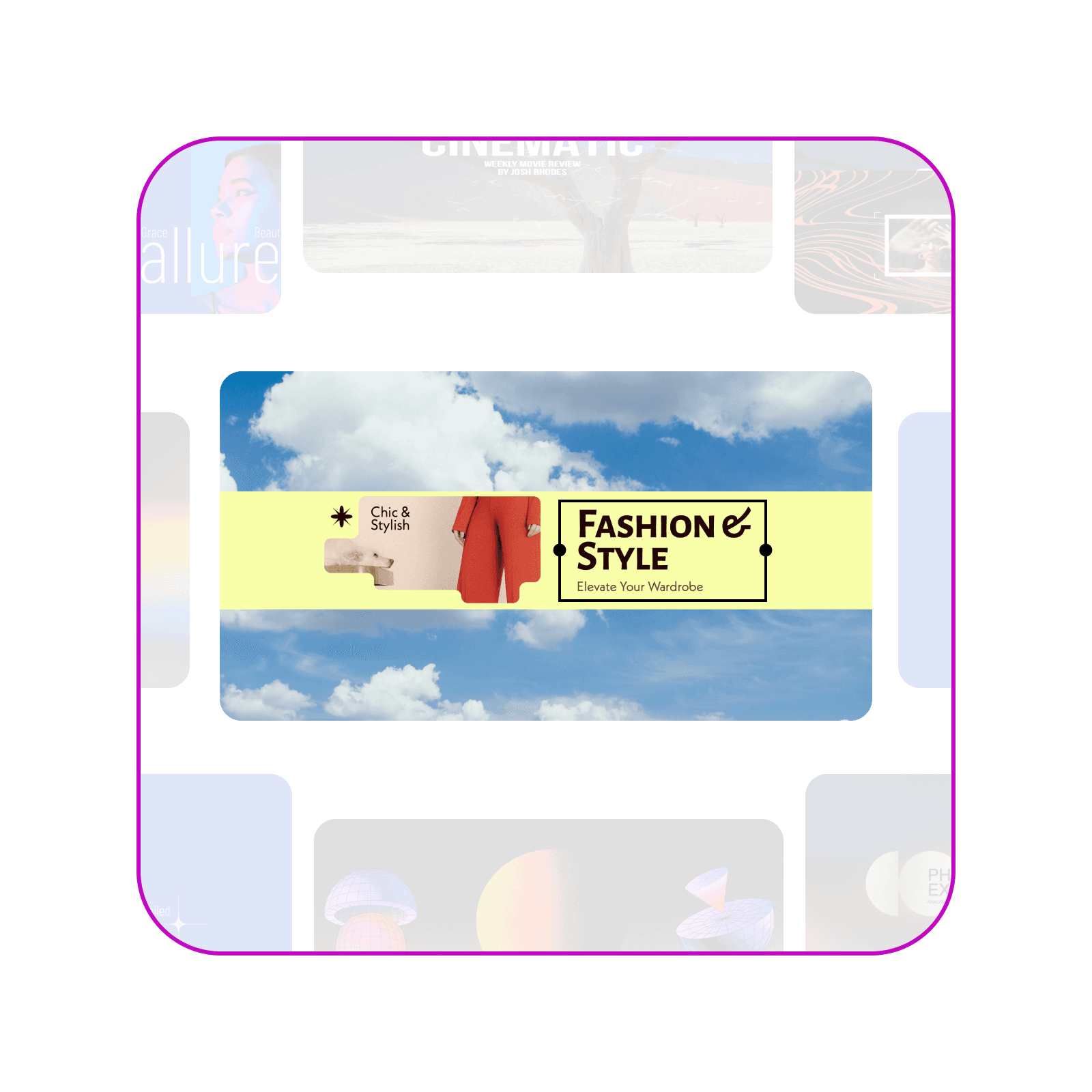
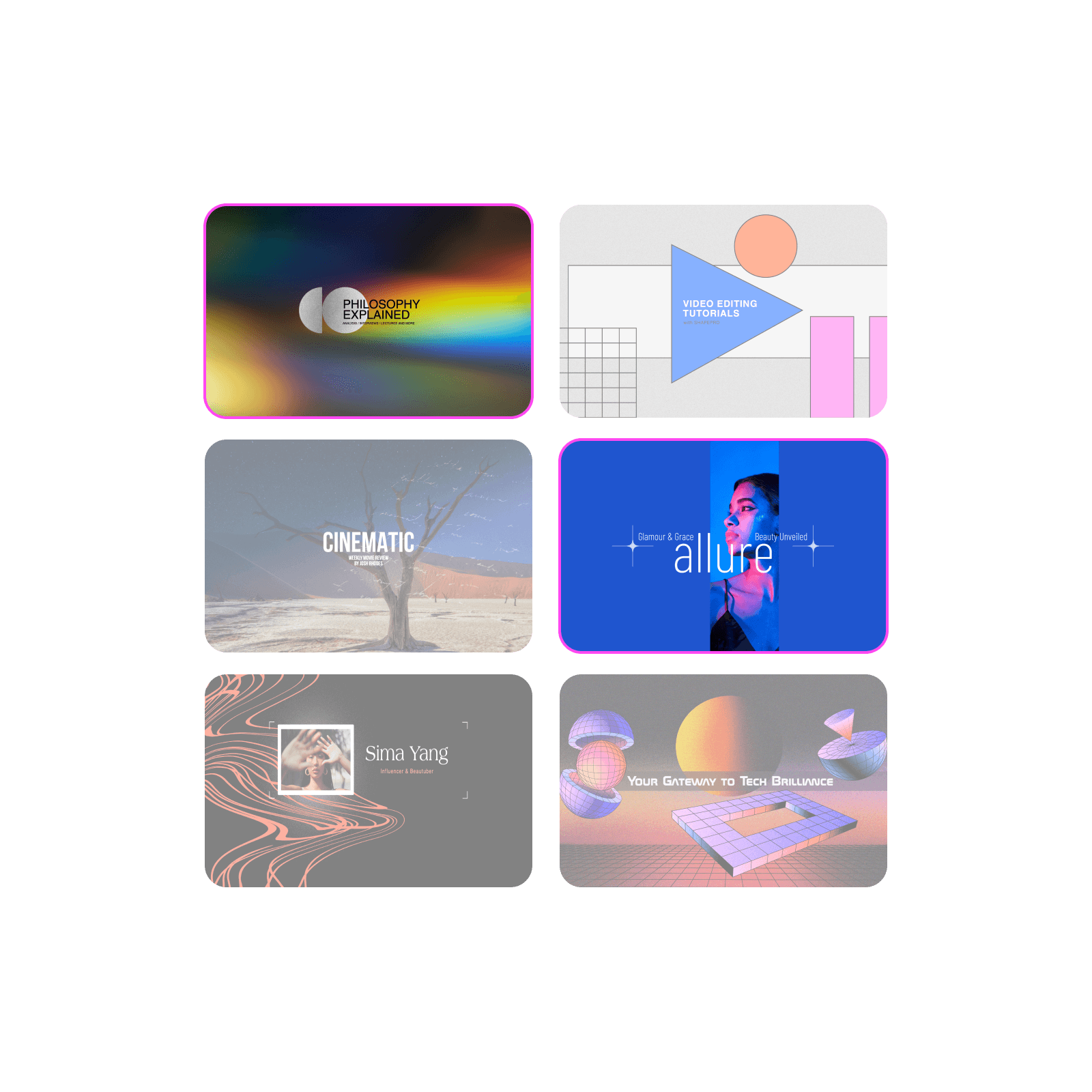
预设计的模板
从专业设计的多功能YouTube横幅模板快速开始。

完全自定义
使用内置设计工具套件轻松自定义YouTube横幅设计的各个方面。
如何制作YouTube横幅
1
打开Picsart
使用开始创作按钮打开编辑器并开始操作。
2
选择模板
3
自定义
4
下载

使用全面的YouTube横幅制作工具创建频道艺术
在一个地方找到设计和自定义YouTube横幅所需的一切。
免费使用
访问庞大的免费内容和设计工具集合。
易于编辑
凭借直观的编辑流程立即成为专家。
预设计的模板
使用现成的YouTube横幅模板快速制作横幅。
完全自定义
使用内置照片编辑工具调整横幅设计的各个方面。
时尚字体
探索Picsart中提供的大量字体选择,或上传您自己的字体。
贴纸和背景
用数百个高质量的贴纸和背景装饰您的缩略图。
提升分辨率
使用内置放大工具提高分辨率使您的设计更清晰。
高分辨率下载
以高分辨率导出您的设计以获得清晰专业的效果。
YouTube横幅制作工具常见问题
YouTube横幅的尺寸是多少?
Picsart YouTube横幅制作工具免费吗?
是的,您可以免费使用横幅制作工具。某些内容和工具可能需要订阅。
优秀的YouTube横幅有什么特点?
这完全取决于您。无论您是想装饰首页还是向粉丝和访客传达信息,设计由您决定。这正是所有现成模板和自定义功能派上用场的地方。
YouTube频道艺术应该包括什么?
这取决于您计划如何使用YouTube频道。考虑展示您的品牌或标语、尝试各种形状和颜色,或使用行动号召或色彩闪点创造视觉冲击。如果您想帮助访客或观众更好地记住您,可以选择标志性图像。或者,精心设计您的图像来清晰表达您是谁。
为什么要使用Picsart YouTube横幅制作工具?
无论您需要快速简便的解决方案(如现成模板)为您的YouTube频道增添活力,还是想实现您的愿景,Picsart都提供您需要的功能。免费、简单且可自定义,Picsart YouTube横幅制作工具拥有您设计任何想法所需的一切。
Picsart推荐
为每个创作者频道设计YouTube横幅
MOST POPULAR
Pro
适用于日常创意工作的 AI 工具。
012345678901234567890123456789credits/month
~ 100Nano Banana Pro generations
~ 55Kling 3.0 videos
固定积分/月
按年计费
- 访问所有照片和视频编辑功能
- 高级背景和物体移除
- 使用全球最强大的 AI 视频模型并行生成视频
- 使用Flex.2 Klein获得无限图像生成次数
- 一键图像增强器
- Millions of stock photos & Getty video clips
- 精选时尚字体、文本样式和贴纸
- 数千个优质模板
- Support for 3+ brand kits
- Bulk edit up to 50 images at once
- 100 GB of cloud storage
新功能:
- 15+ creative AI agents that plan, execute, and deliver — across video, brand, localization, and more
- 通过 Picsart CLI 从您的终端或代理自动生成内容
- Use Picsart inside Claude Code, Cursor, and ChatGPT via MCP
MOST POWERFUL
Ultra
创作者和团队的大量 AI 使用。
0123456789,012345678901234567890123456789credits/month
~ 500Nano Banana Pro generations
~ 277Kling 3.0 videos
按年计费,每个席位
比 Pro 多 5 倍使用量
- 140+ leading AI video, image, and audio models (Kling 3.0, Nano Banana, Veo 3, Seedance 2.0 & more)
- 使用全球最强大的 AI 视频模型并行生成视频
- 抢先体验高级 AI 功能
- 使用Flex.2 Klein获得无限图像生成次数
- 可购买永不过期的附加积分
- 多达650万个Getty库存视频
- Bulk edit up to 100 images at once
- Support for 10+ brand kits
- Create ad variations & localize
- 跟踪广告效果
- 添加团队席位
- 300 GB of cloud storage per seat
新功能:
- 15+ creative AI agents that plan, execute, and deliver — across video, brand, localization, and more
- 通过 Picsart CLI 从您的终端或代理自动生成内容
- Use Picsart inside Claude Code, Cursor, and ChatGPT via MCP