免费在线 WhatsApp 贴纸制作工具
使用 Picsart 简单易用的 WhatsApp 贴纸制作工具,为每次聊天增添个性。在线制作 WhatsApp 贴纸,只需几分钟,就能让对话更加精彩!
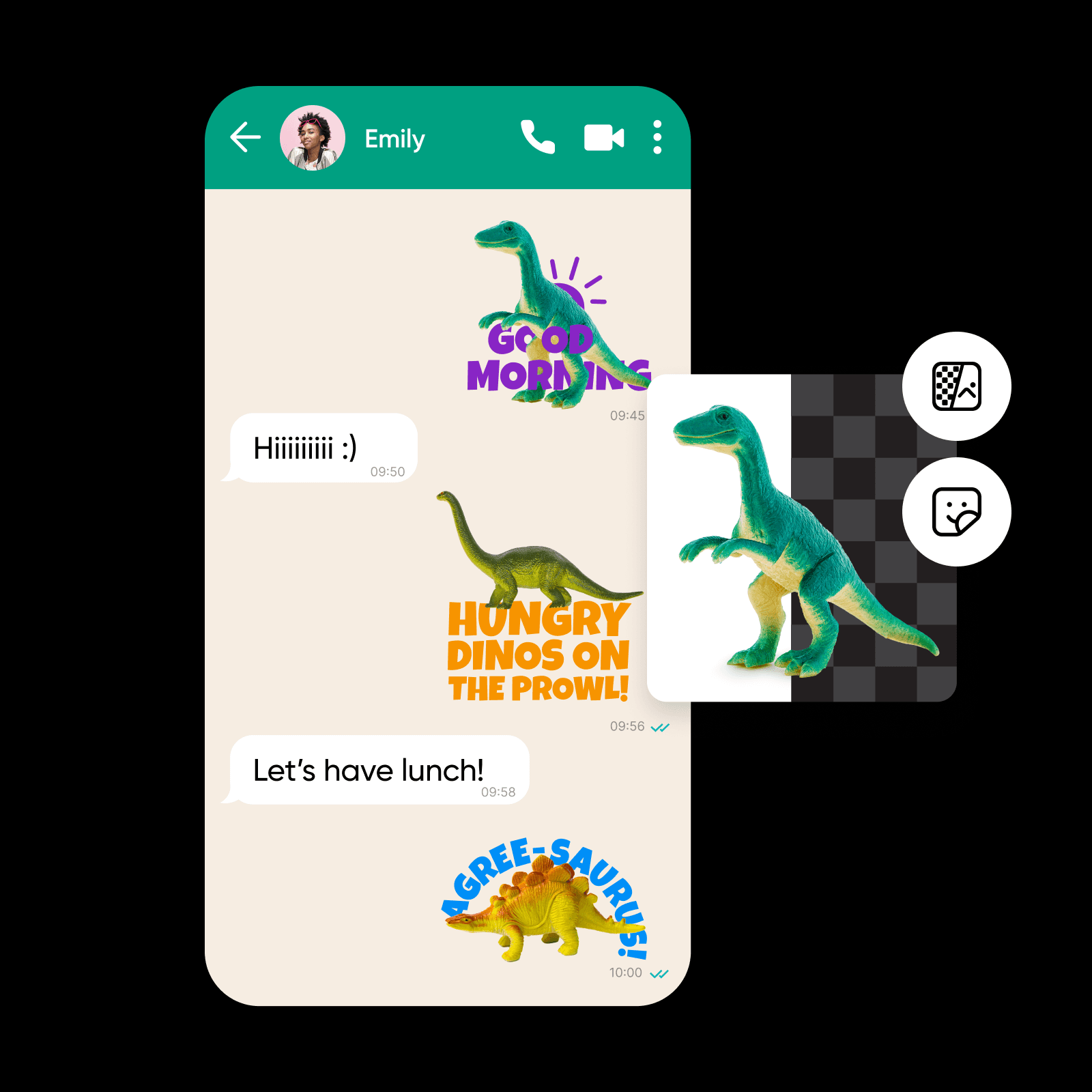
为什么使用WhatsApp贴纸?
在线将照片转换为 WhatsApp 贴纸
厌倦了在 WhatsApp 上反复使用同一批旧贴纸?使用 Picsart WhatsApp 贴纸制作工具,为每次聊天增添个人特色。无论是肖像、产品照片、插画还是截图,WhatsApp 贴纸制作工具都能立即将任何图片转换成自定义贴纸。更棒的是,Picsart 的 AI 技术会自动移除背景,让贴纸边缘清晰,为对话增色。你还可以添加对话气泡、文字、图标等,打造专属风格。制作完成后,下载贴纸并分享到 WhatsApp 聊天中。就是这么简单!
- 选有意义的照片开始
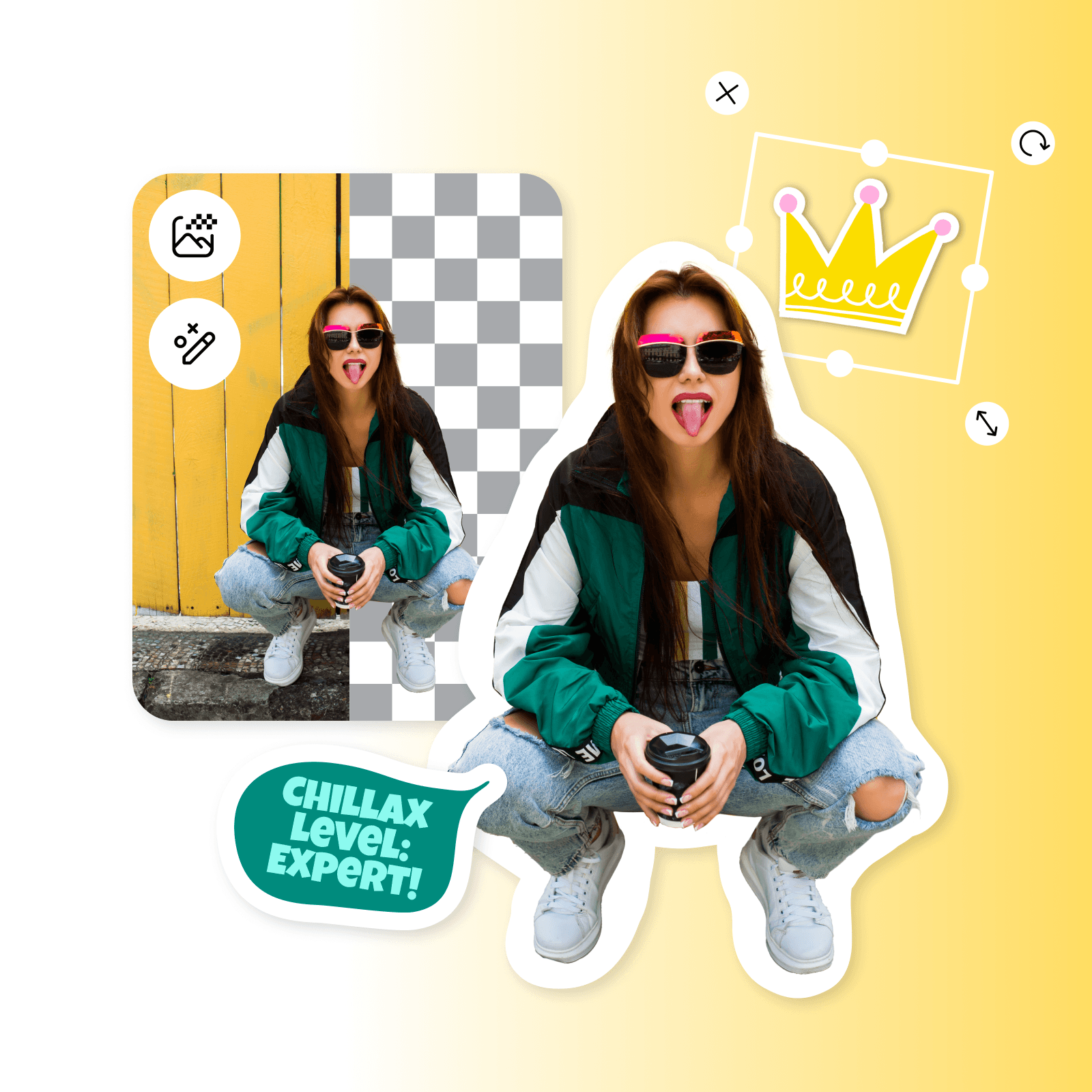
用自定义贴纸提升品牌形象
有效沟通是品牌成功的基石。对于旅行社、航空公司、餐厅、配送服务和其他以客户支持为主的企业来说,WhatsApp 已成为与客户联系的首选平台。现在,试想一下,如果能用定制贴纸让沟通更进一步,会怎么样?制作 WhatsApp 贴纸后,你可以发送个性化航班动态、配送通知和酒店预订信息,通过每一次互动提升客户体验。
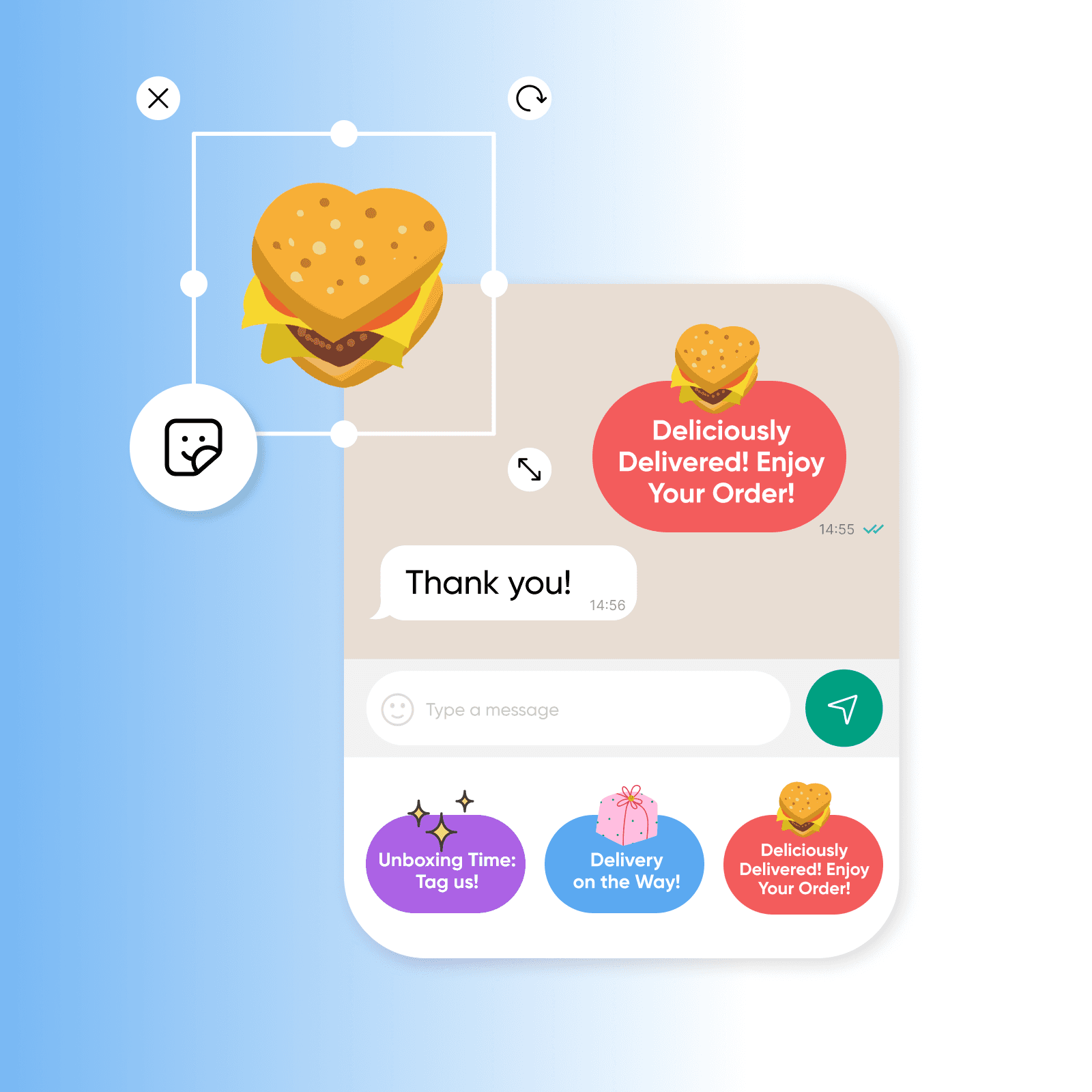
为 WhatsApp 制作专属贴纸
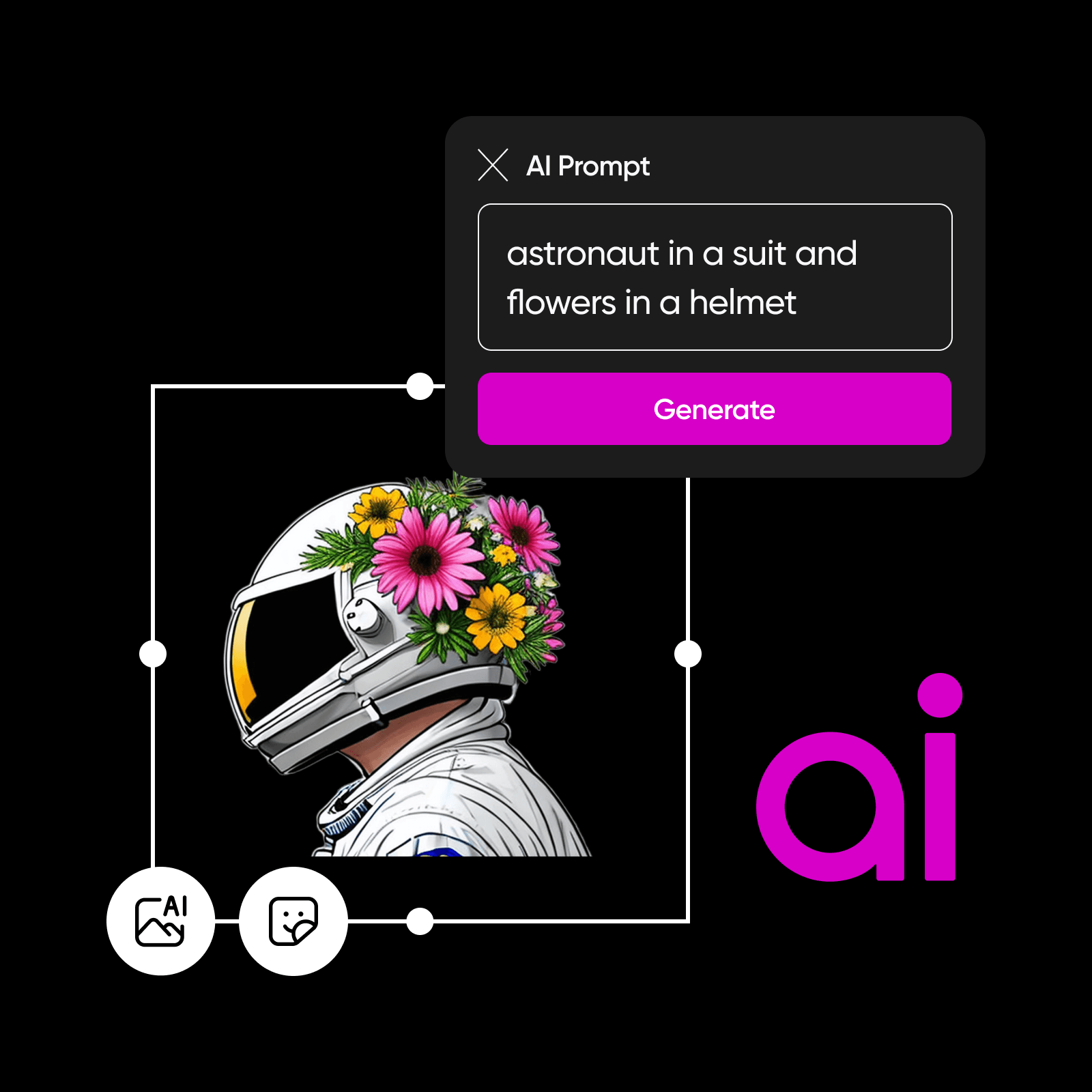
想象一下,有一款智能 AI 工具能立即理解你的需求,制作出完全符合你设想的自定义 WhatsApp 贴纸。Picsart 的 AI 贴纸生成器就能帮你实现这一点。使用 Picsart 的 AI 工具,只需输入文字描述你想要的贴纸,就能轻松 制作 WhatsApp 贴纸。文字描述越详细,生成的贴纸就越贴合你的需求。无需复杂的编辑操作或设计技能,只需发挥创意,再用几句话开启奇妙创作。
- 制作个性聊天贴纸
使用模板制作 WhatsApp 贴纸
个性化沟通的魅力无可替代。WhatsApp 专属贴纸能为互动增添一份情感。无论你是要宣布新目的地的旅行社,还是要推出优惠活动的零售商店,Picsart 的现成贴纸模板库都能满足你的需求。只需输入“谢谢”“促销”或“生日快乐”等词语,即可查找自定义贴纸。想要更方便地使用贴纸,不妨创建一套自己的 WhatsApp 贴纸表情,用于日常交流。
- 调整设计适配聊天场景
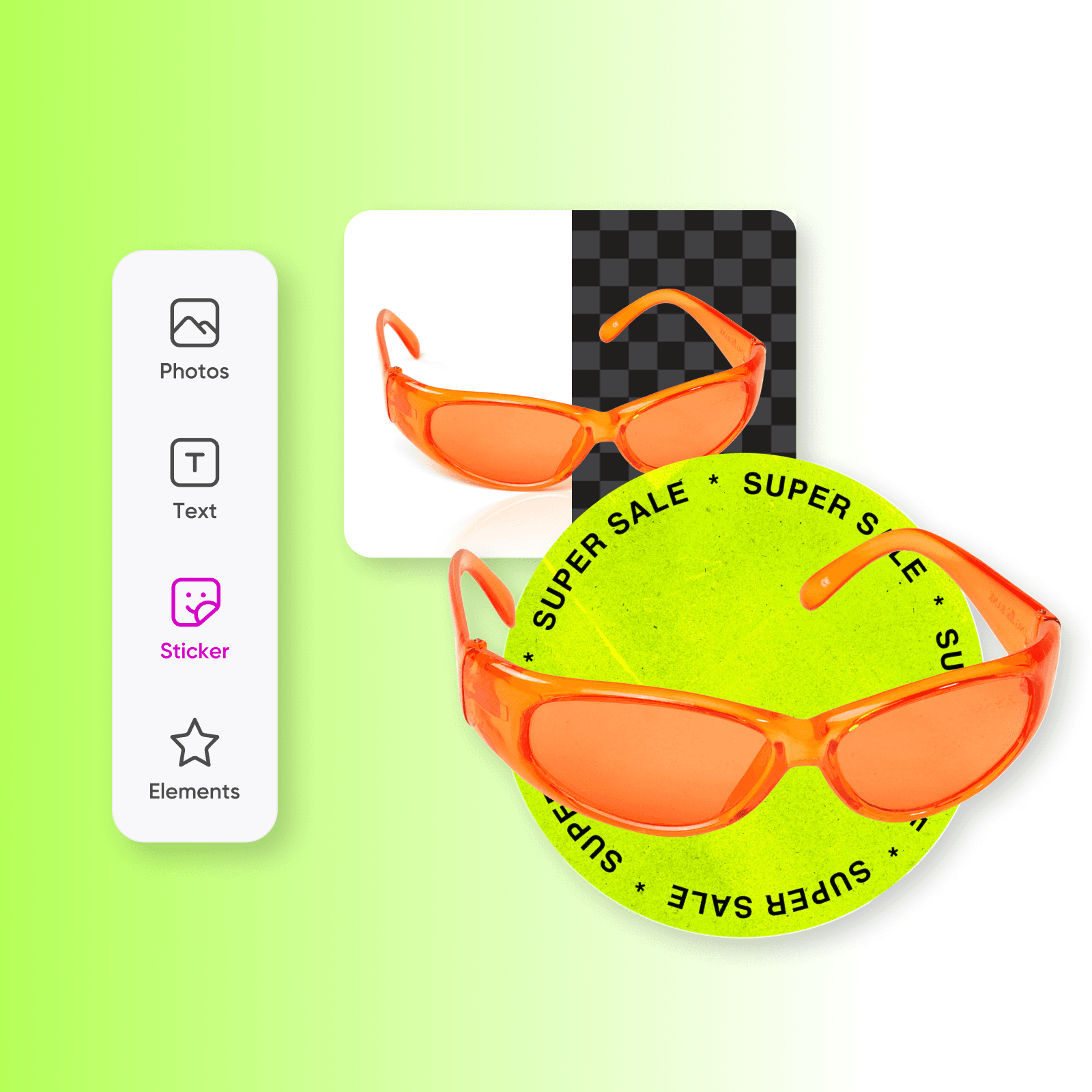
使用 Picsart 即刻在线制作 WhatsApp 贴纸
Picsart 的 WhatsApp 贴纸制作工具让你轻松创建个性化贴纸,以前所未有的方式为对话注入活力。无论是提升品牌沟通效果,还是给朋友带来惊喜,使用 WhatsApp 在线贴纸制作工具,都能让平凡的聊天变成难忘的体验。准备好让 WhatsApp 贴纸更上一层楼了吗?使用 Picsart 的 AI 照片编辑工具,通过调整大小、应用潮流滤镜等方式完善贴纸。
使用 AI 图像模型制作贴纸
使用图像模型创作贴纸创意、聊天图片和富有表现力的视觉素材。
在线 WhatsApp 贴纸制作工具常见问题
使用 Picsart 的 WhatsApp 贴纸制作工具,只需打开工具、上传图片并移除背景。接着,你可以使用 Picsart 直观易用的照片编辑工具,根据需要自定义贴纸。
为聊天、内容和营销活动制作贴纸
Pro
Most popularAI tools for everyday creative work.
Ultra
Most powerfulHeavy AI usage for creators & teams.
Enterprise
Custom AI solutions for large organizations.
- Volume discounts on credit rate
- On-demand top-ups
探索更多 AI 编辑工具


