GIF generator: create animated GIFs with AI
Type an idea or add a photo, and this AI GIF maker turns it into a looping animation. Create GIFs with AI in a few clicks, then download them for chats, posts and stickers.
- Start from a prompt or a photo
- Loops with up to 16 frames
Rated Excellent by Picsart creators
See what people say about Picsart on Trustpilot.

How to make a GIF with AI
Explore more AI image models
Make a still with any image model, then bring it back here to turn it into a GIF.
Turn text to GIF with simple text prompts
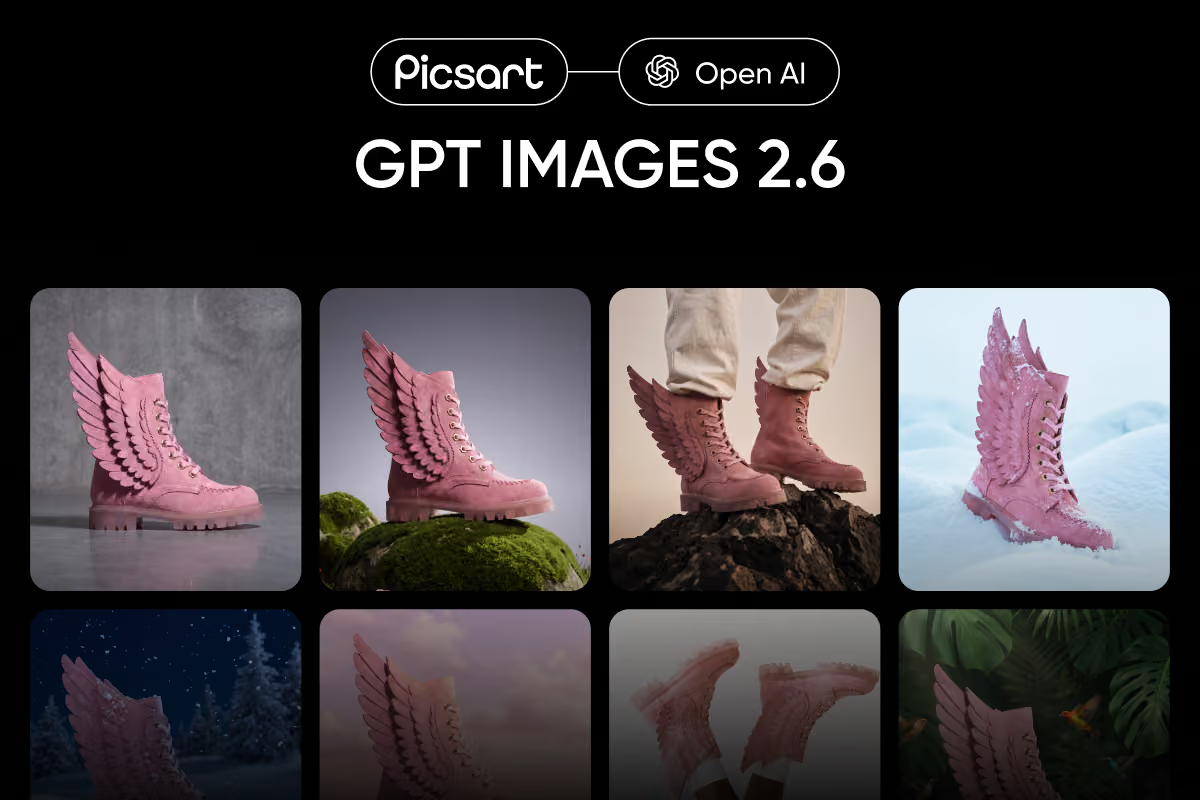
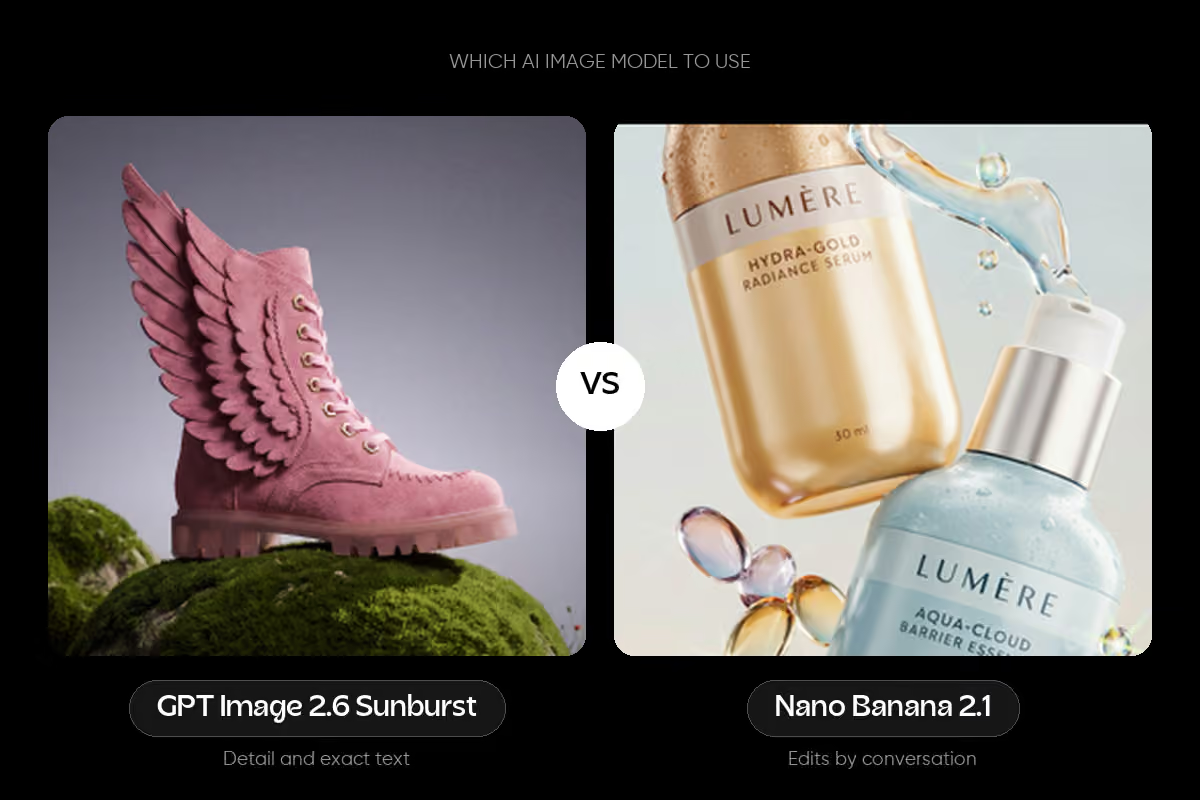
Describe the scene and the motion, and the AI that makes GIFs does the rest. This text to GIF maker turns one short description into a smooth loop in one run. GPT Image 2.6 Sunburst keeps the detail sharp across every frame. To make a GIF from text, start with one clear action. Go from prompt to GIF for group chats, landing pages and posts.
- Describe the motion in plain words
- Try again with a new prompt
Create a GIF from images with AI
Have a photo you love? Upload it as the reference, describe what should move, and this image to GIF AI tool brings it to life. A blink, a wave or a slow smile all work, while the person and the scene stay recognizable in the AI created GIF. Turn a photo to GIF for portraits, products and travel shots. Adjust the prompt until the loop feels right, then download it.
- Start from any photo you upload
- See the credit cost before you run it
An online GIF maker with frame control
Choose how smooth and how fast your loop plays. Set anywhere from 2 to 16 frames, and change the frame delay to speed it up or slow it down. A few frames give a punchy, stop motion feel, while more frames look fluid. It works like an AI GIF editor for your idea: change the prompt, frames or speed and generate again. This animated GIF maker keeps every frame setting in one panel.
- 2 to 16 frames per GIF
- Set the frame delay in milliseconds
A GIF generator for every size and screen
Make tall GIFs for stories, wide ones for banners and square loops for chats. This AI GIF creator offers aspect ratios from 9:16 to 16:9, so one idea fits every channel. Download the finished file and drop it into messages, Discord chats, emails, posts or a website. Picsart GIF maker results keep the same look at every size, so AI GIF creation fits a whole campaign.
- Seven aspect ratios plus auto
- Download a ready GIF file
High quality GIFs
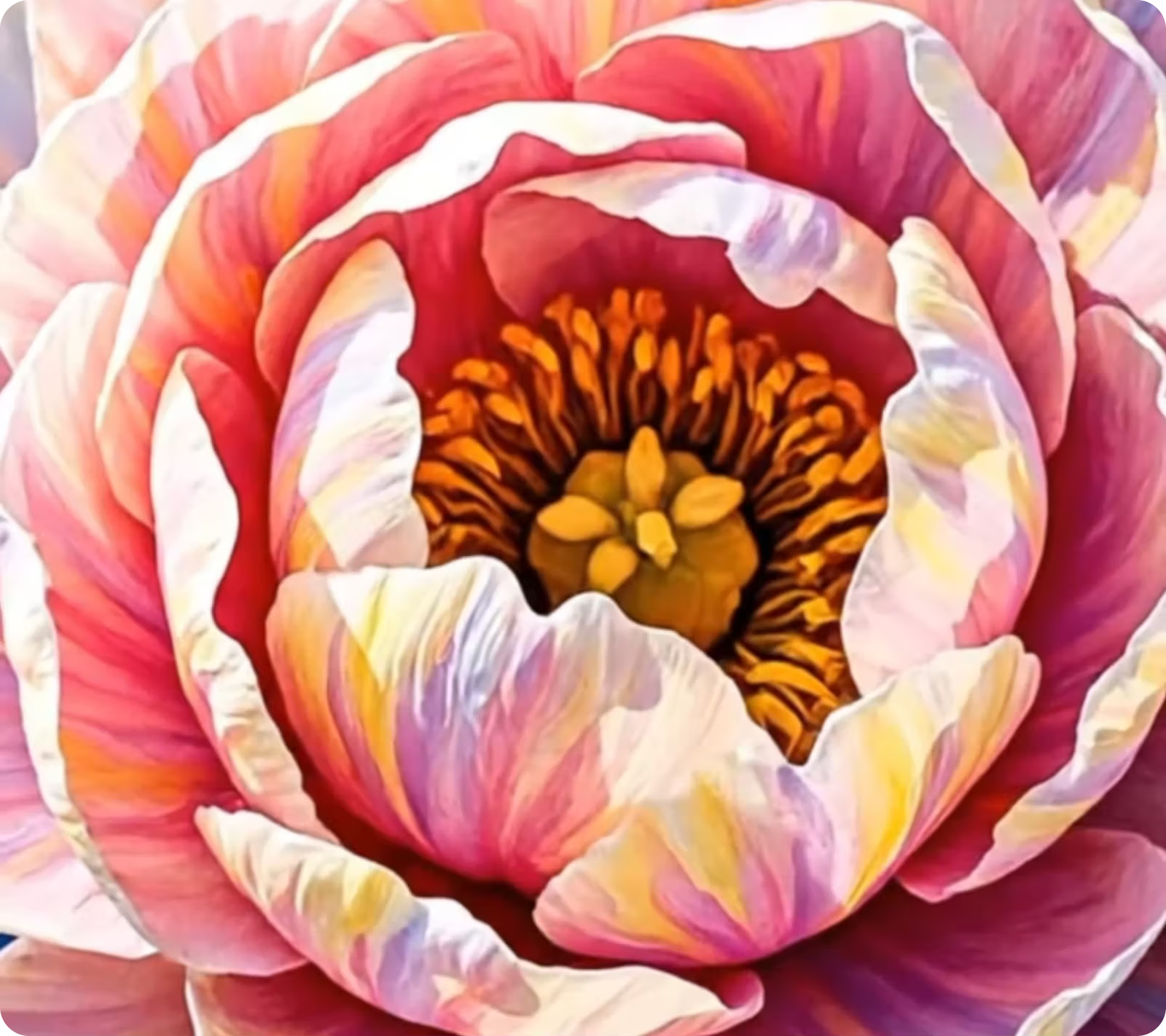
Pick a quality level up to Max for crisp, detailed loops.
Limitless GIF options
Make a photo, cartoon, anime, 3D or pixel art GIF, or use it as a meme GIF maker.
Quick GIF maker
This GIF maker with AI needs one prompt and one run, so a custom GIF takes no animation skills.
Several GIFs per run
Make animated GIFs in several versions at once and keep the loop you like best.
Set the detail level
Choose high, medium or low complexity for how much detail each frame holds.
Edit in your browser
Make GIFs online in the AI Playground, with nothing to install.
Learn more about making AI GIFs
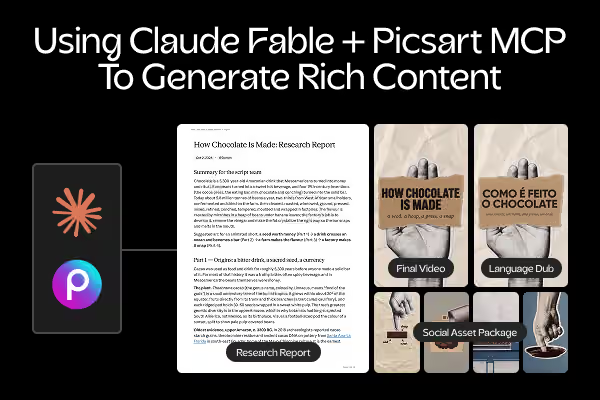
Guides to the model behind the GIF generator and to animating with AI.
Text to GIF generator FAQs
An AI GIF generator uses artificial intelligence to create GIFs from text or a photo. You describe the subject and the motion, choose how many frames to use, and AI draws every frame of the loop. The result downloads as a GIF file you can share anywhere.
Choose a plan for your AI GIFs
Pro
Most popularAI tools for everyday creative work.
Ultra
Most powerfulHeavy AI usage for creators & teams.