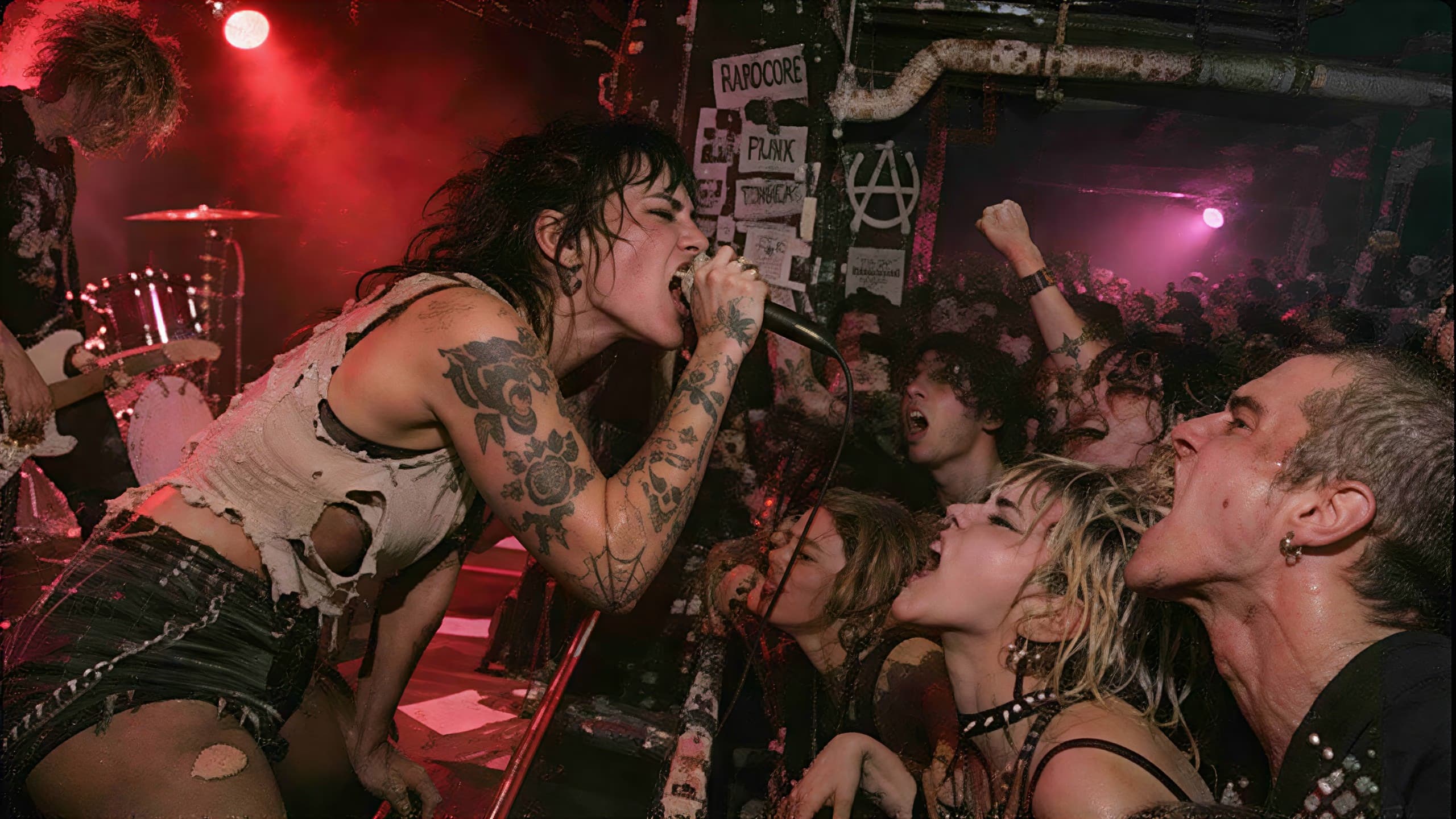
Topaz Generative Upscale: AI image upscaler that rebuilds detail
Upscale an image and clean up noise, blur and soft faces in one step. Topaz Generative Upscale rebuilds real-looking detail instead of just stretching pixels, with 10 Topaz upscale models to choose from in Picsart's AI Playground.
Images upscaled with Topaz Generative Upscale
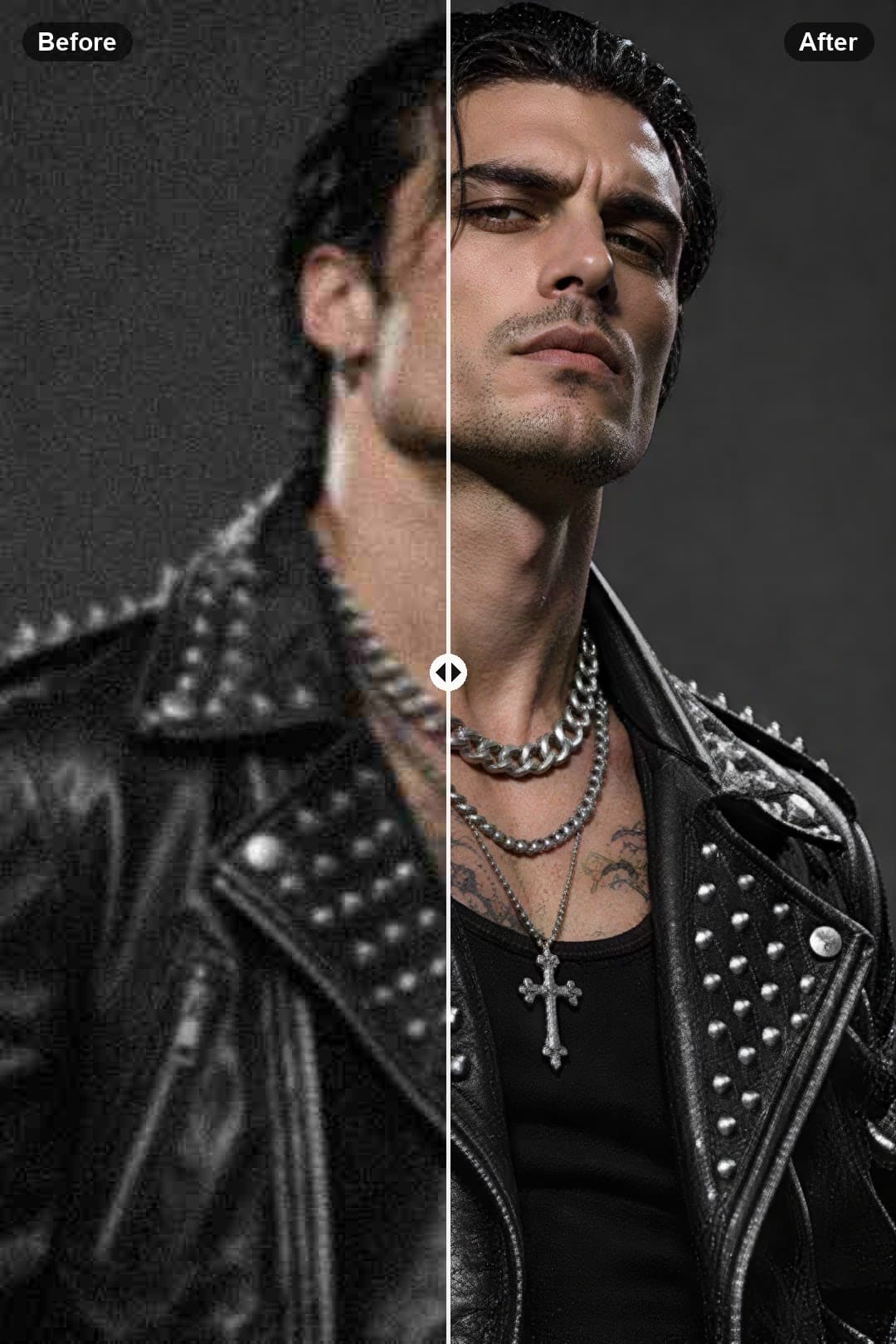
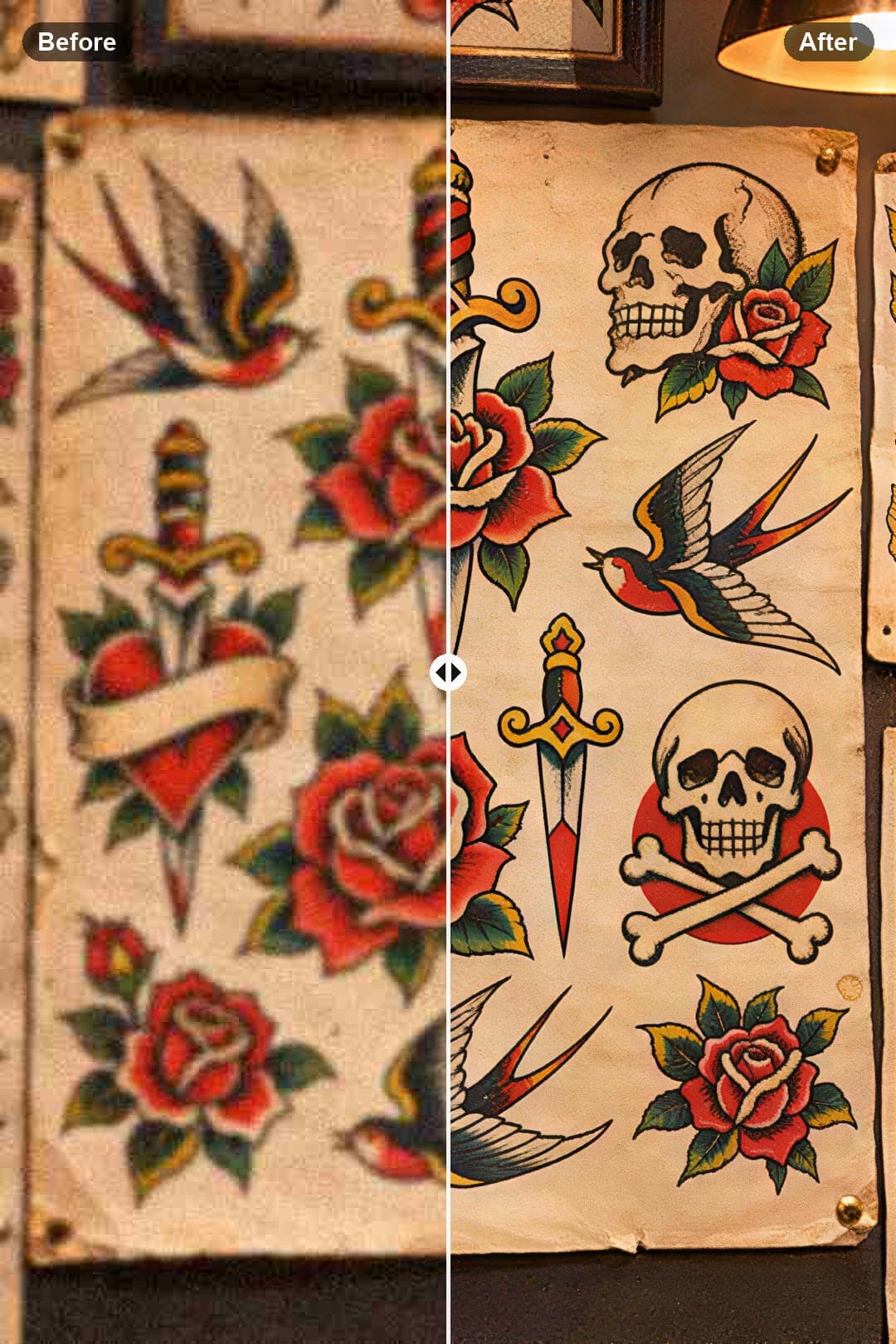
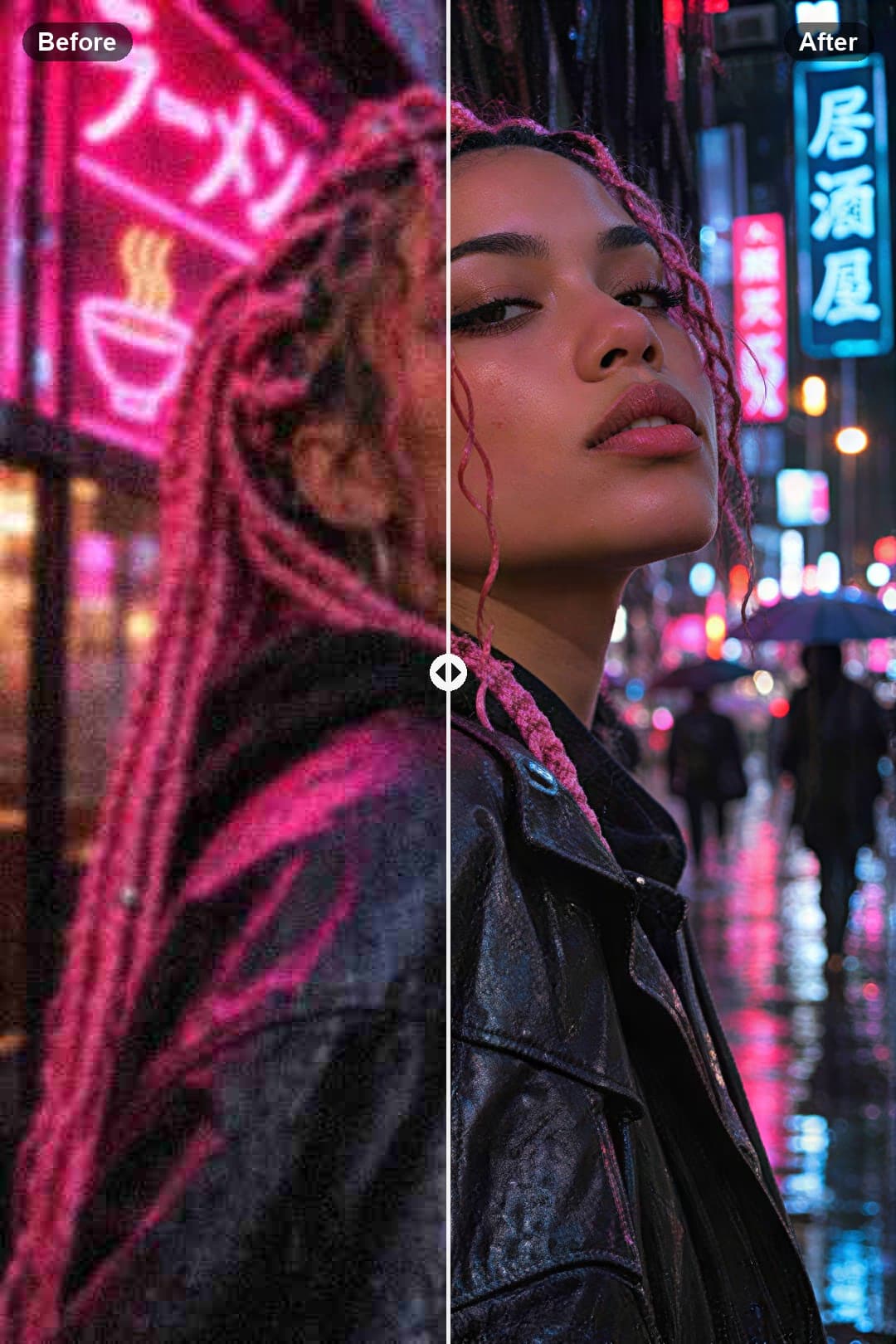
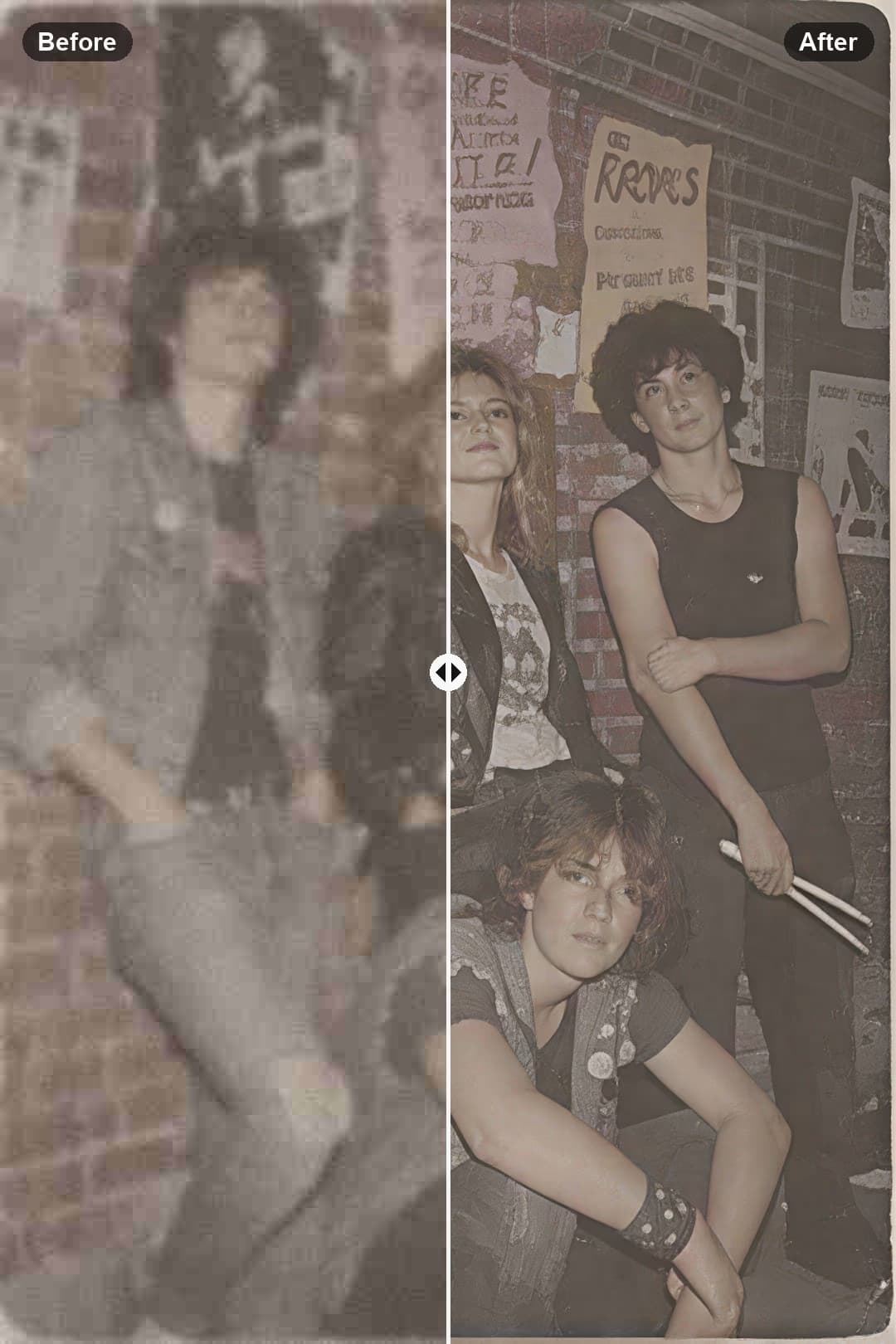
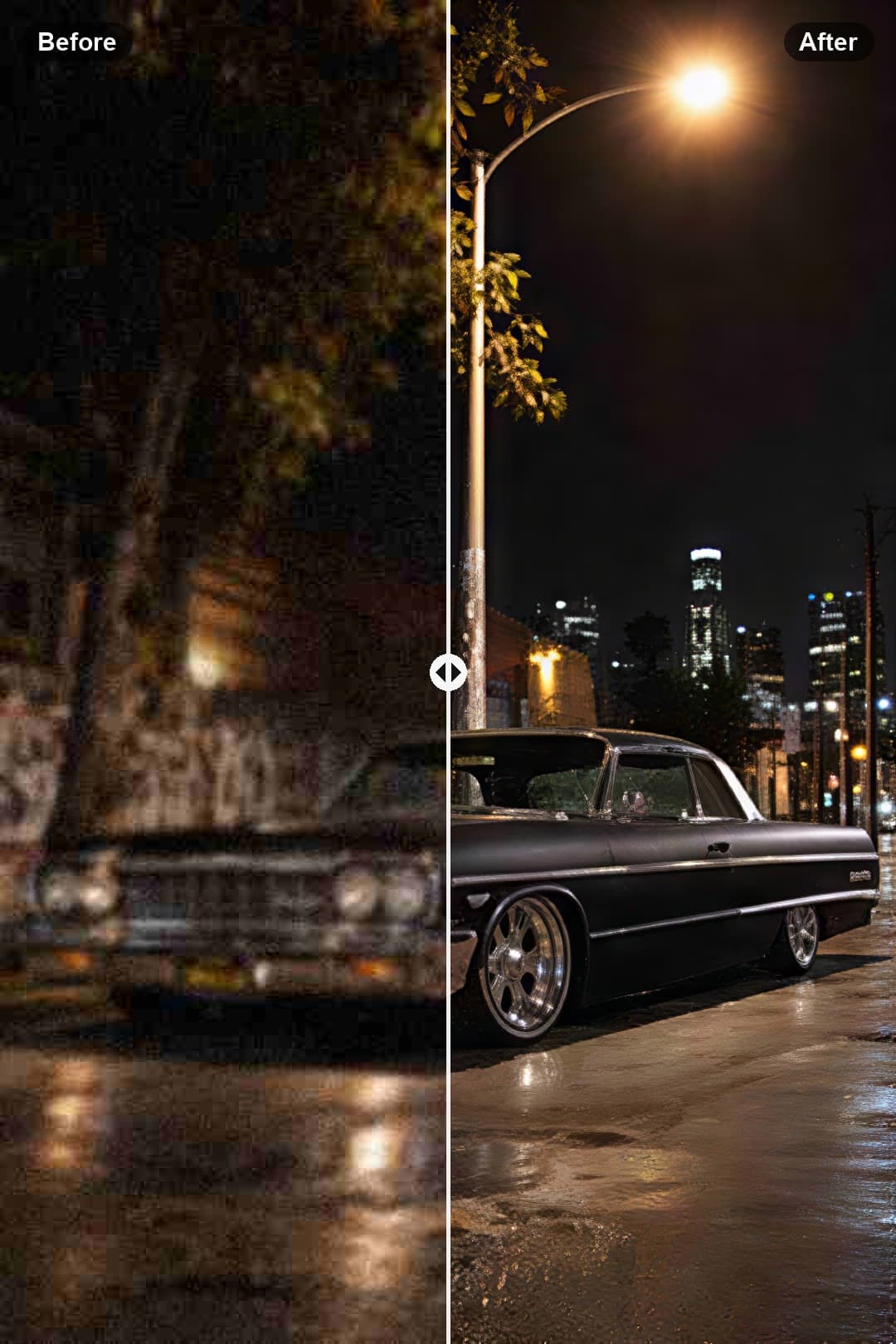
What is Topaz Generative Upscale?
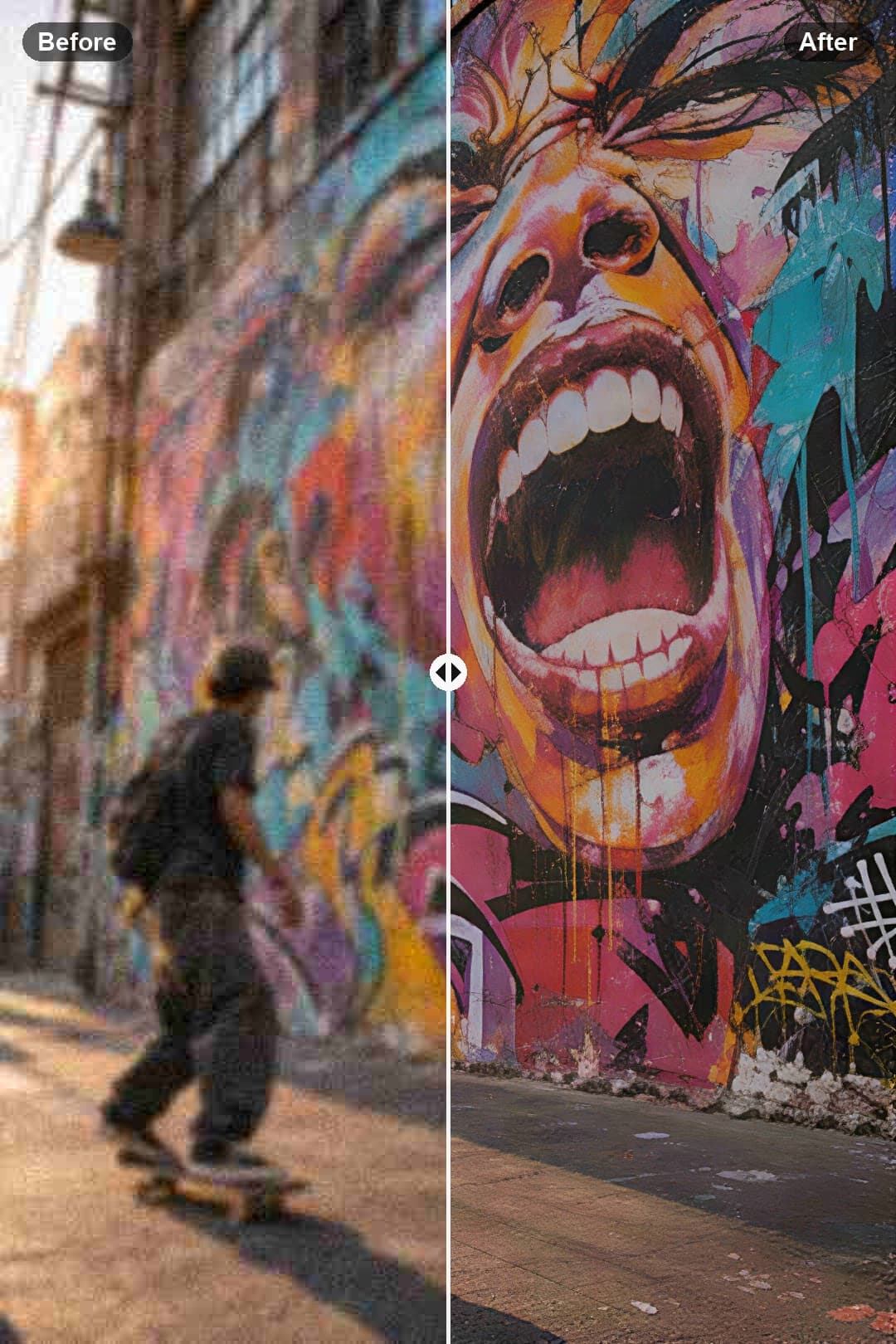
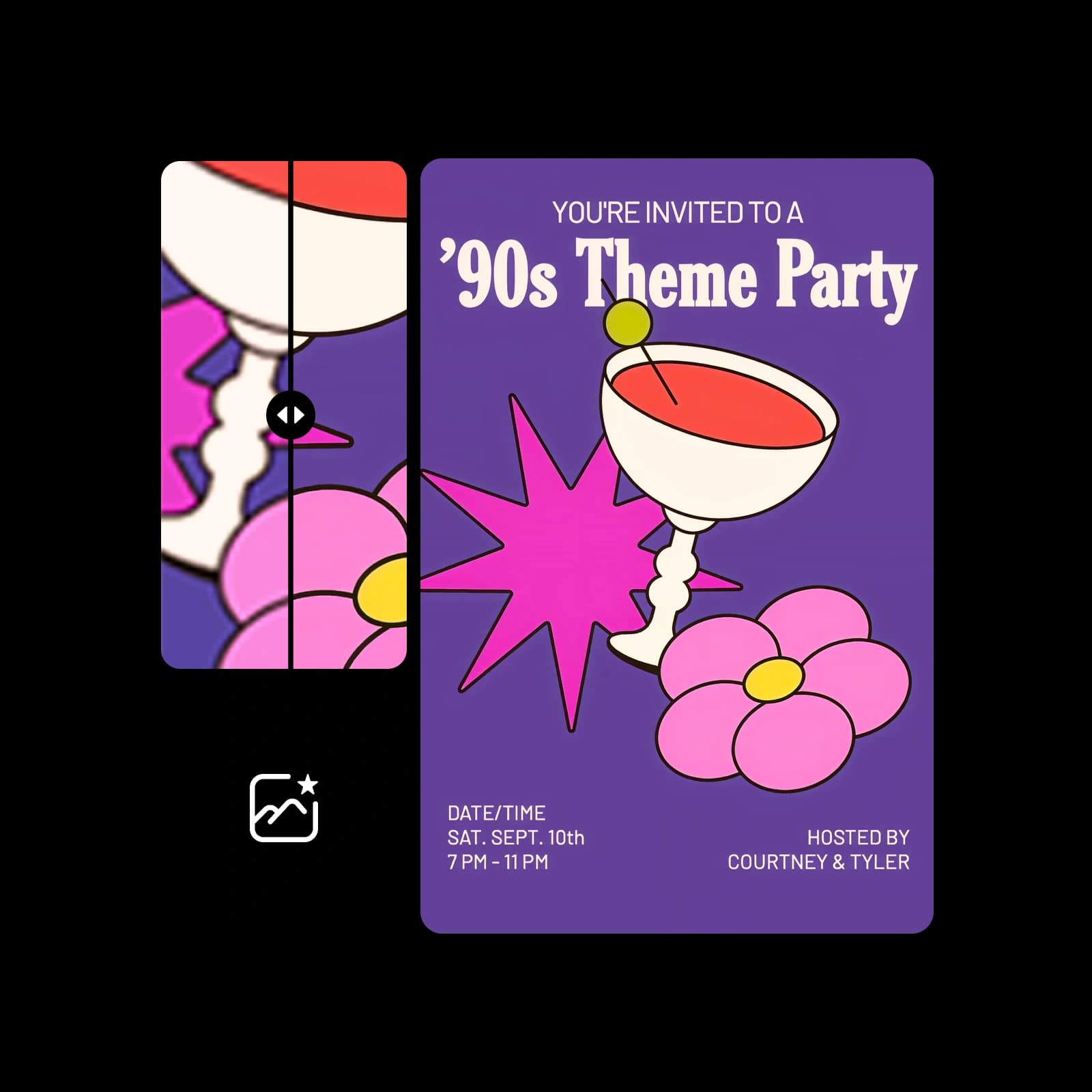
Topaz Generative Upscale is an AI image upscaler from Topaz Labs, the team behind Topaz Photo AI and Gigapixel. You give it one image and it returns a larger, cleaner version: it fixes noise, blur and soft faces in the same pass. Because it is generative, it rebuilds texture such as skin, hair, fabric and lettering instead of enlarging the blur, so low-resolution photos come back sharp and natural.
- Topaz generative upscaler
- Fixes noise, blur and soft faces
- 10 upscale models
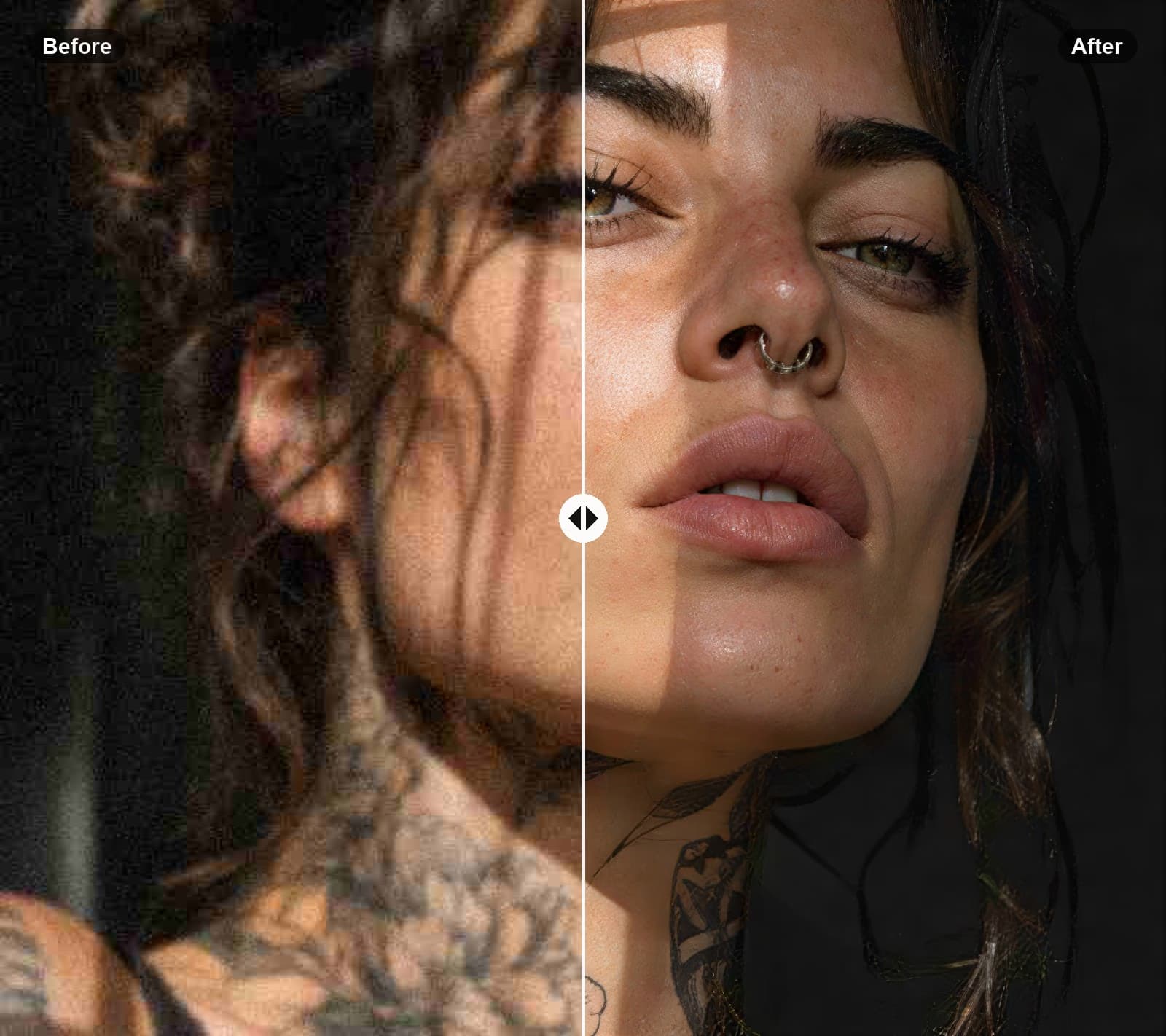
Restore old photos and low-resolution images with Topaz AI
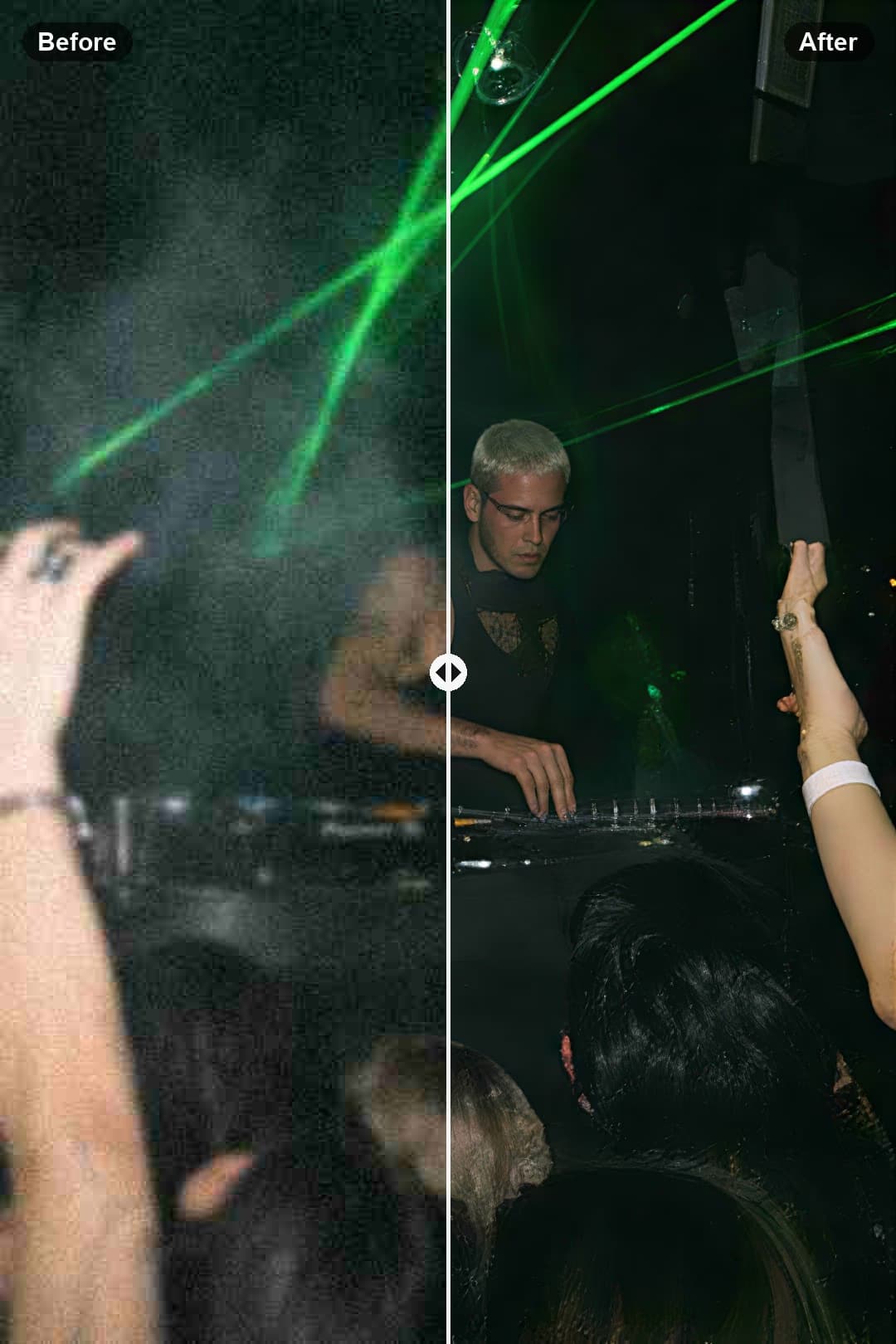
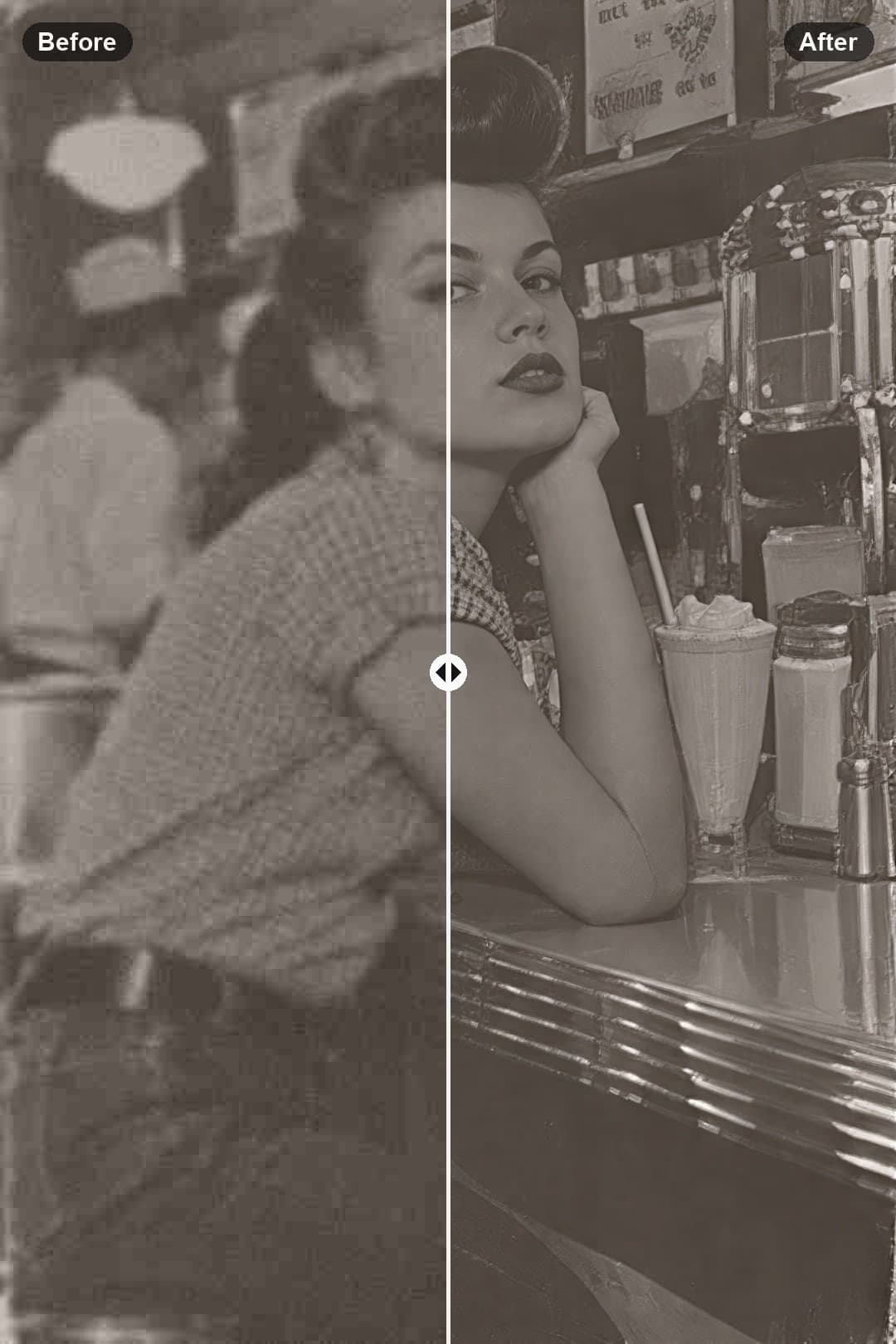
Scanned prints, screenshots, compressed social photos and shots from old phones all lose detail. Topaz Generative Upscale reads what is left and redraws it: faces get their eyes, lips and hair back, film grain and JPEG blocks are cleaned up, and edges come out crisp. Faded colors and paper marks on very old prints may stay, so compare models. It works on portraits, products, artwork and scenes, so one tool covers photo restoration and everyday upscaling.
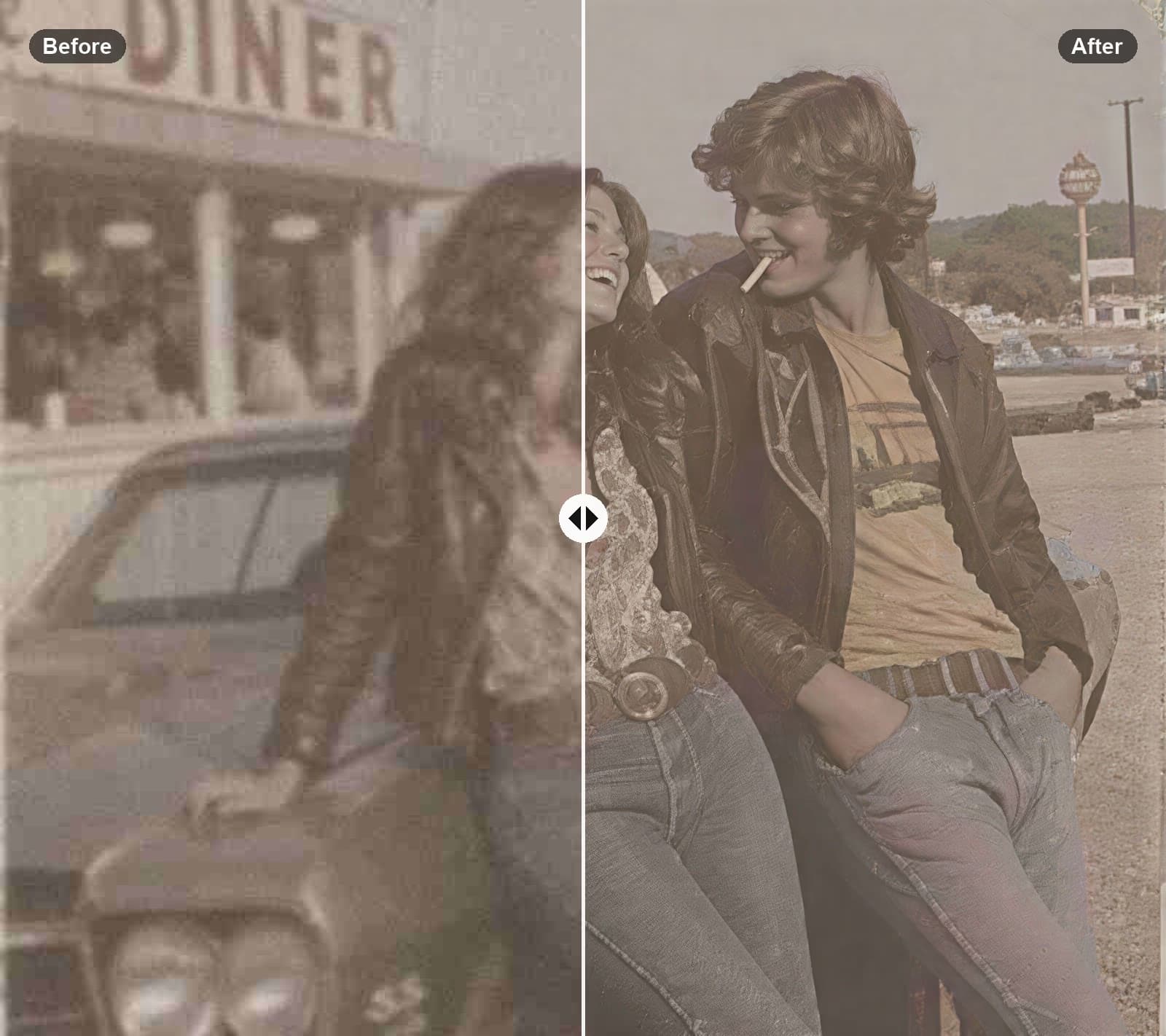
Choose the Topaz upscale model that fits your image
Topaz Generative Upscale needs just one input image. Wonder 4 is the default and suits most photos. You can also pick Wonder 3.5, Wonder 3, Wonder 2 or Wonder, Recover 3, Recovery V2 or Recovery for heavily degraded and very small images, Standard MAX for a straight high-quality upscale, or Redefine for a more creative result that adds new detail. Run the same image through two models and keep the one you like.
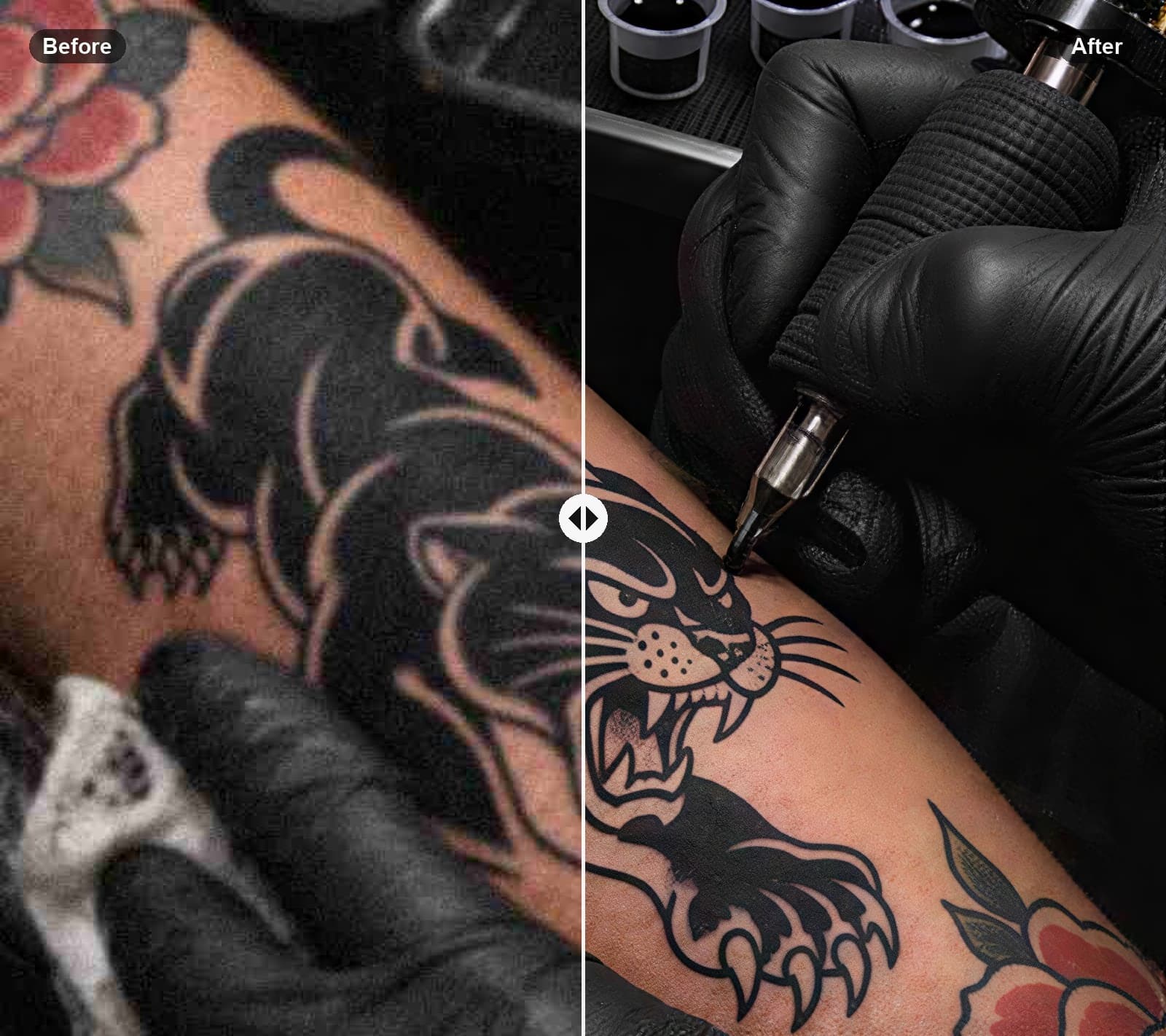
How Topaz Generative Upscale works inside Picsart
Open Topaz Generative Upscale in Picsart's AI Playground, upload your image and upscale it. Make a new image with Kling Image 4.0 or GPT Image 2.6 Sunburst and upscale it in the same place, compare 150+ models, then keep editing the result in Picsart. For video, use Topaz Video Upscale. And you can reach Topaz Generative Upscale whichever way you work: on the web, in the desktop app, or built straight into your own projects via CLI, MCP, REST API, and SDK.
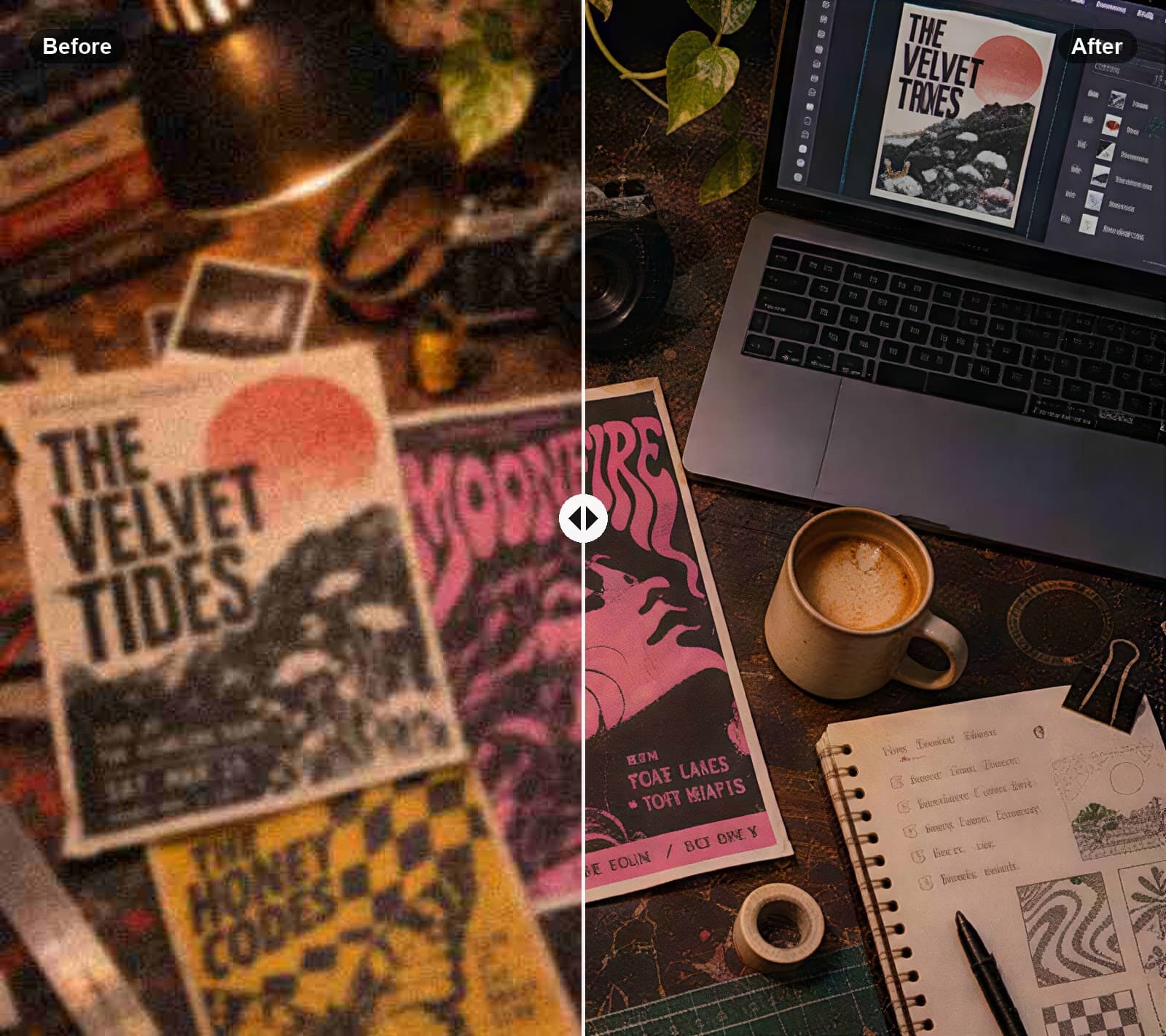
What you can upscale with Topaz Generative Upscale
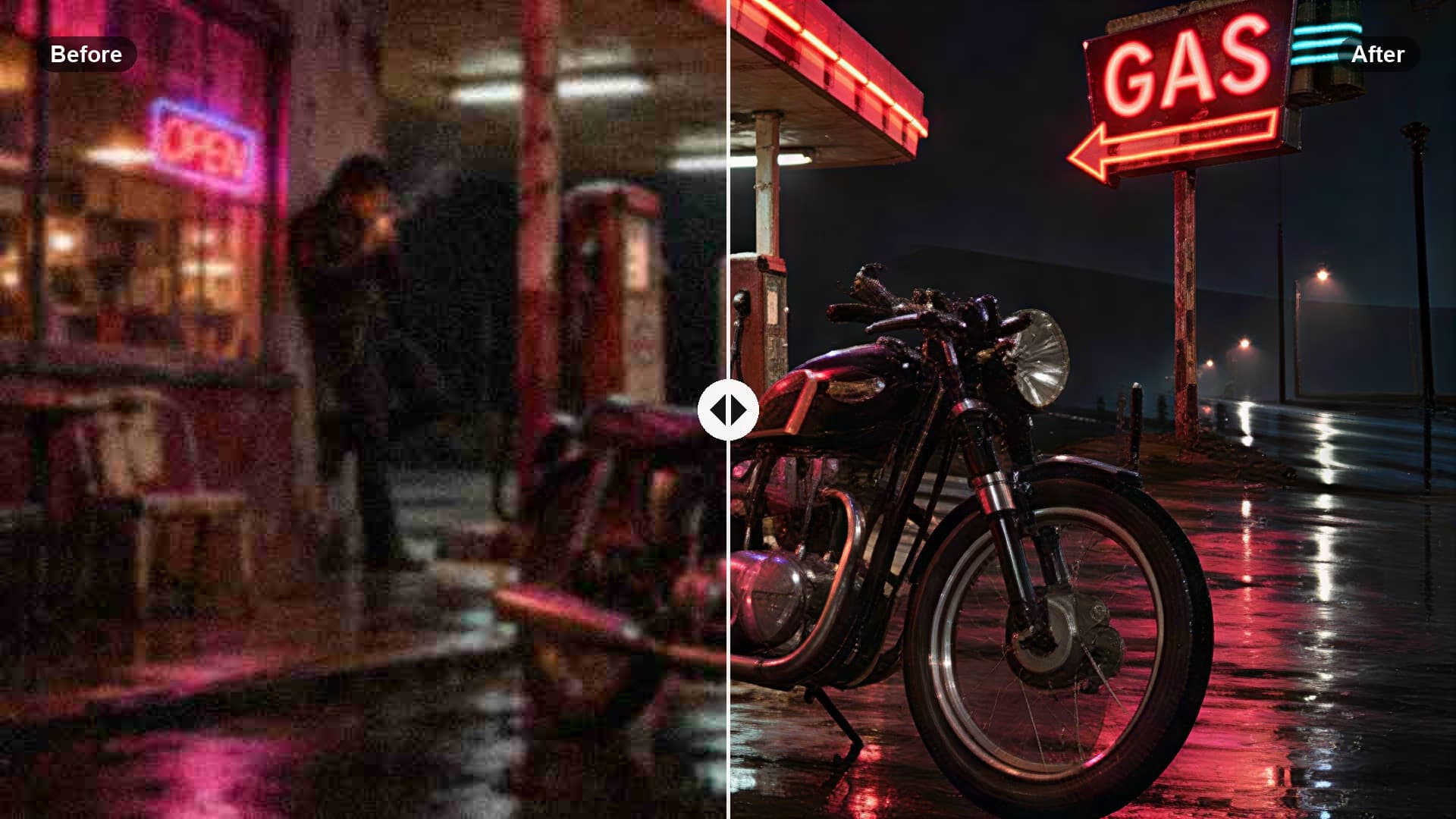
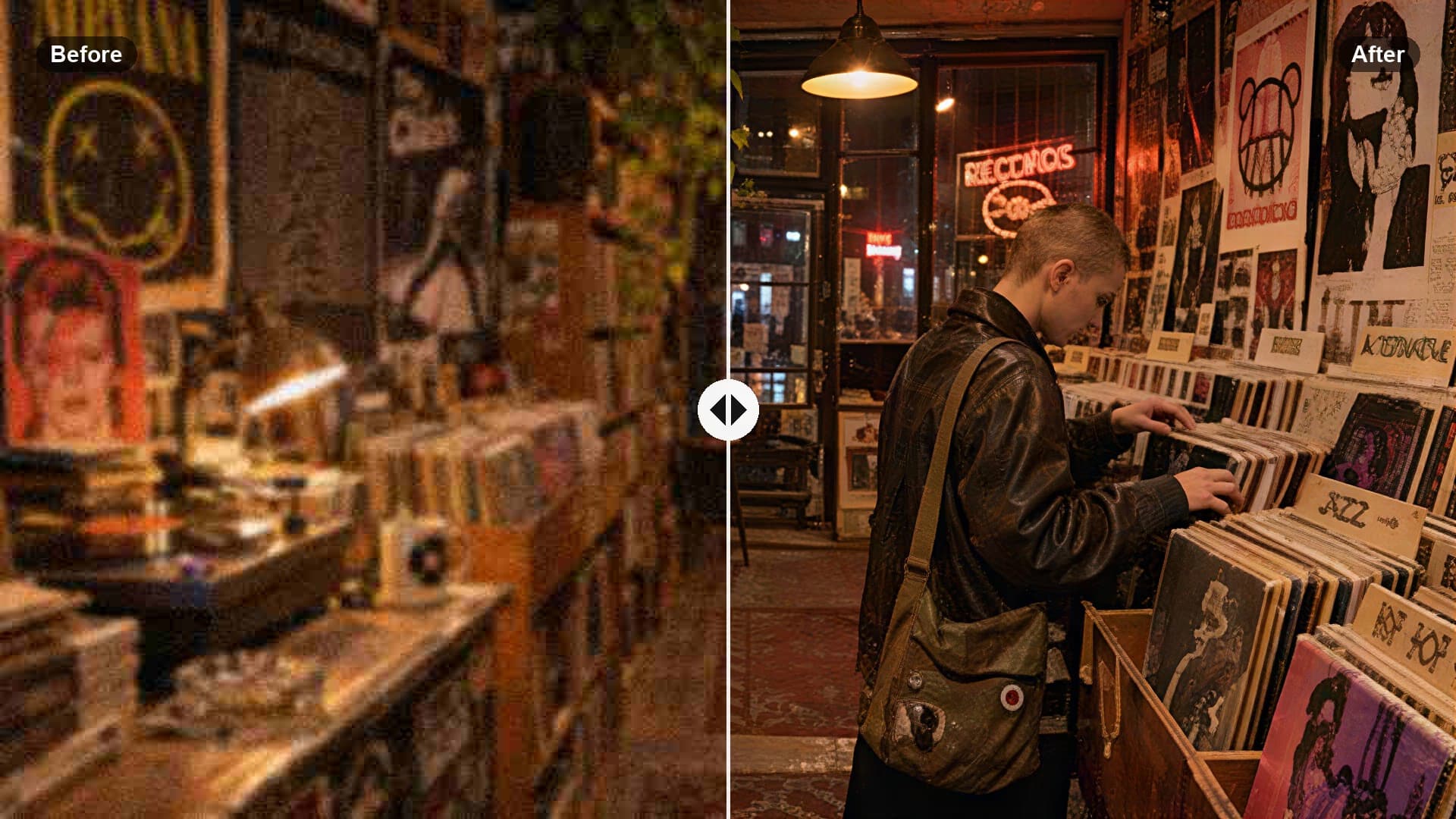
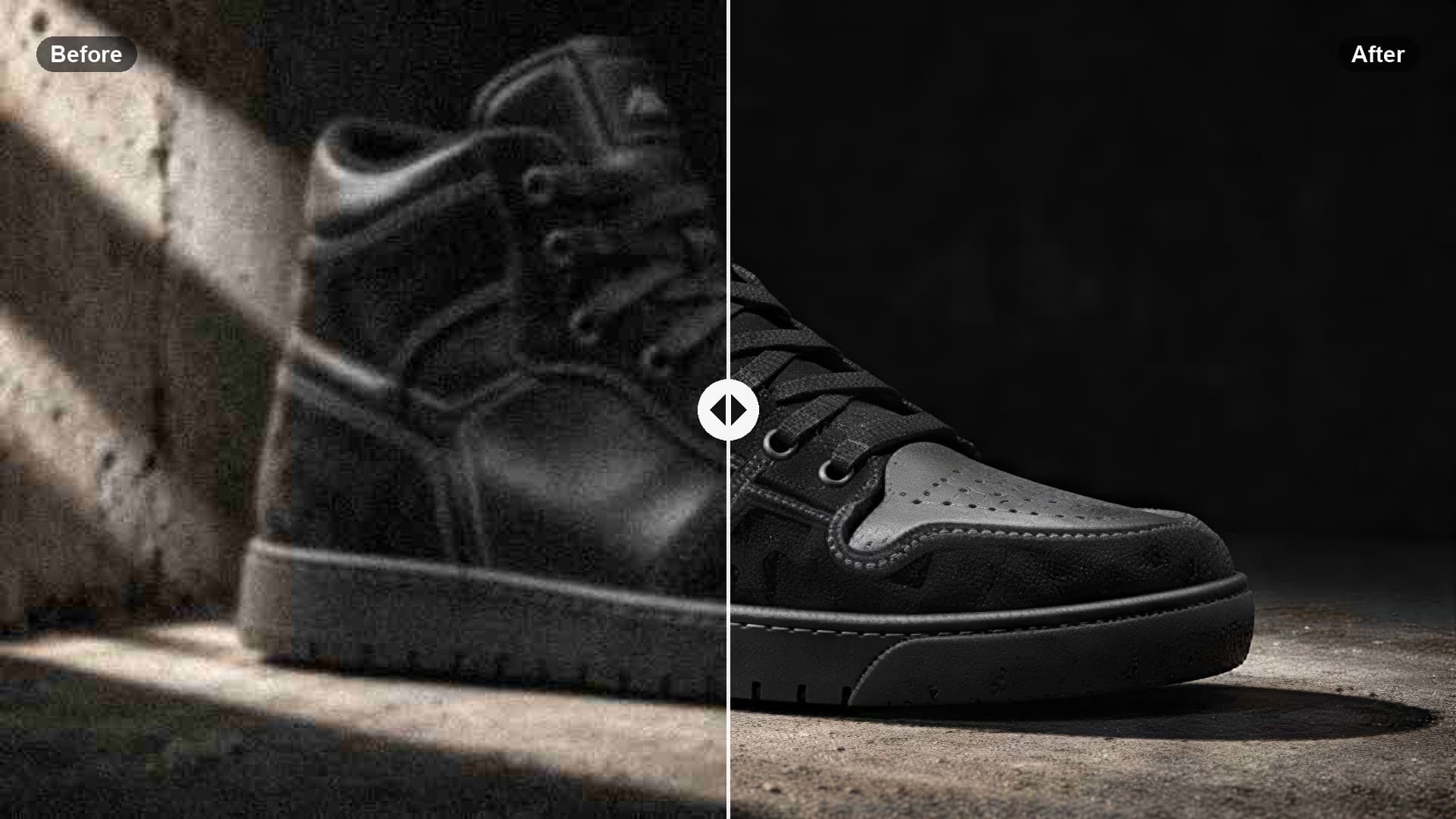
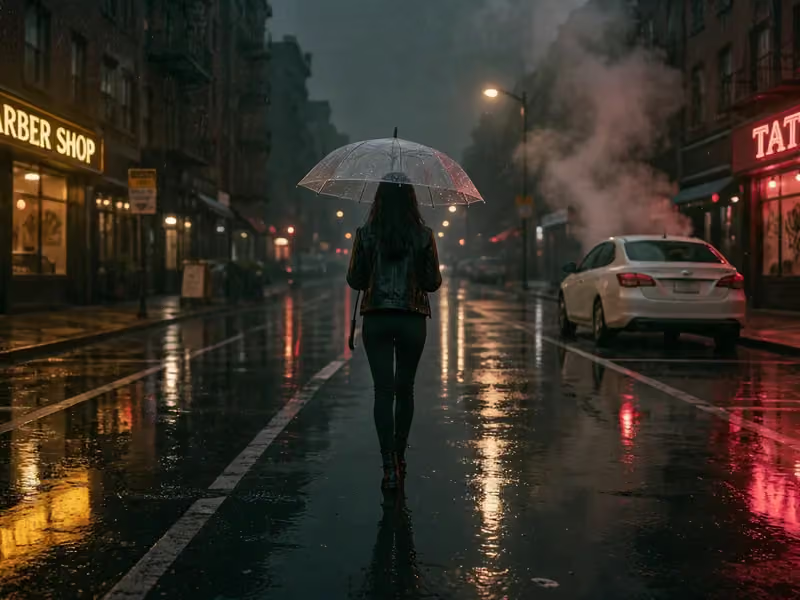
Clean up grainy, blurry shots from shows, streets and parties without the plastic look.
How to upscale an image with Topaz Generative Upscale
Three steps from a soft, small photo to a sharp one.

Topaz Generative Upscale FAQ
Answers about upscaling images with Topaz Generative Upscale in Picsart.
Topaz Generative Upscale is an AI image upscaler from Topaz Labs. It makes an image larger and fixes noise, blur and soft faces in one step, rebuilding detail instead of stretching pixels.
More AI models to use
Explore other AI image models you can use in Picsart.

Upscale images with Topaz Generative Upscale
Pro
Most popularAI tools for everyday creative work.
Ultra
Most powerfulHeavy AI usage for creators & teams.