
Seedream 5.5: realistic AI images that stay stable through every edit
Seedream 5.5 is the newest Seedream image model from ByteDance. It renders light, skin and materials more naturally, keeps small text clear, and holds your image steady while you edit it again and again. Generate up to 2K, with transparent backgrounds built in, in AI Playground.
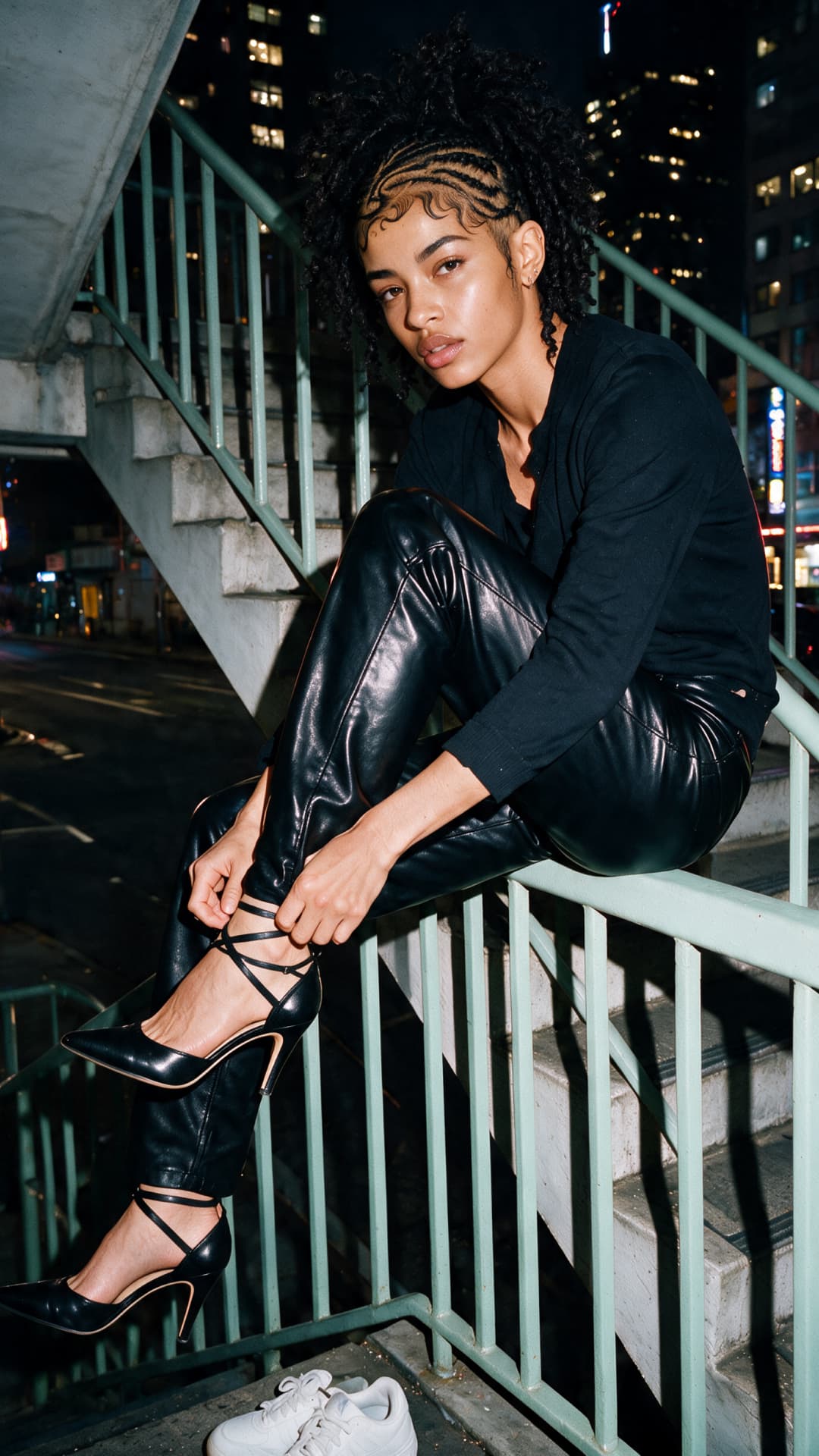
Images made with Seedream models







What is Seedream 5.5?
Seedream 5.5 is ByteDance Seed's image generation and editing model, the next step after the Seedream 5.0 series. It creates images from text and edits the images you add, with three headline upgrades: stable multi-turn editing, native transparent (RGBA) output, and more realistic images with clearer text.
- ByteDance Seedream 5.5
- Stable multi-turn edits
- Transparent backgrounds
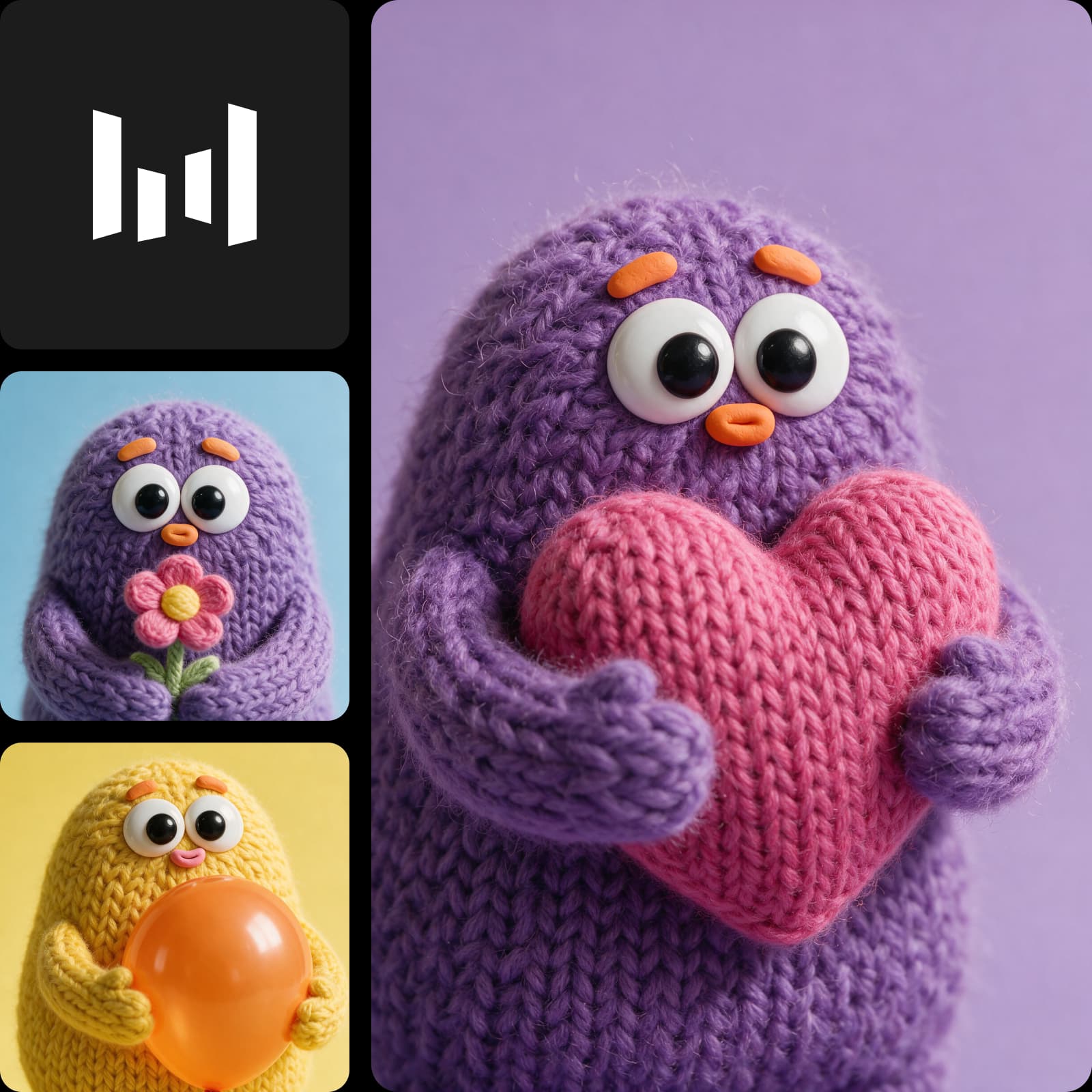
Seedream 5.5 keeps your image steady, edit after edit
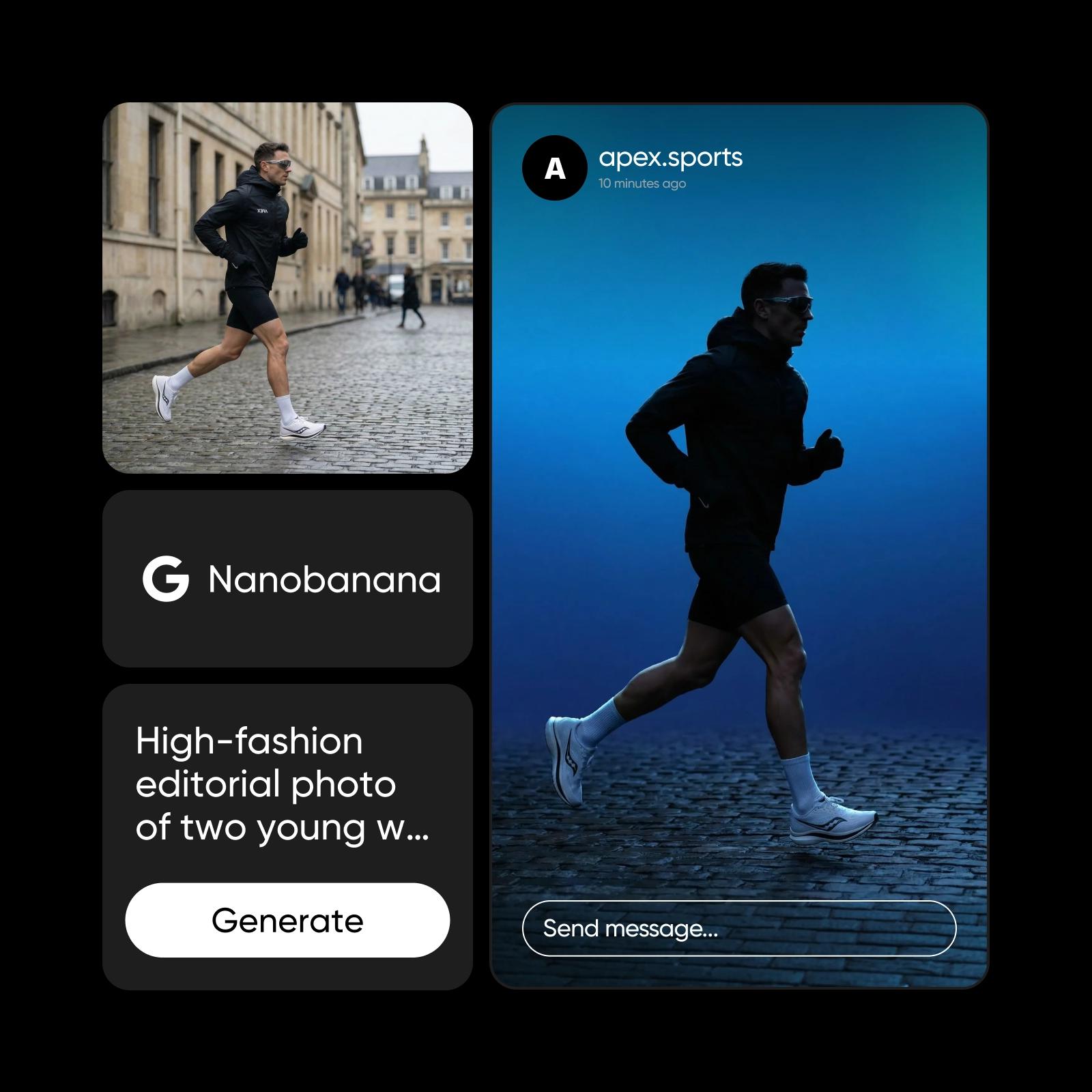
Most image models drift when you keep editing: colors shift, faces change and details soften a little more with each round. Seedream 5.5 is built for long edit sessions. It changes only what you ask for and keeps the untouched areas the same, without a color shift, so you can swap a ring, restyle a jacket or move an object and keep going. ByteDance showed it with 100 edits in a row on one portrait. Small changes stay precise too, with pose, skin contact, shadows and light kept right.

Seedream 5.5 settings: up to 2K and native transparency
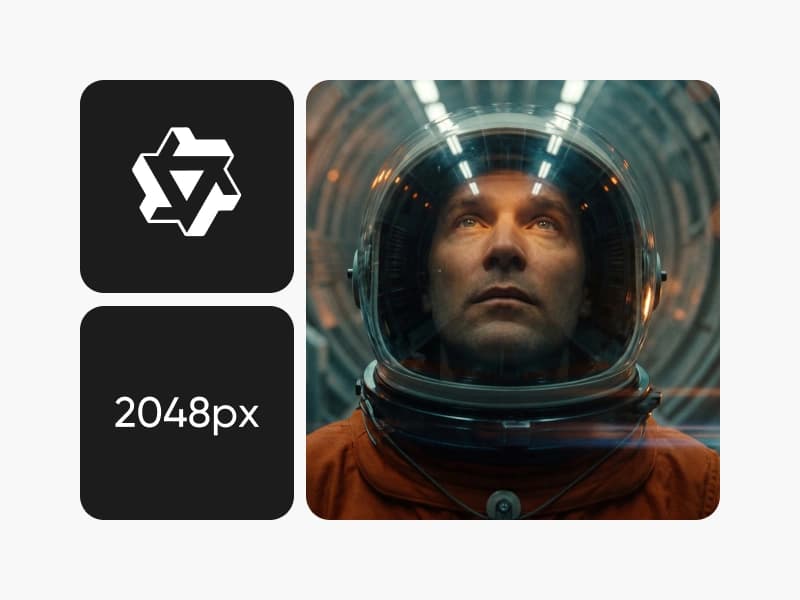
Seedream 5.5 can output images with a real alpha channel: set the background to transparent and you get an RGBA PNG with full and partial transparency, so stickers, product cutouts and character assets are ready without a separate background removal step. Light, materials and skin look more natural, and dense small text in English and Chinese stays readable. Generate at 1K, 1.5K or 2K in eight aspect ratios: 1:1, 4:3, 3:4, 16:9, 9:16, 3:2, 2:3 and 21:9. Add up to 10 source images to edit or to guide subject, style and composition, use a negative prompt to keep out what you do not want, and set the background to auto, transparent or opaque.
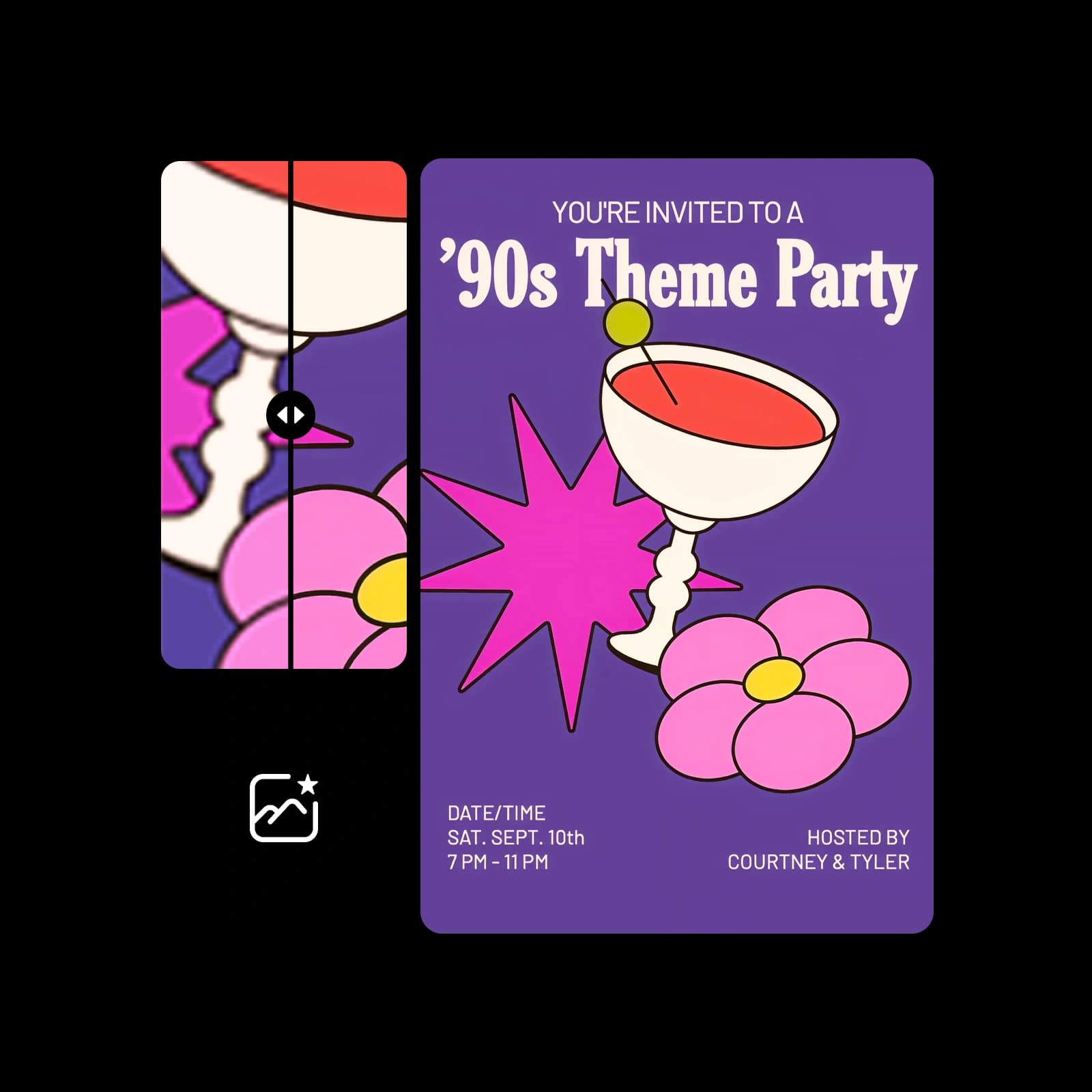
How Seedream 5.5 works inside Picsart
Seedream 5.5 runs in Picsart's AI Playground, where you can run it next to 150+ other models and compare the results. Pick Seedream 5.5, describe your image or add one to edit, and generate. Want the top-tier Seedream 5.0 model too? Seedream 5.0 Pro sits right next to it. And you can reach Seedream 5.5 whichever way you work: on the web, in the desktop app, or built straight into your own projects via CLI, MCP, REST API, and SDK.
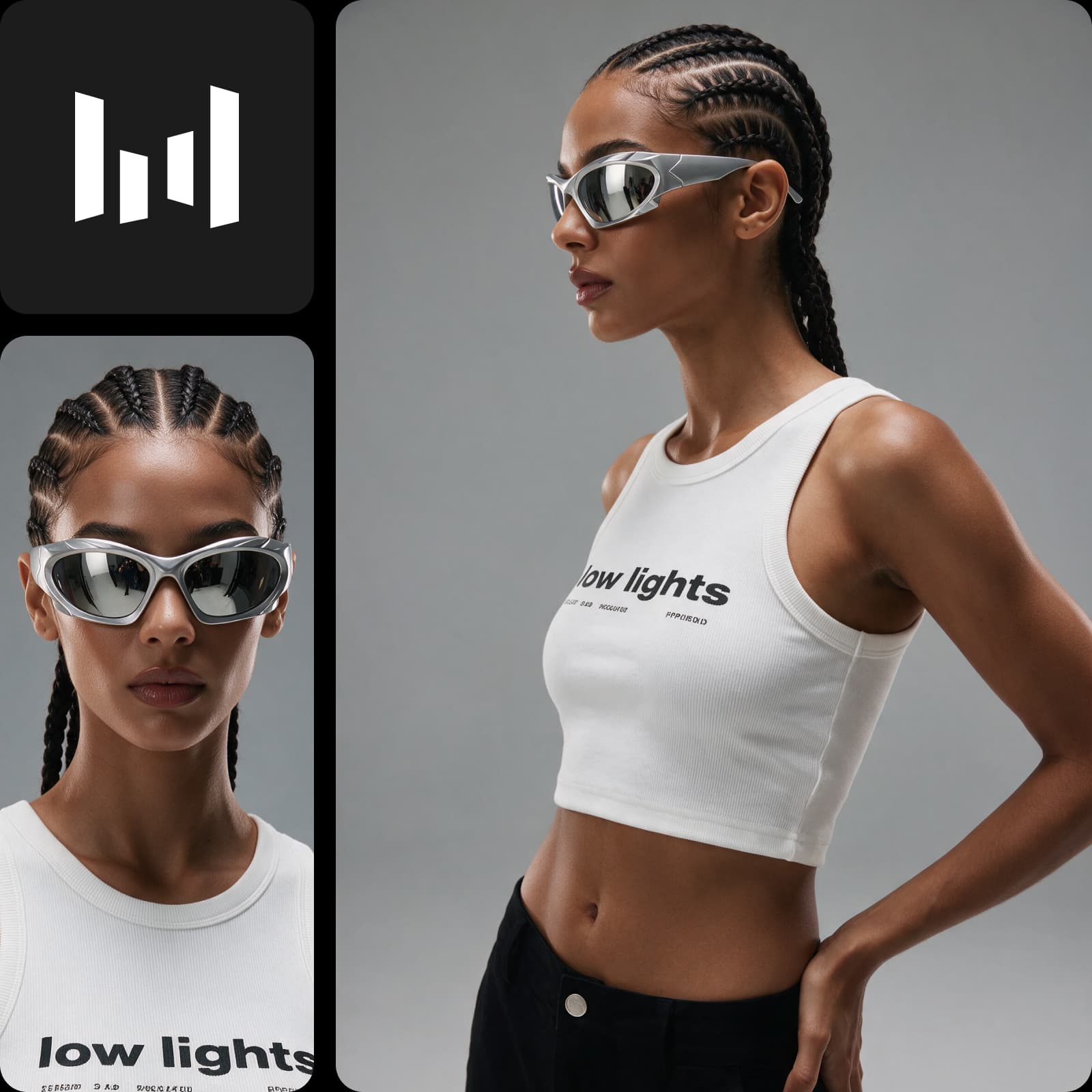
What you can create with Seedream 5.5
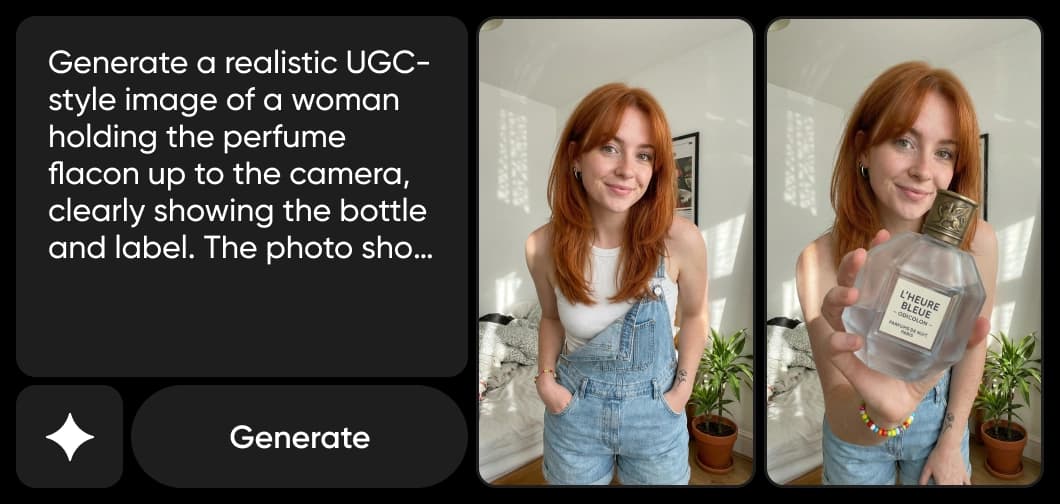
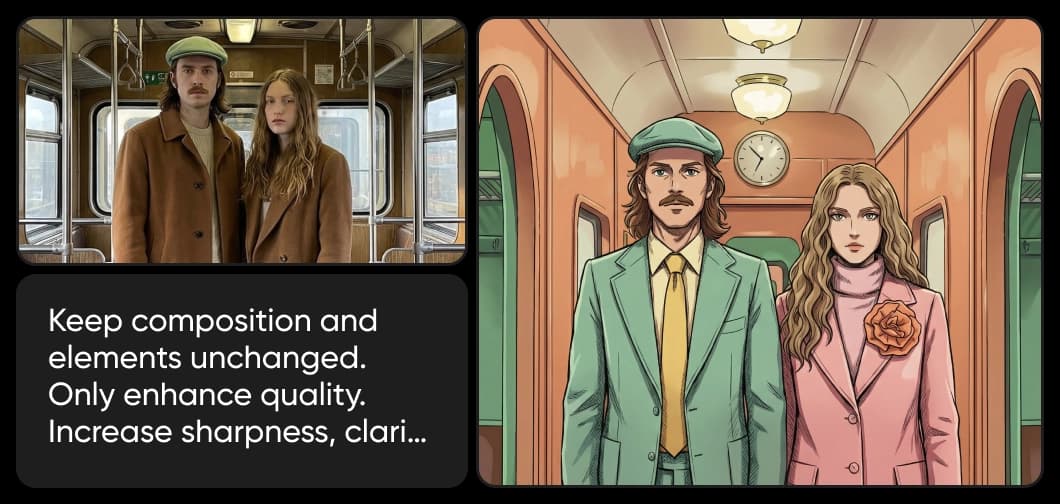
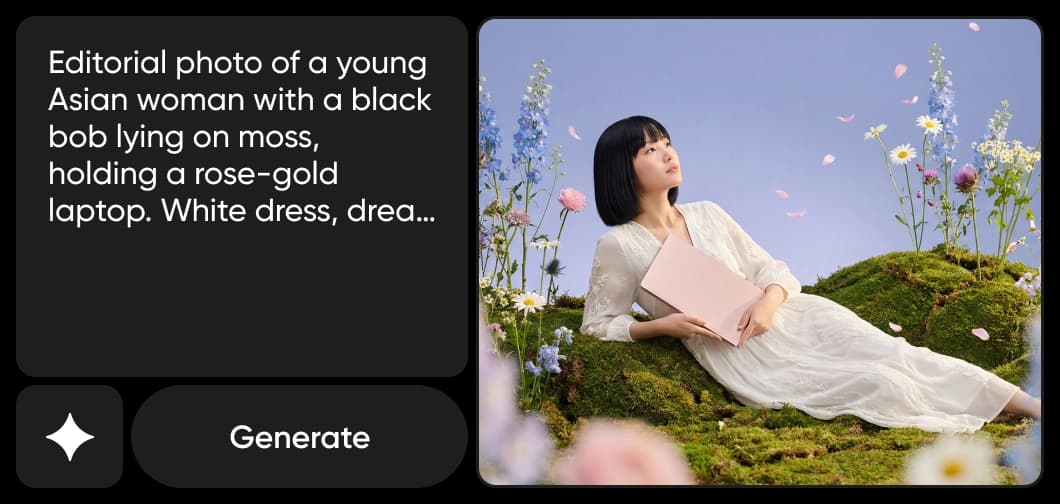
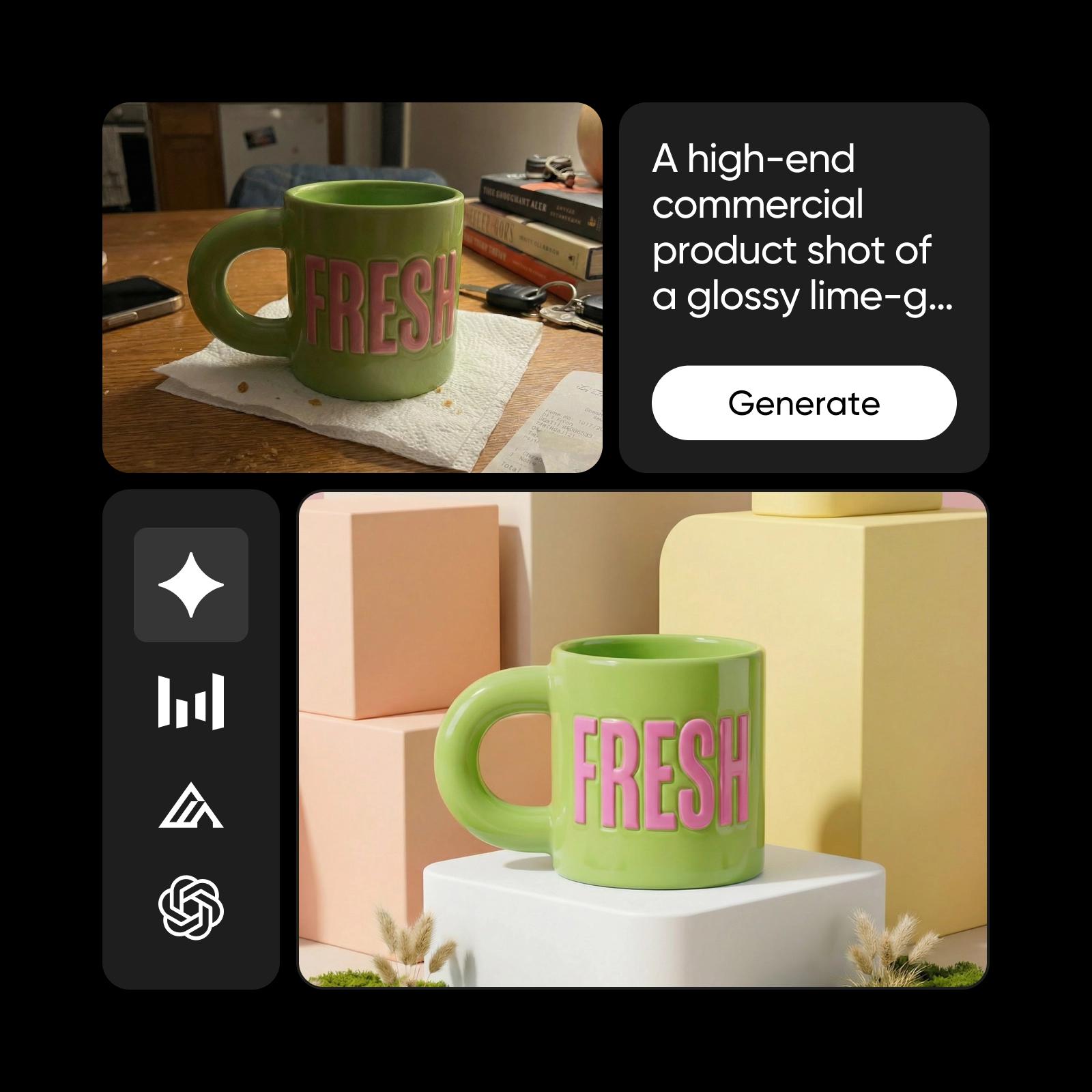
Create product photos and portraits with natural light, true-to-life skin and realistic materials.
How to generate and edit images with Seedream 5.5
Three steps from a prompt or a photo to a finished image.

Seedream 5.5 FAQ
Answers about using Seedream 5.5 in Picsart.
Seedream 5.5 is ByteDance Seed's AI image generation and editing model. It makes realistic images with clear text, keeps edits stable over many rounds, and can output native transparent backgrounds.
More AI models to use
Explore other AI image models you can use in Picsart.



Create realistic images with Seedream 5.5
Pro
Most popularAI tools for everyday creative work.
Ultra
Most powerfulHeavy AI usage for creators & teams.