Free AI Photo Editor: Upgrade photos with Picsart
Make complex photo edits simple with our AI photo editor. Enhance images, remove backgrounds, and create new content without advanced editing skills.


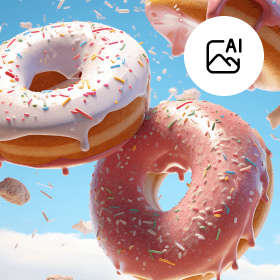



Edit like a pro, in seconds
Let AI handle complex tasks like background removal, object replacement and photo retouching - just click and go.

25+ all-in-one AI tools
Access a complete suite of intelligent photo editing features, built to cover everything from enhancements to effects.

Smarter with every edit
Picsart’s adaptive AI learns from your usage patterns to deliver faster, sharper and more personalized results over time.
How to edit photos with AI
Insert image
Use the button below to select a photo and start editing.
Create with AI
Download

AI photo editing: The new way to perfect your images
Upload your photo and let AI do the heavy lifting - from background removal to skin retouching and color correction. With over 25 AI-powered features built into the Picsart Photo Editor, you can clean up, enhance, and transform your images in just a few clicks. Whether you're fixing lighting, erasing distractions, or adding artistic effects, Picsart makes advanced editing fast, intuitive, and fun.

Give your designs a creative twist with AI
Looking to upgrade certain aspects of your designs? AI-powered tools offer the fastest way to achieve this without breaking a sweat. Use AI Replace to transform parts of your image with ease of use, or take advantage of AI Sketch to turn even the most haphazard sketches into art. Reinvent the look of your photos using AI filters and AI style transfer - all within a user-friendly interface built for creators.
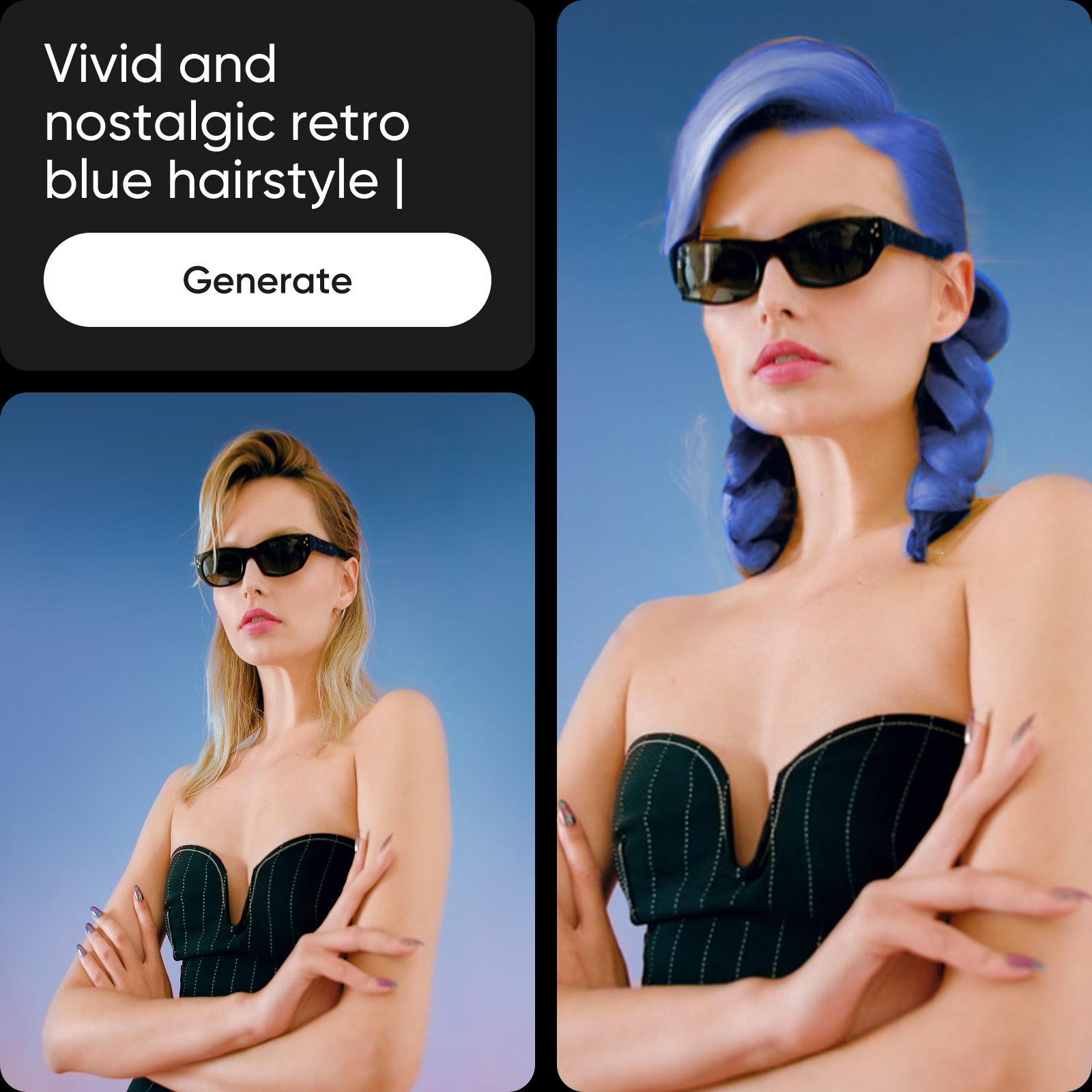
Sharpen your online presence with AI editing
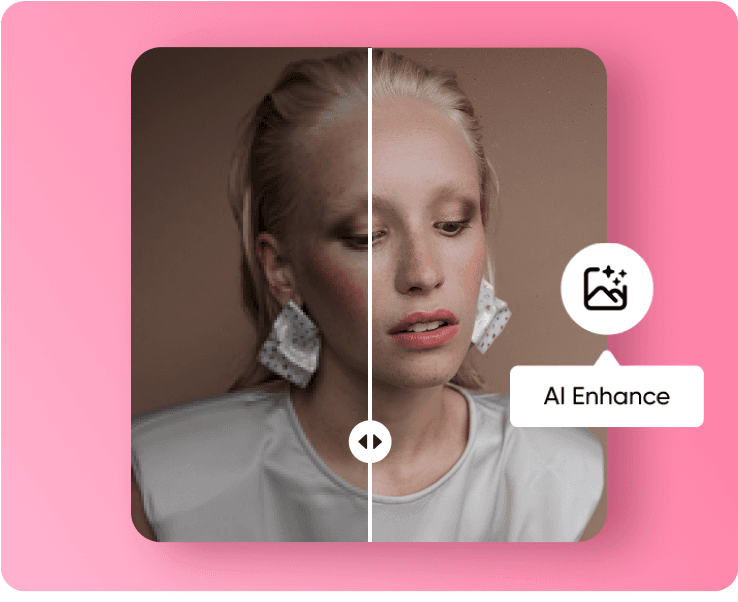
The AI Photo Editor makes it easy for everyone to do DIY pro-level edits with tools like AI Enhance that works within seconds to increase image quality for a sharper, crisper finish. Capture what was left outside of the lens by using AI Image Extender to extend your visuals with realistic generative AI, or explore endless creativity through the AI Logo Generator. The intuitive interface ensures every edit feels simple, seamless, and effective.

Supercharge your content pipeline with AI
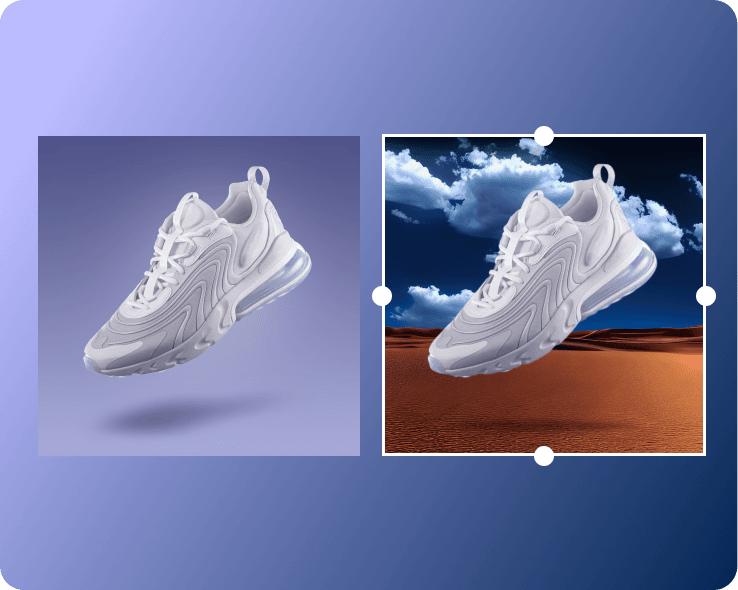
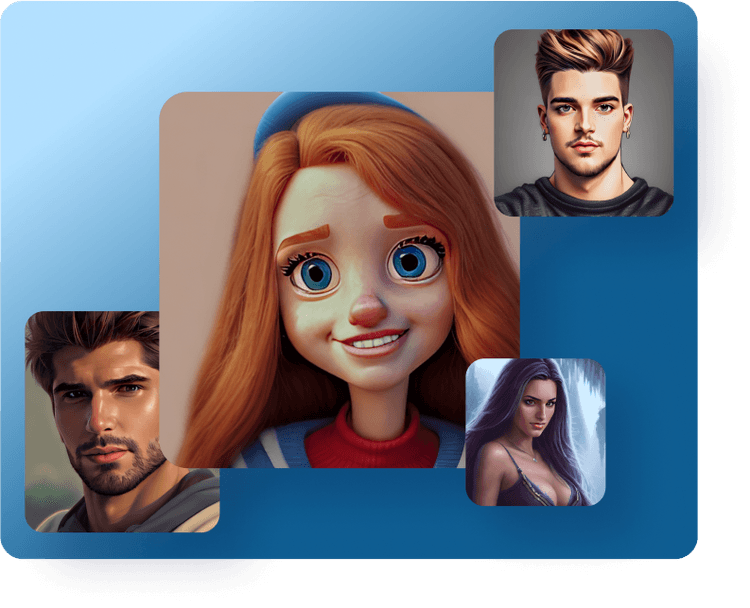
Whether you’re creating fun edits for your brand’s social media posts or fine-tuning your packaging design, AI photo editing can help you transform and give an entirely new look to your existing visuals. Upgrade the scenery using the AI background generator, or completely reinvent your selfies with the AI avatar maker. To wrap it all up, use the AI content generator to create the perfect social media caption or promotional copy in seconds and deliver them in style using AI text styles - all part of a user-friendly tool built for creators who value speed and ease of use.
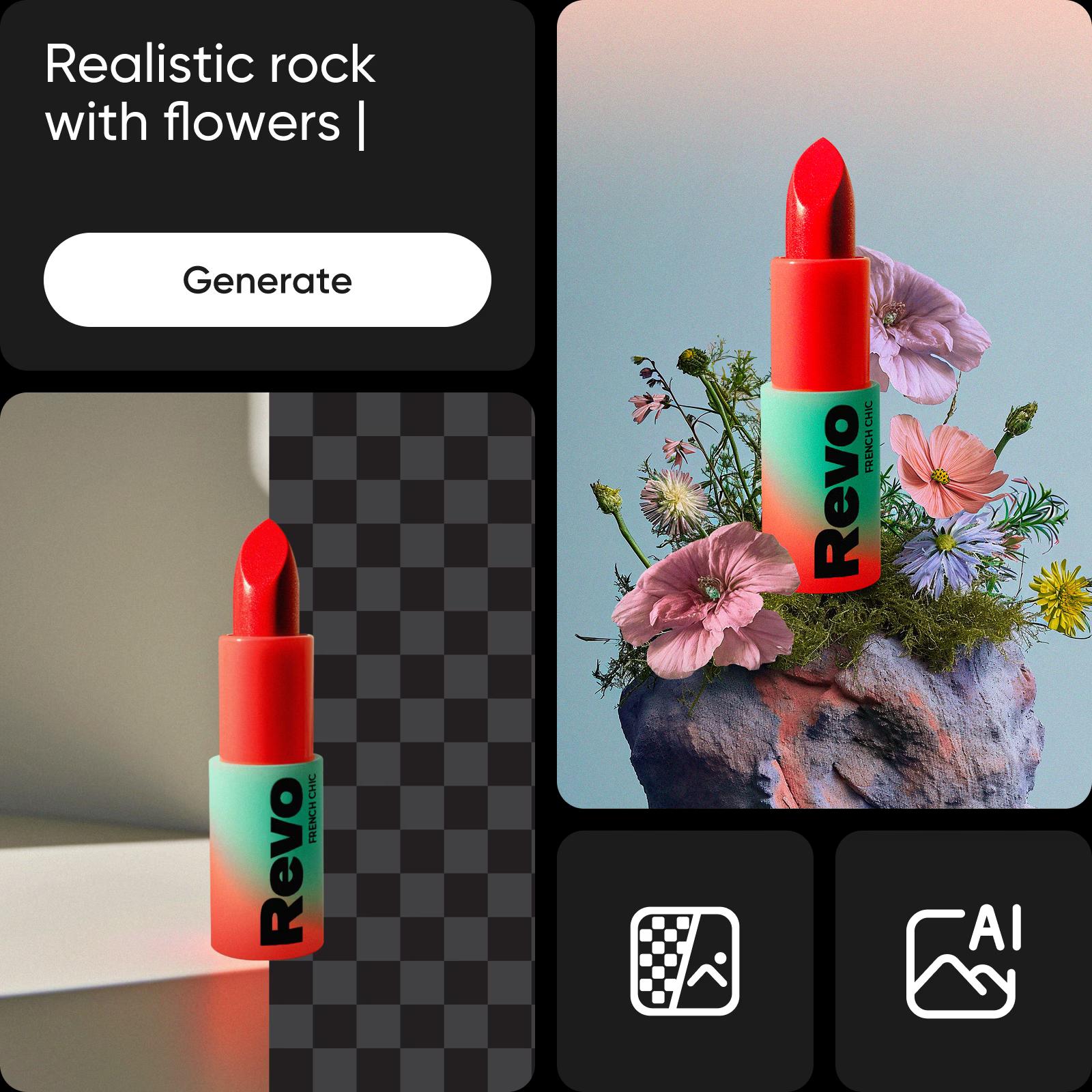
More AI image editing tools to love
Picsart’s all-in-one editor is packed with AI-powered features that simplify complex edits. Remove backgrounds in a tap, clean up photos with the Cleanup Pictures tool, erase distractions like people or objects and sharpen your shots with AI Image Enhancer. You can also auto-crop for social, apply AI filters or match colors across images - no deep editing skills needed. With its intuitive interface and user-friendly tool design, you’ll spend less time tweaking and more time creating.

AI image editing with text prompts
This new tool lets you upload any image and guide edits by writing prompts. From product photos to portraits, it handles background changes, text overlays, object swaps, and even beauty edits, such as hair color updates. For example, upload a product shot, change the background, add text, and replace an item - all in seconds through a user-friendly interface built for creators who appreciate ease of use and smart AI-powered tools.
Discover even more AI-powered tools
Take your edits further with advanced features that make photo editing simple, flexible, and creative.
Background changer and remover
Replace or erase any background in just a few steps.
AI backgrounds
Create new backgrounds that match your photo’s style and mood.
Object remover
Remove unwanted objects, people, or clutter quickly and cleanly.
AI effects and filters
Apply smart effects that adapt naturally to your images.
Upscale and sharpen
Improve image quality and bring out more detail.
AI photo enhancing
Adjust lighting, contrast, and clarity to improve your photos.
Clean up pictures
Fix small marks, smudges, or visual noise with ease.
Color correction and adjustment
Balance tones and fine-tune colors for the right look.
Discover more AI Photo Editor tools
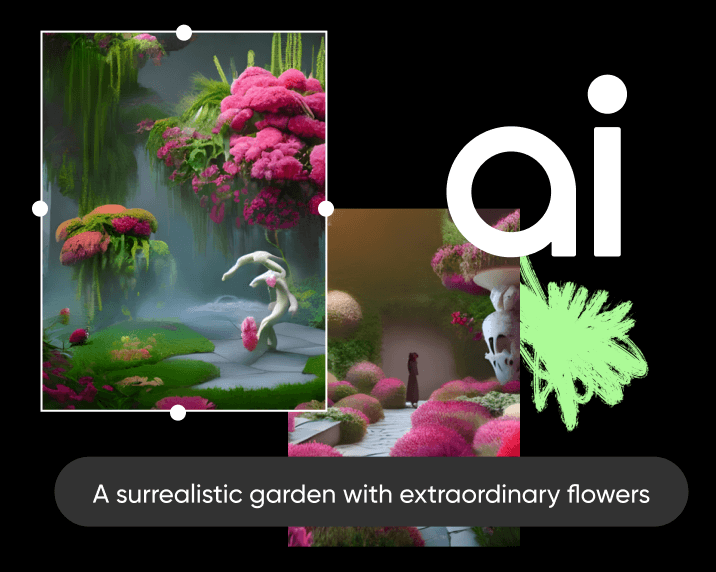



AI Photo Editor FAQ
An AI photo editor is a software tool that uses artificial intelligence to enhance, modify, or create images.
Picsart’s AI photo editing tools can save time and effort by automatically making enhancements to images and can often achieve results that would be difficult or impossible to do manually. They can also be used to generate new images or add special effects.
Picsart AI Photo Editor can perform a wide range of edits, including color correction, object removal, image restoration, facial recognition and manipulation, avatar creation, background replacement and generation, special effects, and many more. See the AI Photo Editor tools and workflow guide for the full feature breakdown and examples.
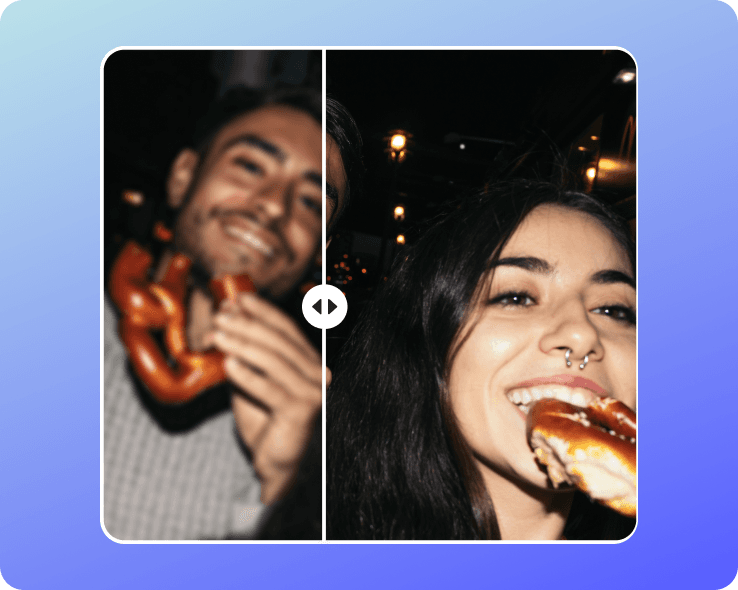
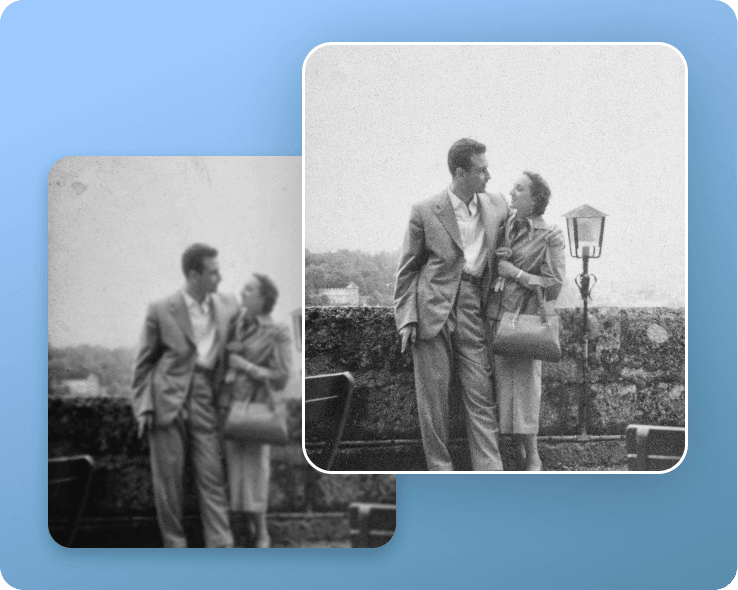
Yes, our AI photo editor has an enhancement tool that is specifically designed to enhance old or low-quality photos by reducing noise, improving sharpness, and restoring color. You can even enhance multiple images at once with the batch editor.
Picsart’s AI photo editing app stands out with its all-inclusive toolset so you can get all your editing done in one easy-to-use interface without having to switch between apps. And thanks to the intuitive design, everyone can become an editing pro without any prior experience or training.
Edit, generate, and create more with Picsart
Pro
Most popularAI tools for everyday creative work.
Ultra
Most powerfulHeavy AI usage for creators & teams.