تحويل النص إلى فيديو بالذكاء الاصطناعي: حوّل كلماتك إلى فيديو
تحوّل أداة Picsart لإنشاء الفيديوهات من النص بالذكاء الاصطناعي مطالبتك المكتوبة إلى مقطع فيديو. صِف المشهد وحركة الكاميرا في AI Playground، ثم أنشئه باستخدام Wan 2.7 أو نموذج آخر.
استعرض نماذج الفيديو بالذكاء الاصطناعي في AI Playground
تحكّم في كل لقطة من فيديو الذكاء الاصطناعي
يمنحك Wan 2.7 مقاطع بدقة 1080p وحركات للكاميرا ومزامنة صوتية من مطالبة واحدة. وتوفّر النماذج الأخرى عناصر تحكم خاصة بها.
كيفية تحويل النص إلى فيديو بالذكاء الاصطناعي
استخدم AI Playground لتحويل النص إلى فيديو في أربع خطوات.
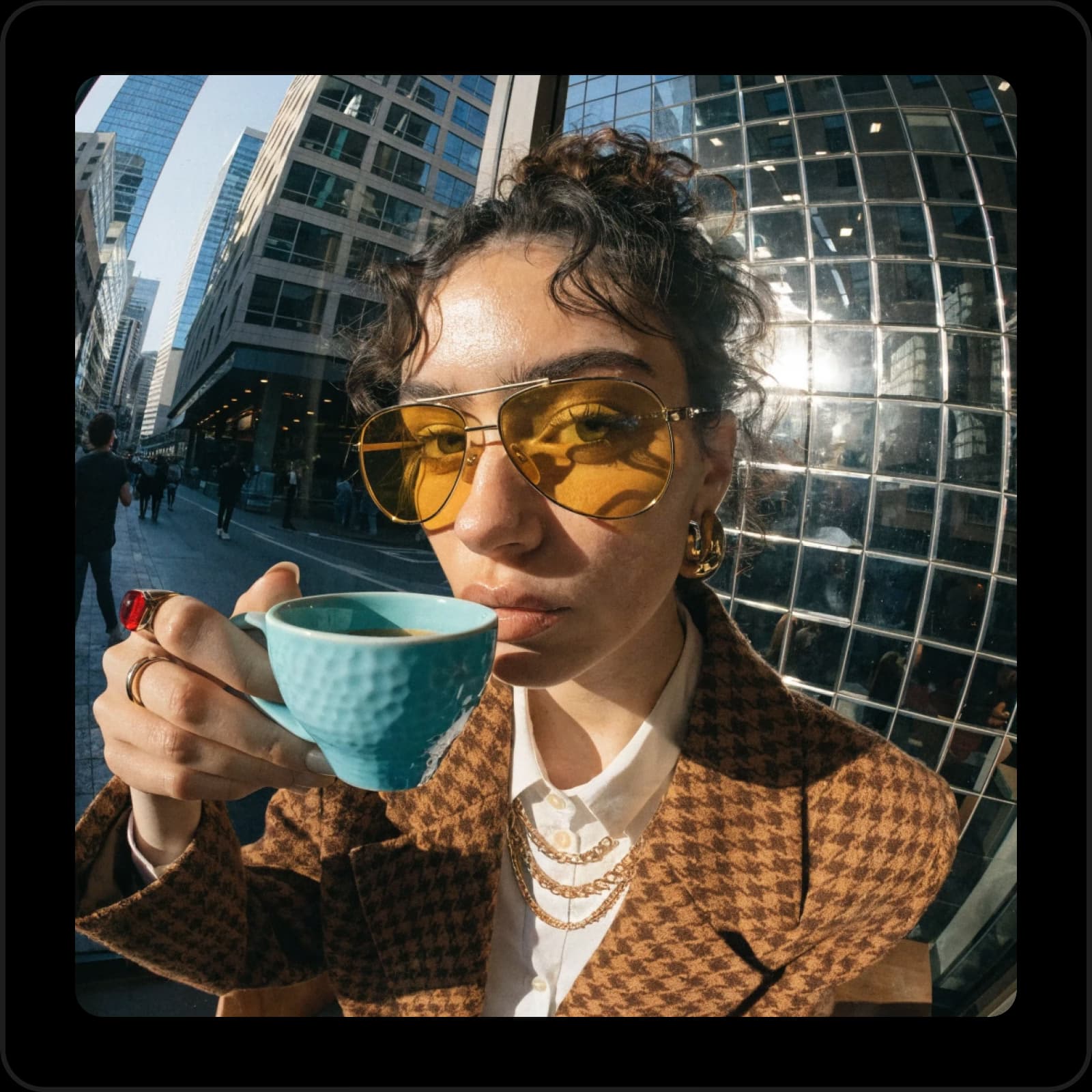
خطّط لمشاهد الأفلام القصيرة والدراما
اعرض فكرة مشهد قبل أن يحجز أي شخص موقع التصوير. اكتبه خطوة بخطوة، من أبٍ يعلن اسم وريثه إلى مطاردة في المطبخ، وأنشئه في لقطة واحدة. يتبع Wan 2.7 حركات الكاميرا المكتوبة بكلمات عادية، مثل حركة dolly بطيئة. غيّر سطرًا، وأعد الإنشاء، ثم قارن بين اللقطات.
- حوارات بين علامتي اقتباس
- إطار عمودي أو عريض
- لقطات تصل مدتها إلى 30 ثانية
أنشئ صورًا توضيحية ووثائقية ليوتيوب
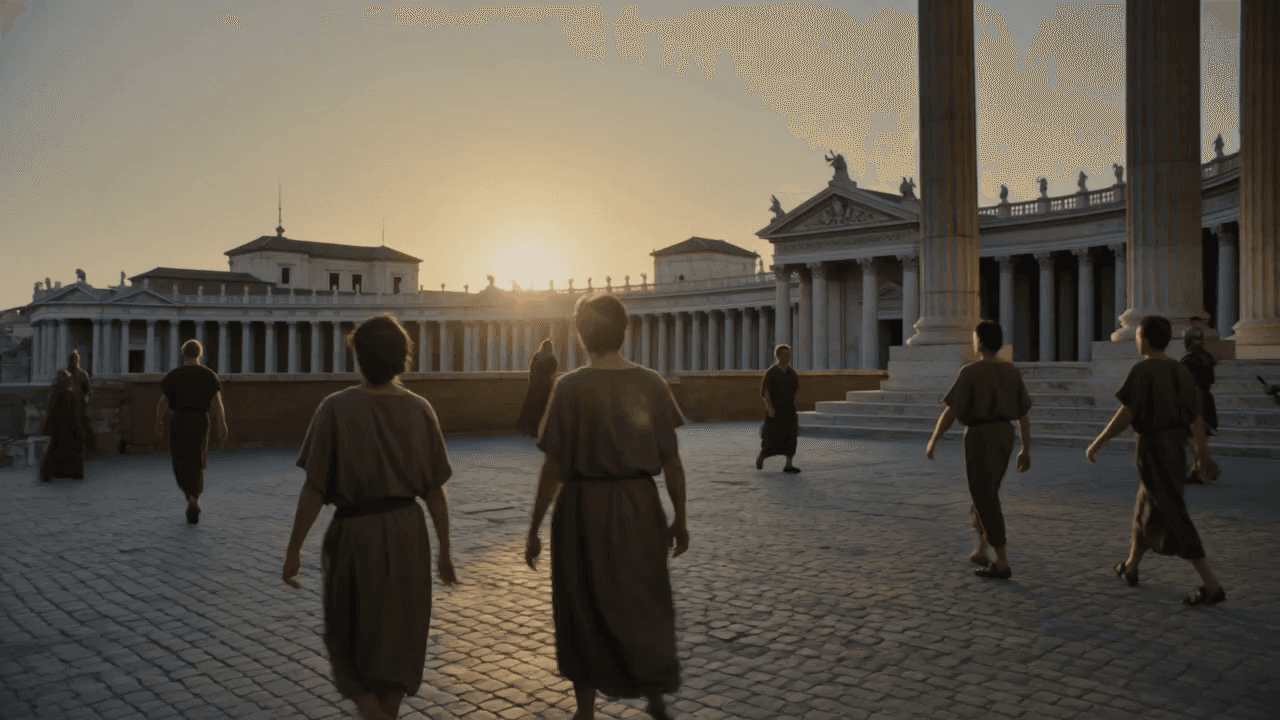
تحتاج قنوات التاريخ والعلوم إلى لقطات لا يمكن تصويرها. صِف الحقبة والإضاءة وحركة الكاميرا، مثل روما القديمة عند شروق الشمس مع حركة dolly بطيئة إلى الأمام، وسيحوّل الذكاء الاصطناعي النص إلى فيديو كل فقرة إلى لقطة. ويمكن لـWan 3.0 استخدام مستند أو صفحة ويب مرجعًا للمشهد.
- واقعية وثائقية أو تحبّب أفلام
- إطار عريض 16:9 ليوتيوب
- لا حاجة إلى ترخيص لقطات جاهزة
انشر Reels وShorts ومقاطع TikTok من دون تصوير
يتطلب النشر اليومي لقطات أكثر مما يمكن للهاتف تصويره. اكتب الجملة الجاذبة والمشهد والنتيجة، وحدّد نسبة 9:16، ثم أنشئ مقطعًا عموديًا باستخدام Wan 2.7 مدته 5 أو 10 أو 15 ثانية. لتوجيه الفيديو بالصور أو المقاطع أو الصوت إلى جانب النص، استخدم AI Video Generator.
- من دون الظهور أمام الكاميرا
- متزامن مع مسار صوتي تضيفه
- مربع 1:1 لمنشورات الخلاصة
حرّك الرسوم المتحركة لقنوات الأطفال
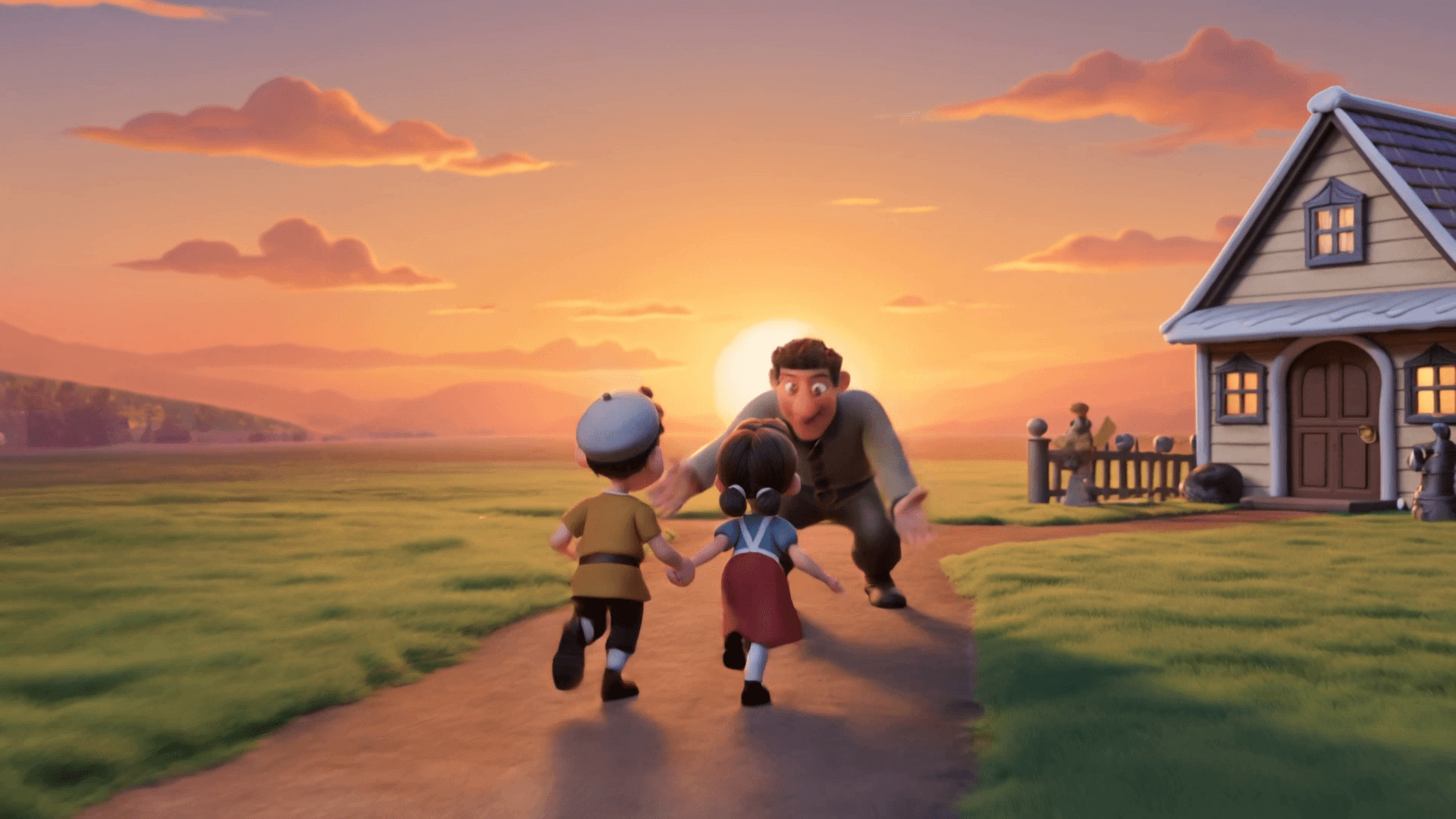
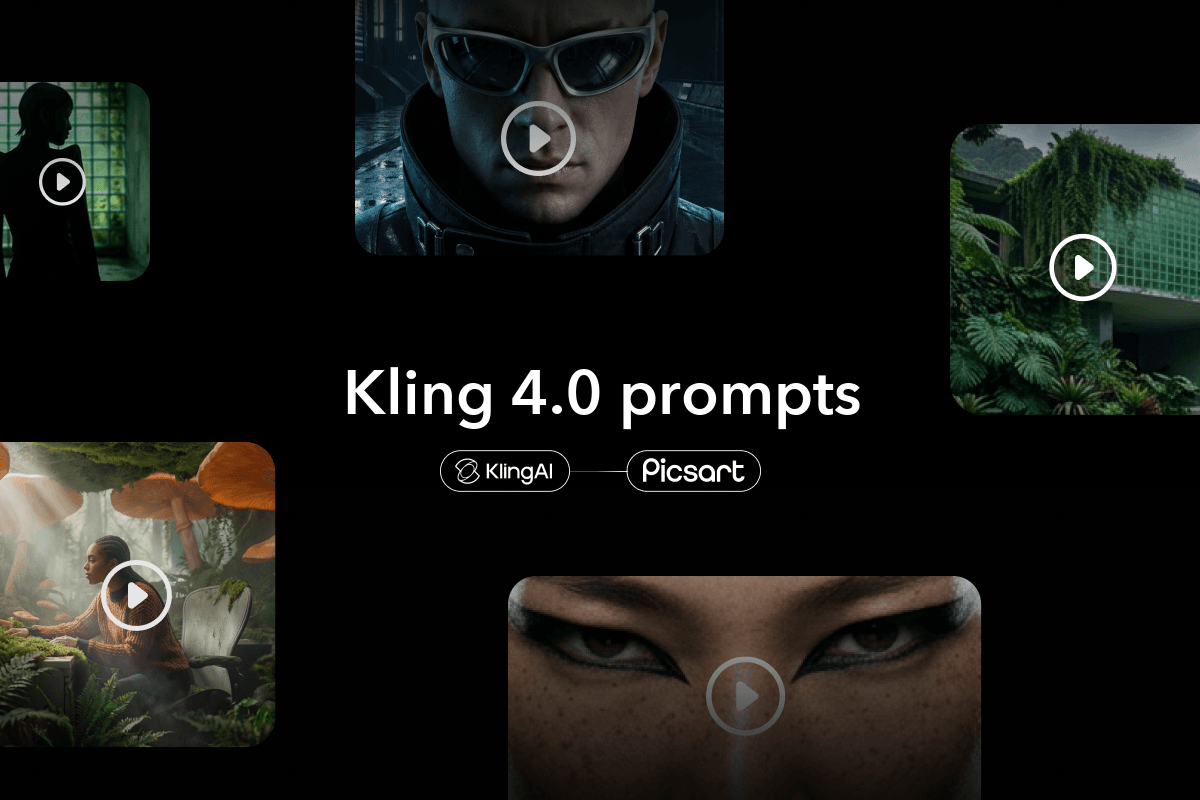
تحتاج قنوات الرسوم المتحركة إلى تدفق مستمر من الحلقات الجديدة، ويتيح تحويل النص إلى فيديو بالرسوم المتحركة إنشاءها من دون استوديو. اذكر الأسلوب أولًا، مثل مجسمات ثلاثية الأبعاد ناعمة أو رسوم إيقاف الحركة بالطين، ثم صِف الشخصيات وما تفعله. يتعامل Kling 4.0 مع أنماط متنوعة، من الرسوم المتحركة بالطين وملمس اللباد إلى مشاهد السايبربانك ثلاثية الأبعاد.
- استبعد ما لا تريده
- أغانٍ متزامنة مع مسارك الصوتي
- حلقات مربعة أو عمودية أو عريضة
اكتب مطالبة أفضل لتحويل النص إلى فيديو
تجيب المطالبة الواضحة عن أربعة أسئلة: من يظهر على الشاشة، وماذا يحدث، وإلى أين تتحرك الكاميرا، وما شكل المشهد وصوته. كن محددًا، فقل مثلًا امرأة في الستينيات من عمرها بشعر فضي بدلًا من امرأة، وسيعرض Wan 2.7 التفاصيل بحواف أكثر وضوحًا ودرجات بشرة طبيعية.
- توقيتات مثل 0-6s للمقاطع الأطول
- حوارات بين علامتي اقتباس
- اذكر ما تريد استبعاده
جرّب مطالبات تحويل النص إلى فيديو هذه
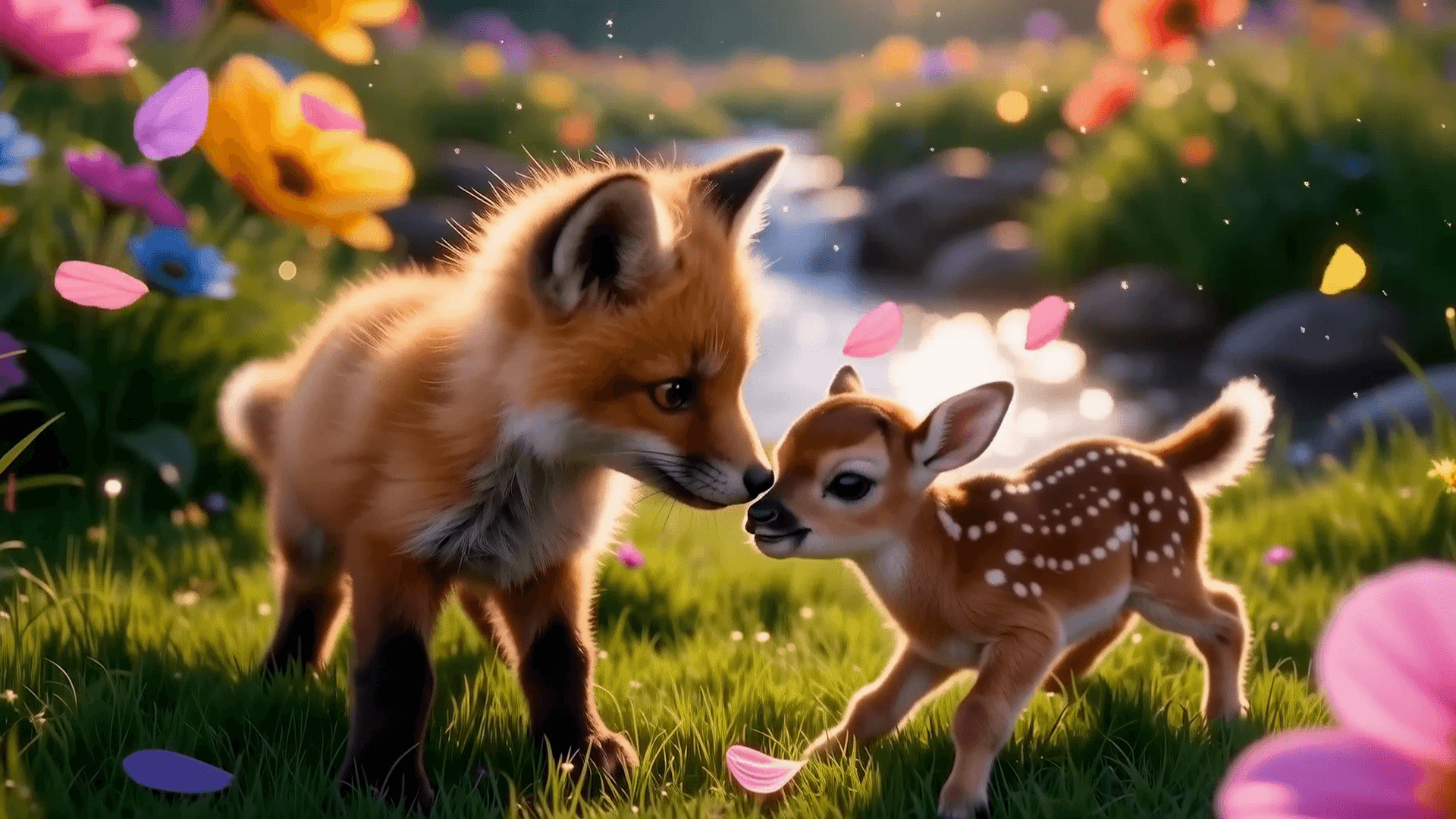
Kling V3. مشهد وثائقي سينمائي عند الفجر.
مشهد حرب وثائقي سينمائي واقعي للغاية، ساحة معركة باردة وضبابية عند الفجر، جيش روماني يسير عبر الضباب، رايات تتحرك، نار ودخان في الأفق، ماركوس أوريليوس يمتطي حصانًا ويرتدي درعًا دقيقًا تاريخيًا، أجواء مشحونة، إضاءة درامية، تحبّب أفلام، عمق مجال ضحل؛ لحظات بالحركة البطيئة وحركة تتبّع dolly مضبوطة بمحاذاة المسيرة. يقول راوٍ بصوت رجولي عميق: "واجه الطاعون… والخيانة… وحربًا لا تنتهي… لكنه آمن بشيء واحد فوق كل شيء… لا يمكنك التحكم في العالم… بل في عقلك وحده." موسيقى خلفية: أوركسترالية بطيئة بنبرة قاتمة. أجواء محيطة خافتة: الرياح، أصداء معركة بعيدة، صليل الدروع، وقع أقدام مكتوم.
قارن بين نماذج تحويل النص إلى فيديو بالذكاء الاصطناعي
ابدأ باستخدام Wan 2.7، ثم اختر نموذجًا آخر يناسب اللقطة التي تتخيلها. تشمل نماذج تحويل النص إلى فيديو الأخرى في AI Playground: Wan 3.0 وSeedance 2.0 وKling V3 وVeo 3.1 Fast وLTX 2.5 وHailuo 2.3 وPixVerse V6 وLuma Ray 3.2 وHappy Horse 1.1.


استخدم أداة يقيّمها المبدعون بأنها ممتازة
تقييمات حقيقية لـPicsart، منشورة على Trustpilot.




تعرّف على المزيد حول مطالبات ونماذج الفيديو بالذكاء الاصطناعي
إجابات عن تحويل النص إلى فيديو بالذكاء الاصطناعي
تعتمد ميزة إنشاء الفيديو في AI Playground عبر الإنترنت من Picsart على AI Credits بدلًا من رسوم ثابتة، ولا تُستهلك الأرصدة إلا للمقاطع التي تنشئها. يوضّح كل نموذج تكلفة الأرصدة قبل تشغيله، لذا يمكنك إعداد مسودة باستخدام نموذج سريع والاحتفاظ بالنماذج الأعلى دقة لنسختك النهائية.
اختر خطة لتحويل النص إلى فيديو بالذكاء الاصطناعي
تتضمن خطتا Picsart Pro وUltra أرصدة AI Credits لاستخدام أداة تحويل النص إلى فيديو بالذكاء الاصطناعي هذه وجميع النماذج في AI Playground.
Pro
Most popularAI tools for everyday creative work.
Ultra
Most powerfulHeavy AI usage for creators & teams.