Výběr barev: Najděte barevné kódy online
Snadno a okamžitě najděte přesný tón, který hledáte, pomocí online výběru barev od Picsart. Najděte čísla barev pomocí formátů výběru barev HEX, RGB, HSL a CMYK.
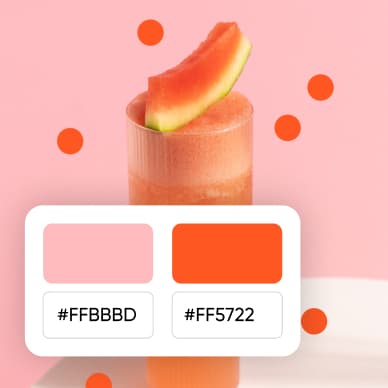




Jak používat výběr barev
How to
Vyberte barvu
Pomocí posuvníku barev najděte přesný tón nebo vložte kód v jakémkoli formátu, aby se převedl do jiného formátu.
Použijte barvy v dalším projektu
Použijte vybranou barvu v editoru a zajistěte tak jednotnost pozadí a grafických prvků.

Najděte barvu pro svůj návrh
Vyberte tón ve vzorníku, upravte jeho odstín a zkopírujte kód barvy pro svůj návrh.

Vyberte barvy snadno
Nalezení správného barevného kódu by nemělo být obtížné. Výběr barev od Picsart mění tuhle výzvu v snadnou úlohu a nabízí neomezené možnosti barev s uživatelsky přívětivým rozhraním. Vyberte barvu a získejte kódy ve formátech barev HEX, RGB, CMYK a HSL jedním kliknutím. Snadno zkopírujte potřebný barevný kód do vašich projektů a ušetřete čas na webu.

Překročte základní výběr s nástrojem pro zjištění barevných čísel
Povyšte své kreativní projekty s online výběrem barev od Picsart. Mimo základní výběr tento nástroj nabízí paletu funkcí pro zdokonalený kreativní proces. Od různých modelů barev pro přesnou kontrolu až po intuitivní barevné kolo a tvůrce palet pro další použití. Objevujte, kopírujte, ukládejte a spravujte své oblíbené odstíny s pohodlným rozhraním výběru barev od Picsart.
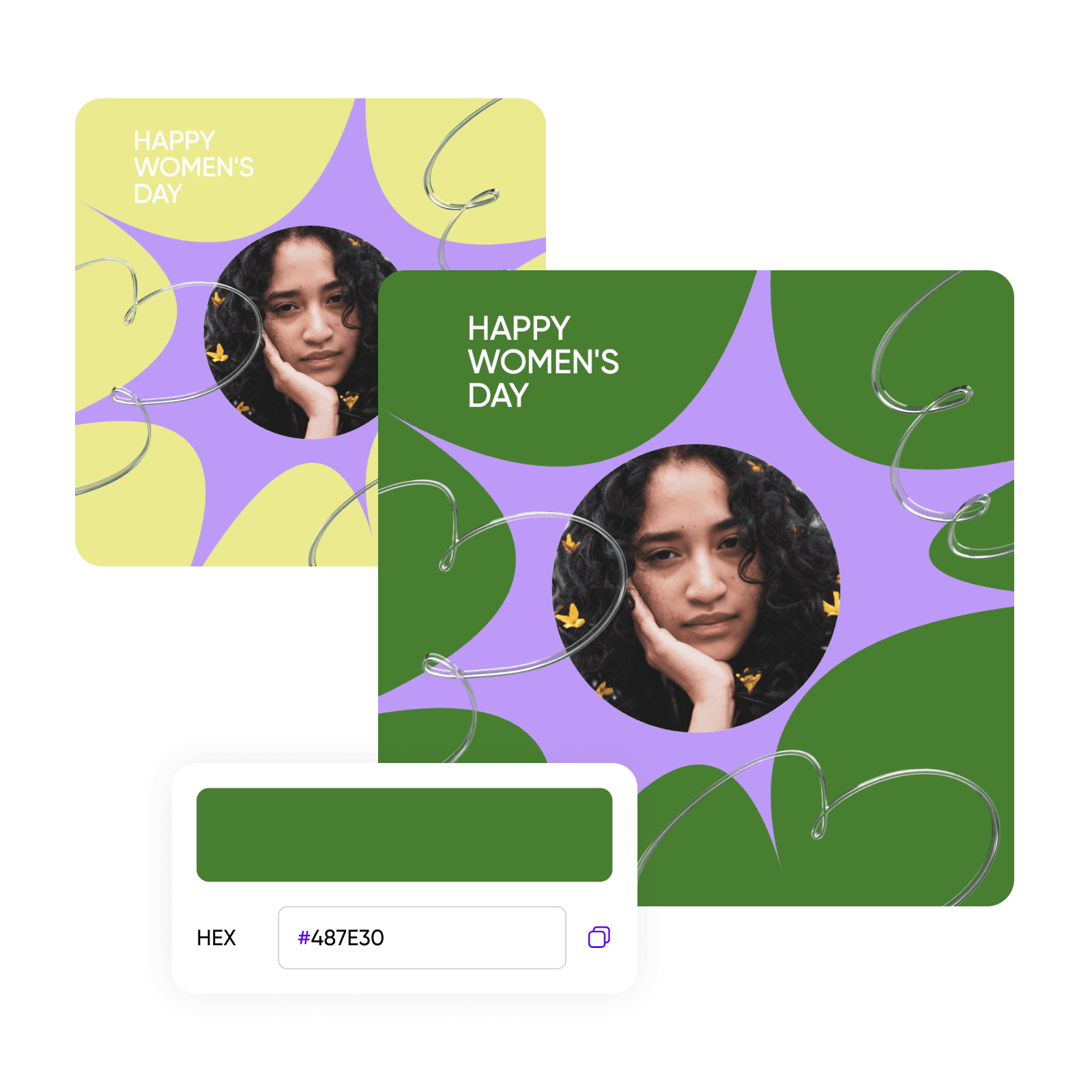
Vytvořte opakovatelné palety barev značky
Vylepšete pracovní postup tvorby vizuálů značky pomocí funkce palety barev značky u výběru barev. Snadno přidejte přesné odstíny z vaší knížky značky do editoru Picsart k opětovnému použití ve všech vašich projektech nebo vyzkoušejte barevné kolo k nalezení harmonických tónů a prozkoumání nových kombinací barev. Zajistěte konzistenci značky a dodržování pokynů značky pro marketingové a e-commerce propagační vizuály.

Výběr barev vhodný pro každého kreativního profesionála
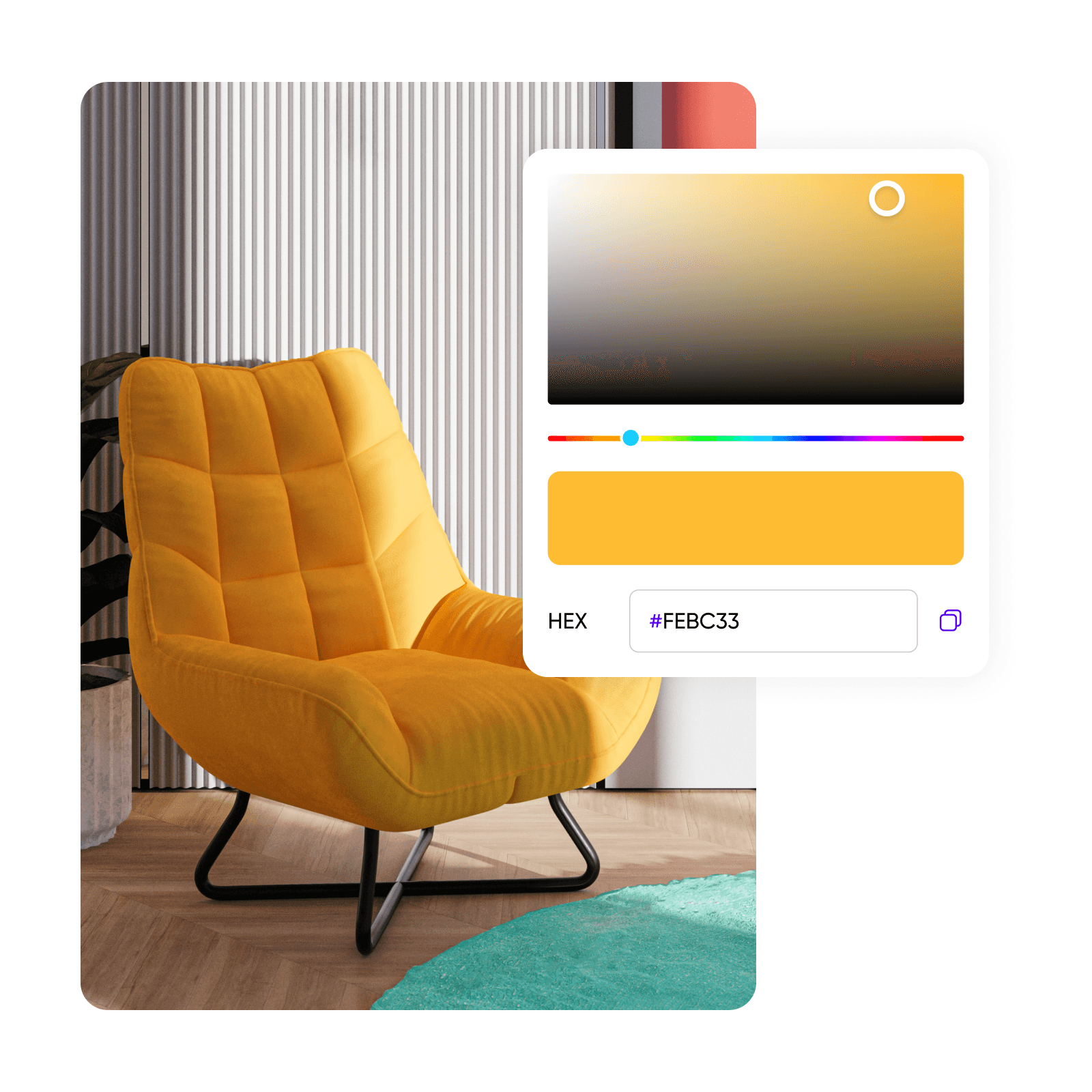
Web designéři, módní nadšenci, umělci a interiéroví dekoratéři naleznou hodnotu použitím výběru barev. Přiřaďte barvy ke značce, vyberte odstíny látek pro digitální nákresy, zvolte barvy pro umělecká díla nebo navrhněte interiérové prostory s důvěrou. Online výběr barev od Picsart se postará o všechny vaše potřeby při návrhu.
Vyzkoušejte celé nástroje Picsart
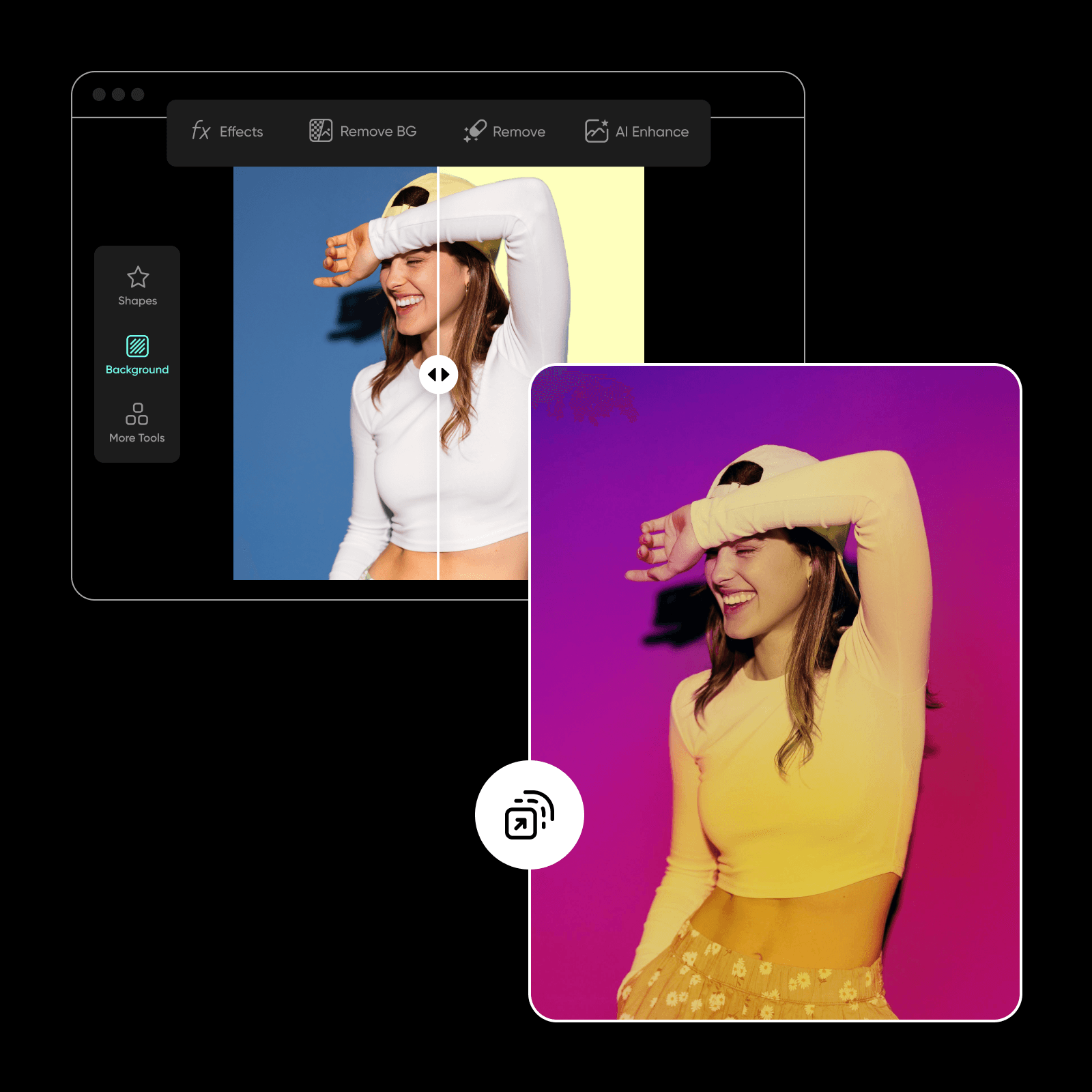
Snadno se spolehněte na Picsart se všemi vašimi potřebami v designu a úpravě fotek s kompletním a pohodlným rozhraním. Vytvářejte poutavé vizuály s AI foto editorem a provádějte složité úpravy s lehkostí pomocí nástrojů jako změna barvy pozadí a převod stylů AI, abyste vždy byli na vrcholu své barevné hry napříč všemi kampaněmi. A sledujte nadcházející nástroj pro výběr barev, který vám umožní vybírat barvy z obrázků.
Nejlepší online výběr barev
Snadno vytvářejte a udržujte konzistentní barevný příběh napříč vašimi vizuály s výběrem barev od Picsart a komplexními průvodci barvami. Najděte vše, co potřebujete, v jednom pohodlném rozhraní a zjednodušte své pracovní postupy tvorby vizuálů.
Často kladené otázky o výběru barev
Výběr barev je online nástroj, který vám umožňuje snadno vybrat a identifikovat barvy a jejich kódy, včetně HEX, RGB, HSL a CMYK, což zvyšuje přesnost vašich kreativních projektů.
Navrhujte s výběrem barev pro každý kreativní projekt
Pro
Most popularAI tools for everyday creative work.
Ultra
Most powerfulHeavy AI usage for creators & teams.


