עריכת טקסט בתמונה: הסר טקסט מתמונות וכתוב את שלך
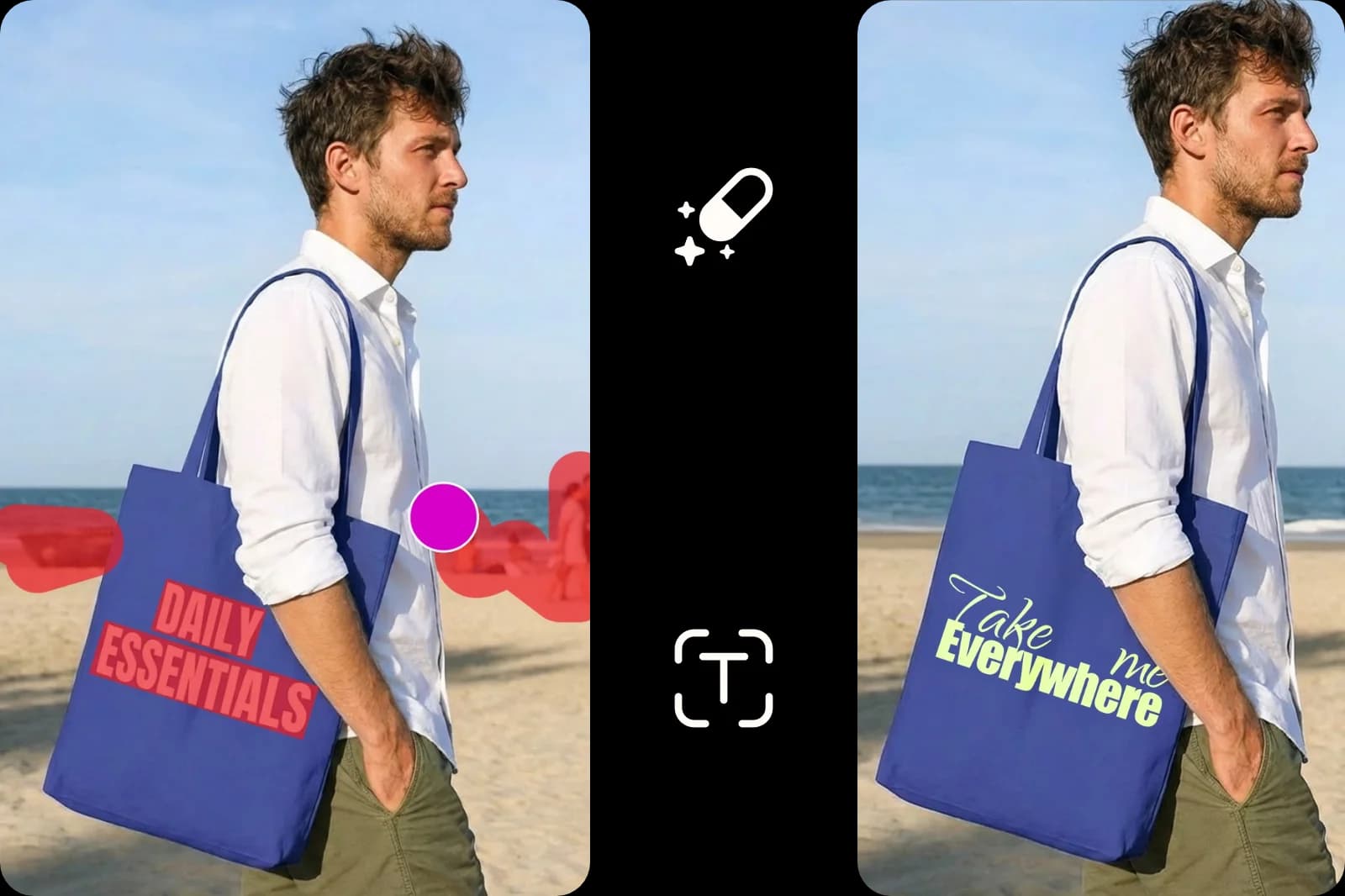
ערוך, החלף או הוסף מילים בתמונות באמצעות עורך טקסט לתמונות, שמיועד לשינויים מהירים ותמונות באיכות גבוהה.
מדוע להשתמש בעריכת טקסט בתמונה?




כיצד לערוך טקסט בתמונה
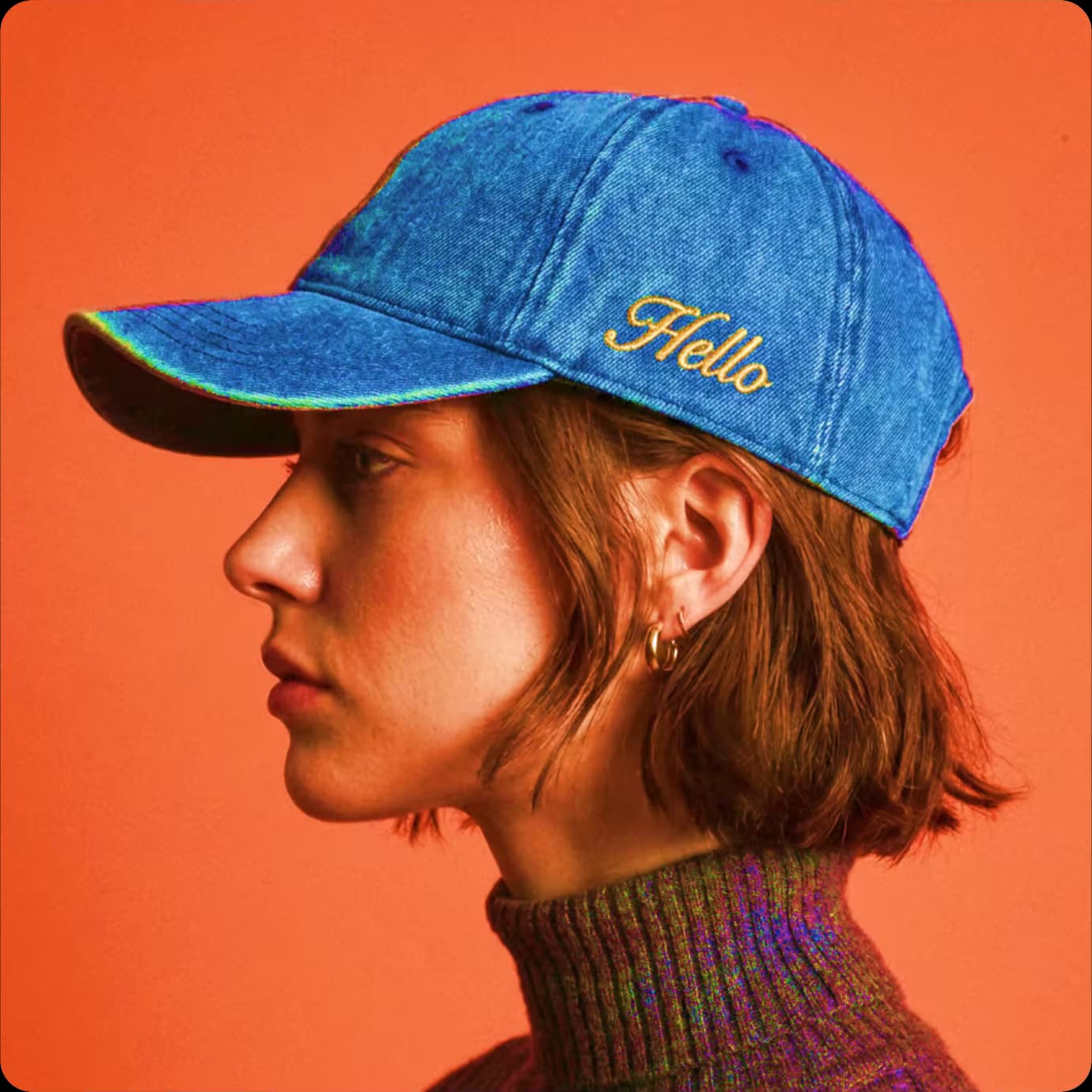

ערוך טקסט בתמונה באינטרנט והוסף מילים מותאמות אישית בקלות
מסיר האובייקטים של Picsart object remover מציע דרך מהירה וקלה להסיר אלמנטים לא רצויים ולהוסיף טקסט חדש. הסירו טקסט כדי ליצור תמונות נקיות ללא מילים, או החליפו את הטקסט כדי להתאים מחדש ויזואליים לפרויקטים שונים. מסיר הטקסט המקוון הוא חינמי וידידותי למשתמש, כך שאנשים בכל רמות המיומנות יכולים להעלות תמונות, לסמן טקסט לא רצוי ולערוך מילים בתמונות ללא כל ידע טכני או מיומנויות עיצוב.
- רענן את הניסוח בתמונה שלך
ערוך את התמונה עם טקסט באמנות תוך שמירה על הבהירות
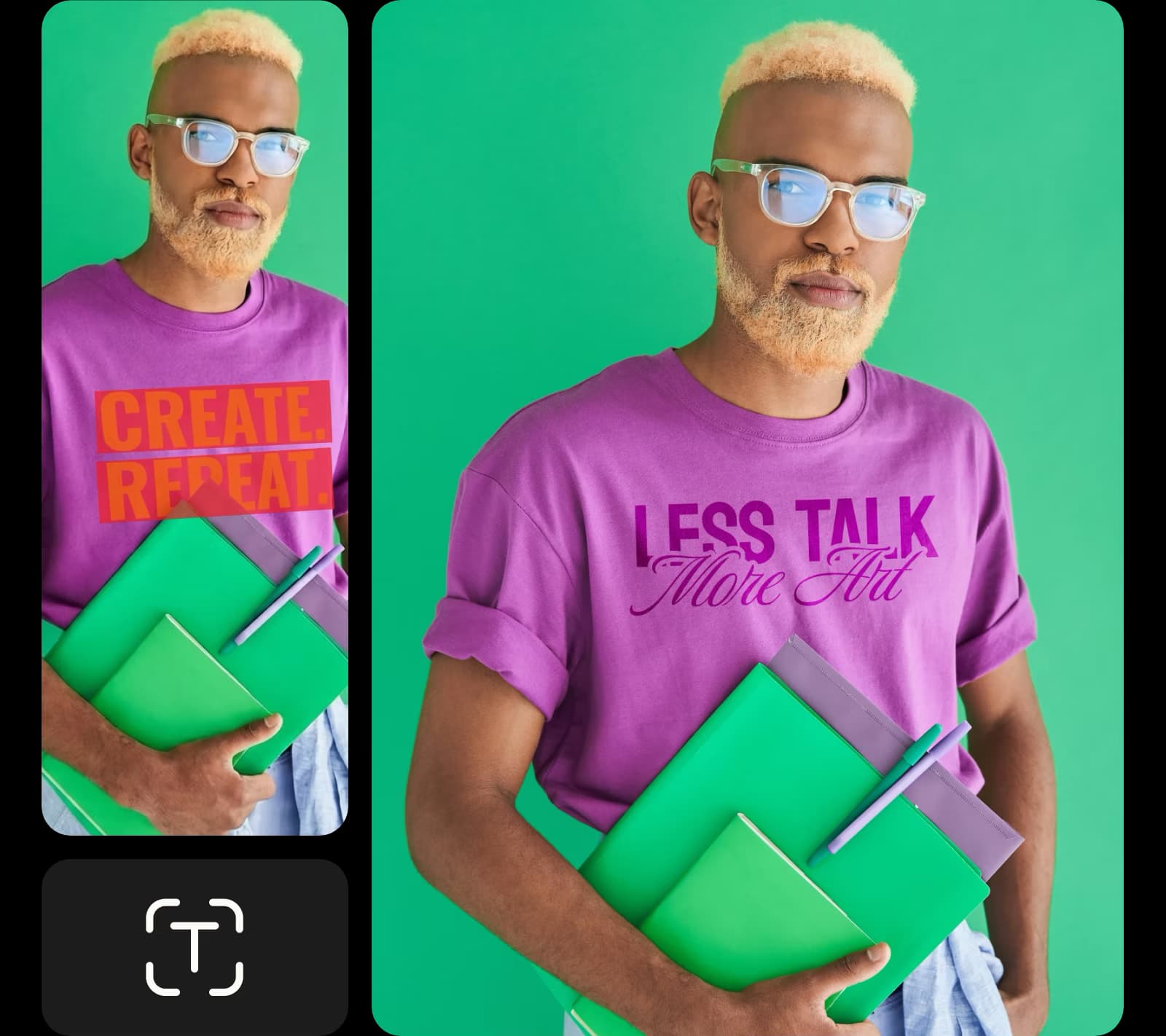
שמור על האיכות והאותנטיות של התמונה או צילום המסך המקוריים. כשאתה עורך טקסט בתמונה, מסיר האובייקטים מתאים במדויק את הטקסטורות והצבעים של הרקע כדי לשמור על התמונה הערוכה חלקה וברורה. חקור את הספרייה הנרחבת של הפונטים של Picsart כדי לבחור סגנון פונט חדש, צבע וגודל או תואם את הפונט הקיים כדי להשיג את המראה המושלם בתמונה הערוכה שלך.
צור ויז'ואלים עם טקסט מותאם אישית לחומרי שיווק
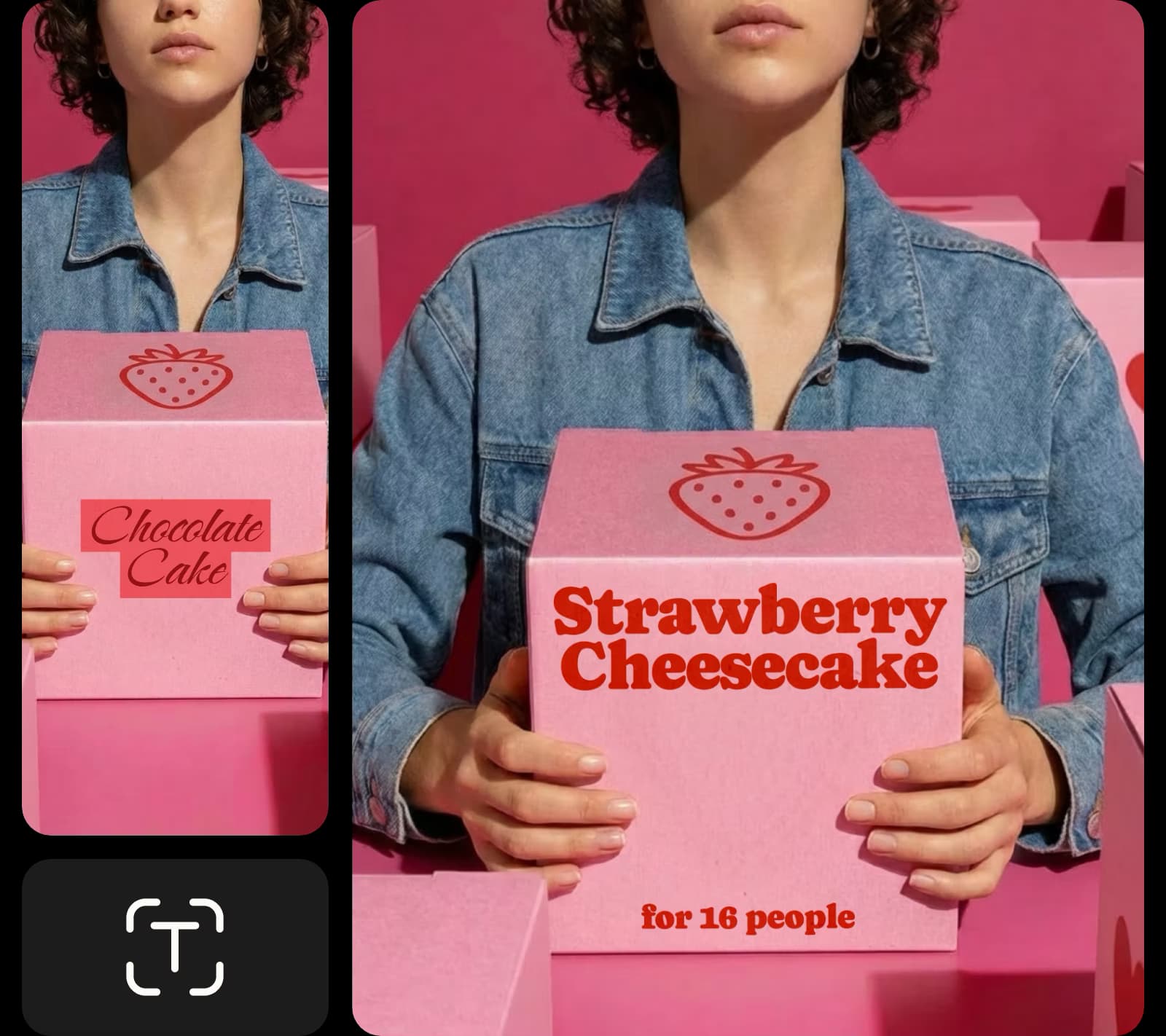
שנה טקסט בתמונות לעסקים ושיווק כדי לחסוך זמן ומאמץ. ממפות מחיר ועד לממים, עסקים מודרניים זקוקים לטווח רחב של ויז'ואלים מרתקים כדי להתבלט. עורך הטקסט של Picsart מאפשר לך לעדכן מחירים, מידע מכירות, כתוביות או הודעות עונתיות בכמה צעדים בלבד, מה שמגביר את הפרודוקטיביות ושומר על עדכניות אמצעי השיווק.
- התאם את המסר לקמפיין הבא שלך
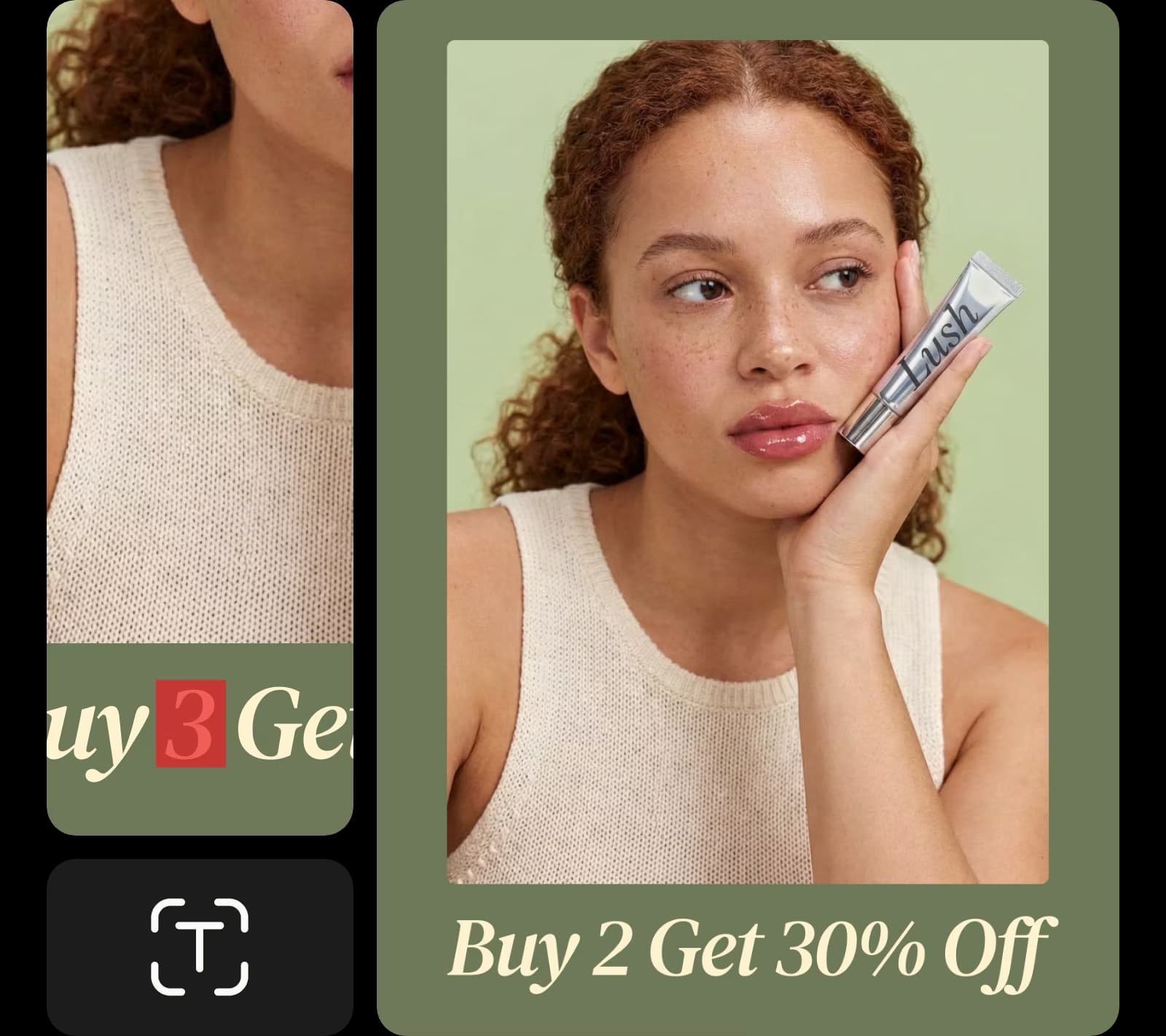
ערוך טקסט בצילומסך באינטרנט לתיקון טעויות
אל תזרוק תמונות מצוינות בגלל טעויות קטנות. הכלי לעריכת טקסט בתמונות עוזר לך להציל תמונות, פלאיירים, פוסטים במדיה חברתית ועוד. אם אתה נתקל בטעויות, פשוט העלה את התמונה וזיהוי הטקסט שדורש תיקון. הסר שגיאות כתיב, מילים מטושטשות וטעויות אחרות, ואז הורד את הגרסה המעודכנת מבלי לעצב מחדש את כל הוויז'ואל.
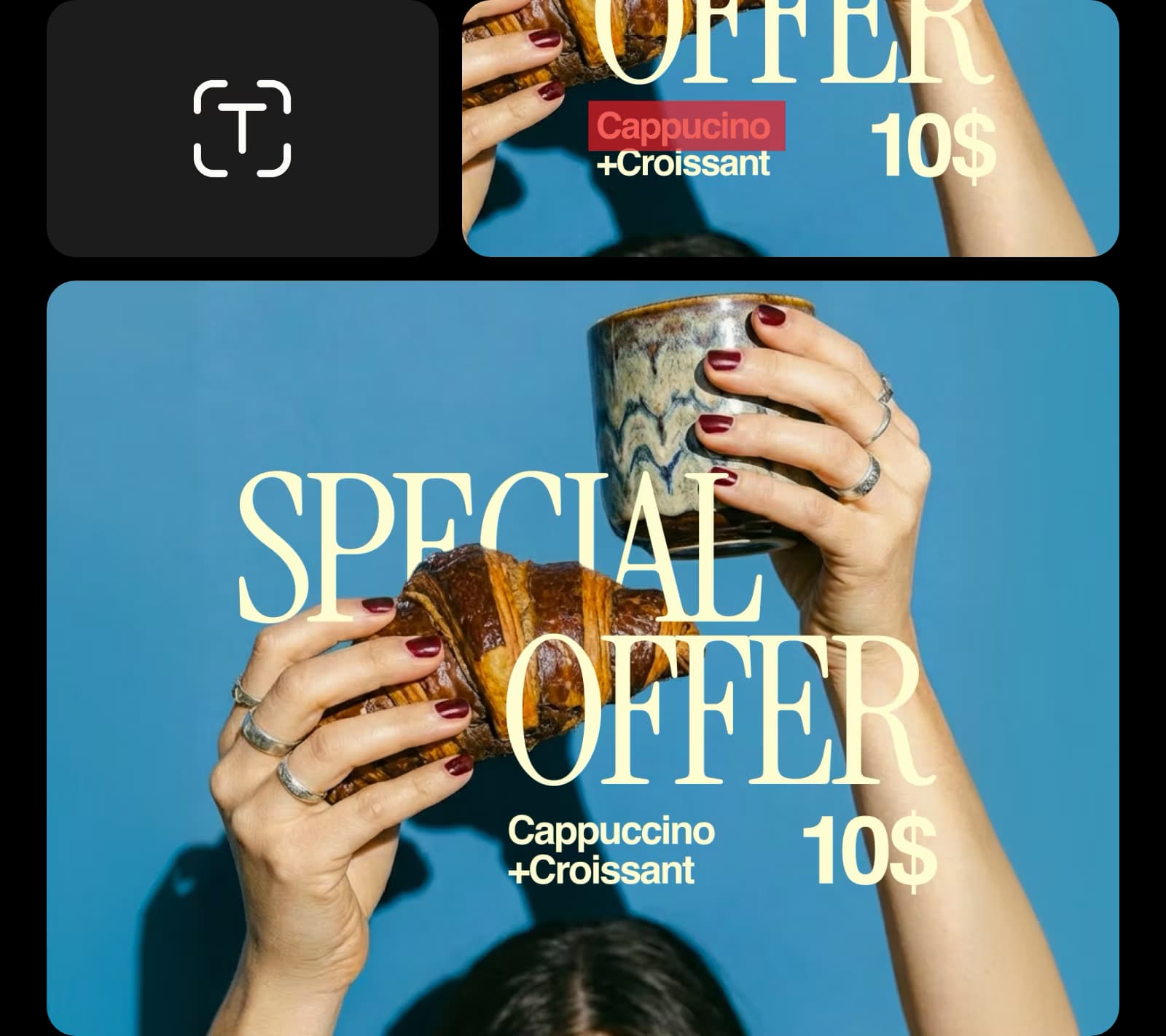
צור חומרים למותג אישי עם עורך טקסט לתמונות
עצב ויז'ואלים המציגים את מסר המותג שלך או היצירתיות האישית שלך תוך הוצאת כל דבר לא רצוי. הוסף מידע על המותג או כתוביות לתמונות באמצעות עורך הטקסט של Picsart כדי ליצור תוכן ייחודי, כגון כרטיסי ברכה, הזמנות ועלונים. כלי הסרת האובייקטים המובנה מבוסס בינה מלאכותית מאפשר לך בקלות להסיר אנשים מתמונות או לנקות תמונות כדי לפנות מקום נוסף לטקסט ולהתאמה אישית.
- התאם את הניסוח למותג שלך
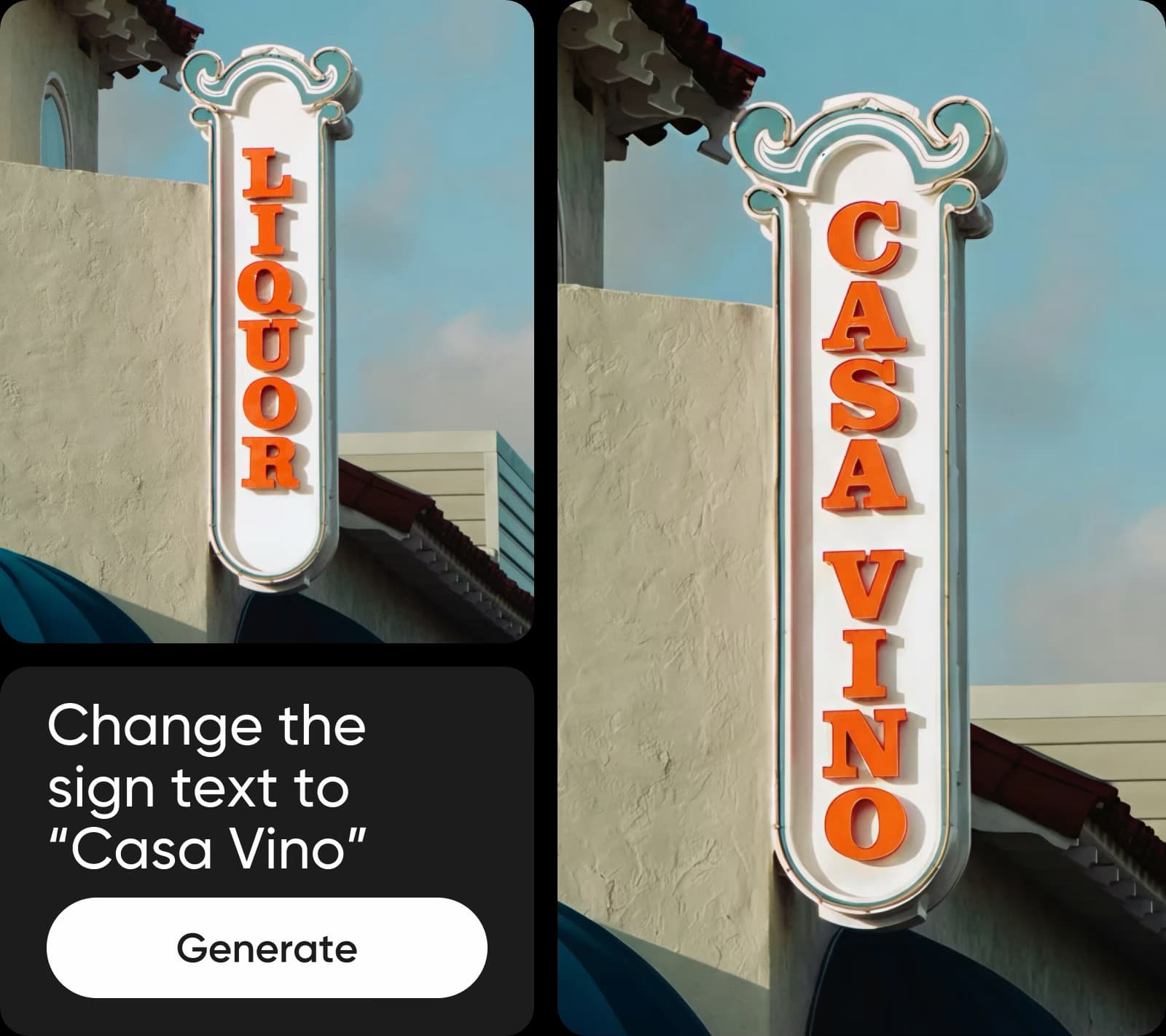
ערוך טקסט בתמונה עם AI
ערוך טקסט בתמונה עם AI פשוט על ידי תיאור מה שברצונך לשנות. כתוב הנחיה כדי להסיר מילים קיימות ולהחליף אותן בטקסט חדש שתואם את הפונט, הגודל והסגנון המועדפים. ה-AI מטפל בבחירה, בניקוי ובהחלפה, ומספק עריכות טבעיות במראה תוך שניות.
צור טקסט ערוך בתמונות עם מודלים תמונתיים מבוססי AI
השתמש במודלים תמונתיים כדי לשנות טקסט ערוך בתמונות לוויז'ואלים מלוטשים, רעיונות עיצוב ונכסים מוכנים לעריכה.
שאלות נפוצות על עורך טקסט לתמונות
העלה את התמונה שלך לעורך הטקסט לתמונות ותן לכלי לזהות טקסט אוטומטית. בחר את הטקסט באמצעות זיהוי אוטומטי, מברשת או כלי קליק-לבחירה, ואז הסר או החלף אותו. התאמה אישית של הטקסט החדש או השתמש ב-AI כדי לתאר שינויים, לבצע עריכות ולהוריד את התמונה המעודכנת שלך.
נקה תמונות לתוכן יוצר מלוטש
Pro
Most popularAI tools for everyday creative work.
Ultra
Most powerfulHeavy AI usage for creators & teams.
עוד כלי לאהוב מ-Picsart


