प्रत्येक प्रोजेक्ट को ऐसा बनाएं कि आपके प्रोफेसर को विशेष याद रहे
कक्षा में अलग खुलने के लिए सिर्फ अच्छे विचारों की नहीं, बल्कि ऐसे दृश्यों की ज़रूरत होती है जो ध्यान आकर्षित करें।
Picsart आपको AI-संचालित डिज़ाइन उपकरण देता है जिससे प्रस्तुतियाँ, पोस्टर, सामाजिक मीडिया ग्राफिक्स, और रचनात्मक प्रोजेक्ट बनते हैं जो पेशेवर दिखते हैं। कोई अनुभव नहीं चाहिए। मुफ्त में उपयोग करने के लिए। सेकंडों में बनाना शुरू करें।
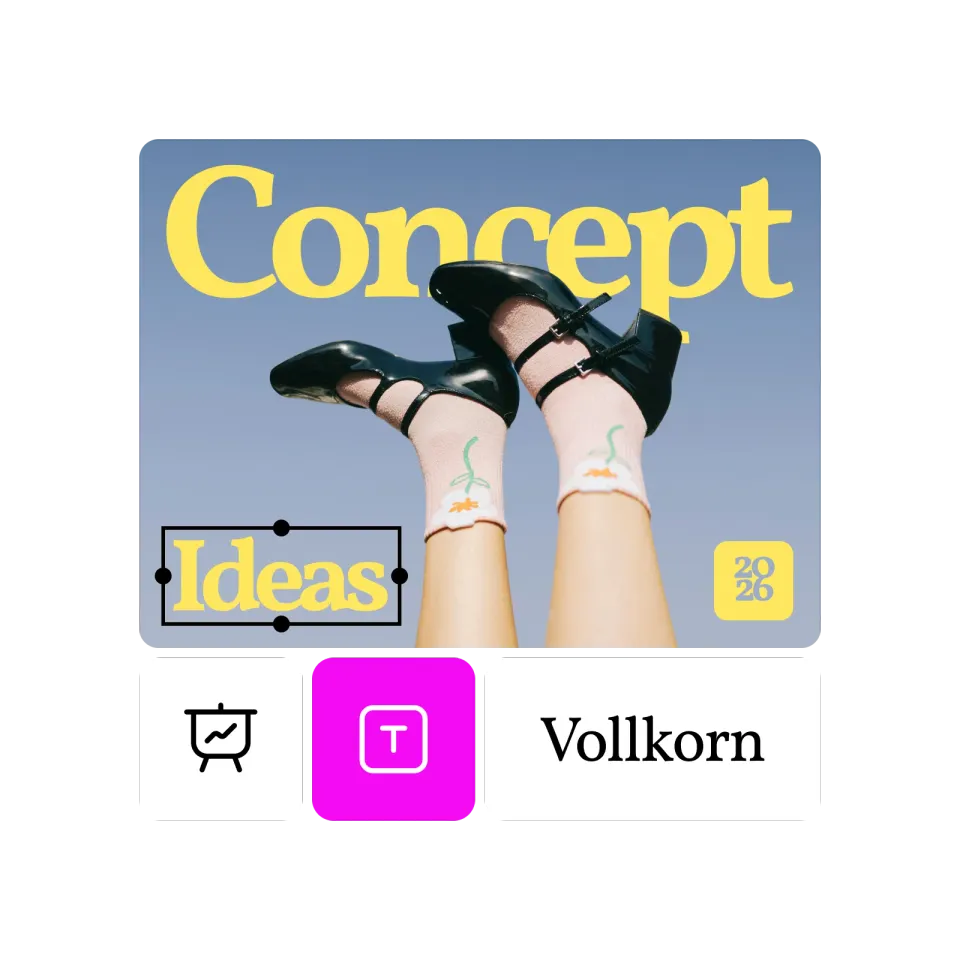

किसी भी असाइनमेंट को पोर्टफोलियो पीस में बदलता है
चाहे ये कक्षा प्रस्तुति हो या क्लब पोस्टर, Picsart आपकी रचना में वह काम करता है जिसे आप वास्तव में भविष्य के नियोक्ताओं को दिखाना चाहें। होमवर्क करते समय अपना पोर्टफोलियो बनाएं।

समय सीमा की गति पर कार्य करता है
रात के 2 बजे भागदौड़ होती है। Picsart के AI उपकरण मिनटों में गुणवत्तापूर्ण दृश्य बनाते हैं, घंटों नहीं। देर से शुरू करें, फिर भी प्रभावित करें। टेम्प्लेट और AI अंतिम समय को ऐसा बनाते हैं जैसे मैंने हफ्ते लगाए हों।

उपयोग करने के लिए कुछ भी नहीं लगता है
छात्रों के बजट तंग होते हैं। Picsart का मुफ्त टियर आपको बिना पैसे खर्च किए असली रचनात्मक शक्ति देता है। प्रीमियम विशेषताएं उपलब्ध हैं, लेकिन मुफ्त विकल्प आपको हैरान कर देगा।
छात्र Picsart का उपयोग कैसे करते हैं
ऐसी स्लाइड्स बनाएं जो ध्यान आकर्षित करती हैं। कस्टम ग्राफिक्स, स्थिर शैलीकरण, और पेशेवर चमक उबाऊ प्रस्तुतियों को यादगार बना देते हैं।
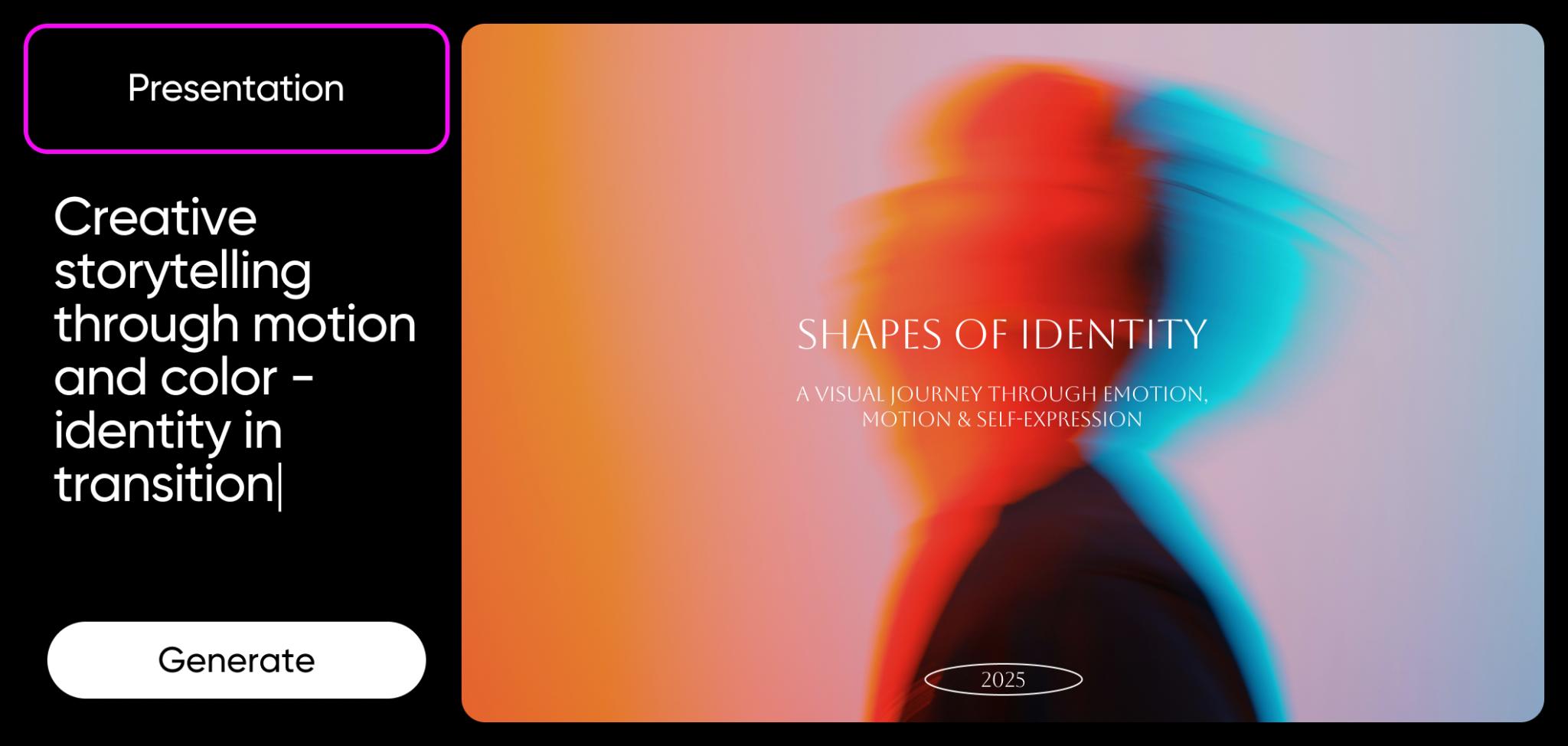
ऐसा लगें जैसे आपने एक डिज़ाइनर को नियुक्त किया (आपने नहीं किया)
आपके सहपाठी PowerPoint क्लिप आर्ट का उपयोग कर रहे हैं। आप AI-निर्मित कस्टम दृश्य, पेशेवर टेम्प्लेट, और संपादन उपकरण उपयोग कर रहे हैं जो सब कुछ चमकदार बनाते हैं।
फर्क पता चलता है। प्रोफेसर गुणवत्ता को नोट करते हैं। भविष्य के नियोक्ता पोर्टफोलियो को नोट करते हैं।
अब ऐसा काम करना शुरू करें जो बाहर निकले, और इस आदत से अपने करियर के दौरान लाभ प्राप्त करते रहें।
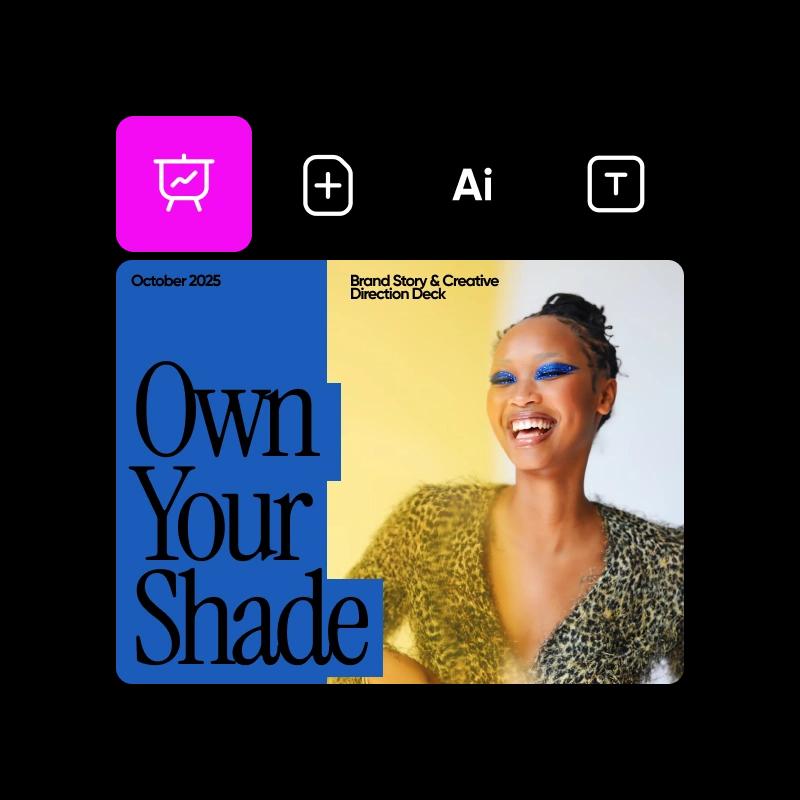
ऐसे रचनात्मक कौशल सीखें जो हर जगह हस्तांतरित होते हैं
दृश्य संचार हर करियर में महत्वपूर्ण होता है — न केवल डिज़ाइन नौकरियों में। मार्केटिंग को ग्राफिक्स की ज़रूरत होती है। स्टार्टअप्स को ब्रांड सामग्री की ज़रूरत होती है। हर प्रस्तुति को बेहतर दृश्यों से लाभ होता है।
अब Picsart का उपयोग करके, आप ऐसे रचनात्मक आत्मविश्वास और व्यावहारिक कौशल बना रहे हैं जो आपके स्नातक के बाद कहीं भी जाने के लिए आपको अधिक मूल्यवान बनाते हैं।
साथ ही, यह वास्तव में मजेदार है।
हर प्रोजेक्ट के लिए मुफ्त उपकरण
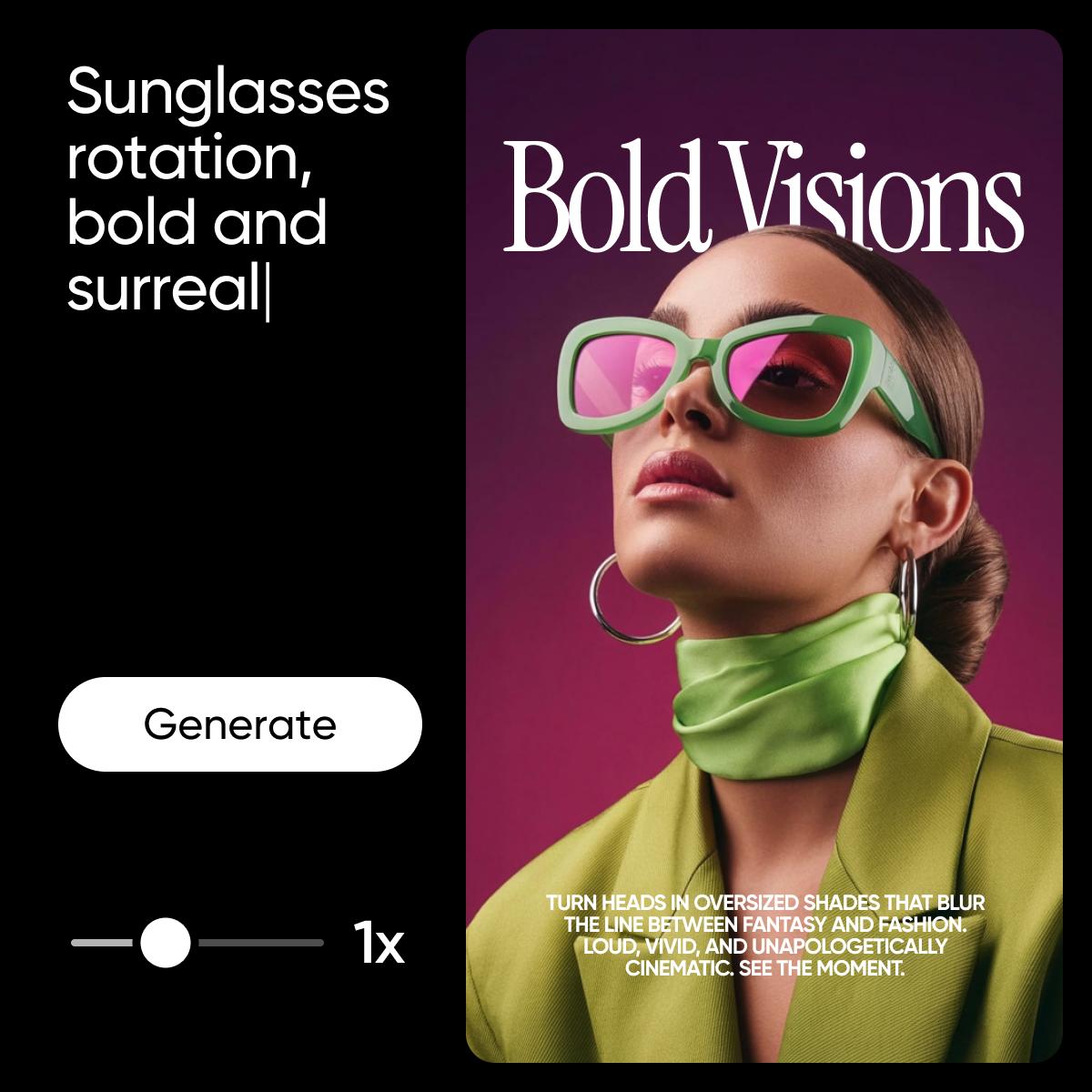
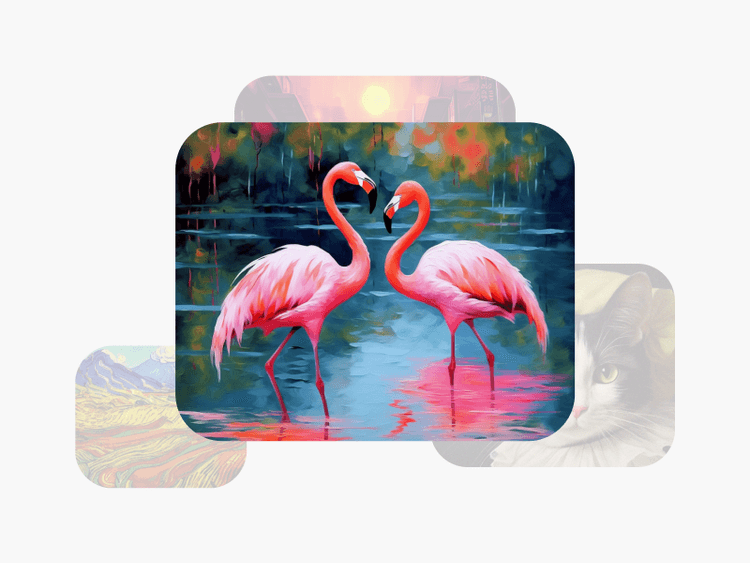
AI छवि जेनरेटर
क्या आपको एक विशेष छवि चाहिए? इसका वर्णन करें। AI इसे बनाता है। किसी भी प्रोजेक्ट के लिए कस्टम दृश्य।

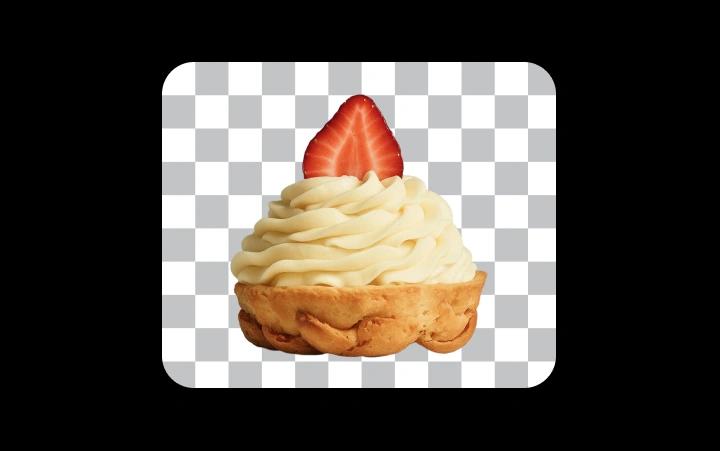
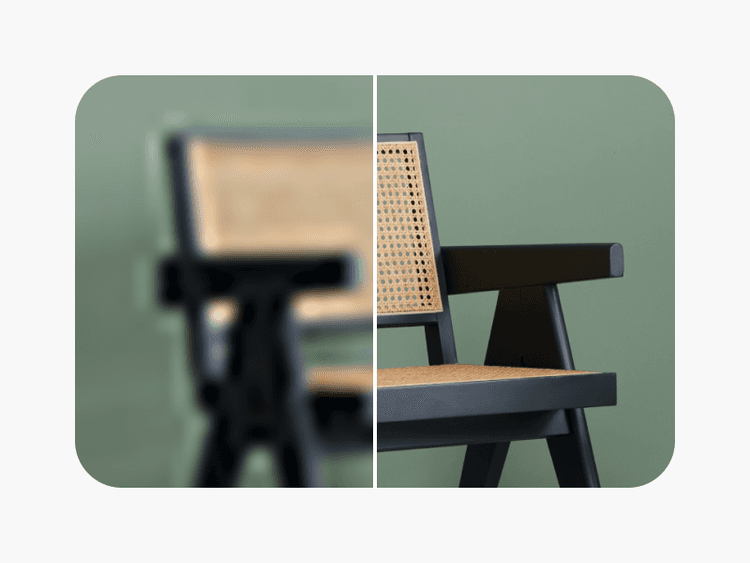
विषय अलगाव
किसी भी दृश्य से तुरंत विषयों को अलग करें। प्रस्तुतियों और मिश्रणों के लिए बिल्कुल सही।

टेम्पलेट्स
प्रस्तुतियों, पोस्टरों, सामाजिक पोस्टों, और अधिक के लिए पेशेवर डिज़ाइनों से शुरू करें।

रचनात्मक टूलकिट
पूर्ण उपकरणों का सेट। किसी भी छवि को समायोजित, सुधार, फ़िल्टर, और रूपांतरित करें।
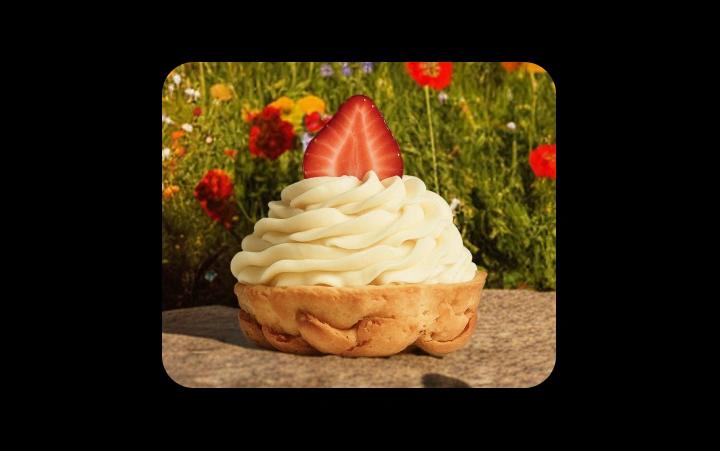
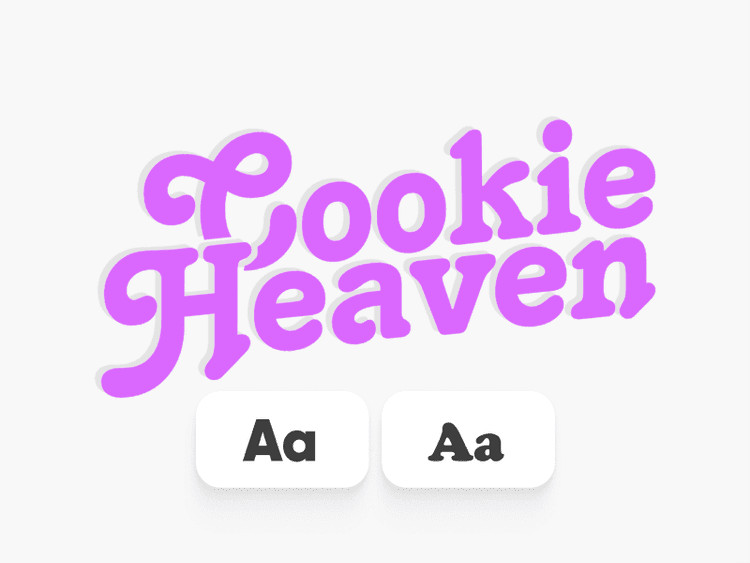
टेक्स्ट टूल्स
किसी भी डिज़ाइन में पेशेवर टाइपोग्राफी जोड़ें। फोंट, प्रभाव, और शैलियाँ शामिल हैं।
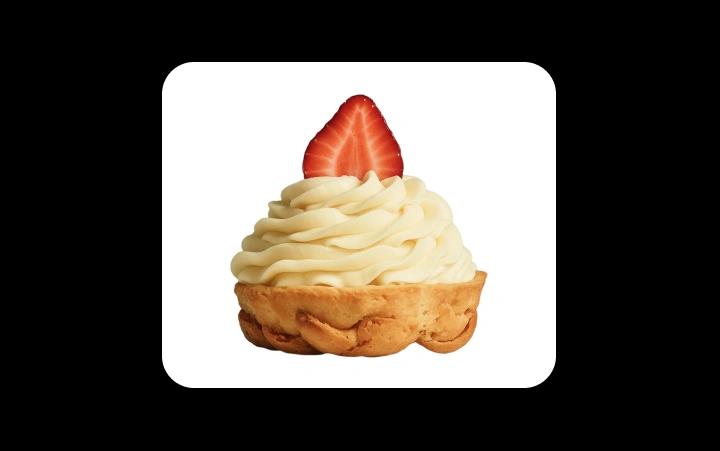
मल्टी-इमेज लेआउट्स
प्रोजेक्ट्स और प्रस्तुतियों के लिए पॉलिश किए गए संक्या में कई छवियों को जोड़ें।
विद्यार्थी Picsart के साथ निर्माण करते हुए
छात्रों के लिए Picsart FAQ
हाँ। Picsart का मुफ्त टियर वास्तव में उपयोगी है, एक सीमित परीक्षण नहीं है। आप कोर एडिटिंग टूल्स, टेम्पलेट्स, और AI विशेषताओं तक पहुँच बिना भुगतान के मिलती है। प्रीमियम योजनाएँ अधिक प्रदान करती हैं, लेकिन अधिकांश छात्र अपने ज़रूरत के सभी कार्य मुफ्त संस्करण से पूरा कर लेते हैं।
बिल्कुल। Picsart शैक्षणिक कार्यों के लिए बिल्कुल सही है — प्रस्तुतियों, पोस्टरों, दृश्यमान रिपोर्टों, रचनात्मक परियोजनाओं, और अधिक के लिए। किसी भी असाइनमेंट के लिए मूल ग्राफिक्स बनाएं और छवियों को सुधारें। बस स्पष्ट करें Picsart यदि आपका स्कूल टूल एट्रिब्यूशन की आवश्यकता करता है।
हाँ, दोनों पर। Picsart आपके ब्राउज़र में किसी भी लैपटॉप या कंप्यूटर पर काम करता है। iOS और एंड्रॉइड के लिए मोबाइल ऐप्स आपको चलते-फिरते बनाते हैं। अपने फोन पर परियोजना शुरू करें, अपने लैपटॉप पर उसे समाप्त करें — सब कुछ समन्वयित रहता है।
कोई आवश्यकता नहीं। Picsart सभी के लिए बनाया गया है। टेम्पलेट्स पेशेवर आरंभिक बिंदु प्रदान करते हैं। AI पाठ विवरणों से दृश्य उत्पन्न करता है। सहज ज्ञान युक्त उपकरण आपको संपादनों के माध्यम से मार्गदर्शित करते हैं। अधिकांश छात्र अपनी पहली सत्र में प्रभावशाली कार्य बनाते हैं।
हाँ। Picsart में जो काम आप बनाते हैं वह आपका होता है। इसे पोर्टफोलियो, नौकरी के आवेदन, व्यक्तिगत वेबसाइटों, और सोशल मीडिया में उपयोग करें। स्कूल के दौरान एक पोर्टफोलियो बनाना आपको ग्रेजुएशन के बाद नौकरी की खोज करते समय एक महत्वपूर्ण लाभ देता है।
Picsart कभी-कभी प्रीमियम योजनाओं पर छात्र-विशिष्ट प्रचार और छूट प्रदान करता है। मुफ्त टियर पहले से ही अधिकांश छात्र की ज़रूरतों के लिए उदार है। वर्तमान छात्र ऑफर्स देखने के लिए मूल्य निर्धारण पृष्ठ की जांच करें या अपने .edu ईमेल के साथ साइन अप करें।
अपने प्रोजेक्ट्स के लिए और अधिक उपकरण खोजें
प्रस्तुतियों से लेकर सामाजिक सामग्री तक, ये AI-संचालित उपकरण आपको काम बनाने में मदद करते हैं जो ध्यान आकर्षित करता है।


Picsart के साथ दृश्य, वीडियो, और डिज़ाइन बनाएं
Free
Starter tools for casual exploration.