Egyszerű kék háttér fotószerkesztés
Alakítsd át és változtasd meg a fotók hátterét kékre egyszerre a Picsart segítségével. Gyorsan adj kék hátteret a fotókhoz e-kereskedelmi vizuálisokhoz vagy csak esztétikus vonzerőt adva közösségi média bejegyzéseidhez.

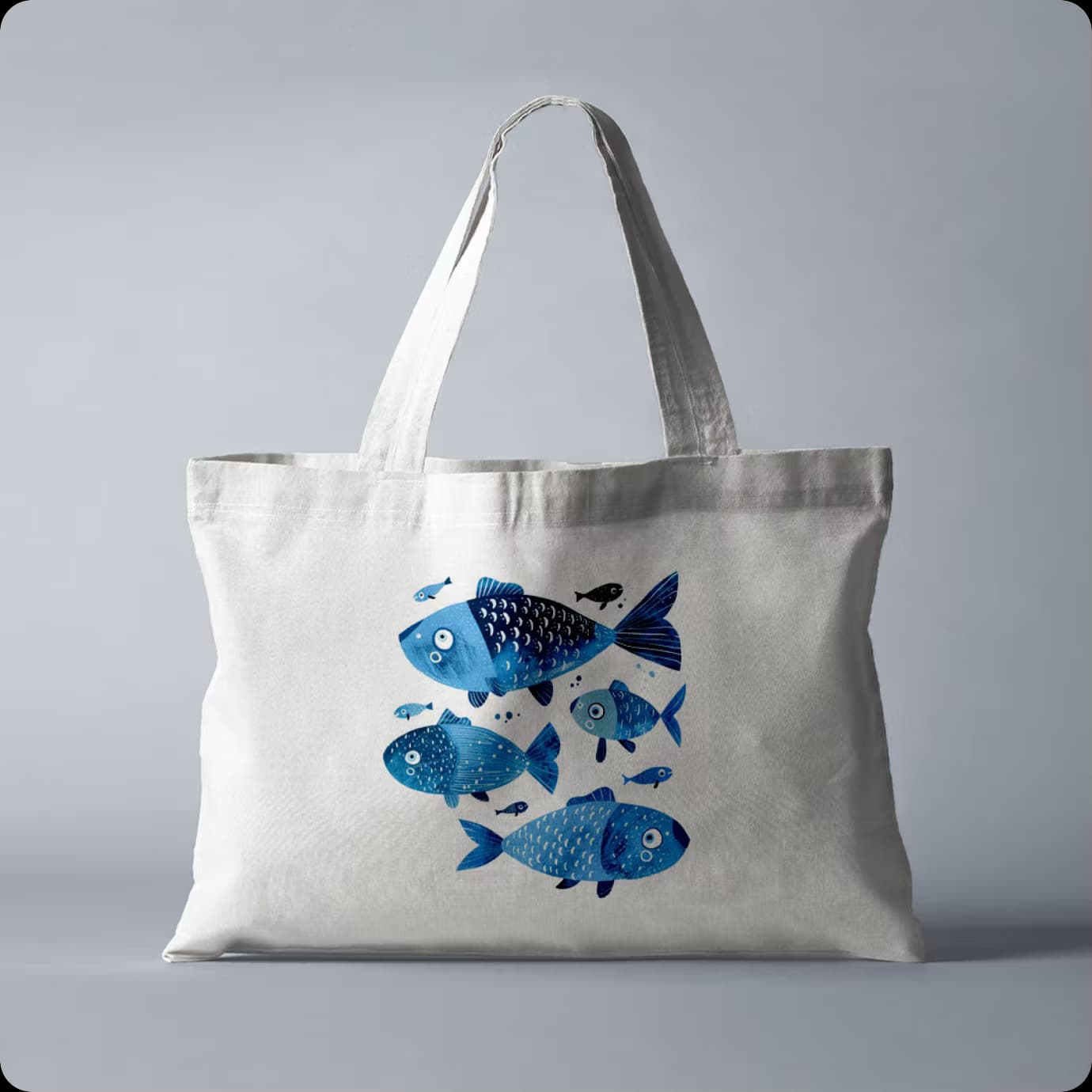
Változtasd meg a fotó hátterét kékre egy pillanat alatt
Keresel egy könnyű módot fotóid kék háttér hozzáadására? Gyorsan és hatékonyan tedd ezt a Picsart segítségével. Egyszerűen töltsd fel fotódat és használd az AI háttér változtatót, hogy automatikusan eltávolítsd a hátteret. Válaszd ki a kék színt és cseréld le a képed hátterét - mindezt egyetlen lépésben!
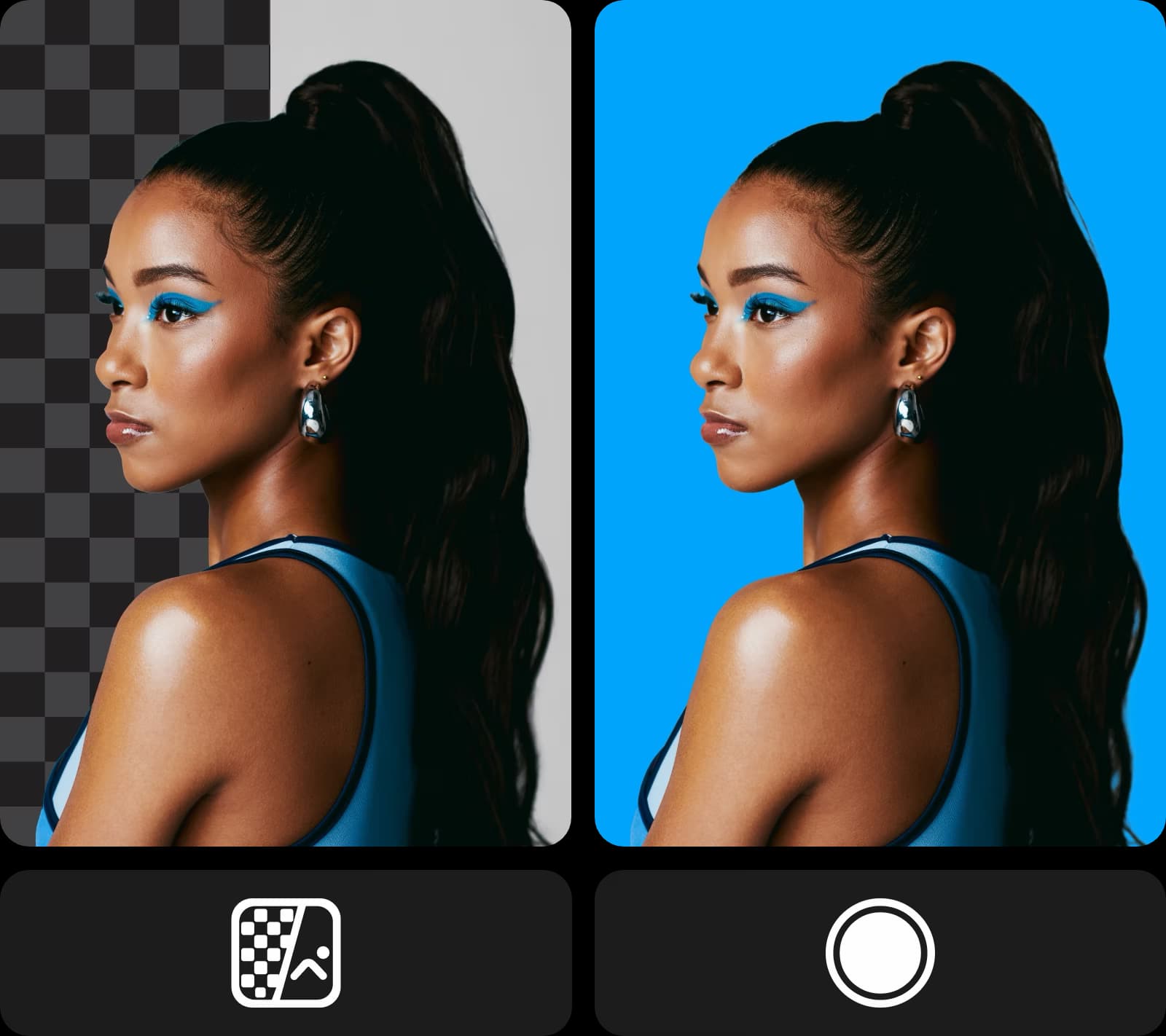
Kék hátterek hozzáadása fotókhoz
A kék szín széles árnyalatspektrumú, a mély és fenséges királykéktől a világos és finom pasztellekig. Találd meg mindet a Picsart palettáján! Csúsztasd a színválasztót, amíg el nem éred az ideális árnyalatot, vagy könnyedén illeszd be HEX, RGB, HSL és CMYK formátumú színkódjaidat a pontos árnyalatért. Kék hátteret alkalmazz online fotóidra, különösebb erőfeszítés nélkül.
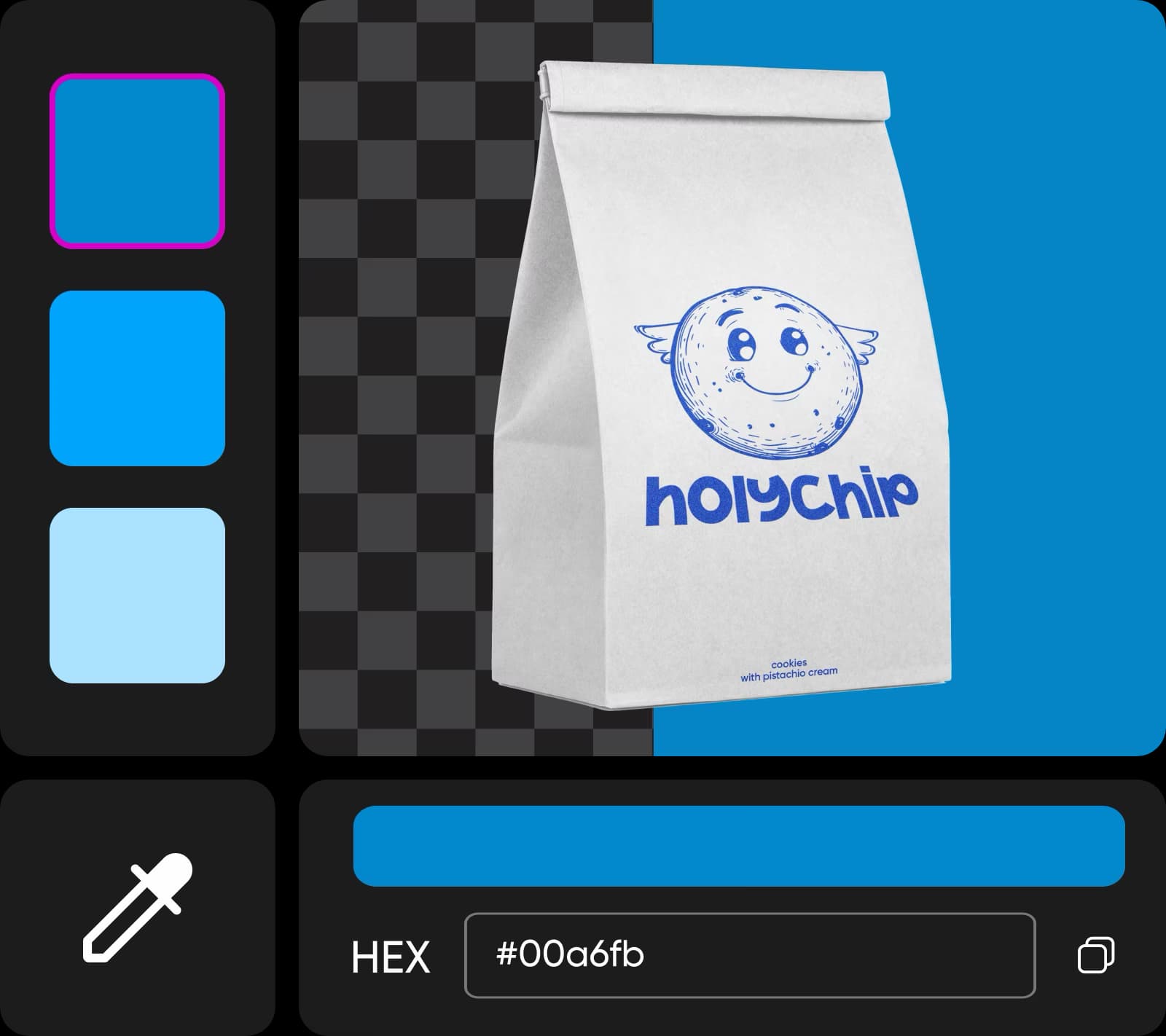
Maradj következetes a kék hátterekkel
Emeld ki az e-kereskedelmi platformod vizuális vonzerejét, és adj egységes megjelenést a listáidnak azáltal, hogy a termékképeidhez kék hátteret adsz. A Picsart automatizálja a kék háttér szerkesztési folyamatát, és lehetővé teszi a PNG színek könnyű megváltoztatását. Használd az eszközt, hogy égi hátteret adj a fotókhoz, vagy helyezd őket fehér háttérre a még következetesebb stílus érdekében.

Kék háttér szerkesztése bármilyen célra
Akár egy grafikus vagy, aki tematikus tartalmakat és márkás anyagokat készít, akár egy online bolt tulajdonosa, amelynek egységes hátterekre van szüksége a termékkatalógusokhoz, akár csak egyszerűen a személyes fotók felfrissítésére van szükséged a közösségi médiában, a Picsart itt van, hogy segítsen! Könnyedén adj kék színű hátteret a fotóidhoz, és növeld megjelenésüket percek alatt!

Végezz finomításokat a Picsart szerkesztő eszközeivel
Miután kékre festetted a fotó hátterét, vidd el a tervezést a következő szintre a Picsart AI fotószerkesztő használatával. Generálj kreatív háttereket pillanatok alatt, bővítsd ki őket, vagy távolítsd el teljesen a háttereket különféle okokból. Emeld a játékod, és találj ki egyedi, figyelemfelkeltő háttereket, amelyek kiemelik a fotóidat!
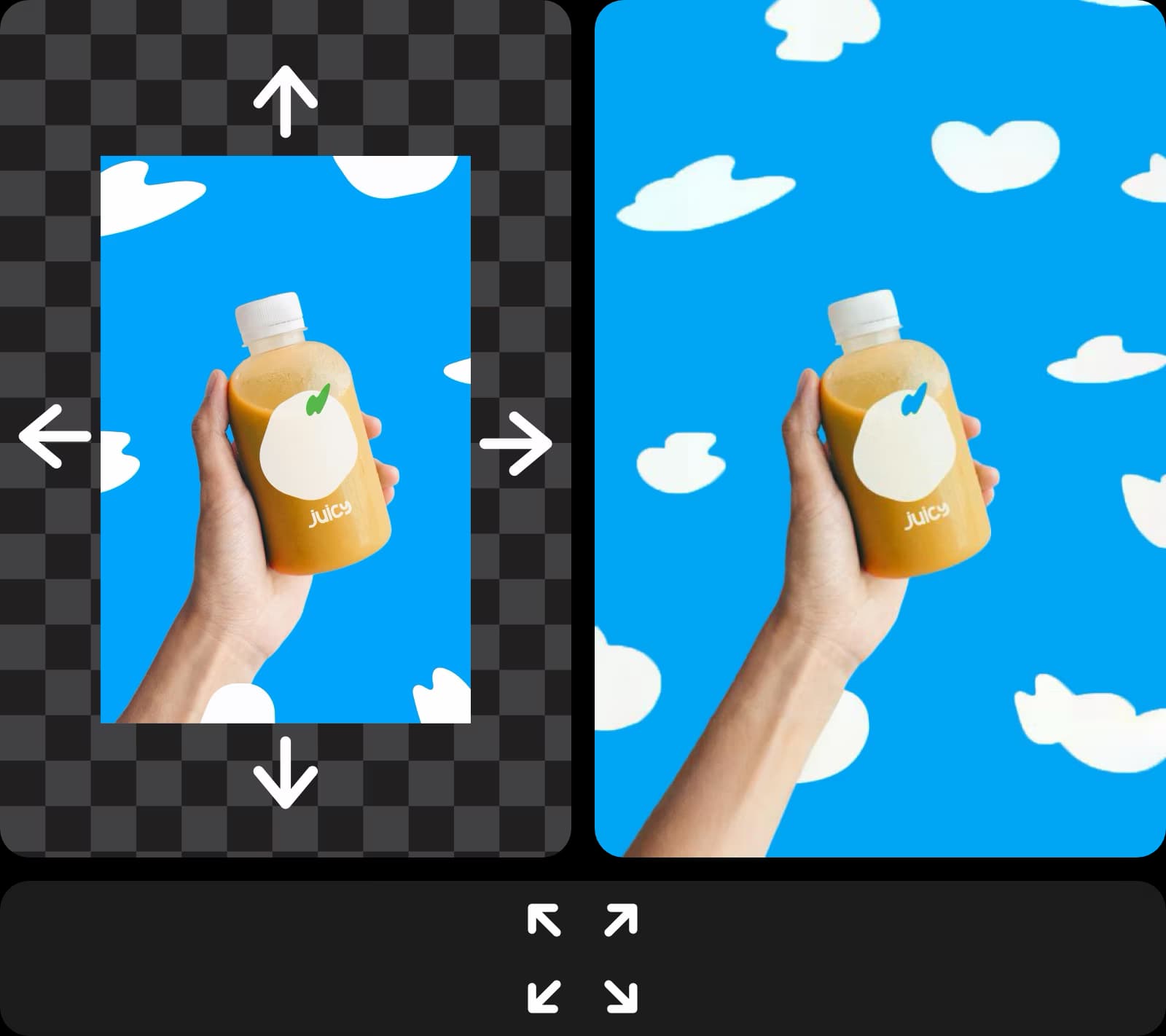
Kék háttérű fotószerkesztés bárhol
Használd a Picsartot, hogy kék hátteret adj a fotóidhoz, és adj nekik egységes megjelenést, legyen szó akár személyes, akár professzionális használatról. Nézd meg a Picsart további fotószerkesztő eszközeit, mint például az AI kép kiterjesztő a következő projektjeid vizuálisainak létrehozásához!
Készíts kék háttérrel rendelkező fotókat AI képi modellekkel
Használj képi modelleket a hátterek, termékképek és kivágott képek átalakítására csiszolt vizuálisokba.
Kék háttér fotószerkesztés GYIK
A kék háttér fotószerkesztés egy olyan folyamatra utal, amely a kép hátterét a kék színre cseréli.
Készíts háttérmódosításokat alkotásra kész projektekhez
Pro
Most popularAI tools for everyday creative work.
Ultra
Most powerfulHeavy AI usage for creators & teams.


