Pembuat PDF online: Buat file PDF dalam sekejap
Gunakan generator PDF online Picsart untuk membuat file PDF yang keren, profesional, dan menarik secara visual. Sesuaikan font dan warna, serta tambahkan grafis untuk menyempurnakan file Anda.
- Rapikan dokumen Anda
- Sempurnakan teks dan visual sekaligus
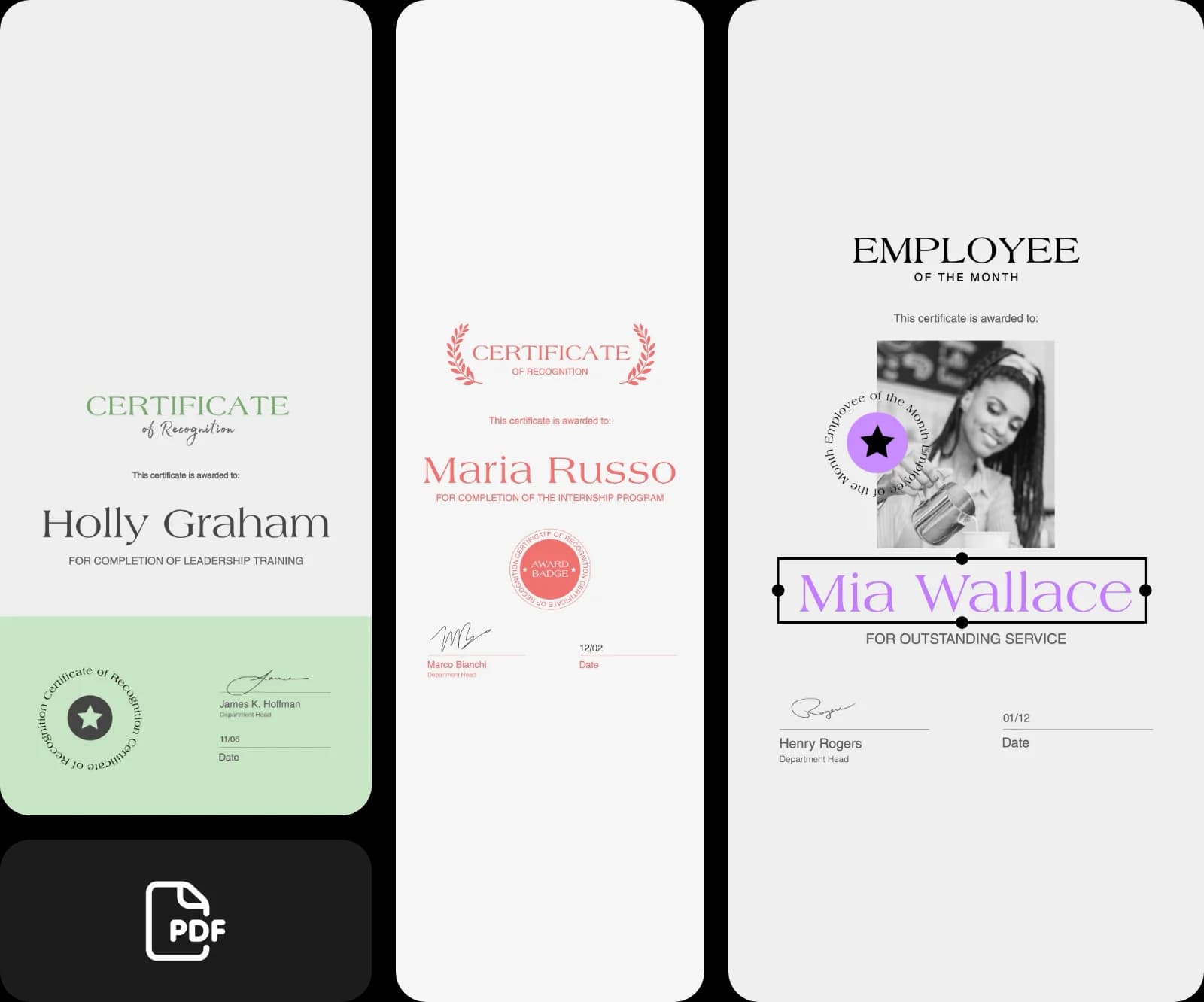
Desain PDF dengan model gambar AI
Gunakan model gambar untuk mengubah PDF menjadi visual yang apik, ide desain, dan aset yang siap diedit.
Jelajahi template dan buat PDF
Pembuat PDF online Picsart menyediakan banyak template yang bisa Anda pilih untuk membuat PDF bagi proyek Anda. Mulai dengan beragam pilihan template dan sesuaikan dengan mudah.


Buat PDF dengan mudah menggunakan pembuat PDF online Picsart
Anda bisa membuat file PDF dalam hitungan detik dengan pembuat PDF online. Prosesnya sangat mudah! Ada banyak fitur yang bisa digunakan: Anda dapat membuat dokumen jenis apa pun untuk berbagai keperluan. Masukkan informasi dalam format yang diinginkan, sesuaikan dokumen, lalu klik tombol ekspor!
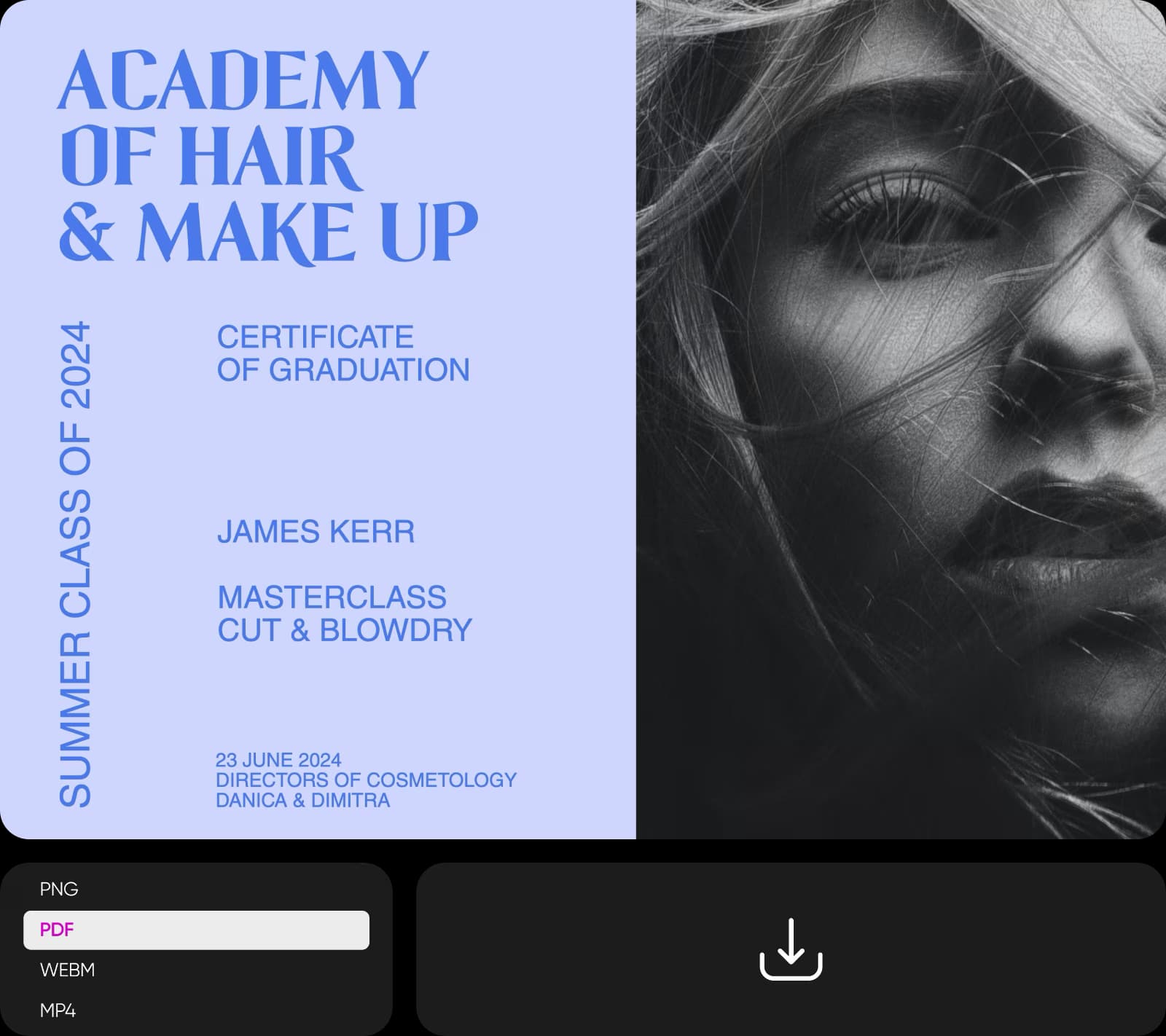
Buat PDF untuk berbagai keperluan
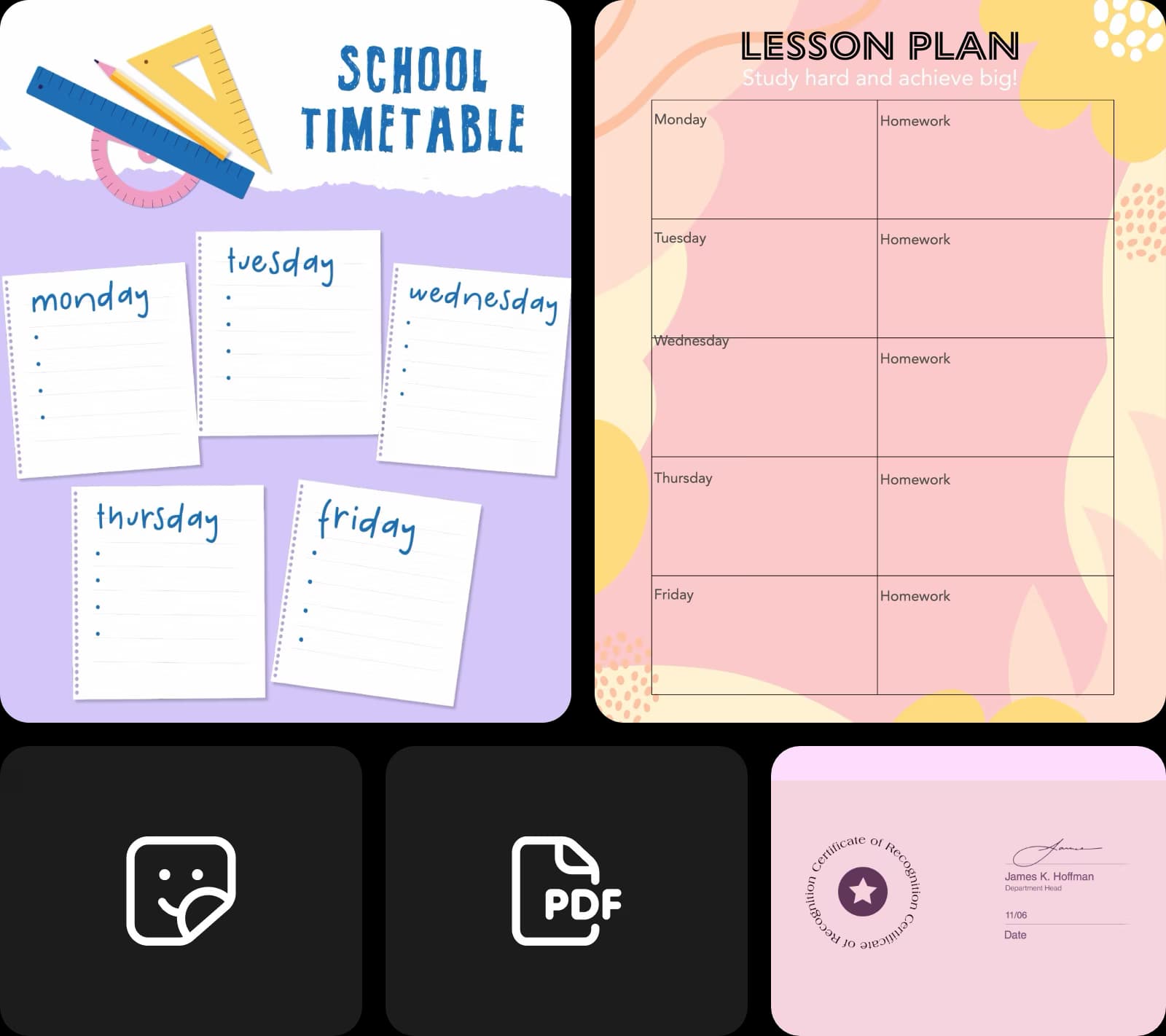
Siapa pun, mulai dari pelajar hingga CEO, dapat membuat PDF laporan yang apik dengan template dari Picsart. Semuanya siap digunakan. Pilih template, lalu edit dengan pembuat PDF. Tambahkan teks, sesuaikan font dan warna, lalu buat file PDF Anda. Hasil ekspor berkualitas tinggi dan siap dicetak!
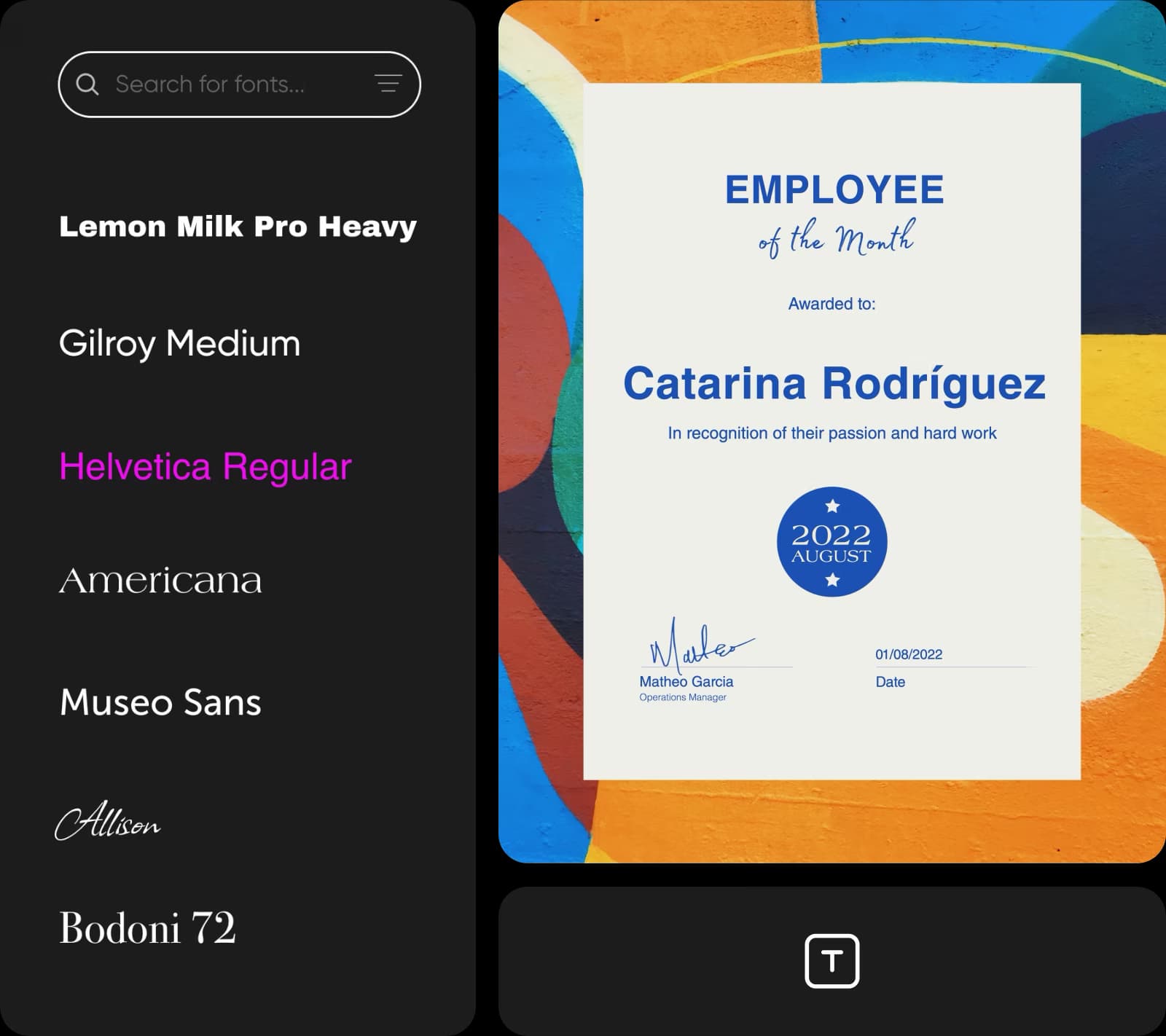
Hemat waktu dengan pembuat PDF Picsart
Percepat pembuatan PDF dengan antarmuka Picsart yang intuitif. Anda tak perlu berpindah tab atau bahkan browser. Semua yang dibutuhkan untuk menyesuaikan dokumen tersedia di halaman yang sama. Cukup seret dan lepas template praktis serta aset desain dari pustaka bawaan, atur lapisan, dan buat file PDF berkualitas tinggi yang siap digunakan!
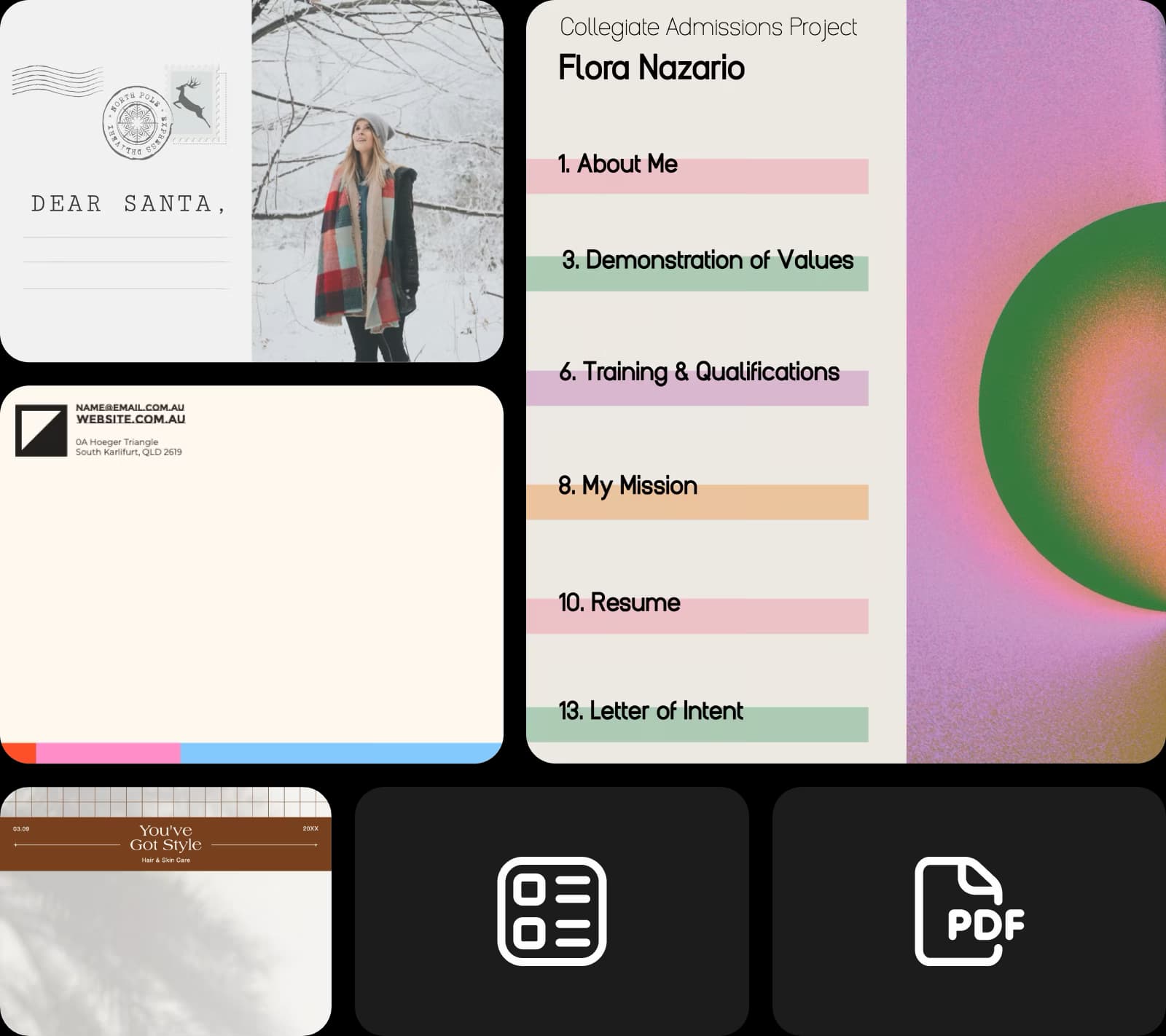
Buat materi edukasi sesuai kebutuhan
Gunakan pembuat PDF Picsart untuk memberi sentuhan unik pada kursus online Anda. Buat dokumen dan presentasi edukasi khusus yang lebih unggul dari kompetitor dan menarik bagi peserta didik. Sertakan kutipan, tambahkan aset dari pustaka Picsart atau milik Anda sendiri, edit teks, dan buat file PDF yang akan meninggalkan kesan mendalam!
- Sempurnakan detail di editor
Maksimalkan efektivitas dokumen bisnis Anda
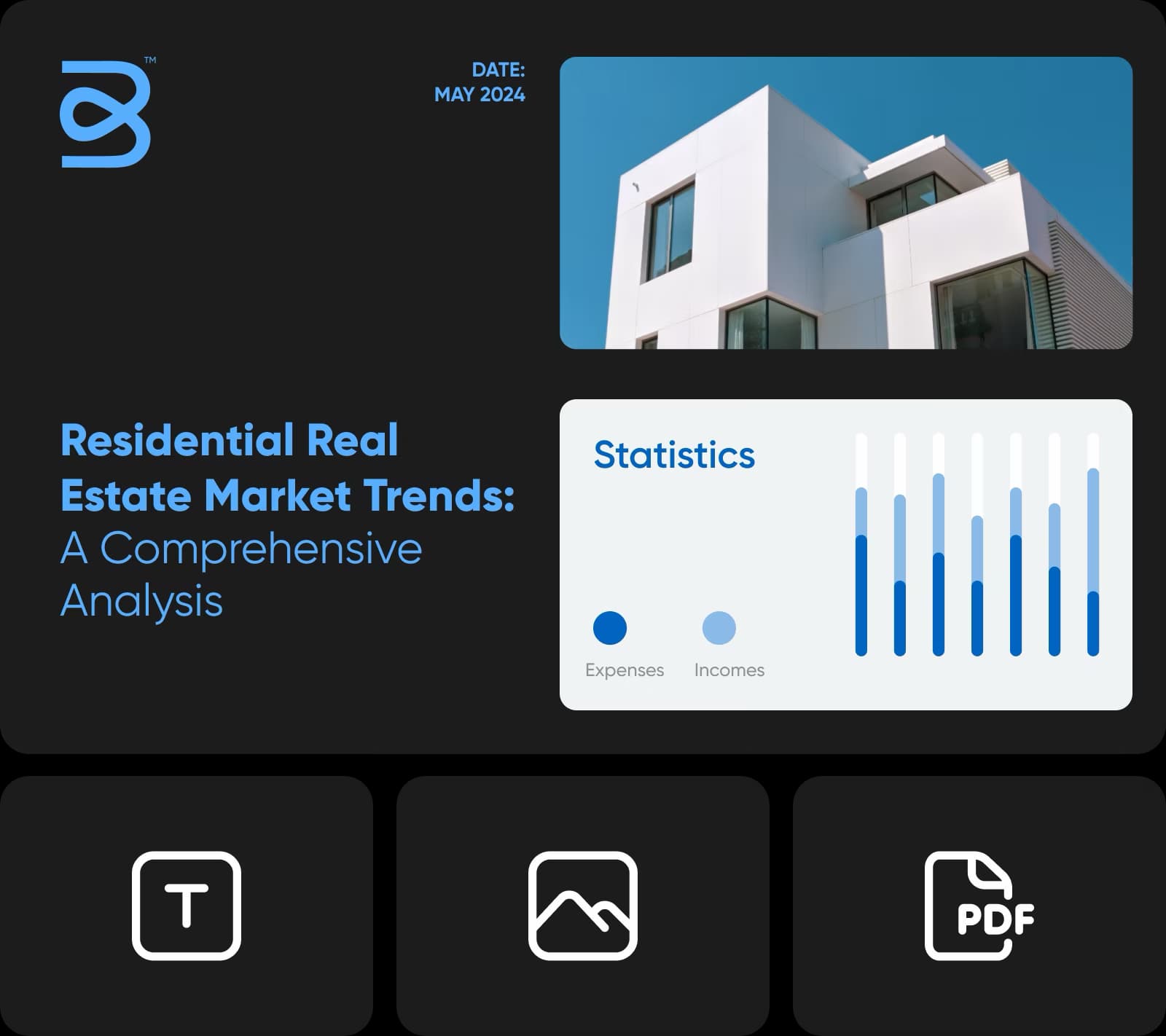
Buat desain dokumen yang apik dan profesional dengan pembuat PDF online Picart. Buat proposal dan laporan yang mengesankan untuk perusahaan Anda. Perkuat identitas merek dengan menyesuaikan template siap pakai. Tambahkan logo, edit konten, serta buat visual bagan dan grafik. Hasilnya adalah PDF bermerek yang bisa Anda bagikan dengan bangga!
FAQ pembuat PDF
Picsart menawarkan beragam template profesional untuk dipilih, serta berbagai keunggulan lain seperti fitur edit foto, alat AI, dan banyak lagi. Gunakan semua fitur ini untuk membuat PDF Anda lebih menarik dan unik.
Terbaru dari alat Picsart
Pembuat dokumen
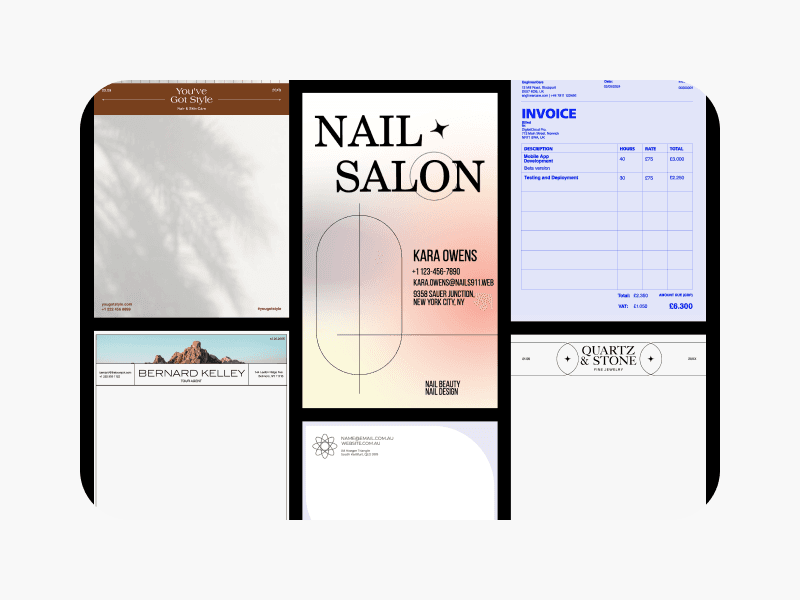
Buat desain dokumen menarik dengan mudah menggunakan template Picsart.
Editor teks
Edit teks sesuka Anda dengan alat editor teks Picsart.
Editor foto
Edit foto dengan cepat menggunakan editor foto Picsart yang didukung AI.
Balik gambar
Balik gambar dengan cepat ke arah mana pun menggunakan alat pembalik gambar AI.
Ubah ukuran gambar
Gunakan alat pengubah ukuran gambar untuk mengubah ukuran gambar tanpa mengurangi kualitasnya.
Perluas gambar dengan AI
Perluas gambar melampaui batas aslinya menggunakan alat perluas gambar.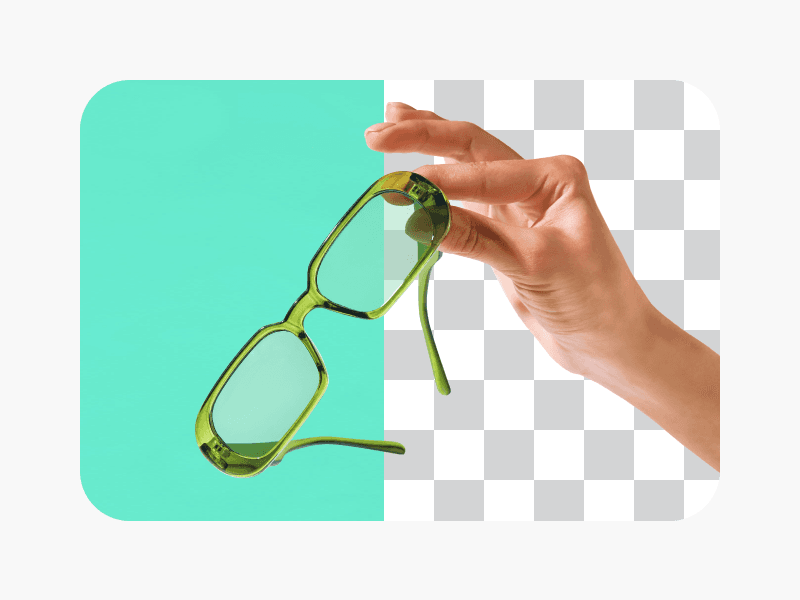
Penghapus latar belakang AI
Gunakan alat penghapus latar belakang untuk menghapus latar belakang gambar Anda.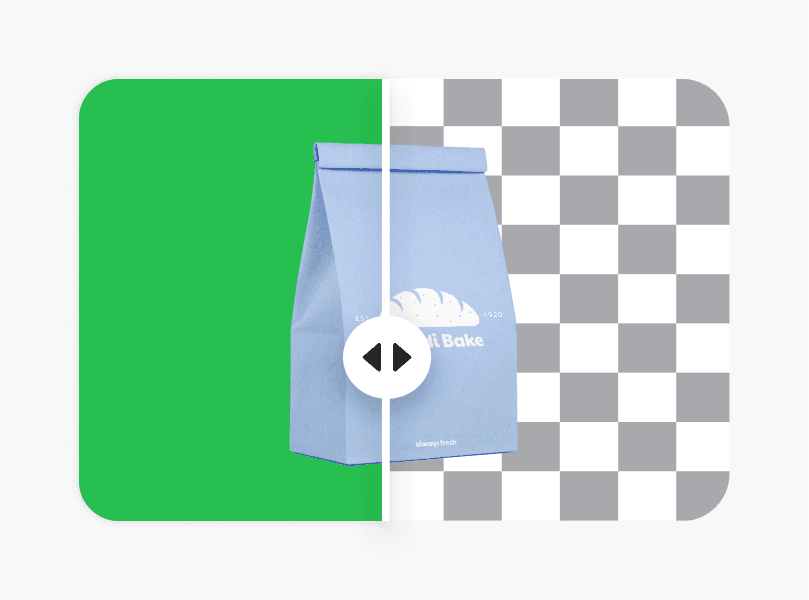
Pengubah latar belakang AI
Ubah latar belakang gambar dengan mudah dan bereksperimenlah menggunakan alat pengubah latar belakang.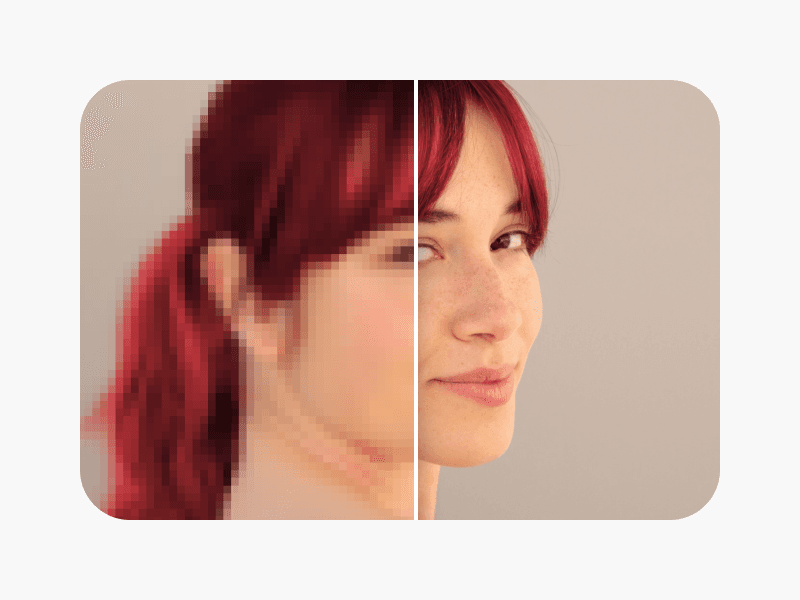
Perjelas gambar
Perjelas gambar buram menggunakan fungsi penajam pada peningkat gambar AI.
Desain PDF untuk pekerjaan, lamaran, dan kebutuhan bisnis
Pro
Most popularAI tools for everyday creative work.
Ultra
Most powerfulHeavy AI usage for creators & teams.