Creatore di banner: crea un banner in qualsiasi dimensione con l’AI
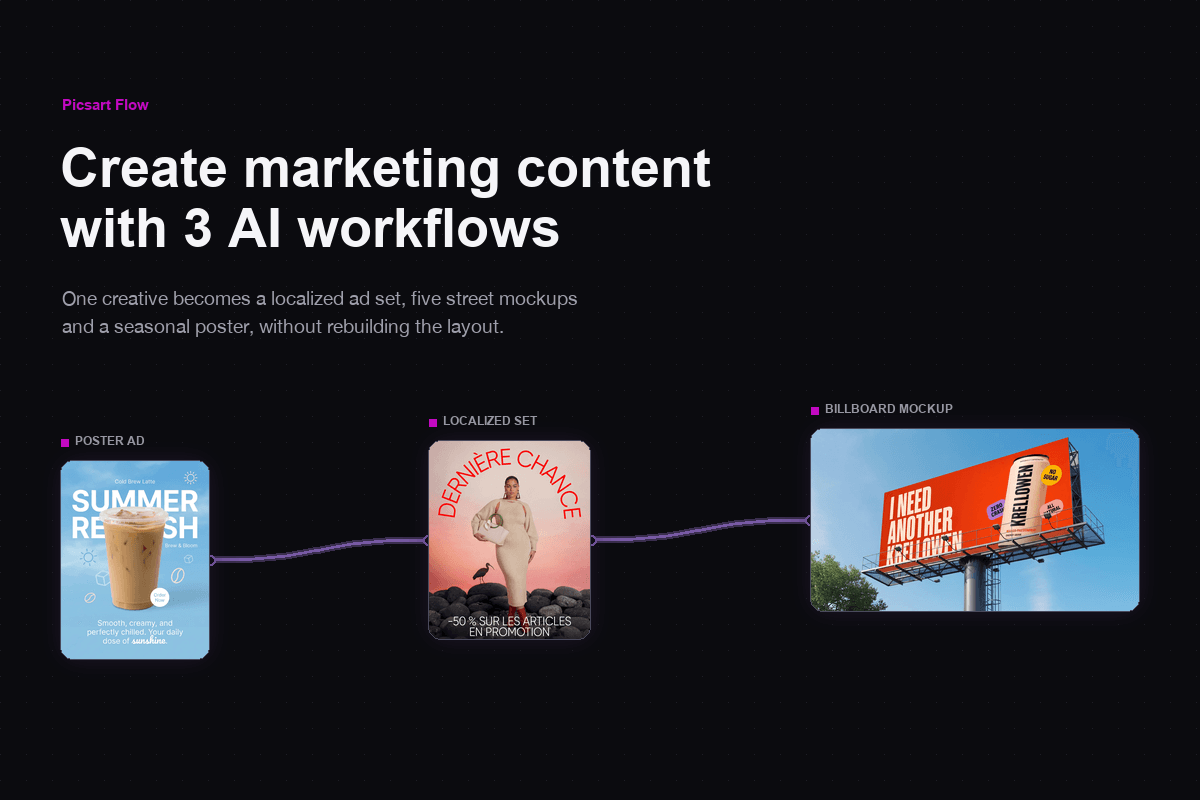
Usa il creatore di banner online in Picsart Flow con un prompt, una foto del prodotto o un modello. Logo, titolo e CTA trovano subito il loro posto e un unico design si adatta a ogni formato, dall’hero di un sito a una storia.
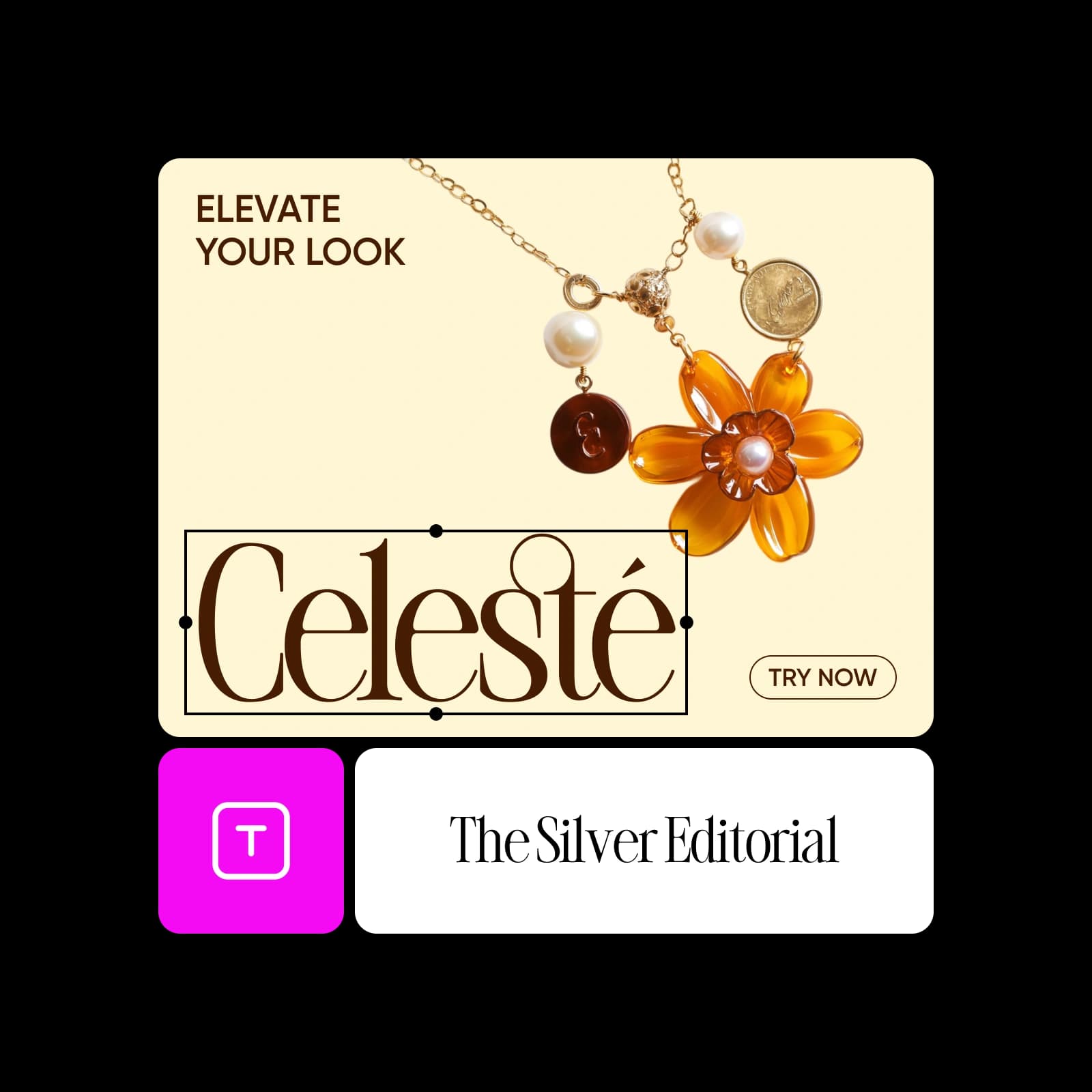
Crea banner con modelli di immagini AI
Scopri come creare un banner in Picsart Flow
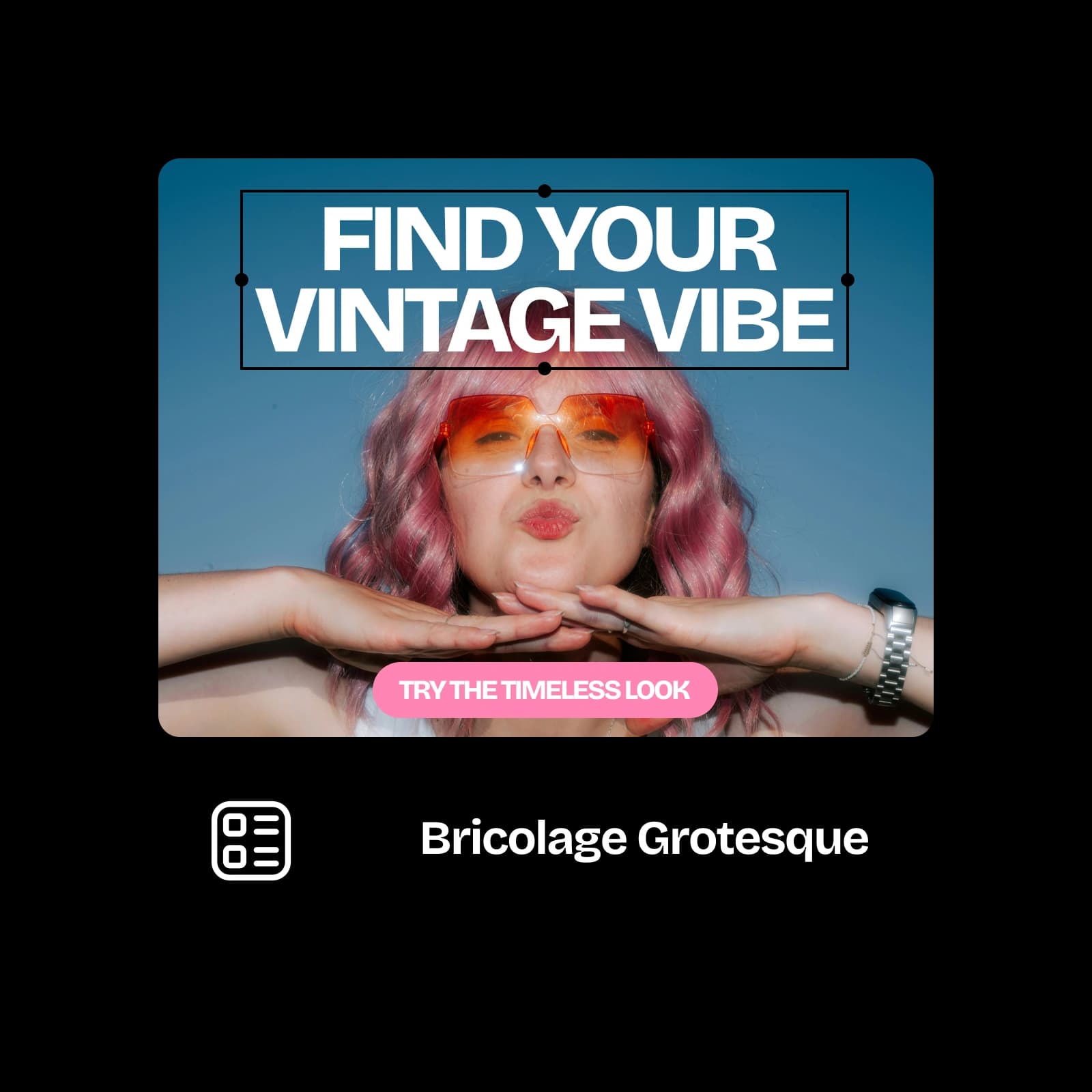
Inizia con i modelli di banner di Picsart Flow
Ogni flusso di lavoro dispone già l’immagine, il titolo e la CTA. Aggiungi il prodotto e il testo, poi avvia la generazione.


Banner per ogni piattaforma
Sito web
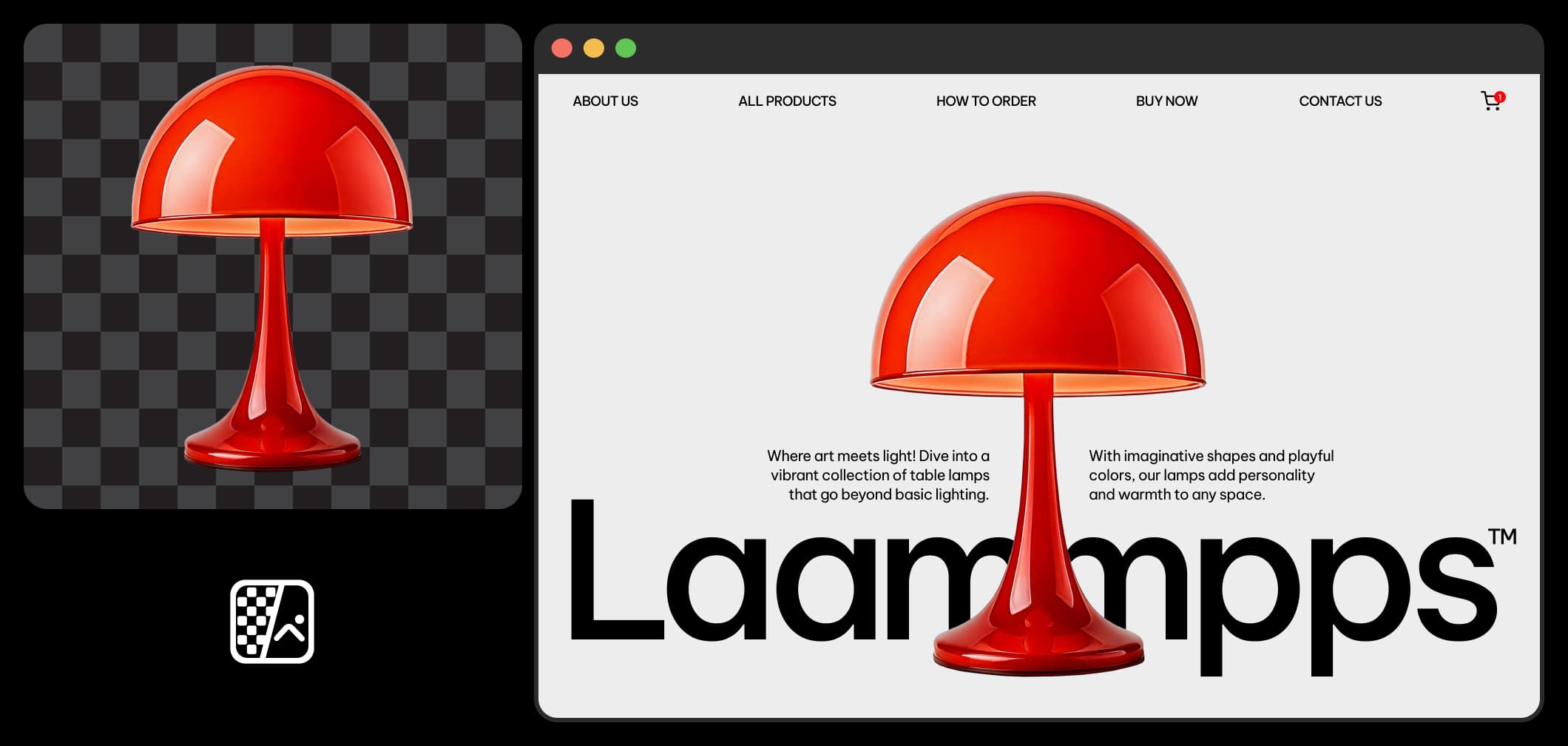
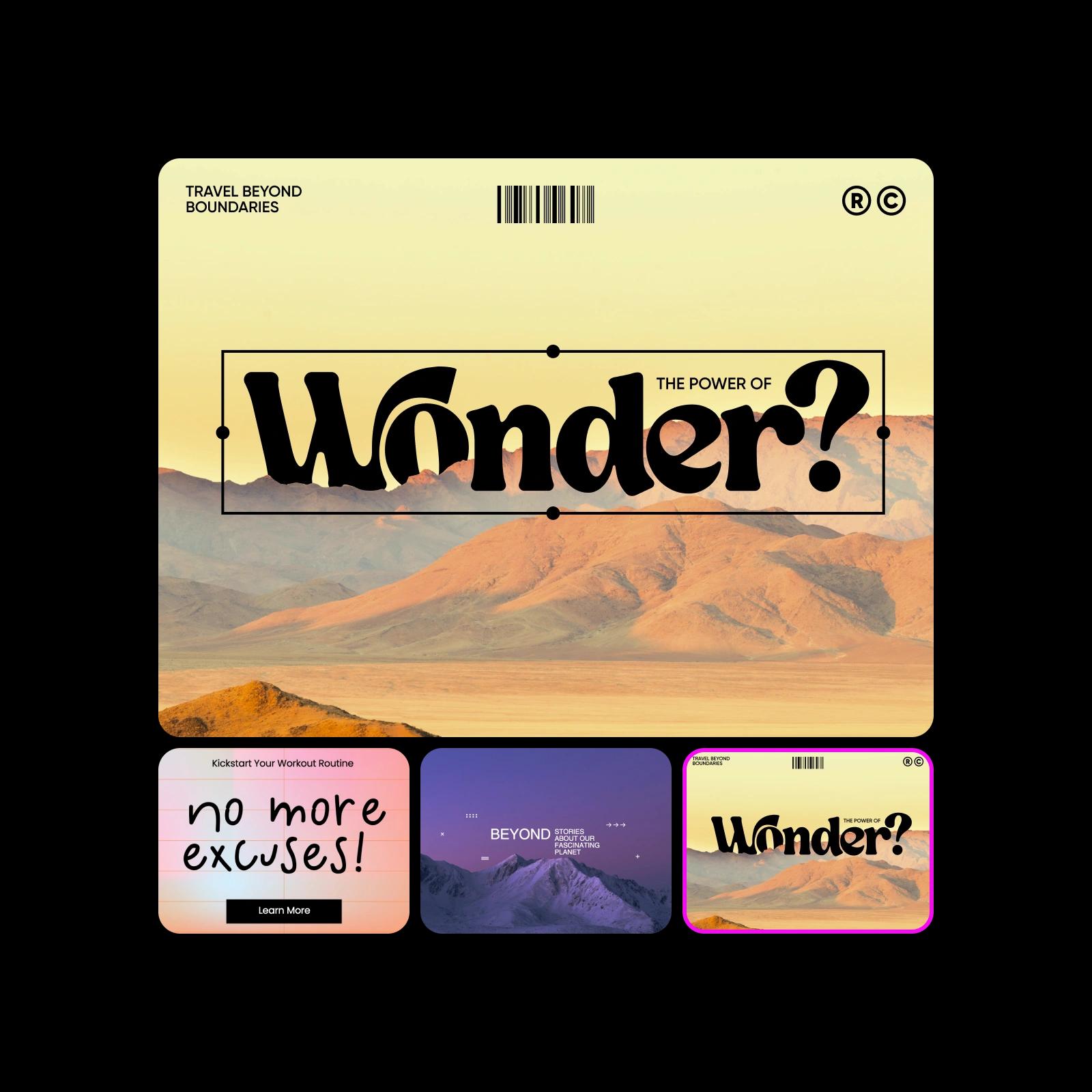
Attira l’attenzione con banner perfetti per la homepage, le landing page o le pagine dei prodotti. Annuncia offerte, metti in evidenza le novità o racconta la storia del tuo brand con design d’impatto che invogliano a cliccare. In Picsart Flow, inizia da un flusso di lavoro per banner 16:9, aggiungi la foto del prodotto e il titolo, poi avvia la generazione. I chip di proporzioni di Outpaint adattano quindi lo stesso design a qualsiasi altro spazio del tuo sito.
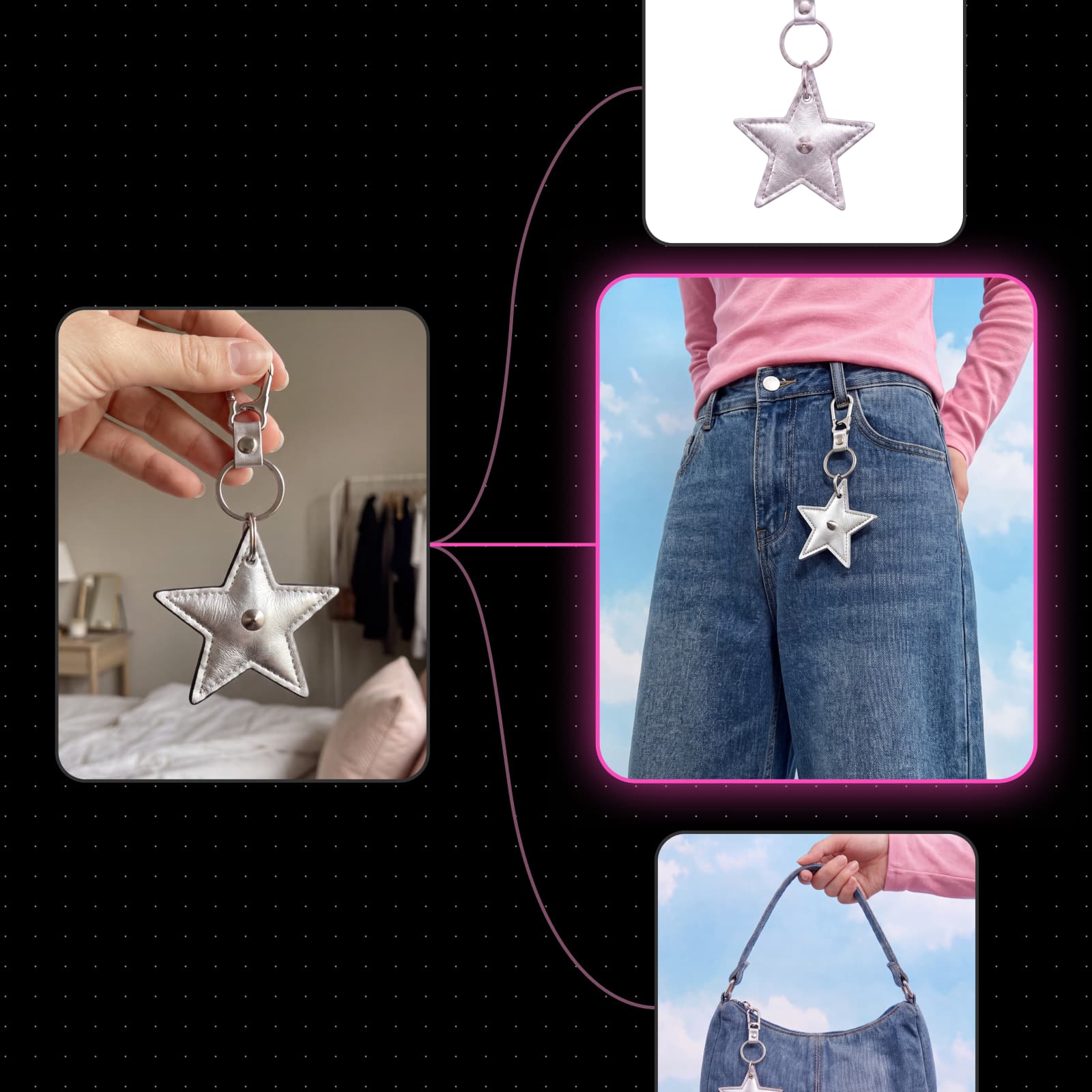
Crea banner di qualsiasi dimensione a partire da un unico design
Progetta una volta sola in Picsart Flow e adatta il design a ogni posizionamento, dall’hero web 16:9 ai banner per i social in formato 1:1 o 9:16. I chip di proporzioni di Outpaint estendono il banner a ogni nuovo formato senza tagliare il prodotto o il titolo. Blocca un chip per un posizionamento preciso oppure scegli Auto per estendere liberamente la cornice. L’originale resta invariato, così ogni dimensione personalizzata del banner mantiene lo stesso layout.
Aggiungi logo, titolo e CTA a ogni banner
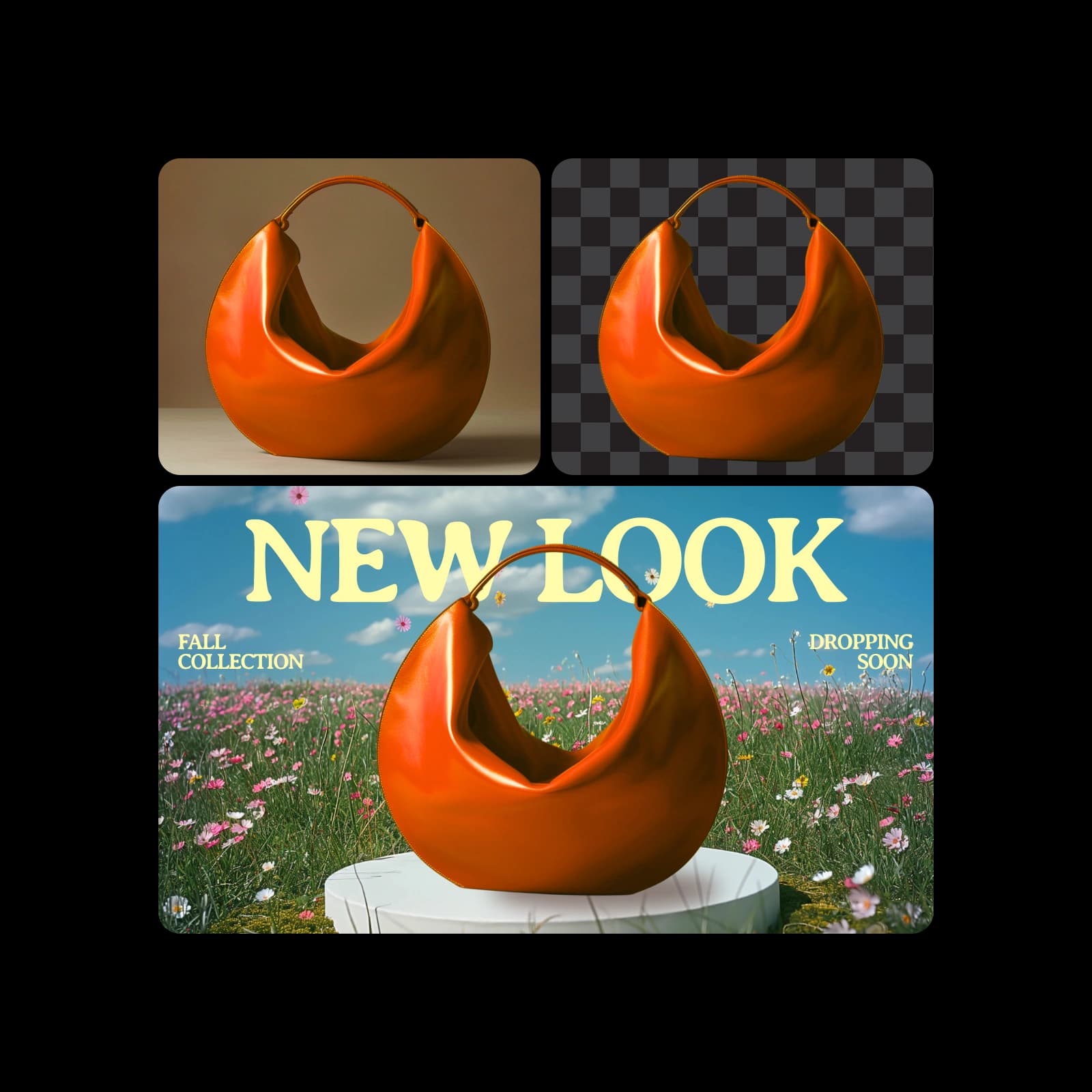
Crea un banner personalizzato con il tuo brand: aggiungi il logo come immagine di riferimento e inserisci titolo, offerta e CTA nel prompt. Anche la modifica dei banner è precisa, grazie alle modifiche generative basate sull’AI, che possono anche estendere un’immagine oltre i bordi o modificare l’illuminazione di un video di prodotto. Passa il pennello su una parola o un prodotto con Inpaint e descrivi la modifica. Cambia solo l’area selezionata, così il resto del banner brandizzato rimane identico al pixel.

Trasforma un breve brief in banner con il generatore di banner AI
Descrivi il prodotto, il pubblico, l’offerta e lo stile, e Picsart Flow creerà un banner su misura. Invia lo stesso brief a due o tre modelli contemporaneamente, confronta i risultati del creatore di banner AI affiancati e scegli il migliore. La modifica in batch dei parametri, una delle scorciatoie per creare flussi di lavoro di Flow, cambia modello o risoluzione per ogni nodo banner selezionato in un solo passaggio. La coda di esecuzione mostra ogni generazione man mano che viene completata.
Crea un banner per ogni lancio, saldo ed evento
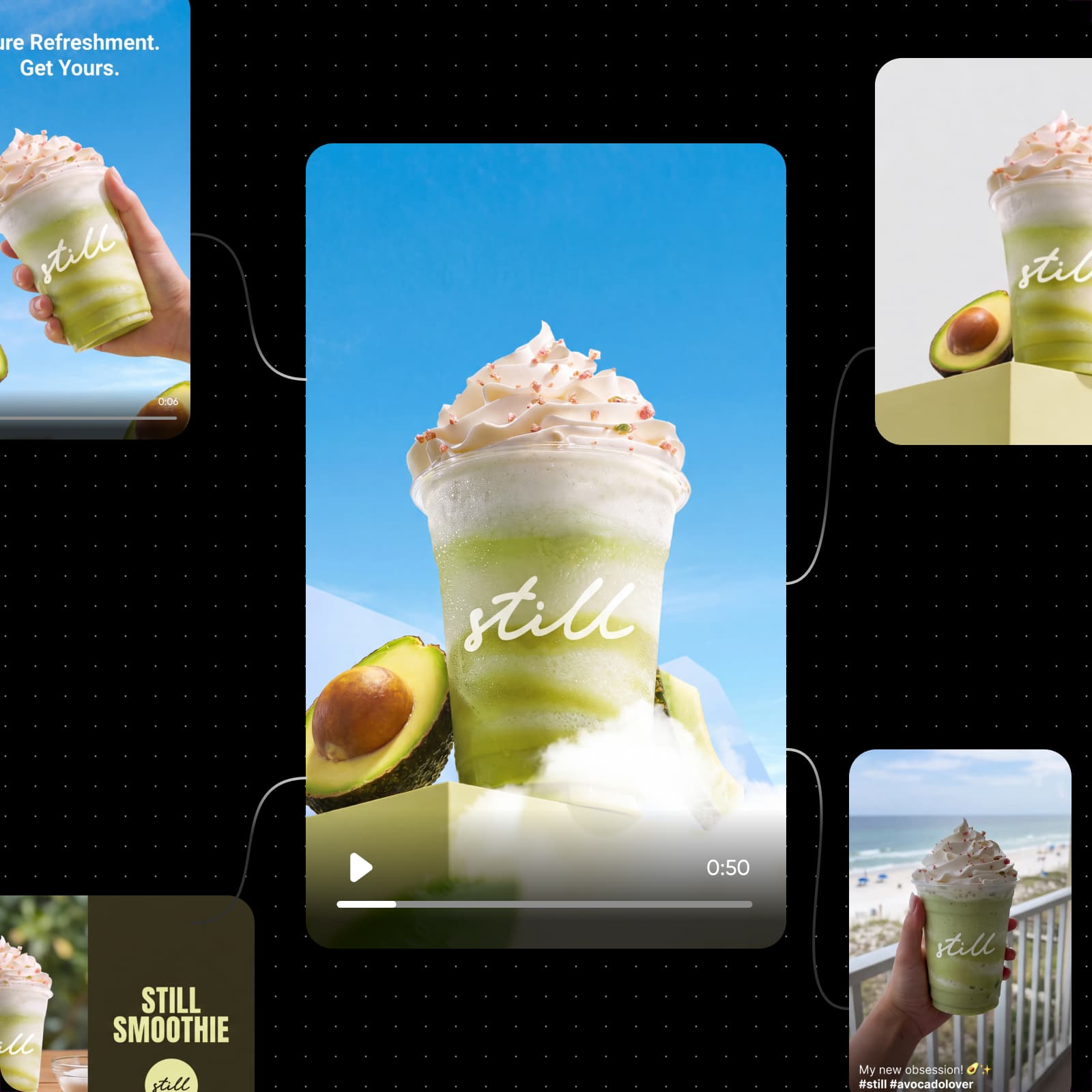
Usa un unico creatore di banner per ogni obiettivo: il lancio di un prodotto, un saldo stagionale, la data di un evento o un annuncio di lavoro. Inizia dal flusso di lavoro per poster di saldi: aggiungi la foto del prodotto, poi imposta titolo, date e CTA per il tuo banner promozionale. Modifica le date e l’offerta nel prompt, quindi avvia di nuovo la generazione per creare banner per la campagna successiva. Per un lancio completo, i flussi di lavoro di Flow per campagne pubblicitarie e contenuti social mantengono lo stesso stile in video pubblicitari, clip UGC e post.
Traduci i banner per ogni mercato
Picsart Flow può tradurre il testo di un banner finito e renderizzarlo di nuovo sullo stesso design, mantenendo invariati layout, colori e immagini. Avvia un flusso di lavoro di traduzione per ottenere una versione del banner in ogni lingua. Abbinalo a immagini specifiche per città, come i banner di Seattle, New York e Chicago del modello per campagne cittadine qui sopra. Prima della pubblicazione, fai controllare ogni versione da una persona madrelingua.




Risposte alle domande sul creatore di banner
Picsart Flow è un creatore di banner gratuito che ti permette di iniziare senza costi: creare un account Picsart è gratis, così come aprire qualsiasi modello di banner di Flow. Per generare un banner si usano i crediti AI inclusi nel tuo piano. Flow mostra il costo stimato prima di ogni generazione, così spendi crediti solo per i banner che crei.
Progetta banner per brand, profili e campagne
Pro
Most popularAI tools for everyday creative work.
Ultra
Most powerfulHeavy AI usage for creators & teams.
Trova un creatore di banner per ogni piattaforma
Devi creare un banner per una piattaforma specifica? Queste pagine Picsart sono pensate proprio per te.