Filtro seppia: crea foto seppia dal fascino senza tempo
Aggiungi un filtro seppia alle tue foto preferite per creare subito un look vintage. Il filtro seppia di Picsart aggiunge una delicata tonalità marrone, trasformando le foto di ogni giorno in momenti nostalgici del passato.
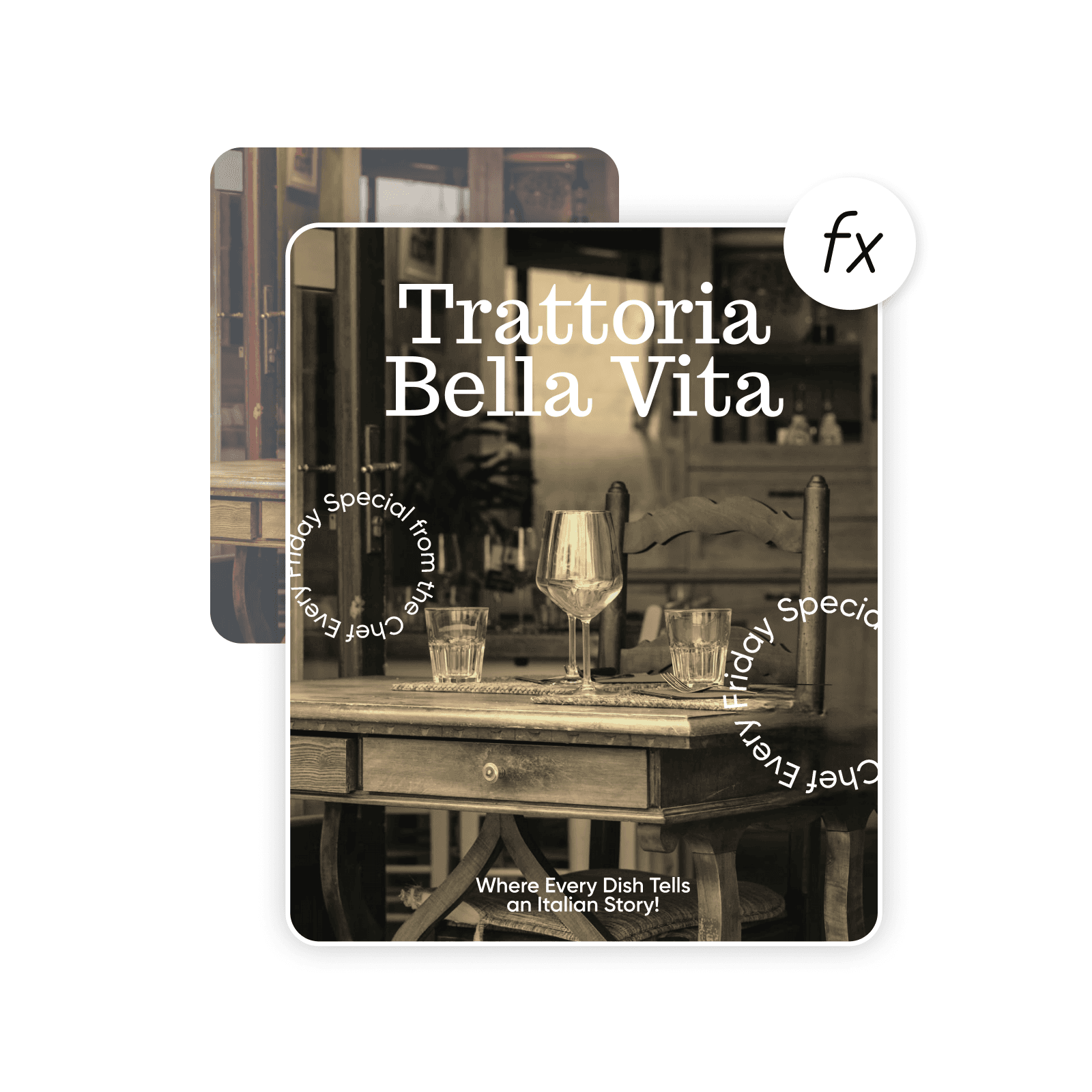
Crea un filtro seppia con i modelli di immagini IA
Usa i modelli di immagini per trasformare le foto con stili, effetti e indicazioni visive già pronte da modificare.
Come aggiungere un filtro seppia a un’immagine
How to
Seleziona una foto
Usa il pulsante Carica un’immagine per selezionare un’immagine.
Cattura una bellezza senza tempo con il filtro seppia
Dona a qualsiasi immagine il fascino di un’altra epoca con il filtro di colore seppia di Picsart. Aggiungere un classico tono seppia evoca un senso di nostalgia, perfetto per creare immagini in stile vintage che si distinguono. Arricchisci le foto di calore e profondità per aumentarne l’impatto emotivo. L’effetto seppia crea un aspetto delicatamente invecchiato che trasforma ricordi e scene in storie coinvolgenti.
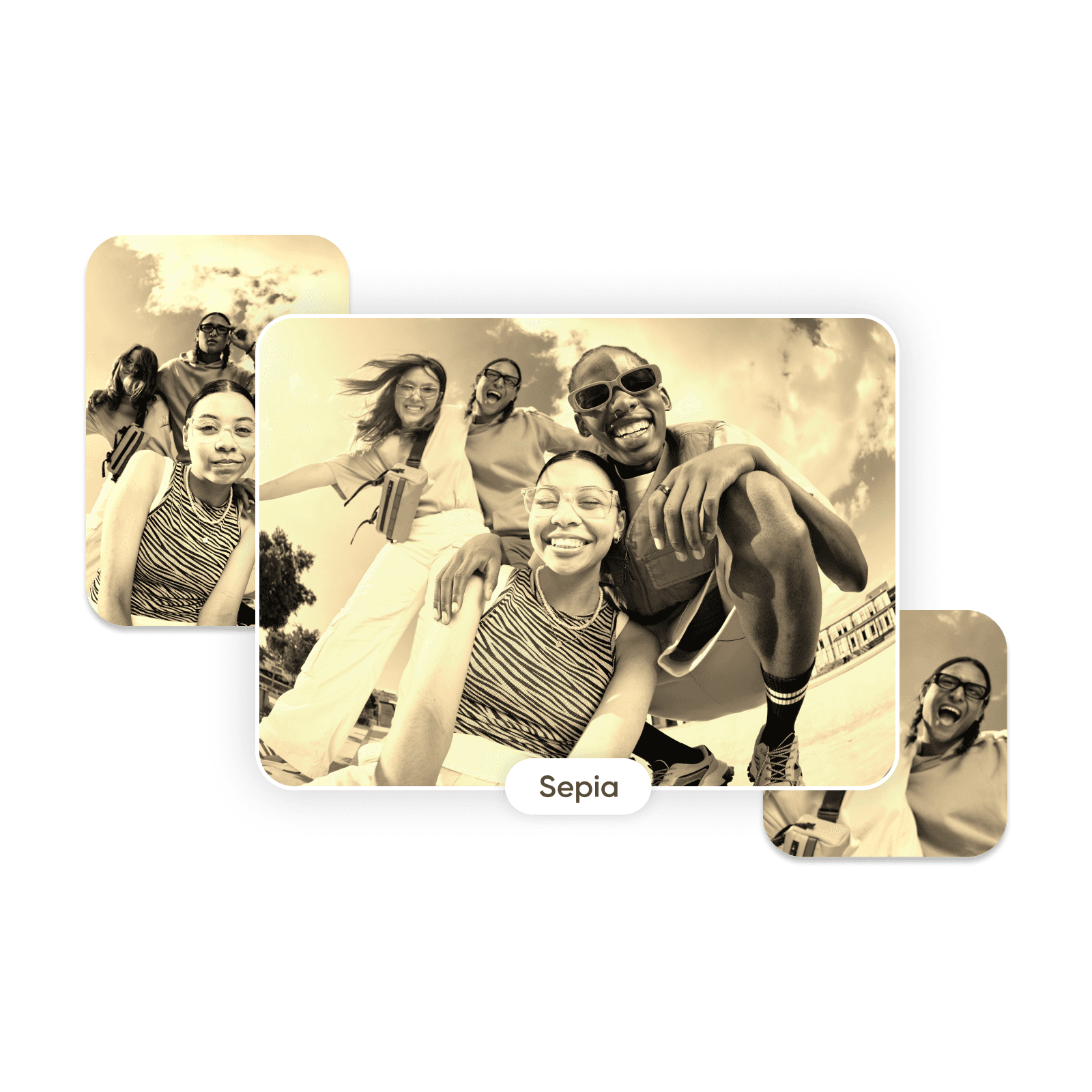
Rendi una foto seppia in pochi secondi con un filtro seppia online
Vuoi aggiungere intensità e atmosfera con un effetto seppia? Basta caricare un’immagine e selezionare il filtro seppia nella categoria degli effetti fotografici. Il filtro applica una tonalità seppia senza sacrificare i dettagli, preservando la nitidezza e la qualità delle foto. Provalo e ottieni un’anteprima immediata. Fai tutte le modifiche che vuoi senza bisogno di competenze avanzate di fotoritocco.
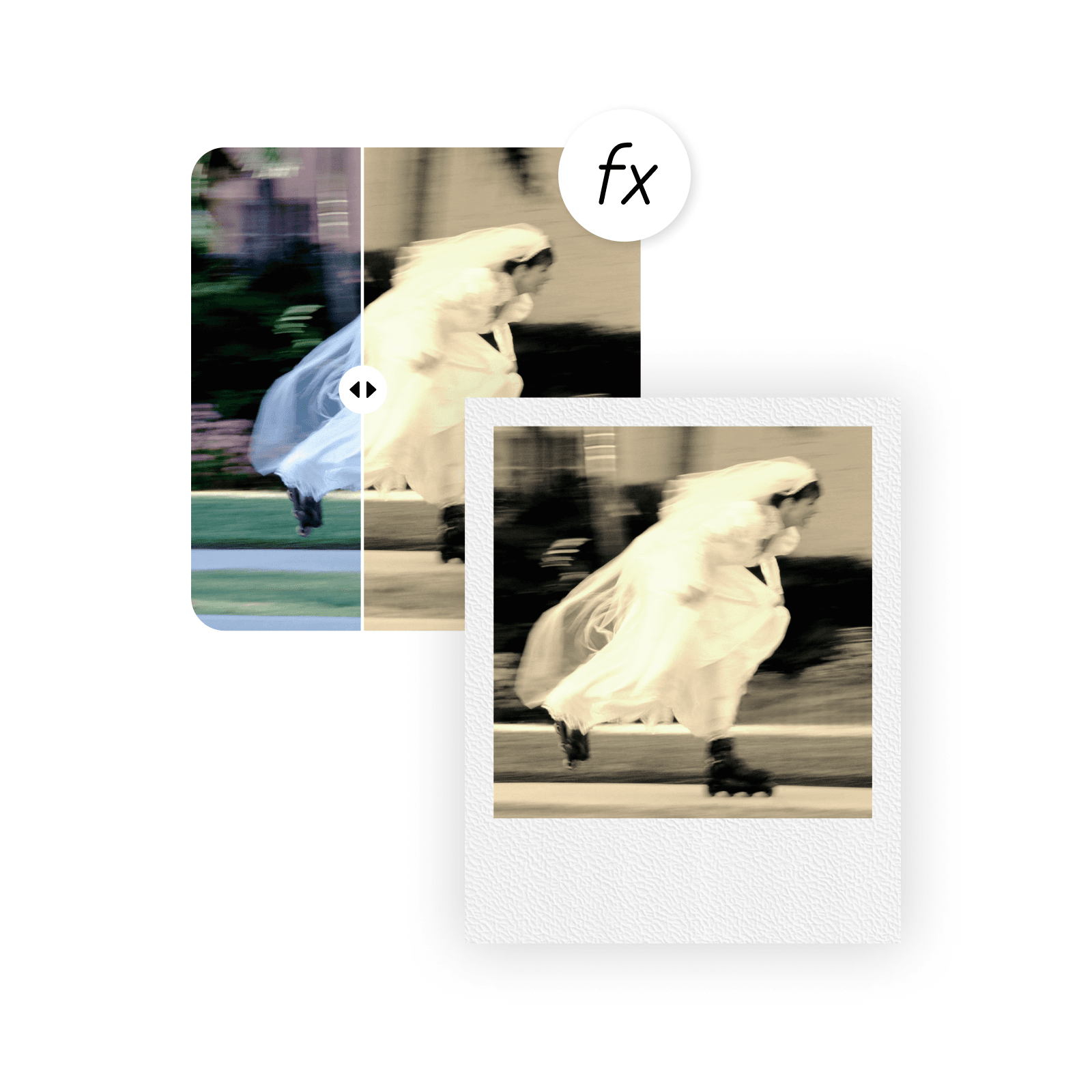
Reinventa le tue foto con un filtro di colore seppia
Esalta il fascino e l’attrattiva. Amplifica il romanticismo. Lasciati guidare dalle emozioni. Con gli effetti seppia è facile cambiare l’atmosfera di qualsiasi stile fotografico. Il filtro seppia ti permette di intensificare le emozioni nei ritratti, ammorbidire l’atmosfera di paesaggi e scenari e aggiungere splendore alle foto di eventi. Usalo insieme ad altri effetti fotografici, come il filtro bianco e nero o l’effetto glitch, per creare raccolte fotografiche accattivanti.
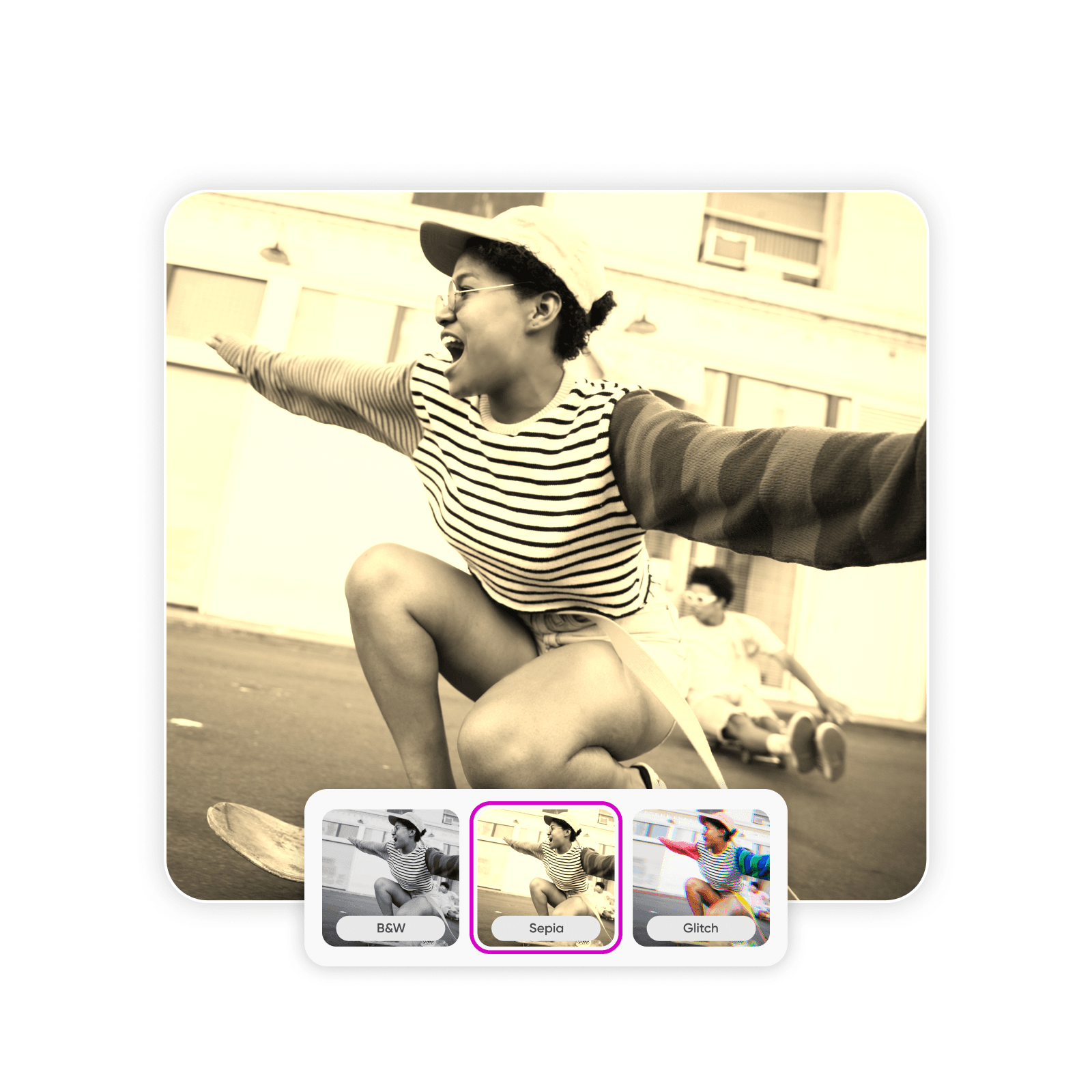
Scegli l’intensità perfetta del filtro seppia
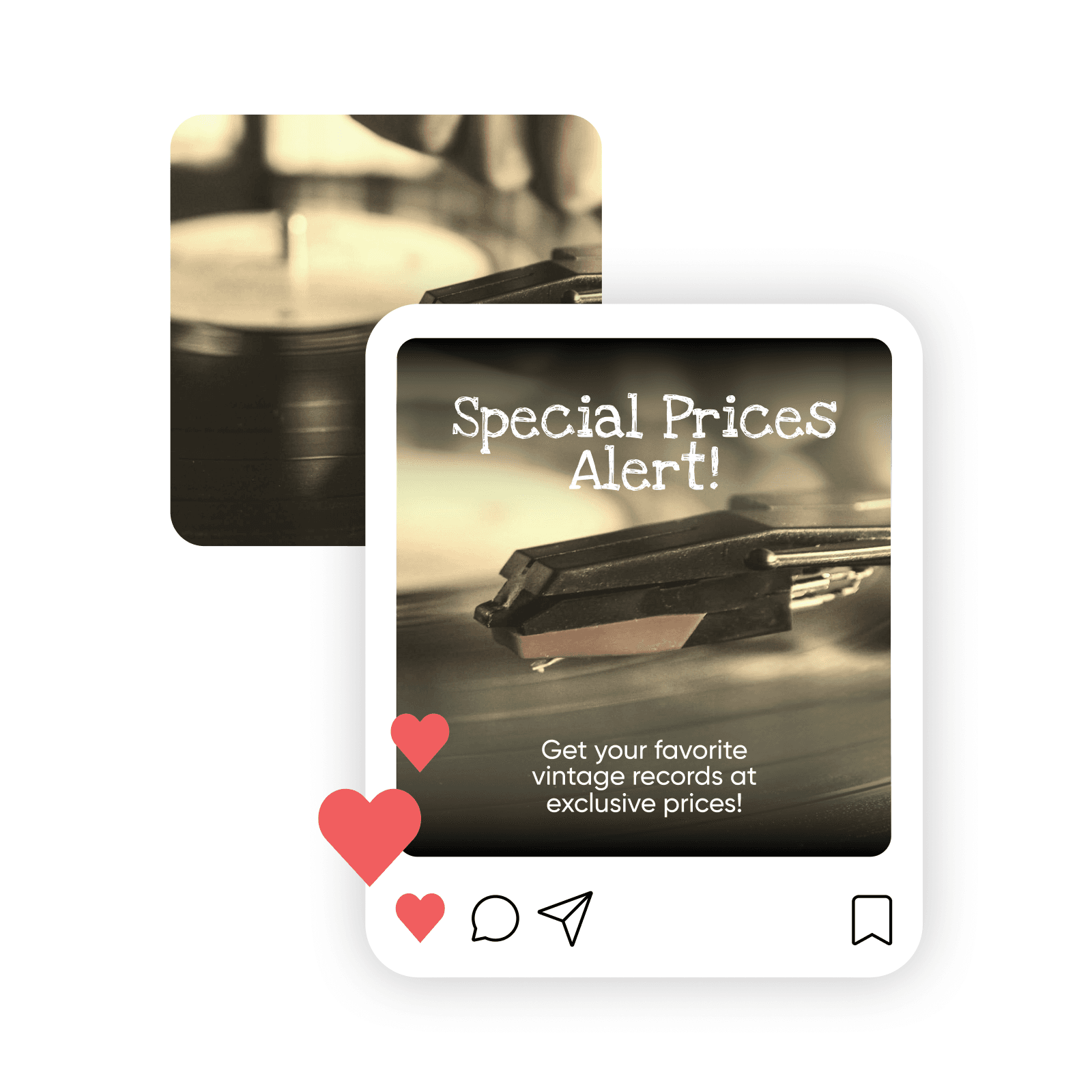
Crea foto seppia intense o delicate quanto vuoi. Il filtro seppia online di Picsart ti permette di personalizzare l’intensità del colore per controllare l’aspetto e l’atmosfera delle foto. Prova una delicata sfumatura beige per un look vissuto oppure toni marroni più profondi per creare maggiore contrasto. Con l’effetto seppia personalizzabile, chiunque può creare foto memorabili che attirano l’attenzione sui social network e aumentano le interazioni.
Modifica, ritocca e personalizza le tue foto seppia
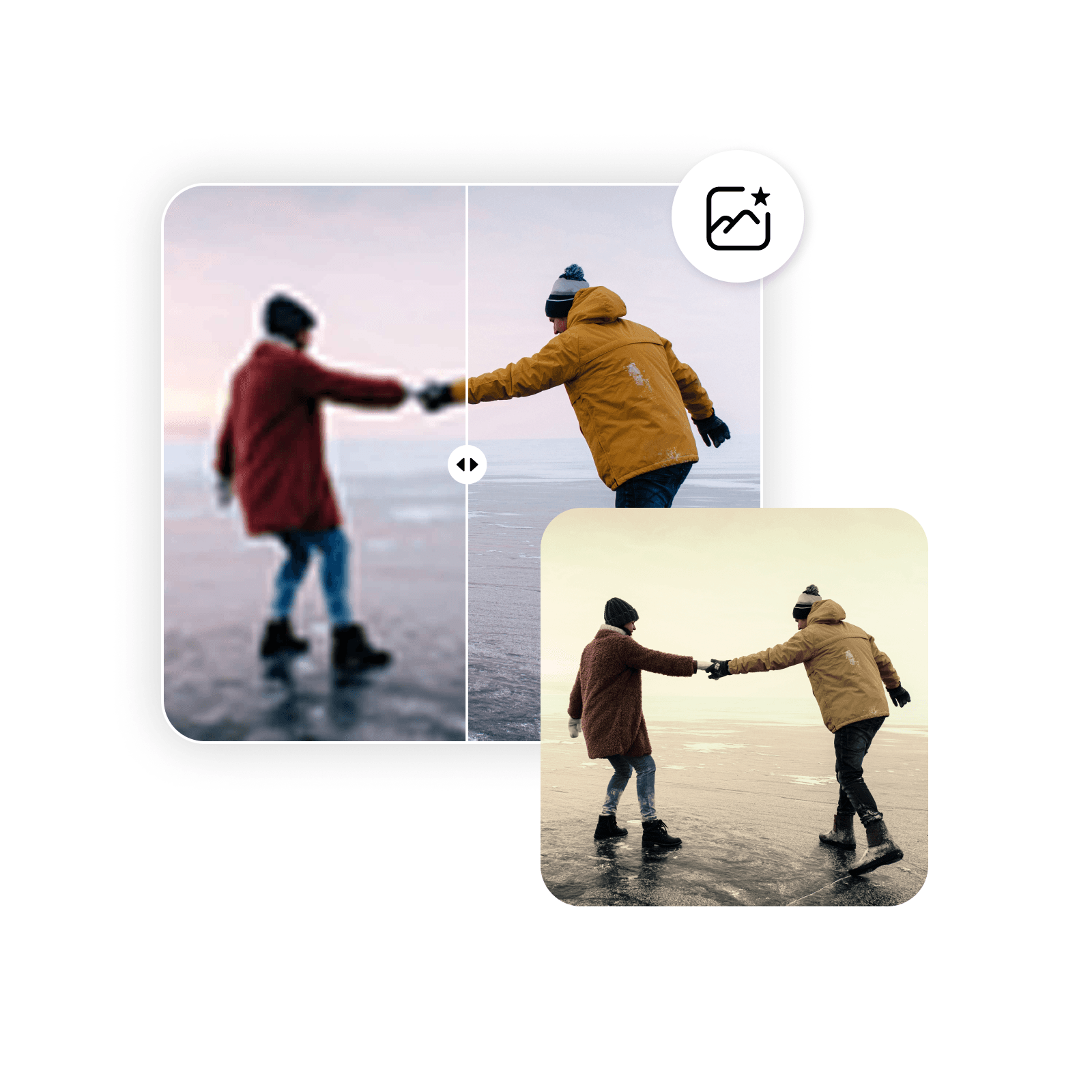
Usa tutti gli strumenti di modifica a tua disposizione per migliorare le foto seppia. L’editor fotografico con IA di Picsart offre diversi strumenti per creare immagini di qualità professionale, sia che tu voglia rendere le immagini più nitide, correggere imperfezioni, aggiungere effetti o estendere le immagini con l’IA. Elimina sfocatura, alterazioni del colore o granulosità prima di aggiungere il tono seppia, così da partire da un’immagine nitida e ottenere i migliori risultati.
Aggiungi un filtro seppia e molto altro con un software versatile per modificare le foto in autonomia
Ti servono foto seppia per un sito web, materiali di marketing, social network o uso personale? Rinnova tutta la tua raccolta fotografica oppure crea materiali professionali per il brand della tua attività. Il potente insieme di strumenti di graphic design e strumenti per le immagini di Picsart ti permette di gestire i progetti creativi dall’inizio alla fine, senza complicazioni.
Domande frequenti sul filtro seppia
Un filtro di colore seppia è uno strumento che cambia il colore e il contrasto di un’immagine, lasciando passare più tonalità marroni e beige e bloccando la maggior parte degli altri colori. Il risultato è una foto con diverse intensità di tonalità marroni calde, in contrasto tra loro. Gli effetti seppia attenuano intenzionalmente i colori originali dell’immagine per creare un aspetto invecchiato.
Modifica foto per contenuti creator raffinati
Pro
Most popularAI tools for everyday creative work.
Ultra
Most powerfulHeavy AI usage for creators & teams.
Enterprise
Custom AI solutions for large organizations.
- Volume discounts on credit rate
- On-demand top-ups


