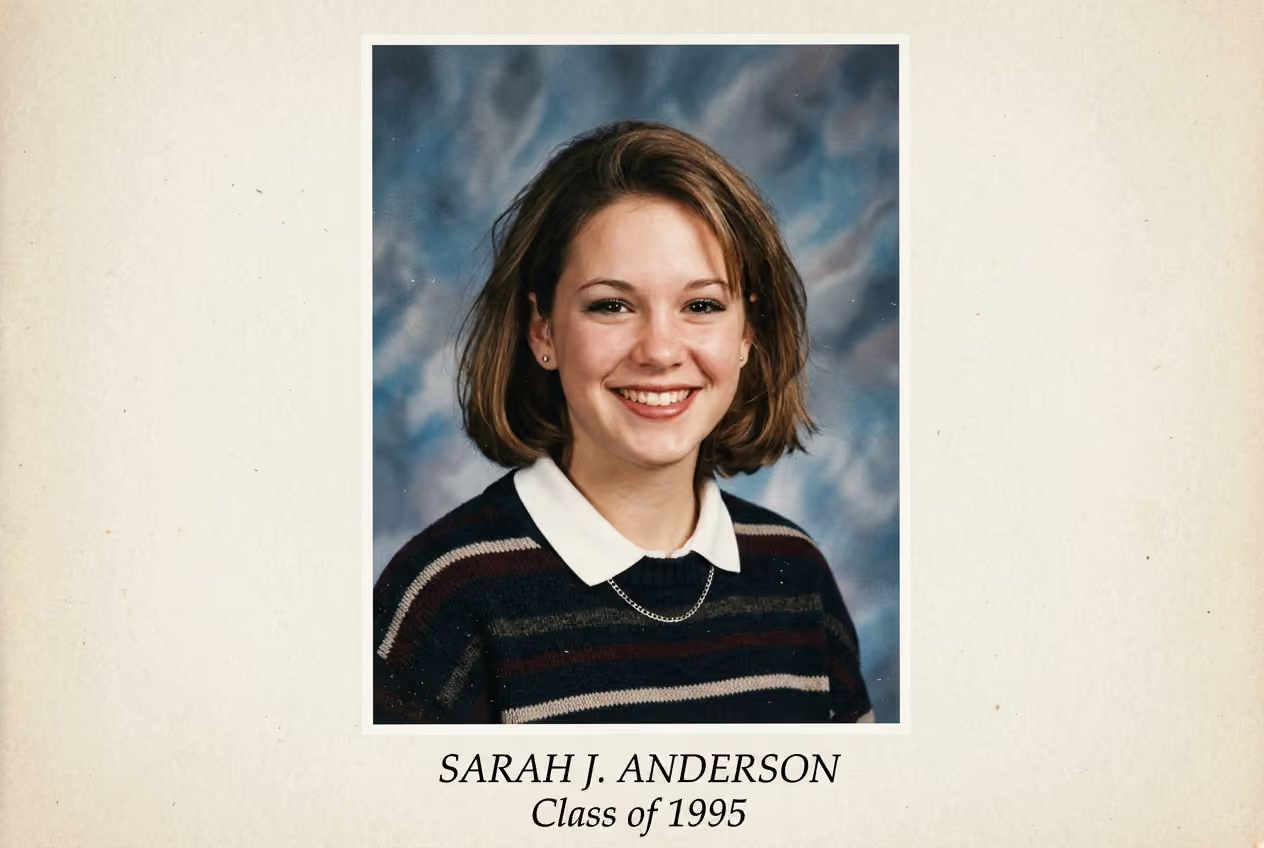
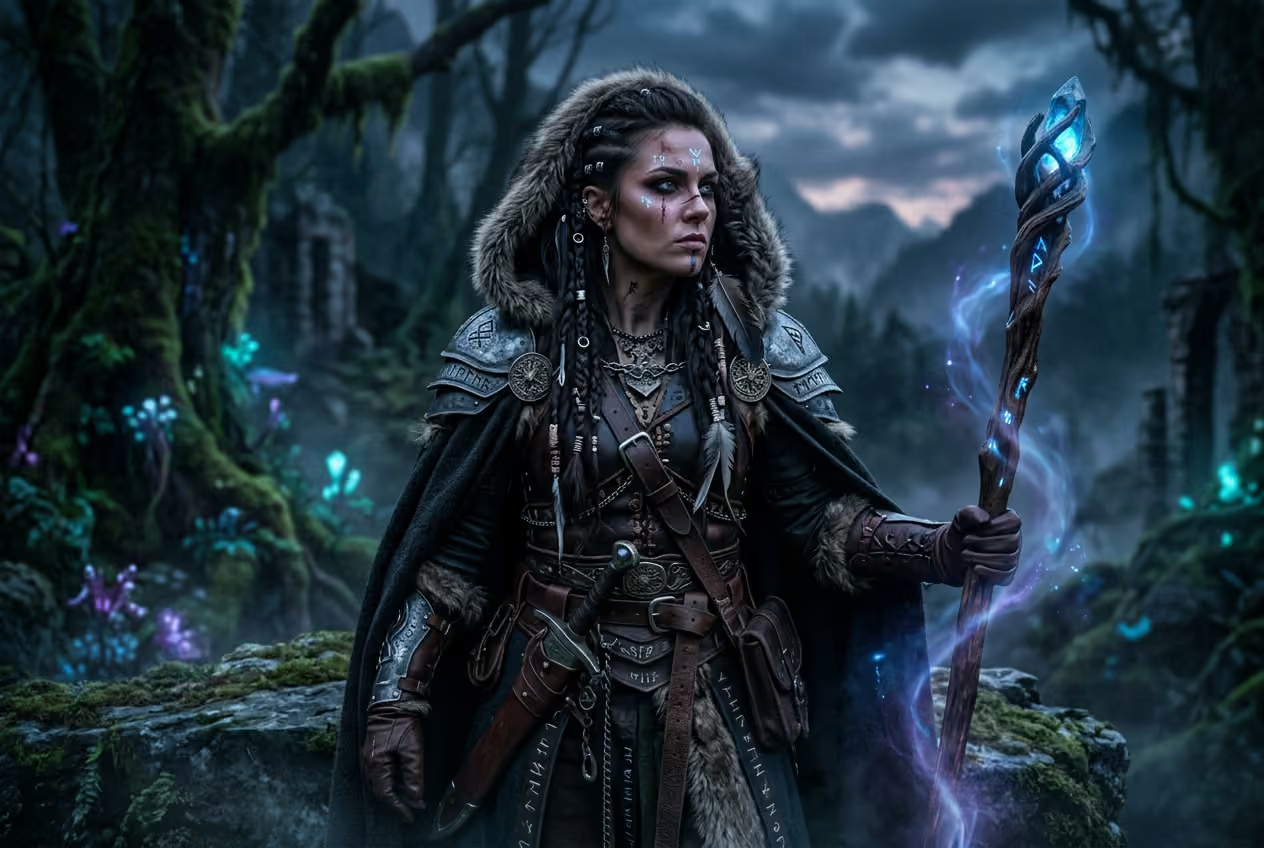
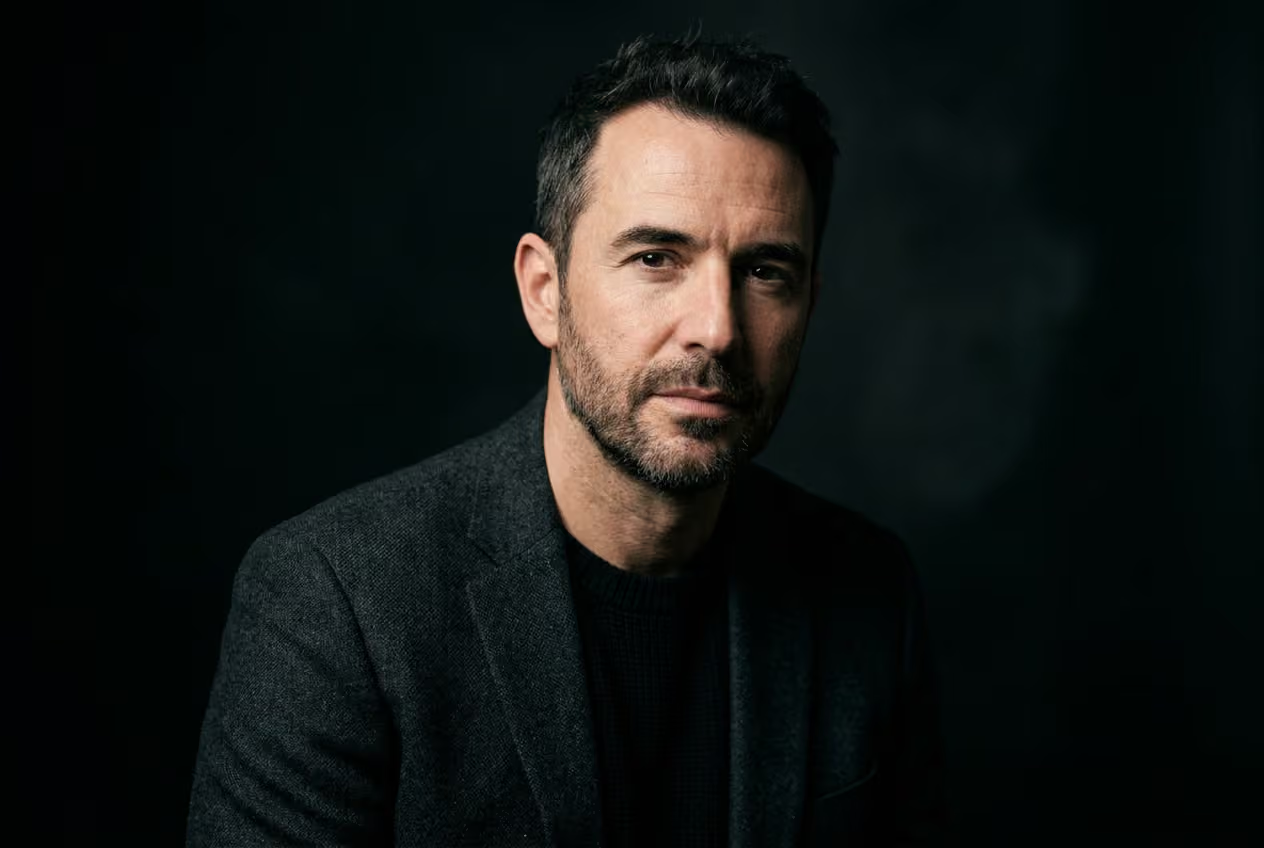
See what you can create without limits

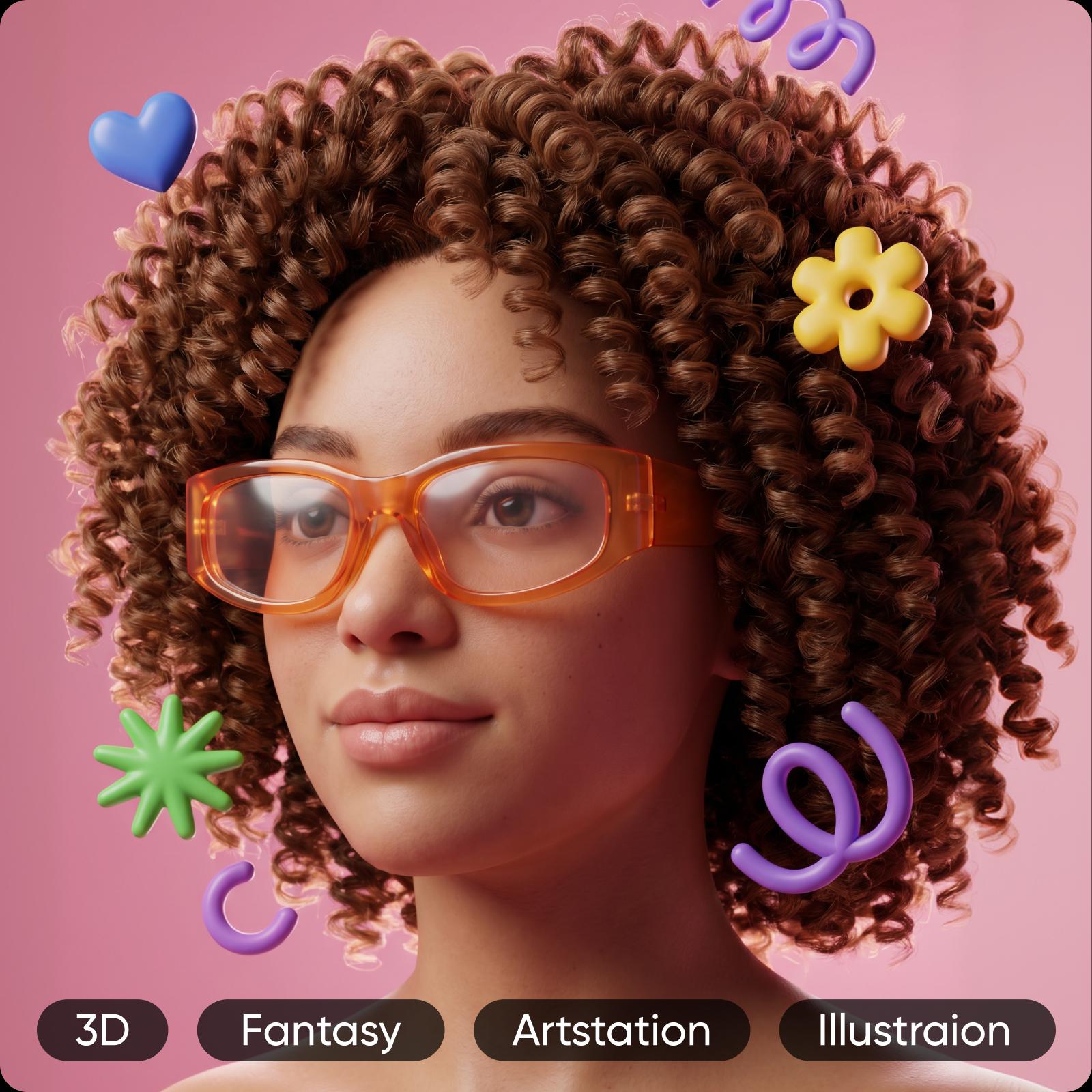
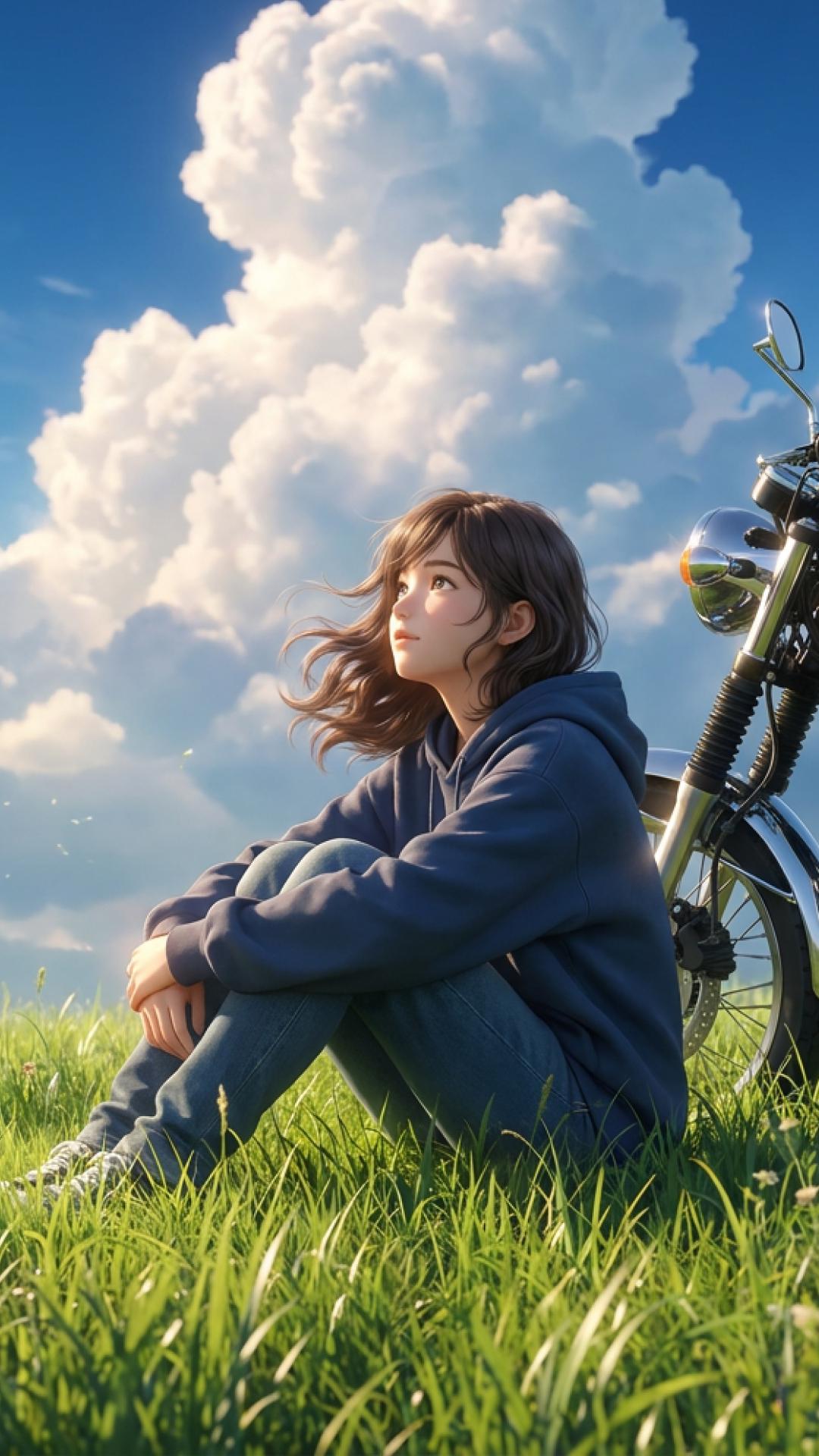
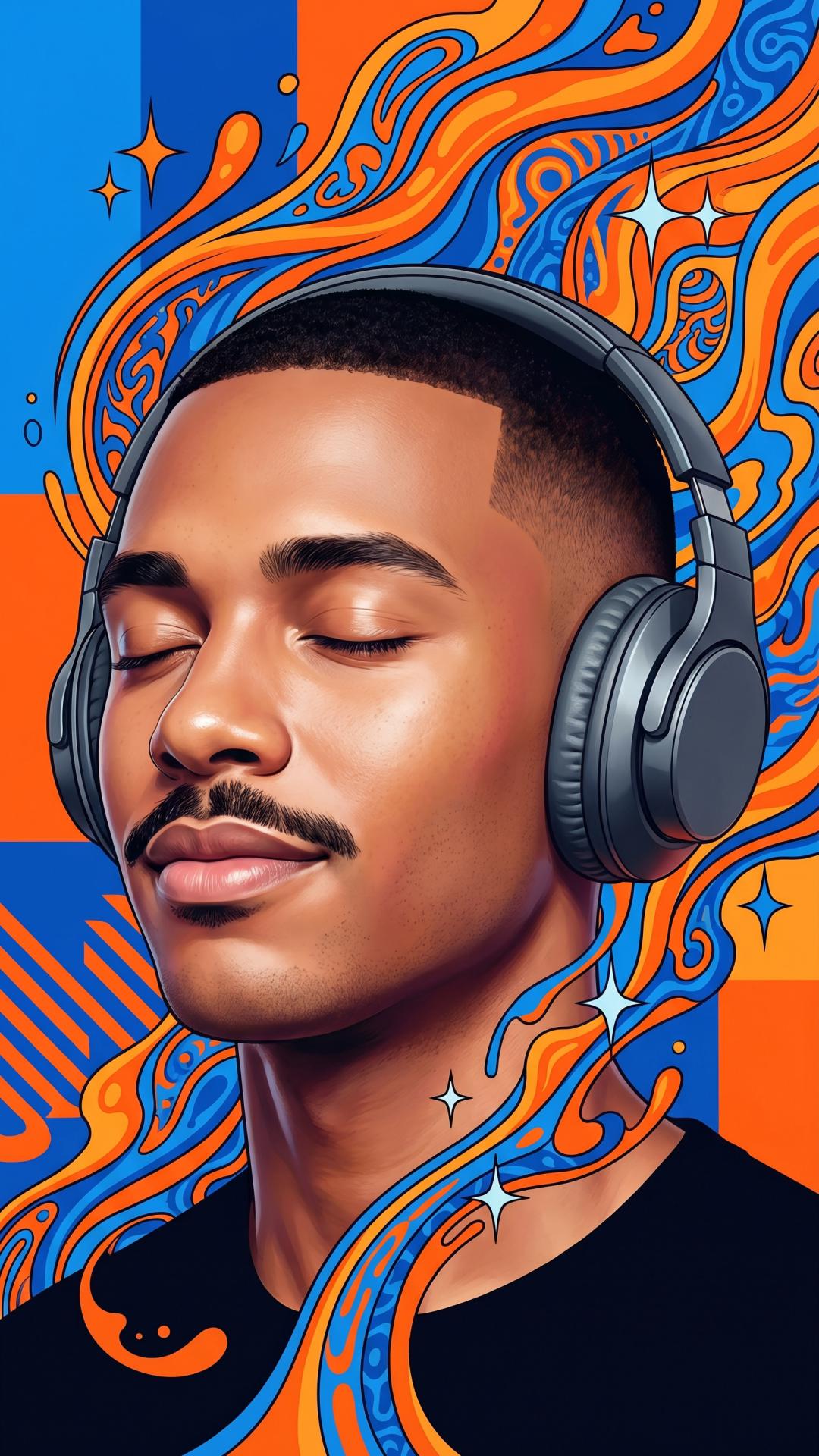
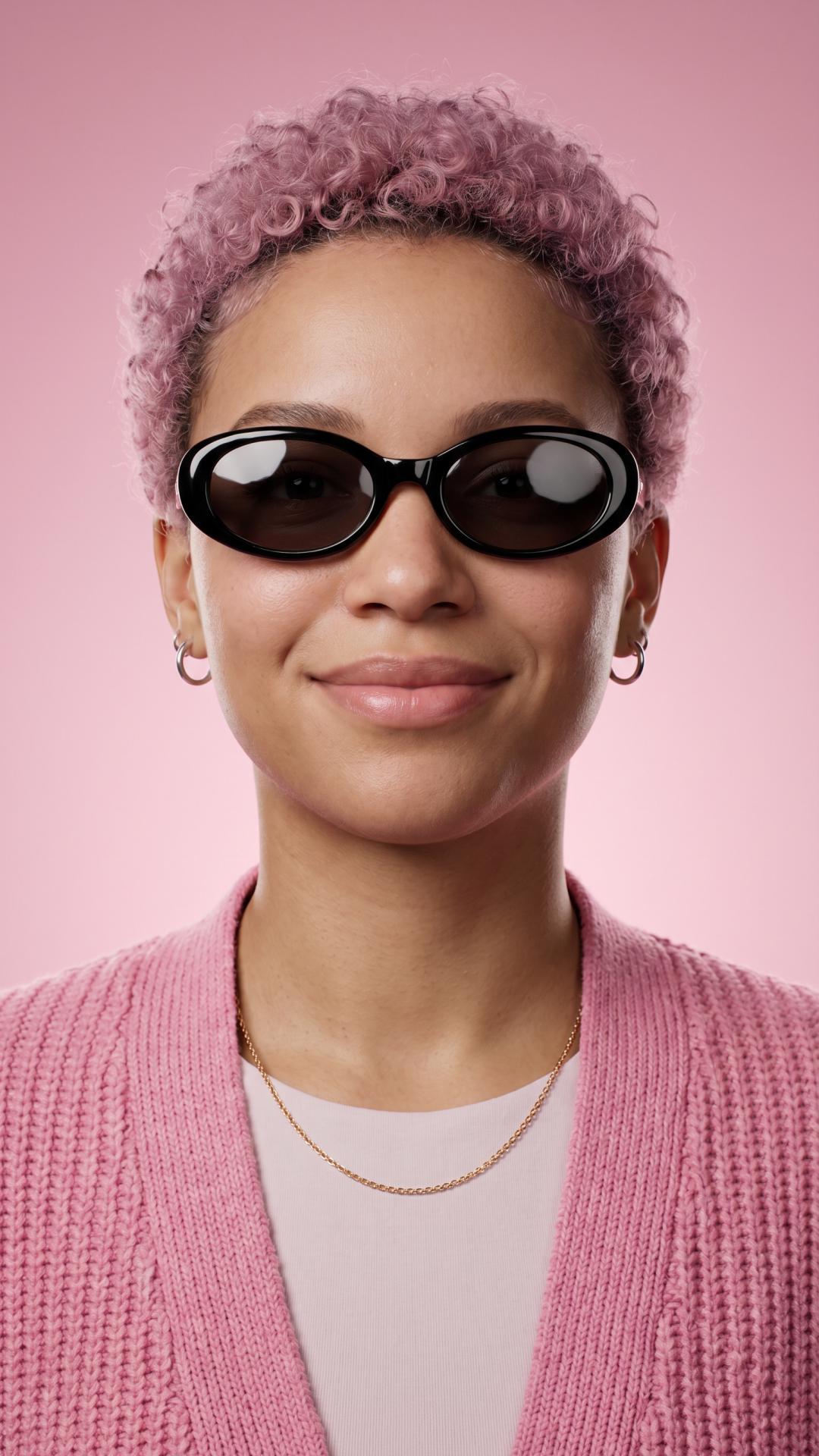
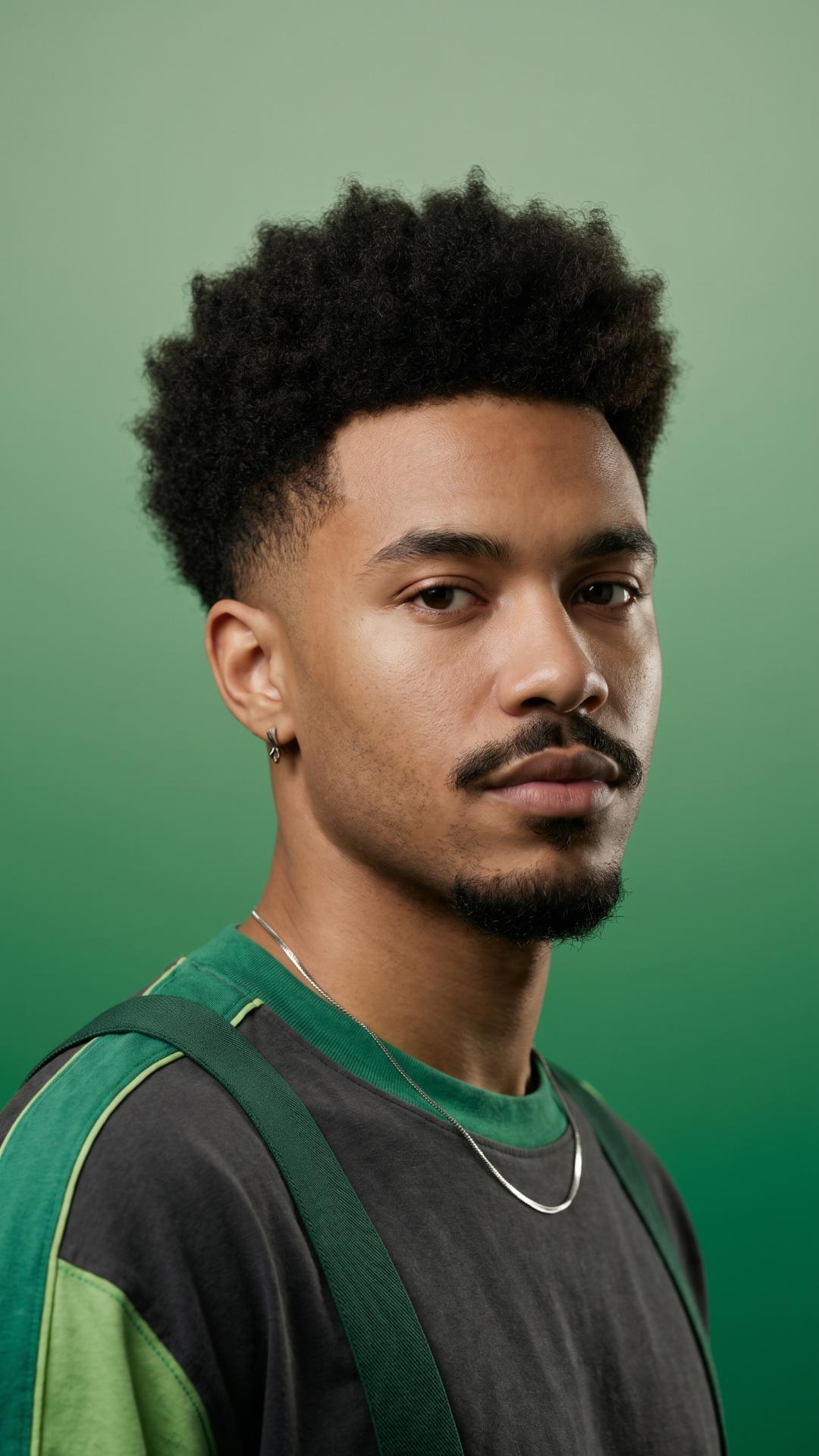
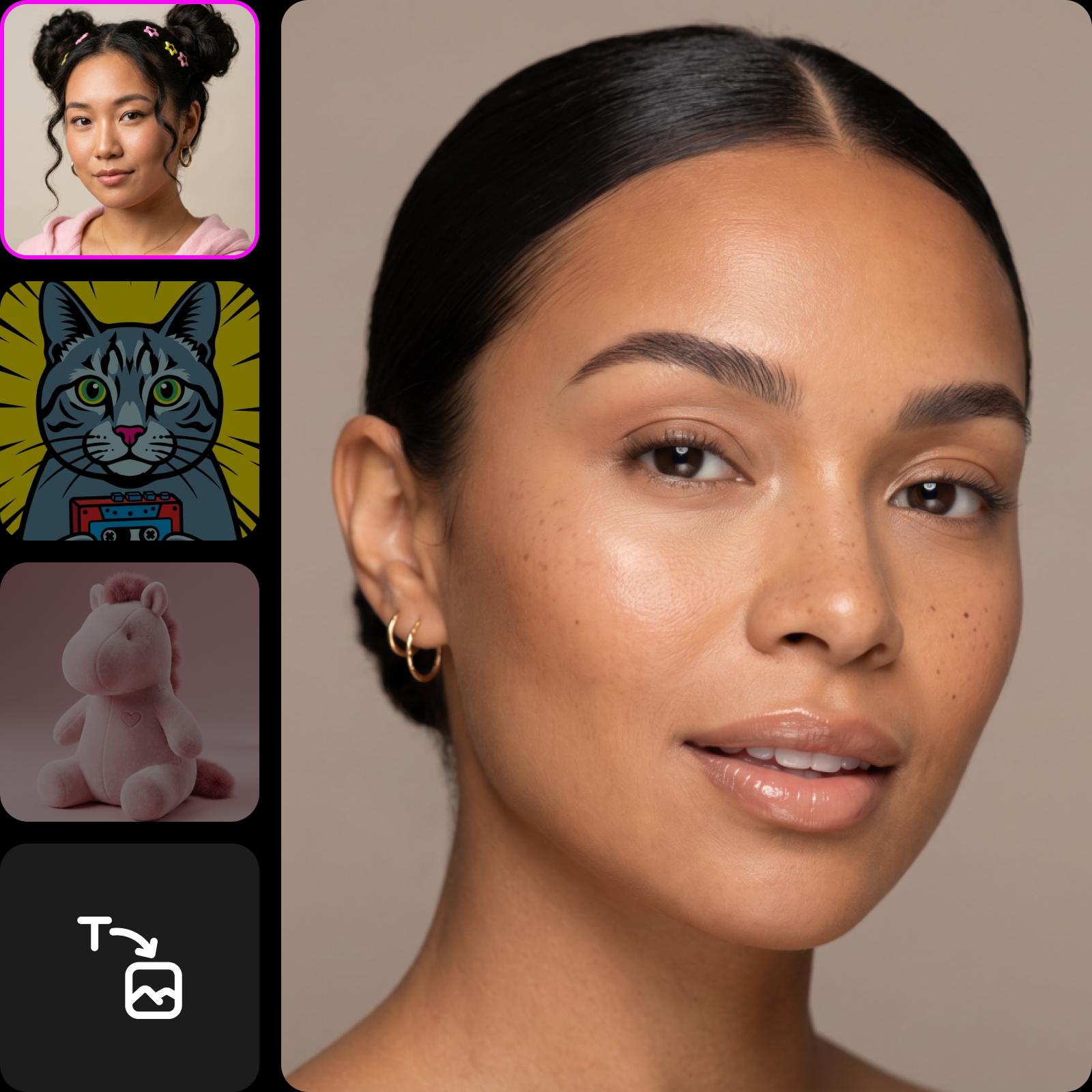
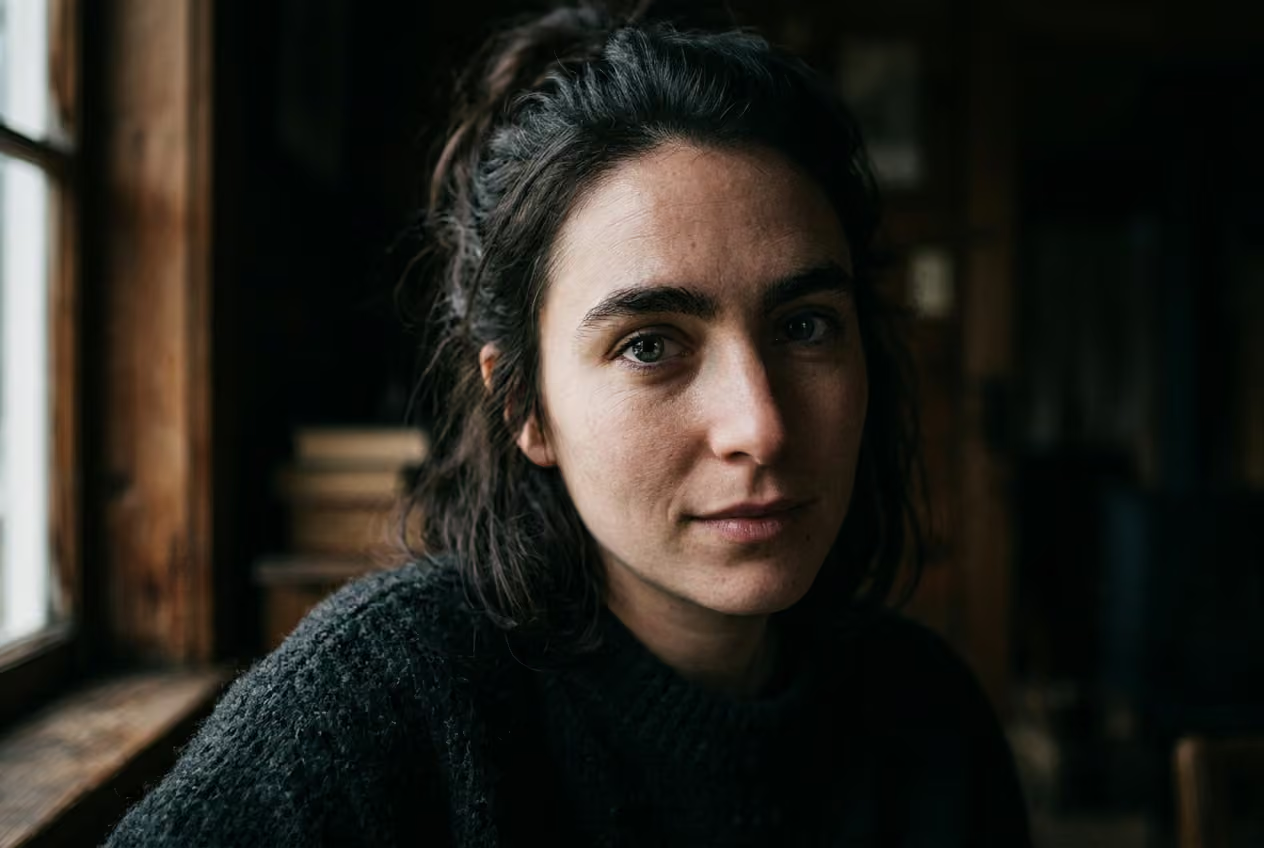
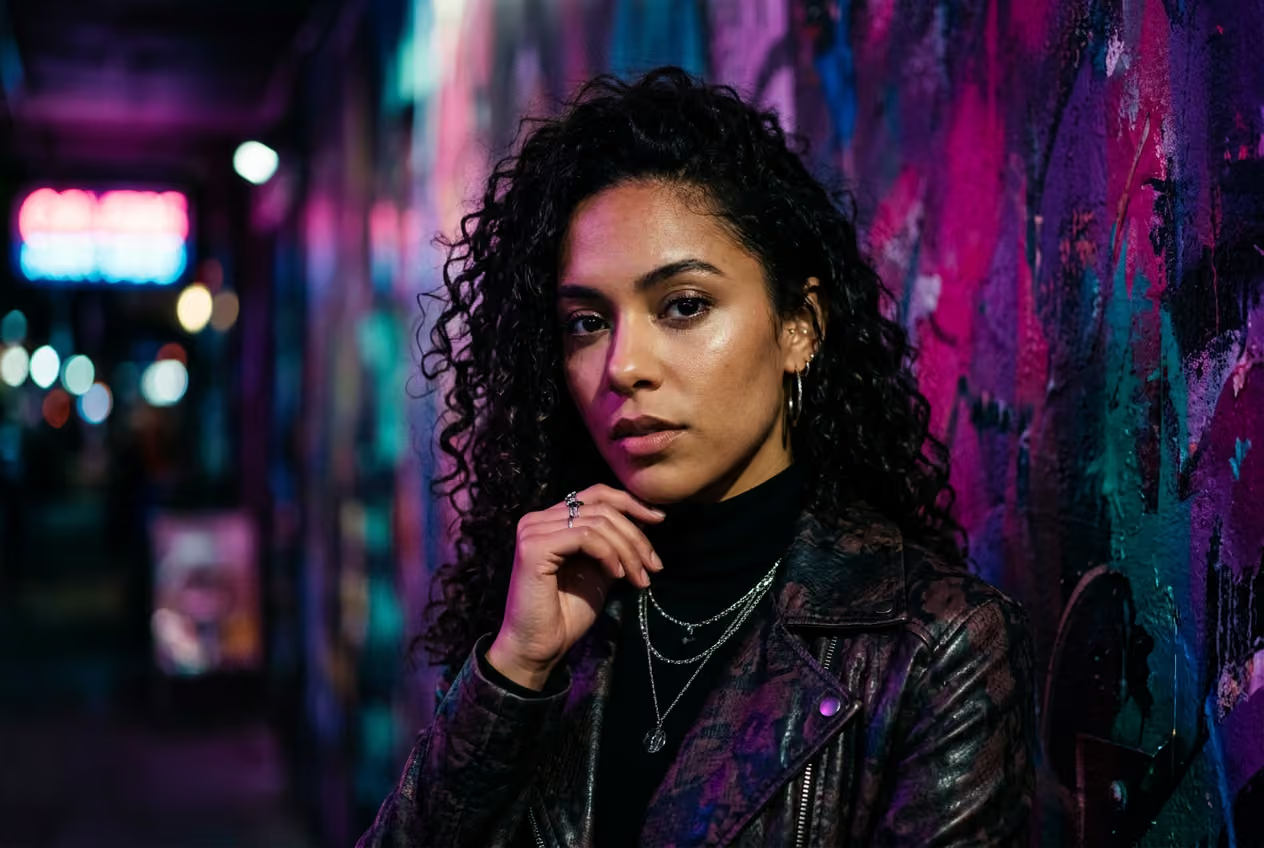
Generates photorealistic or stylized faces
Create AI-generated faces in 48 styles, from lifelike portraits to anime, cyberpunk, and illustration.

Enables full face customization
Control age, gender, skin tone, hair, expression, accessories, and lighting for precise, prompt-based results.

Leverages 30 advanced AI models
Apply specialized AI models for photorealism, artistic styles, or consistent character generation across outputs.
How to use Picsart’s AI face generator
Open the tool
Open the AI Image Generator tool.
Enter a text prompt
Customize settings
Generate images
Generate faces for any creative goal
Create professional headshots
Generate polished portraits for LinkedIn, team pages, speaker bios, or author profiles. Use photorealistic styles, clean backgrounds, and studio-like lighting to get consistent, high-quality results – no camera or setup required.

More ways to create faces
Describe your idea with text prompts and generate detailed faces with style, mood, and features instantly.
Switch between styles like watercolor, surrealism, low poly, or pop art to give the same face a completely new visual identity.
Choose from multiple AI models optimized for realism, artistic styles, or consistent face generation results.
Control age, gender, skin tone, hair, expression, accessories, and lighting for precise, personalized face creation.
Create several face versions from one prompt to compare, refine, and select the best result.
Export high-resolution faces ready for social media, marketing, or print without losing clarity or detail.
Adjust and enhance generated faces using built-in editing tools without switching to another platform.
Try the AI face generator for free and explore features before upgrading for more advanced capabilities.
Discover more AI tools
See how AI tools can be your creative assistant and help you turn concepts into completed projects.
Learn avatar creation basics
Learn how to create clearer portraits and profile images.
AI Face Generator FAQ
How does the AI Face Generator work?
Can I use Picsart’s AI Face Generator for free?
You can try the AI Face Generator for free with a limited number of free generations. Afterwards, you'll need a Picsart subscription. For an up-to-date information, check the Pricing page.
Can AI generate real human faces?
AI can generate highly realistic human-like faces that look like real people. These faces are fully synthetic and created based on your prompt - they don’t belong to real individuals.
What can I use the AI-generated faces for?
Use AI-generated faces for profile pictures, marketing visuals, character design, social media content, or creative projects. You can create anything from realistic portraits to stylized characters based on your needs.
Is the AI Face Generator easy to use?
Yes, the tool is designed for simplicity. Just enter a prompt, choose a style, model, and generate faces instantly - no design or technical skills required.
Can I customize the AI-generated faces?
Yes. You can enter specific details into the AI face maker, like age, face angle, skin tone, and hair color, to customize faces.
How do I get started with the AI Face Generator?
Open the AI Image Generator, enter a detailed prompt describing your face, choose a style, model, and generate your image. You can refine results by adjusting your prompt or switching styles and models.
Generate avatars for creator-ready projects
Pro
AI tools for everyday creative work.
- Access to all photo & video editing features
- Advanced background & object removal
- Parallel video generations with the world's most powerful AI video models
- Unlimited image generations with Flex.2 Klein
- 1-tap image enhancer
- Millions of stock photos & Getty video clips
- Selection of trendy fonts, text styles & stickers
- Thousands of premium templates
- Support for 3+ brand kits
- Bulk edit up to 50 images at once
- 100 GB of cloud storage
- Auto-generate content from your terminal or agent with the Picsart CLI
- Use Picsart inside Claude Code, Cursor, and ChatGPT via MCP — coming soon
- AI agents for multi-step workflows and batch generation — coming soon
Ultra
Heavy AI usage for creators & teams.
- Everything in Pro
- Early access to advanced AI features
- Leading AI models to design & automate workflows (Nano Banana, Veo 3, Seedance 2.0 & more)
- Parallel video generations with the world's most powerful AI video models
- Unlimited image generations with Flex.2 Klein
- Support for 10+ brand kits
- Add team seats
- Create ad variations and localize
- Track ads performance
- 2000 credits for API services
- Bulk edit up to 100 images at once
- 300 GB of cloud storage per seat
- Auto-generate content from your terminal or agent with the Picsart CLI
- Use Picsart inside Claude Code, Cursor, and ChatGPT via MCP — coming soon
- AI agents for multi-step workflows and batch generation — coming soon
Enterprise
Custom AI solutions for large organizations.
- Access to photo & video editor SDKs
- Mobile web SDK support
- Prepaid or pay-as-you-go creative APIs
- Embed professional-grade editing into your product or workflow
- Fully configurable editing experience
- White-label to match your brand
- Support for built-in marketing, e-commerce & printing use cases
- Bring your own assets: images, templates & fonts
- Enterprise-grade security, SLAs & support
- Dedicated account manager