Picsart for Codex: One install, 140+ models, straight in your code.

AIイメージモデルでストレッチャーを作成

イメージモデルを使用してストレッチャーを洗練されたビジュアル、デザインアイデア、編集可能なアセットに変換します。

GPT Image 2New
Next-gen GPT image model with arbitrary output dimensions and multi-image input.Reference inputImage generationSee model
Nano Banana 2New
Fast 4K generation with accurate text and search-grounded accuracy.4KFast generationImage generationSee model
Nano Banana ProNew
Top-tier 4K images with precise multilingual text rendering.4KPro qualityImage generationSee model
Flux 2 FlexNew
Adaptable generation across varied visual styles at 2K.Image generationSee model
Seedream 5.0 Lite
Speedy 3K output with negative prompt and dual-image input support.Reference inputFast generationImage generationSee model
Kling 3.0 Image
Cinematic visuals with up to 4K resolution and 10 reference images.Reference input4KCinematicSee model
Kling O1 Image
O1-architecture image generation with multi-reference support.Reference inputCinematicImage generationSee model
Kling V2 New Image
Latest V2 image generation with optional restyle via image reference.Reference inputCinematicImage generationSee model
Hunyuan V3
Infographic-friendly generation with readable text and cfg control.Image generationSee model
Luma UNI-1
Luma UNI-1 — agentic image generation and editing with up to 9 reference images.Reference inputCinematicImage generationSee model
Luma UNI-1 Max
Luma UNI-1 Max — higher-quality UNI-1 variant with the same multi-reference editing controls.Reference inputCinematicImage generationSee model
Seedream 4.5
Detailed 4K renders with clean in-image text and dual-image input.Reference input4KImage generationSee model

画像をストレッチする方法

1

画像をアップロード

「ファイルを参照」ボタンを使用して写真を選択します。

2

写真をストレッチ

3

プレビュー

4

ダウンロード

画像ストレッチャーFAQ

画像ストレッチャーとは?

Image Stretcher は無料ですか?

はい!Picsartで写真をオンラインで無料ストレッチできます。追加の強化編集ツールを使用したい場合は、一部のコンテンツでサブスクリプションが必要になる場合があります。

品質を失わず、無料で画像をオンラインストレッチするにはどうすればよいですか?

写真をアップロードして、好みの寸法を入力するか、一般的なアスペクト比を選択して画像をリサイズするだけです。画像ストレッチャーは即座に画像品質を向上させますが、明るさ、シャープネス、色などの要素を手動で調整して、写真をさらに改善することもできます。

メインの被写体を変更せずに背景のみをストレッチできますか?

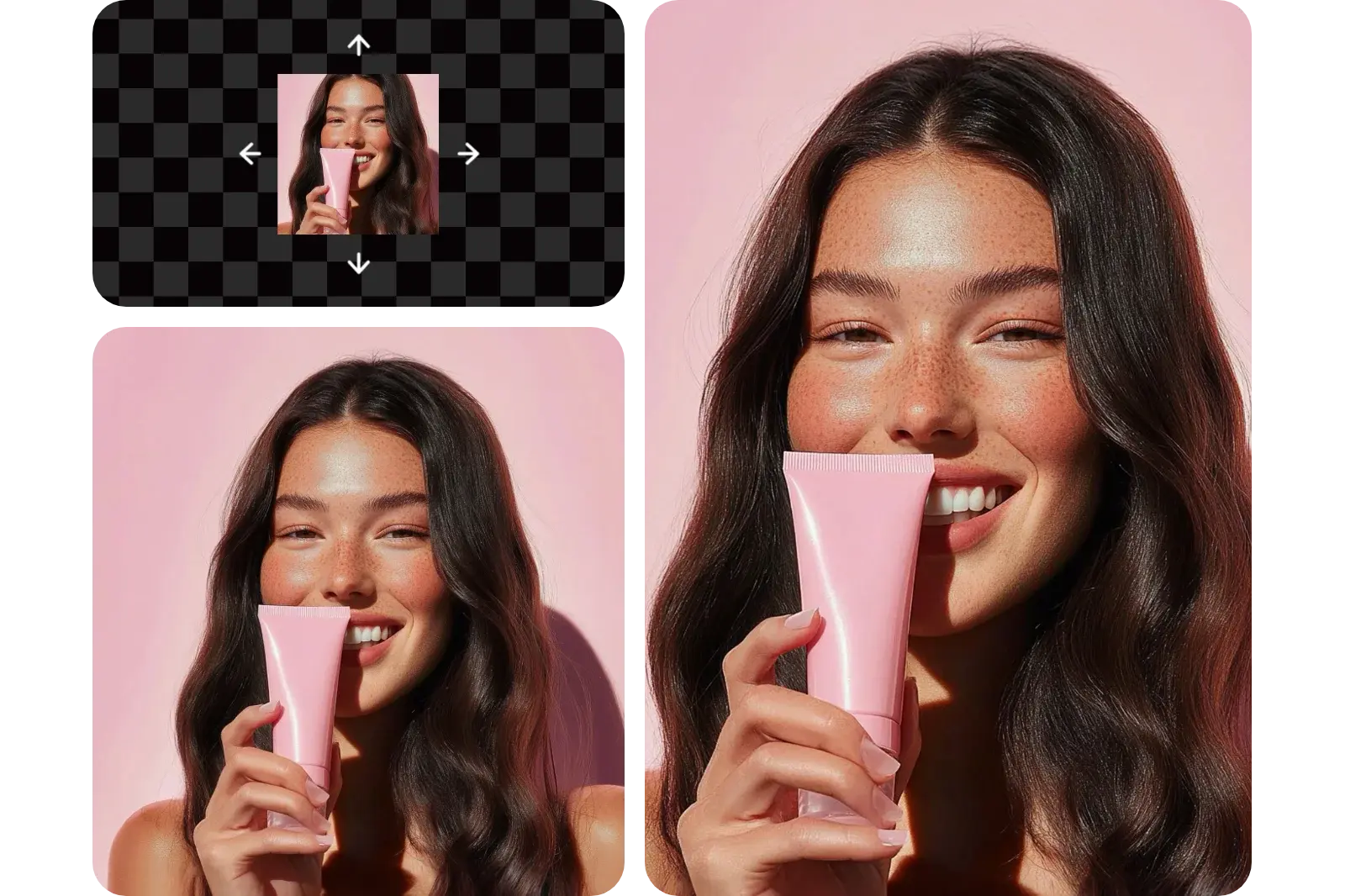
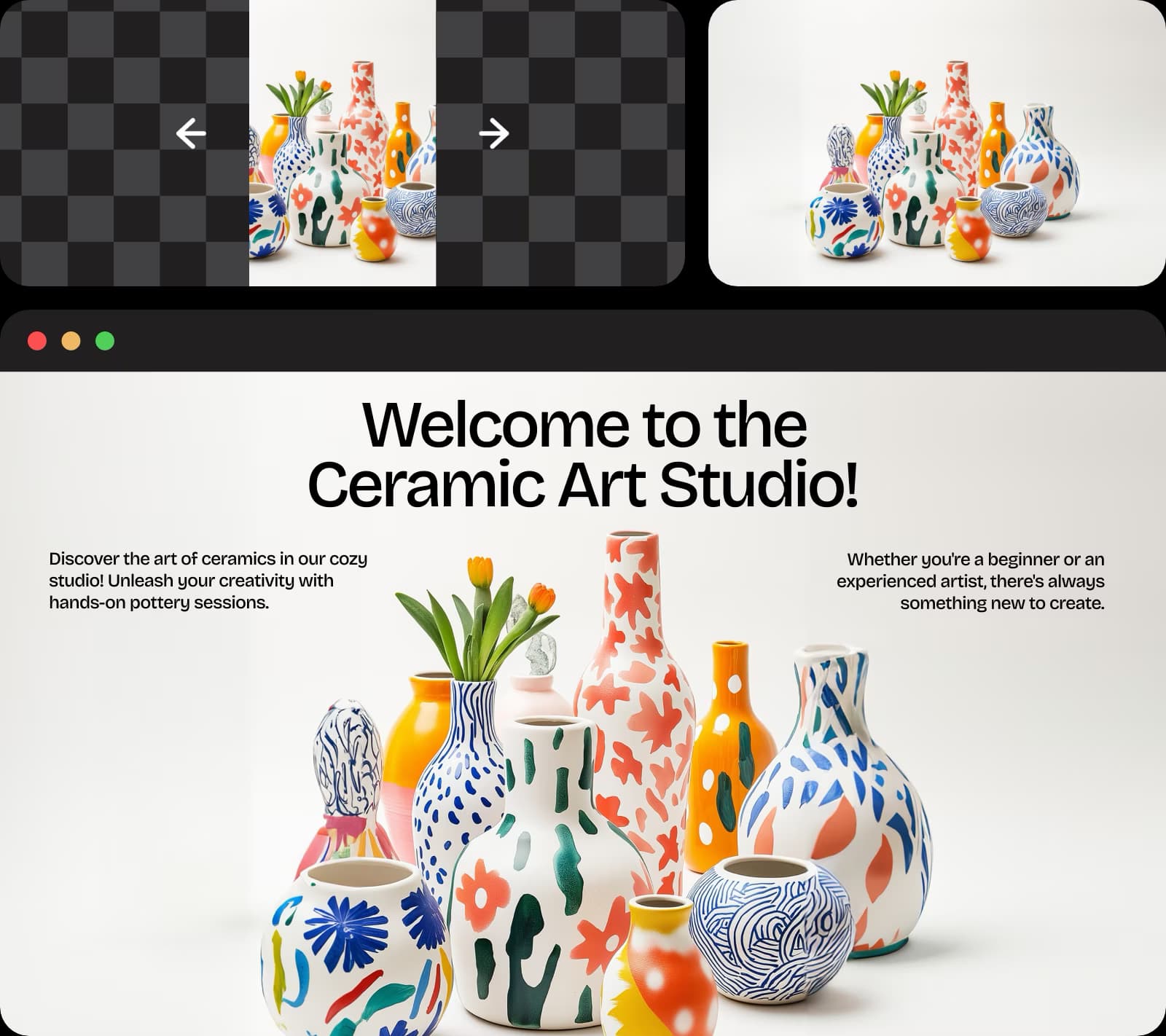
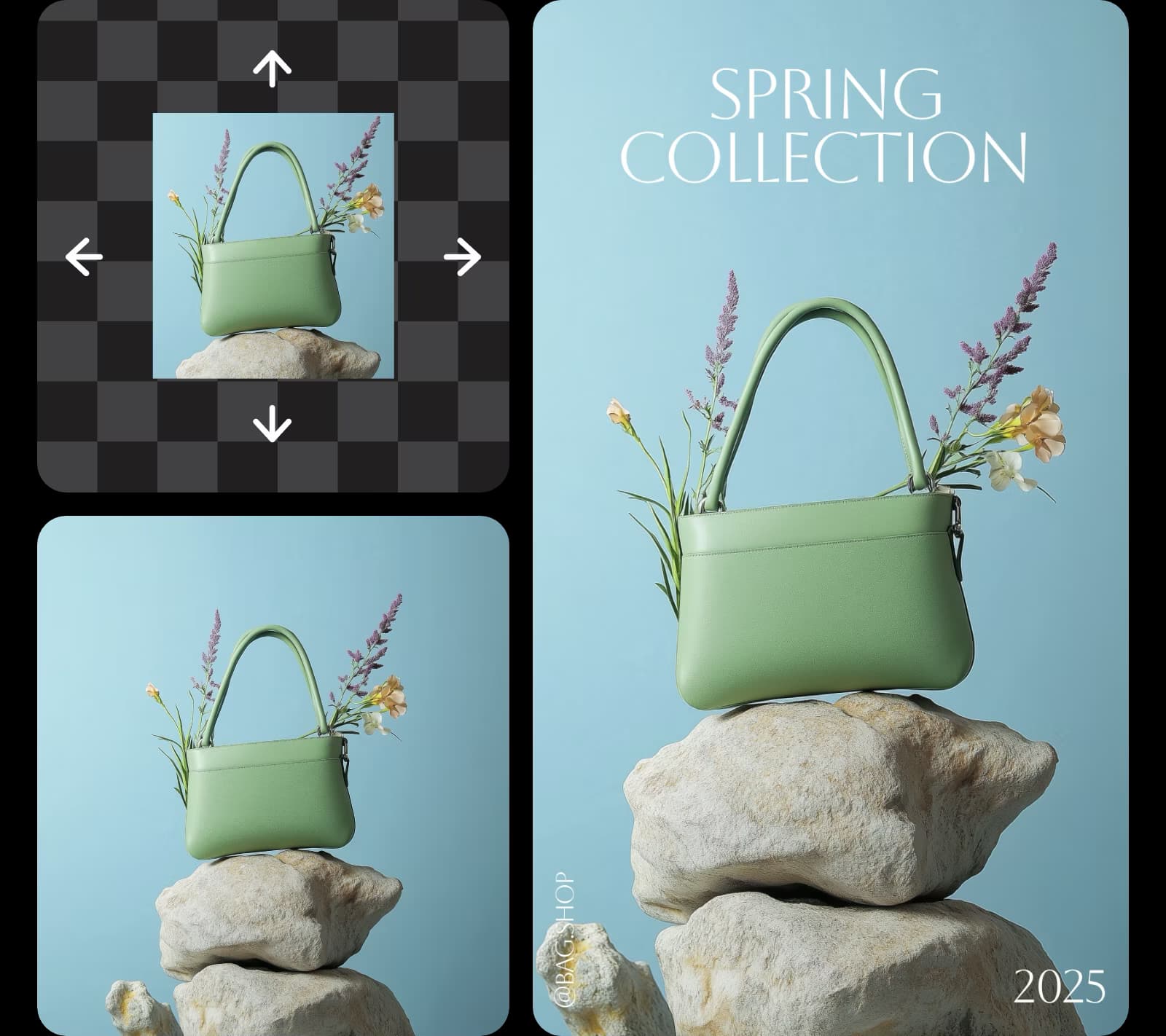
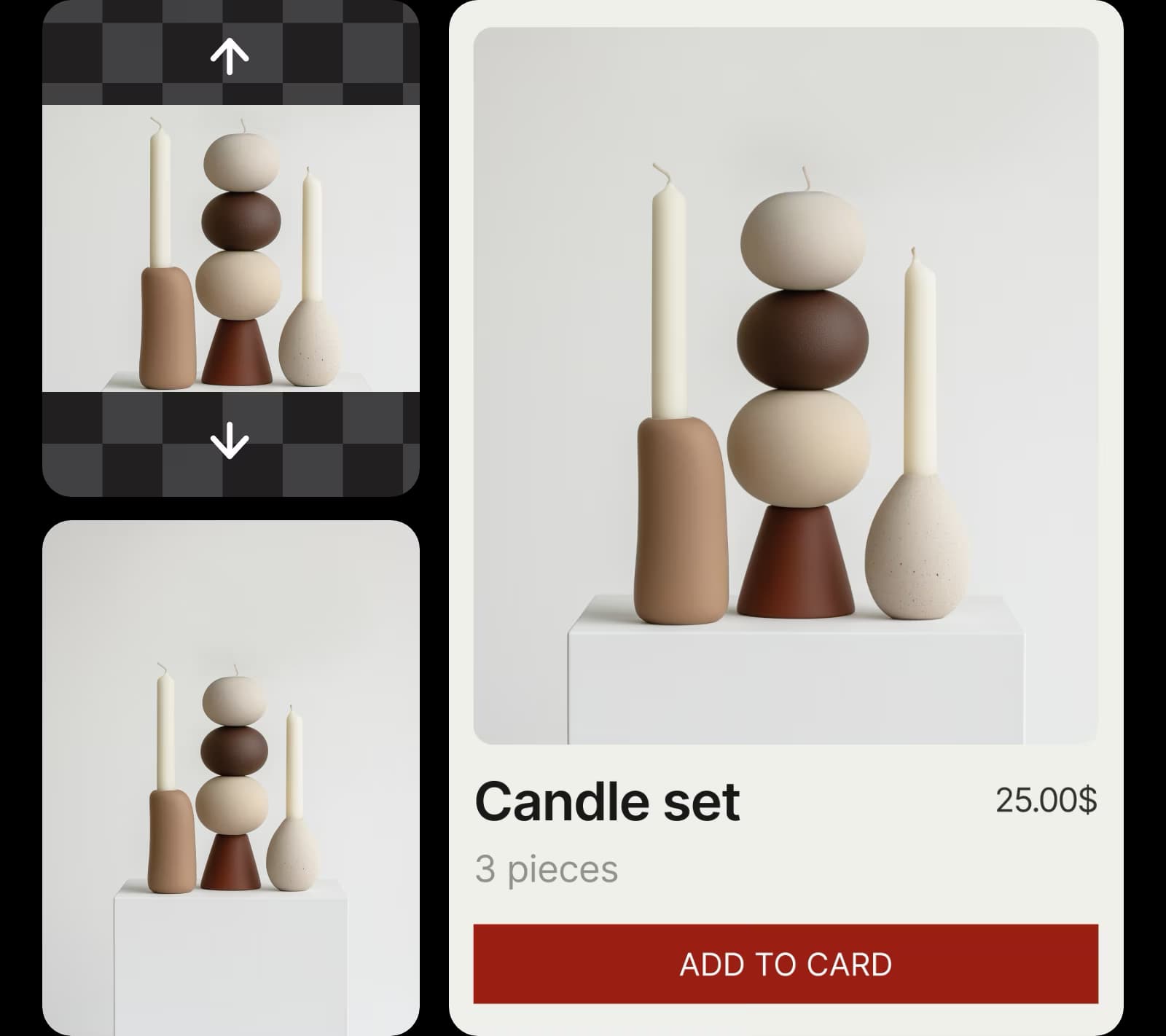
もちろんです!PicsartのAIイメージエクステンダーツールを使用して、メインの被写体を歪ませたり変更したりせずに背景ビジュアルを拡張します。

画像ストレッチャーと画像エクステンダーツールの違いは何ですか?

画像ストレッチャーは、変更した寸法に応じて写真全体の視覚的コンテンツをストレッチします。エクステンダーツールは画像の既存の視覚的構成を使用してビジュアルを長くし、背景の寸法を大きくしますが、画像の中央の被写体は変わりません。

画像を特定のソーシャルメディア寸法に合わせてリサイズすることは可能ですか?

もちろんです!このツールは、ソーシャルメディアサイトで一般的に使用されるプリセットアスペクト比を選択するオプションを提供します。

As Seen in

すべてのプラットフォームとフォーマット用にビジュアルをリサイズ

MOST POPULAR

Pro

日常的なクリエイティブワークのためのAIツール。

012345678901234567890123456789credits/month
~ 100Nano Banana Pro generations
~ 55Kling 3.0 videos
固定クレジット/月
$15$10.5/月
年間請求
年間プランで$54お得
  • すべての写真・動画編集機能へのアクセス
  • 高度な背景とオブジェクトの除去
  • 世界最高性能の AI 動画モデルによる並列動画生成
  • Flex.2 Klein による無制限の画像生成
  • ワンタップ画像補正
  • Millions of stock photos & Getty video clips
  • トレンディなフォント、テキストスタイル、ステッカーの選択
  • 数千のプレミアムテンプレート
  • Support for 3+ brand kits
  • Bulk edit up to 50 images at once
  • 100 GB of cloud storage
新機能:
  • 15+ creative AI agents that plan, execute, and deliver — across video, brand, localization, and more
  • Picsart CLI を使用して、ターミナルまたはエージェントからコンテンツを自動生成
  • Use Picsart inside Claude Code, Cursor, and ChatGPT via MCP
MOST POWERFUL

Ultra

クリエイターとチーム向けの大量AI使用。

0123456789,012345678901234567890123456789credits/month
~ 500Nano Banana Pro generations
~ 277Kling 3.0 videos
$75$60/月
年間請求、シートごと
年間プランで$180お得
5x Proより多い使用量
  • 140+ leading AI video, image, and audio models (Kling 3.0, Nano Banana, Veo 3, Seedance 2.0 & more)
  • 世界最高性能の AI 動画モデルによる並列動画生成
  • 高度なAI機能への早期アクセス
  • Flex.2 Klein による無制限の画像生成
  • 有効期限のないアドオンクレジットを購入可能
  • 最大650万点のゲッティストック動画
  • Bulk edit up to 100 images at once
  • Support for 10+ brand kits
  • Create ad variations & localize
  • 広告のパフォーマンスを追跡
  • チームシートを追加
  • 300 GB of cloud storage per seat
新機能:
  • 15+ creative AI agents that plan, execute, and deliver — across video, brand, localization, and more
  • Picsart CLI を使用して、ターミナルまたはエージェントからコンテンツを自動生成
  • Use Picsart inside Claude Code, Cursor, and ChatGPT via MCP