無料のWhatsAppステッカー作成ツール(オンライン)
使いやすいPicsartのWhatsAppステッカー作成ツールで、チャットに自分らしさをプラス。オンラインでWhatsApp用ステッカーを作成して、会話を数分で盛り上げましょう!
なぜWhatsAppステッカーを使うのか?
写真をWhatsApp用ステッカーにオンラインで変換
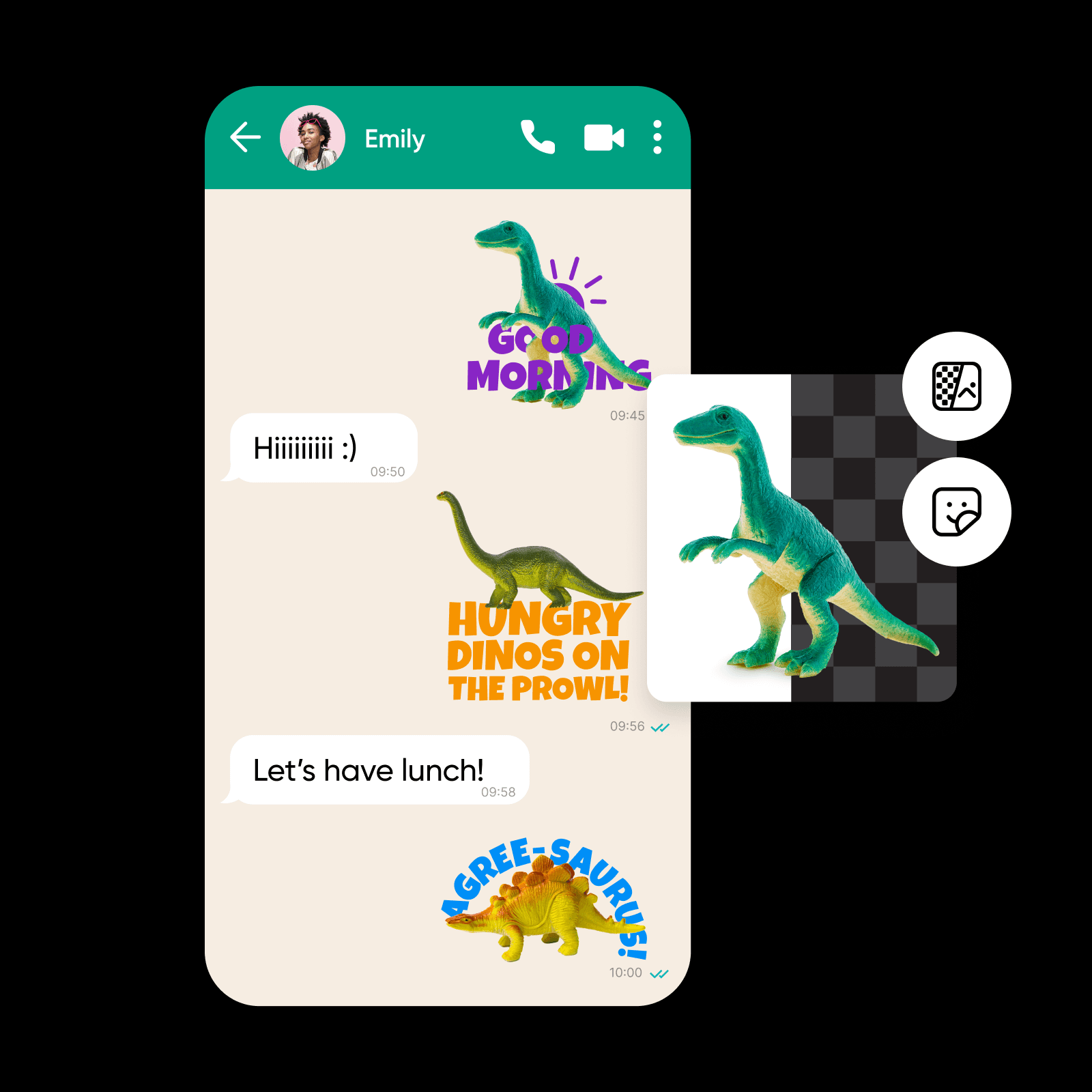
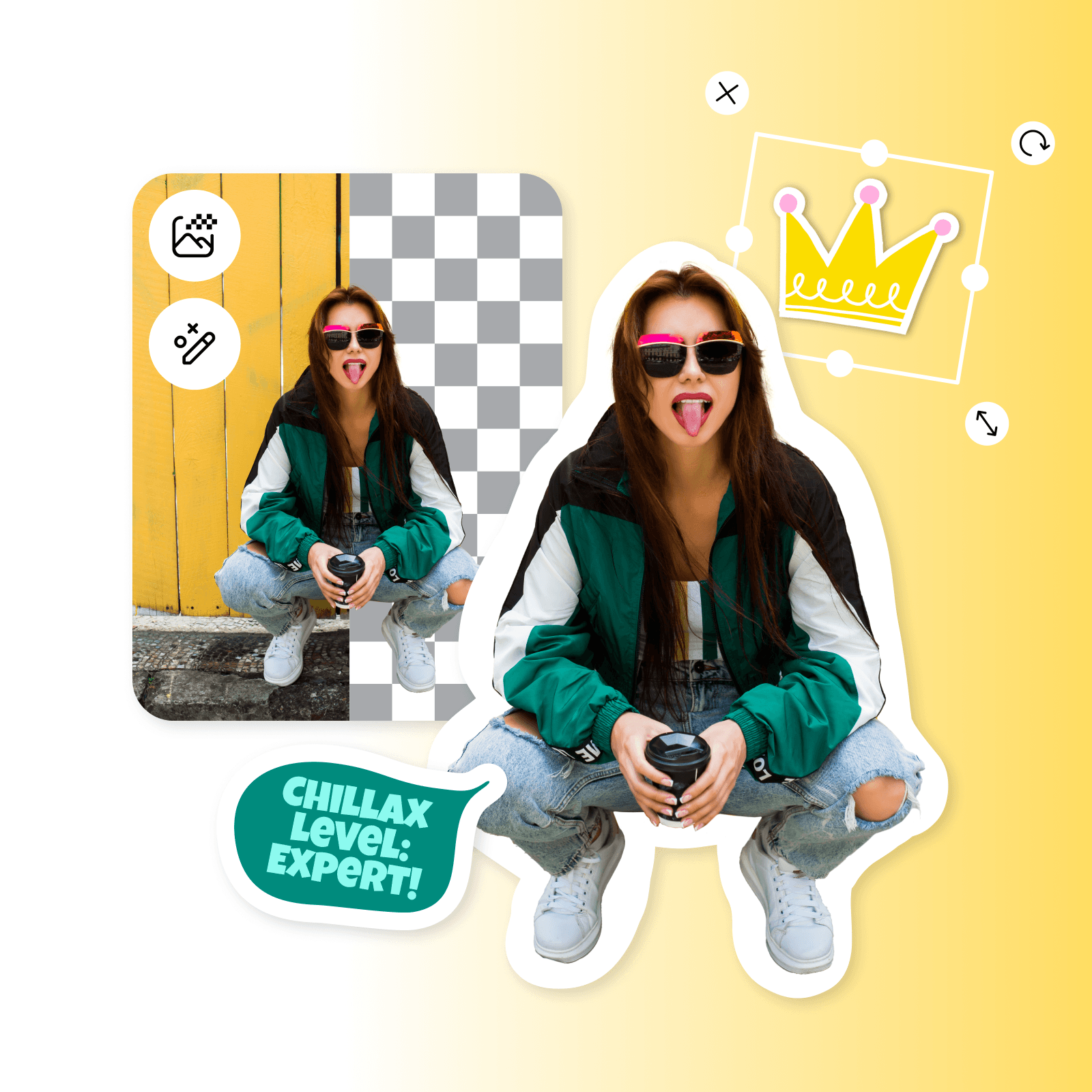
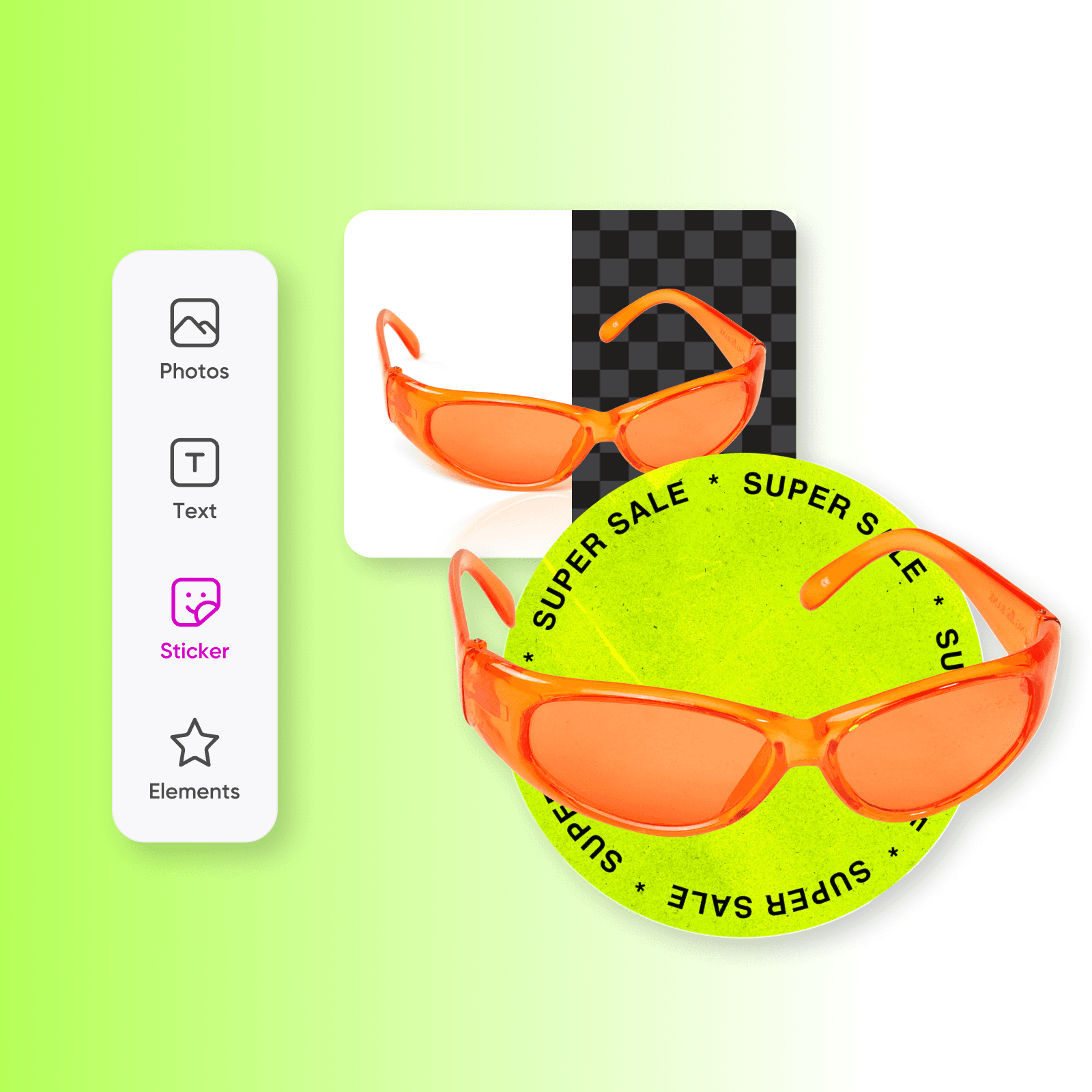
WhatsAppでいつも同じステッカーを使うのに飽きていませんか?PicsartのWhatsAppステッカー作成ツールで、チャットに自分らしさをプラスしましょう。ポートレートや商品写真、イラスト、スクリーンショットなど、どんな画像もWhatsAppステッカー作成ツールですぐにオリジナルステッカーに変換できます。さらに、PicsartのAI技術が背景を自動で削除するので、会話に使えるくっきりとしたステッカーが完成します。吹き出しやテキスト、アイコンなどを加えて、さらにアレンジすることもできます。完成したらステッカーをダウンロードして、WhatsAppのチャットで共有しましょう。使い方はとても簡単です!
- 思い入れのある写真から始める
オリジナルステッカーでブランドを強化
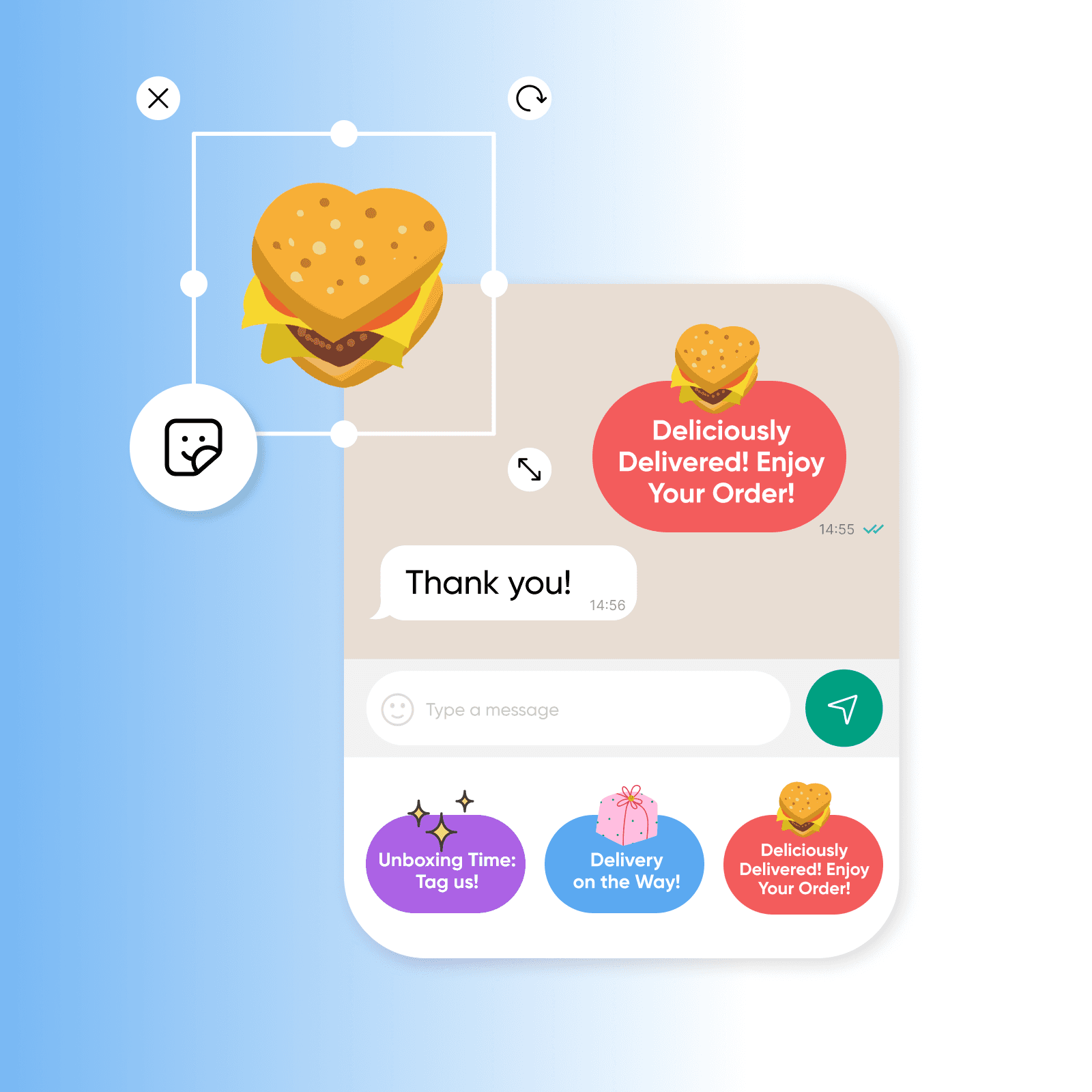
効果的なコミュニケーションは、ブランドの成功に欠かせません。旅行会社や航空会社、レストラン、配送サービスなど、顧客サポートを重視するビジネスにとって、WhatsAppは顧客とのつながりを築く主要なプラットフォームになっています。オリジナルステッカーで、コミュニケーションをさらに充実させてみませんか?WhatsApp用ステッカーを作成すれば、フライトの最新情報や配送通知、ホテルの予約情報を個別に送信でき、顧客とのやりとりのたびに体験を向上させられます。
WhatsApp用のオリジナルステッカーを作成
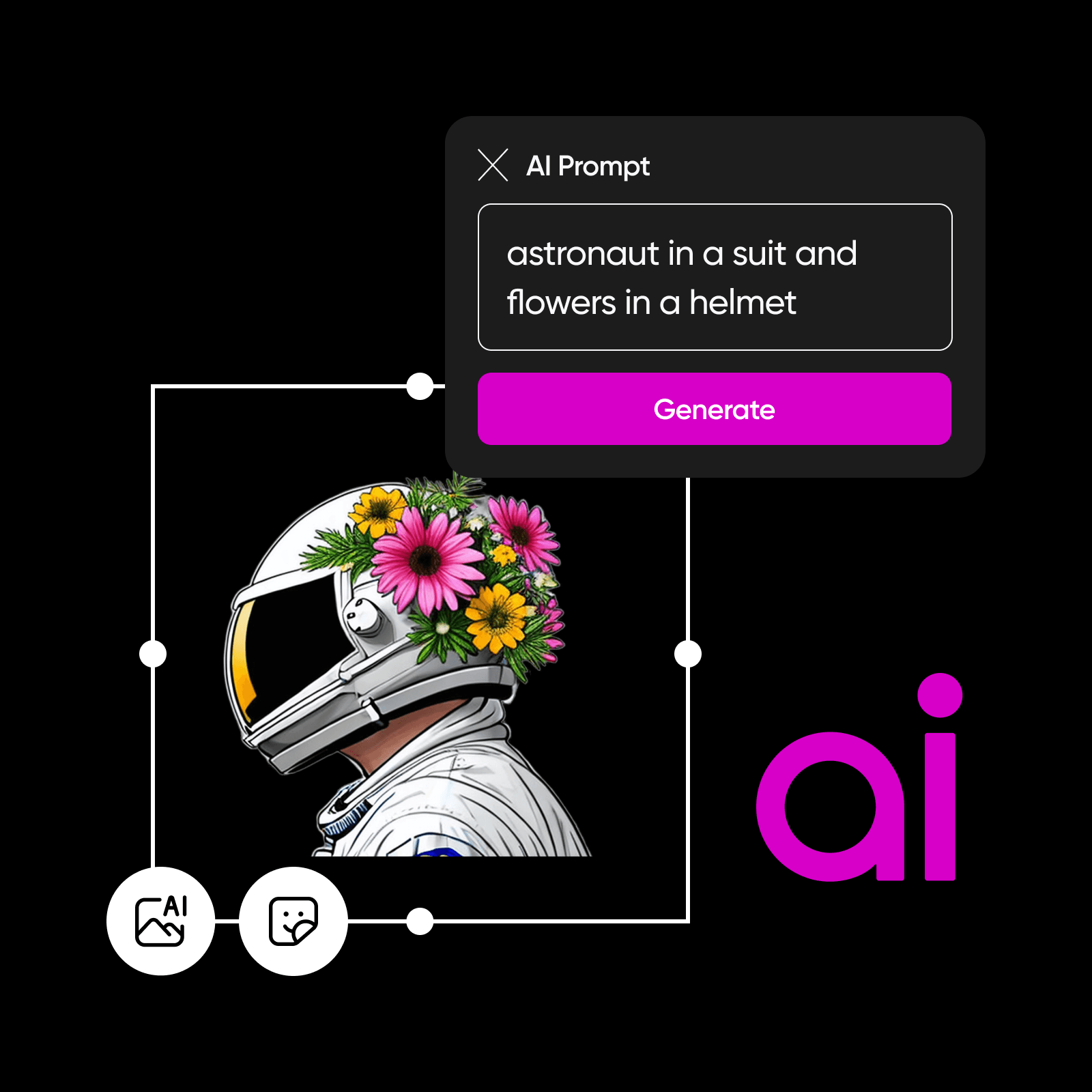
ニーズをすぐに理解し、思い描いたとおりのWhatsApp用オリジナルステッカーを作ってくれる、AI搭載の便利なツールを想像してみてください。PicsartのAIステッカー生成ツールなら、それが実現できます。PicsartのAI搭載ツールでは、作りたいステッカーの説明文を入力するだけで、WhatsApp用ステッカーを簡単に作成できます。説明が具体的であるほど、イメージに合ったステッカーが作れます。複雑な編集やデザインのスキルは不要。創造力と、ひらめきを生み出すちょっとした言葉があれば大丈夫です。
- 個性あふれるチャットステッカーを
テンプレートでWhatsApp用ステッカーを作成
自分らしいコミュニケーションに勝るものはありません。WhatsApp用のオリジナルステッカーは、やりとりに気持ちを添えるのにぴったりです。新しい旅行先を紹介する旅行会社も、割引を告知する小売店も、Picsartの豊富なステッカーテンプレートからニーズに合うものを選べます。「ありがとう」「セール」「誕生日おめでとう」などの言葉を入力して、好みのステッカーを探してみましょう。毎日使うなら、WhatsApp用のリアクションステッカーセットを自分で作るのもおすすめです。
- 会話に合うデザインを調整
PicsartでWhatsApp用ステッカーをオンラインですぐに作成
PicsartのWhatsApp用ステッカー作成ツールなら、オリジナルステッカーを作って、これまでにない方法で会話を盛り上げられます。ブランドのコミュニケーションを充実させるのも、友達を驚かせるのも、オンラインのWhatsAppステッカー作成ツールを使えば、いつものチャットが心に残る体験に変わります。WhatsAppステッカーをさらにアレンジしたいときは、PicsartのAI写真編集ツールでサイズを変更したり、トレンドのフィルターを加えたりできます。
AI画像モデルでステッカーを作成
画像モデルを使って、ステッカーのアイデアやチャット用グラフィック、表情豊かなビジュアル素材を作成しましょう。
WhatsAppステッカー作成ツール(オンライン)に関するよくある質問
PicsartのWhatsApp用ステッカー作成ツールを使うには、ツールを開いて画像をアップロードし、背景を削除するだけです。その後、Picsartの直感的な写真編集ツールで、ステッカーを自由にカスタマイズできます。
チャット、コンテンツ、キャンペーン用のステッカーを作成
Pro
Most popularAI tools for everyday creative work.
Ultra
Most powerfulHeavy AI usage for creators & teams.
Enterprise
Custom AI solutions for large organizations.
- Volume discounts on credit rate
- On-demand top-ups
AI編集ツールをもっと見る


