무료 AI 얼굴 생성기: 온라인에서 얼굴 만들기
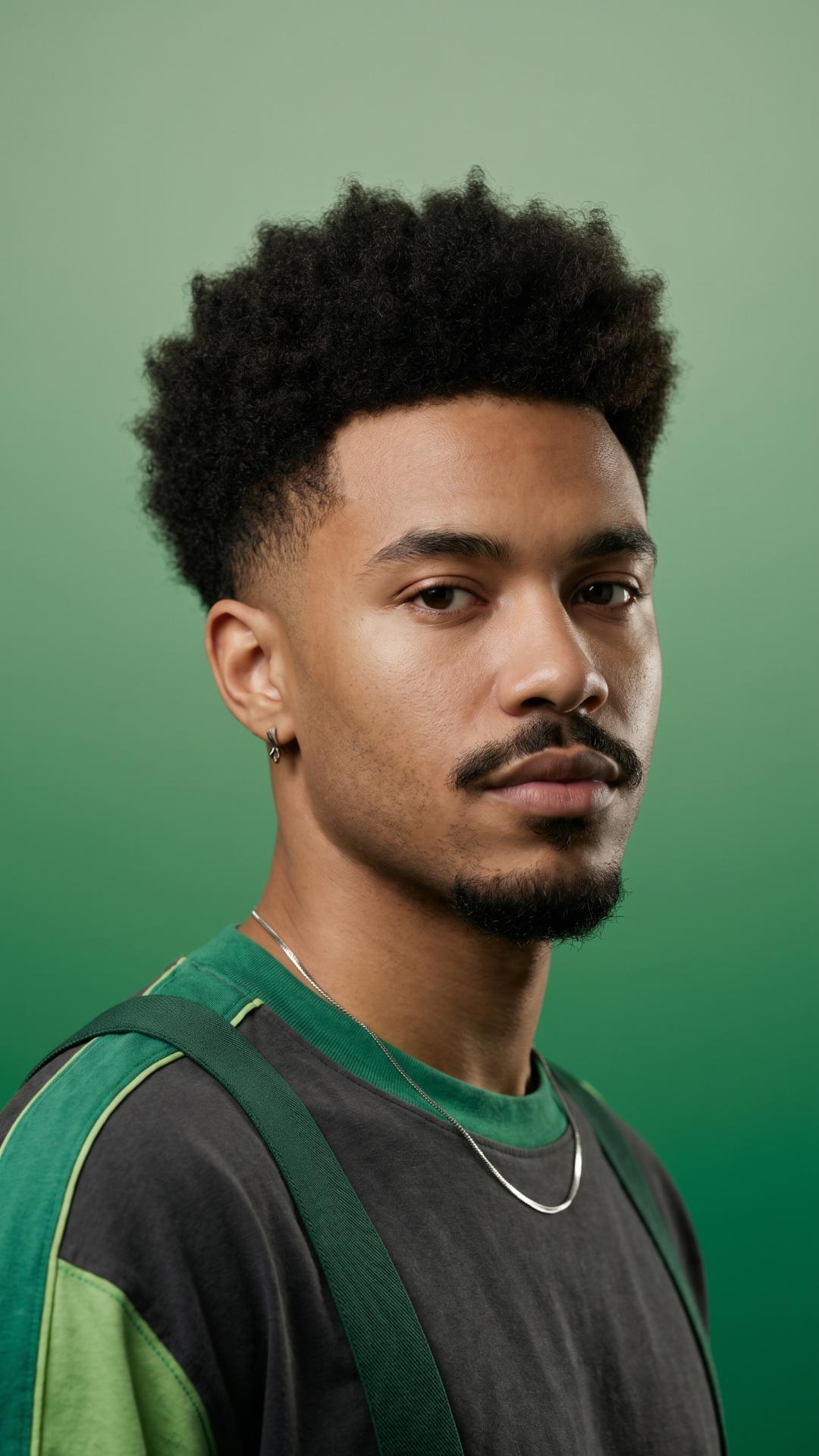
AI로 사실적인 사람 얼굴을 손쉽게 만들어 보세요. AI 얼굴 생성기에 자세한 텍스트 프롬프트를 입력하면 마케팅, 소셜 미디어 등에 사용할 얼굴을 즉시 생성할 수 있습니다. 무료 생성 횟수가 제한되어 있으니 지금 사용해 보세요.
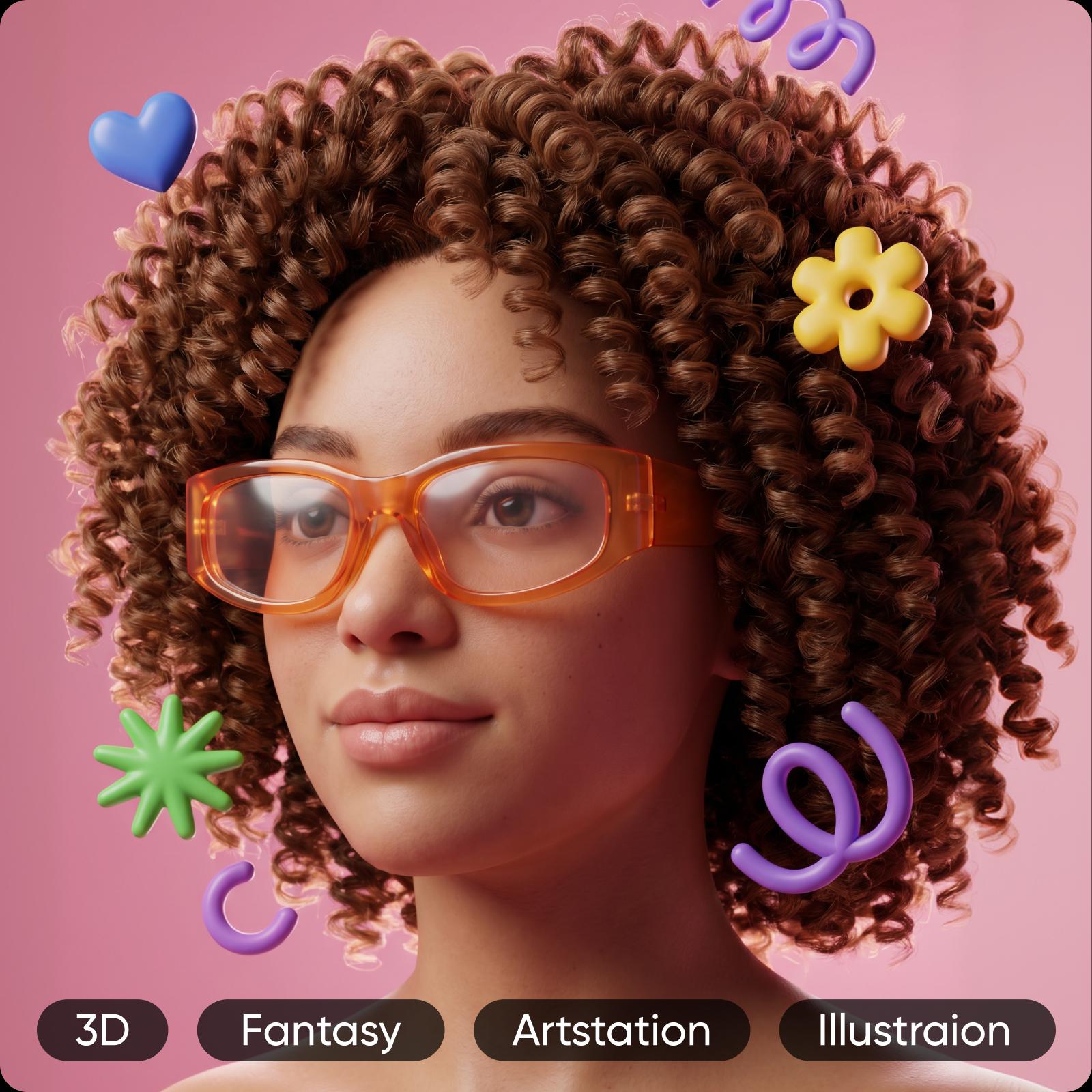


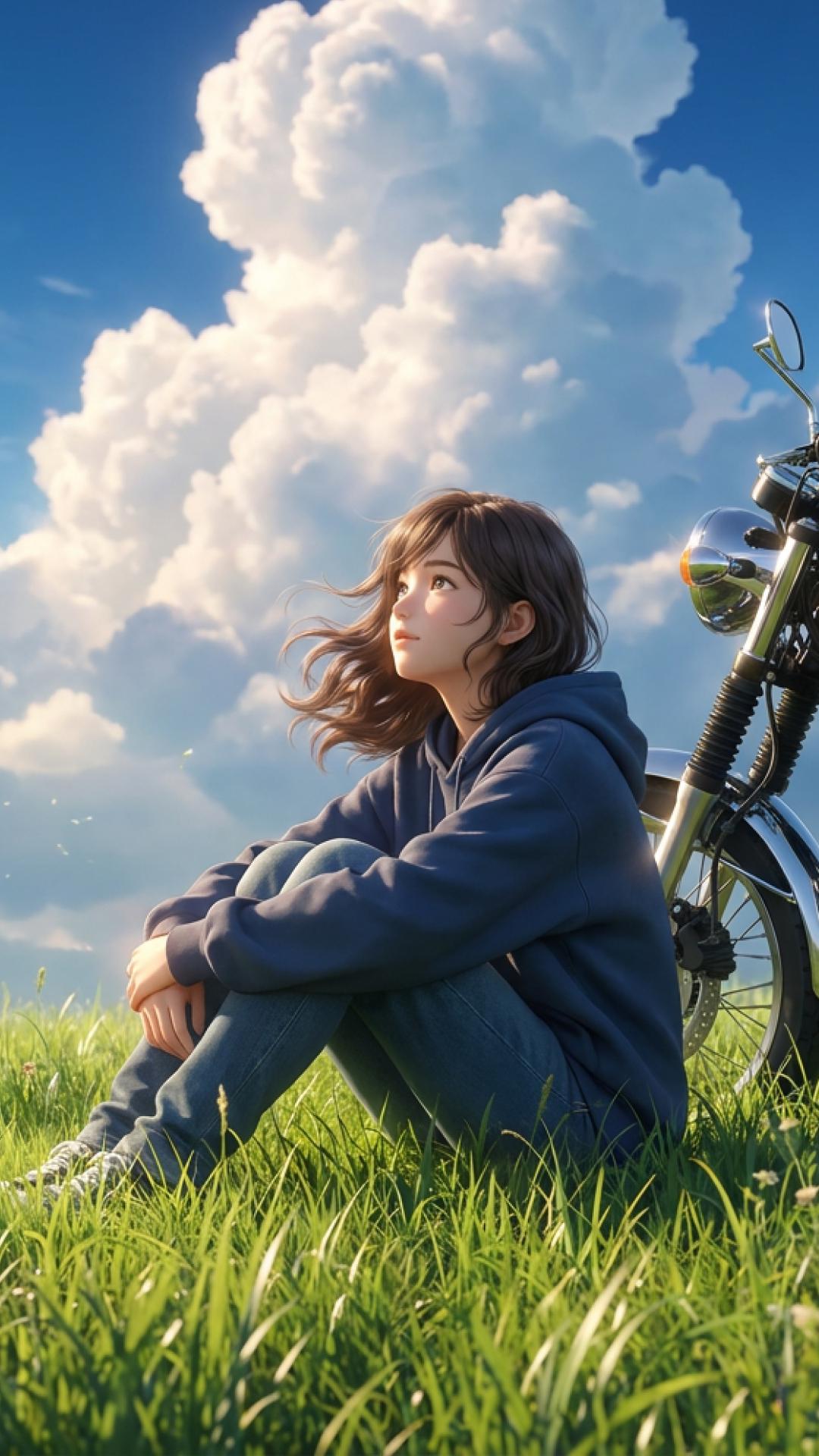
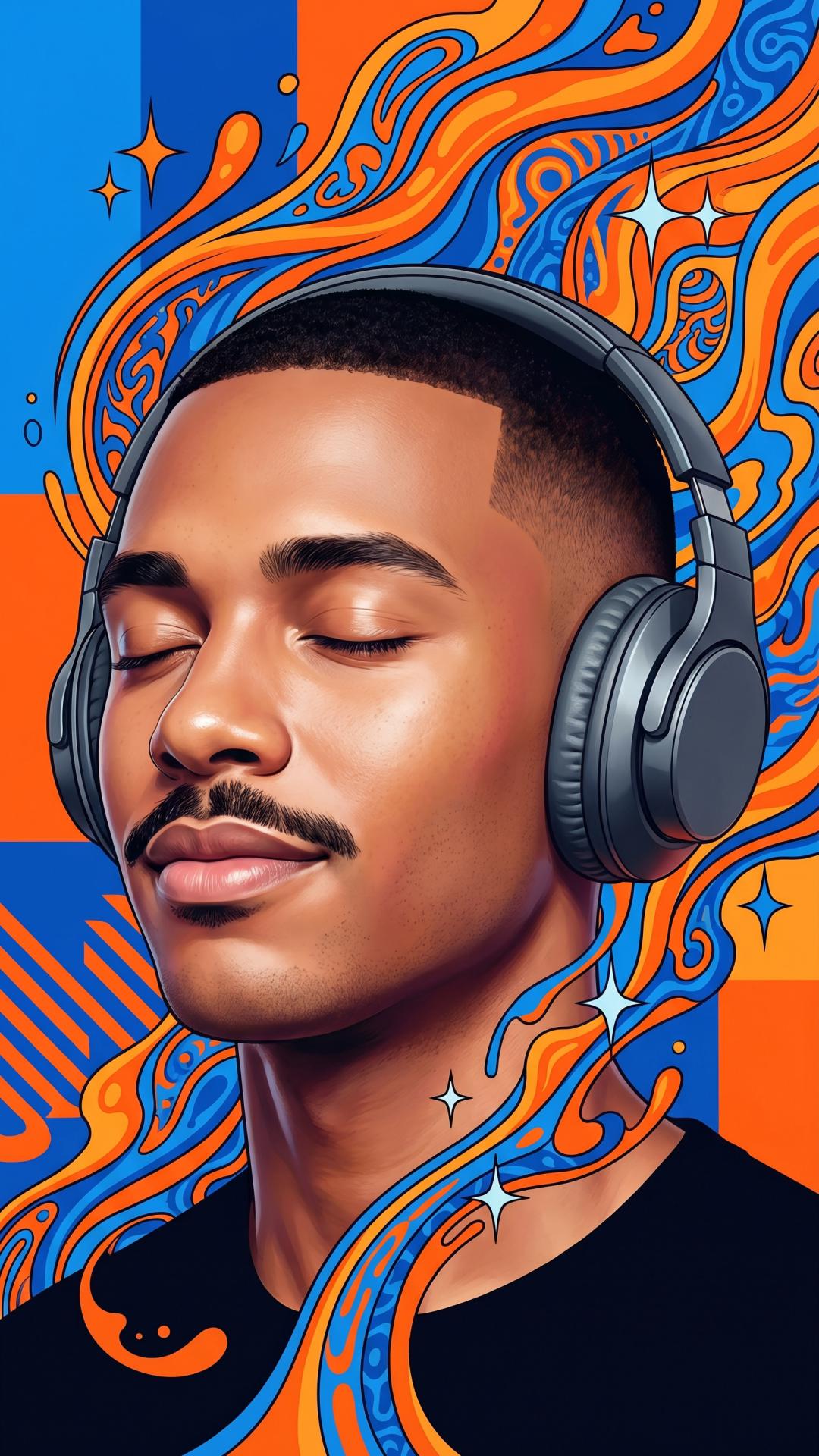

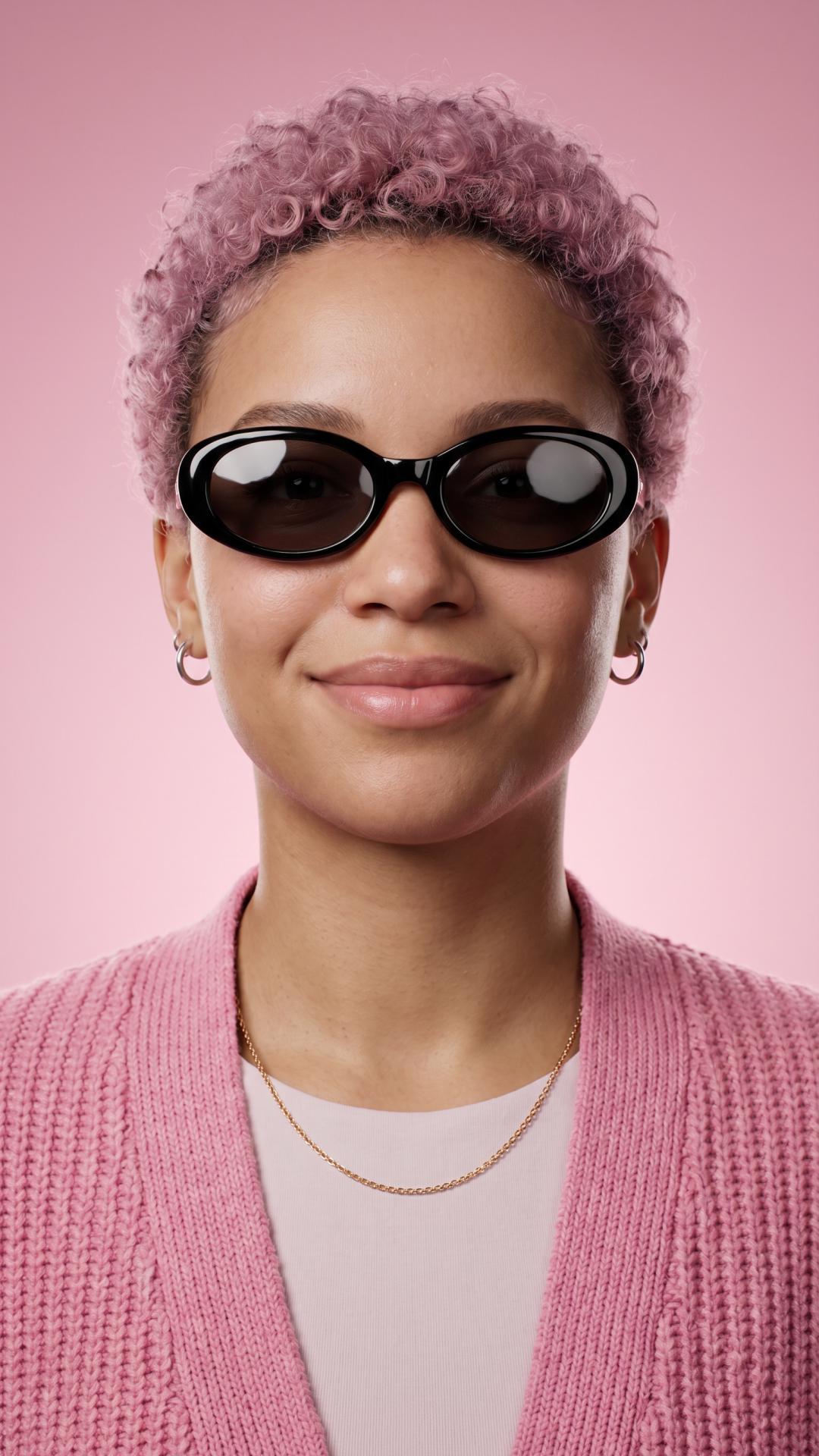
Picsart AI 얼굴 생성기 사용 방법
How to
도구 열기
AI Image Generator 도구를 여세요.
AI 얼굴 제작 도구로 사실적인 얼굴 만들기
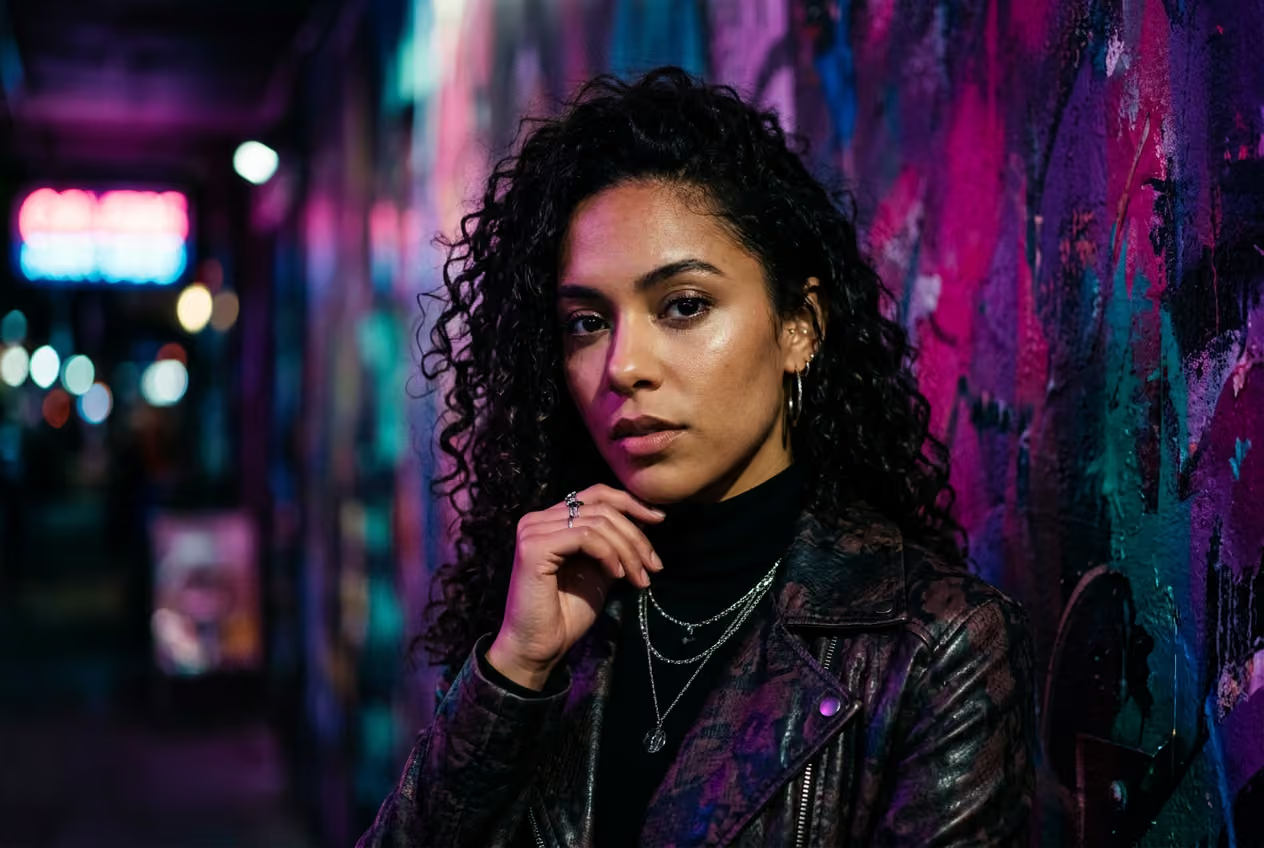
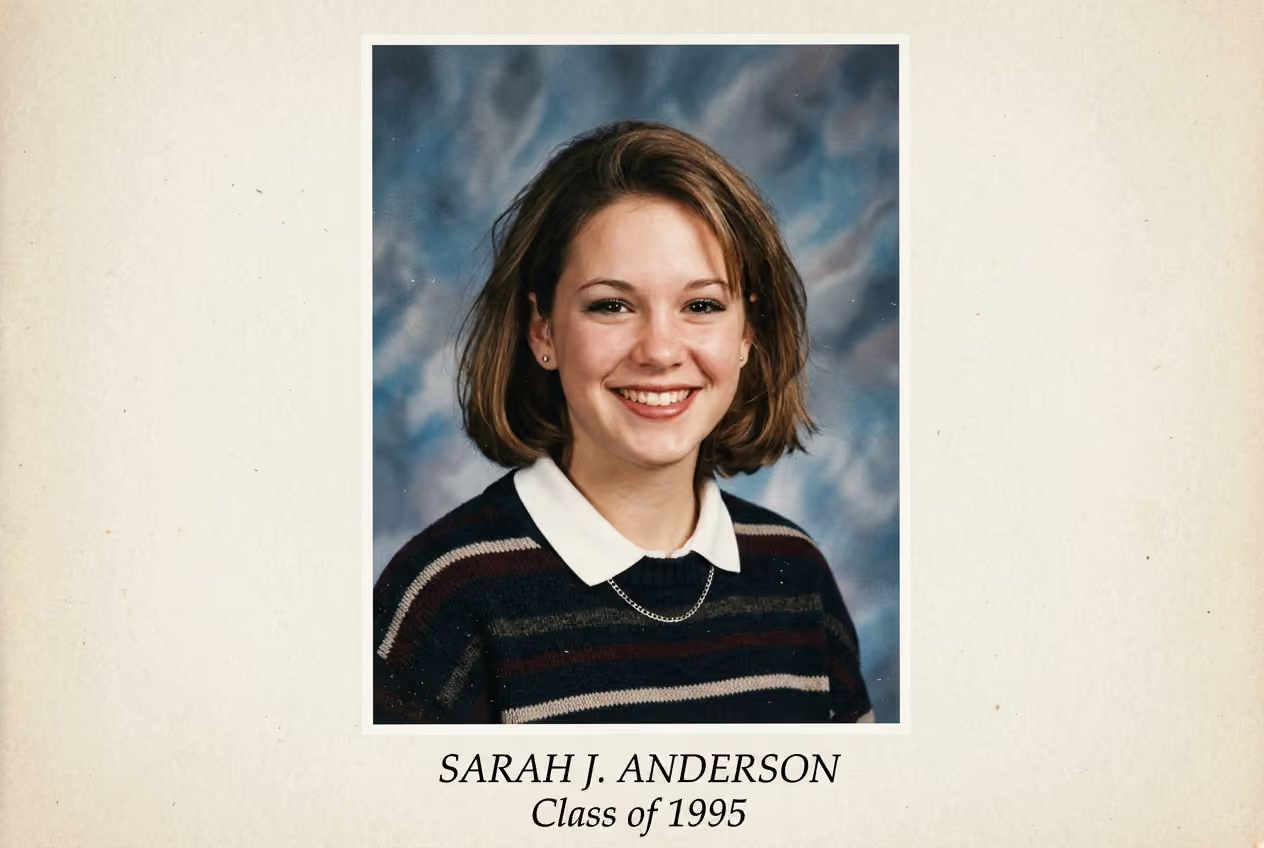
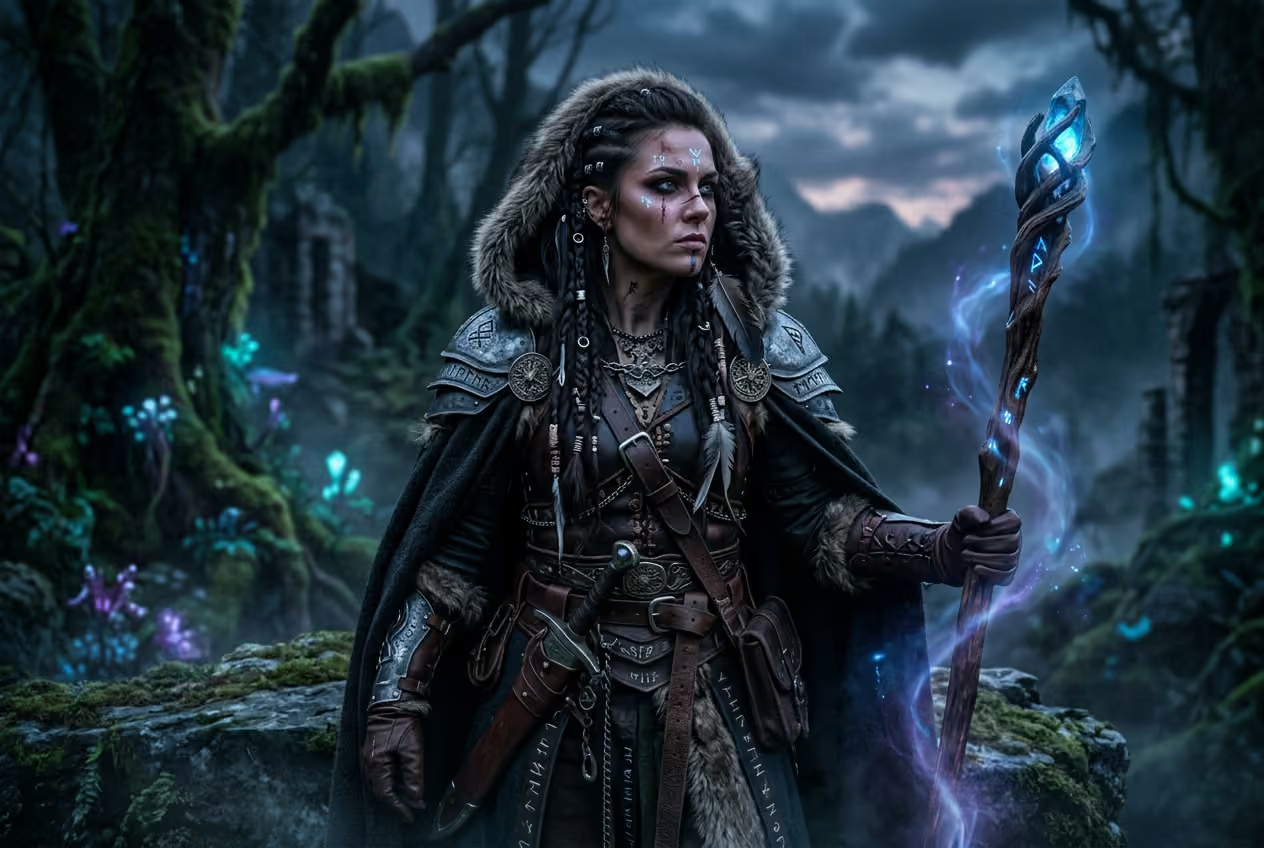
실제 창작 작업에 맞춰 설계된 AI 얼굴 생성기로 몇 초 만에 독특한 얼굴을 만들어 보세요. 상상한 얼굴의 특징, 분위기, 스타일을 설명하면 순식간에 모습이 완성됩니다. 아바타와 프로필 사진부터 캐릭터와 마케팅 이미지까지, 사진 촬영이나 디자인 기술 없이도 사실적이거나 스타일화된 결과물을 얻을 수 있습니다.

다양한 창작 목표에 맞춰 얼굴 생성
전문적인 프로필 사진 만들기
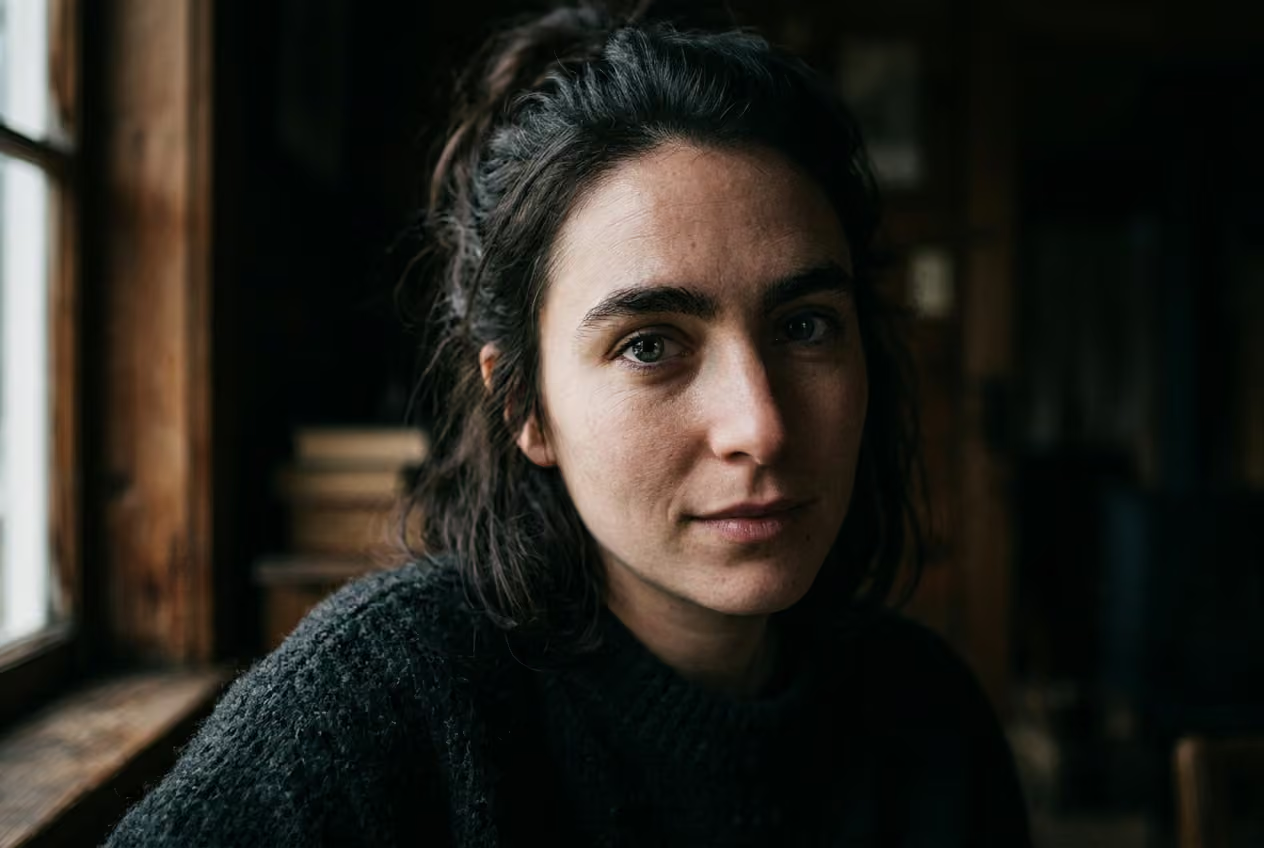
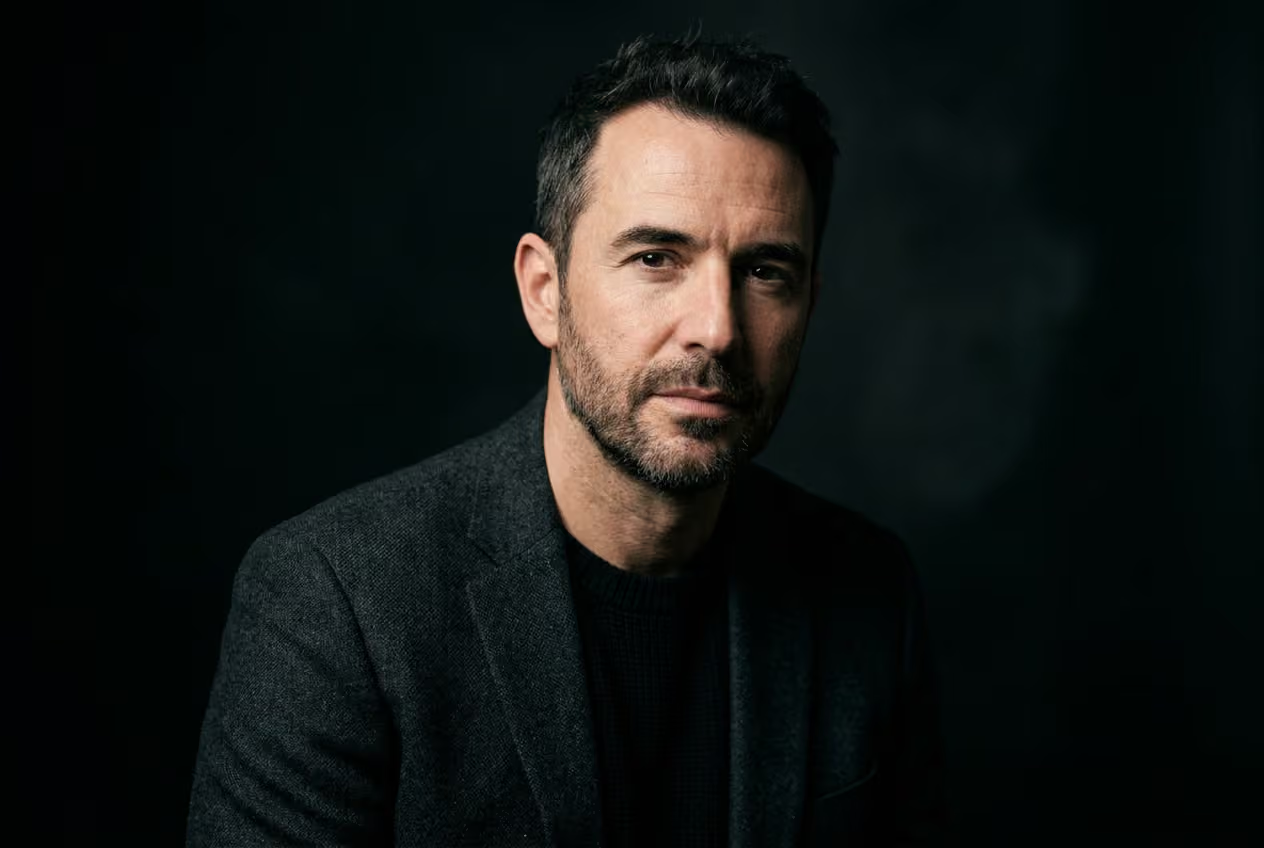
LinkedIn, 팀 소개 페이지, 연사 약력, 작가 프로필에 사용할 세련된 인물 사진을 생성하세요. 실사 스타일, 깔끔한 배경, 스튜디오 같은 조명을 활용해 일관되고 품질 높은 결과물을 만들 수 있습니다. 카메라나 별도의 준비도 필요 없습니다.
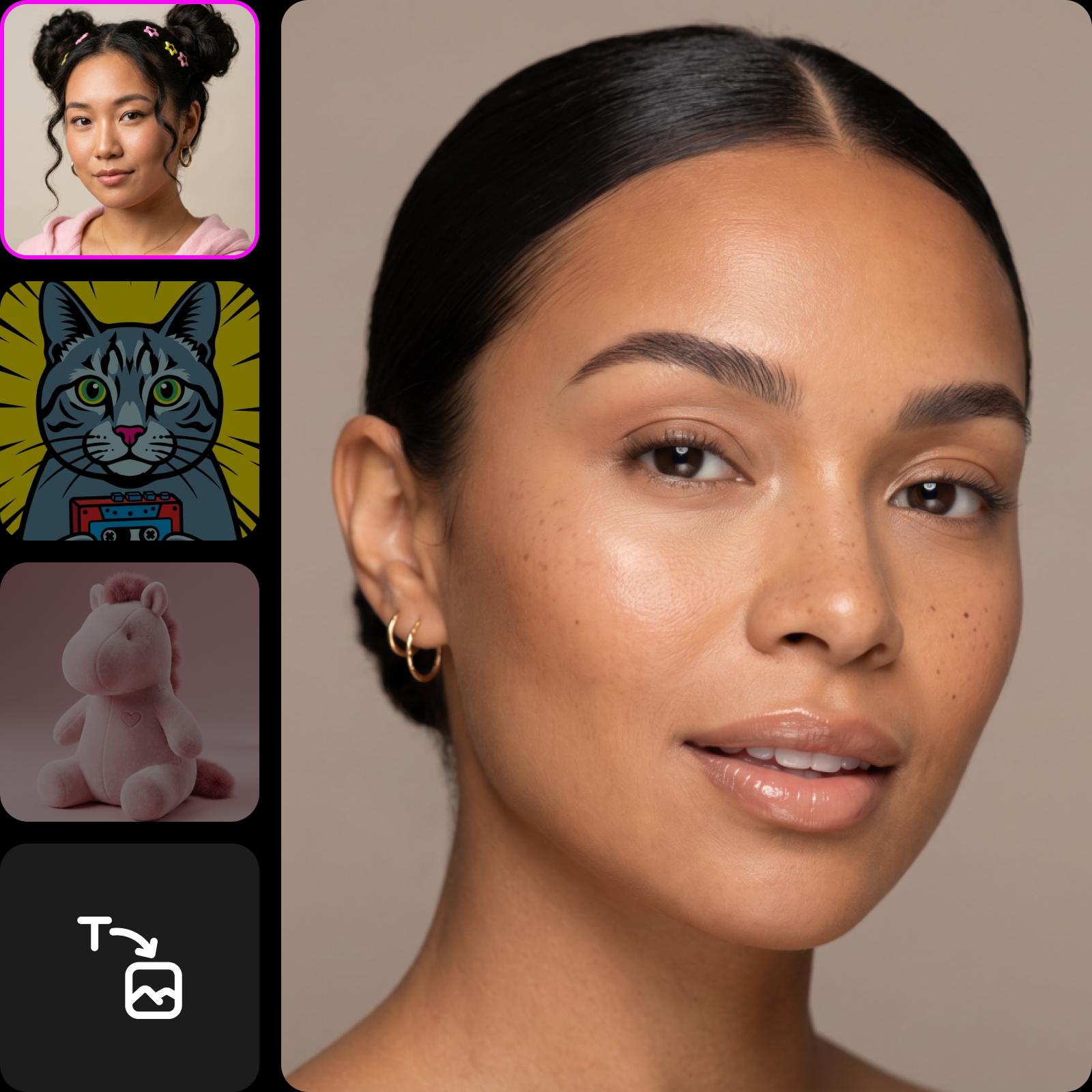
AI Face Generator로 다양한 스타일 탐색
같은 프롬프트를 사용해 선택하는 스타일마다 전혀 다른 결과를 살펴보세요. 몇 초 만에 사실적인 인물 사진부터 애니메이션, 사이버펑크, 3D 클레이 렌더링, 유화, 스케치, Studio Ghibli 스타일까지 바꿀 수 있습니다. 스타일마다 얼굴을 다르게 표현해 하나의 아이디어를 다양한 창작 방향으로 발전시켜 보세요.

AI 모델 30종으로 얼굴 생성
목표에 맞는 모델을 선택해 매번 더 나은 얼굴 결과를 얻으세요. 사실적인 인물 사진에는 Imagen 또는 Flux를, 스타일화된 이미지에는 Seedream 또는 Recraft를, 정확한 텍스트 표현에는 Ideogram 또는 GPT Image를 사용해 보세요. 옵션을 바꿔 결과물을 다듬거나 AI Image Generator 도구로 더 다양한 이미지를 만들어 보세요.

얼굴을 만드는 더 다양한 방법
스타일을 맞춤 설정하고 여러 버전을 만든 다음 고해상도로 다운로드해 텍스트만으로 사실적인 AI 얼굴을 만들어 보세요.
창의적인 AI 효과 살펴보기


아바타 만들기의 기본 알아보기
더 선명한 인물 사진과 프로필 이미지를 만드는 방법을 알아보세요.
AI Face Generator 자주 묻는 질문
원하는 얼굴을 설명하는 텍스트 프롬프트를 입력하면 AI가 몇 초 만에 이미지를 생성합니다. 창작 목표에 따라 스타일을 선택하고 세부 요소를 조정하거나 AI 모델을 바꿔 다양한 결과를 얻을 수 있습니다.
크리에이터가 바로 활용할 수 있는 프로젝트용 아바타 생성
Pro
Most popularAI tools for everyday creative work.
Ultra
Most powerfulHeavy AI usage for creators & teams.
Enterprise
Custom AI solutions for large organizations.
- Volume discounts on credit rate
- On-demand top-ups
더 많은 AI 도구 살펴보기
AI 도구를 창작 보조 도구로 활용해 아이디어를 완성된 프로젝트로 만드는 방법을 알아보세요.


