Video
깊이 맵으로 변환할 비디오 업로드...
DEPTH ANYTHING · 비디오

Video Depth Anything: 영상을 깊이 맵으로 변환

Video Depth Anything은 Depth Anything 제품군의 비디오 모델로, 같은 연구팀이 개발한 Depth Anything V2를 기반으로 합니다. 클립을 업로드하면 모든 프레임의 깊이 맵을 추정합니다. 그레이스케일 또는 컬러 맵으로 출력되며, 첫 순간부터 마지막 순간까지 안정적으로 유지됩니다. Picsart의 AI Playground에서 지금 이용할 수 있습니다.

Video Depth Anything으로 만든 깊이 맵
Video Depth Anything 샘플 출력 (임시 크리에이티브)
DEPTH ANYTHING이란?

Video Depth Anything이란?

Video Depth Anything은 Depth Anything V2 개발을 이끈 연구팀의 깊이 추정 모델로, CVPR 2025 하이라이트로 소개되었습니다. 영상을 분석해 각 픽셀이 카메라에서 얼마나 떨어져 있는지 추정하고 프레임마다 깊이 맵을 생성합니다. 이 데이터는 전문 제작 워크플로에서 피사계 심도, 안개, 리라이팅, 3D 스타일 효과를 구현하는 데 사용됩니다.

  • 내 비디오 업로드
  • 모든 프레임에 깊이 맵 생성
  • Picsart에서 계속 편집
비디오 프레임과 깊이 맵 (임시 크리에이티브)
깜박임 없이

첫 프레임부터 마지막 프레임까지 일관되게

프레임별 깊이 추정 모델은 프레임 사이의 값이 달라져 화면이 깜박이고, 이를 기반으로 한 효과도 흔들리는 경우가 많습니다. Video Depth Anything은 시간적 일관성을 중심으로 설계되어 전체 클립에서 깊이가 안정적으로 유지되며, 몇 분 길이의 영상도 흔들림 없이 처리합니다. 더 빠른 버전은 초당 30프레임으로 실시간 실행됩니다.
연속된 프레임에서 안정적으로 유지되는 깊이 (임시 크리에이티브)
깊이를 읽는 두 가지 방법

그레이스케일 또는 컬러 맵, 원하는 방식으로

워크플로에 맞는 출력을 선택하세요. 밝은 픽셀은 카메라에 가깝고 어두운 픽셀은 멀리 있는 그레이스케일 맵, 또는 깊이 구간을 한눈에 파악하기 쉬운 컬러 맵 중에서 고를 수 있습니다. 어떤 방식을 선택하든 프레임마다 맵 하나가 생성되어 마스크, 색보정, 합성 작업에 바로 사용할 수 있습니다.
나란히 놓인 그레이스케일 및 컬러 깊이 맵 출력 (임시 크리에이티브)
AI PLAYGROUND에서 사용

Picsart AI Playground의 Video Depth Anything

Video Depth Anything은 150개 이상의 다른 AI 모델과 함께 Picsart의 AI Playground에서 제공됩니다. 영상을 깊이 맵으로 변환한 뒤 다른 크리에이티브 도구와 나란히 결과물을 계속 작업할 수 있습니다. 타사 API 키나 별도 구독은 필요하지 않습니다. 웹, 데스크톱 앱은 물론 CLI, MCP, REST API, SDK를 통해 원하는 방식으로 이용할 수 있어, 여기서 만든 깊이 패스를 자동화된 워크플로에 바로 적용할 수 있습니다.
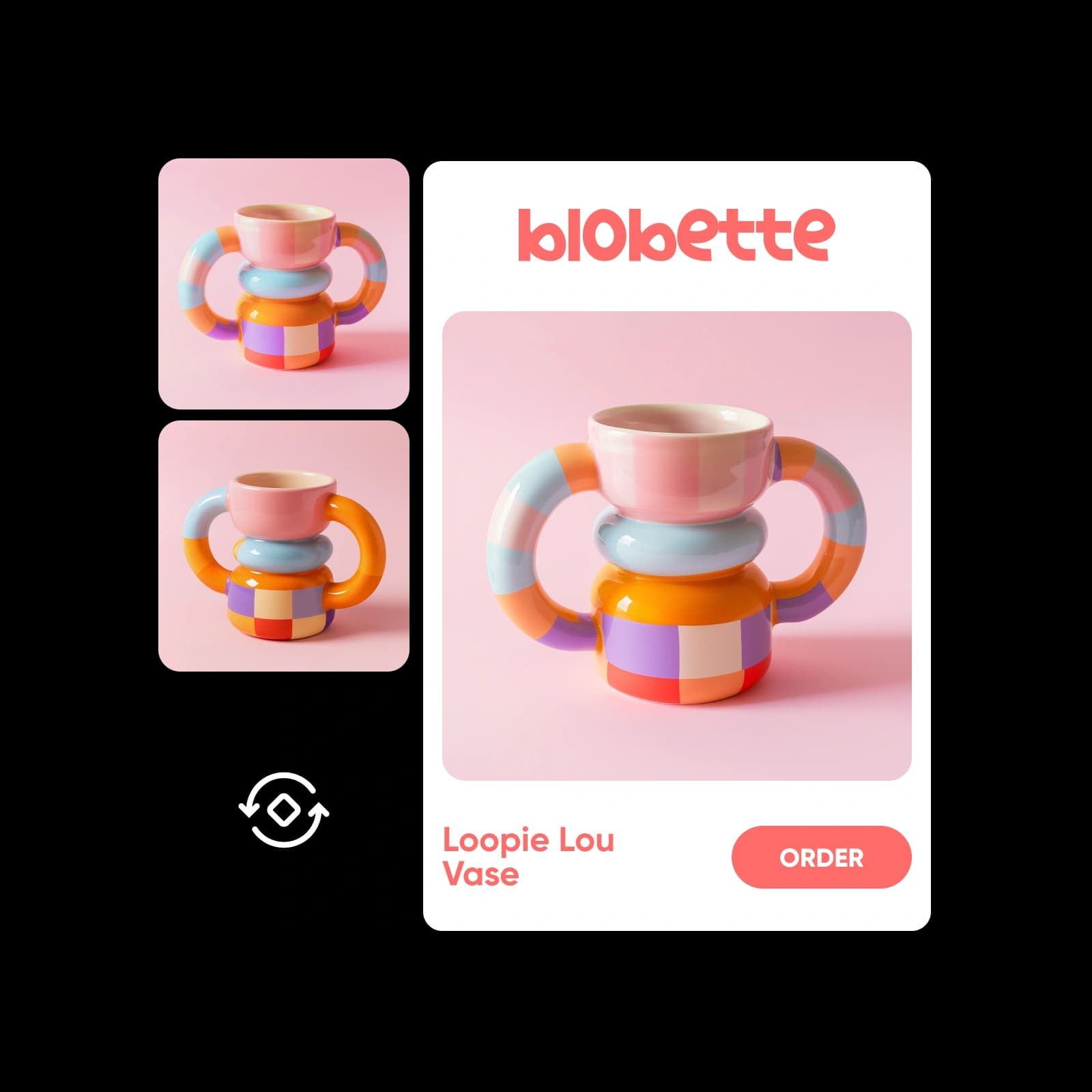
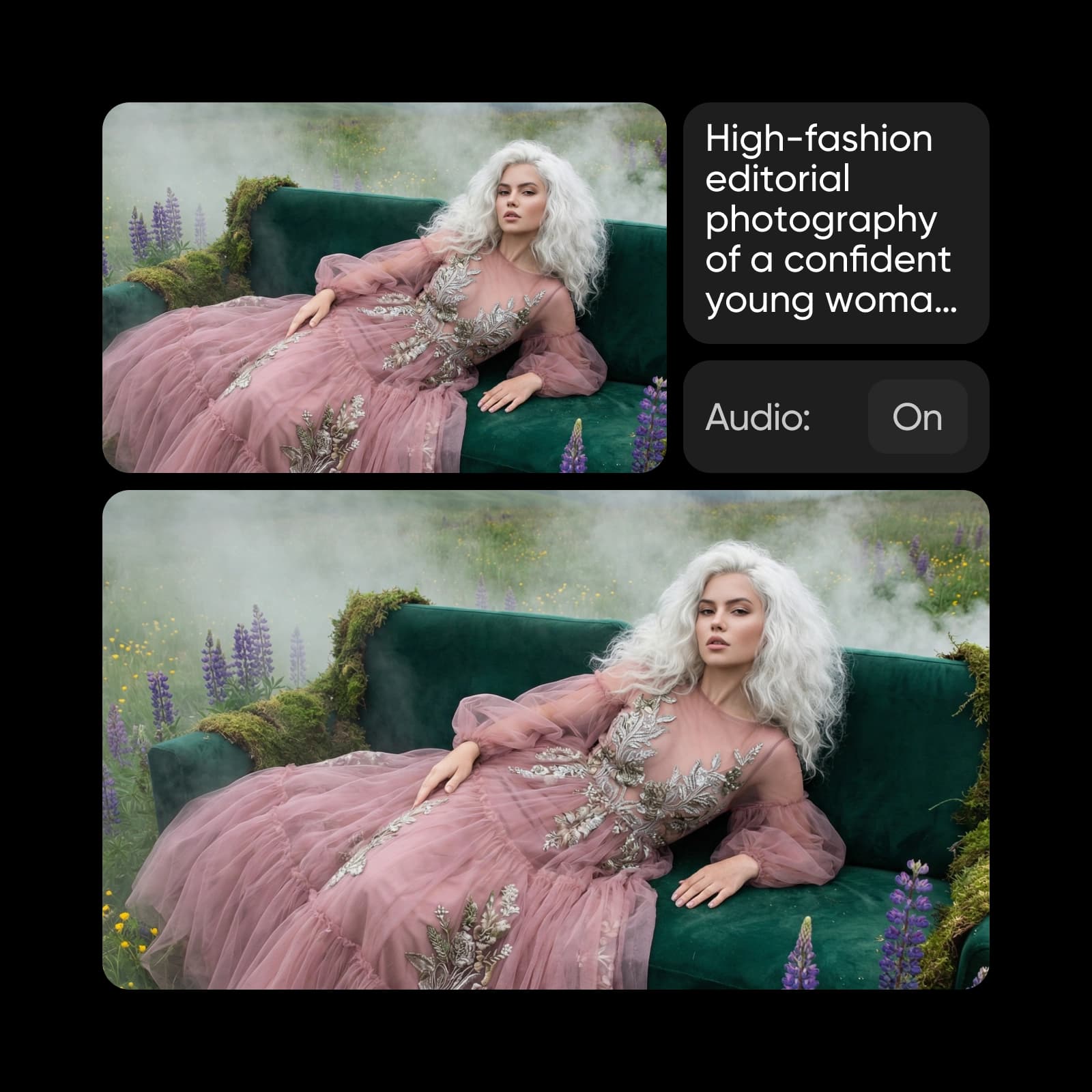
Picsart AI Playground에서 사용하는 Video Depth Anything (임시 크리에이티브)

Video Depth Anything 활용 방법

프레임별 깊이 맵을 활용하는 세 가지 방법
깊이 맵을 활용한 피사계 심도 효과 (임시 크리에이티브)
  • 깊이 패스를 활용해 거리에 따라 흐림을 조절하고, 피사체에 초점을 맞추거나, 피사체 뒤에 자연스럽게 안개를 더해 보세요.

비디오에서 깊이 맵 만드는 방법

클립을 업로드하고 출력을 선택한 뒤 깊이 패스를 생성해 편집에 활용하세요.
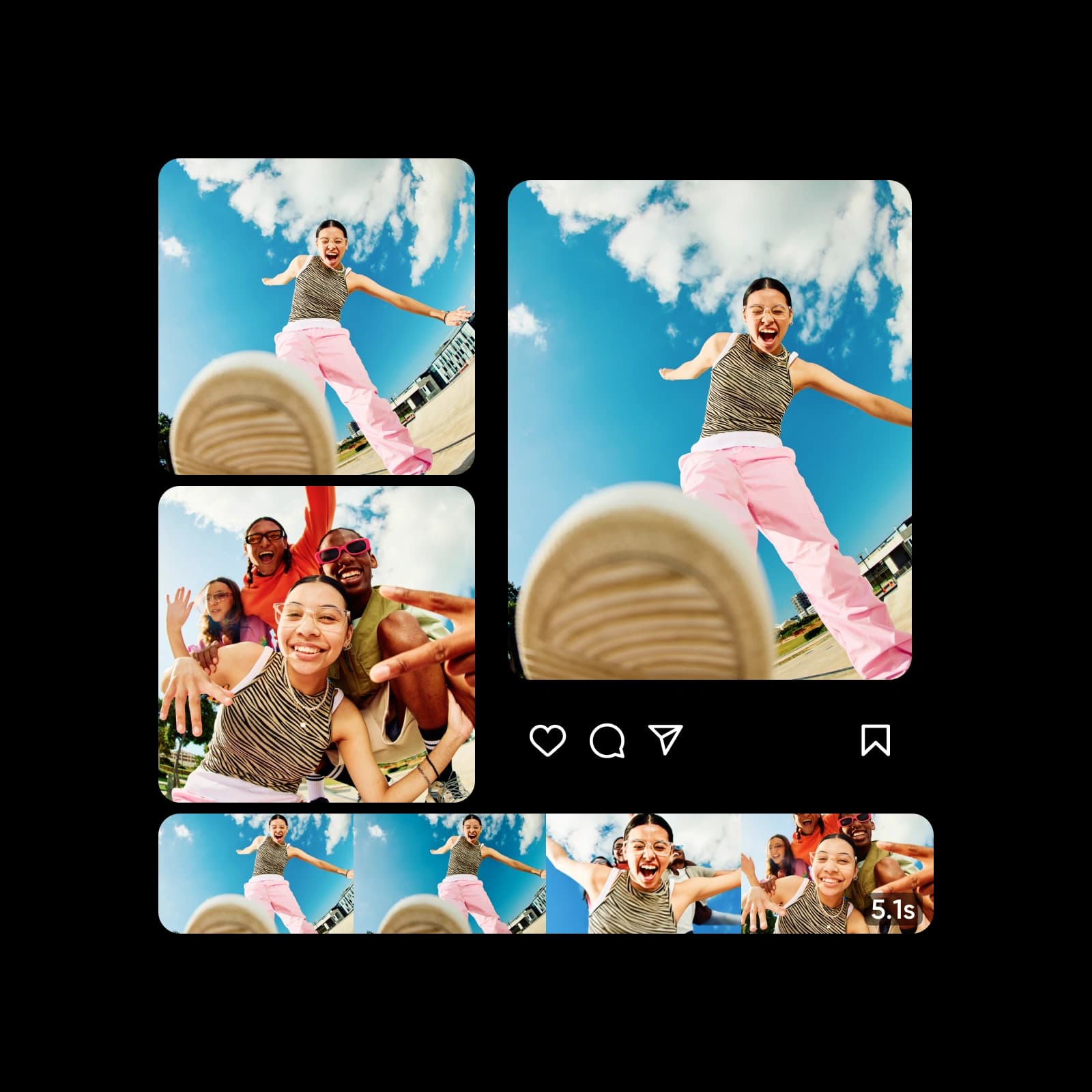
How to

비디오 업로드

Picsart AI Playground에서 Video Depth Anything을 열고 맵으로 변환할 클립을 추가하세요.

1단계: 비디오 업로드 (임시 크리에이티브)

Video Depth Anything 자주 묻는 질문

Picsart에서 비디오를 깊이 맵으로 변환하는 방법에 관한 답변입니다.

  • Video Depth Anything은 Depth Anything V2 개발을 이끈 연구팀의 깊이 추정 모델로, CVPR 2025 하이라이트로 소개되었습니다. 비디오를 프레임별 깊이 맵으로 변환하면서 클립 전체에서 깊이의 일관성을 유지합니다.

요금제

깊이 패스를 몇 번 생성해 보거나 효과, 색보정, 합성을 위한 반복 가능한 워크플로를 만들어 보세요.

SAVE UP TO 50%

Pro

Most popular

AI tools for everyday creative work.

$15 $10.5/mo
Billed yearly
You save $54 with yearly
Trending models
Full access
  • Seedance 2.04K 15s
  • Nano Banana Pro4K
  • MiniMax H32K 15s
  • Kling 3.04K 15s
  • Access to all photo & video editing features
  • Advanced background & object removal
  • Parallel video generations with the world's most powerful AI video models
  • Unlimited image generations with Flex.2 Klein
  • 1-tap image enhancer
  • Millions of stock photos & Getty video clips
  • Selection of trendy fonts, text styles & stickers
  • Thousands of premium templates
  • Support for 3+ brand kits
  • Bulk edit up to 50 images at once
  • 100 GB of cloud storage
New features:
  • 15+ creative AI agents that plan, execute, and deliver — across video, brand, localization, and more
  • Auto-generate content from your terminal or agent with the Picsart CLI
  • Use Picsart inside Claude Code, Cursor, and ChatGPT via MCP

Ultra

Most powerful

Heavy AI usage for creators & teams.

$45 $24.5/mo
Billed yearly
You save $246 with yearly
Trending models
Full access
  • Seedance 2.51080p 30s
  • Nano Banana Pro4K
  • MiniMax H32K 15s
  • Kling 3.04K 15s
  • 200+ leading AI video, image, and audio models (Kling 3.0, Nano Banana, MiniMax H3, Seedance 2.5 & more)
  • Parallel video generations with the world's most powerful AI video models
  • Early access to advanced AI features
  • Unlimited image generations with Flex.2 Klein
  • Option to buy add-on credits that never expire
  • Up to 6.5 million Getty stock videos
  • Bulk edit up to 100 images at once
  • Support for 10+ brand kits
  • Create ad variations & localize
  • Track ads performance
  • Add team seats
  • 300 GB of cloud storage per seat
New features:
  • 15+ creative AI agents that plan, execute, and deliver — across video, brand, localization, and more
  • Auto-generate content from your terminal or agent with the Picsart CLI
  • Use Picsart inside Claude Code, Cursor, and ChatGPT via MCP