AI Image
AI Video
Library
Solutions
Community
MCP & CLI
Pricing
  1. Home
  2. AI Models

AI Models Used by Picsart

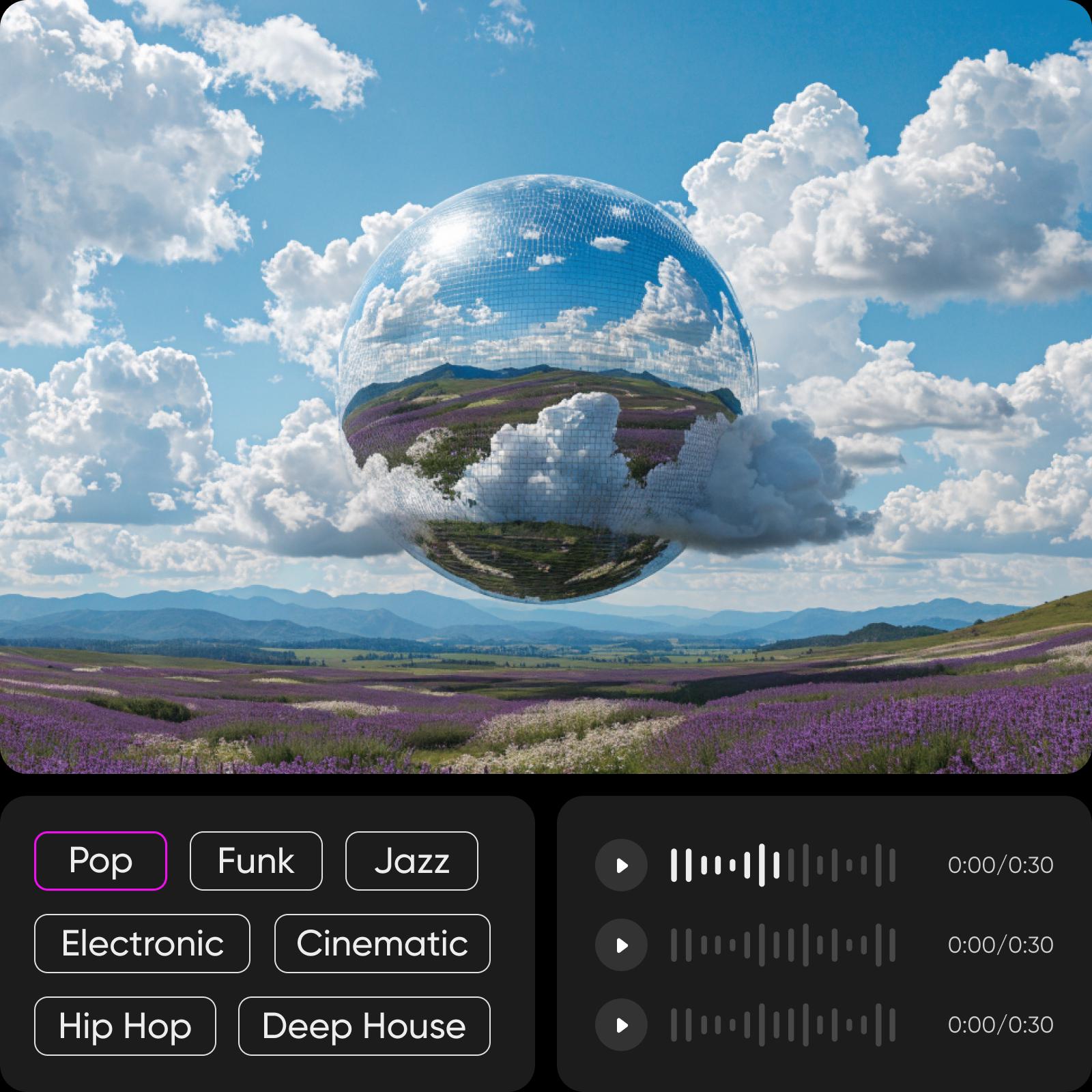
Picsart uses advanced AI models to power image creation, video generation, and visual enhancement tools. These AI models support creative workflows across the platform, enabling users to create and edit content without interacting with the underlying models directly.

Start generating

Image models for polished visuals

Feature the image model pages people use when they need better output quality or style control.

Nano Banana Pro preview

Nano Banana Pro

Image

Explore a high-quality image model.

ModelsQuality
Nano Banana 2 preview

Nano Banana 2

Image

Explore a newer image generation model.

ModelsGenerate
Flux 2 Pro preview

Flux 2 Pro

Image

Explore a pro image model.

ModelsPro
GPT Image 1.5 preview

GPT Image 1.5

Image

Explore GPT Image 1.5.

ModelsGPT
Seedream 4.5 preview

Seedream 4.5

Image

Explore Seedream 4.5.

ModelsCreative
Recraft V4 preview

Recraft V4

Image

Explore Recraft V4 for design-style outputs.

ModelsDesign

Video models for motion and ads

Make the strongest video model entry points easier to scan from the model hub.

Sora preview

Sora

Video

Explore Sora for AI video generation.

ModelsMotion
Kling preview

Kling

Video

Explore Kling for video generation.

ModelsMotion
Veo 3.1 preview

Veo 3.1

Video

Explore Veo 3.1 for AI video.

ModelsQuality
Runway Gen 4 preview

Runway Gen 4

Video

Explore Runway Gen 4.

ModelsCreative
Luma Ray 2 preview

Luma Ray 2

Video

Explore Luma Ray 2.

ModelsMotion
Seedance 2.0 preview

Seedance 2.0

Video

Explore Seedance 2.0.

ModelsSocial

Audio models for sound workflows

Keep audio visible without overstating the current model inventory.

Lyria 3 preview

Lyria 3

Audio

Explore Lyria 3 for audio generation.

ModelsSound
Async Flash v1.0 preview

Async Flash v1.0

Audio

Explore Async Flash v1.0.

ModelsFast
Audio model hub preview

Audio model hub

Audio

See all audio model pages in one place.

ModelsHub
AI Voice Generator preview

AI Voice Generator

Audio

Create voiceovers with AI.

VoiceTool

Compare before choosing a model

Link model discovery to comparison pages for high-consideration choices.

Veo 3.1 vs Kling 3.0 preview

Veo 3.1 vs Kling 3.0

Compare

Compare 2 leading video models.

VideoModels
Nano Banana 2 vs Flux 2 Pro preview

Nano Banana 2 vs Flux 2 Pro

Compare

Compare 2 image models.

ImageModels
GPT Image 1.5 vs Flux 2 Pro preview

GPT Image 1.5 vs Flux 2 Pro

Compare

Compare GPT Image 1.5 and Flux 2 Pro.

ImageModels
Runway Gen 4 vs Veo 3.1 preview

Runway Gen 4 vs Veo 3.1

Compare

Compare video model output choices.

VideoModels
Sora vs Veo preview

Sora vs Veo

Compare

Compare Sora and Veo.

VideoModels

Use Picsart anywhere

Install the app, or bring Picsart into the AI workspaces your team already uses.

Use Picsart with

  • ChatGPT / Codex
  • Claude
  • Terminal
  • Cursor
  • OpenClaw
  • Hermes

Download the app

Download on the App StoreGET IT ON Google PlayGet it from Microsoft

Follow Picsart

Pinterest
AICPA SOC

Create

  • AI Image Generator
  • AI Video Generator
  • AI Playground
  • Flow
  • AI Photo Editor
  • AI Video Editor
  • AI Agents
  • Content Library
  • AI Models

Creators

  • Earn with Picsart
  • Clipping
  • For Brands
  • Video Studio
  • Tutorials
  • Challenges

Connect

  • ChatGPT / Codex
  • MCP setup
  • Command line
  • Developers
  • Google Drive

Business

  • Pricing
  • Enterprise
  • Industries
  • Quicktools

Company

  • Support
  • Careers
  • About us
  • Blog
  • Press Center
Terms of UsePrivacy PolicyDo Not SellInternet-Based AdvertisingCommunity GuidelinesDMCASecurity PolicyAccessibility
© 2026 PicsArt, Inc.