AI 스티커 생성기로 맞춤형 스티커 만들기
AI가 생성한 스티커로 시각적 요소, 기술 및 온라인 대화를 손쉽게 개인화하세요. 짧은 텍스트 프롬프트로 원하는 스티커의 종류를 설명하고, 예술적 스타일을 선택한 후 AI 스티커 생성기가 당신의 비전을 스티커로 실현합니다. 아주 간단합니다.
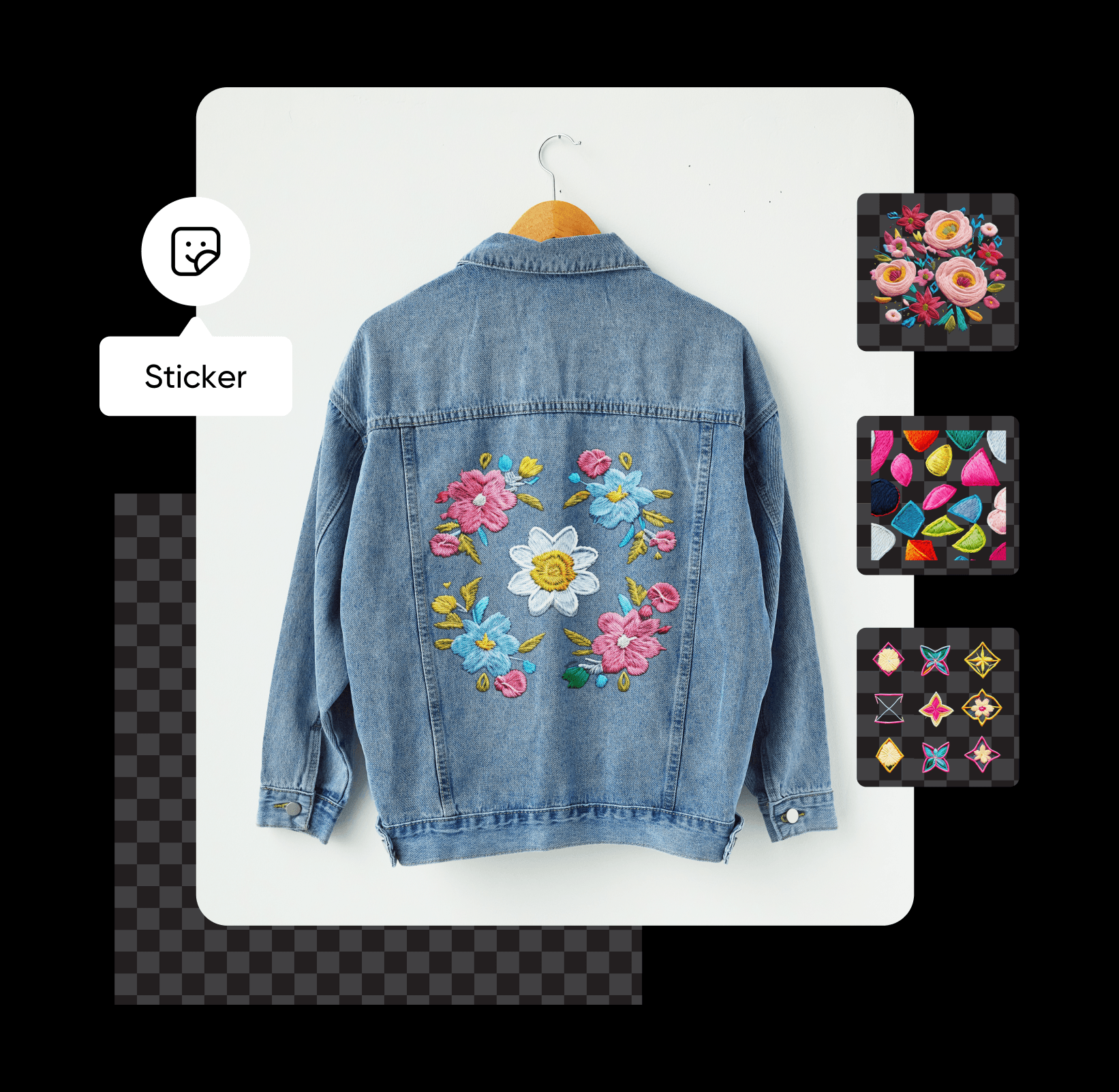
AI 이미지 모델로 AI 스티커 메이커 생성
이미지 모델을 사용하여 AI 스티커 메이커를 세련된 비주얼, 디자인 아이디어 및 편집 가능한 자산으로 변환하세요.

빠르고 사용하기 쉬움
몇 초 만에 텍스트 프롬프트에서 스티커 생성.

진정한 독특한 스티커
AI가 만든 독특하고 차별화된 스티커로 돋보이세요.
전체 맞춤화 가능
자신의 취향에 맞춘 스티커 디자인을 생성하세요.
AI로 스티커 생성하는 방법
Picsart에서 AI 스티커 메이커 열기
왼쪽 사이드바의 '더 많은 도구' 버튼을 사용하여 AI 스티커 생성기를 찾으세요.
스티커 생성
스티커 사용자 지정
다운로드
진정한 독특한 스티커 생성
더 이상 스티커를 찾기 위해 시간을 낭비할 필요가 없습니다. AI 스티커 생성기로 가장 구체적인 스티커 아이디어도 실현할 수 있습니다. 고딕 테마의 편집을 위해 르네상스 시대 유화 스타일의 가시가 있는 인간 해골 스티커가 필요하신가요? 아니면, 긍정적인 분위기를 위해 천사 날개처럼 펼쳐진 귀여운 비글 강아지의 2D 스티커가 필요하신가요? 완료되었습니다!
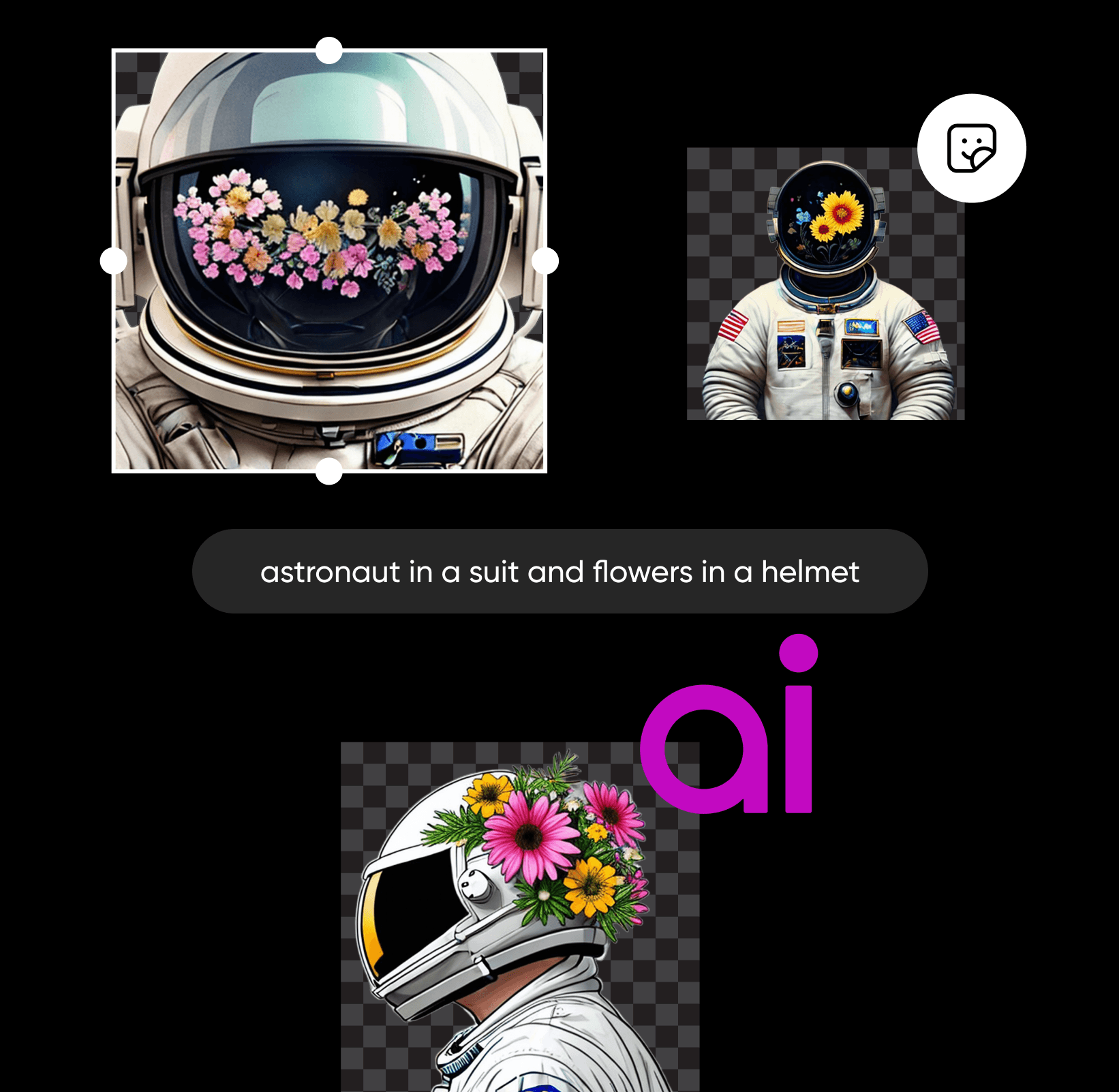
그림을 AI에 맡기세요
맞춤형 스티커를 만들기 위해 필요한 것은 짧지만 구체적인 프롬프트입니다. 생성하고자 하는 스티커의 종류를 설명하는 단어를 포함하기만 하면, 텍스트-스티커 AI 생성기가 나머지를 처리합니다. 프롬프트를 스티커로 변환하기 위해 그림, 디자인 또는 소프트웨어 기술이 필요 없습니다.
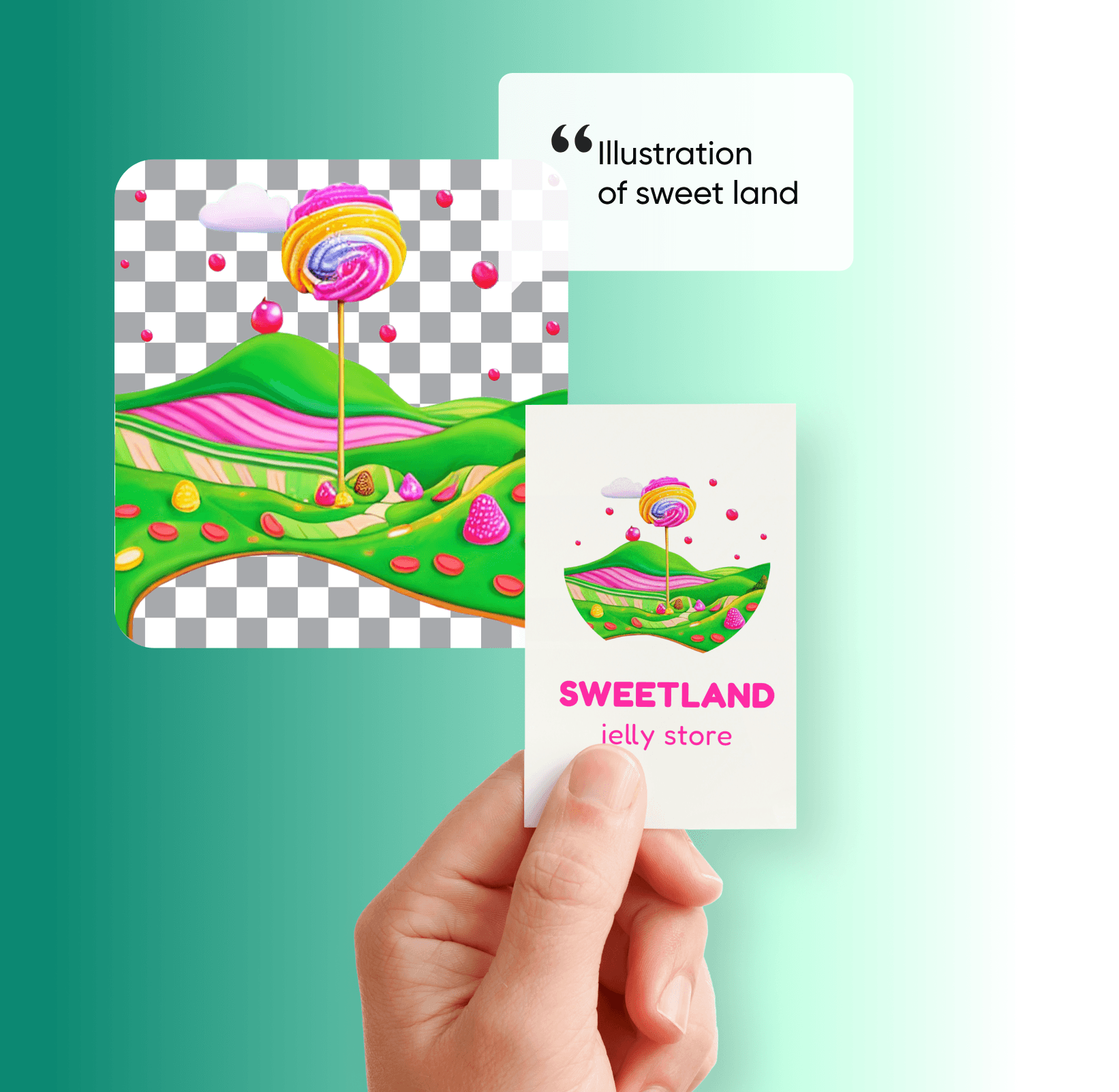
Picsart로 스티커 개인화
내장된 사진 편집 도구를 사용하여 AI가 생성한 스티커에 손쉽게 마무리 터치를 하세요. 자르고, 크기를 조정하고, 맞춤형 배경을 생성하고, 앱을 전환할 필요 없이 이미지의 품질을 개선하십시오.
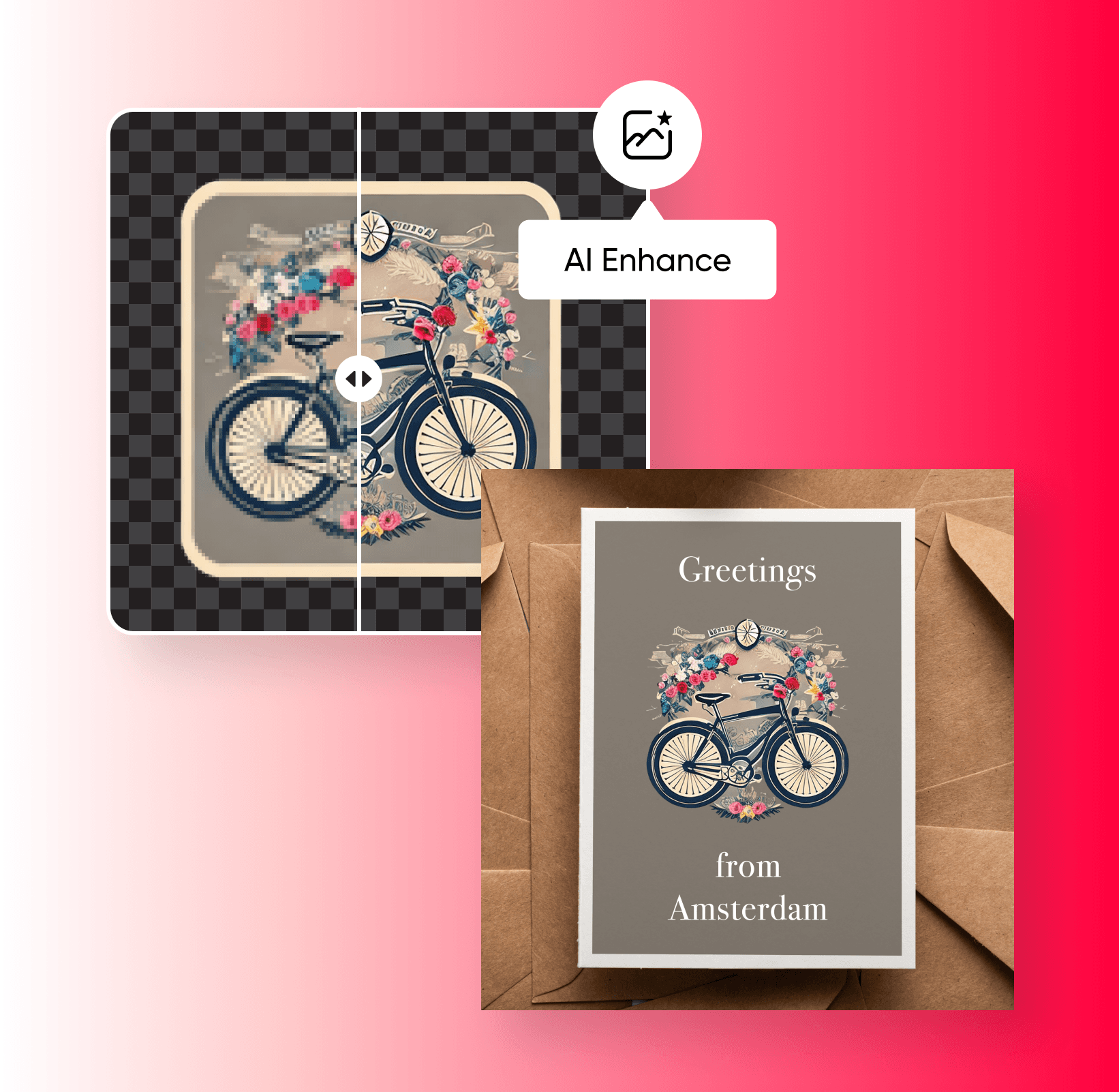
AI가 생성한 스티커로 소셜을 돋보이게 하세요
당신과 그리드에 독특한 스티커 시각화를 생성하세요. 내장된 편집기를 사용하여 스티커를 개인화하고 완전한 맞춤형 맞춤을 위해 수정하세요. 다양한 트렌디한 글꼴로 스티커에 텍스트를 추가하거나 필터를 적용하여 스티커의 모양을 변경하는 등의 편집을 하세요.
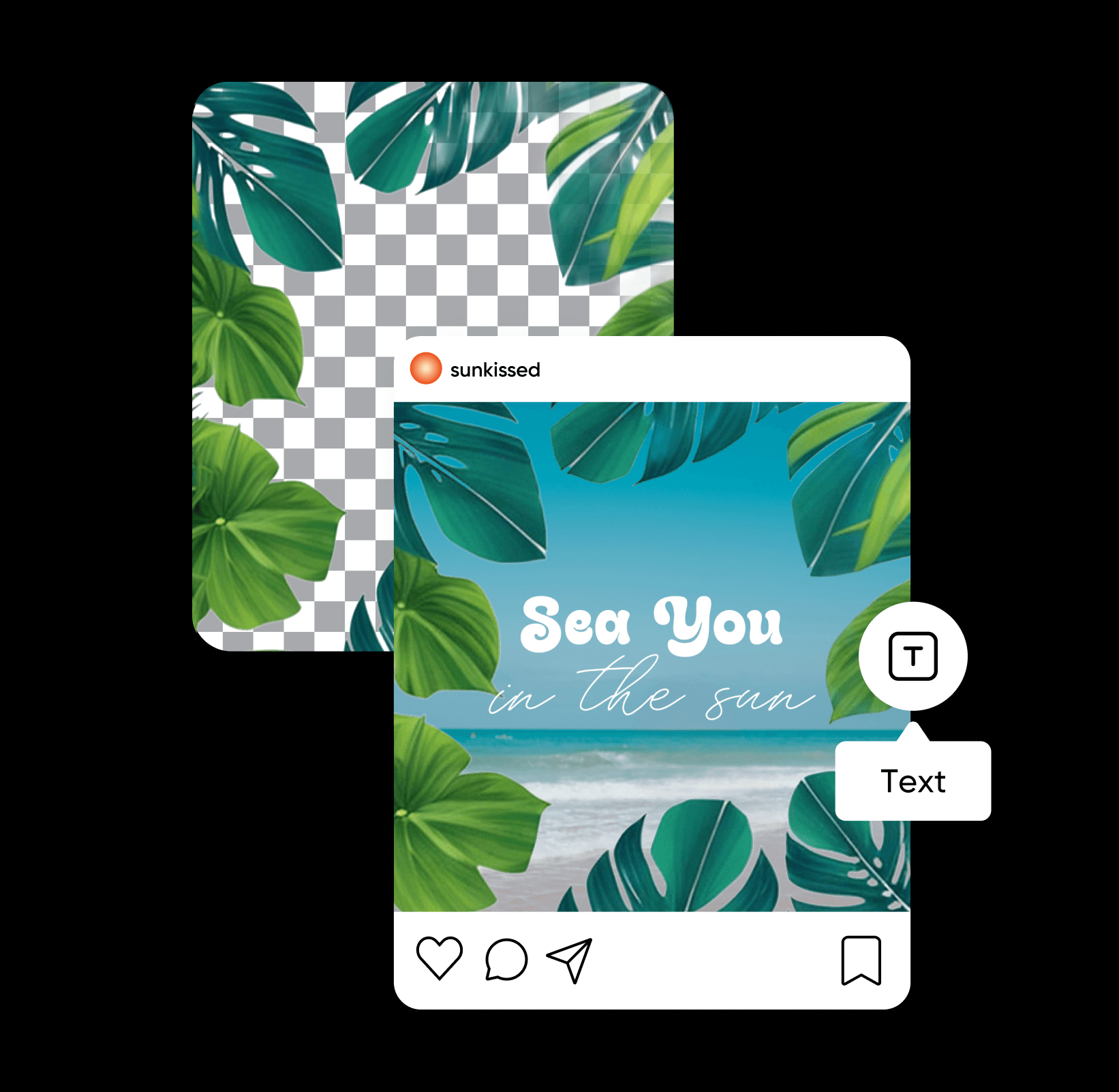
모든 용도를 위한 스티커 생성
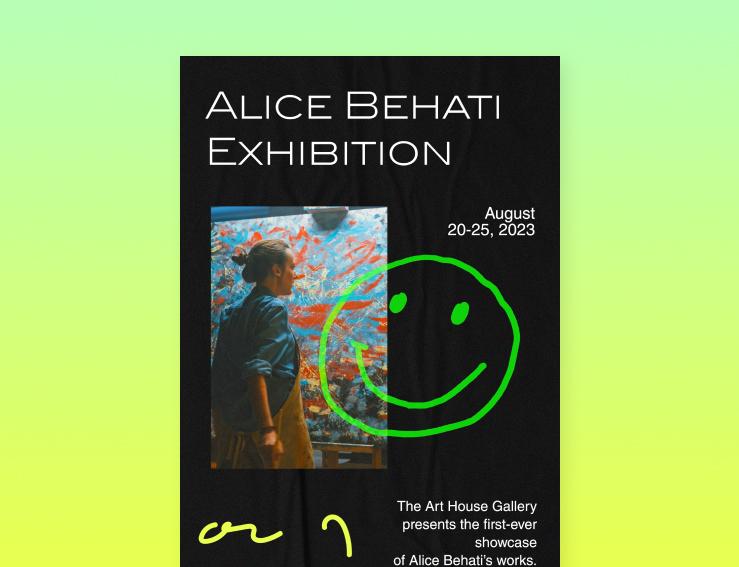
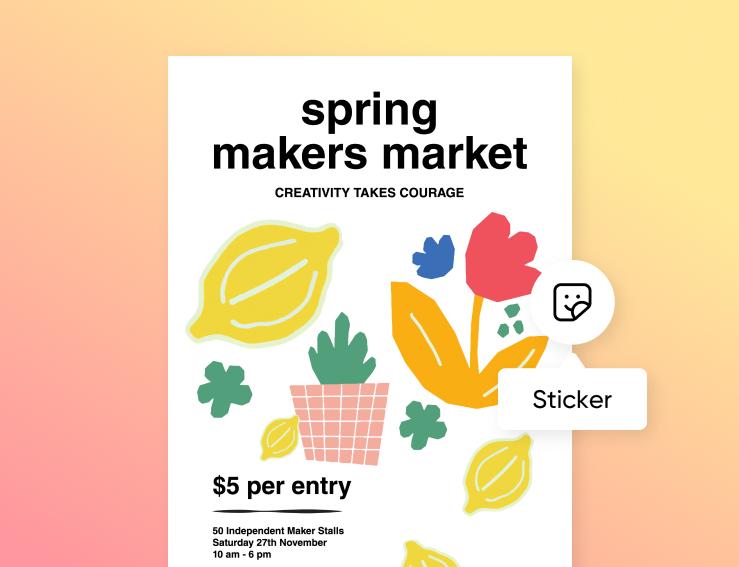
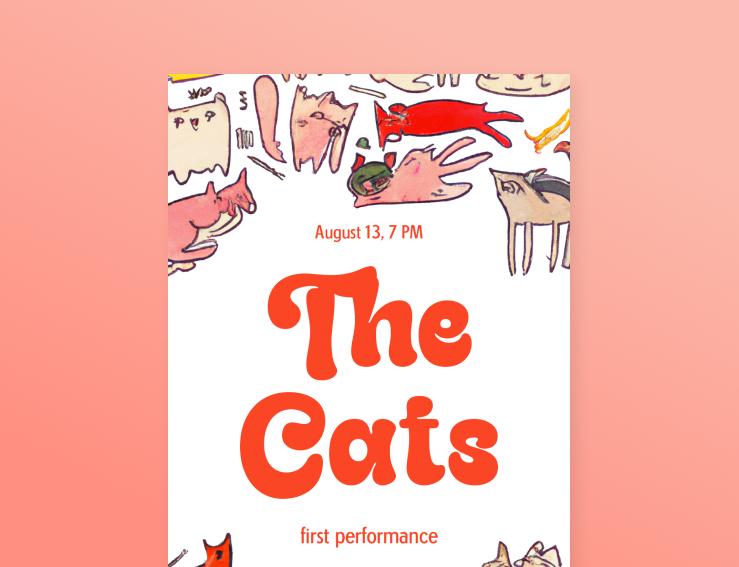
스티커 제작에 더 참여하세요
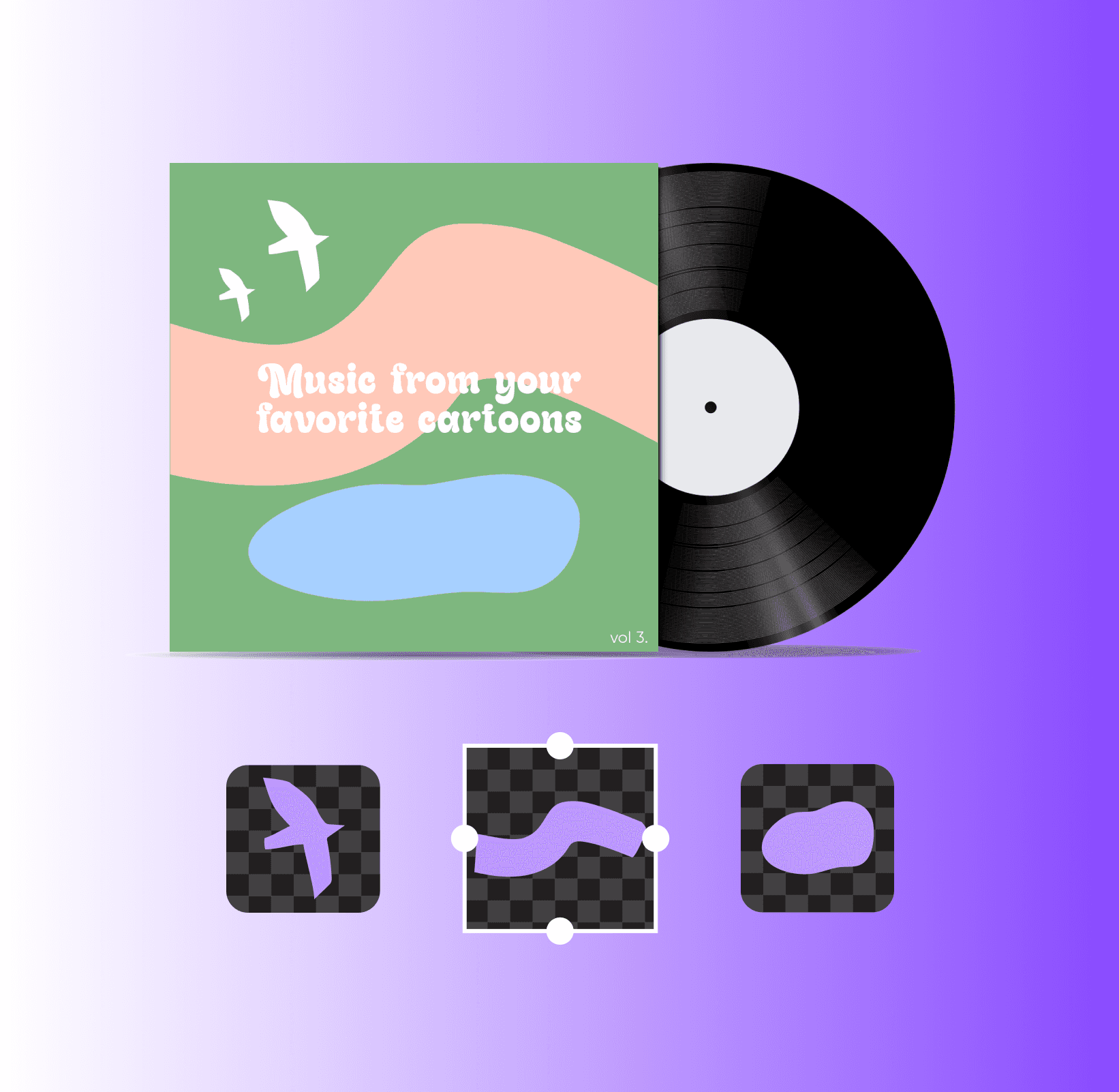
맞춤형 스티커를 직접 제작하고 싶으신가요? Picsart가 당신의 창의적인 여정을 지원하여 창의적인 목적지에 도달하도록 도와드립니다. 사용하기 쉬운 직관적인 디자인 도구로 스티커를 제작할 수 있습니다 초보자라도 도와드리겠습니다. 광범위한 미리 만들어진 스티커, 모양 및 효과 도서관을 활용하여 본인에게 독특한 것을 손쉽게 생성하세요.
AI 편집 도구로 스티커 향상시키기
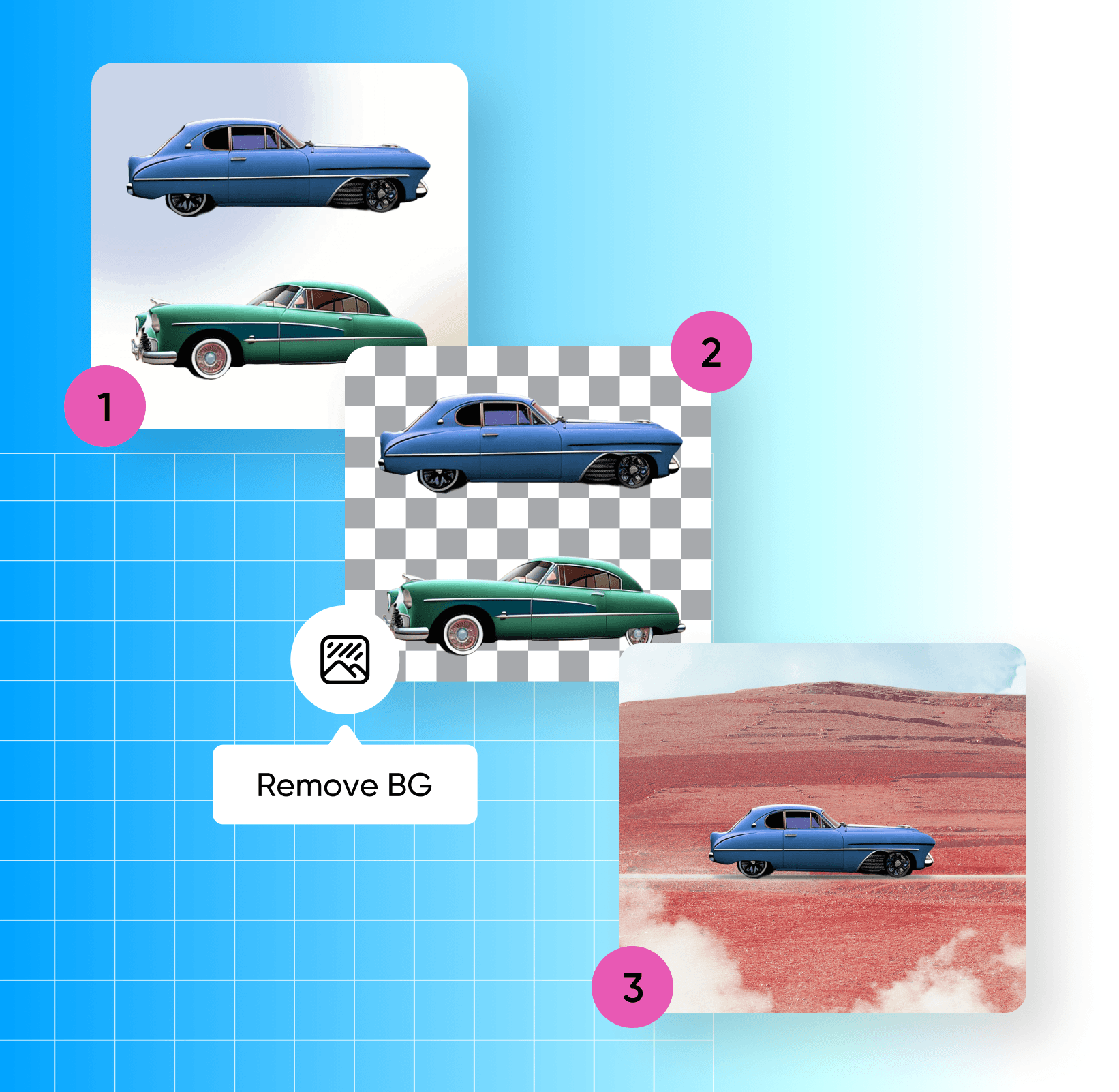
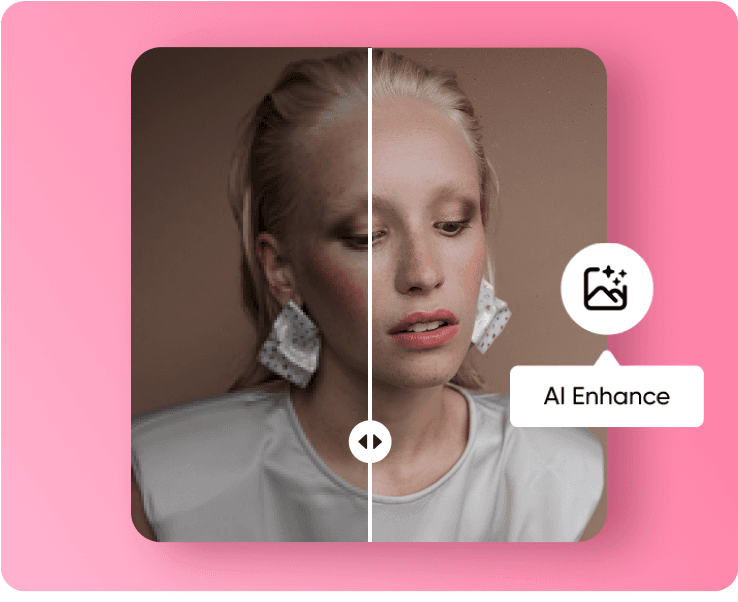
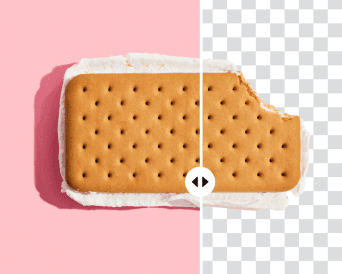
최신 AI 기술로 스티커 제작 프로세스를 더 쉽게, 더 빠르게 만드세요. 이전에는 불가능했던 편집을 단일 버튼으로 스티커에서 배경을 제거할 수 있습니다. 또는 AI 생성 비주얼을 사용하여 개체를 추가하고 AI 아트 생성기를 사용하여 스크래치로 아트를 생성하는 것은 어떨까요? 모두 AI 스티커 메이커에 내장되어 있습니다.
Picsart로 창의적인 여정을 계속하세요
사용하기 쉬운 인터페이스에 모두 내장된 사진 편집 및 디자인 도구 전체를 사용할 수 있습니다.






AI 스티커 생성기 FAQ
Picsart AI 스티커 생성기는 텍스트-이미지 AI 생성기로서, 스티커 생성을 위해 특별히 설계되었습니다.
AI 스티커 생성기는 스티커에 대한 당신의 서면 설명을 이해하고 시각화하기 위해 특별히 훈련된 AI 알고리즘을 사용합니다.
Picsart AI 스티커 메이커는 제한된 무료 생성으로 시도할 수 있습니다. 이후에는 Picsart 구독이 필요합니다. 최신 정보는 가격 페이지를 확인하세요.
네, 물론입니다. 프롬프트 상자에 설명을 입력하고 예술 스타일을 선택하기만 하면 됩니다.
아쉽게도, 그 기능은 아직 제공되지 않습니다.
AI로 생성된 스티커를 PNG, JPG 및 PDF 형식으로 내보낼 수 있습니다.
물론입니다! 내보내기 버튼을 사용하여 AI가 생성한 스티커를 다운로드하고 소셜 미디어 및 메시징 플랫폼에서 자유롭게 사용하세요.
전혀 아닙니다. 생성하고자 하는 스티커에 대한 설명을 적기만 하면 AI가 나머지를 처리해줍니다.
As Seen in




채팅, 콘텐츠 및 캠페인을 위한 스티커 생성하기
Pro
Most popularAI tools for everyday creative work.
Ultra
Most powerfulHeavy AI usage for creators & teams.
Enterprise
Custom AI solutions for large organizations.
- Volume discounts on credit rate
- On-demand top-ups