logo
AI Image
AI Video
Library
Solutions
Community
MCP & CLI
Pricing
  1. Home
  2. Design
  3. Banners

Free Banner Maker to design banners in minutes

Create eye-catching banners online - fast and hassle-free. Make banners for sales, events, or socials that look high-quality and ready to share. Start from scratch or customize a professionally designed template to get polished results every time.

Design your banner
Ratings
4.9/5 (575 reviews)
Trustpilot
icon for banner template

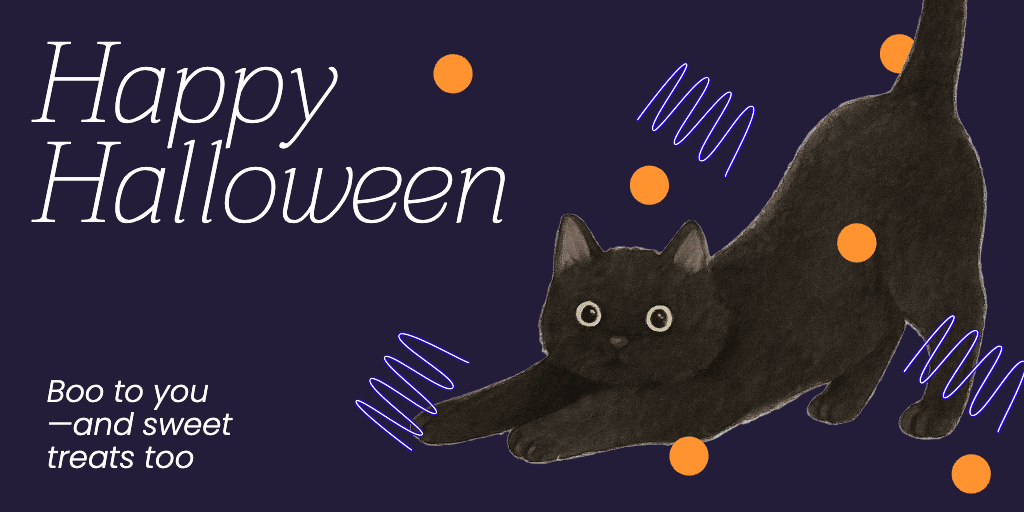
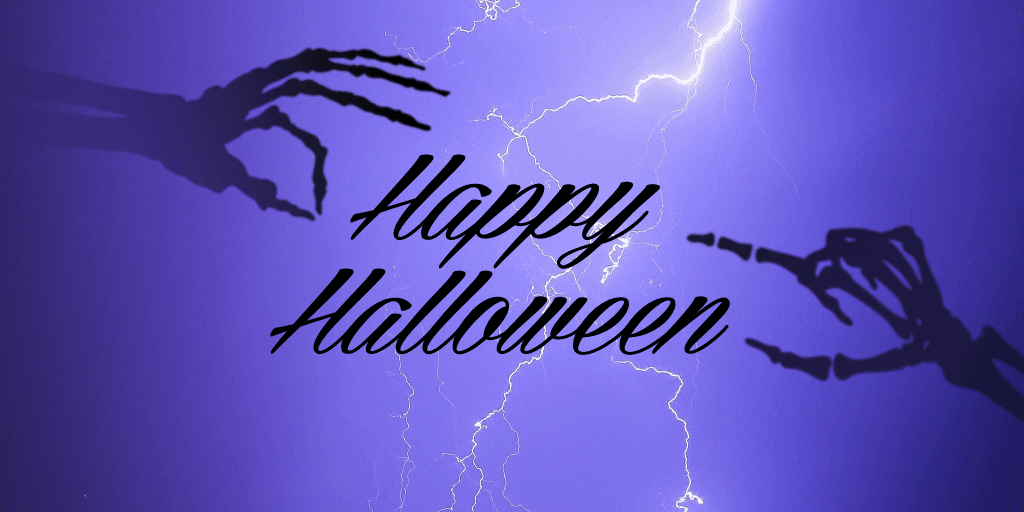
Customizable banner templates

Choose a premade layout and add custom details to design a banner in a flash.

icon for a looper

Access to thousands of design assets

Enrich your banner designs with expertly crafted backgrounds, buttons, frames, and more.

icon for star

Banners perfect for any occasion

Blogs, ads, parties, business events—make banners for a range of digital and print applications.


How to make a banner

1

Open the banner maker

Select the Create now button to open the editor and get started.

2

Select a template

3

Customize

4

Add images and text

5

Download

Create banners your way with flexible templates

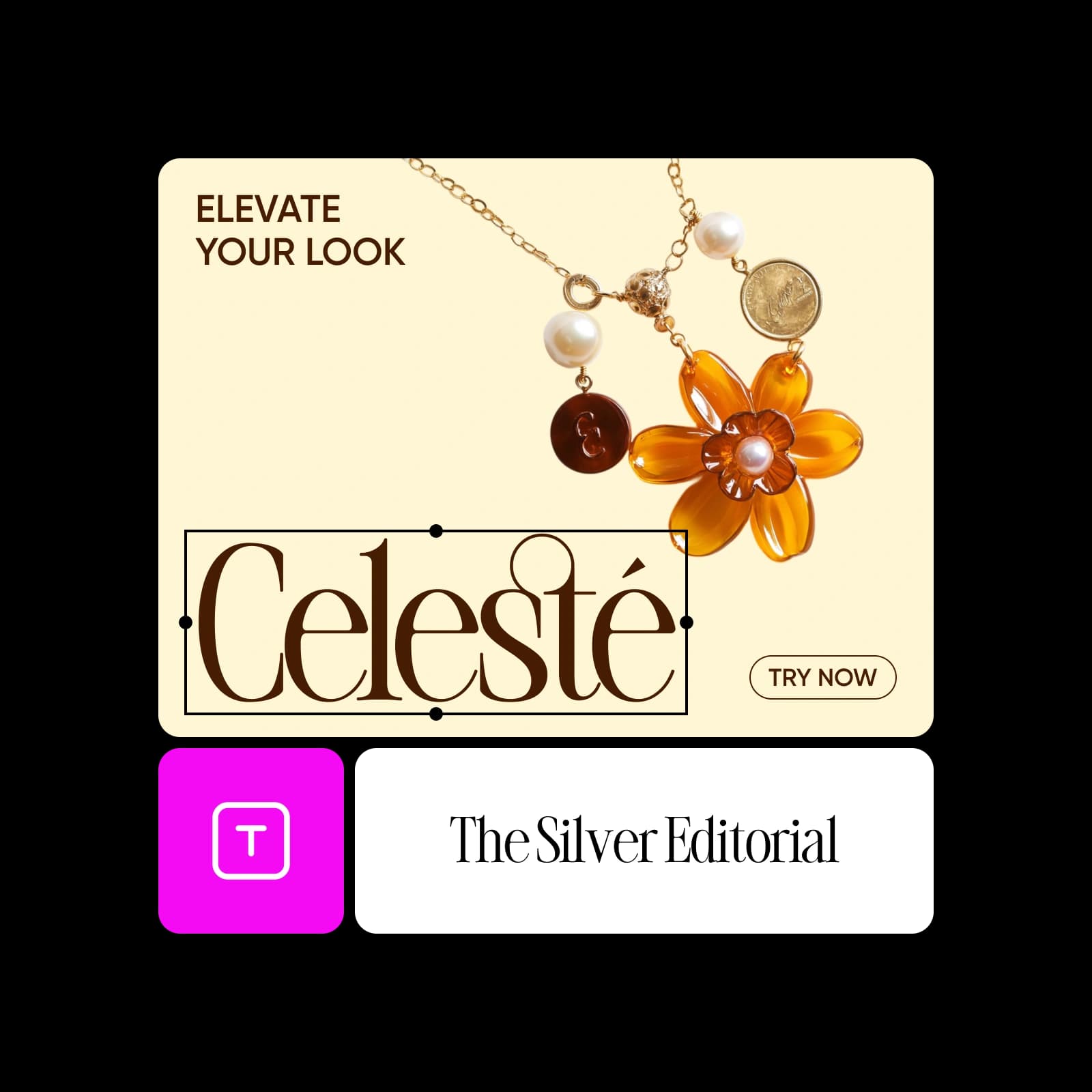
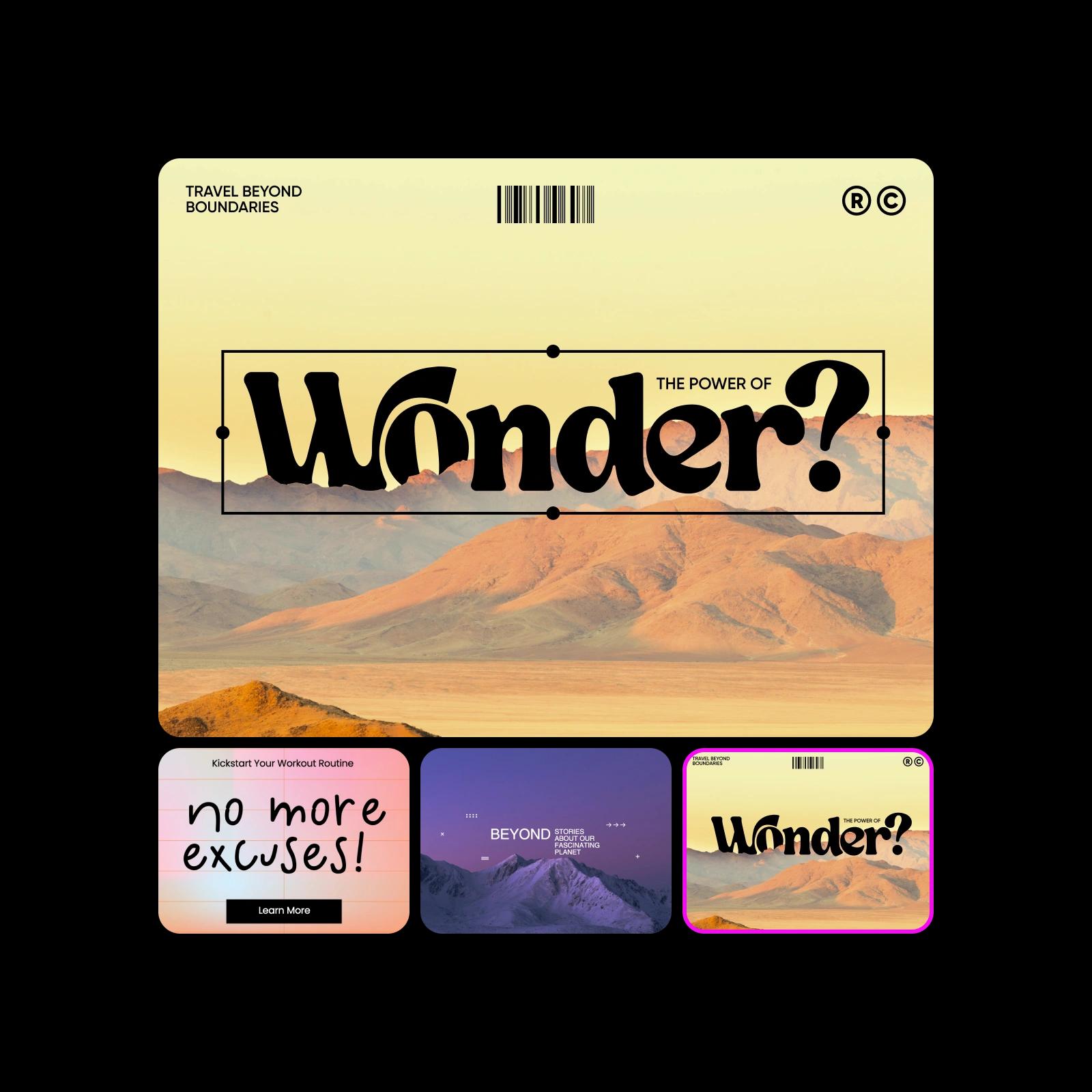
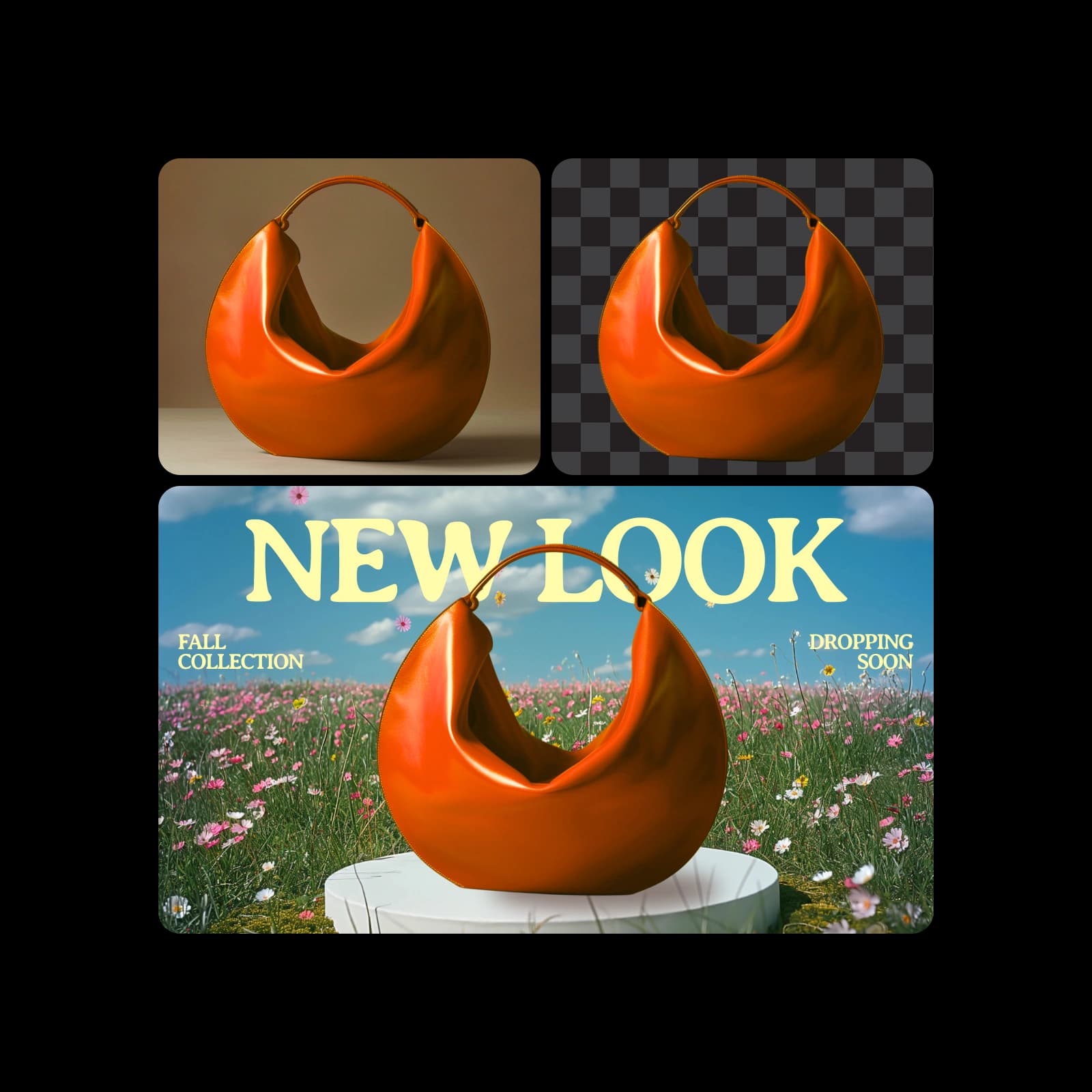
Start from a blank canvas or pick from time-saving Banner Templates built for any purpose - marketing, events, product launches, and more. With Picsart’s Banner Maker, you can fully customize every detail: swap colors, fonts, and images, adjust layouts, or upload your own brand assets for a perfect fit. Explore creative tools like the Logo Generator, Object Remover, Background Changer, and AI-powered Text Styles to make your design uniquely yours.

create banners with ready-made templates

Banners made for every platform

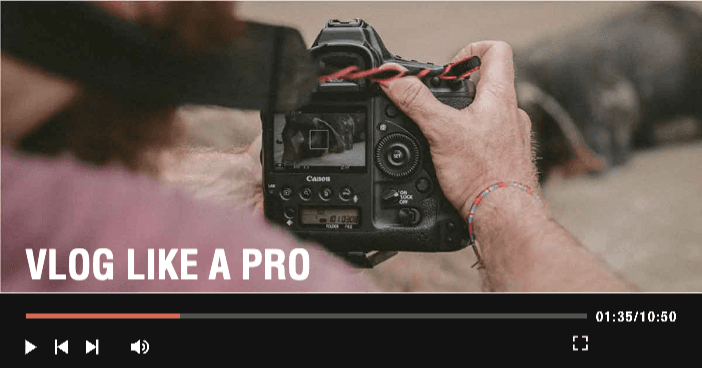
Grab attention with banners that fit perfectly on your homepage, landing pages or product pages. Announce deals, highlight new arrivals or showcase your brand story with bold, click-worthy designs.

website banners

Add your branding with easy design tools

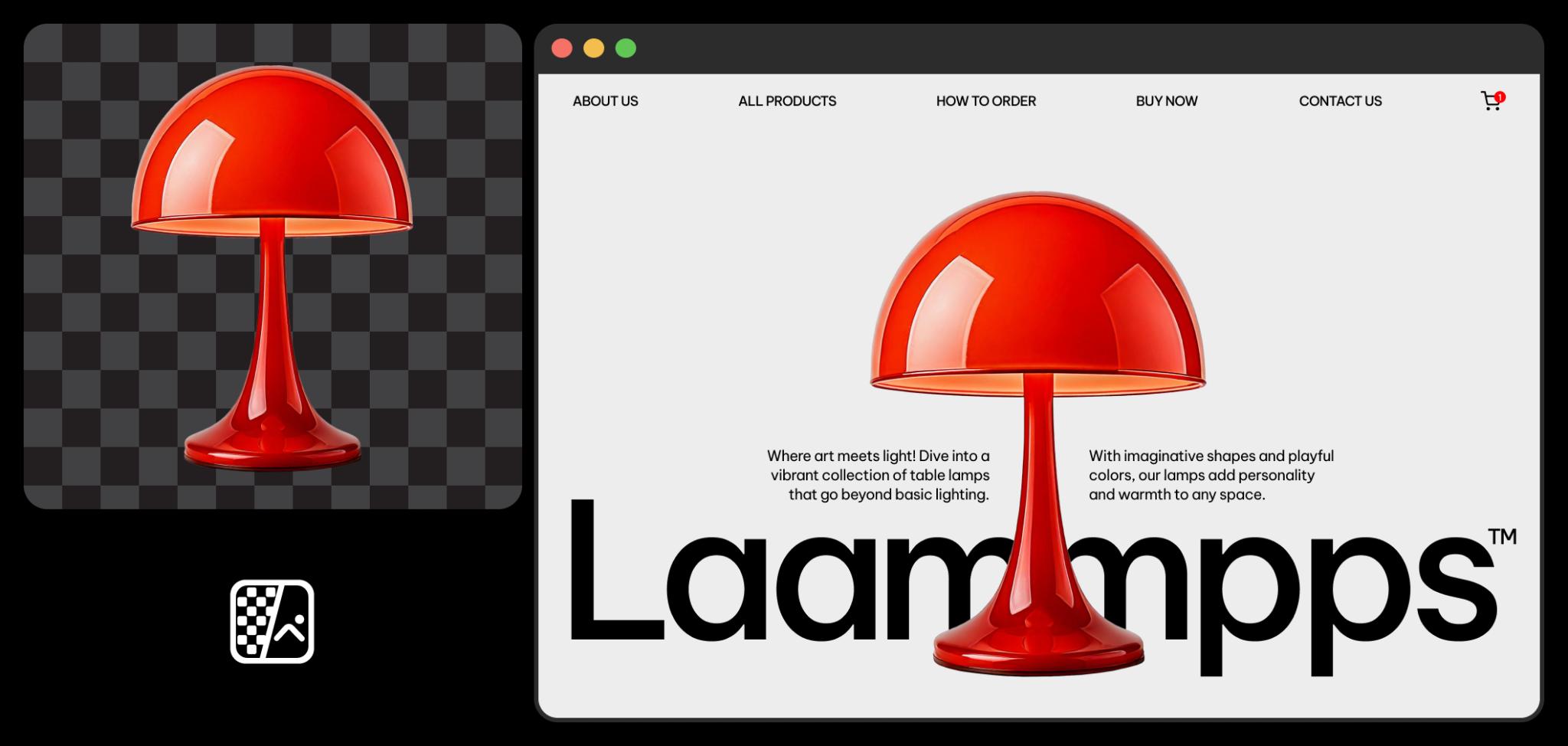
Make your banner feel like your brand. Upload your logo or create a new one with the Logo Generator, pick brand colors from the color palette tool and choose from a wide range of fonts to match your style. Create branded banners with smart features like drag-and-drop editing, text styling, background remover, auto-resizing and text-to-image - all in one free online banner design platform.

create branded banners

Explore banner designs made for your industry

Get a head start with banner templates tailored for your field - retail, real estate, fashion, events, e-commerce, food and more. No need to start from scratch. Just pick a template and create banners that fit your brand. Easily swap images, text and colors to make each design your own in minutes. You can even enhance your backdrop with AI Background to match your vision perfectly.

Saved me hours on client projects! As a freelance designer, Picsart’s banner maker is a total time-saver. The templates look professional and customizing them with brand assets is super easy.
Lena M., Graphic Designer
Perfect for quick social media banners. I needed a last-minute banner for a product drop and it took less than 10 minutes. No design background and it still looked amazing!
James T., Small Business Owner
Everything I need in one place. The built-in tools like background remover and text editor make it so easy to create banners for my website and email campaigns. Love it!”
Priya R., E-commerce Marketer

Banner maker FAQ

A good banner attracts attention and accomplishes a goal, which can be as simple as welcoming visitors to your site. The banner should have a visually appealing color scheme and a strong focal point, such as a photo or tagline. Any text in the design should be easy to read, and the entire banner should be uncluttered so that your intended message stands out.

Not at all! Anyone can learn how to create a banner in Picsart in minutes without any design experience. The interface consists of simple drag-and-drop tools that make it easy to build a design from scratch or from a template. Many Picsart tools and features also include short descriptions to help you quickly understand how to use them.

Decide what to include in a banner design by defining your goal. Is the banner promoting a product or event? Spreading awareness or brand recognition? Providing instructions or contact information? 


The most important elements to include are a call to action and any information viewers need to follow through on the action. For example, if the goal is brand recognition, your banner should include a business name and a unique logo or brand photos. A tagline or brief text are useful for telling a story and generating interest in a product or service. Consider what message you want to convey and the action you want viewers to take, and work backwards from there.

Sure! When you edit a banner online in Picsart, it’s easy to change the dimensions by selecting Resize on the left sidebar. Create a custom size by adding the desired values in the dimension boxes, or choose one of the popular canvas sizes from the menu. 


If you convert a design from a smaller to a larger size, you can use Picsart’s AI image extender to expand upon a small or lower-quality image so that it fits bigger canvases without distortion or loss of detail.


More tools to love

online web banner creator

Website banner maker

Design banners to promote products and events with Picsart’s web banner maker.

free invoice maker

Invoice maker

Design custom records of bills and transactions with Picsart’s invoice maker.

infographic maker

Infographic maker

Create informative infographics using Picsart’s ready-to-use templates.

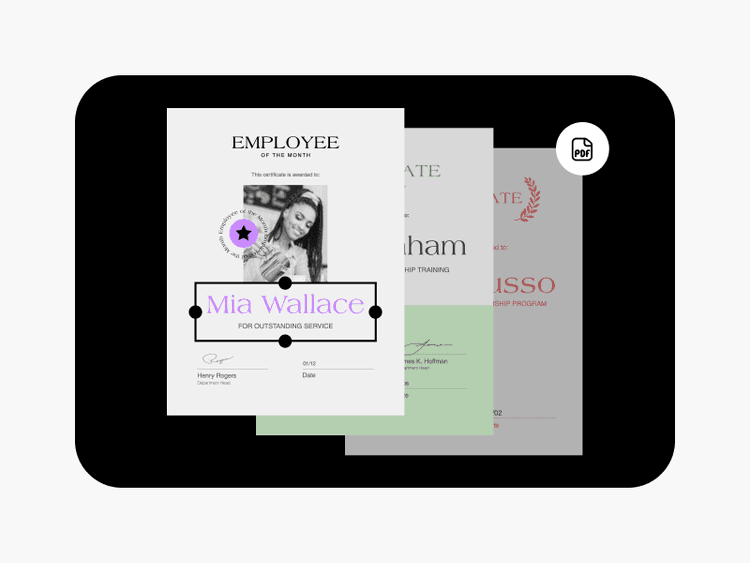
pdf maker

PDF maker

Instantly craft polished PDF files with Picsart’s template collection.

timeline maker by Picsart

Timeline maker

Create visually appealing timelines with ease using Picsart’s template library.

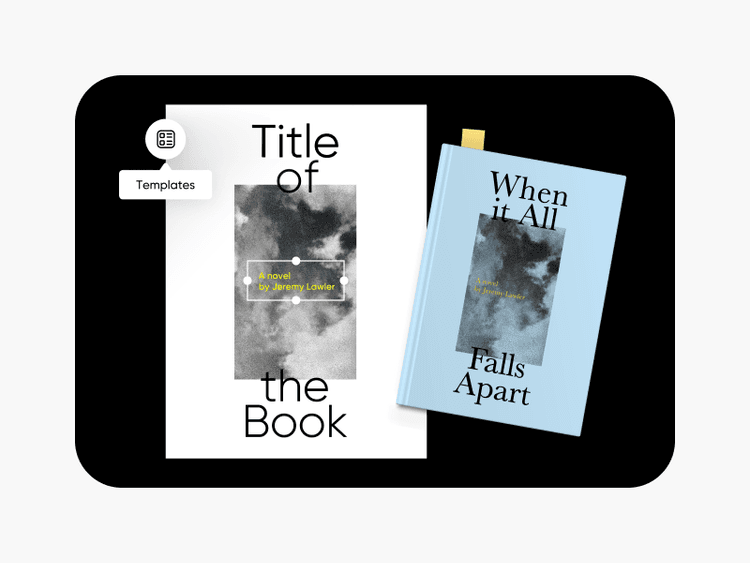
book cover maker

Book cover maker

Give your books unique covers using Picsart’s book cover maker.

Picsart YouTube banner maker

YouTube thumbnail maker

Make eye-catching YouTube thumbnails that boost video views.

invitation maker by Picsart

Invitation maker

Craft custom invitations with ease using Picsart’s invitation maker.

flyer maker by Picsart

Flyer maker

Design memorable promotions for sales and events with Picsart’s flyer maker.

Design without limits.
Design youtube bannersCreate linkedin bannersMake website bannersDesign wallpapersCreate bannersMake youtube thumbnailsDesign cardsCreate postersMake invitationsDesign design

Get the free app

Download on the App StoreGET IT ON Google PlayGet it from Microsoft
Pinterest
AICPA SOC

Explore

  • AI Image Generator
  • AI Video Generator
  • AI Playground
  • AI Image Models
  • AI Video Models
  • AI Photo Editor
  • Templates
  • Design Tools

Solutions

  • For Enterprise
  • For Developers
  • For Google Drive
  • For specific Industries
  • Quicktools
  • AI Avatar
  • Pricing

Company

  • Support
  • Careers
  • About us
  • Earn with Picsart
  • Blog
  • Press Center
Terms of UsePrivacy PolicyDo Not SellInternet-Based AdvertisingCommunity GuidelinesDMCASecurity PolicyAccessibility
© 2026 PicsArt, Inc.

Create banners with AI image models

Use image models to build campaign banners, social headers, and bold promotional visuals.

GPT Image 2New
Next-gen GPT image model with arbitrary output dimensions and multi-image input.Reference inputImage generationSee model
Nano Banana 2New
Fast 4K generation with accurate text and search-grounded accuracy.4KFast generationImage generationSee model
Nano Banana ProNew
Top-tier 4K images with precise multilingual text rendering.4KPro qualityImage generationSee model
Flux 2 FlexNew
Adaptable generation across varied visual styles at 2K.Image generationSee model
Seedream 5.0 Lite
Speedy 3K output with negative prompt and dual-image input support.Reference inputFast generationImage generationSee model
Kling 3.0 Image
Cinematic visuals with up to 4K resolution and 10 reference images.Reference input4KCinematicSee model
Kling O1 Image
O1-architecture image generation with multi-reference support.Reference inputCinematicImage generationSee model
Kling V2 New Image
Latest V2 image generation with optional restyle via image reference.Reference inputCinematicImage generationSee model
Hunyuan V3
Infographic-friendly generation with readable text and cfg control.Image generationSee model
Luma UNI-1
Luma UNI-1 — agentic image generation and editing with up to 9 reference images.Reference inputCinematicImage generationSee model
Luma UNI-1 Max
Luma UNI-1 Max — higher-quality UNI-1 variant with the same multi-reference editing controls.Reference inputCinematicImage generationSee model
Seedream 4.5
Detailed 4K renders with clean in-image text and dual-image input.Reference input4KImage generationSee model
GPT Image 2New
Next-gen GPT image model with arbitrary output dimensions and multi-image input.Reference inputImage generationSee model
Nano Banana 2New
Fast 4K generation with accurate text and search-grounded accuracy.4KFast generationImage generationSee model
Nano Banana ProNew
Top-tier 4K images with precise multilingual text rendering.4KPro qualityImage generationSee model
Flux 2 FlexNew
Adaptable generation across varied visual styles at 2K.Image generationSee model
Seedream 5.0 Lite
Speedy 3K output with negative prompt and dual-image input support.Reference inputFast generationImage generationSee model
Kling 3.0 Image
Cinematic visuals with up to 4K resolution and 10 reference images.Reference input4KCinematicSee model
Kling O1 Image
O1-architecture image generation with multi-reference support.Reference inputCinematicImage generationSee model
Kling V2 New Image
Latest V2 image generation with optional restyle via image reference.Reference inputCinematicImage generationSee model
Hunyuan V3
Infographic-friendly generation with readable text and cfg control.Image generationSee model
Luma UNI-1
Luma UNI-1 — agentic image generation and editing with up to 9 reference images.Reference inputCinematicImage generationSee model
Luma UNI-1 Max
Luma UNI-1 Max — higher-quality UNI-1 variant with the same multi-reference editing controls.Reference inputCinematicImage generationSee model
Seedream 4.5
Detailed 4K renders with clean in-image text and dual-image input.Reference input4KImage generationSee model
GPT Image 2New
Next-gen GPT image model with arbitrary output dimensions and multi-image input.Reference inputImage generationSee model
Nano Banana 2New
Fast 4K generation with accurate text and search-grounded accuracy.4KFast generationImage generationSee model
Nano Banana ProNew
Top-tier 4K images with precise multilingual text rendering.4KPro qualityImage generationSee model
Flux 2 FlexNew
Adaptable generation across varied visual styles at 2K.Image generationSee model
Seedream 5.0 Lite
Speedy 3K output with negative prompt and dual-image input support.Reference inputFast generationImage generationSee model
Kling 3.0 Image
Cinematic visuals with up to 4K resolution and 10 reference images.Reference input4KCinematicSee model
Kling O1 Image
O1-architecture image generation with multi-reference support.Reference inputCinematicImage generationSee model
Kling V2 New Image
Latest V2 image generation with optional restyle via image reference.Reference inputCinematicImage generationSee model
Hunyuan V3
Infographic-friendly generation with readable text and cfg control.Image generationSee model
Luma UNI-1
Luma UNI-1 — agentic image generation and editing with up to 9 reference images.Reference inputCinematicImage generationSee model
Luma UNI-1 Max
Luma UNI-1 Max — higher-quality UNI-1 variant with the same multi-reference editing controls.Reference inputCinematicImage generationSee model
Seedream 4.5
Detailed 4K renders with clean in-image text and dual-image input.Reference input4KImage generationSee model
GPT Image 2New
Next-gen GPT image model with arbitrary output dimensions and multi-image input.Reference inputImage generationSee model
Nano Banana 2New
Fast 4K generation with accurate text and search-grounded accuracy.4KFast generationImage generationSee model
Nano Banana ProNew
Top-tier 4K images with precise multilingual text rendering.4KPro qualityImage generationSee model
Flux 2 FlexNew
Adaptable generation across varied visual styles at 2K.Image generationSee model
Seedream 5.0 Lite
Speedy 3K output with negative prompt and dual-image input support.Reference inputFast generationImage generationSee model
Kling 3.0 Image
Cinematic visuals with up to 4K resolution and 10 reference images.Reference input4KCinematicSee model
Kling O1 Image
O1-architecture image generation with multi-reference support.Reference inputCinematicImage generationSee model
Kling V2 New Image
Latest V2 image generation with optional restyle via image reference.Reference inputCinematicImage generationSee model
Hunyuan V3
Infographic-friendly generation with readable text and cfg control.Image generationSee model
Luma UNI-1
Luma UNI-1 — agentic image generation and editing with up to 9 reference images.Reference inputCinematicImage generationSee model
Luma UNI-1 Max
Luma UNI-1 Max — higher-quality UNI-1 variant with the same multi-reference editing controls.Reference inputCinematicImage generationSee model
Seedream 4.5
Detailed 4K renders with clean in-image text and dual-image input.Reference input4KImage generationSee model
GPT Image 2New
Next-gen GPT image model with arbitrary output dimensions and multi-image input.Reference inputImage generationSee model
Nano Banana 2New
Fast 4K generation with accurate text and search-grounded accuracy.4KFast generationImage generationSee model
Nano Banana ProNew
Top-tier 4K images with precise multilingual text rendering.4KPro qualityImage generationSee model
Flux 2 FlexNew
Adaptable generation across varied visual styles at 2K.Image generationSee model
Seedream 5.0 Lite
Speedy 3K output with negative prompt and dual-image input support.Reference inputFast generationImage generationSee model
Kling 3.0 Image
Cinematic visuals with up to 4K resolution and 10 reference images.Reference input4KCinematicSee model
Kling O1 Image
O1-architecture image generation with multi-reference support.Reference inputCinematicImage generationSee model
Kling V2 New Image
Latest V2 image generation with optional restyle via image reference.Reference inputCinematicImage generationSee model
Hunyuan V3
Infographic-friendly generation with readable text and cfg control.Image generationSee model
Luma UNI-1
Luma UNI-1 — agentic image generation and editing with up to 9 reference images.Reference inputCinematicImage generationSee model
Luma UNI-1 Max
Luma UNI-1 Max — higher-quality UNI-1 variant with the same multi-reference editing controls.Reference inputCinematicImage generationSee model
Seedream 4.5
Detailed 4K renders with clean in-image text and dual-image input.Reference input4KImage generationSee model
GPT Image 2New
Next-gen GPT image model with arbitrary output dimensions and multi-image input.Reference inputImage generationSee model
Nano Banana 2New
Fast 4K generation with accurate text and search-grounded accuracy.4KFast generationImage generationSee model
Nano Banana ProNew
Top-tier 4K images with precise multilingual text rendering.4KPro qualityImage generationSee model
Flux 2 FlexNew
Adaptable generation across varied visual styles at 2K.Image generationSee model
Seedream 5.0 Lite
Speedy 3K output with negative prompt and dual-image input support.Reference inputFast generationImage generationSee model
Kling 3.0 Image
Cinematic visuals with up to 4K resolution and 10 reference images.Reference input4KCinematicSee model
Kling O1 Image
O1-architecture image generation with multi-reference support.Reference inputCinematicImage generationSee model
Kling V2 New Image
Latest V2 image generation with optional restyle via image reference.Reference inputCinematicImage generationSee model
Hunyuan V3
Infographic-friendly generation with readable text and cfg control.Image generationSee model
Luma UNI-1
Luma UNI-1 — agentic image generation and editing with up to 9 reference images.Reference inputCinematicImage generationSee model
Luma UNI-1 Max
Luma UNI-1 Max — higher-quality UNI-1 variant with the same multi-reference editing controls.Reference inputCinematicImage generationSee model
Seedream 4.5
Detailed 4K renders with clean in-image text and dual-image input.Reference input4KImage generationSee model